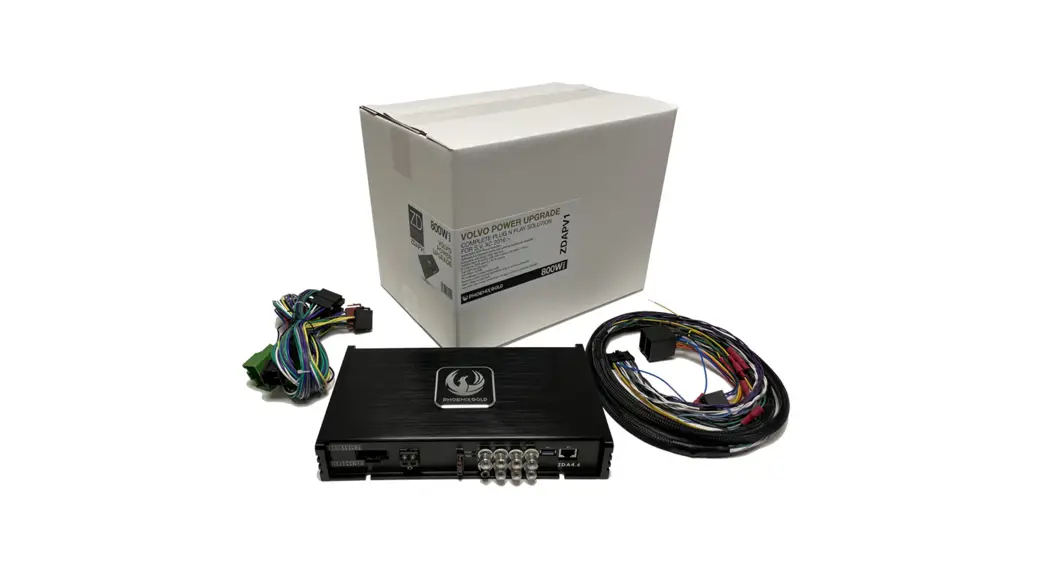
ZDAPMB1 Mercedes DSP Power Up Kit
Product Information: ZDAPMB1 Mercedes Vito Stereo Removal and
Cable Installation
The ZDAPMB1 is a product designed to help with the removal and
installation of stereo and cable in a Mercedes Vito. The product
comes with instructions that guide the user on how to remove the
stereo, install cables, and install an amplifier. The product is
easy to use and requires no technical expertise.
Stereo Removal Instructions
To remove the stereo, follow these steps:
- Use a plastic pry tool on the outer edges of the plastic panel
to loosen the clips all around. (The whole panel comes off in one
piece) - Loosen the four screws marked with red circles. Then the stereo
is loose and ready to be taken out. - Remove all connectors on the back of the stereo.
Cable Installation Instructions
To install the cables, follow these steps:
- Remove the black and white connectors on the back of the
quadlock connector. - Connect the black and white connectors to the CT10MC02 quadlock
connector. - Use a plastic pry tool to remove the center panel for easier
cable laying. - Remove the lower center panel. On each side there is a plastic
lid, remove both of them and loosen the T25 screw hidden
behind. - Pull the panel towards you from the center to loosen the
panel. - Pull up the cable at the back.
- Remove the resistor cable on the speaker side.
- Pull the carpet up so that you can pull the cable in the center
under the carpet. - Remove the passenger seat by pulling it straight up. (Note: In
some cases this may require extreme force.) - Pull up the cable at the back.
- Install the amplifier at the back under the seat.
- Screw the amplifier into place and connect the ZDAISOT
connector cable.
Installation Complete
After completing the installation, put all the panels back in
reverse order. Your Mercedes Vito is now ready for use. Enjoy your
music!
ZDAPMB1
Mercedes Vito
· 2021 · W447 (Facelift) · Audio 30
Stereo Removal 1
Use a plastic pry tool on the outer edges of the plastic panel to loosen the clips all around. (The whole panel comes of in one piece)
Stereo Removal 2
Tools required:
· Torx T25 bit
Loosen the four screws marked with red circles. Then the stereo is loose and ready to be taken out. Remove all connectors on the back of the stereo.
Cable Installation 1
Remove the black and white connectors on the back of the quadlock connector.
Cable Installation 2
Connect the black and white connectors to the CT10MC02 quadlock connector.
Cable Installation 3
Tools required:
· Plastic pry tool
Use a plastic pry tool to remove the center panel for easier cable laying.
Cable Installation 4
Tools required:
· Torx T25 Bit
1. Remove the lower center panel.
On each side there is a plastic lid, remove both of them and loosen the T25 screw hidden behind.
2. Pull the panel towards you from
the center to loosen the panel.
Cable Installation 5
· Loosen the 12V outlet connector
by pulling it upwards.
Cable Installation 6
· Remove the side panel by pulling
in the direction of the arrows.
Cable Installation 7
· Remove the plastic trim panel for
the battery.
Cable Installation 8
· Pull the side panel uppwards to
remove it.
Cable Installation 9
· Connect the ZDAISOT cable to
the CT10MC02 and pull the cable down to the floor.
· OBS! Use the external 10ohm
resistor cable on the speaker side.
Cable Installation 10
1. Pull the carpet up so that you
can pull the cable in the center under the carpet.
2. Remove the passanger seat by
pulling it straight up.
OBS! In some cases this may require extreme force.
Cable Installation 11
Pull up the cable at the back.
Amplifier 1
Install the amplifier at the back under the seat.
Amplifier 2
Screw the amplifier into place and connect the ZDAISOT connector cable.
Then put all the panels back in reverse order.
Installation Complete
The installation is now complete. Now connect the USB cable to a PC/MAC and download our file at (någon hemsida) to get the best result!
Happy listening.