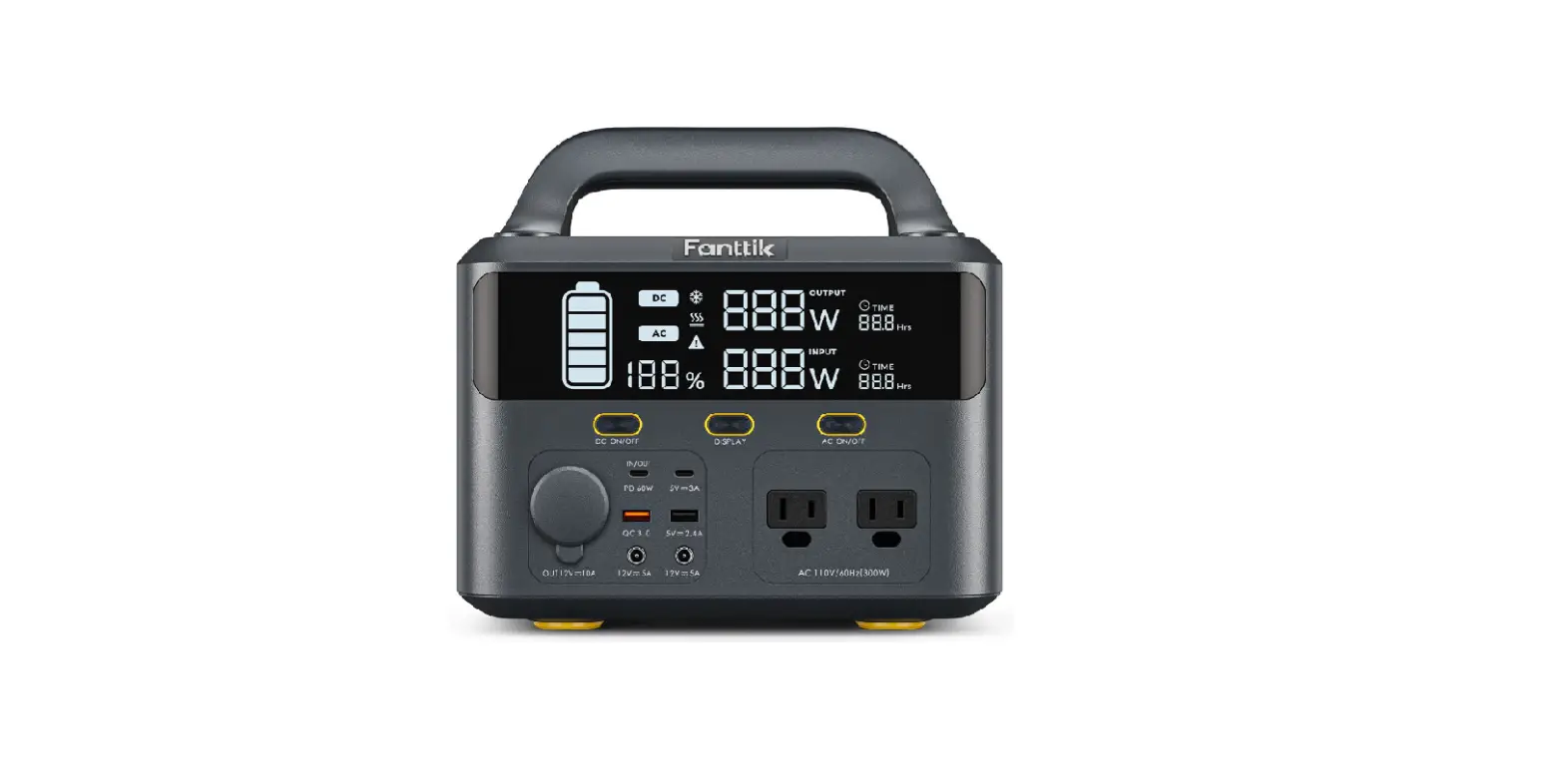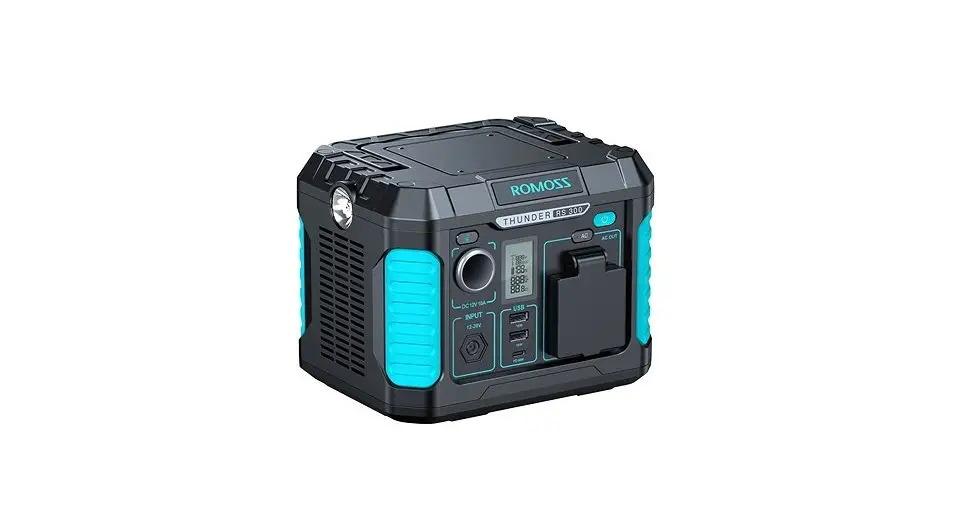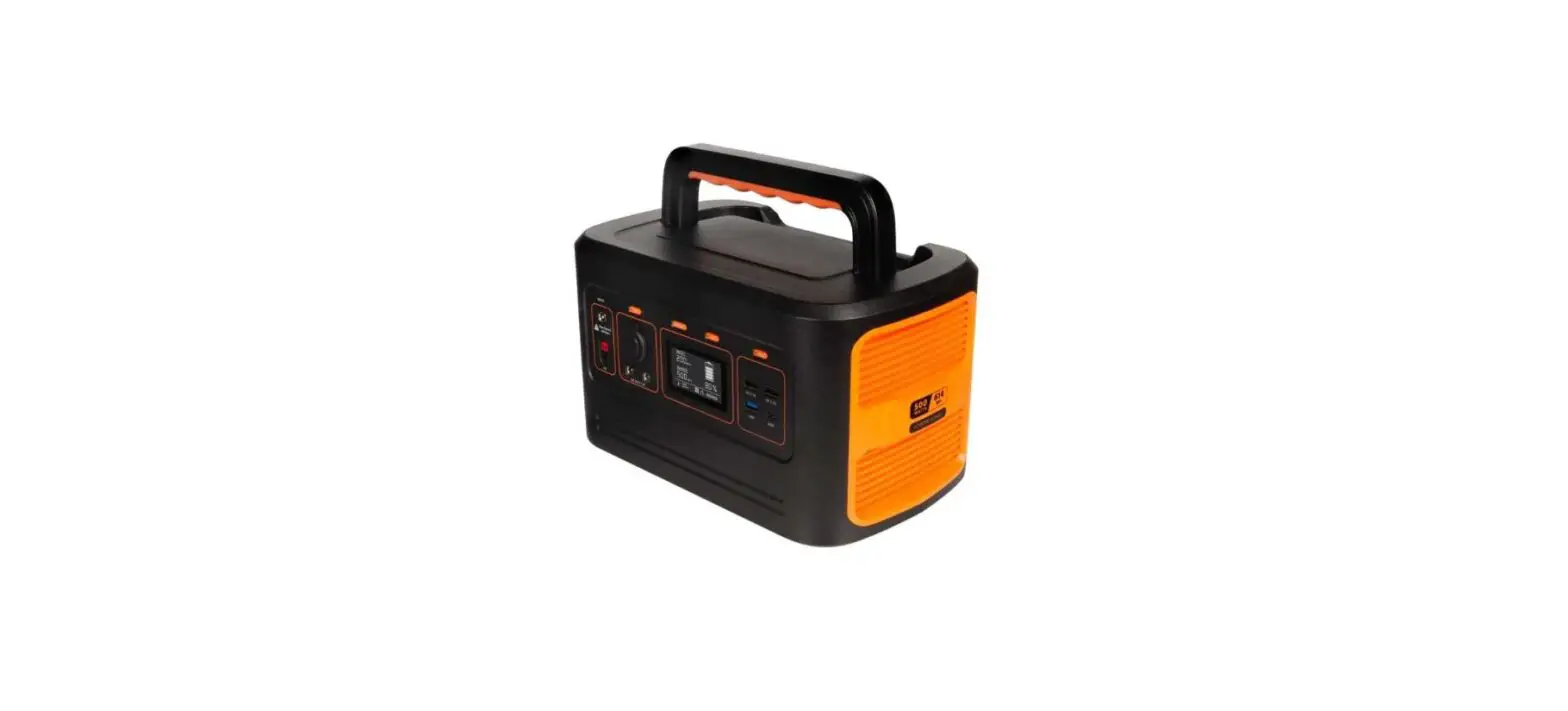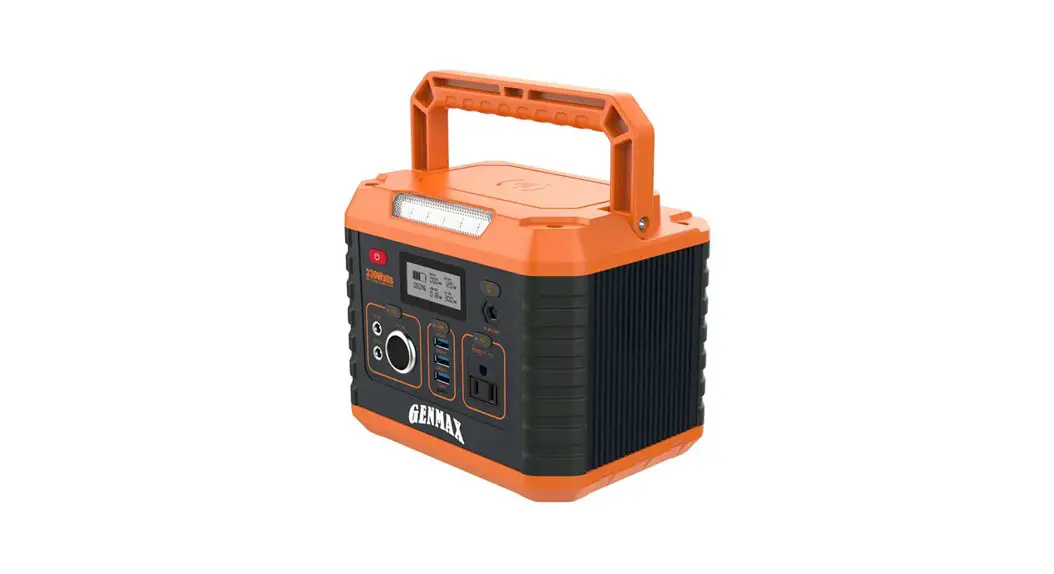

GTX300 Portable Power Station
User Manual
 GTX300 Portable Power Station
Read this manual carefully before use kepp it for future reference.
Portable Power Station GTX300
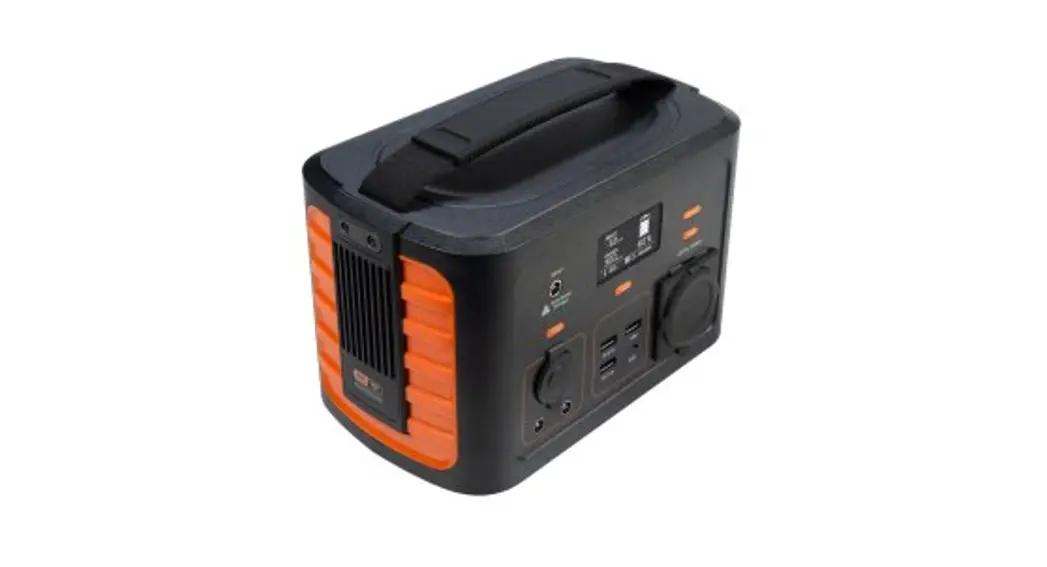
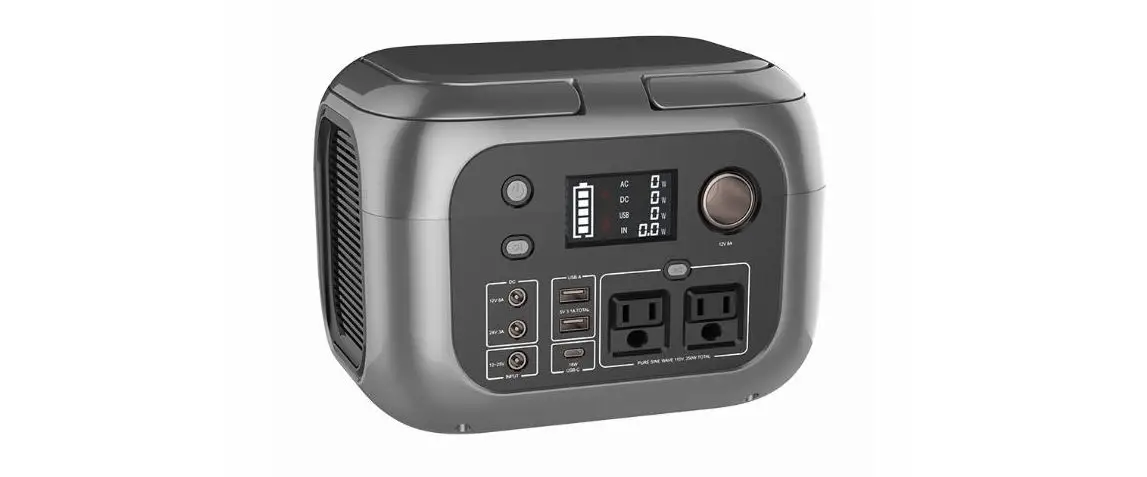
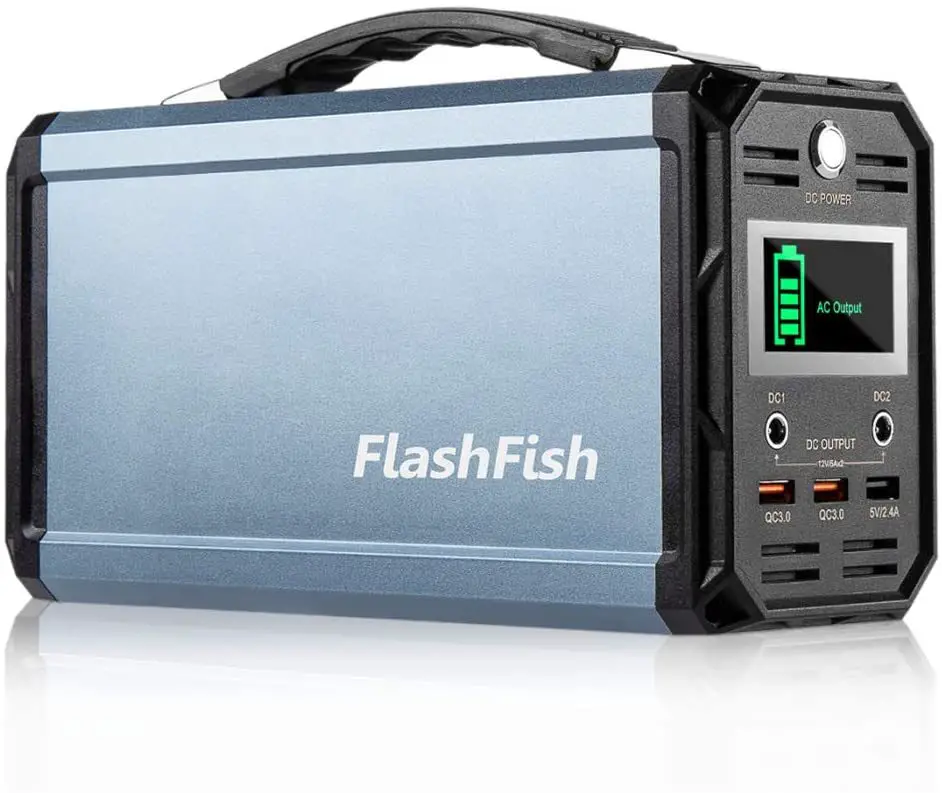
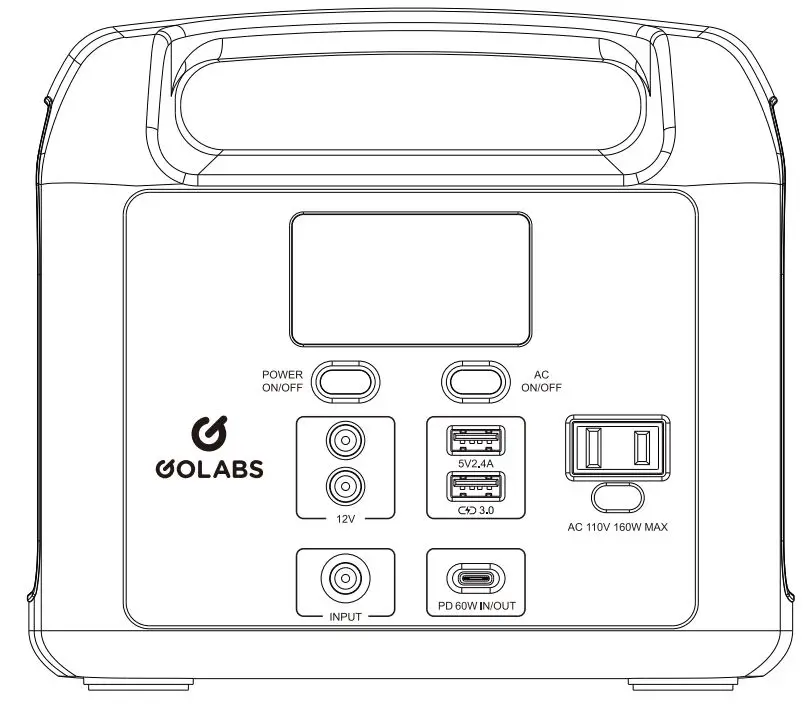
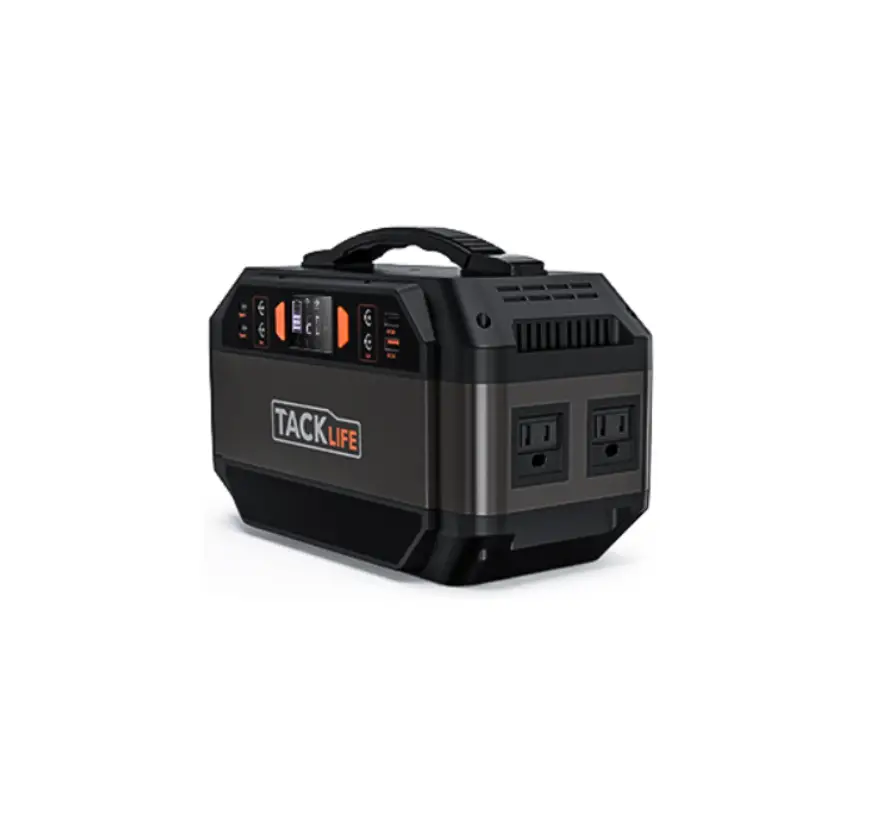
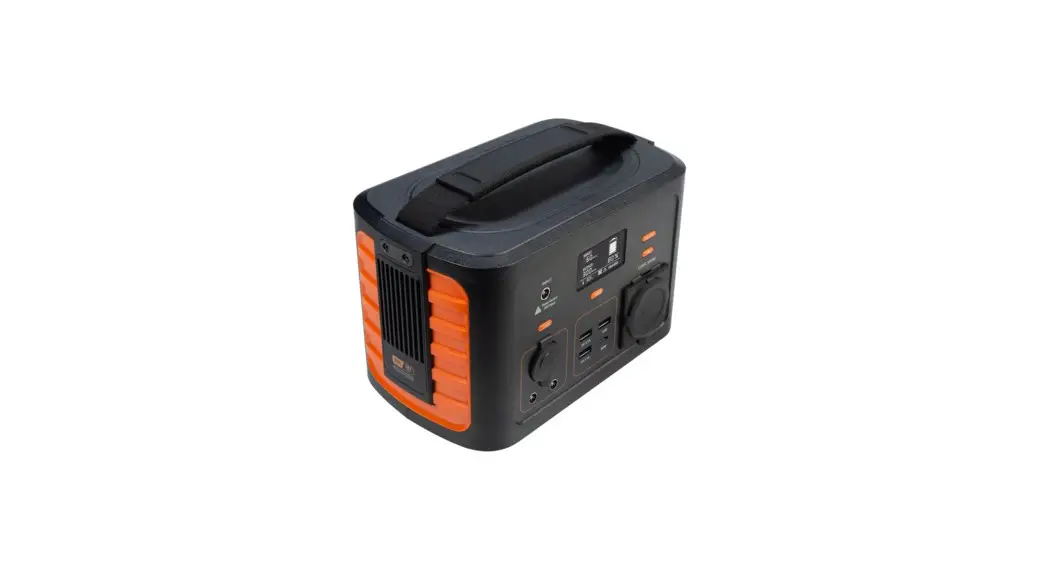
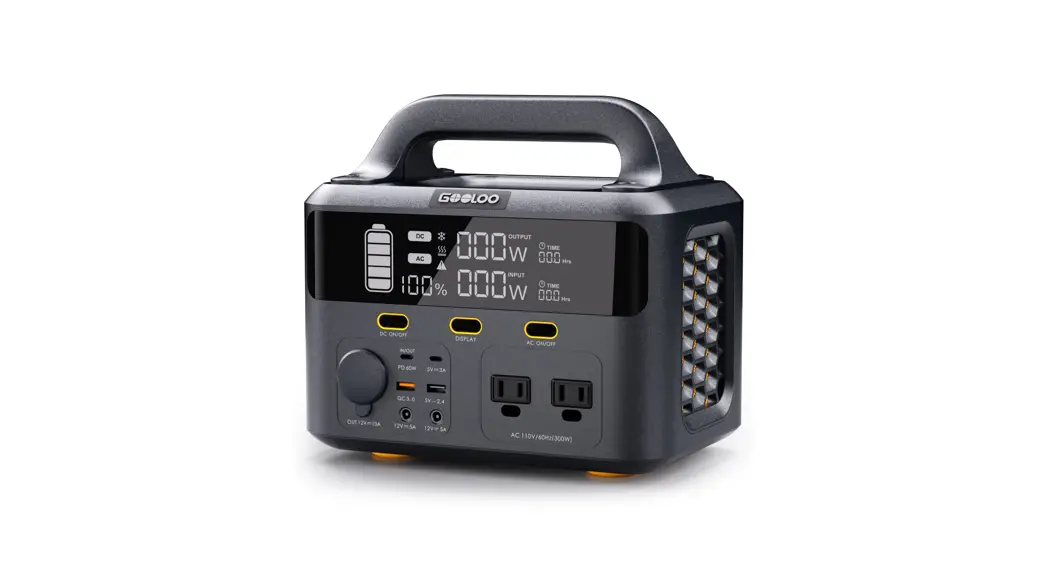
Thank you for choosing the Go= GTX300 portable power station. This is an outdoor emergency power supply with multiple output ports that can charge almost all your devices including laptops, phones, tablets, drones, cameras, CPAP machines, and many more.
Product Overview
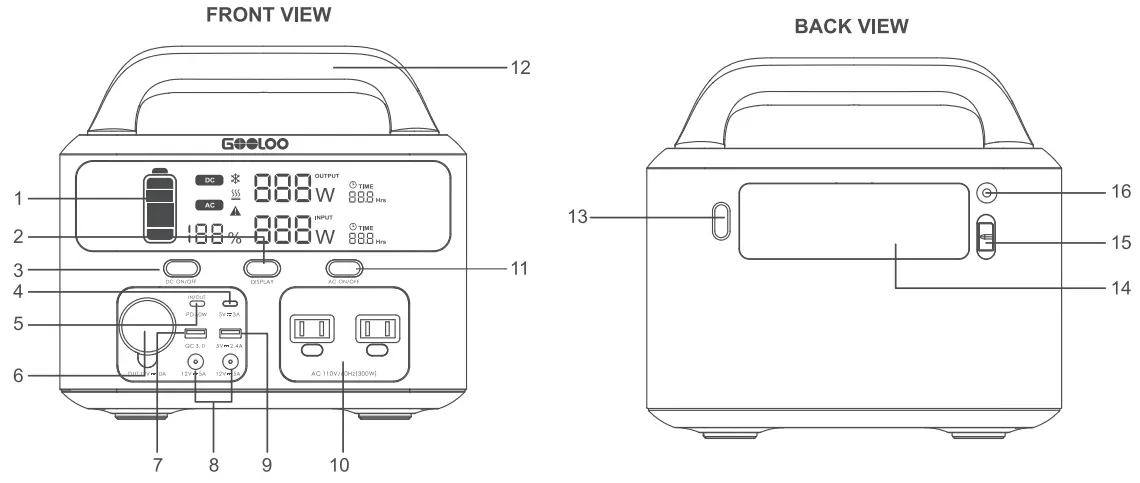
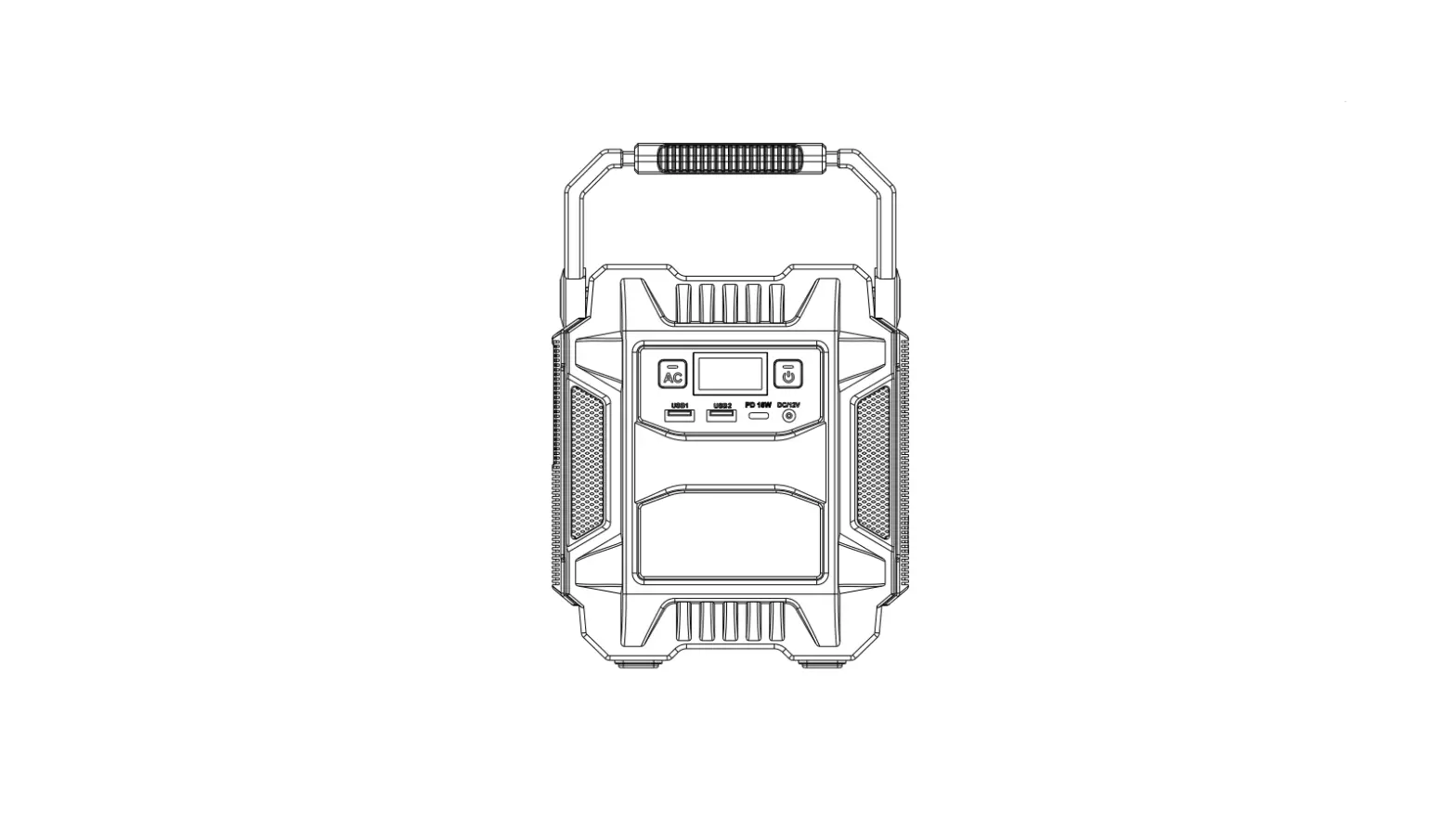
| 1. Display Screen | 9. 5V/2.4A Output |
| 2. Display Button | 10. AC Output |
| 3. DC Button | 11. AC Button |
| 4. 5V/3A | 12. Handle |
| 5. PD 60W | 13. LED Button |
| 6. 12V/10A Output | 14. Floodlight |
| 7. Quick Charge 3.0 Output | 15. Anderson Port |
| 8. 12V/10A Output(120W) | 16. DC 7909 Input |
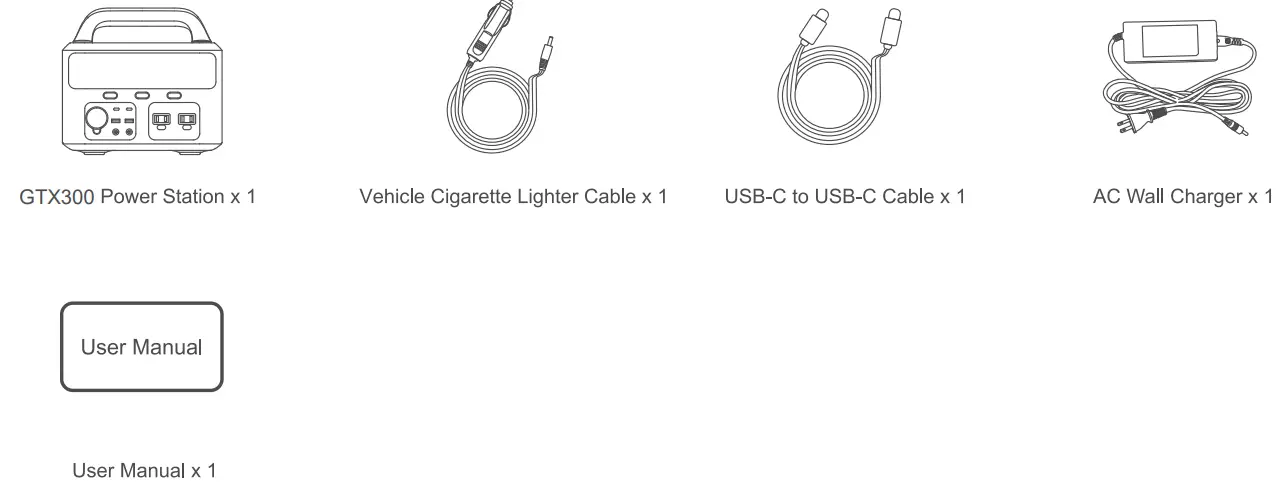
Package ContentsCarefully check the package contents. If anything is missing or damaged, please contact customer support for assistance.
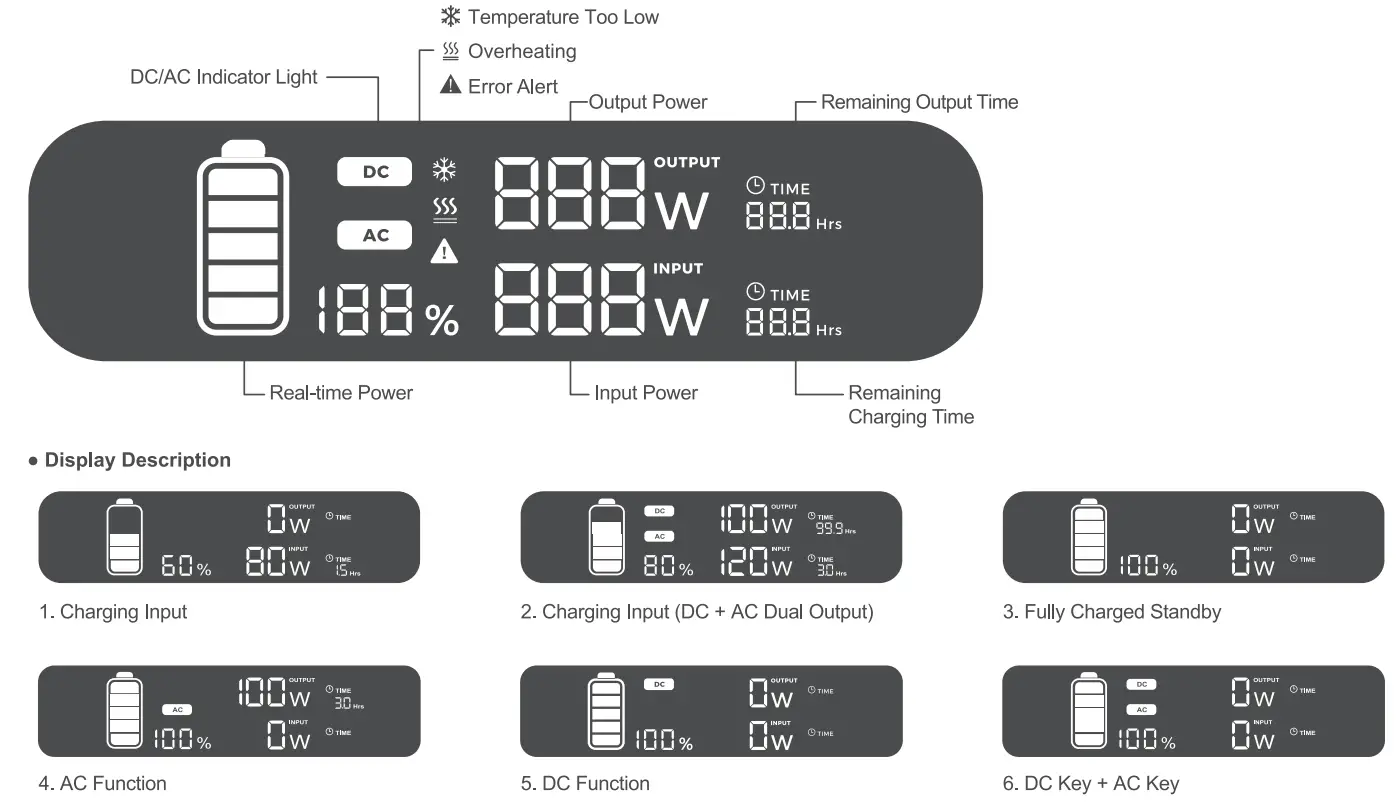
DISPLAY SCREEN
- Overview


LED LIGHTS
To use the LED lights, simply press the LED switch button to turn it on. There are 3 light modes, including an SOS mode.
RECHARGING
Multiple input options are available for the GTX300 Power Station. CHARGING DEVICES
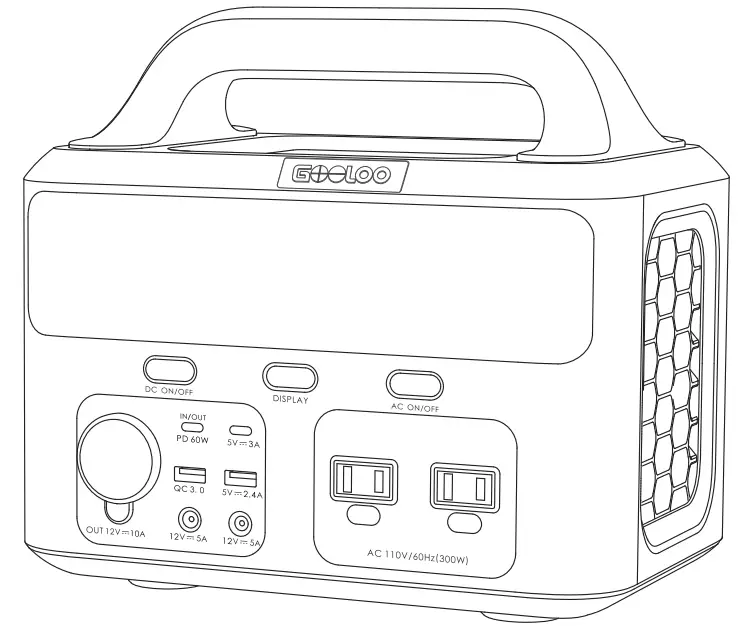
GTX300 is a versatile product with a wide variety of ports, and is compatible with a range of devices. Note that it cannot support appliances rated over 300W.
- USB Port: Smartphones, tablets, smartwatches, digital cameras, e-readers, and more.

- DC Output (12V): Drones, routers, mini-fridges, and more.

- AC Power: Laptops, displays, electrical appliances, and more.



CHARGING MODES
It is highly recommended to fully charge GTX300 before using it to charge other devices. To charge the GTX300 power station, you can use a wall charger, car charger, or solar panel. It may take 2.5 hours to reach a full charge using the included wall charger. The charging speed when using solar panels is affected by the weather and cloud coverage.
Note: Please charge the product before use.
- Charging with Solar Panels (not included)


- Choose a suitable solar panel (DC12-30V/120W)
- Solar panels will perform better in open south-facing locations that get direct sunlight. Simply connect the solar panel to your GTX300 power station to start charging.
- When the power station is fully charged, it will stop charging automatically.
Note:
- It is recommended you charge the power station between 0 to 40°C.
- Charging times vary depending on the intensity of solar light.
- Make sure that the positive and negative poles of the solar panel are connected correctly.
- Charging with an AC Wall Charger
 Plug the product into socket via the AC wall charger.
- Please unplug the charger when recharging is finished.
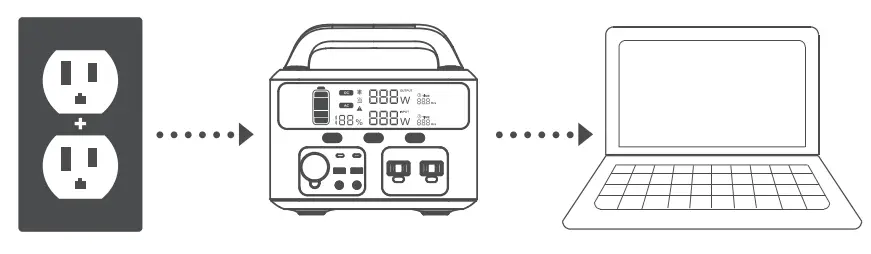 Plug the product into socket via the AC wall charger.
Note:
- It is normal for this product to get warm during charging.
- Charging Using a Car Charger (with the engine running)

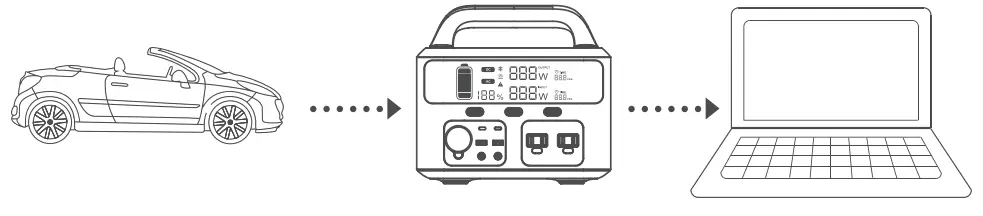
- Connect the product and the Cigarette Lighter Socket via the Cigarette Lighter Cable.
- After starting the engine, the power station will charge.
Note:
- It’s important to be aware that it’s not possible to fully charge the power station using a 12V car battery. However, a 24V battery is able to fully charge it.
- Charging using the USB-C Port (60W PD)

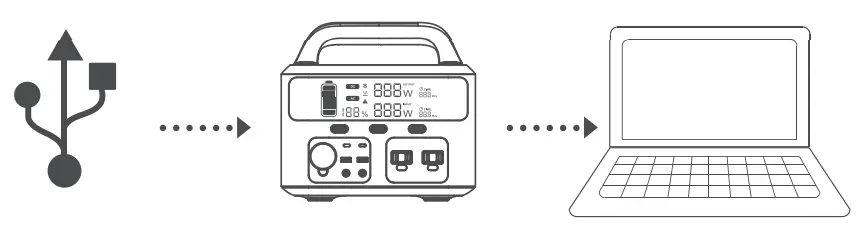
- Prepare a USB-C power adapater (not included), it is highly recommended to purchase GOOLOO GTA100 100W usb-c wall charger separately.
- Connect the USB-C adapter to the USB-C port on the power station using the provided USB-C to USB-C cable.
SPECIFICATIONS
| Model | GTX300 |
| Capacity | 299.52Wh (83,200mAh) |
| USB-C-1 | 60W PD |
| USB-C-2 | 5V/3A |
| USB-1 | 5V/2.4A |
| USB-2 | 18W Quick Charge 3.0 |
| Battery | Lithium-ion |
| Frequency | 60Hz |
| Solar Charger | MPPT 12-30V |
| Weight | 8.8lbs |
FAQ
– A: The AC port can power AC appliances rated under 300W.
– A: Yes, GTX300 supports pass-through charging. However, doing this may cause some damage to the battery.
– A: The working lime is calculated as follows: 299.52Wh multiplied by 0.85, divided by the operating wattage of your device. This may vary depending on specific circumstances.
– A: Yes, GTX300 power stations have a built-in MPPT controller. Storage instruction: fully charge every 3 months for best results and store it between 0 and 45°C (32-113°F). Keep your portable power station away from heat and direct sunlight in order to extend its life span.
– A: You can turn off the humidifier, the heater, and use a lower pressure.
– A: It might be possible, but on low power settings and not for an appliance rated over 100W. The power needed to start a fridge or air conditioner is generally 5 to 7 times its rated power, which could easily trigger an AC overload.
– A: No.
TROUBLESHOOTING
If the product cannot charge or power other devices, please check through the following steps:
- Make sure the power button is switched on.
- Make sure the AC and DC power buttons are both on.
- Check the battery capacity. If it is lower than 10%, charge the power station.
- Make sure the connected power load does not exceed the limit of GTX300. Each port has its own limit.
| Error code (Output) | Error Icon | Cause | Solution |
| El |  | Over-temperature protection | Auto Recover/unplug all charging devices |
| E2 |  | Low temperature protection | Auto Recover/unplug all charging devices |
| E3 |  | Battery over-voltage | Auto Recover |
| E4 | | Input over-voltage | Auto Recover |
| Ell | | Discharge Over-temperature | Auto Recover |
| 0.00E+00 | | Discharge low temperature | Auto Recover |
| 0.00E+00 | | USB-A/USB-C input over-current or short-circuit | Recover by pressing the DC button |
| 0.00E+00 | | QC input over-current or short-circuit | Recover by pressing the DC button |
| 0.00E+00 | | Power supply reversed | Recover by pressing the DC button |
| 0.00E+00 | | DC 12V input or short-circuit | Recover by pressing the DC button |
| 0.00E+00 | | AC 110V input or short-circuit | Recover by pressing the DC button |
| 0.00E+00 | | Total power output overloaded | Recover by pressing the DC button |
SAFETY INSTRUCTIONS
IMPORTANT Falling to follow the advice below could result In serious Injury a even death.
- Do not disassemble. repair or modify the unit or the battery.
- Do not place the unit near or In fire. or expose It to heat. Keep out of direct sunlight.
- Do not charge, use or store the unit In a bathroom or In an area exposed to rain or moisture.
- Only use the output socket to power external devices. Never connect the output to mains power under any circumstance.
- Do not touch the unit or the plug-In points If your hands are wet.
- Do not connect any metallic objects to the AC input or output.
- Do not rub your eyes if fluids from inside the unit should get in your eyes.
- Do not dispose of the unit together with household waste.
- Do not use any incompatible power cords.
- Do not operate the unit if it is not functioning correctly.
- Do not move the unit if it is recharging or in use.
- Do not put fingers or hands into the product.
- Do not use a battery pack or appliance that is damaged or modified. Damaged or modified batteries may exhibit unpredictable behavior resulting in fn, explosion or risk of injury.
- Do not disassemble the power pack. Take it to a qualified service person when service or repair is needed. Incorrect reassembbmay result in a risk of fire or electno shock.
- Use and store the unit only in a clean and dry environment. Do not use and store in a dusty or wet environment.
- Check the unit prior to every use. Do not use the unit if it is damaged or broken.
- Do not use the unit if the power cord is damaged or broken.
- Keep the unit away from children. Do not let children use the power supply unit.
- Keep this product away from pets.
- Do not use or store the unit in an area or environment with high temperatures.
- Should fluid from inside of the una come in contact with your skin or clothing, wash the affected areas with tap water. In a storm, unplug the power cord from the socket
- Make sure that the device you are connecting is switched off before you conned
- WARNING-RISK OF EXPLOSIVE GASES.
- To reduce risk of battery explosion, follow these instructions and those published by battery manufacturer of any equipment you intend to use in vicinity of the battery.
- Do not charge the unit via a power supply that is outside of 100 to 240V.
- Do not place the unit on its side or upside down while in use a storage.
- Do not use accessories for other uses.
- If rust, unusual smells, overheating or other abnormal circumstances are observed, stop using the unit immediately and contact the dealer or our customer support.
- The unit complies with all legal requkements for the transport of dangerous goods.
- Make sure that the unit is properly secured when transporting it in a motor vehicle.
- Only charge, use and store the unit within an ambient temperature of 0 to 40°C (32-104°F).
- Switch the unit off immediately if it has accidentally fallen, was dropped or was exposed to vibration.
- Carefully read the instructions for the electric devices that you intend to connect to your power supply unit
WARRANTY CARD
Your Warranty Includes
18+6 Months Online After- Sales Service
Within 18 months, we will provide timely and effective online after- sales service after your purchase. If you buy from our official website, you will get extra 6 months service, total 24 months.
30 Days Money Back Guarantee
Within the first 30 days after your purchase, you can apply return or exchange for it through your original seller when you have any issue.
30 Days to 18 Months
Within 18 months (24 months for official website customers), you can contact your original seller for repairs. Attention Do Not Submerge In Water
 Do Not Disassemble
 Do Not Drop
 Avoid Extreme Temperatures
 Do Not Place Near or Into FireCustomer Service
 18+6 Months Limited Warranty Service
 Lifetime Technical Service
 Feel Free to Contact Us [email protected]
 For FAQ and More Information www.gooloo.com
 1-888-886-1805 Mon.-Fri. PST 9:00a.m.-5:00p.m.

Thank You for Choosing Us! Made in China
 Car Jump Starter | GOOLOO US Official Website