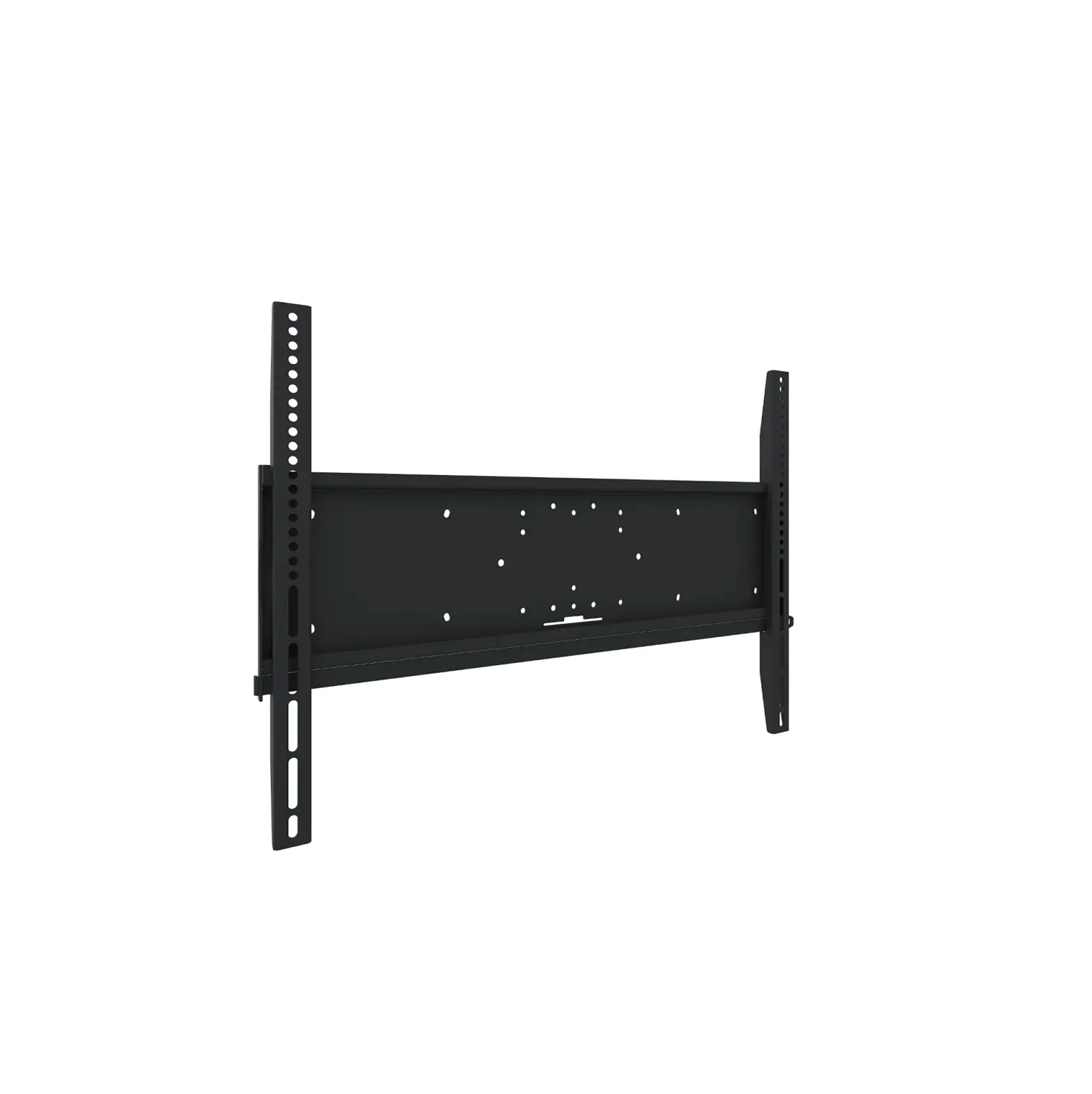
8000MAX Motorized Wall Mount
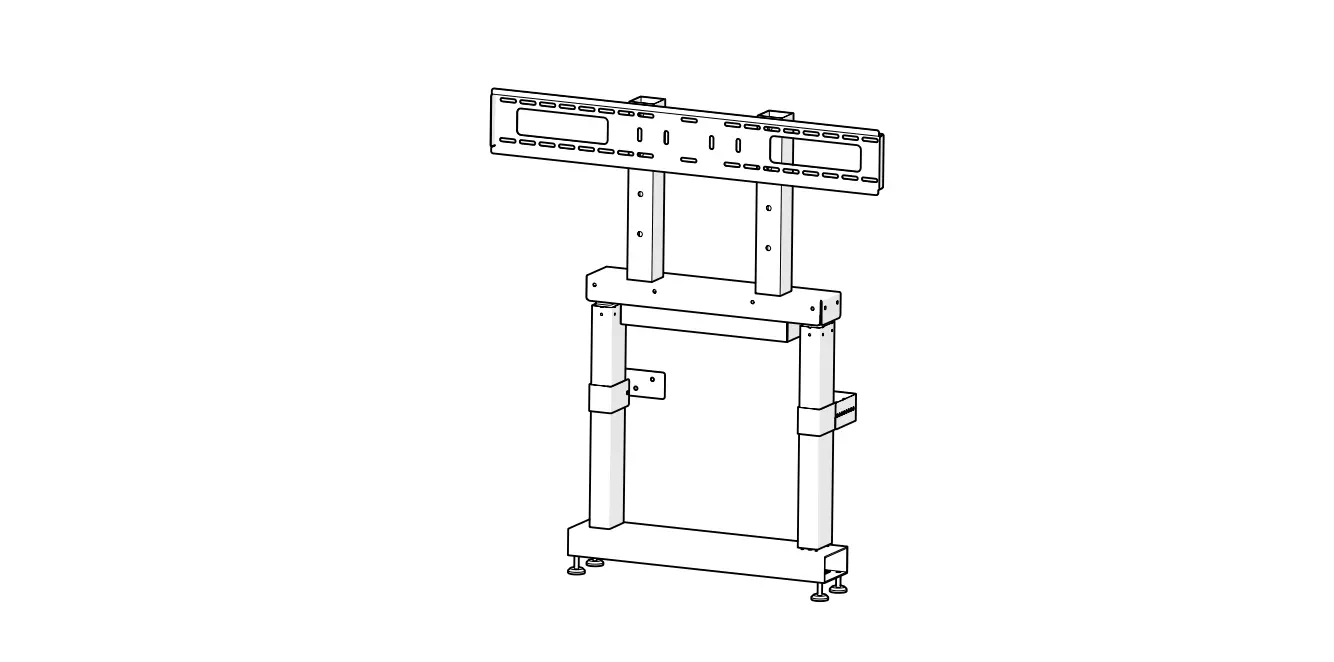
Product Information: CTI-MOUNT-MAXW 8086MAX Stand Motorized
Wall Mount for the 8086MAX
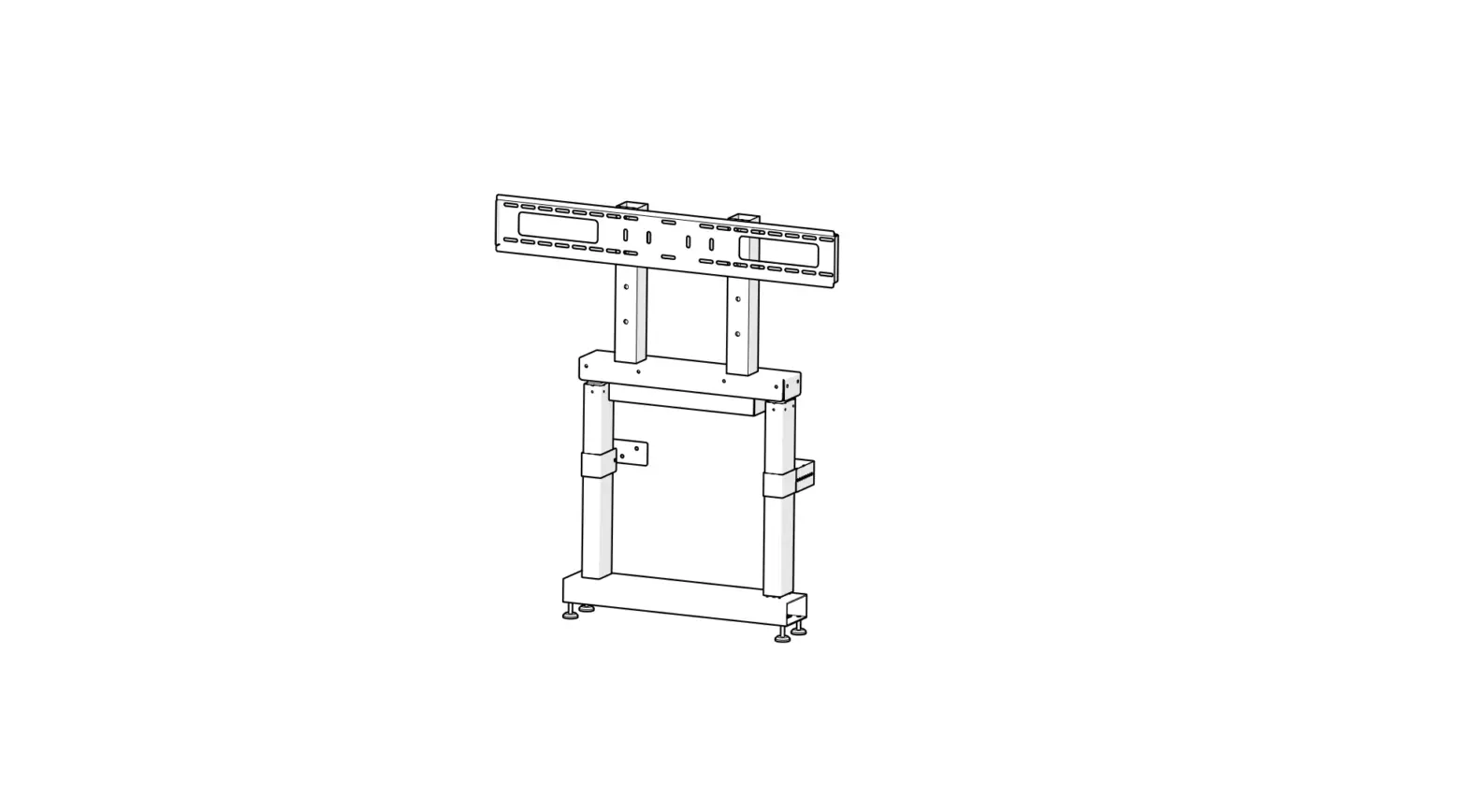
The CTI-MOUNT-MAXW 8086MAX Stand is a motorized wall mount
designed for the 8086MAX. The package includes three boxes
containing the necessary hardware and parts for the installation of
the wall mount. The product is manufactured by ClearTouch
Interactive.
Box 1: Main Unit
- Quantity: 1
- Hardware:
- 4 x M8x70
- 4 x M8x16
- 4 x M8 Mutter
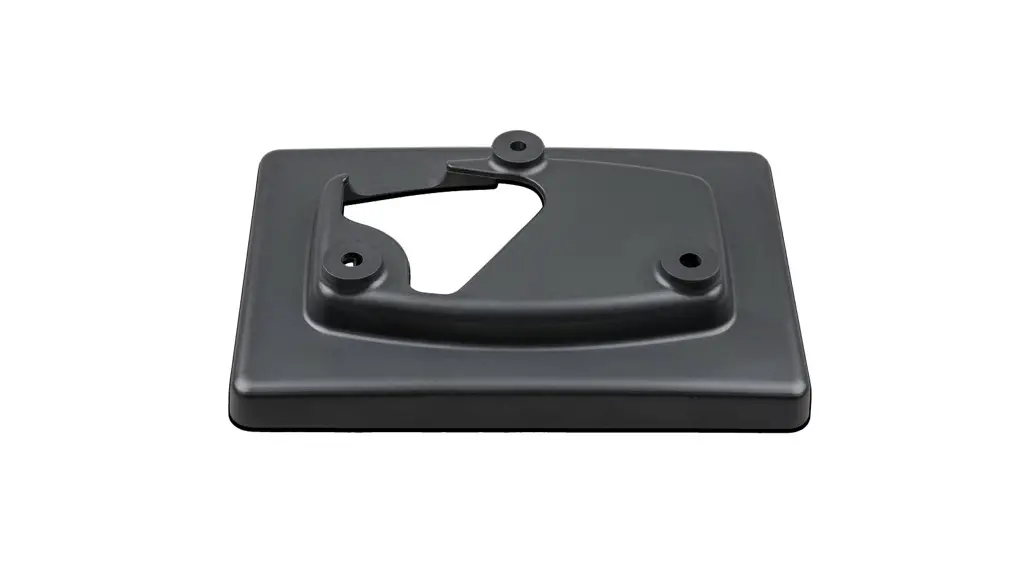
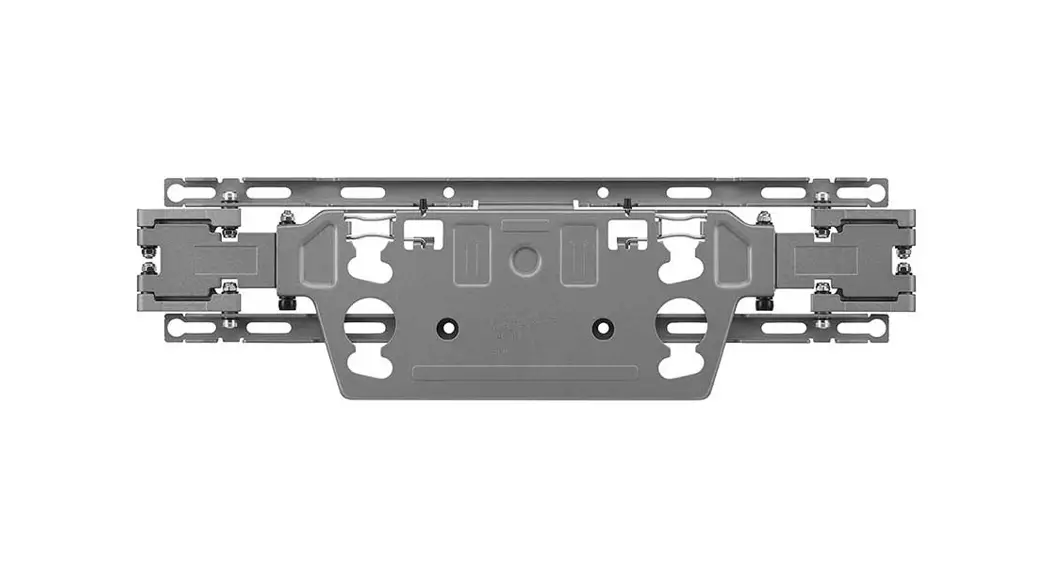
Box 2: Floor Plate & VESA Mount
- Hardware:
- 10 x M6x12
- 22 x M6 Mutter
- 12 x M6x60
- 22 x M6x6
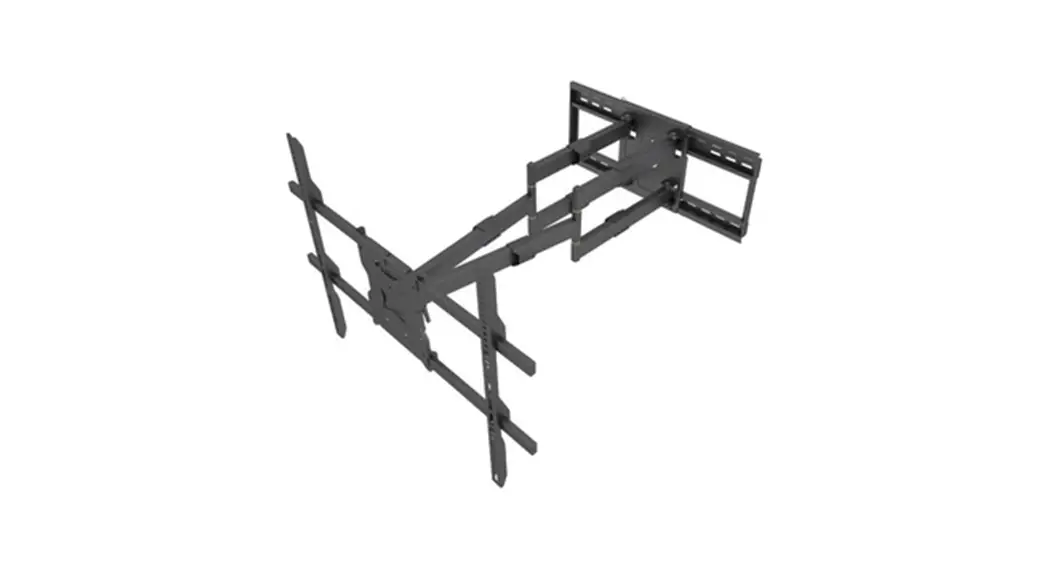
Box 3: Mounts, Bars, and Extension
- Hardware:
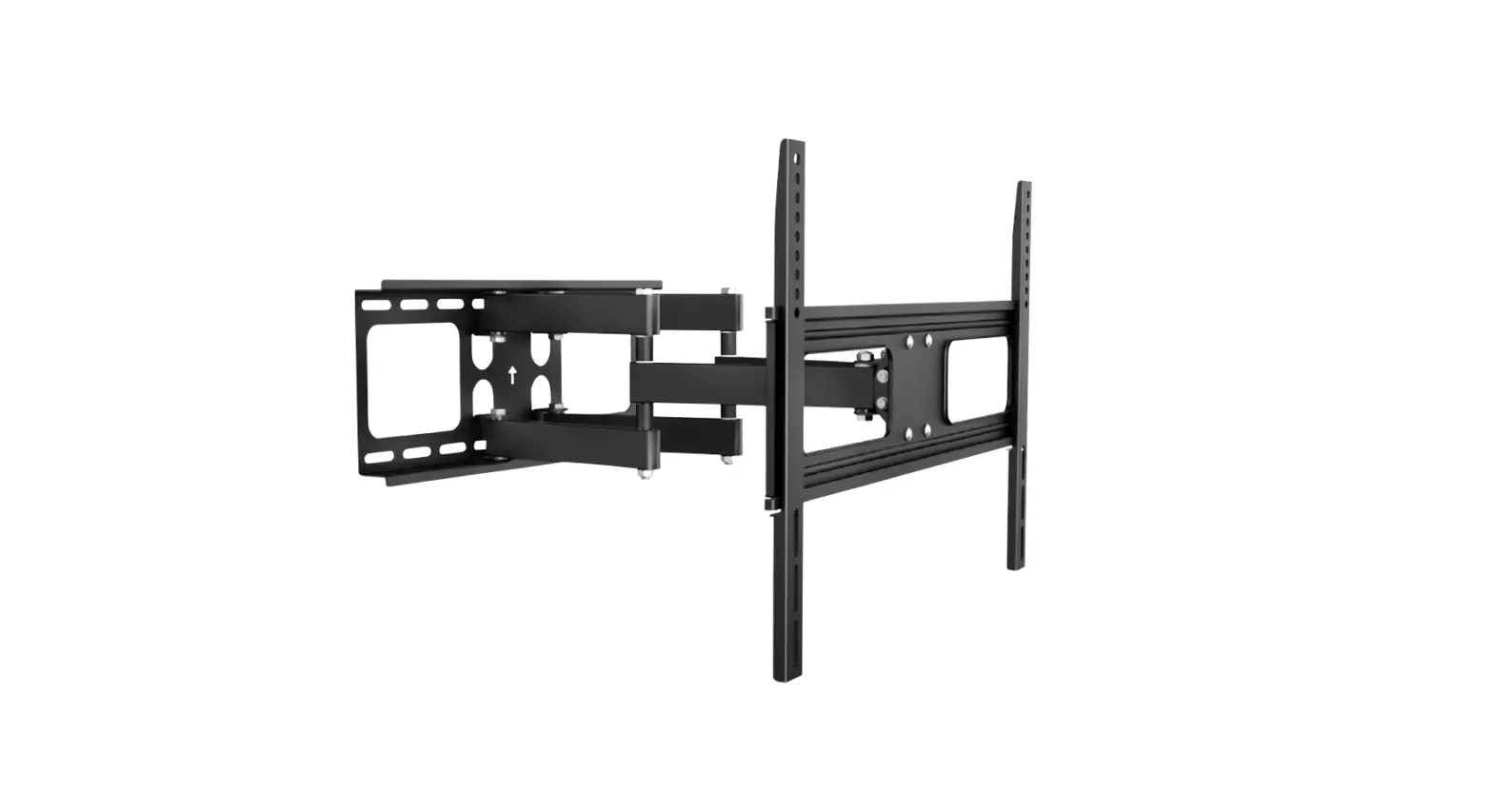
- 2 x Extension
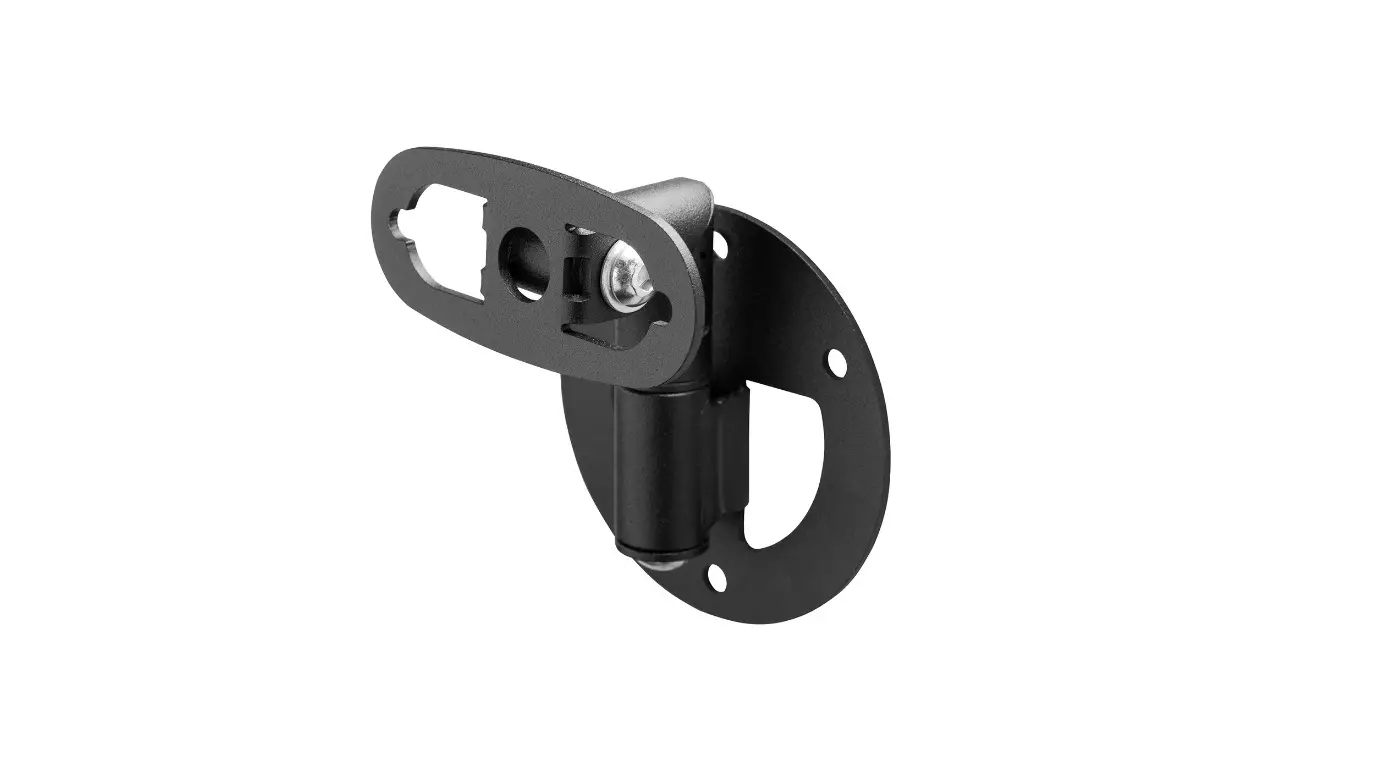
- 4 x VESA Brace
- 4 x Extension Mounts
- 2 x Vertical Bars (B18)
- 2 x Vertical Bars (B19)
- 2 x Horizontal Bars (B20)
- 1 x Mounts Bar (B21)
Product Usage Instructions: CTI-MOUNT-MAXW 8086MAX Stand
Motorized Wall Mount for the 8086MAX
Please follow the instructions below to install the
CTI-MOUNT-MAXW 8086MAX Stand Motorized Wall Mount for the
8086MAX:
Step 1: Unpack the Boxes
Unpack all three boxes and ensure that all hardware and parts
are present.
Step 2: Attach the Vertical Bars to the Main Unit
Attach the two vertical bars (B18 and B19) to the main unit
using the M8x70 screws, M8x16 screws, and M8 mutter provided in Box
1.
Step 3: Attach the Horizontal Bars to the Vertical Bars
Attach the two horizontal bars (B20) to the vertical bars (B18
and B19) using the M6x12 screws, M6 mutter, and M6x60 screws
provided in Box 2.
Step 4: Attach the Mounts Bar to the Horizontal Bars
Attach the mounts bar (B21) to the horizontal bars (B20) using
the M6x6 screws provided in Box 2.
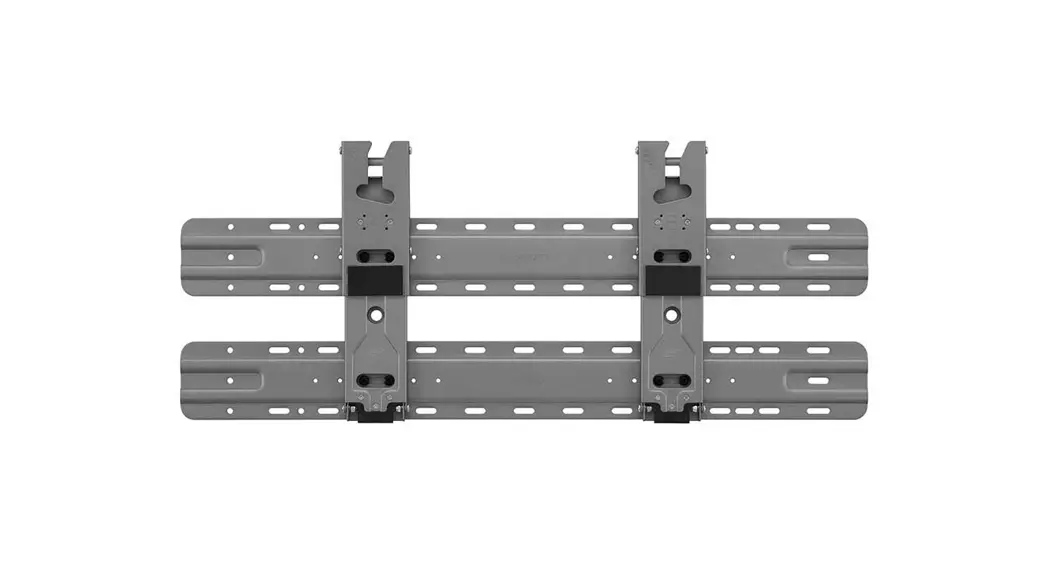
Step 5: Attach the VESA Mount to the Mounts Bar
Attach the VESA mount to the mounts bar (B21) using the
extension mounts, VESA braces, and extensions provided in Box
3.
Step 6: Mount the Wall Plate to the Wall
Mount the wall plate to the wall using appropriate hardware (not
included).
Step 7: Attach the Floor Plate to the Wall Plate
Attach the floor plate and VESA mount assembly to the wall plate
using appropriate hardware (not included).
Step 8: Attach the Main Unit to the Floor Plate
Attach the main unit to the floor plate using appropriate
hardware (not included).
Step 9: Connect Power and Control Cables
Connect the power and control cables to the motorized wall mount
and the 8086MAX.
For more detailed instructions, please refer to the
CTI-MOUNT-MAXW 8086MAX Stand Motorized Wall Mount for the 8086MAX
Installation Guide.
CTI-MOUNT-MAXW
8086MAX Stand
Motorized Wall Mount for the 8086MAX Installation Guide
FINISHED VIEW
2
INCLUDED HARDWARE AND PARTS
Box 1 Main Unit 1
1 x
A
2
3
4
5
4 x M8x70 6
4 x M8x16
4 x M8 Mutter
1 x
1 x
Box 2
FLOOR PLATE & VESA Mount
7
8
1 x
1 x
Box 3
9
10
11
12
13
2 x
2 x Extension
4 x VESA Brace 4 x Extension
1 x
Mounts
Bars
vertical bars
14
15
16
17
2 x
B 18
2 x 19
2 x Extension
2 x
horizontal bars
20
21
10 x M6x12
22 x M6 Mutter 12 x M6x60
22 x M6x6
3
INSTALLATION GUIDE
1
2
1
3
A2
7 4
4
5
A4 A3
8
B18 B19
9
5
INSTALLATION GUIDE
6
10 11
11 11
7
10
11
6
8 REARVIEW
B19
B18
9
B20
12 B19
B20
10
12
B19
7
INSTALLATION GUIDE
10
12 13
11
5
12
12 B20
13 8
13
B21
16
14
15
B21
16
14
14
B20 16
B19
B21 16
15
B20 B19
9
INSTALLATION GUIDE
15
B20 17
B21
16
B21
B21 10
17
18
MOUNTING POSITION 1 DEVICE HOUSING
MOUNTING POSITION 2 DEVICE HOUSING
© Copyright: Clear Touch Interactive, Inc. / 2022
(864) 973-7973 · [email protected]
getcleartouch.com
 Interactive Displays for Education and Business | Clear Touch