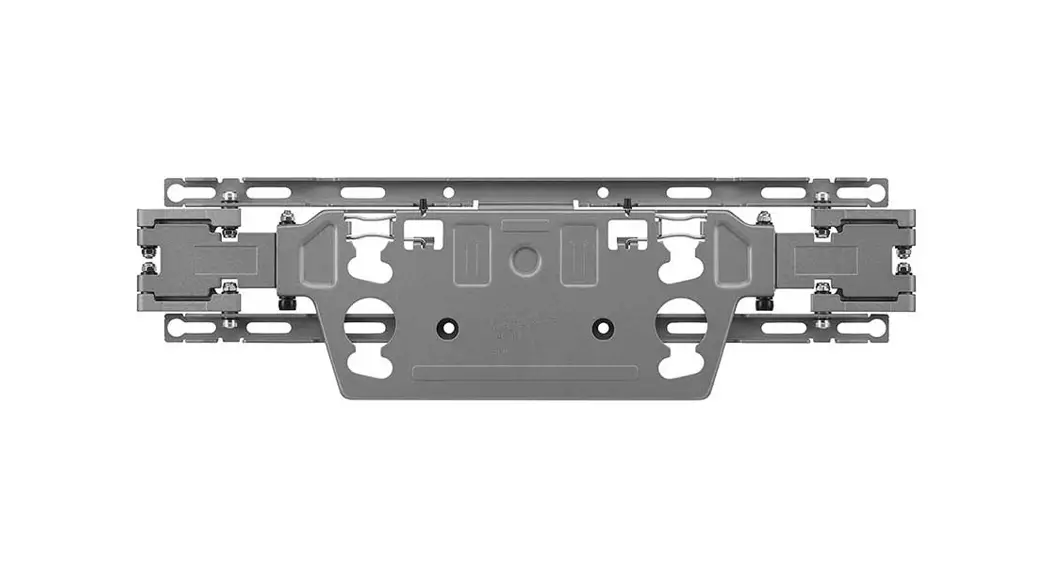
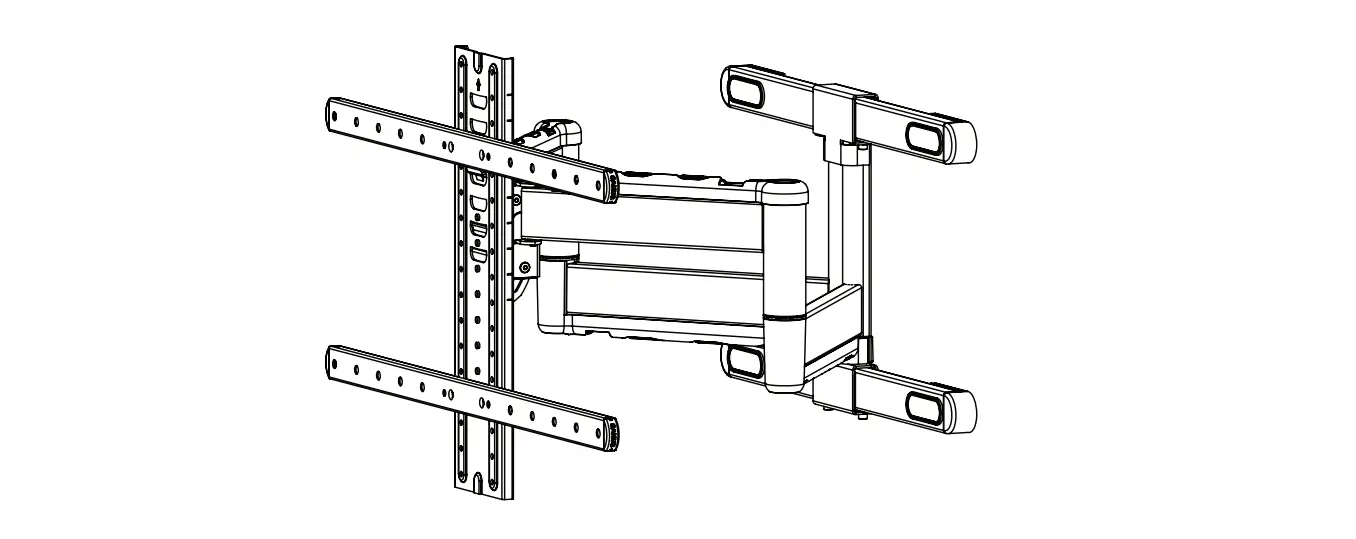
MU3004 Wall Mount
Product Information
The product is a monitor stand designed for mounting flat screen
monitors. It includes various components such as clamp brackets,
poles, VESA plates, screws, and cable clips. The stand has a
maximum weight capacity of 17.6 pounds (8 kilograms) per monitor.
It is compatible with VESA mounting patterns of 75x75mm and
100x100mm. The product is suitable for desks with thickness ranging
from 10mm to 80mm.
Product Usage Instructions
Step 1A: Clamp Installation
- For desks with a thickness of 10mm to 51mm, secure the pole
assembly using the preassembled screw (02A). - Attach the clamp bracket (05A) to the pole assembly (02B).
- Adjust the clamp height to fit your desk plate and tighten the
clamp to secure the stand to the desktop.
Step 1B: Grommet Base Installation
- For desks with a thickness of 10mm to 40mm, secure the pole
assembly using the preassembled screws (02A). - Attach the grommet base (01C) to the pole assembly (02B).
- Secure the L plate (05B) to the lower pole (02B) using the
preassembled screws.
Step 2: Attach the VESA Plates to the Monitors
Depending on the type of monitor back (flat or recessed/curved),
follow the corresponding instructions:
- (a) For monitors with a flat back, attach the VESA plate (01B)
to the monitor. - (b) For monitors with a recessed or curved back, disassemble
the clamp bracket and assemble the round plate (01C) to the lower
pole (02B).
Step 3: Attach the Monitors to the Stand
- Assemble the monitor heads (0033) and the pole together.
- Slide the monitor heads down to the desired height and secure
them by tightening the bolts.
Step 4: Tilting Adjustment
To adjust the tilt of the monitors:
- Ensure that the bolt heads are facing upward.
- Slide the monitor head down to the desired tilt angle.
- Secure the monitor using the safety screw (MM–CD) and attach
the cable clips (07).
If you encounter any issues or have questions, please contact
Customer Service before returning the product.
INSTALLATION INSTRUCTION
Safety Caution
Hardware Included
Please read this instruction carefully before installation.
Clamp Bracket All are included in 01A
v1
If you do not understand these instructions or have doubts about the safety of the installation, assembly
or use of this product, please contact us.
WARNING: This product contains small items that could be a choking hazard if swallowed.
KEEP AWAY FROM CHILDREN UNDER 3 YEARS OLD. ADULT SUPERVISION IS REQUIRED.
01A x1
a Clip Plate b Knob Bolt c Bracket d Bolt e Washer f Washer
Before Starting Assembly
When attaching brackets to the flat screen, be careful not to over tighten screws and be sure that screws do not bottom out in the mounting holes.
Before starting assembly, verify all parts are included and undamaged. For parts shortage or damage, please contact us.
L Plate
01B x1
Round Plate
01C x1
Upper Pole
02A x1
Lower Pole
02B x1
VESA Plate
2mm
3mm
Allen key Allen key
5mm
Screw
Allen key M8*10mm
Head
03 x2
Cable Clip
Too Short
Too Long
Correct
Correct
04 x2
05A x1 05B x1
05C x1
06 x2
Max: 17.6LBS
(8KG)
Each Monitor
75x75mm 100x100mm
DA-0L
If you have any questions, please feel free to contact Customer Service via Amazon before returning.
Step 1A Clamp Installation
1A-1
1A-2
1A-3
For 10~51mm thickness desk plate
06
Secure the pole assembly with the preassembled screw
02A
0.39~2″ 10~51mm
05A
02B
02B
05C For 51~80mm thickness desk plate
06
Adjust the Clamp height to fit your desk plate. Secure stand to the desktop by tightening Clamp.
2~3.15″ 51~80mm
Do not tighten the screws excessively or your monitor might be damaged.
No!
1
Step 1B Grommet Base Installation
1B-1
1B-2
1B-3
02A
a
Secure the pole assembly with the preassembled screws
05A
02B 01C
02B
b
02B 01C
05B
0.39~1.57″ 10~40mm
a
0.39~2.36″
10~60mm
b
Philips Screws
Philips Screws
Safety Screw
Monitor Kit
M4 x 12mm x8
M-A
M4 x 30mm x8
M-B
M5 x12mm x2 M-C
Step 2 Attach the VESA plates to the monitors
(a) For Flat Back
(b) For Recessed / Curved Back
Assemble the upper pole 0022AA and the lower pole 0022BB together
01B
05B
Secure the L plate 0011BB to the lower pole 0022BB with the preassembled screws.
05C
Secure the clamp bracket to the L plate with the screws 06
3
Assemble the upper pole 0022AA and the lower pole 0022BB together.
Dis-assemble the clamp bracket. the marked parts a and b will be used in next step.
Assemble the round Position pole assembly on the desk then
plate 0011CC to the secure it by tightening the knob bolt
lower pole 02B after making knob bolt b through the
with the preassem- Long plate aa , desk hole, and the bottom
bled screws.
of pole assembly sequentially.
4
M-D
Note: use 1 piece or 2 pieces of spacers M-D
07 x2 Spacers L10mm
x16 M-D
2
M4 x 12mm M-A
M4 x 30mm M-B
5
Step 3 Attach the monitors to the stand
Assemble the monitor heads 0033 and the pole toghther.
Slide the monitor heads 0033 down to desired height and secure them via tightning the bolts
Step 4 Tilting Adjustment
03
Bolt Heads UP!
03 05C
03 05C
Slide the monitor
head 0033 down
03
03
Hang the first monitor onto the arm then using the safety screw MM–CD to secure the monitor and attach the cable clips 07 .
-30°
+30°
05C
Step 5 Switch screen horizontally and vertically
If needed, the monitor can be rotated ±90 degrees for switching screen between horizontally and vertically for turn the monitors directly
M-C
Manage tools and cables
Loosen
07
Repeat the previous step to secure another
05C 5mm Allen key
monitor, then attach the
cable clips 0077 to the poles.
Loosen tilting bolts, pull monitor to your desired angle, then fasten tilting bolts with the 5mm Allen key 0055C .
07
6
7
Set the desired angle of the monitors
360° Rotation
This function works better for monitors with the center of gravity.
Note: To ensure stability, the tightness of the rotation axis is preset, so it need
take some effort to rotate the VESA Plate.
Suggestion: Please attach the monitor first, then hold the two sides of it with
both hands, and rotate vigorously. If that doesn’t work out, please do not hesitate to ask for our help via Amazon.
8
Product dimensions
±90°
Desk
38m1.m5″
±30
31.7″ 806mm
2.95″ 75mm
3.94″ 100mm
2.95″ 75mm
3.94″ 10 0mm
±90
07
This cable clip 0077 also can take in the Allen keys
Desk
0.39~3.15″ 10~80mm
9
10
11