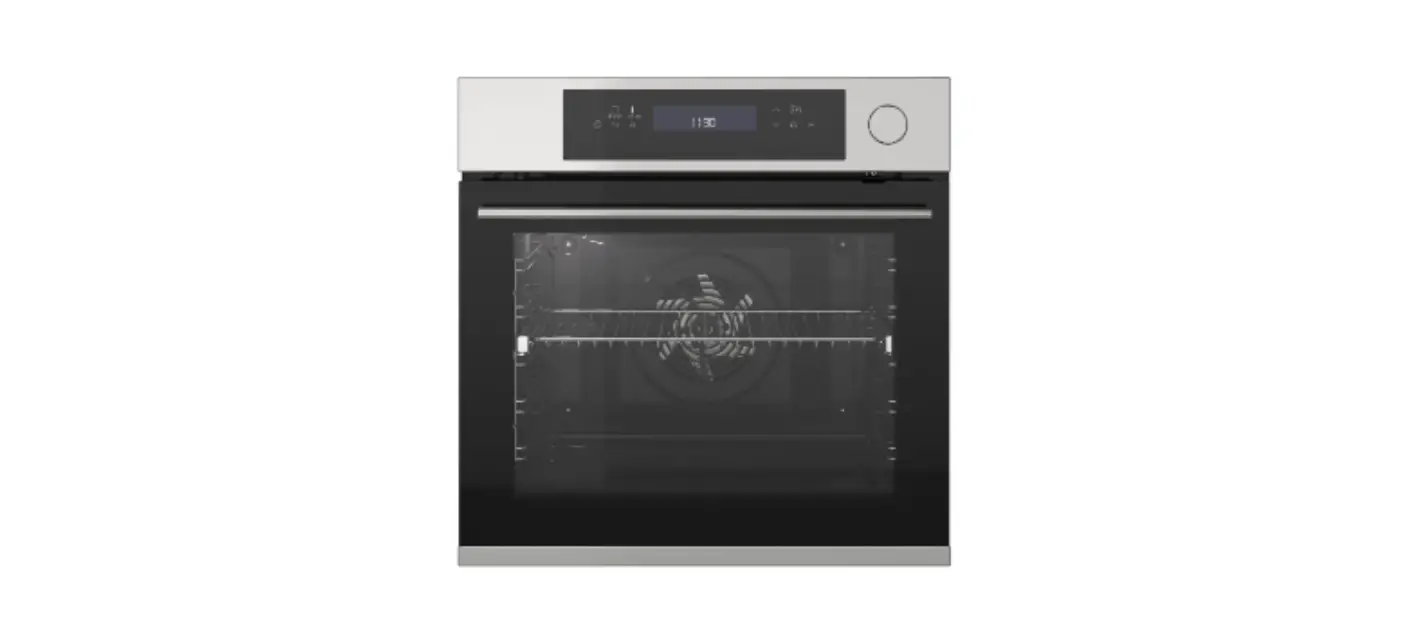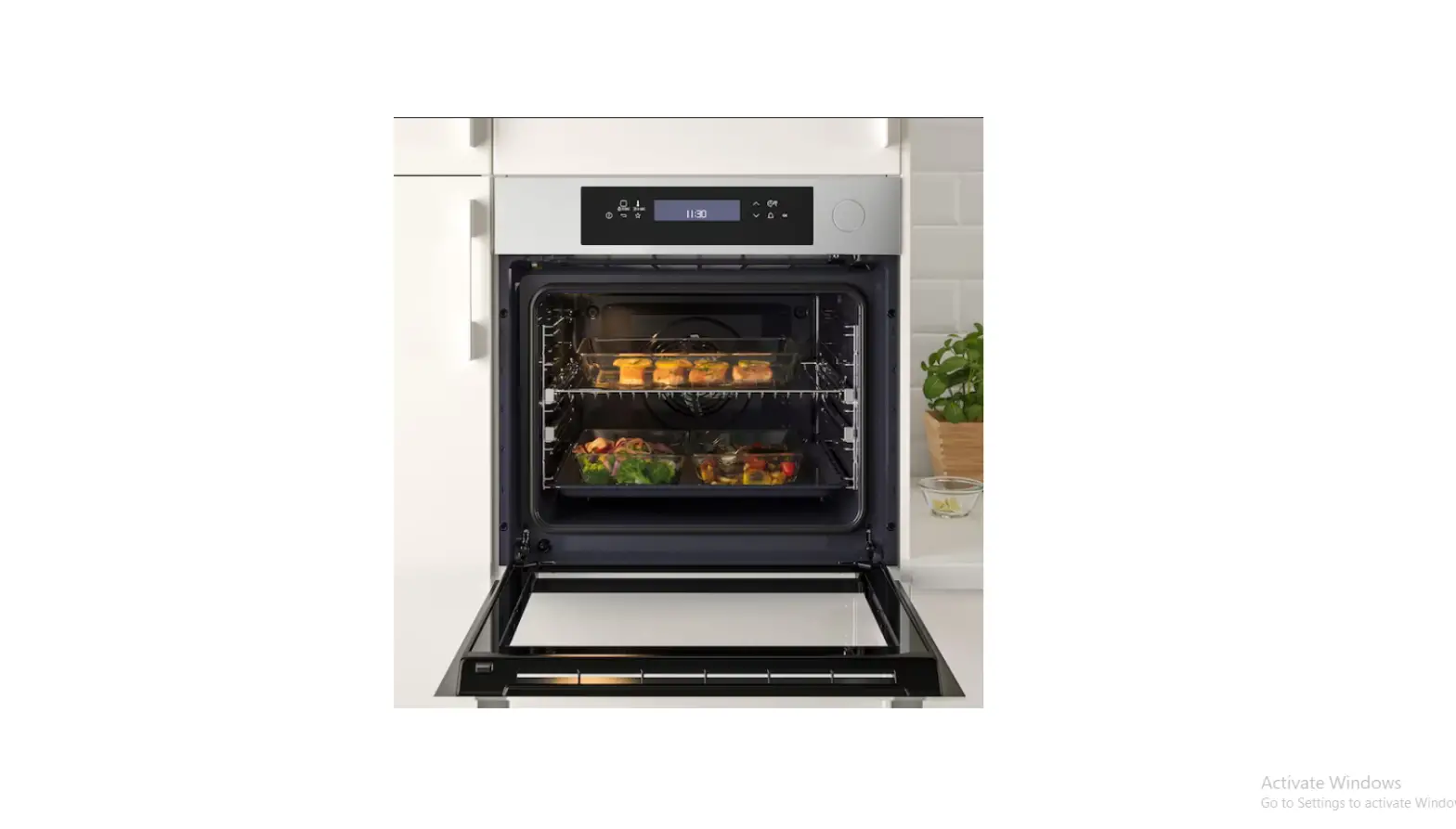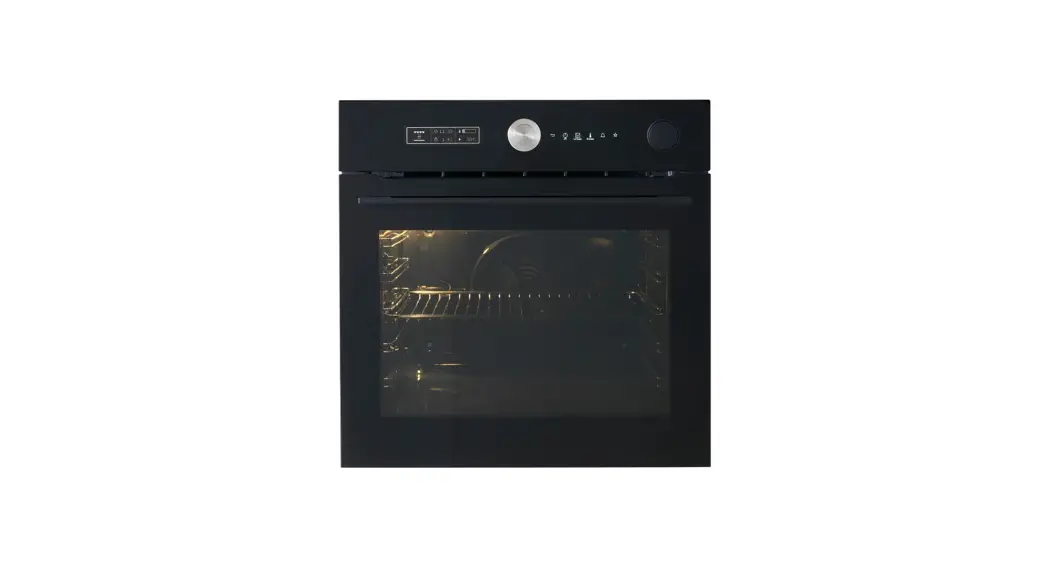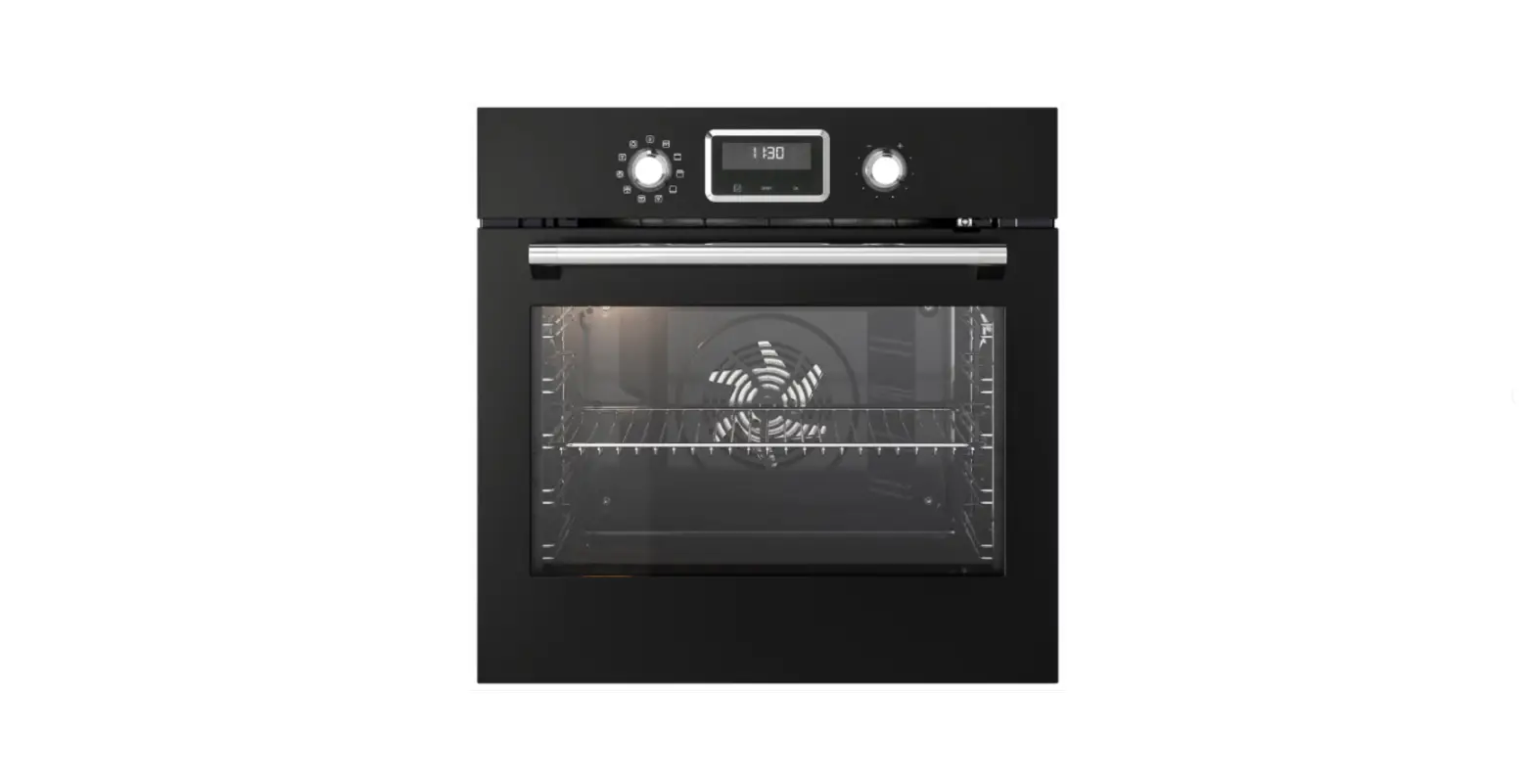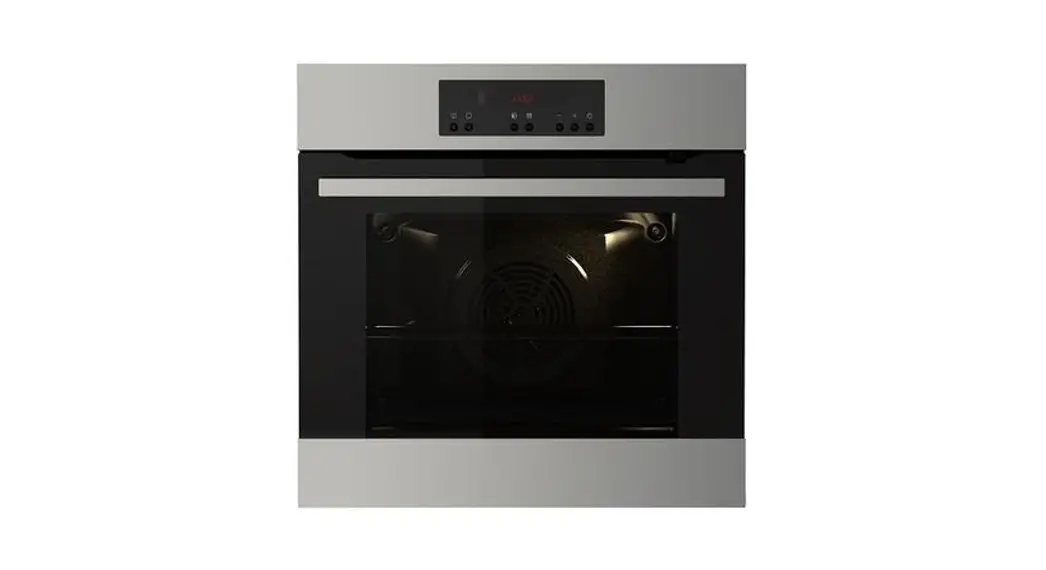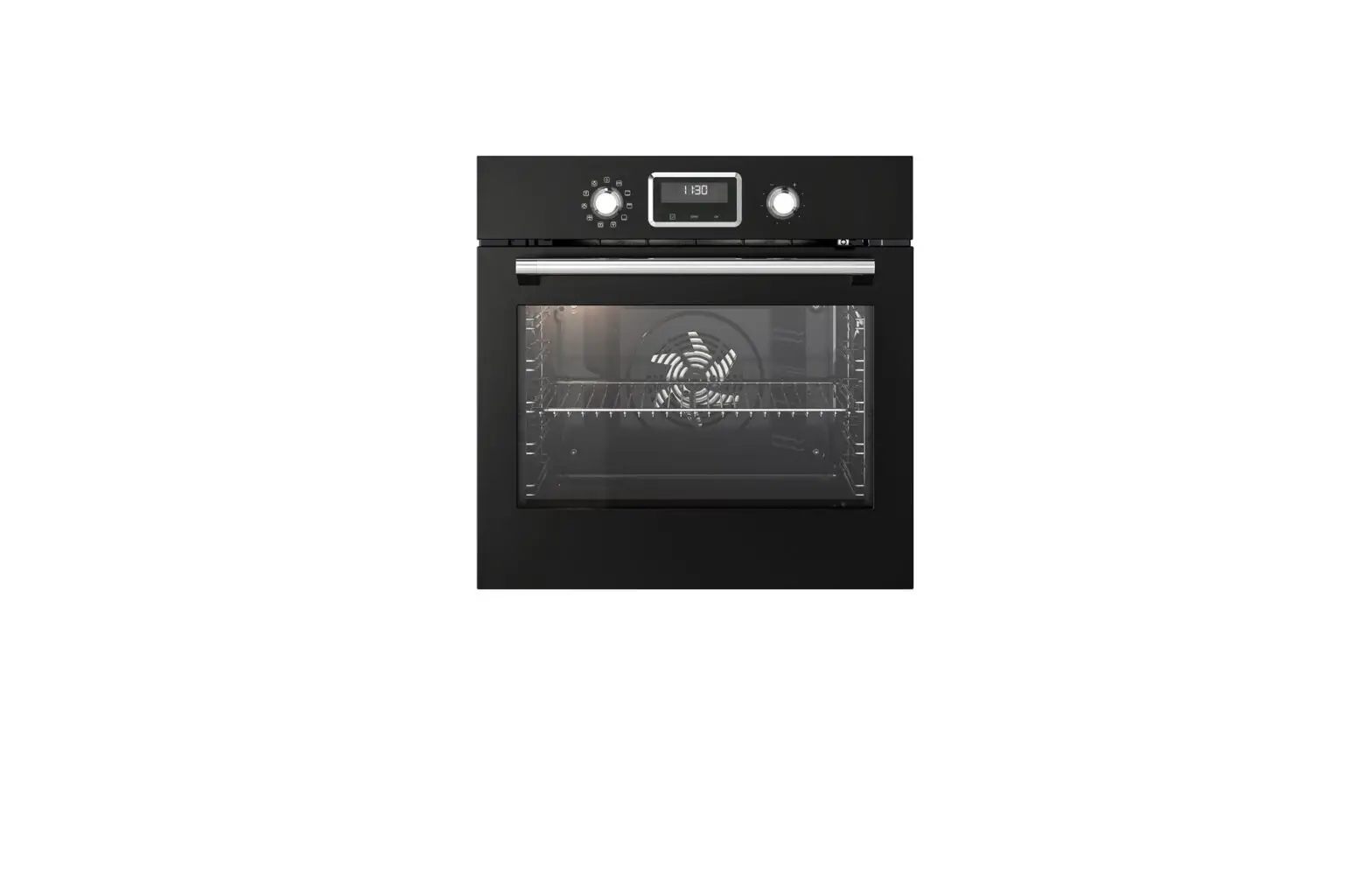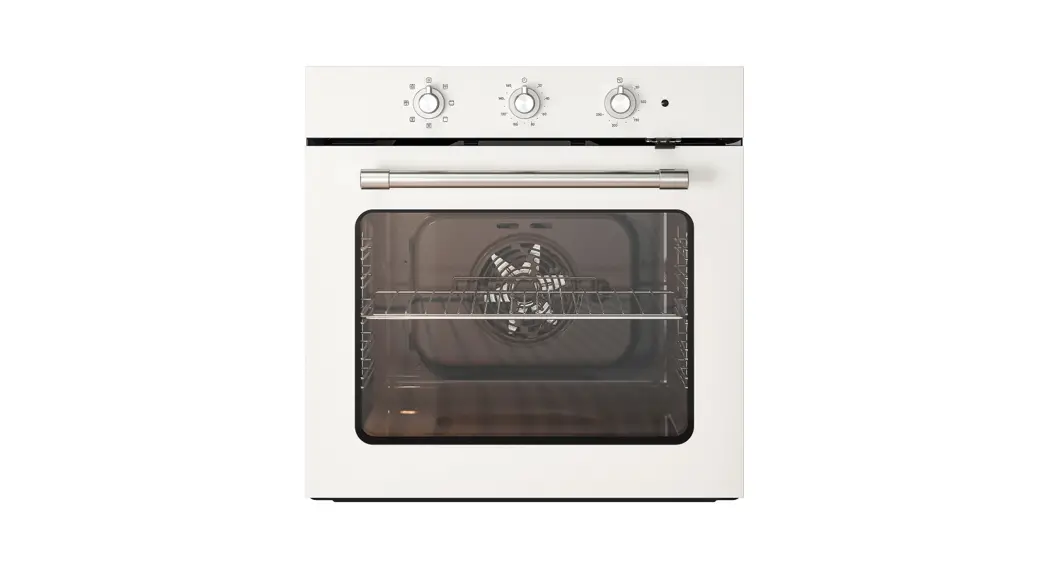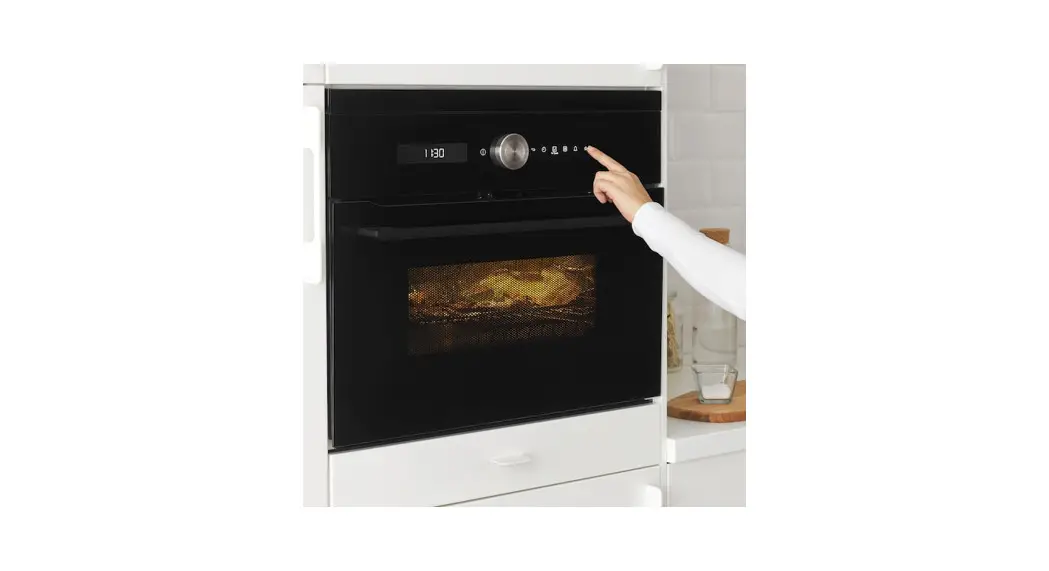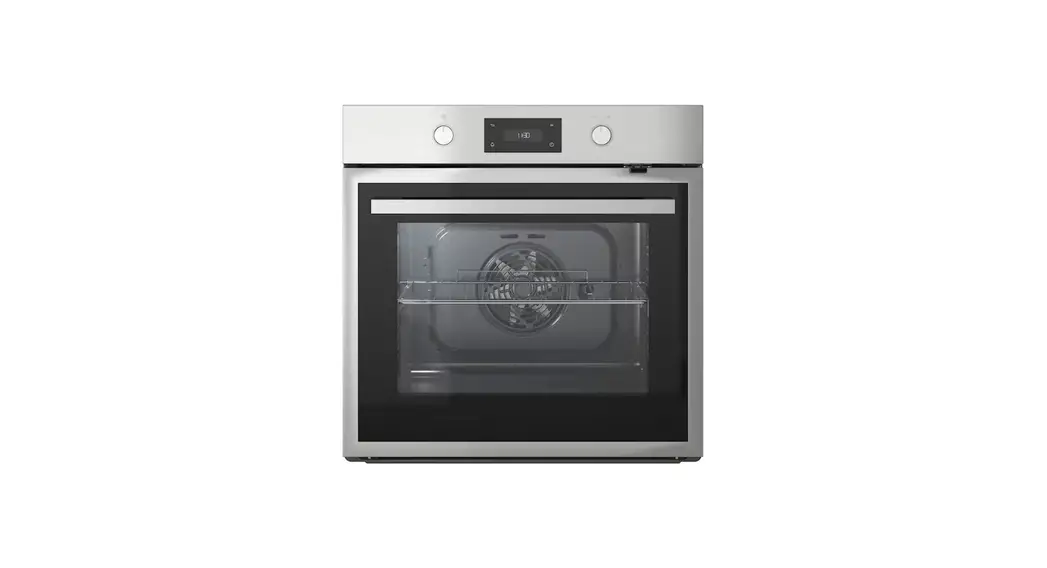
IKEA FORNEBY Air Oven
Product description
General overview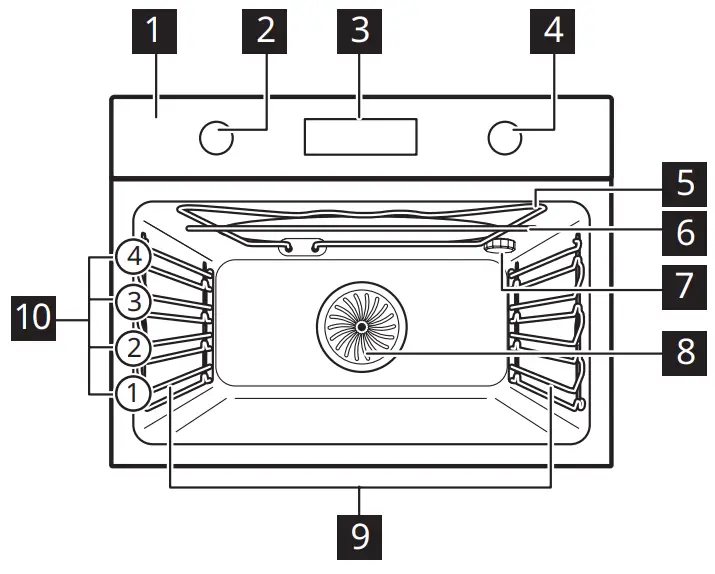
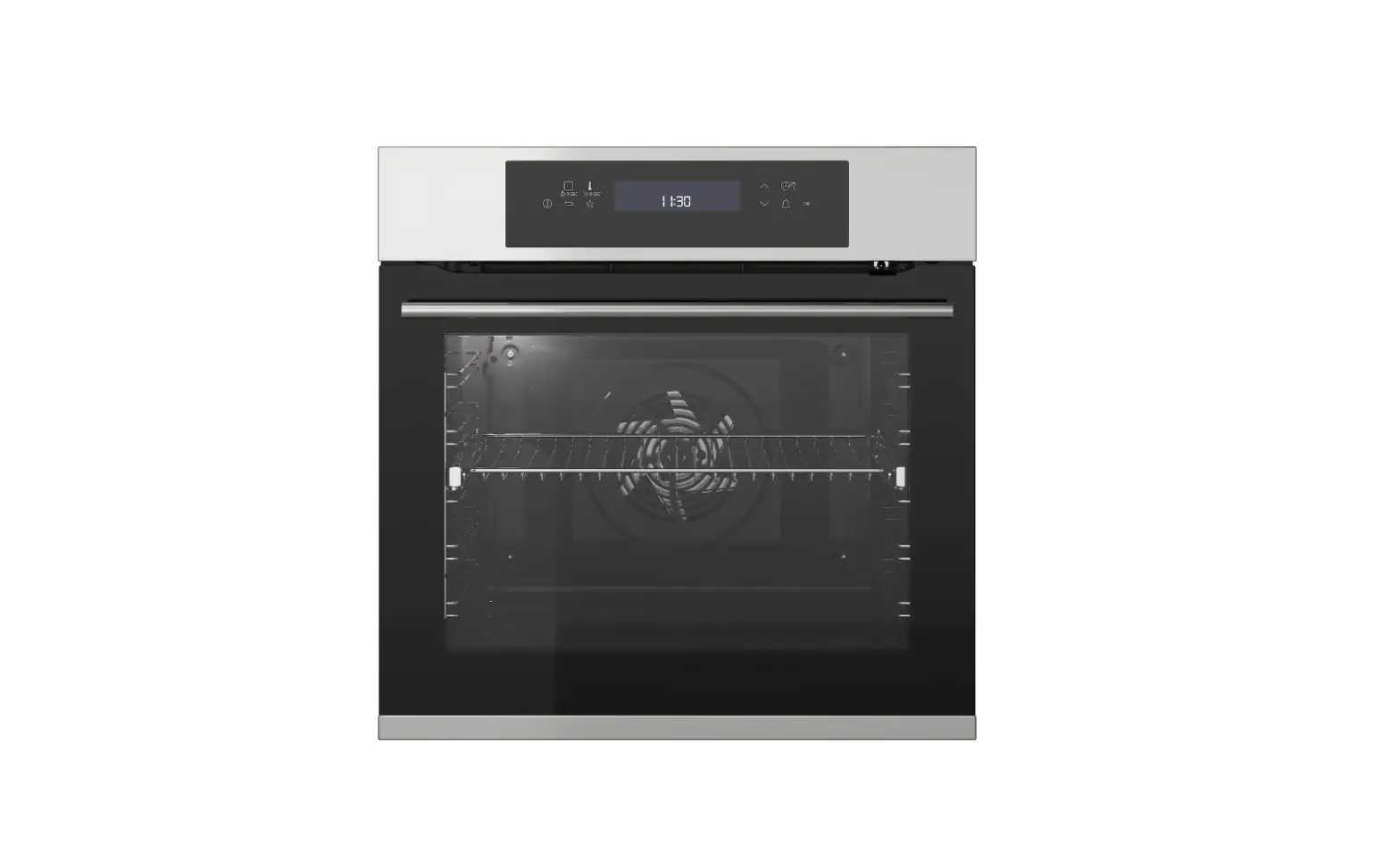
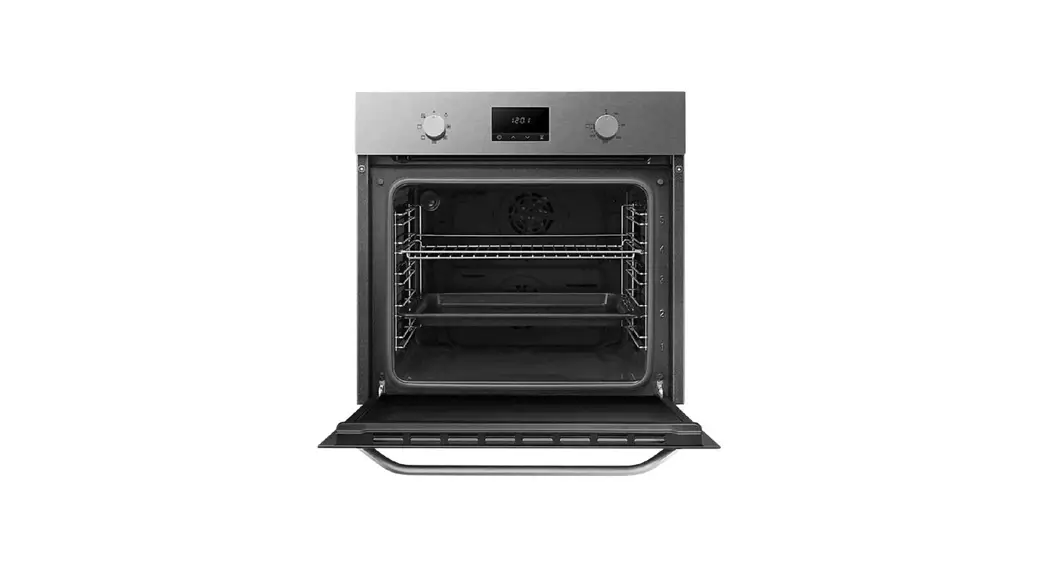
- Control panel
- Knob for the heating functions
- Display
- Control knob
- Heating element
- Microwave generator
- Lamp
- Fan
- Shelf support, removable
- Shelf positions
Control panel
Control panel overview
Select a heating function to turn on the appliance. Turn the knob for the heating functions to the off position to turn the appliance off.
 | Press to set: Clock functions. |
 | Press to set: Fast Heat Up. |
 | Press to turn on or to turn off the oven lamp. |
 | Press to set: Microwave power. |
 | Press to confirm the selection. |
Display indicators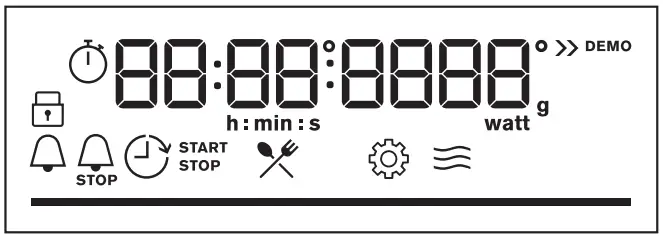
Display with key functions.
 | The appliance is locked. |
 | Enter the menu and select the icon to open: Assisted Cooking. |
 | Enter the menu and select the icon to open: Settings |
 | Microwave function is turned on. |
 | Minute minder is turned on. |
 | End time is turned on. |
 | Time Delay is turned on. |
 | Uptimer is turned on. |
 | The bar is fully red when the appliance reaches the set temperature. |
Daily use
Heating functions
Standard heating functions
 | True Fan Cooking: Even baking, tenderness, drying |
 | Conventional Cooking: Traditional baking |
 | Pizza Function: Baking pizza |
 | Turbo Grilling: Roasting meat, browning |
 | Menu: To enter the menu. |
Microwave combi functions
 | Turbo Grilling + MW: Roasting large pieces, making gratins |
 | True Fan Cooking + MW: Baking |
True Fan Cooking, Conventional Cooking:
When you set the temperature below 80 °C the lamp automatically turns off after 30 sec.
Assisted Cooking
The display shows F and a number of the function that you can check in the table.
| Heating function | Application | |
| 1 | Grill | To grill thin pieces of food and to toast bread. |
| 2 | Bottom Heat | To bake cakes with crispy bottom and to preserve food. |
| 3 | Frozen Foods | To make convenience food (e.g., french fries, potato wedges or spring rolls) crispy. |
| 4 | Conventional Cooking + MW | Baking and roasting food on one shelf position. The function with MW boost. |
| 5 | Grill + MW | To cook food in a short time and to brown it. The function with MW boost. |
The display shows P and a number of the dish that you can check in the table.
| 1 | Roast Beef, rare |
| 2 | Roast Beef, medium |
| 3 | Roast Beef, well done |
| 4 | Steak, medium |
| 5 | Beef roast / braised |
| 6 | Roast Beef, rare LTC* |
| 7 | Roast Beef, medium LTC* |
| 8 | Roast Beef, well done LTC* |
| 9 | Fillet, rare LTC* |
| 10 | Fillet, medium LTC* |
| 11 | Fillet, done LTC* |
| 12 | Veal roast |
| 13 | Pork roast neck or shoulder |
| 14 | Pulled pork LTC* |
| 15 | Loin, fresh |
| 16 | Spare Ribs |
| 17 | Lamb leg with bones |
| 18 | Whole chicken |
| 19 | Half chicken |
| 20 | Chicken breast |
| 21 | Chicken legs, fresh |
| 22 | Duck, whole |
| 23 | Goose, breast |
| 24 | Meat loaf |
| 25 | Whole fish, grilled |
| 26 | Fish fillet |
| 27 | Cheesecake |
| 28 | Apple cake |
| 29 | Apple tart |
| 30 | Apple pie |
| 31 | Brownies |
| 32 | Chocolate muffins |
| 33 | Loaf cake |
| 34 | Baked potatoes |
| 35 | Wedges |
| 36 | Grilled mixed vegetables |
| 37 | Croquets, frozen |
| 38 | Pommes, frozen |
| 39 | Meat / vegetable lasagna with dry noodle plates |
| 40 | Potato gratin |
| 41 | Pizza fresh, thin |
| 42 | Pizza fresh, thick |
| 43 | Quiche |
| 44 | Baguette / Ciabatta / White bread |
| 45 | All grain / rye / dark bread all grain in loaf pan |
*LTC – Low Temperature Cooking
Changing settings
 – select to enter Menu.
 – select to enter Settings. Press
  .
.- Turn the knob to select the setting. Press.
- Adjust the value. Press.
Turn the knob for the heating functions to the off position to exit the Menu.
Menu: Settings
The display shows 0 and a number of the setting that you can check in the table.
| Setting | Value | |
| 1 | Time of day | Change |
| 2 | Display brightness | 1 – 5 |
| 3 | Key tones | 1 – Beep, 2 – Click, 3 – Sound off |
| 4 | Buzzer volume | 1 – 4 |
| 5 | Uptimer | On / Off |
| 6 | Light | On / Off |
| 7 | Demo mode | Activation code: 2468 |
| 8 | Software version | Check |
| 9 | Reset all settings | Yes / No |
Microwave suitable cookware and materials
For the microwave use only suitable cookware and materials. Use below table as a reference.
Check the cookware / material specification before use.
| Cookware / Material |  |   | |
| Ovenproof glass and porcelain with no metal components, e.g. heat-proof glass |  | | |
| Non-ovenproof glass and porcelain without any silver, gold, platinum or other metal decorations | | X | X |
| Glass and glass ceramic made of oven‐ proof / frost-proof material | | | |
| Ovenproof ceramic and earthenware with‐ out any quartz or metal components and glazes which contain metal | | | |
| Ceramic, porcelain and earthenware with unglazed bottom or with small holes, e.g. on handles | X | X | X |
| Heat-resistant plastic up to 200 °C | | | X |
| Cardboard, paper | | X | X |
| Clingfilm | | X | X |
| Microwave clingfilm | | | X |
| Roasting dishes made of metal, e.g. enam‐ el, cast iron | X | X | X |
| Baking tins, black lacquer or silicon-coated | X | X | X |
| Baking tray | X | X | X |
| Wire shelf | X | X | |
| Microwave glass bottom plate | | | X |
| Cookware for microwave use, e.g. crisp pan | X | | X |
Troubleshooting
If you encounter an issue with your appliance, check “Troubleshooting” chapter in the full version of the User Manual available on: www.ikea.com.
Technical data
| Dimensions (internal) | Width Height Depth | 480 mm 217 mm 411 mm |
| Usable volumes | 43 l | |
| Area of baking tray | 1438 cm² | |
| Top heating element | – W | |
| Bottom heating element | 1000 W | |
| Grill | 1900 W | |
| Ring | 1650 W | |
| Total rating | 3000 W | |
| Voltage | 220 – 240 V | |
| Frequency | 50 Hz | |
| Number of functions | 9 | |
To download the full version visit www.ikea.com

 Hej! Welcome to IKEA Global