Contents hide

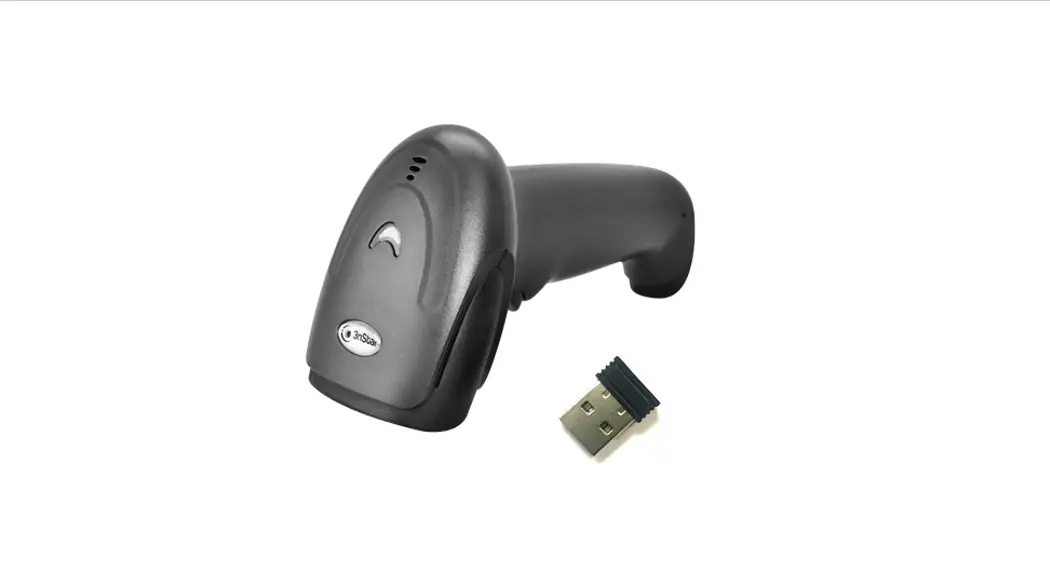
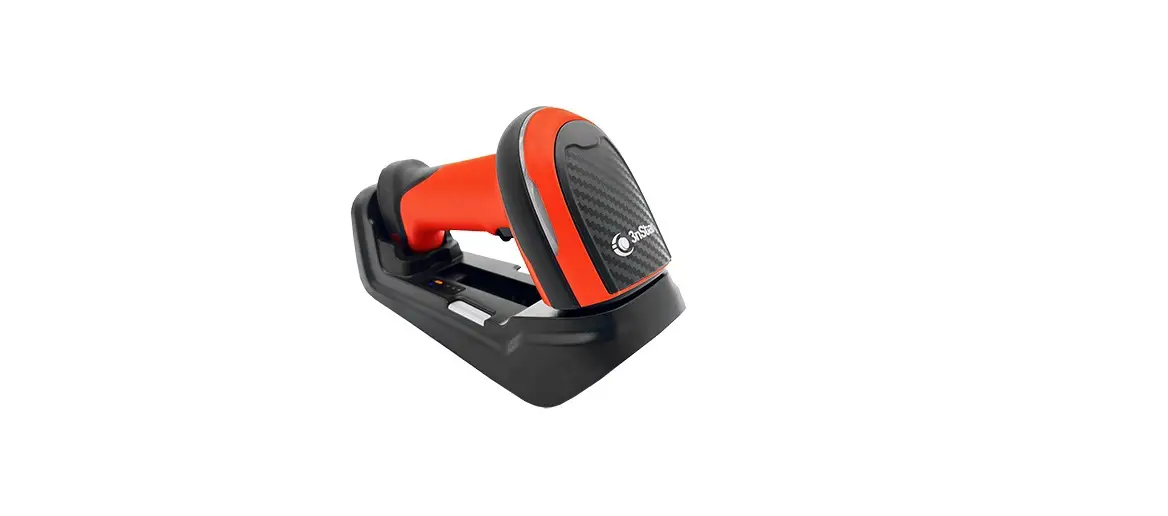
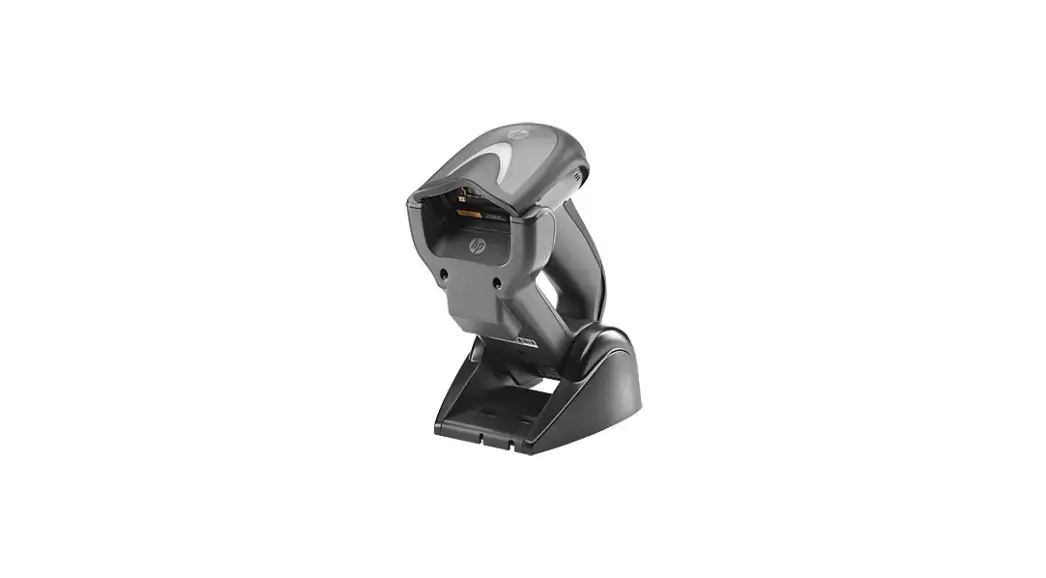
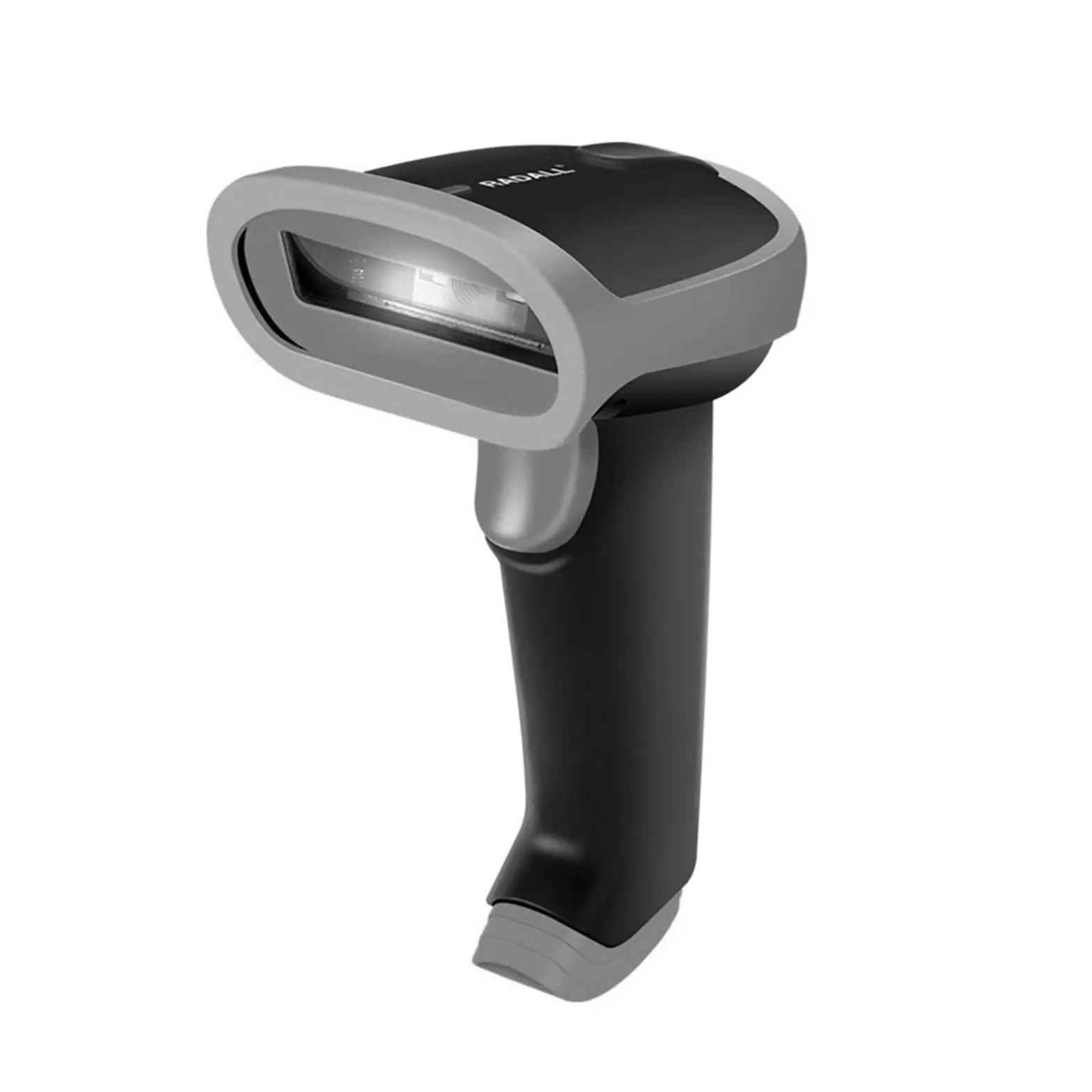
3nStar SC440 2D Wireless Barcode Scanner User Manual 

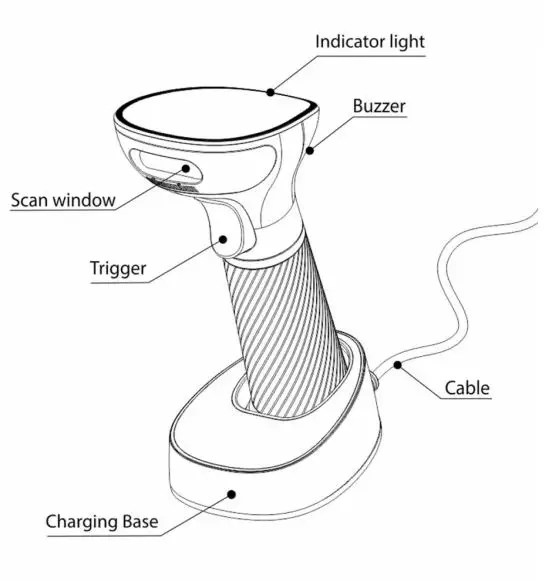
PARTS INSTRUCTION
RECEIVER PAIRING
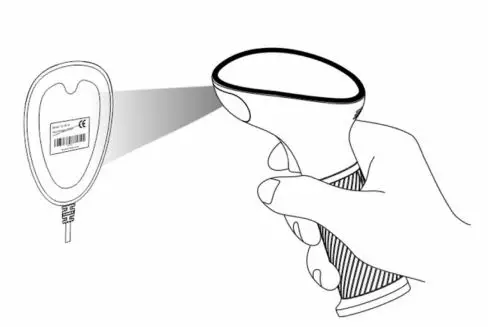
- Scan the “Receiver Pairing Code ” on the base
- Factory Default: barcode scanner paired with base
INDICATOR DESCRIPTION
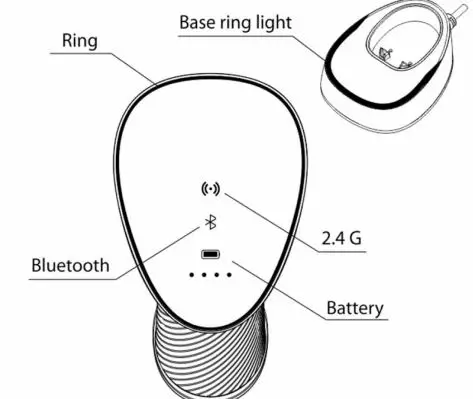
| Indicator Type ,_, | Details Description |
| Battery • • • • | Four bars , cha rging flash |
| Wireless status * ( <·)> | Bluet oot h/ 2.4Gconnect ion |
| Pairing (<·>) | Bluet oot h/ 2.4Gquick flash |
| Scanner ring light 0 | One flash for one successful scanning |
| Base ring light G | One flash for one successful data transferring Slo w flash for pairing mode |
Product Introduction
This is the simple user’s manual, for detailed manual, please download from our website or contact the supplier. (With * is the Default Setting)
If scanner cannot be used normally due to an error setting, try to scan the “Fact ory Default ” code above
Buzzer Des.cnp 10n
| Voice Type | Details Description |
| One medium long high voice | Su ccessful scanning or pairing |
| Threecontinuous short voice | Alarm prom pt |
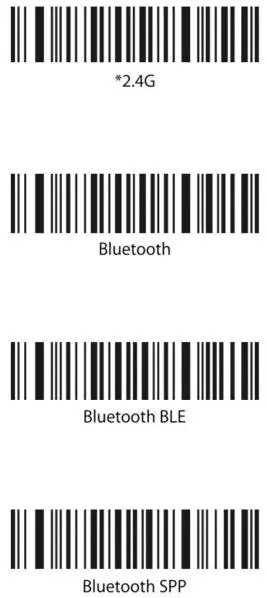
Wireless Transmission Mode
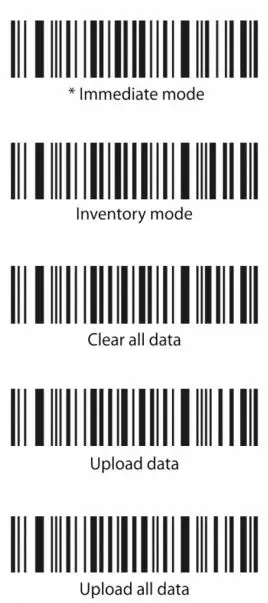
Data Transfer Mode
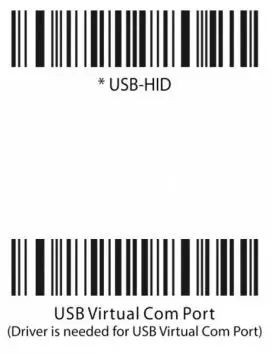
Interface Type
Sleep Time
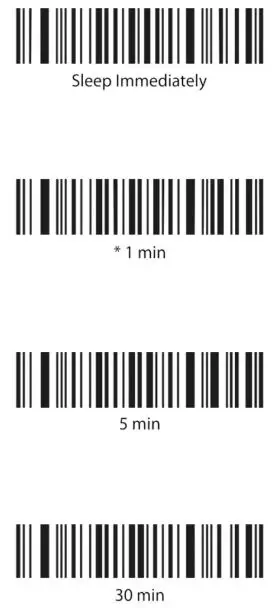
Language
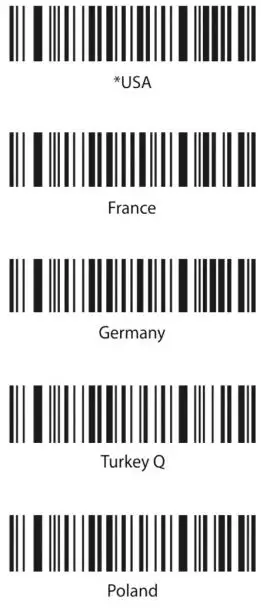

For more languages setting, please refer to the full manual.
Terminator
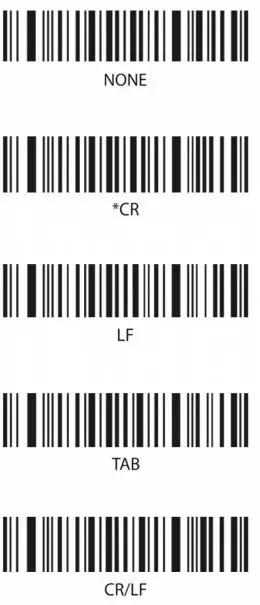
Receiver Pairing

Scanning the “Receiver Pairin g” code, scanner wil l enter the automatic pairin g mode for 1 minute, then re-insert the receiver to the host. There will be a sound heard when pairing successfully.
Scan the “Blueto ot h HID Pairing” barcode, the scan ner is ready to be connected by other bluet ooth devices.