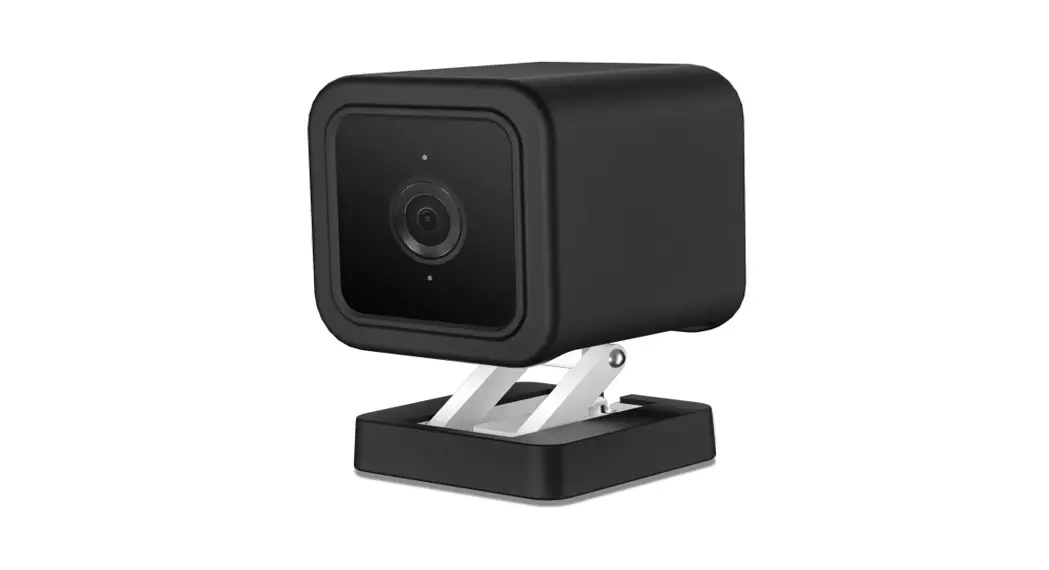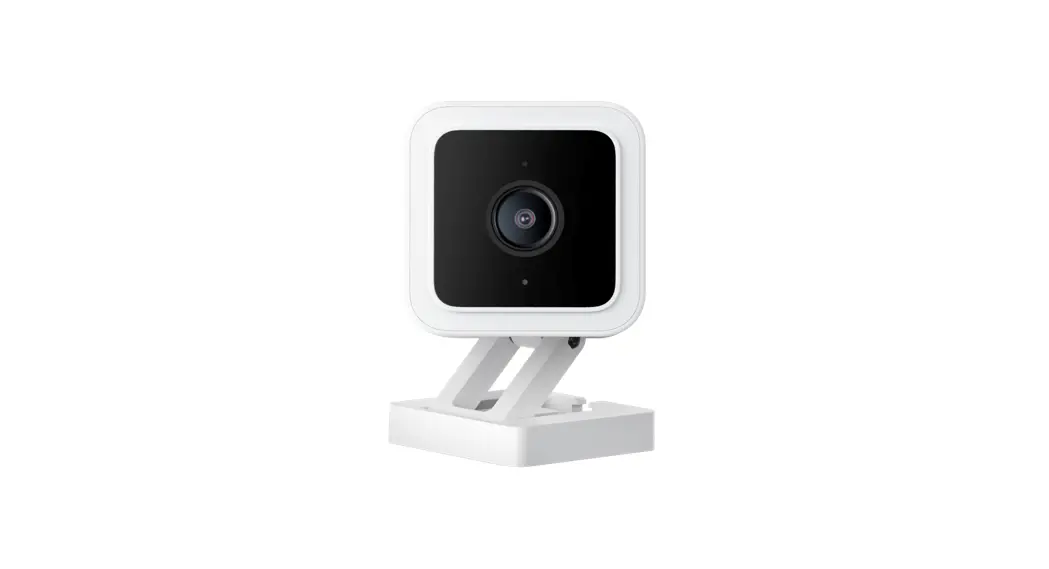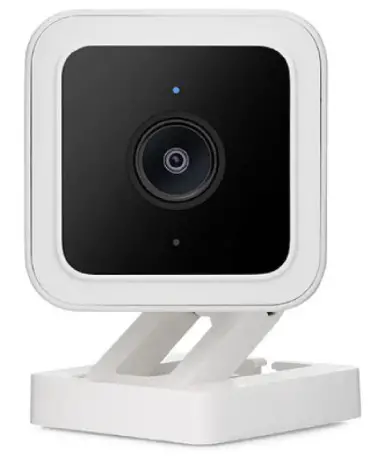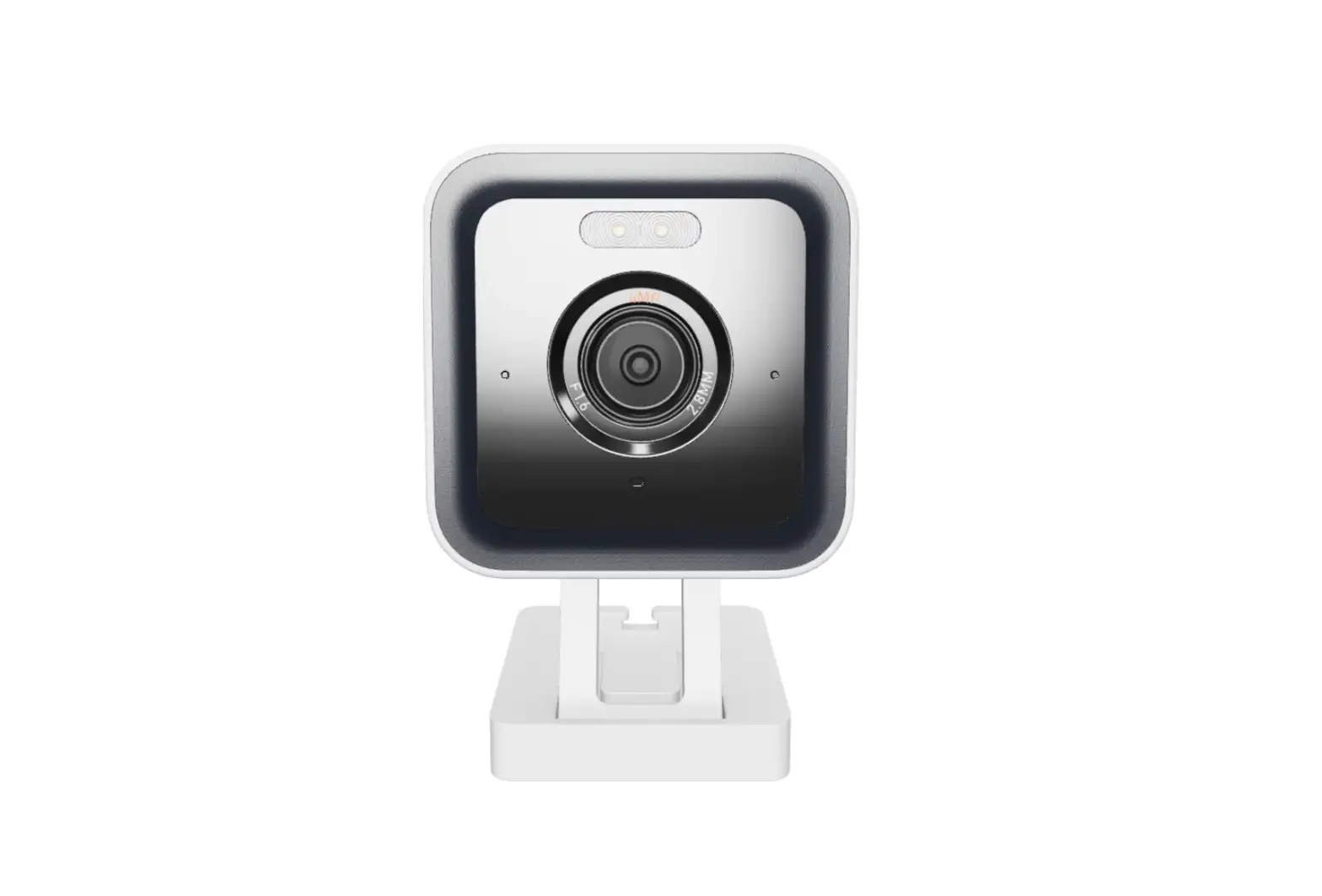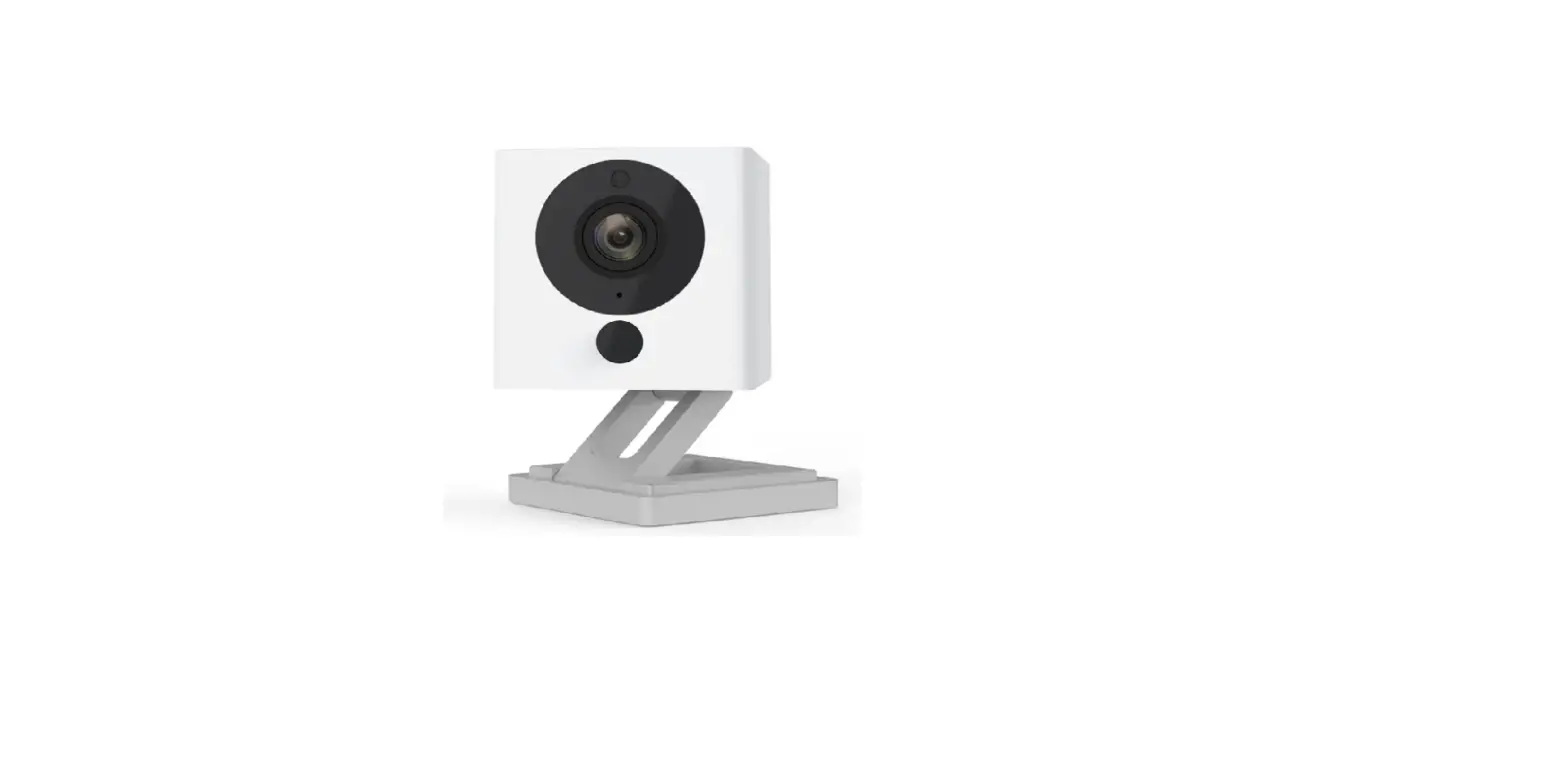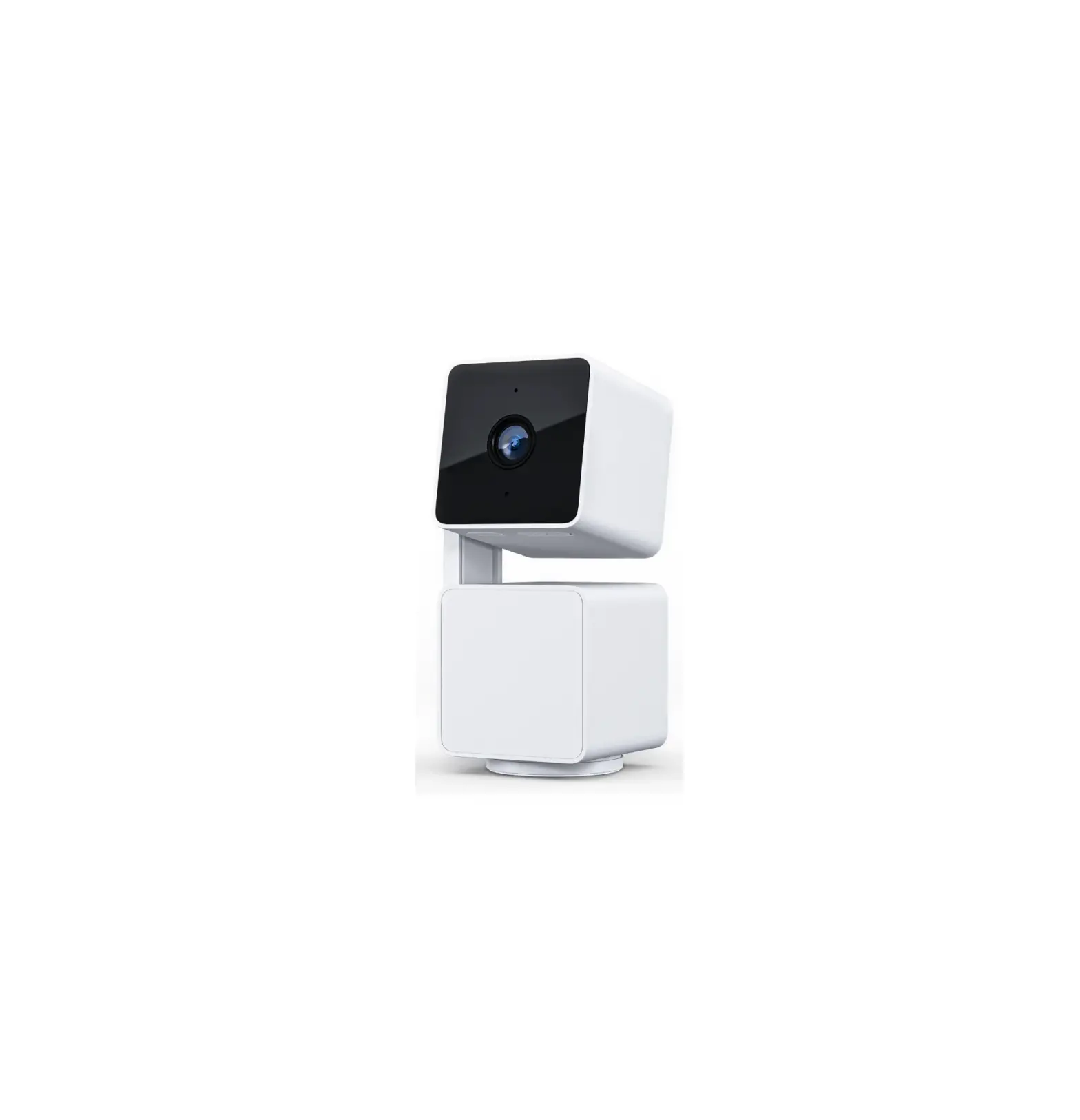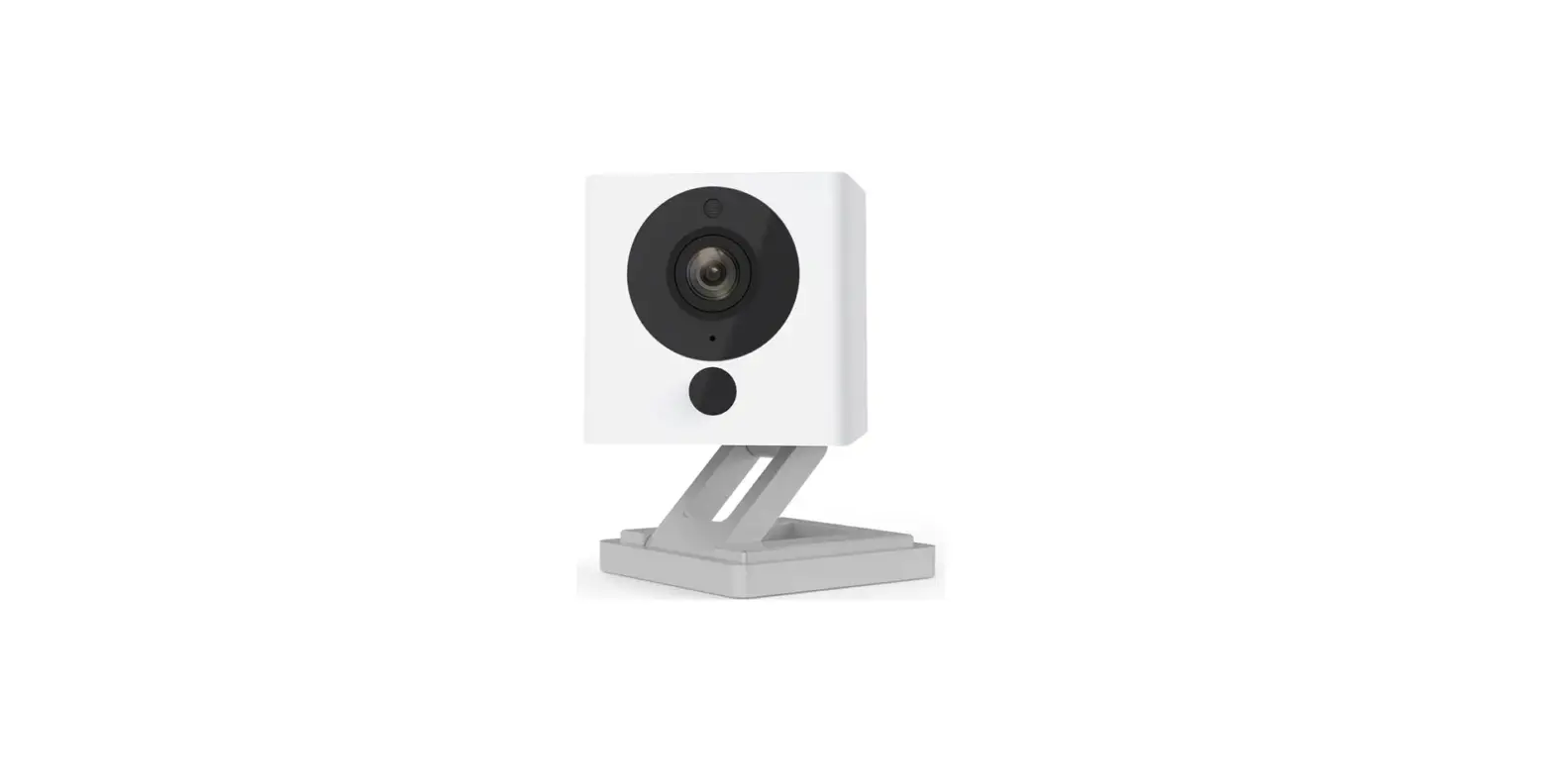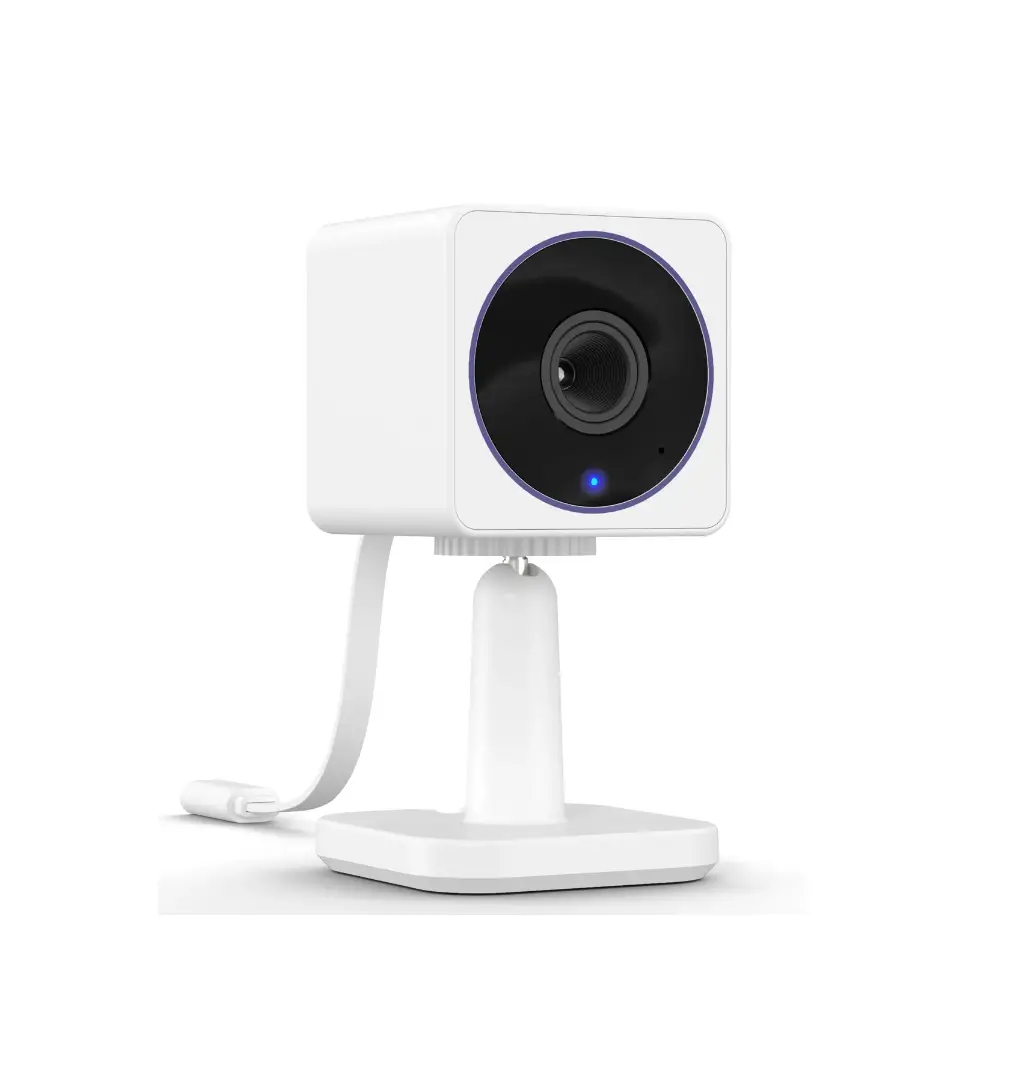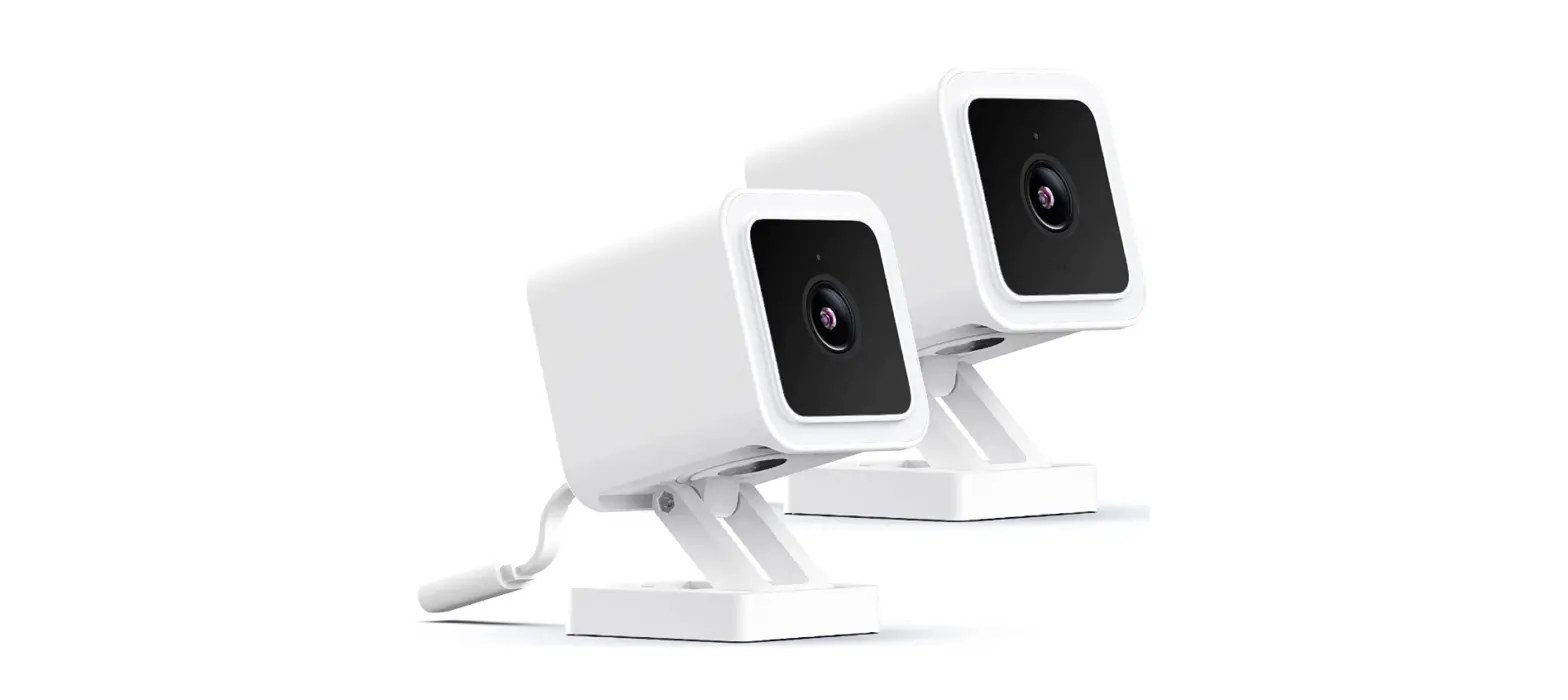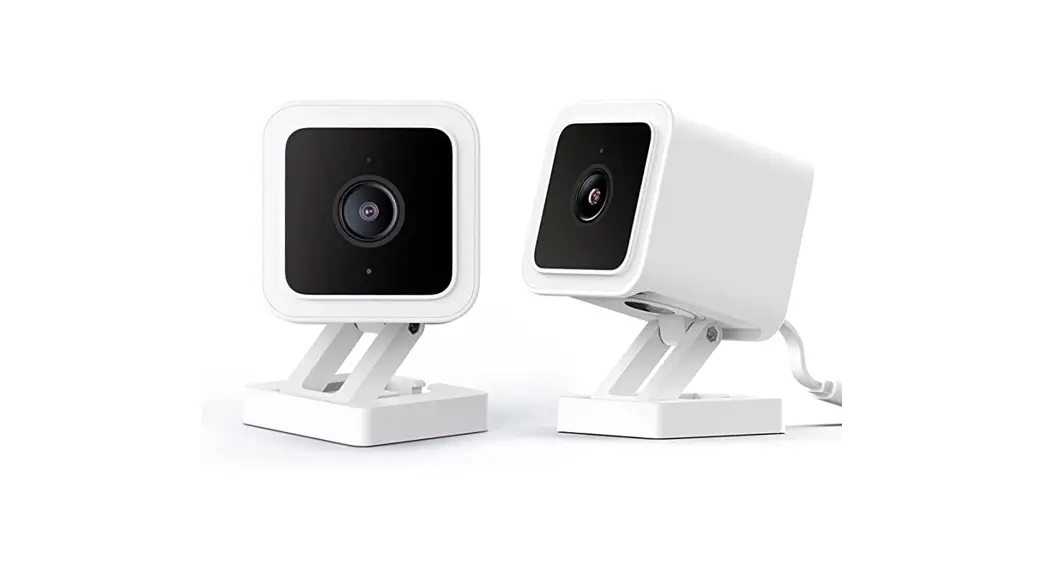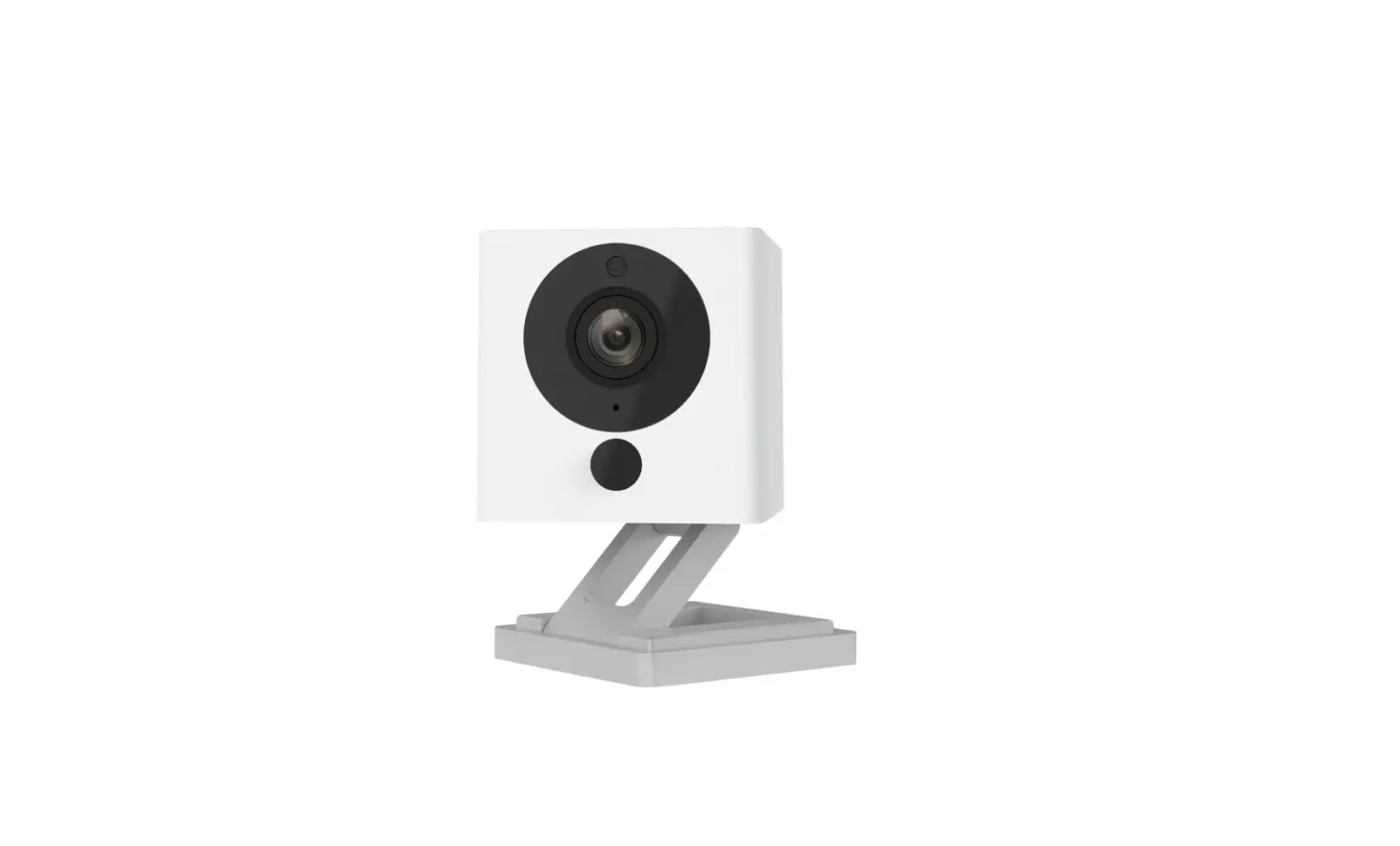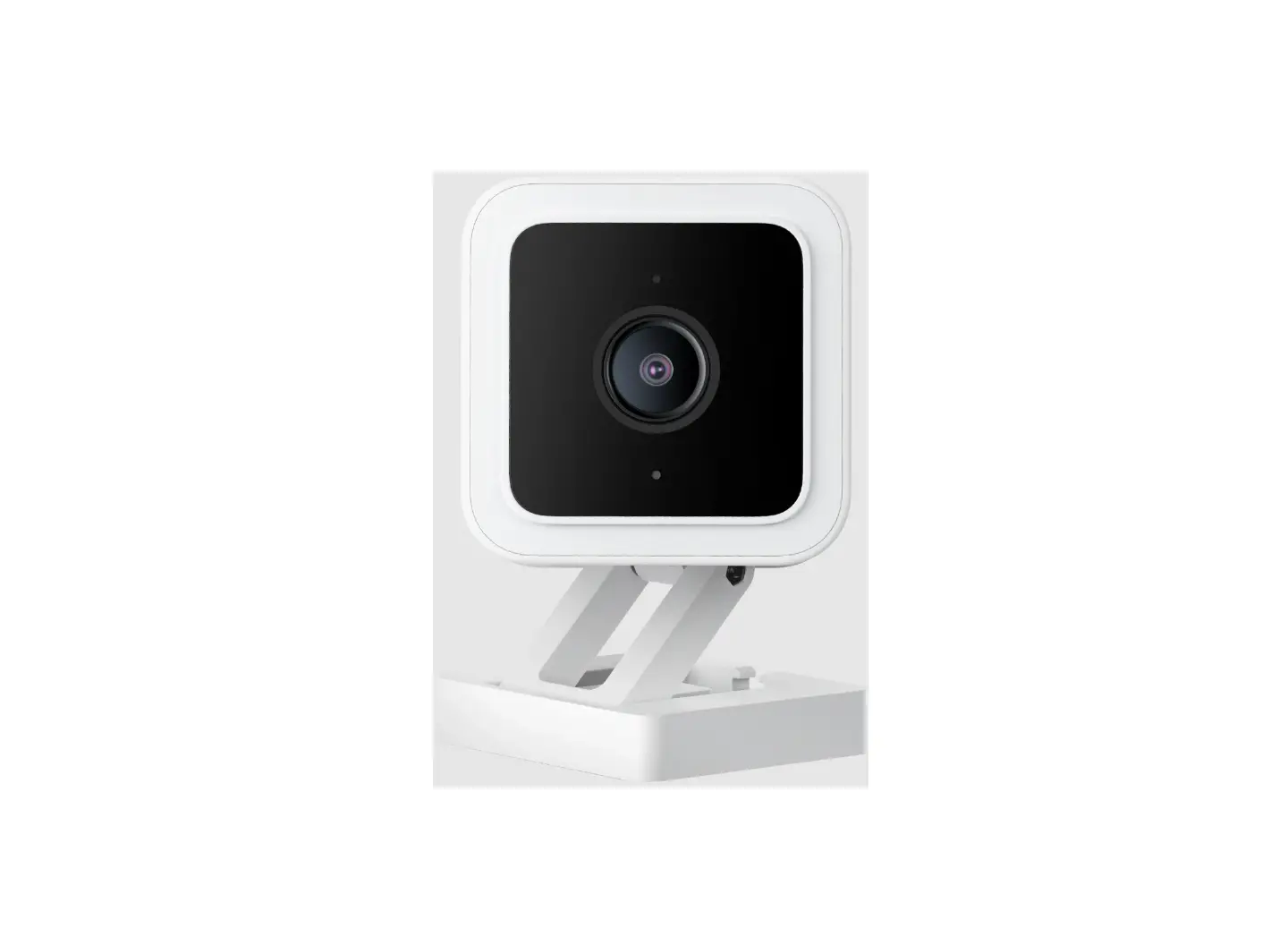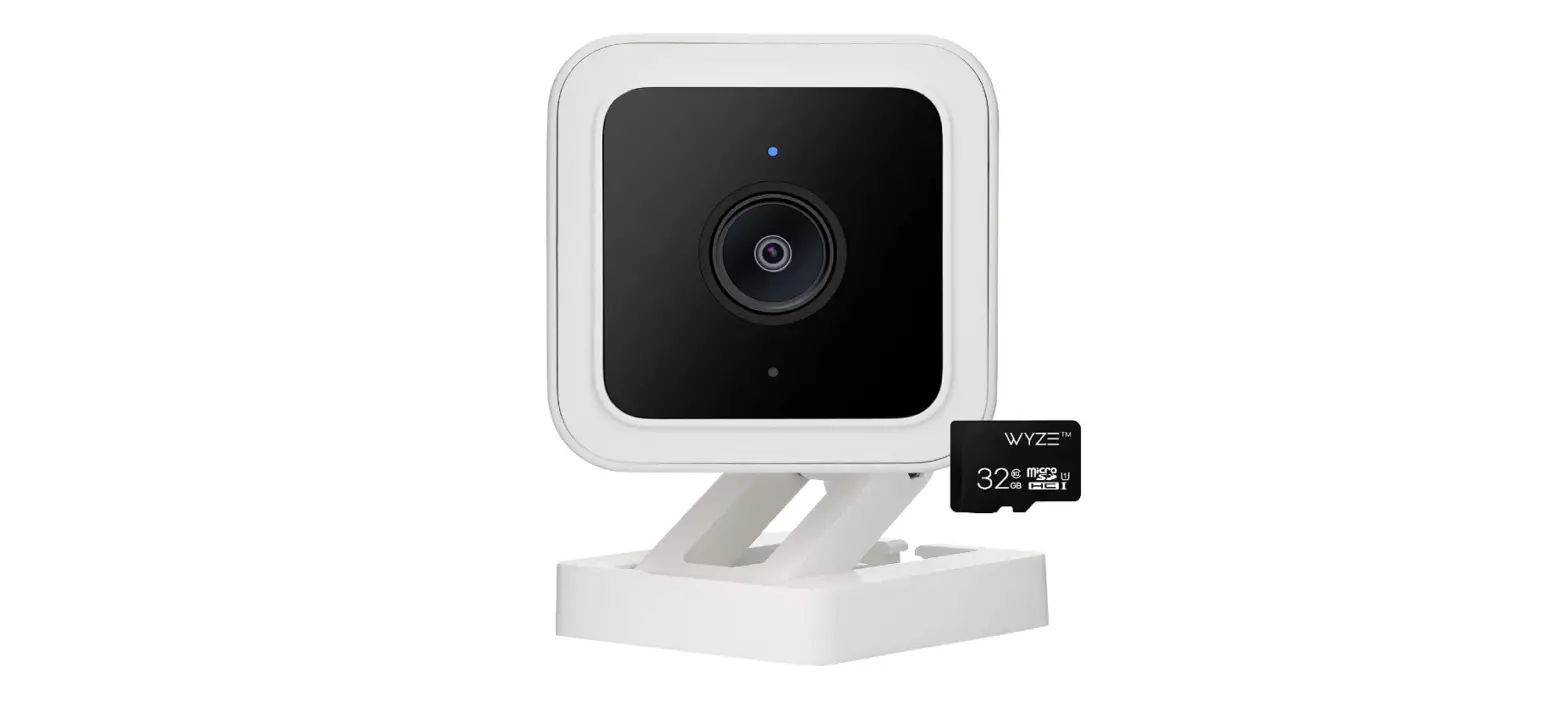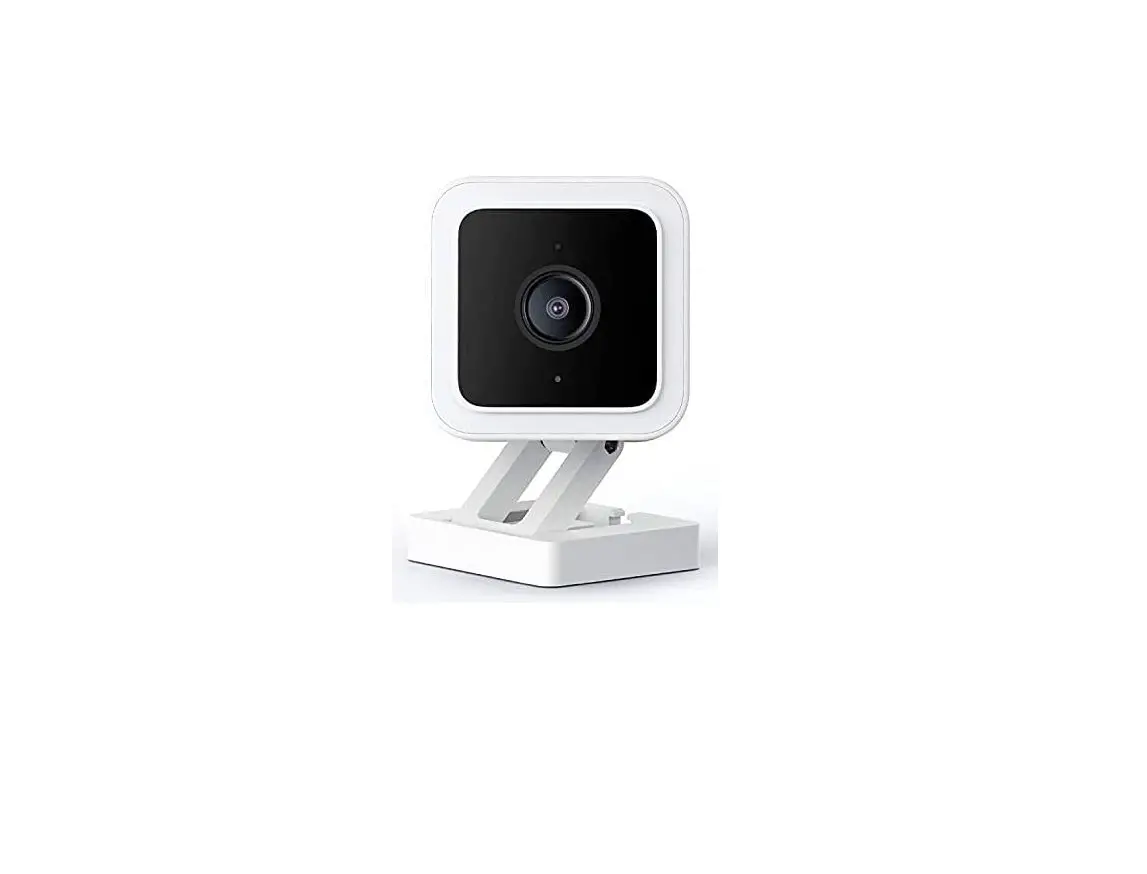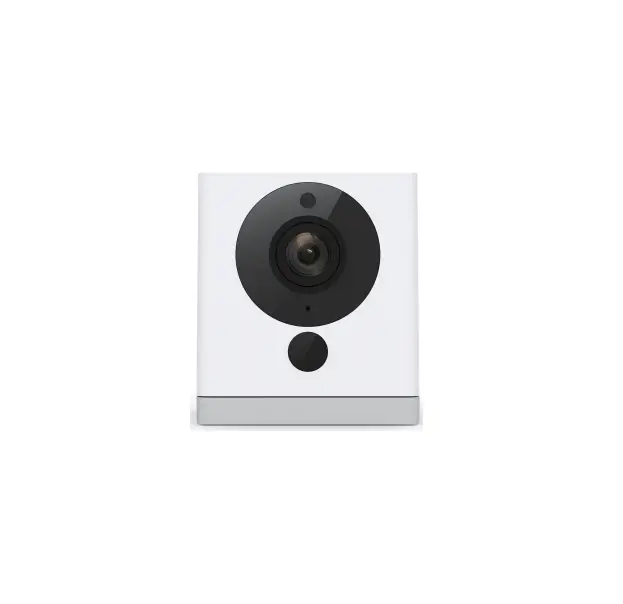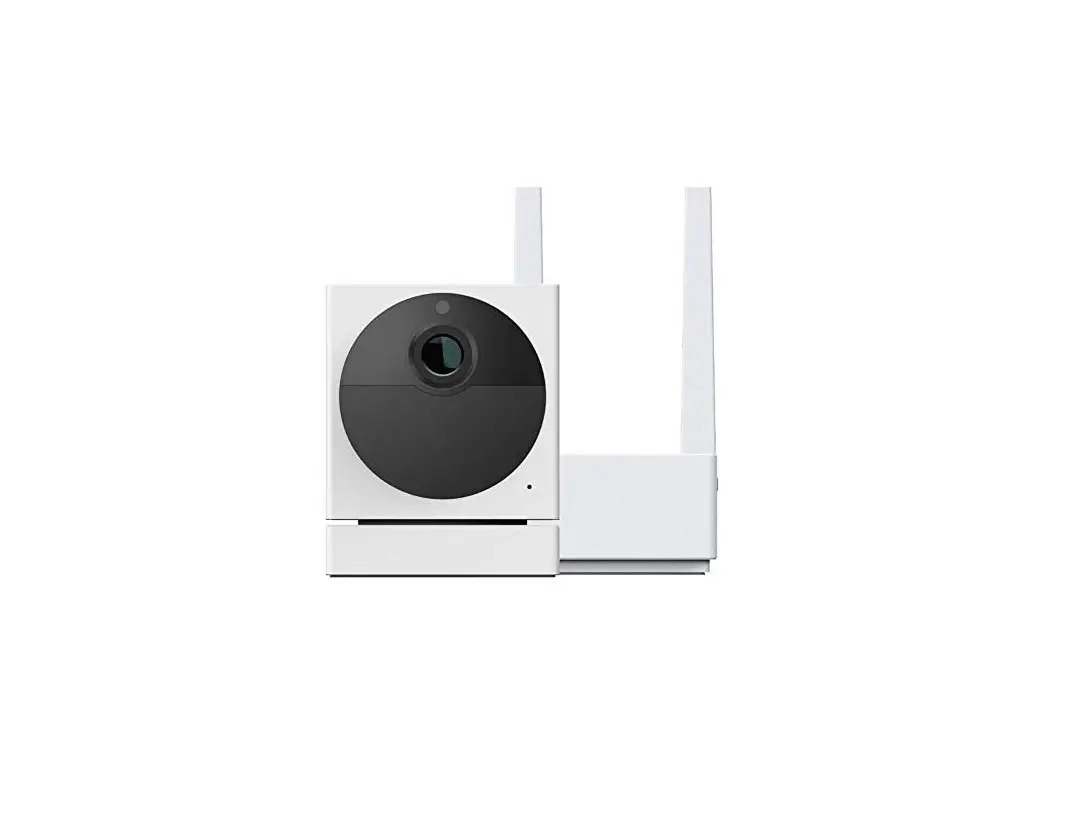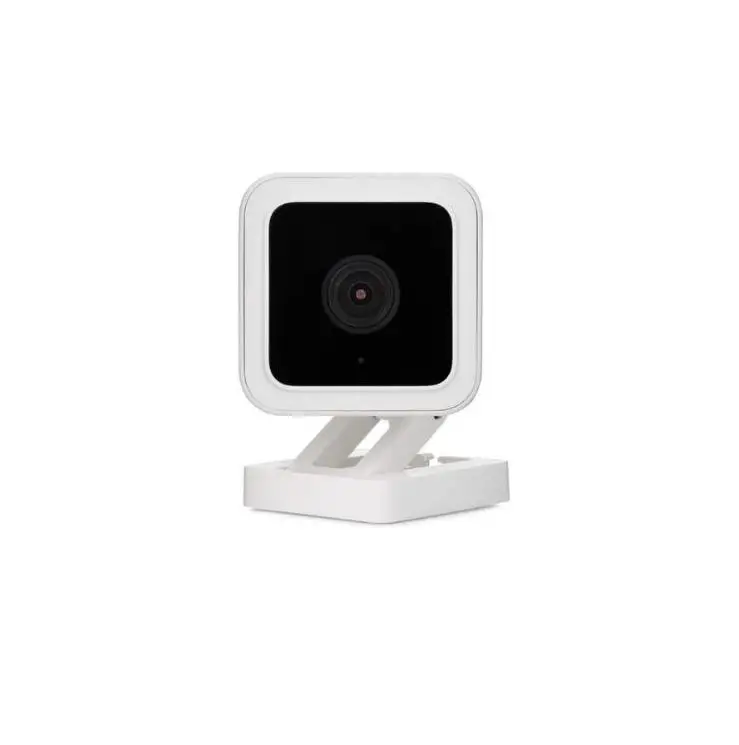

WYZE V3 Cam Security Camera
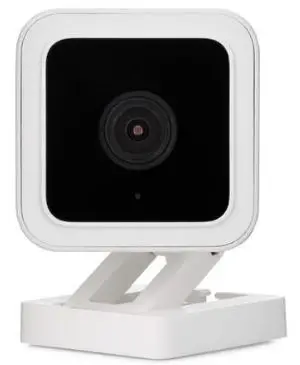
IN THE BOX
- Indoor Power Adapter
- Mounting Tape
- Mounting Screw
- Quick Start Guide
- Wyze Cam
- USB Cable x1
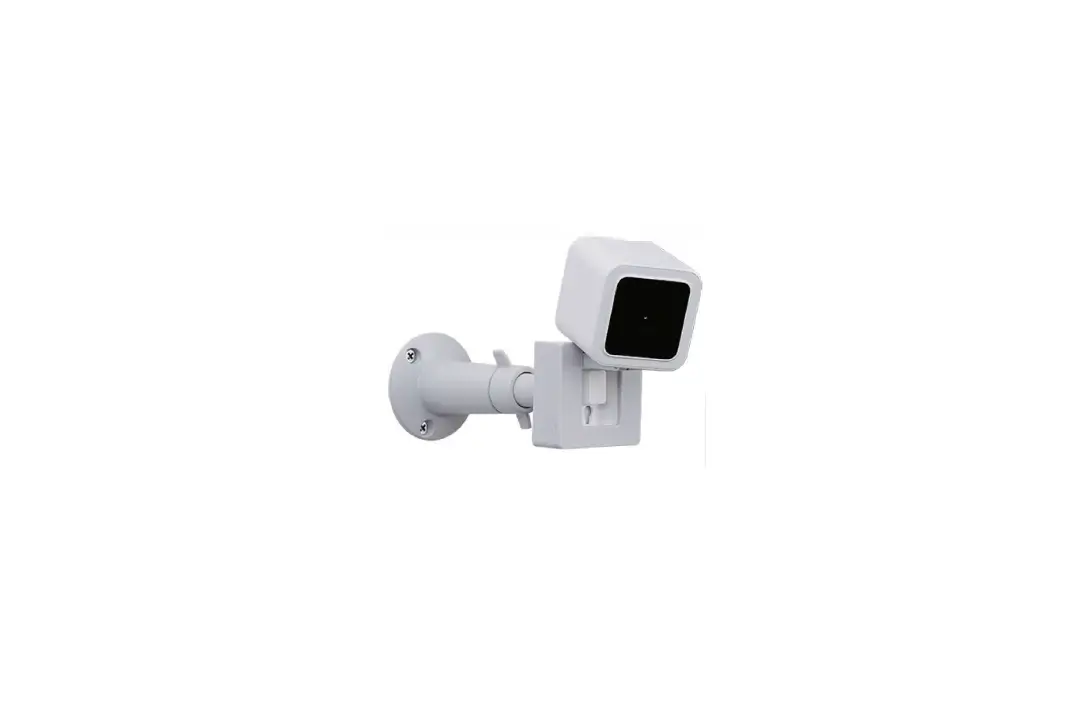
- Wall Plate
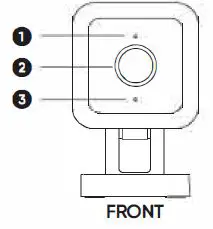
- Status Light
- Lens
- Microphone
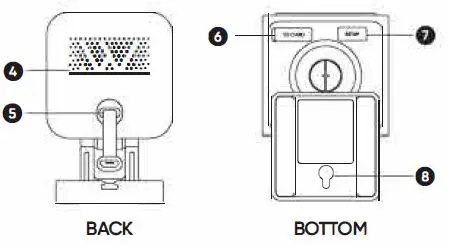
- MicroSD Slot
- (SD card not included)
- SETUP Button
- Speaker
- Power Cable
- Mounting Hole
DOWNLOAD THE WYZE APP BY SCANNING THIS QR CODE
OR DOWNLOAD DIRECTLY FROM THE APPLE APP STORE OR GOOGLE PLAY
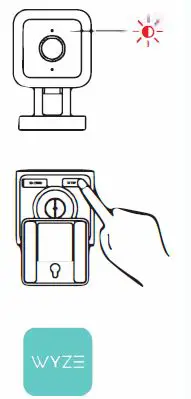
- Connect the camera to a power outlet and wait for 20 seconds or until the status light flashes red.
- Press the SETUP button for 3 seconds or until there is a voice prompt.
- Follow the instructions in the Wyze app to finish setup.
LIGHT INDICATIONS

Solid red light The device is powered on and initializing Flashing red light The device is ready to connect Flashing red & blue lights Connection is in progress Flashing blue light The device is connected and finishing setup Solid blue light The device is working properly
FCC WARNING
Any Changes or modifications not expressly approved by the party responsible for compliance could void the user’s authority to operate the equipment. This device complies with part 15 of the FCC Rules. Operation is subject to the following two conditions: (1) This device may not cause harmful interference, and (2) this device must accept any interference received, including interference that may cause undesired operation.
FCC RADIATION EXPOSURE STATEMENT
This equipment complies with FCC radiation exposure limits set forth for an uncontrolled environment. This equipment should be installed and operated with minimum distance 20cm between the radiator & your body. This transmitter must not be co-located or operating in conjunction with any other antenna or transmitter
ISEDC RSS WARNING
This device complies with ISEDC licence-exempt RSS standard (s). Operation is subject to the following two conditions: (1) this device may not cause interference, and (2) this device must accept
any interference, including interference that may cause undesired operation of the device.
ISEDC RADIATION EXPOSURE STATEMENT:
This equipment complies with ISEDC RF radiation exposure limits set forth for an uncontrolled environment. This transmitter must not be co-located or operating in conjunction with any
other antenna or transmitter. This equipment should be installed and operated with minimum distance 20cm between the radiator & your body.