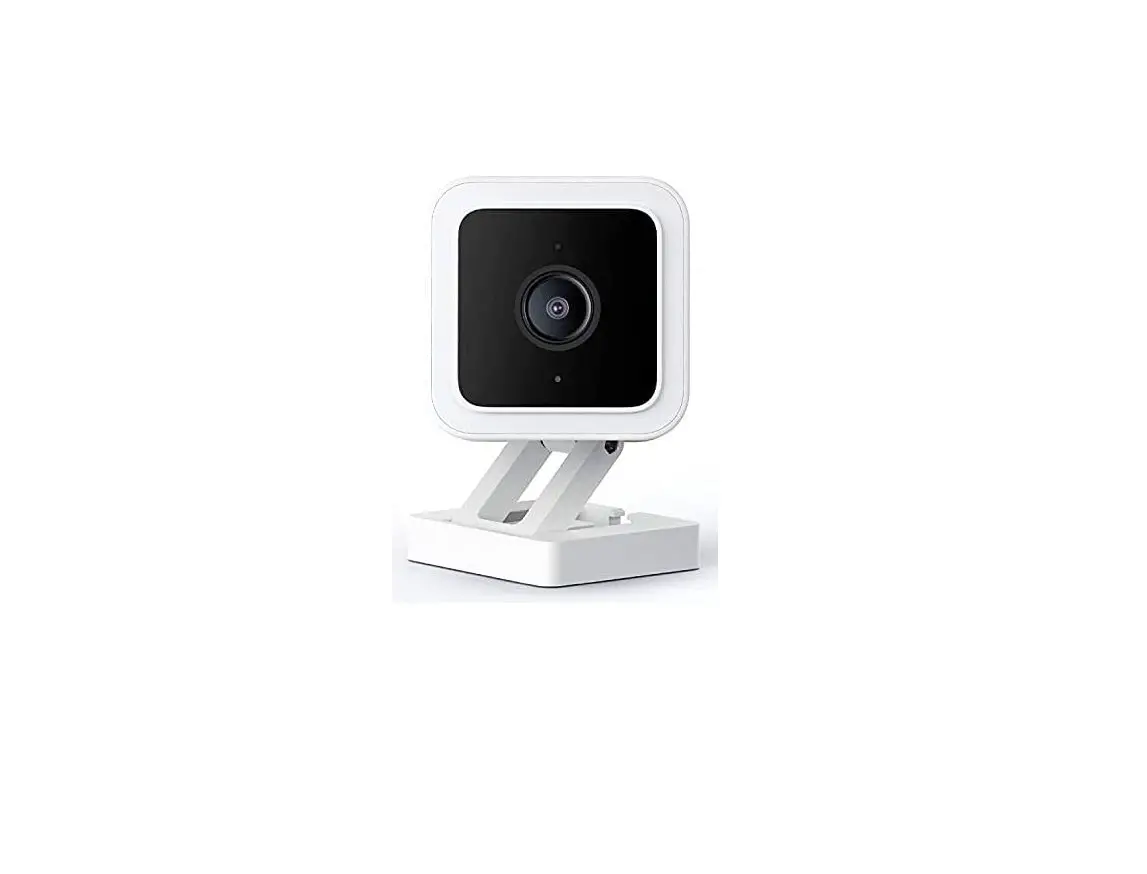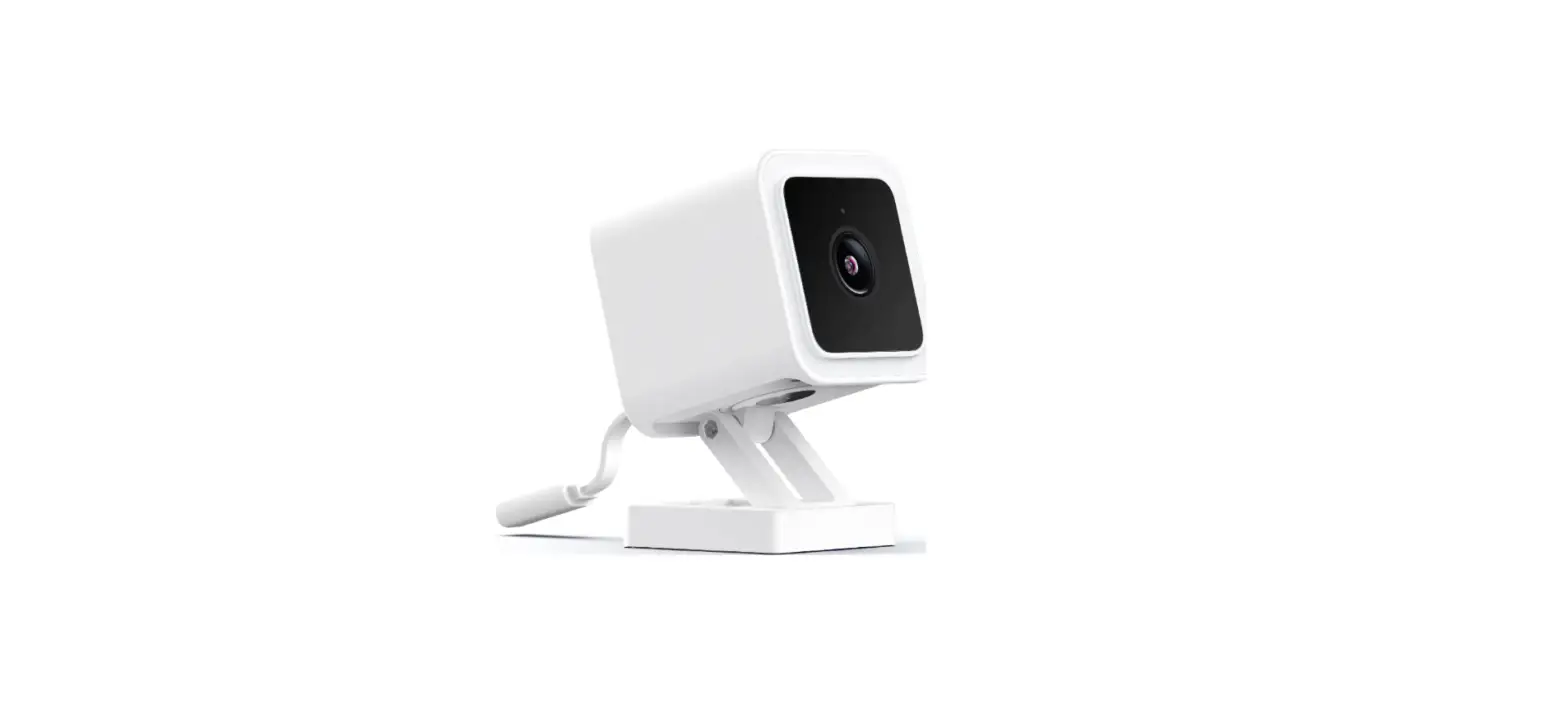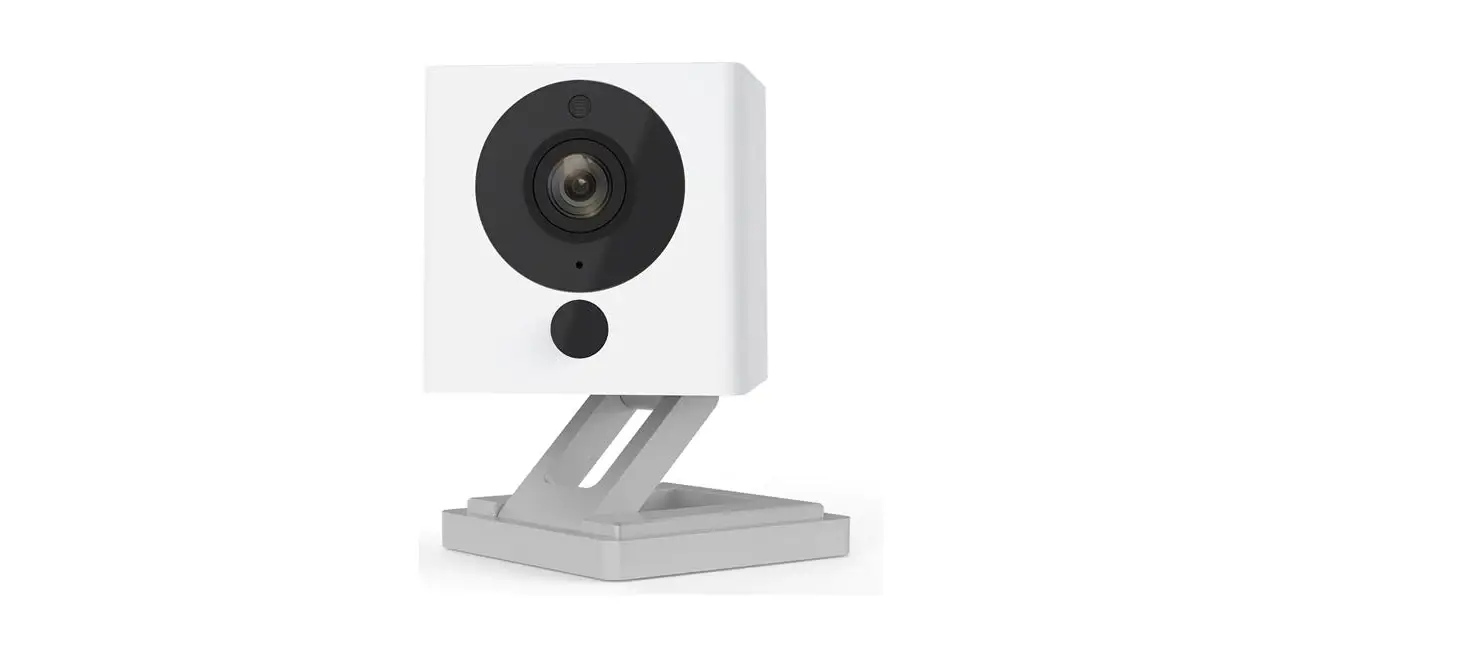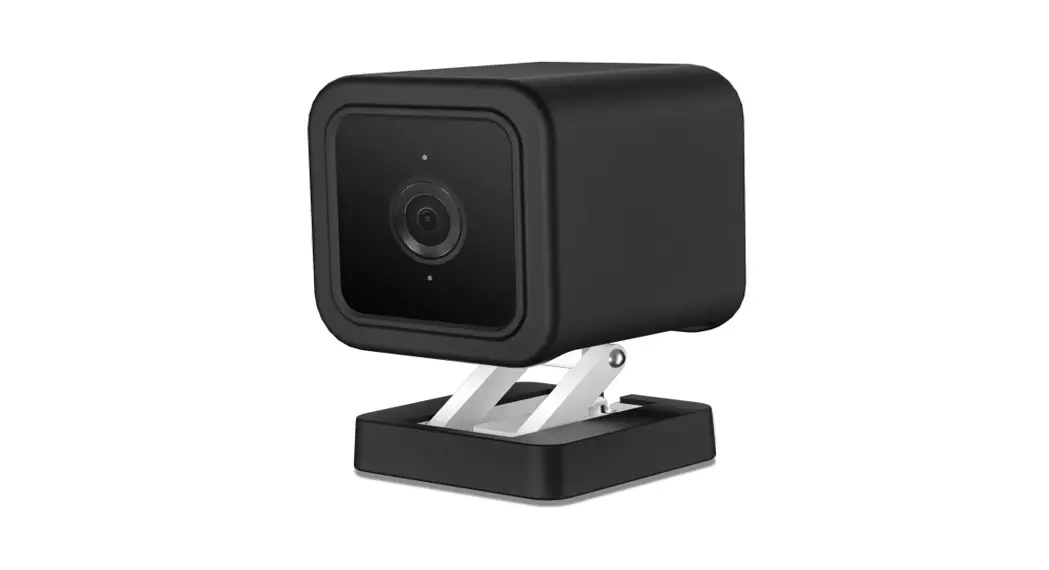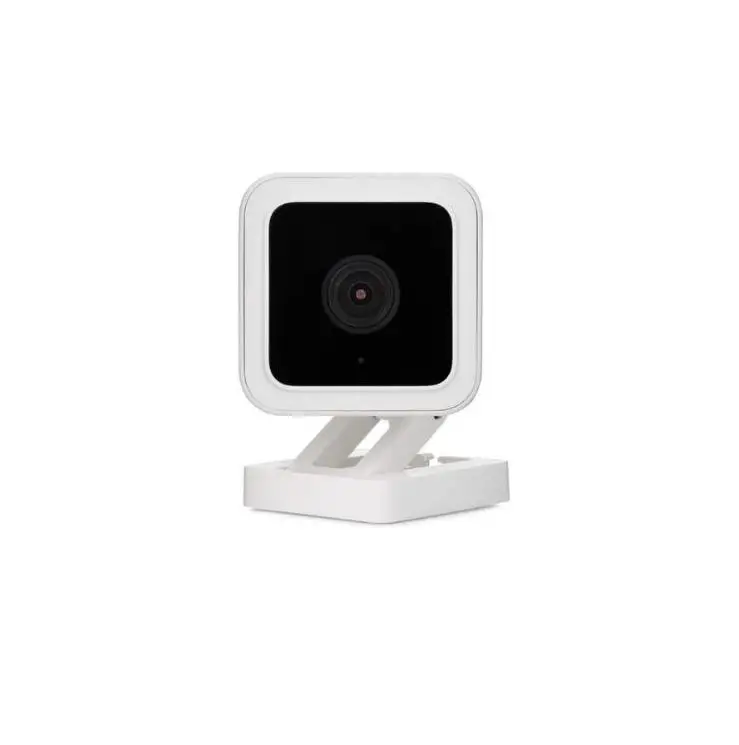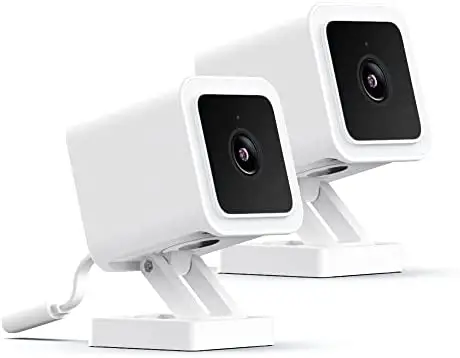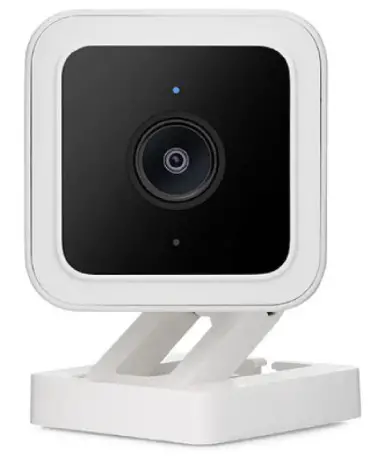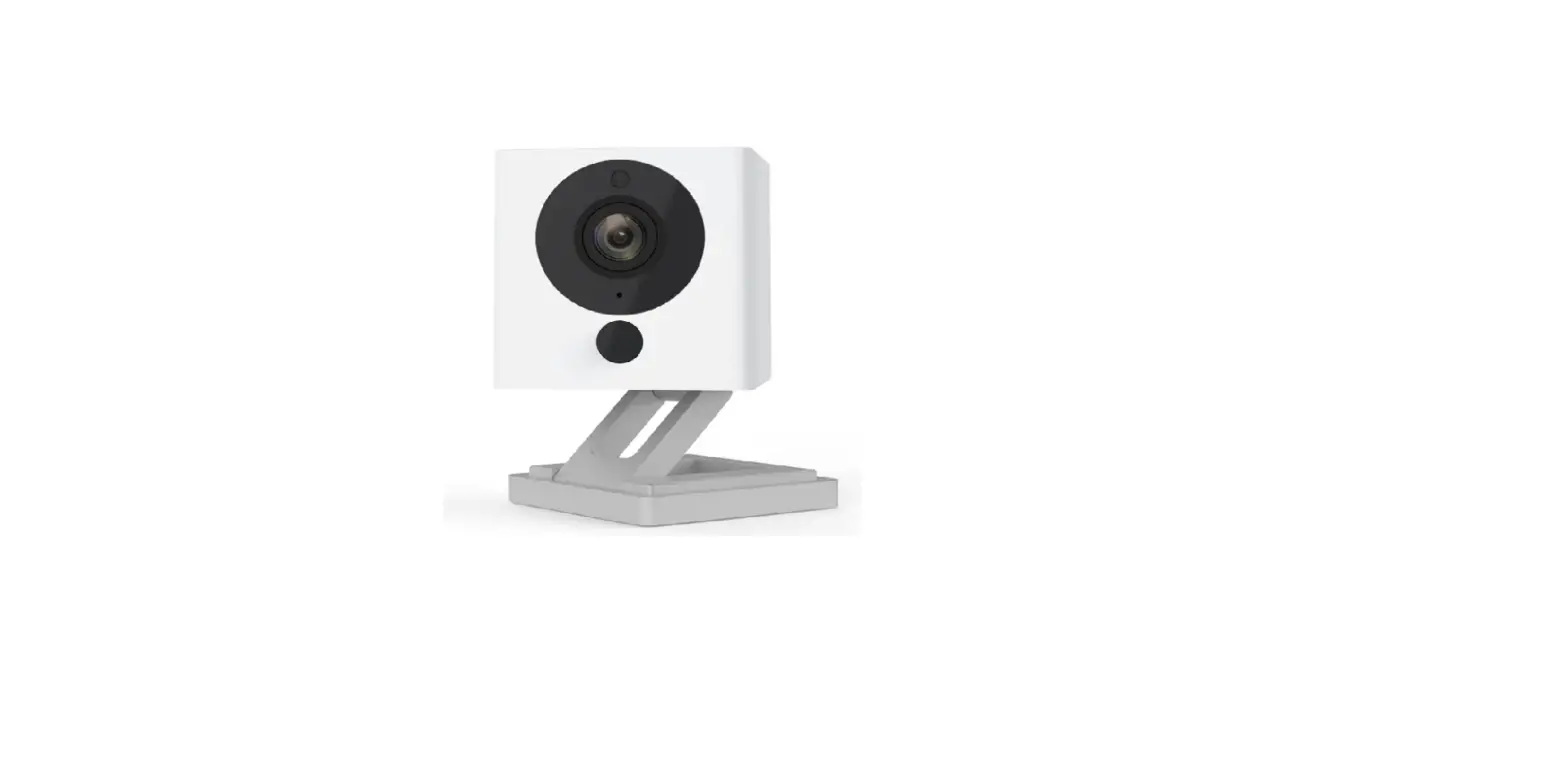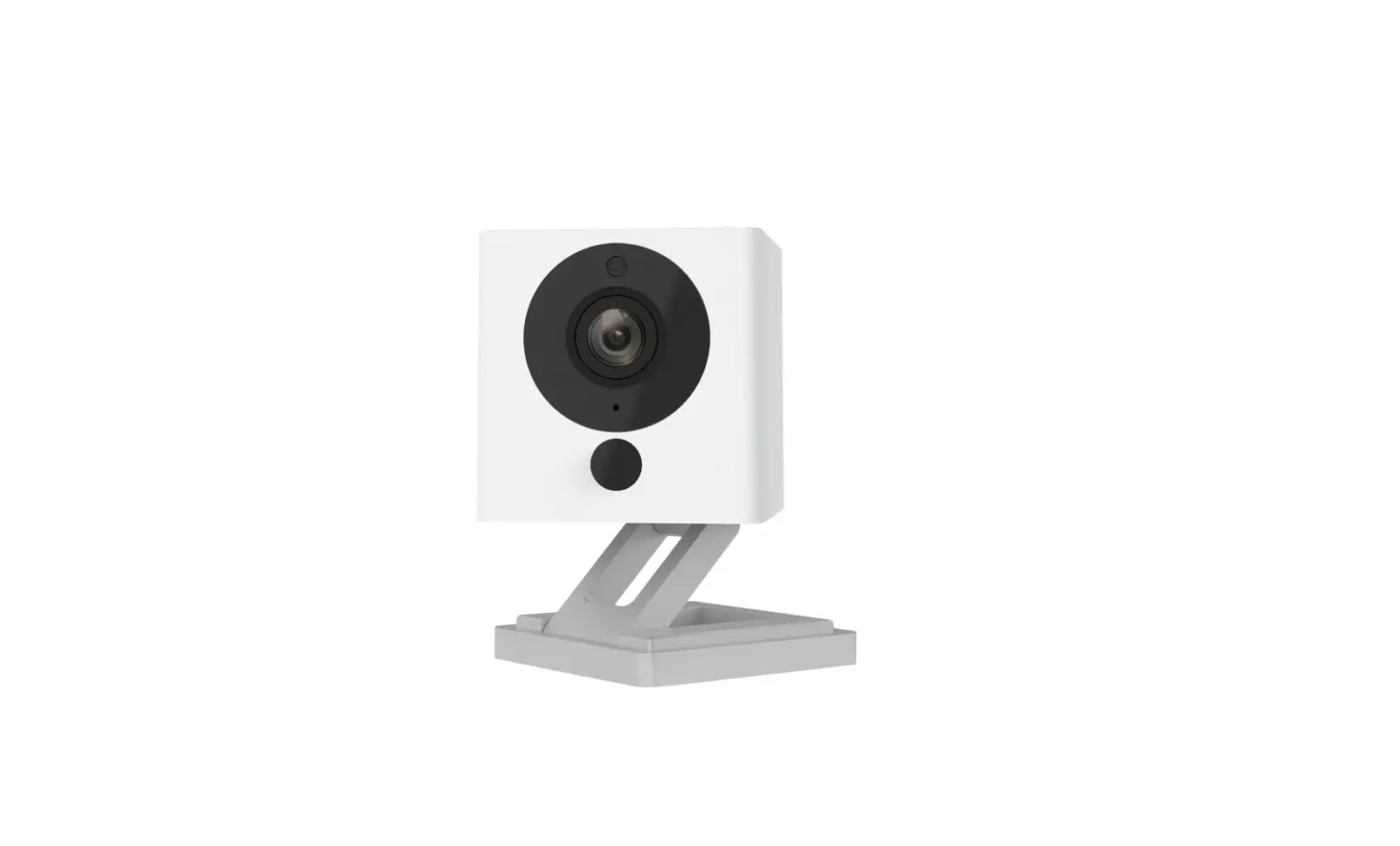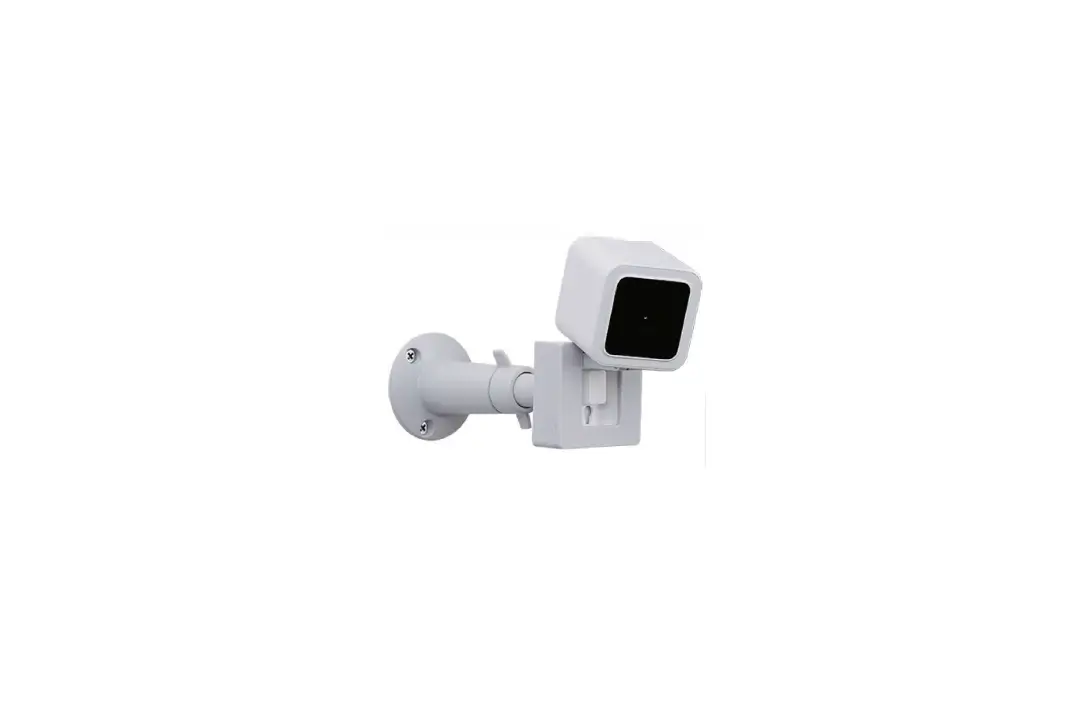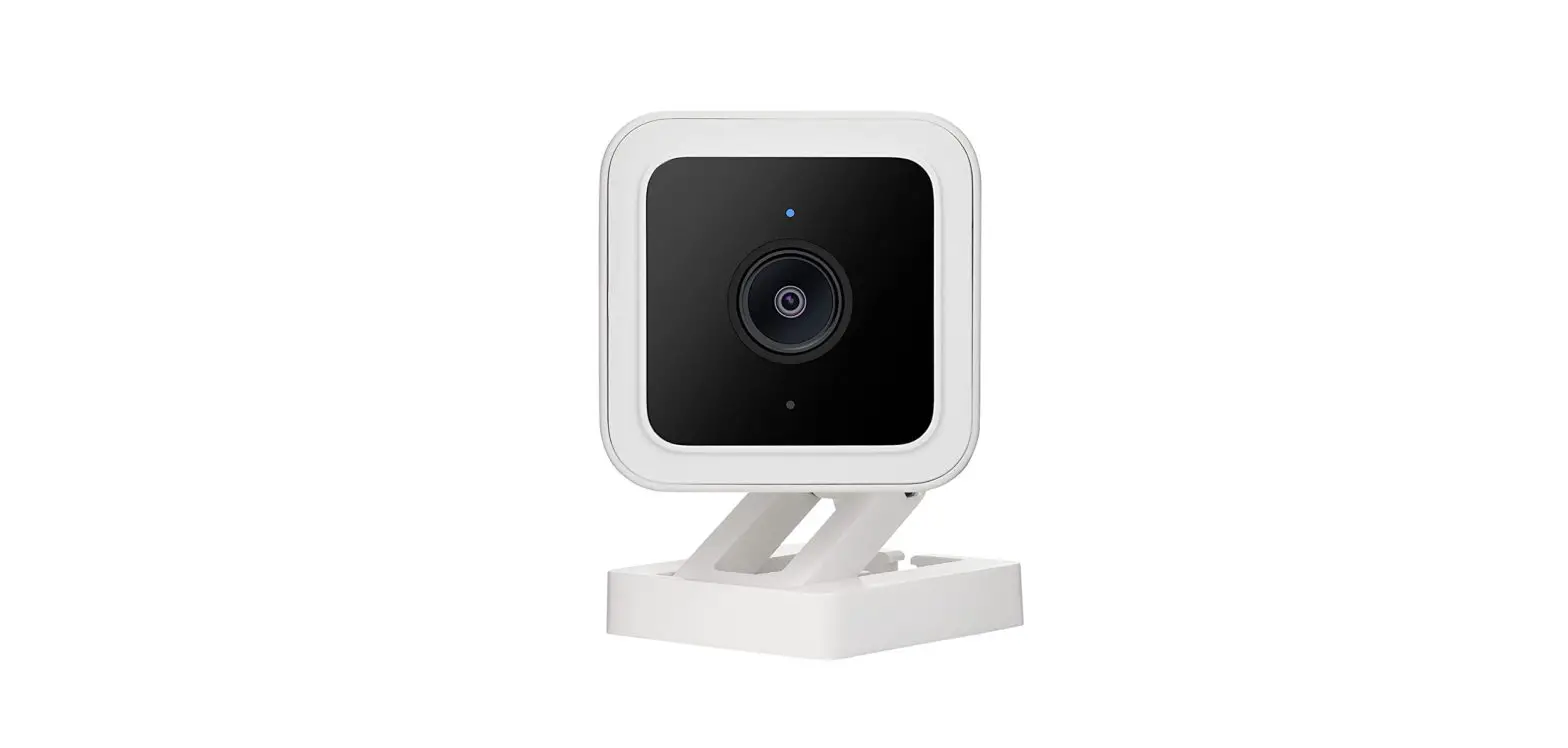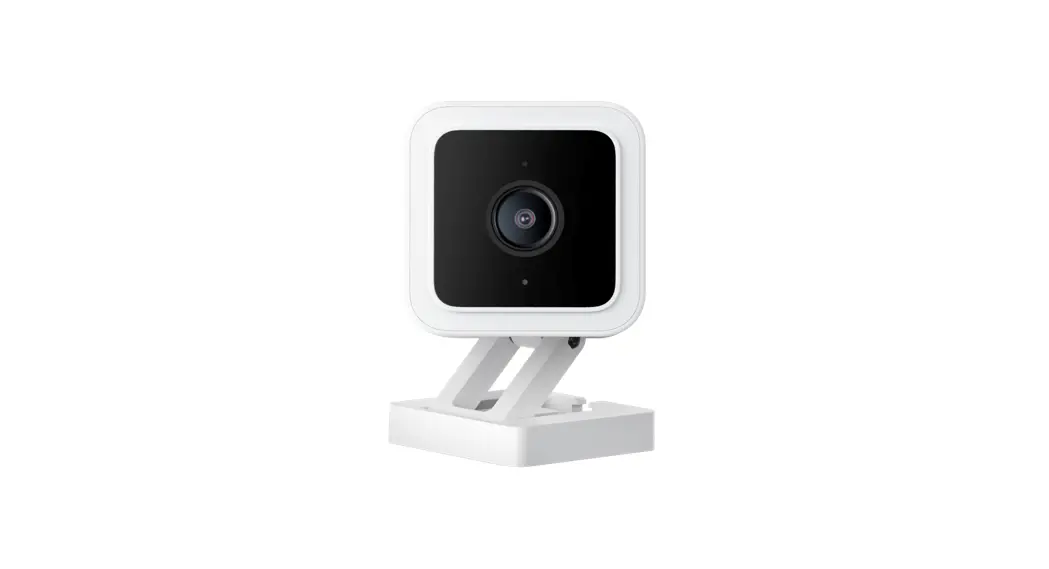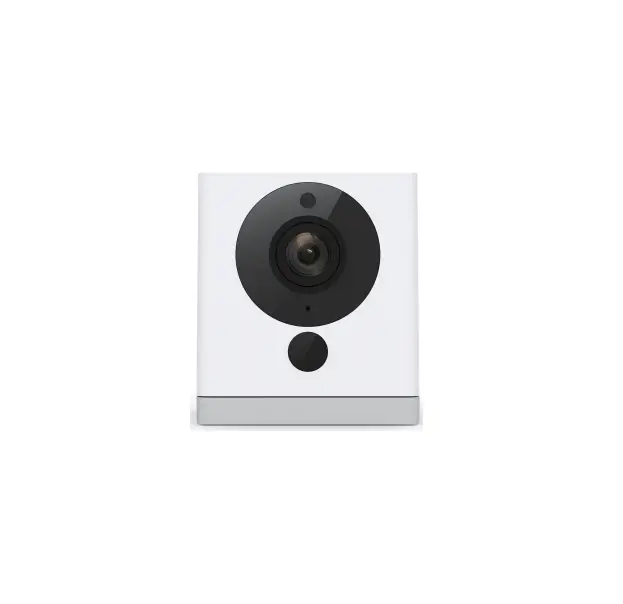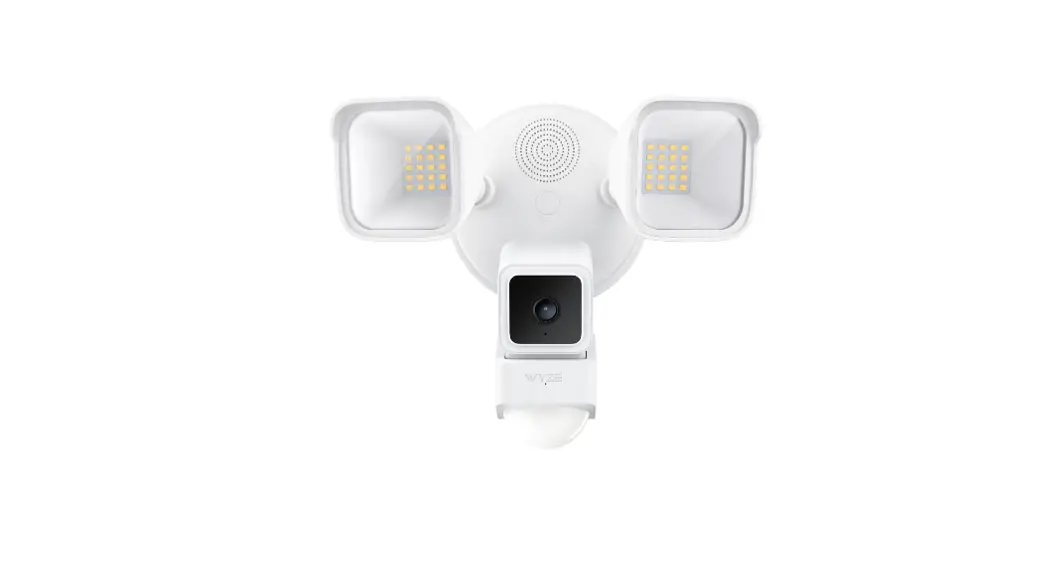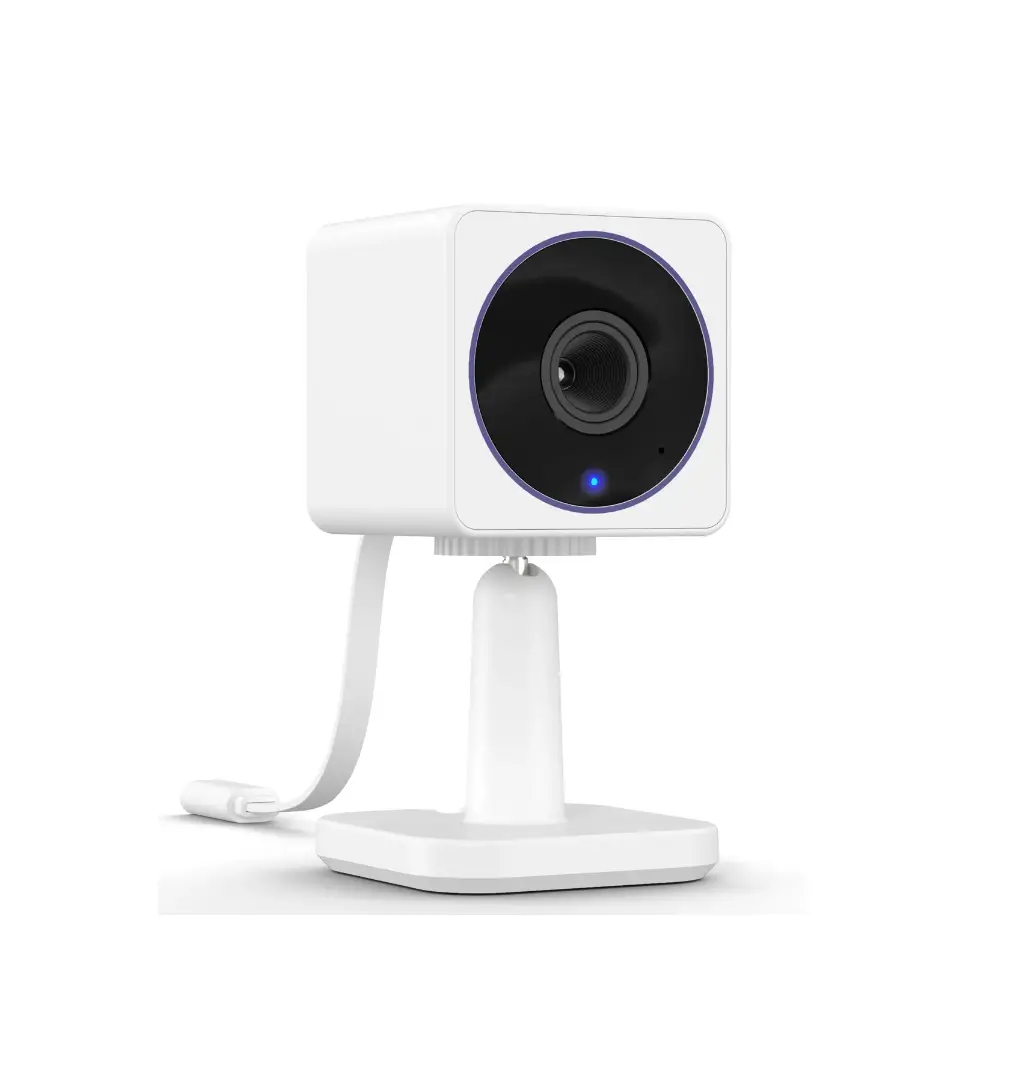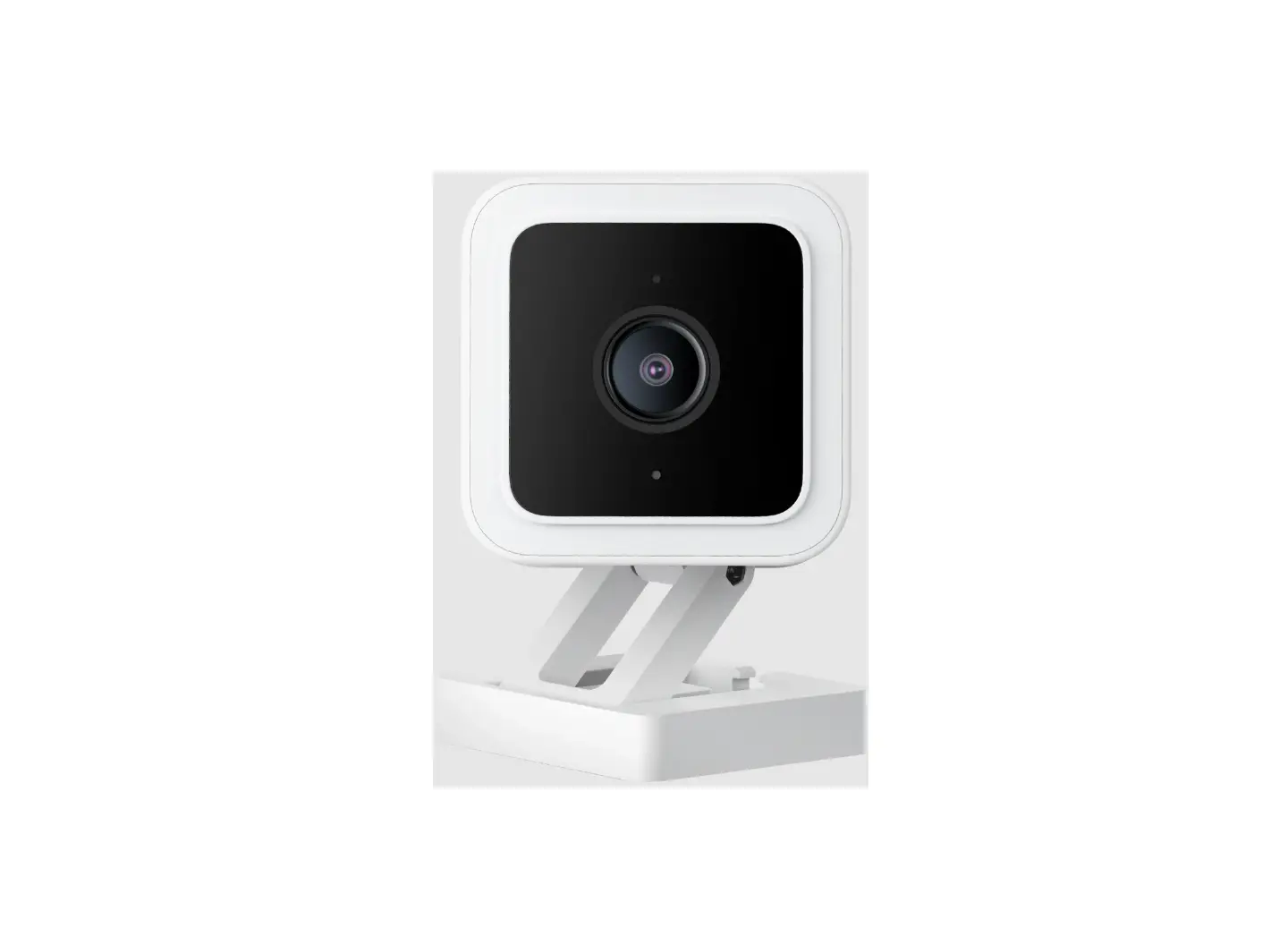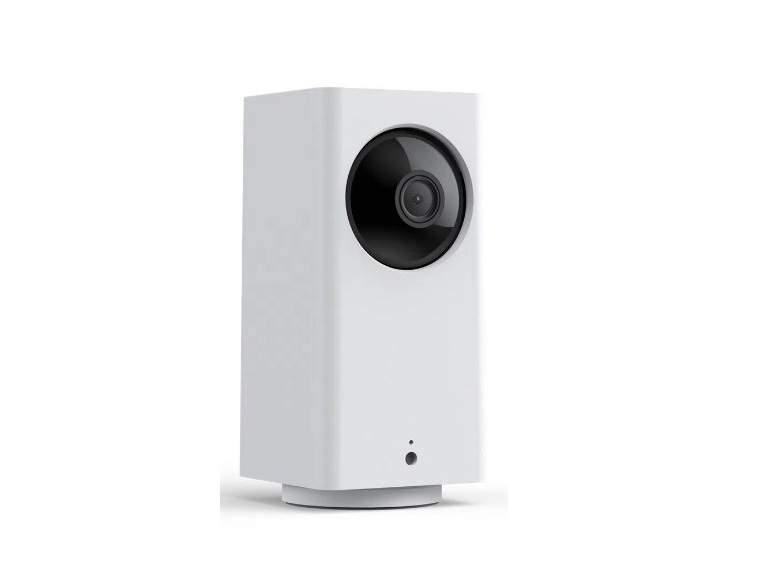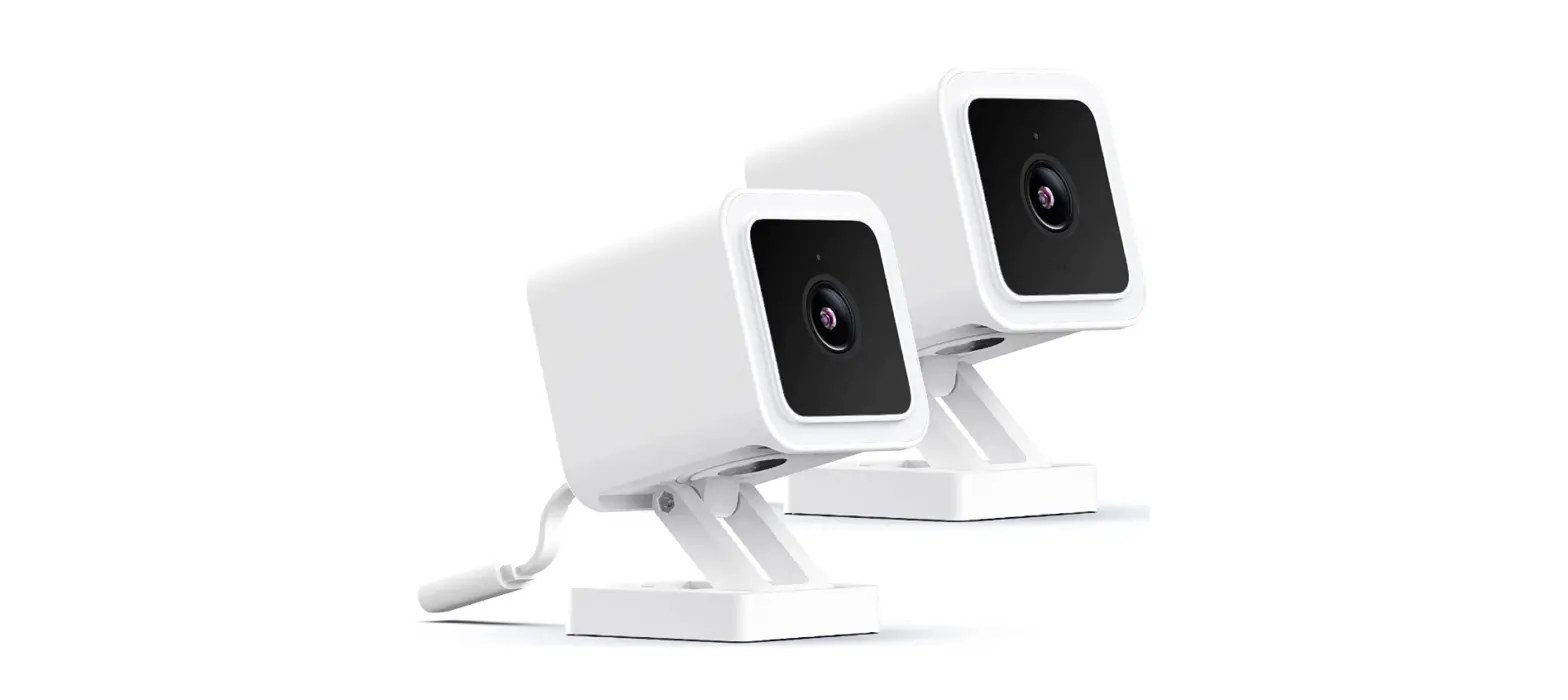
 Wyze WYZEC3X2 Cam v3 with Color Night Vision

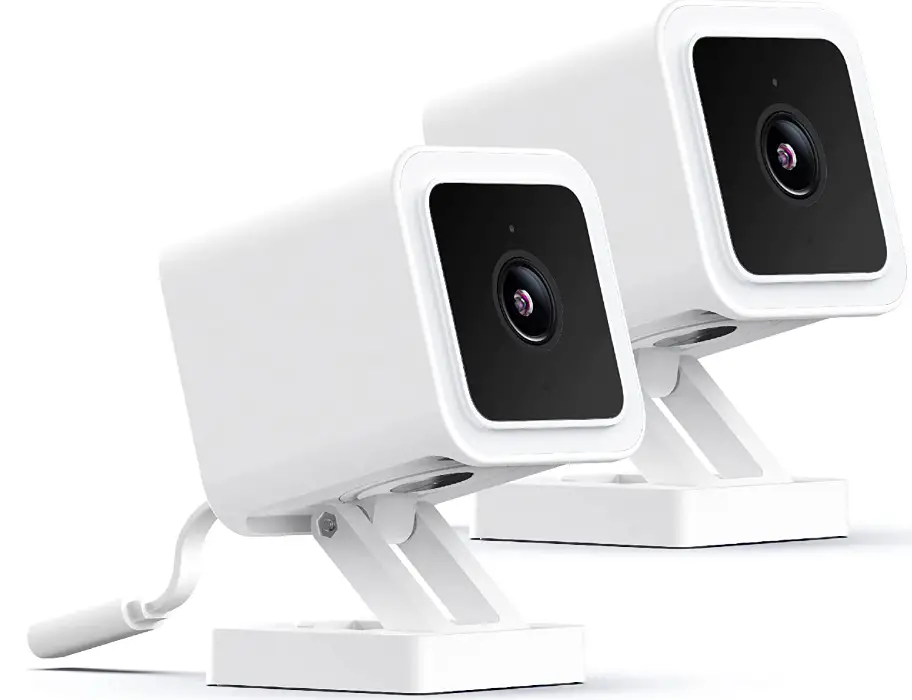
GET BETTER SECURITY WITH cam plus
- Record Full-Length Videos
Get unlimited full-length video recordings. - Smart A.I. Detection
Detect people, packages, vehicles, and more. - Back-to-Back Event Recording
Capture everything without 5-minute gaps. - Exclusive Discounts
Get exclusive discounts on Wyze products.
Subscribe or learn more at services.wyze.com.
IN THE BOX
- Wyze Cam × 1
- USB Cable × 1
- Wall Plate × 1
- Indoor Power Adapter × 1
- Mounting Tape × 1
- Mounting Screw × 1
- Quick Start Guide × 1


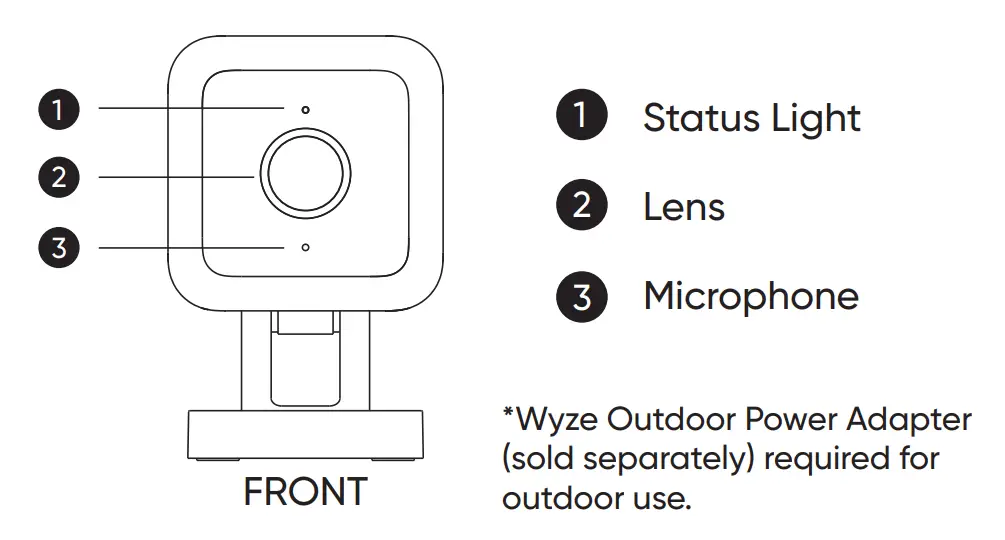
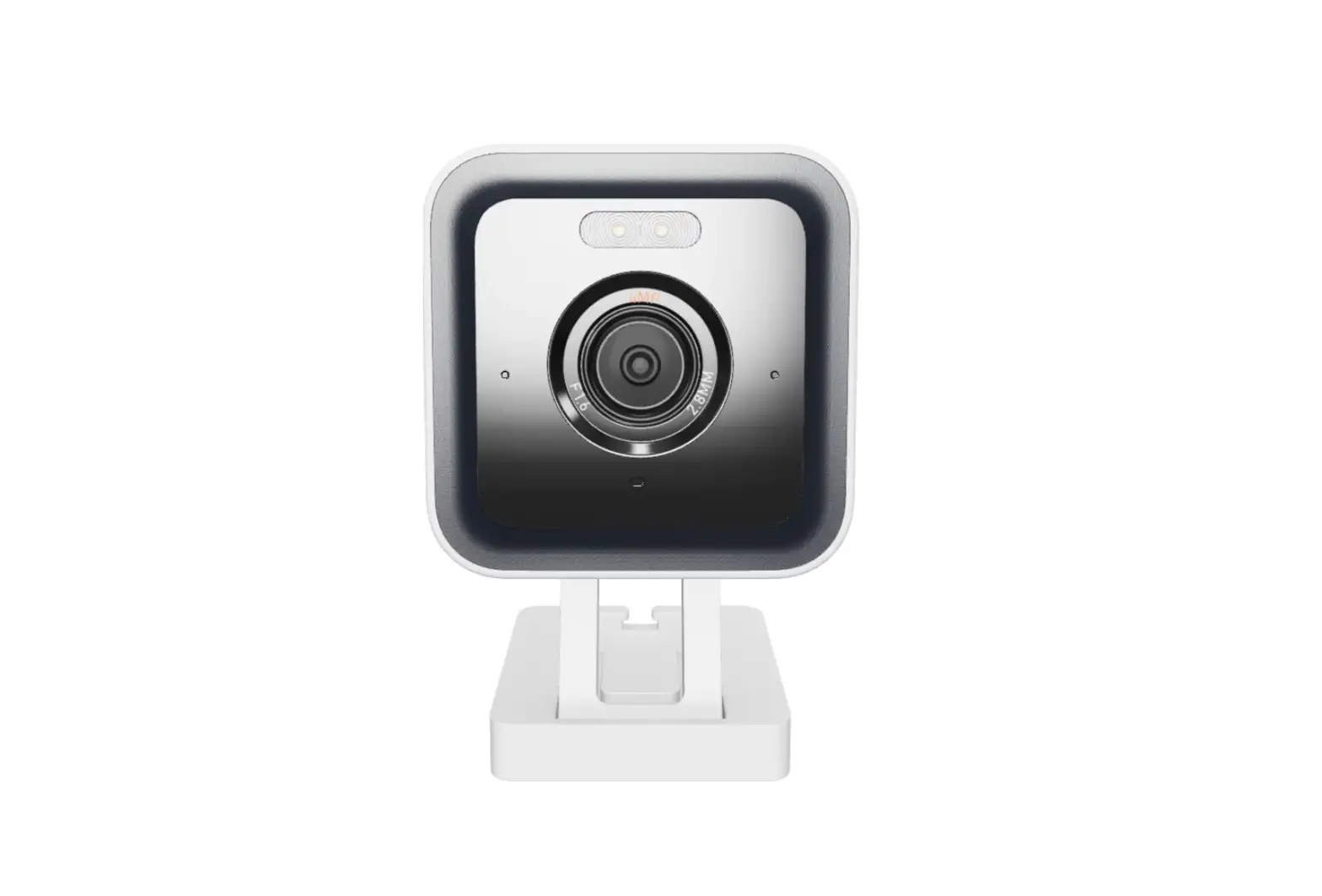
- Status Light
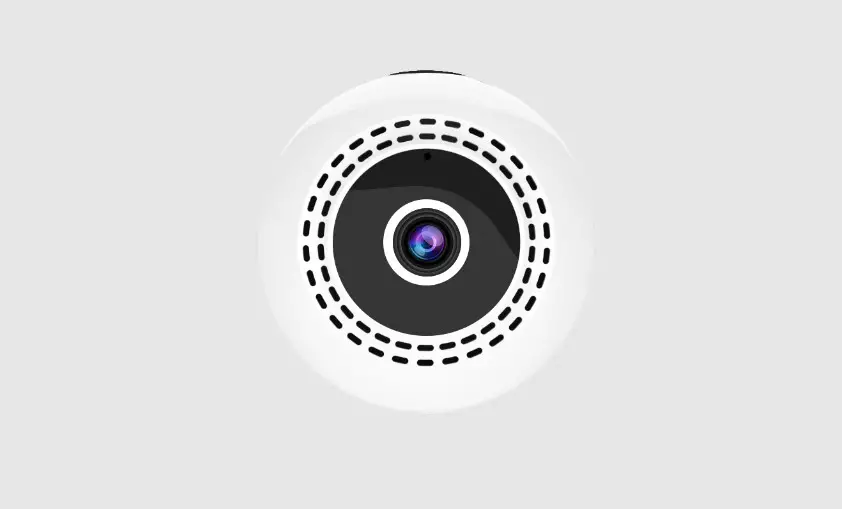
- Lens
- Microphone
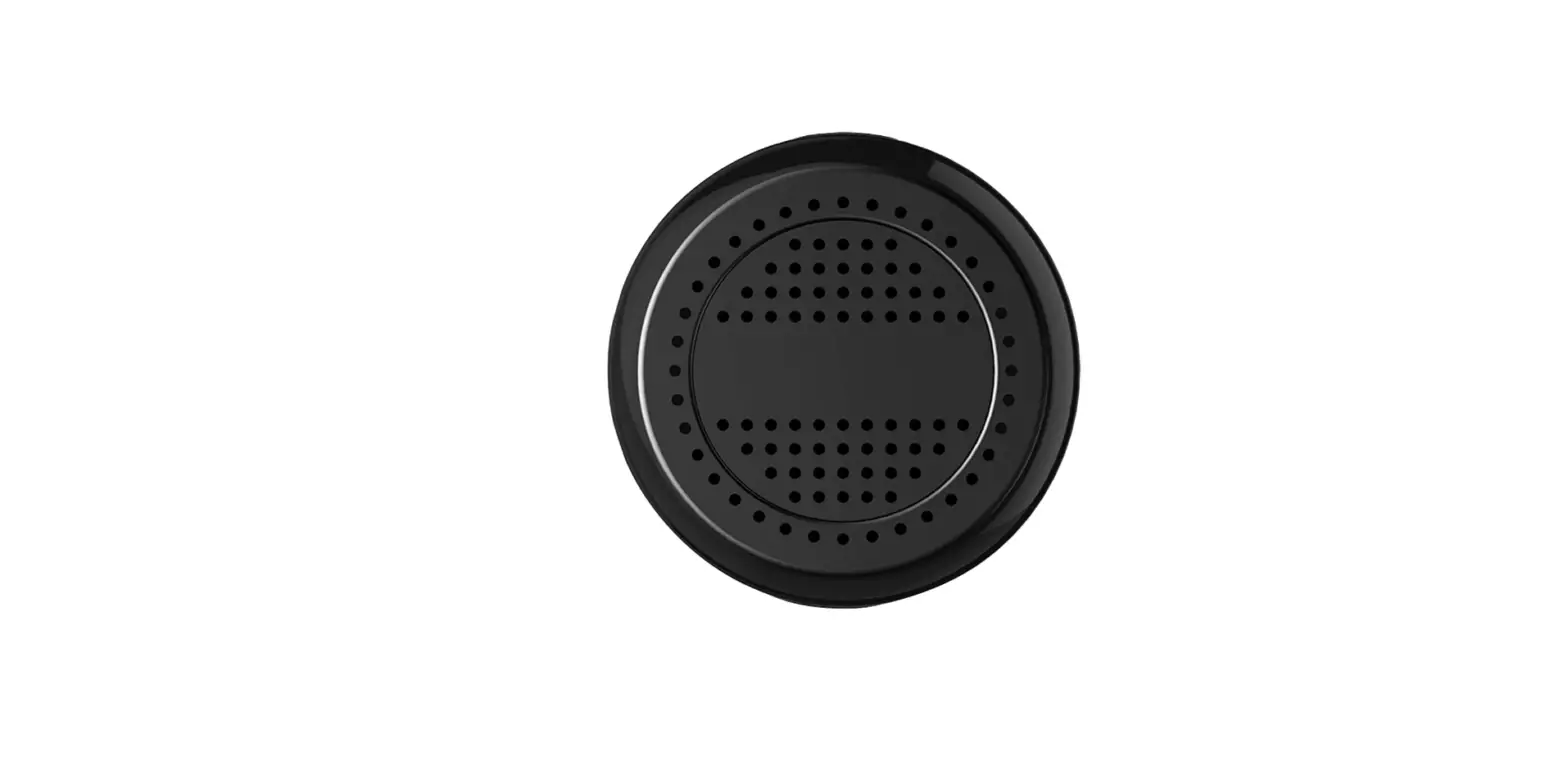
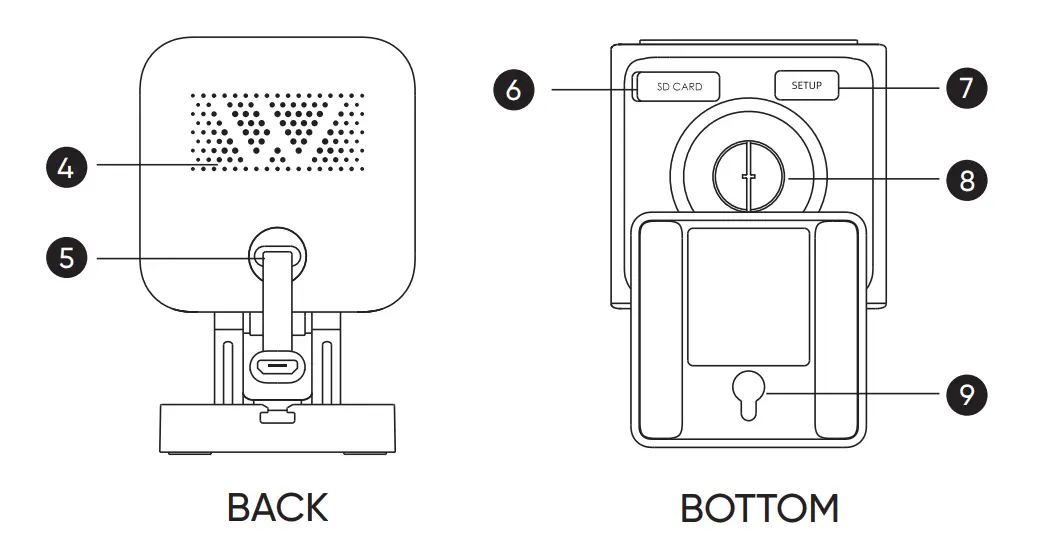
- Speaker
- Power Cable
- MicroSD Card Slot (Card not included)
- Mounting Hole
- SETUP Button
- 1/4″ Mount (Unscrew to access)
SETUP
- Download the Wyze app and sign in or create an account.

- Connect the camera to a power outlet and wait for 20 seconds or until the status light flashes red.
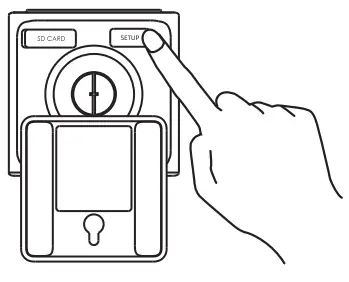
- Press the SETUP button for 3 seconds or until there is a voice prompt.
- Follow the instructions in the Wyze app to finish the setup.

Only use the power supply provided.

LIGHT INDICATORS DURING INSTALLATION
 Solid red light
The device is powered on and initializing Flashing red light
The device is ready to connect Flashing red & blue lights
The connection is in progress Flashing blue light
The device is connected and finishing setup Solid blue light
The device is working properly.
 Solid red light
 Flashing red light
 Flashing red & blue lights
 Flashing blue light
 Solid blue light
LIGHT INDICATORS AFTER SETUP
- Solid red light
The live stream is being viewed or a recording is in progress - Quickly flashing red light
Siren is in use - Solid blue light
The device is working properly and no operations are running
FCC WARNING
Any changes or modifications not expressly approved by the
party responsible for compliance could void the user’s
authority to operate this equipment. This device complies
with part 15 of the FCC Rules.
Operation is subject to the following two conditions:
- This device may not cause harmful interference, and
- This device must accept any interference received, including interference that may cause undesired operation.
This equipment has been tested and found to comply with the limits for a Class B digital device, pursuant to Part 15 of the FCC Rules. These limits are designed to provide reasonable protection against harmful interference in a residential installation. This equipment generates, uses, and can radiate radio frequency energy and, if not installed and used in accordance with the instructions, may cause harmful interference to radio communications. However, there is no guarantee that interference will not occur in a particular installation. If this equipment does cause harmful interference to radio or
television reception, which can be determined by turning the equipment off and on, the user is encouraged to try to correct the interference by one or more of the following measures:
- Reorient or relocate the receiving antenna.
- Increase the separation between the equipment and receiver.
- Connect the equipment into an outlet on a circuit different from that to which the receiver is connected.
- Consult the dealer or an experienced radio/TV technician for help.
FCC RADIATION EXPOSURE STATEMENT
This equipment complies with FCC radiation exposure limits set forth for an uncontrolled environment. This transmitter must not be co-located or operating in conjunction with any other antenna or transmitter.
ISEDC RSS WARNING
This device complies with ISEDC licence-exempt RSS standard(s). Operation is subject to the following two conditions:
- this device may not cause interference, and
- this device must accept any interference, including interference that may cause undesired operation of the device.
ISEDC RADIATION EXPOSURE STATEMENT
This equipment complies with ISEDC RF radiation exposure limits set forth for an uncontrolled environment. This transmitter must not be co-located or operating in conjunction with any other antenna or transmitter. This equipment should be installed and operated with a minimum distance of 20 cm between the radiator and your body. Only use the power supply provided. Any changes or modifications not expressly approved by the party responsible for compliance could void the user’s authority to operate the equipment.
WARRANTY INFORMATION
Your Wyze product is covered by a one-year limited warranty. You can view the limited warranty terms at https://wyze.com/return-warranty-policy or request a copy by contacting Wyze at +1 (206) 339-9646.
Apple logo and App Store are trademarks of Apple Inc., registered in the U.S. and other countries and regions. Google, Google Play, and the Google Play logo are trademarks of Google LLC.
Disclaimer: The products, accessories, user interfaces, etc. illustrated in this guide are intended for reference only. Due to product updates, the actual product and the illustrations in this guide may vary.
NEED HELP?
BESOIN D’AIDE? ¿NECESITA AYUDA?
Contact our Support Team:
Contactez notre service assistance:
https://wyze.com/support
Scan the QR code to learn more
FAQS
Can you do continuous live view with no timeout? Trying to use it as a baby monitor.
Yes, u absolutely can, as well as u can continuously record if u have any SD card in the camera itself. This would work well, we use one of ours as a dog cam for a similar purpose.
will this connect to a hotel wifi?
Wyze Cam devices will not work with enterprise WiFi networks that have a landing page, sign in portal or require a browser to complete the connection such as a hotel or public networks.
If your internet requires you to provide not only an SSID but also a username, account name and password, you will not be able to use Wyze Cam devices.
Can this camera work as a stand-alone unit — without any wifi or cell service? like a trail cam (hunting) where you remove sd card to view with a pc?
Once you set it up it will function as a stand-alone unit.
Can these be viewed from a laptop or desktop computer or do you have to have a smartphone with the app?
TinyCam has windows, android, and ios app versions. Setup the camera in the wyze app and then use TinyCam to view the cameras through that app. Bonus is you can view multiple cameras at once. 10, 8, 13, 4, etc. I’m using TinyCam Pro. Other bonus is being able to vote different branded cameras all at once in one app.
What are the specs for the free cloud plan which is included?
Our camera will capture one 12-second alert video every five minutes when motion or sound is detected. Using a microSD card with the ‘record on event’ or ‘continuous recording’ feature turned on will allow the camera to record the rest of the footage that the cloud video does not capture. We also have Cam Plus, which is an add-on service and upgrades the free 12-second motion recording already included with Wyze Cam. This upgrade will record motion and store the events to the cloud for as long as motion is detected and adds Person Detection. That means no 12-second limit and no cooldown period. The recordings are stored in the cloud for 14 days.
Is it true that this is only 2.4ghz wifi, and that it will not connect to 5ghz wifi?
This is correct. For most remote wireless devices 2.4ghz is a better frequency to use. While there is more wireless congestion, 2.4 has double the range and penetration compared to 5ghz.
Anyone using a Power Bank to power this?
Wyze Cam doesn’t have a battery, so they’ll need to be plugged into an external power source. Each camera comes with a 110V power adapter and a 6-foot USB power cord that can be plugged into a wall outlet or power bank. A 10000mAh power bank will power Wyze Cam for about 16 hours, and a 20000mAh power bank will power Wyze Cam for about 33 hours.
If I was to set it up in one room, how easy would it be to move it to another room whenever I wanted to see a stream of one?
Easy just plug the power supply in.
Wired or wireless?
Wired. Long cord too.
What is the coldest temperature (in Fahrenheit) this device can withstand?
Its operating temperature is -5°F to 113°F.
Is there ai to reduce false alarms as is available in some expensive cams?
Yes. You would have to pay for the subscription