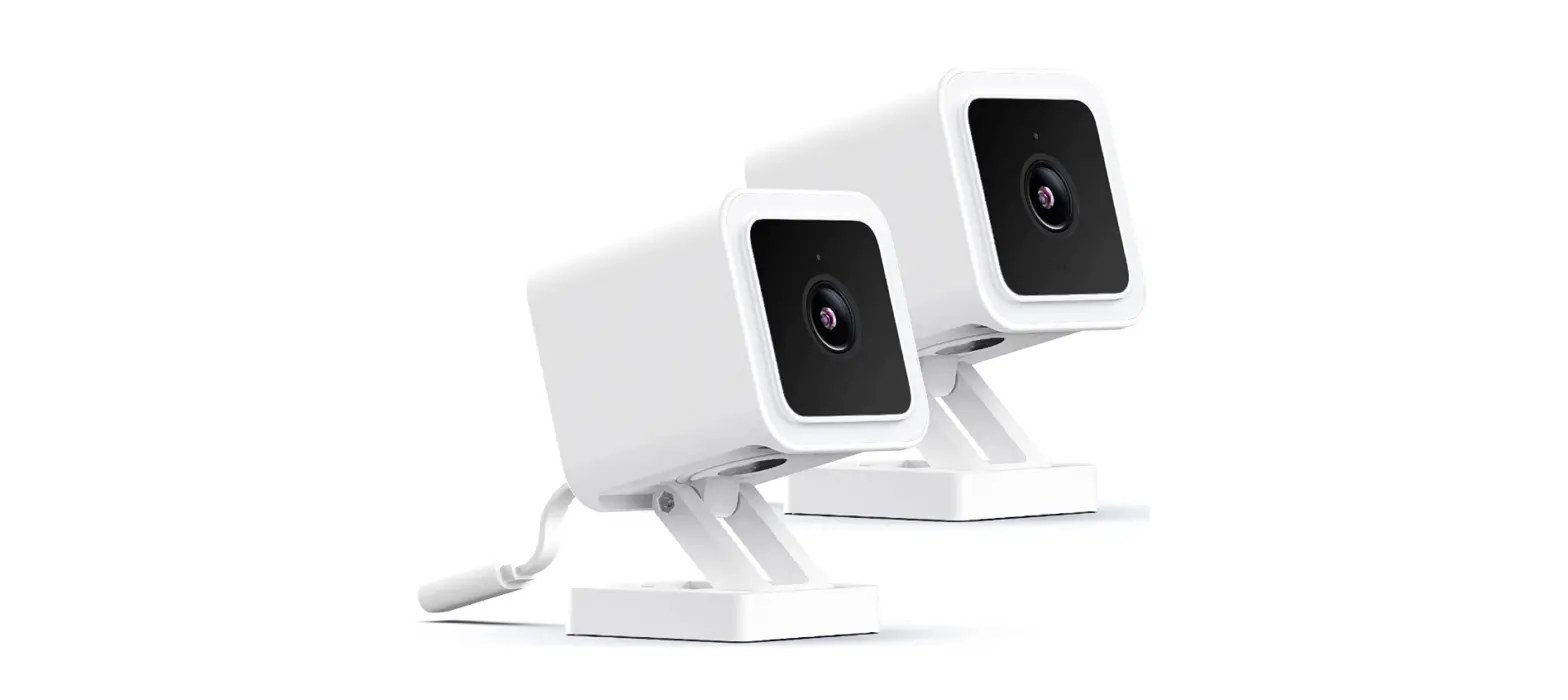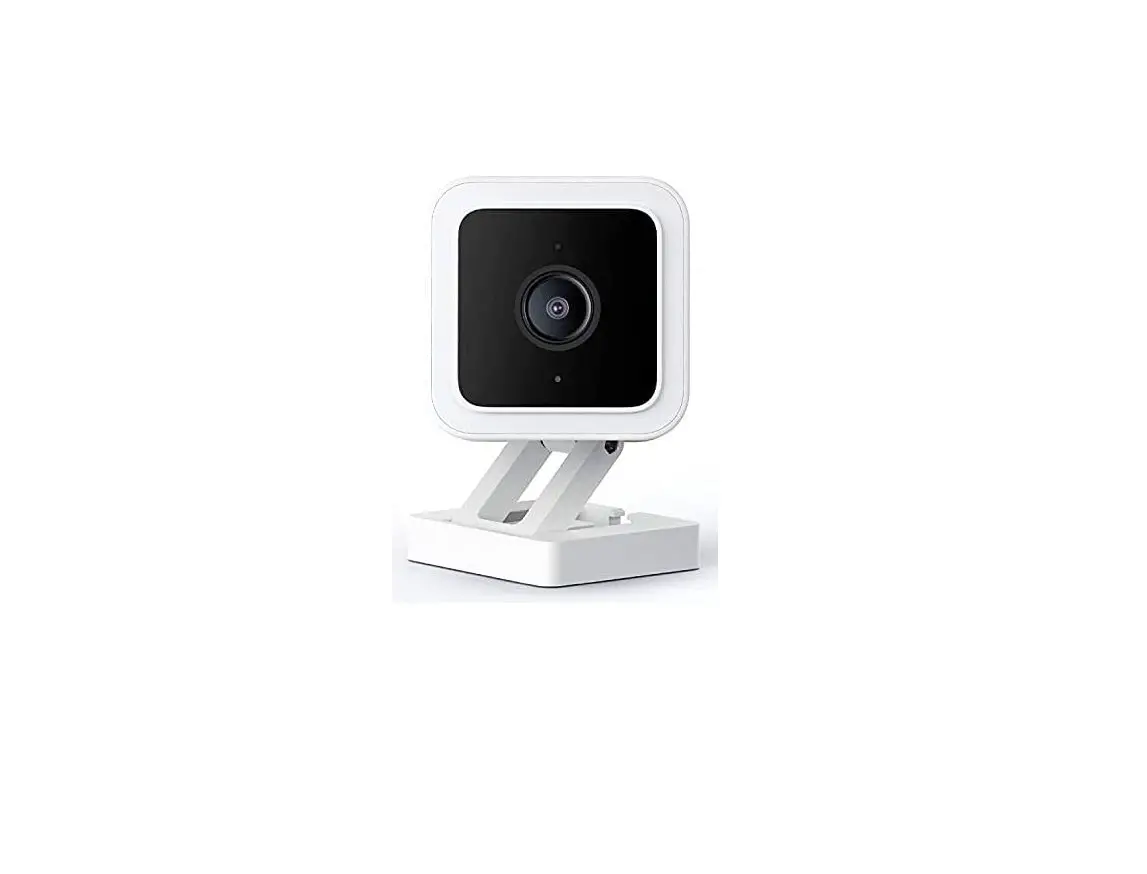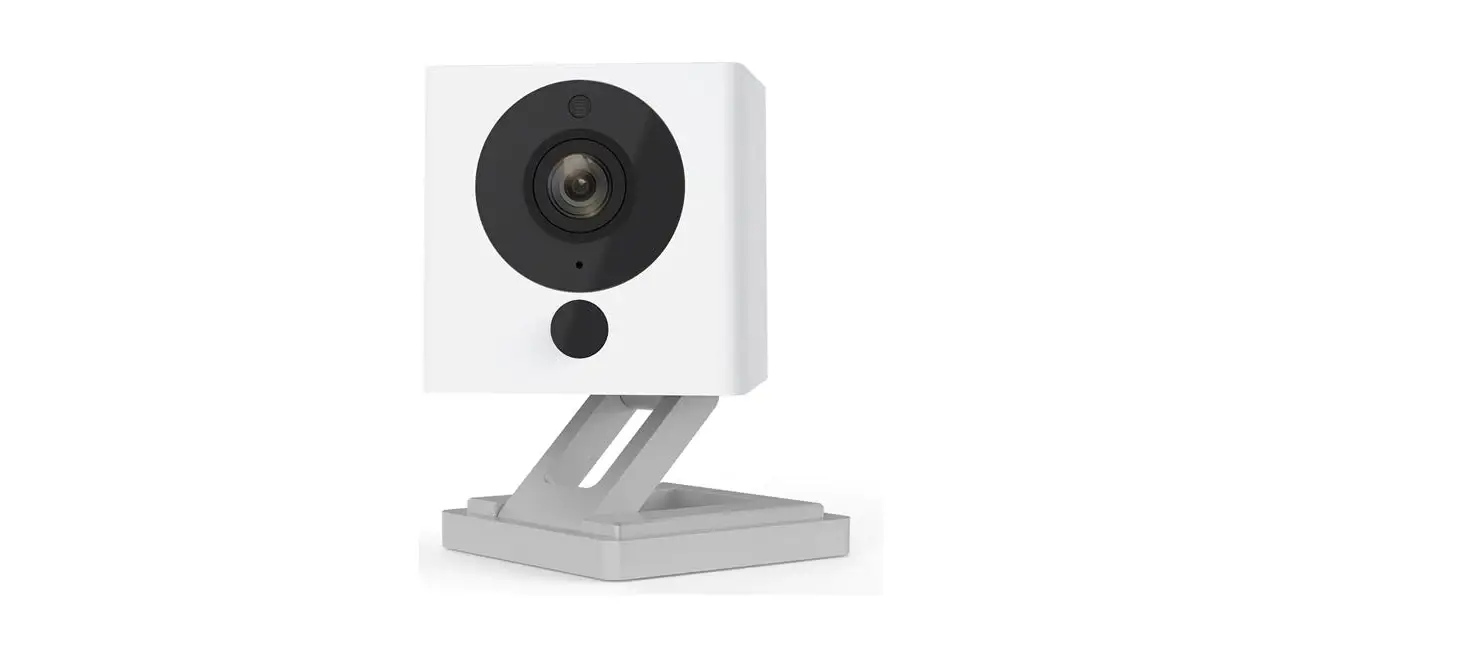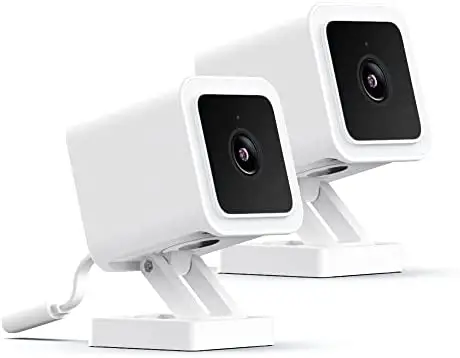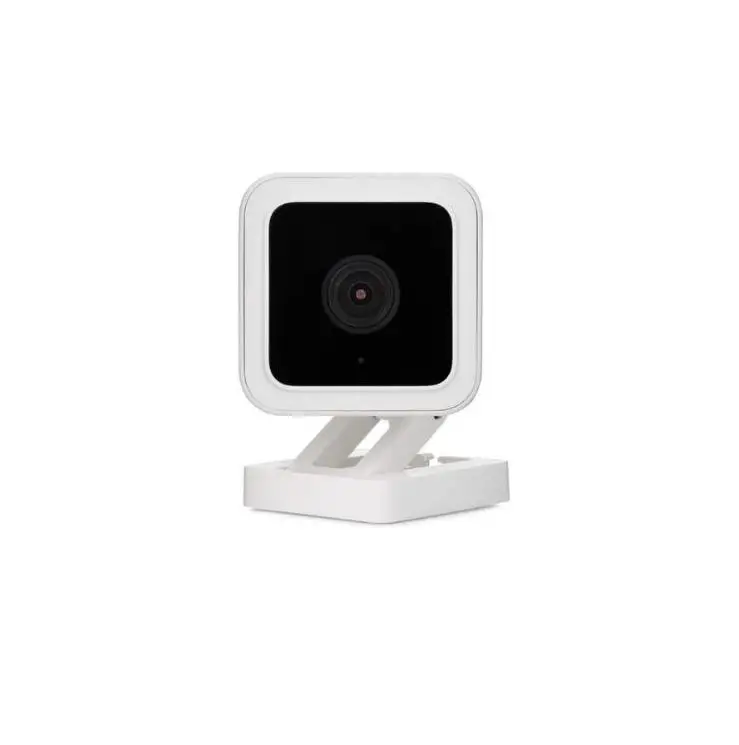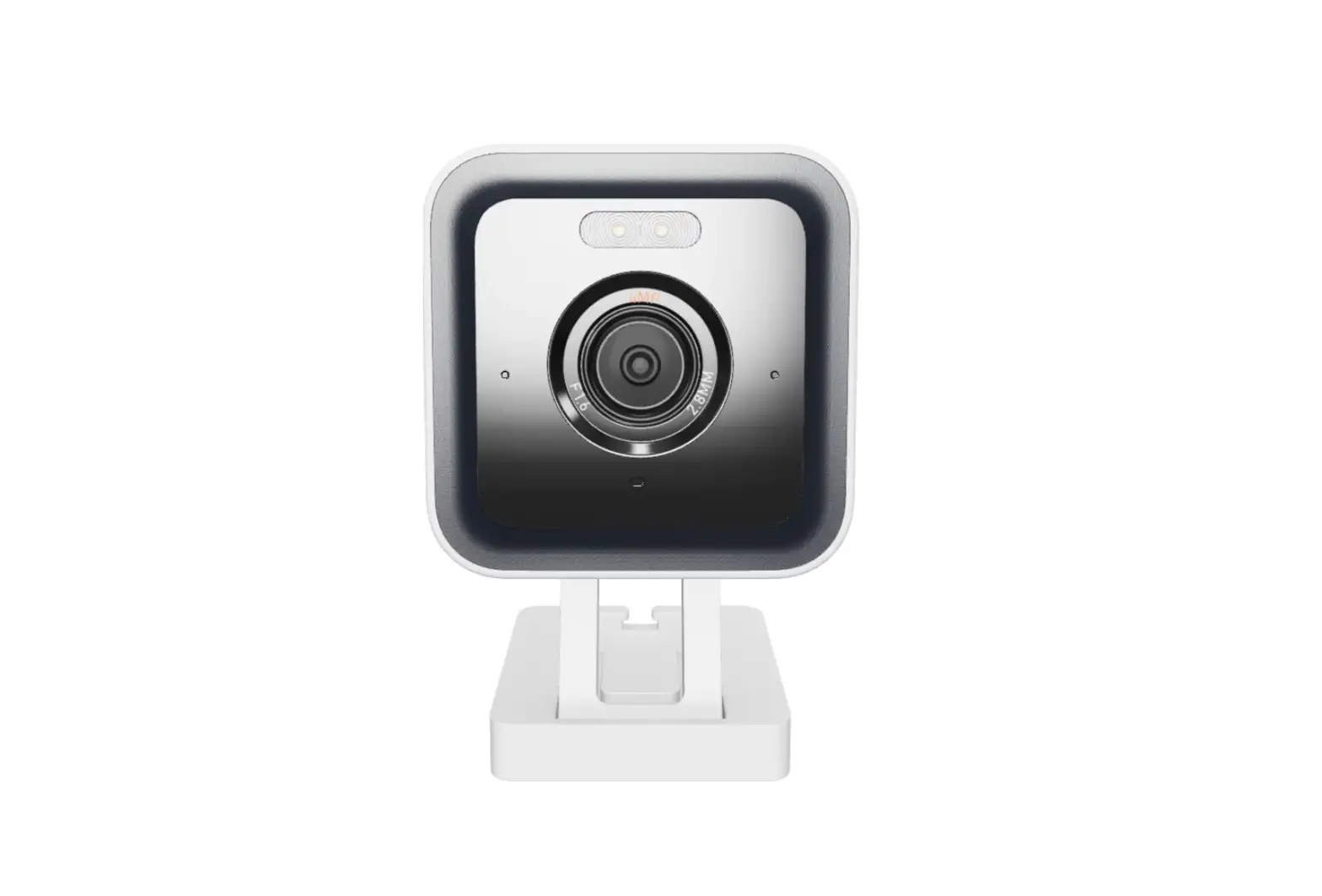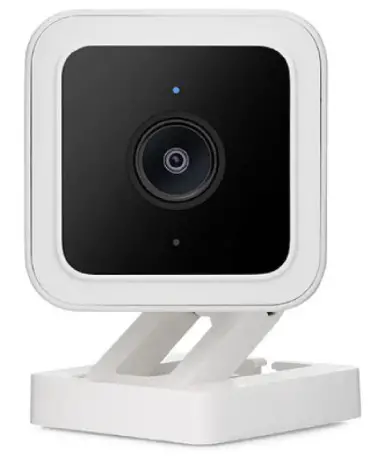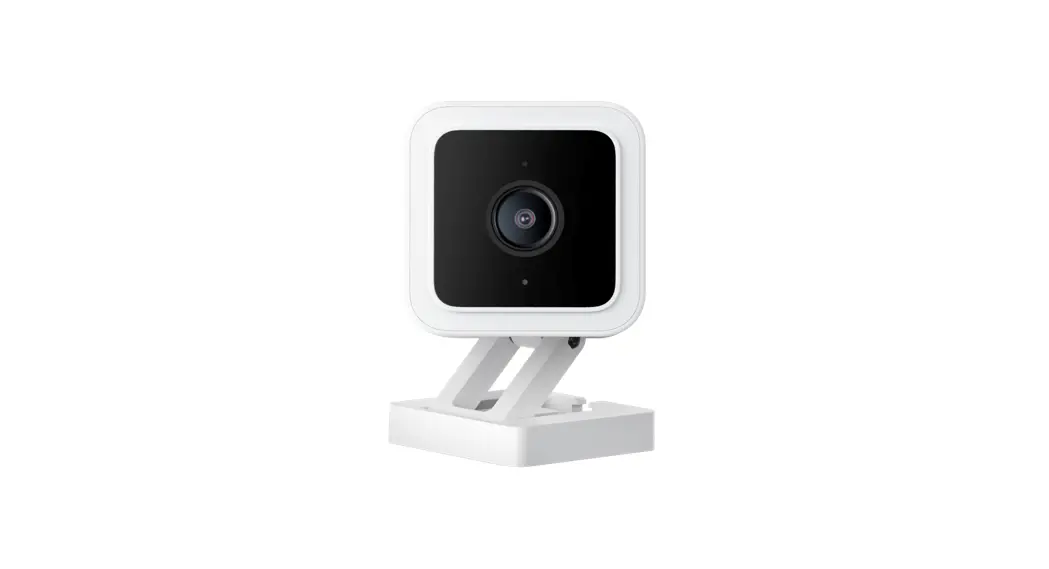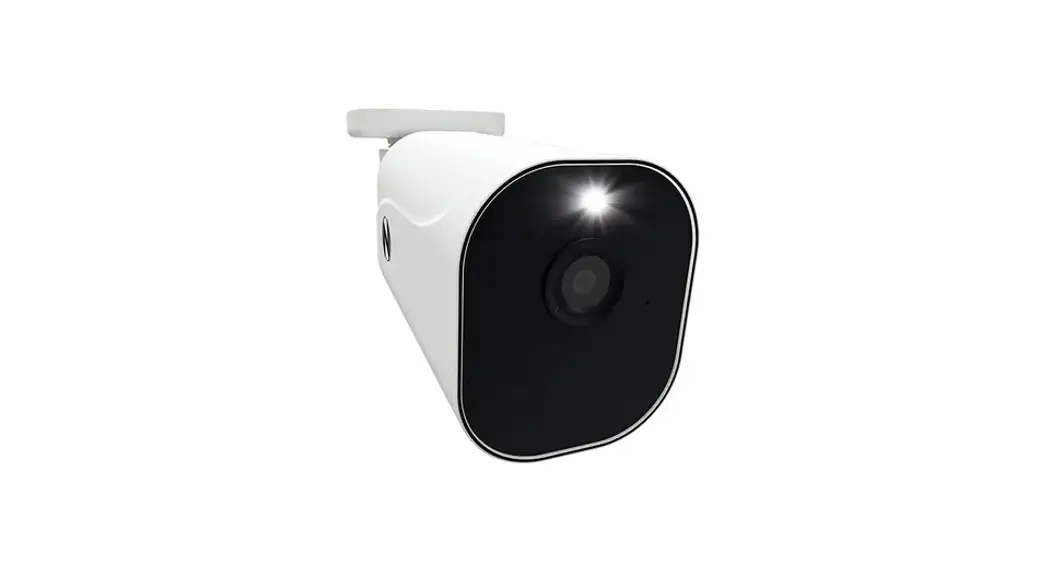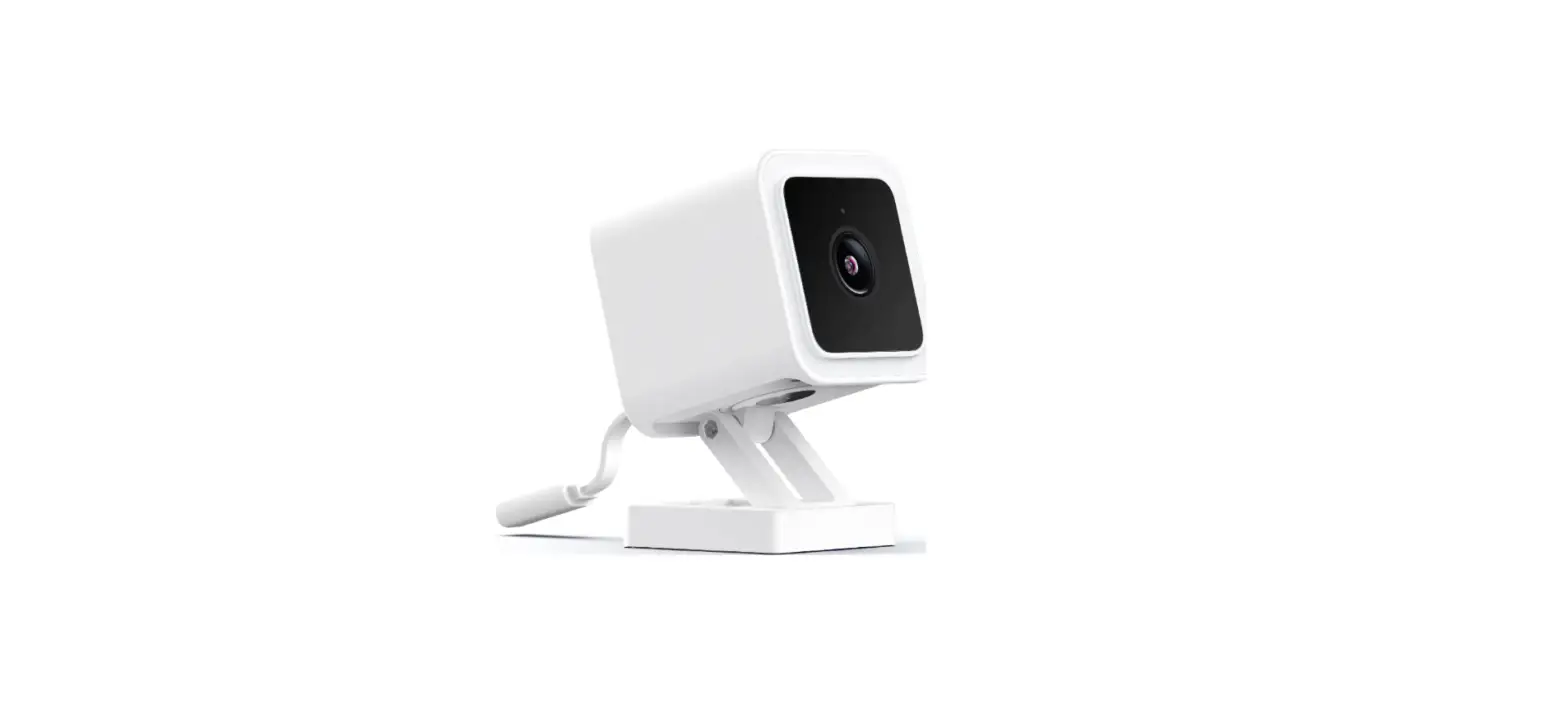

Wyze C3 Cam v3 with Color Night Vision
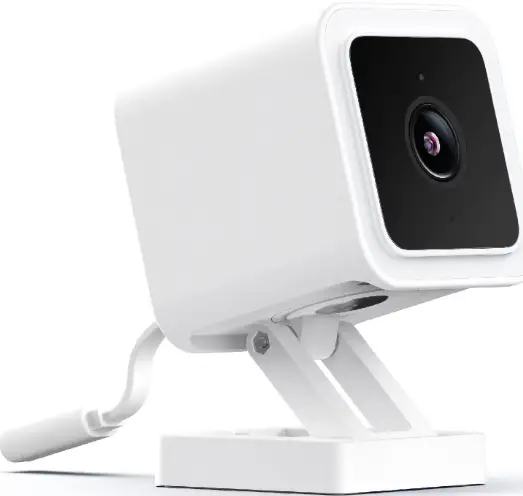
IN THE BOX
- Wyze Cam × 1
- USB Cable × 1
- Wall Plate × 1
- Indoor Power Adapter × 1
- Mounting Tape × 1
- Mounting Screw × 1
- Quick Start Guide × 1
PANEL
FRONT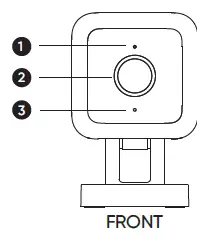
- Status Light
- Lens
- Microphone
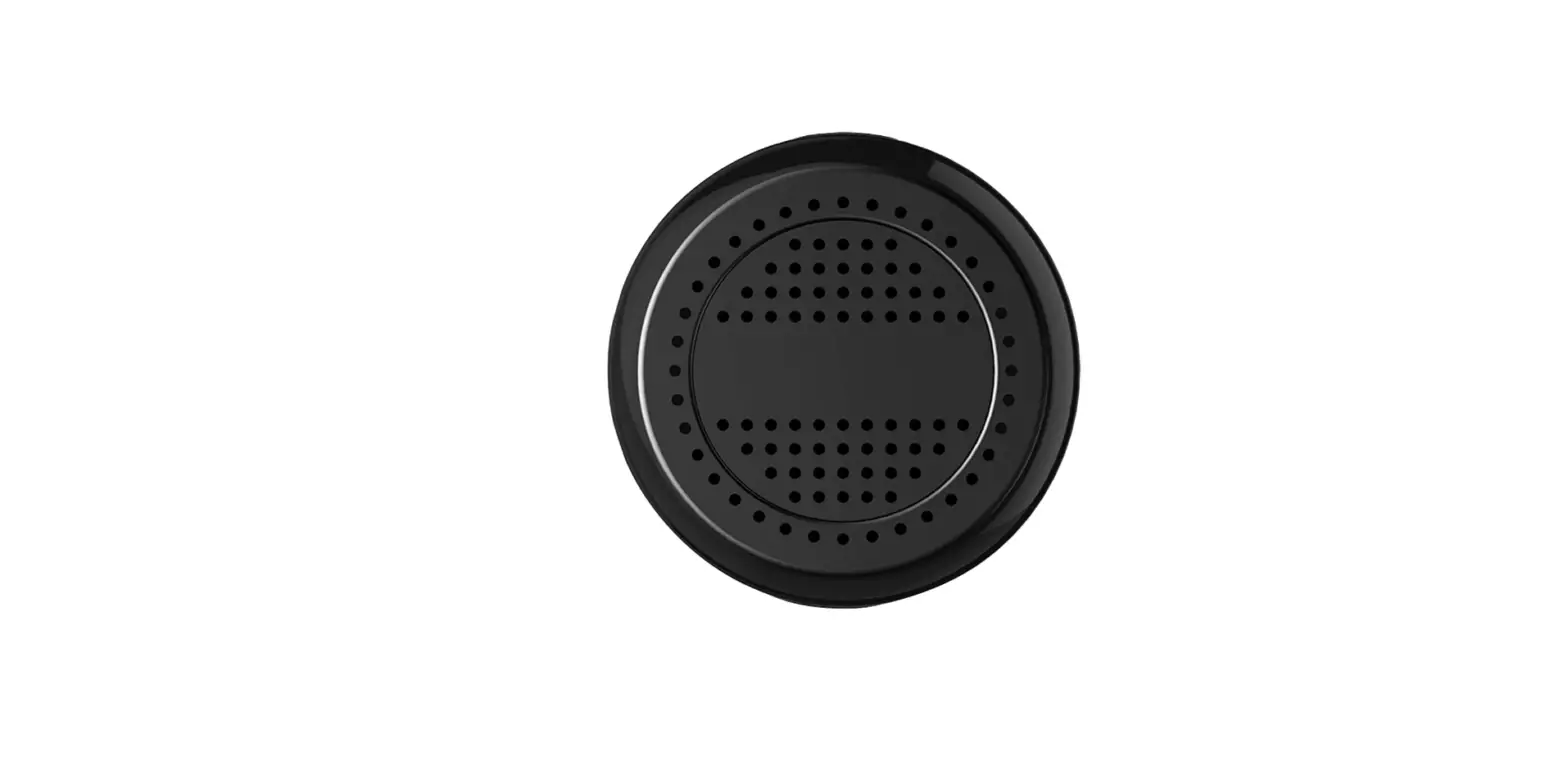
- Speaker
- Power Cable
- MicroSD Card Slot
- (Card not included)
- SETUP Button
- 1/4″ Mount (Unscrew to access)
- Mounting Hole
BACK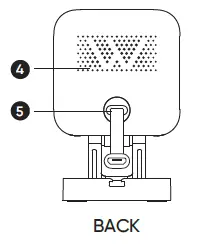
BOTTOM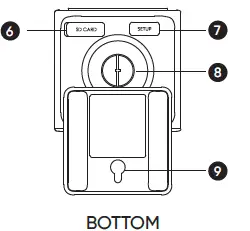
SETUP
- Download the Wyze app and sign in or create an account
- Connect the camera to a power outlet and wait for 20 seconds or until the status light flashes red

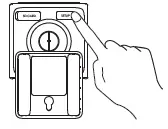
- Press the SETUP button for 3 seconds or until there is a voice prompt

- Follow the instructions in the Wyze app to finish setup.

LIGHT INDICATORS DURING INSTALLATION
- Solid red light
- The device is powered on and initializing
- Flashing red light
- The device is ready to connect
- Flashing red & blue lights
- Connection is in progress
- Flashing blue light
- The device is connected and finishing setup
- Solid blue light
- The device is working properly
LIGHT INDICATORS AFTER SETUP
- Solid red light
- Live stream is being viewed or a recording is in progress
- Quickly flashing red light
- Siren is in use
- Solid blue light
- The device is working properly and no operations are running
WARRANTY INFORMATION
Your Wyze product is covered by a one-year limited warranty. You can view the limited warranty terms at https://wyze.com/return-warranty-policy or request a copy by contacting Wyze at +1 (206) 339-9646
FCC
Any changes or modifications not expressly approved by the party responsible for compliance could void the user’s authority to operate this equipment. This device complies with part 15 of the FCC Rules. Operation is subject to the following two conditions:
- This device may not cause harmful interference, and
- This device must accept any interference received, including interference that may cause undesired operation.
This equipment has been tested and found to comply with the limits for a Class B digital device, pursuant to Part 15 of the FCC Rules. These limits are designed to provide reasonable protection against harmful interference in a residential installation. This equipment generates, uses, and can radiate radio frequency energy and, if not installed and used in accordance with the instructions, may cause harmful interference to radio communications. However, there is no guarantee that interference will not occur in a particular installation. If this equipment does cause harmful interference to radio or television reception, which can be determined by turning the equipment off and on, the user is encouraged to try to correct the interference by one or more of the following measures
- Reorient or relocate the receiving antenna.
- Increase the separation between the equipment and receiver.
- Connect the equipment into an outlet on a circuit different from that to which the receiver is connected.
- Consult the dealer or an experienced radio/TV technician for help.
NEED HELP?
Contact our Support Team: https://wyze.com/support
Join the Community: https://wyze.com/community
FAQS
Is there an option to disable cloud services? I dont want anything being saved or used from the cloud services offered?
The camera worked fine and I was pleased with the 12-second option or the availability to use an SD card.
Can you use a 20 ft extension cord to run this?
I would just buy a 20′ usb cable instead. I have a flat one that I routed through a window to power a cam outside.
What are the specs for the free cloud plan which is included?
Our camera will capture one 12-second alert video every five minutes when motion or sound is detected.
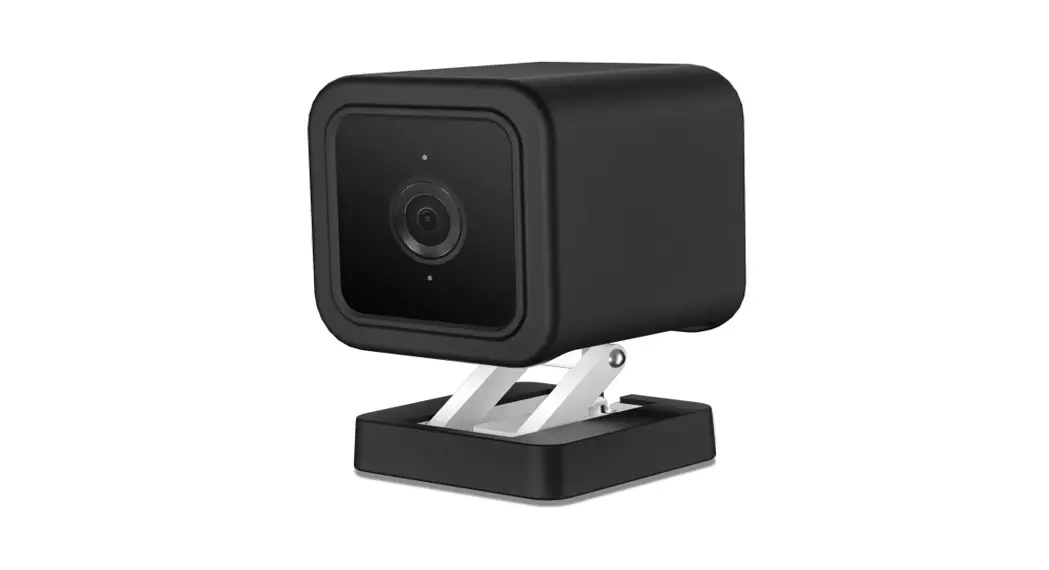
Available in black or must i buy additional black skin ?
Do a search online for “Wyze V3 camera skins” and you should find a lot of options – they even sell a black, silicone “skin” for it in some places
Is it true that this is only 2.4ghz wifi, and that it will not connect to 5ghz wifi?
This is correct. For most remote wireless devices 2.4ghz is a better frequency to use. While there is more wireless congestion, 2.4 has double the range and penetration compared to 5ghz.
Anyone using a Power Bank to power this?
Wyze Cam doesn’t have a battery, so they’ll need to be plugged into an external power source.
If I was to set it up in one room, how easy would it be to move it to another room whenever I wanted to see a stream of one?
It’s not heavy. It can be picked up and carried to any room you wish.
Can these be viewed from a laptop or desktop computer or do you have to have a smartphone with the app?
TinyCam has windows, android, and ios app versions. Setup the camera in the wyze app and then use TinyCam to view the cameras through that app
Can this camera work as a stand alone unit — without any wifi or cell service? like a trail cam (hunting) where you remove sd card to view with a pc?
Once you set it up it will function as a stand alone unit. I’ve set them up on WiFi and then used a portable usb power supply to record to the sd card where there is no wifi. Good for time-lapse captures of build projects or other similar things.
will this connect to a hotel wifi?
Wyze Cam devices will not work with enterprise WiFi networks that have a landing page, sign in portal or require a browser to complete the connection such as hotel or public network.
Can you do continuous live view with no timeout? Trying to use it as a baby monitor.
Yes u absolutely can, as well as u can continuously record if u have any SD card in the camera itself
How to download videos saved on SD card? What are options?
You can either download the video from the Wyze app or take out the SD card and view it through the computer.
Isn’t the Wyze cam traditionally $23.99? It’s 32.99 currently.
The older V2 used to be that price, and I believe they did a low introductory price when the V3 first came out.
Are you able to pan and zoom with this model?
Wyze Cam v3 doesn’t have a control pad to pan or move it through the app. However, you can still zoom on the live stream.
I need continuous live video while looking at the app as to my young daughter. Can this do that?
Yes it can. In addition to video and audio reception similar to a baby monitor it has a speaker that allows you to talk through the camera.