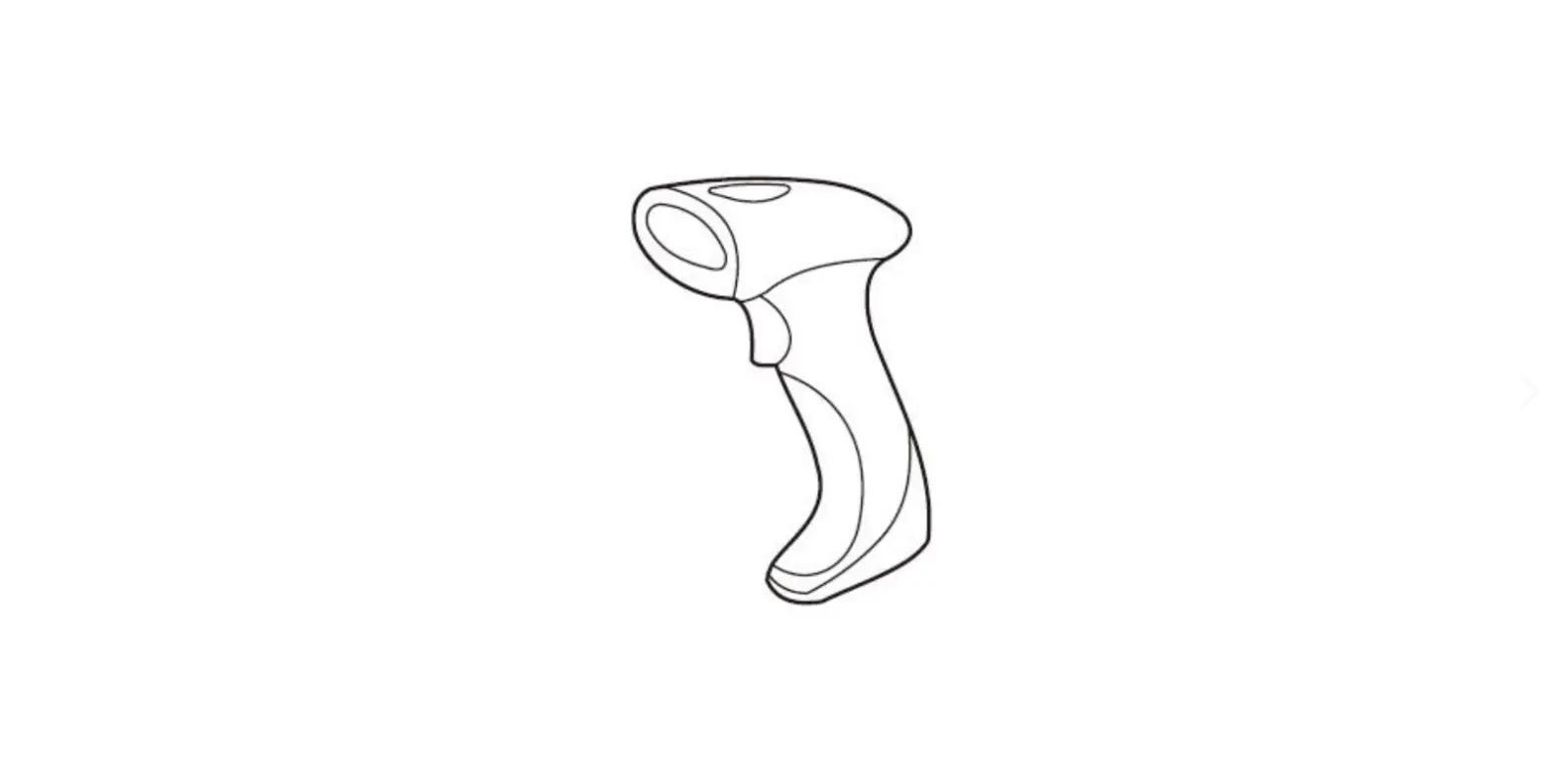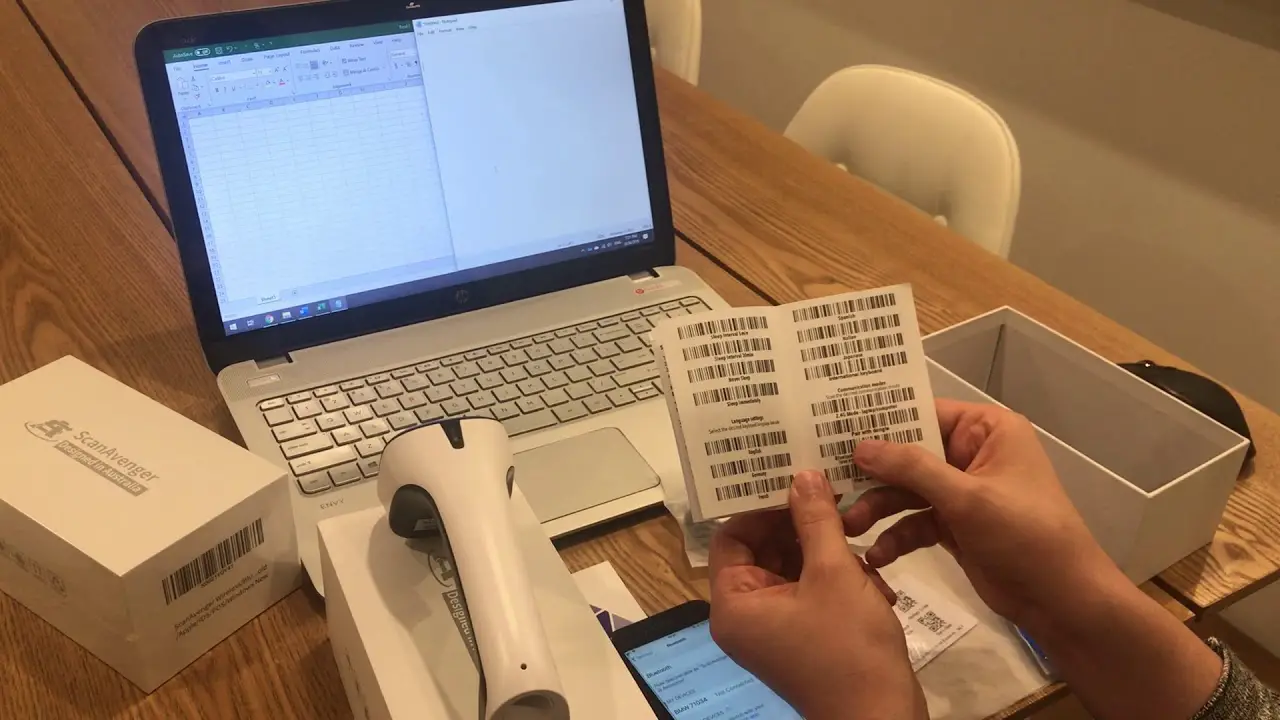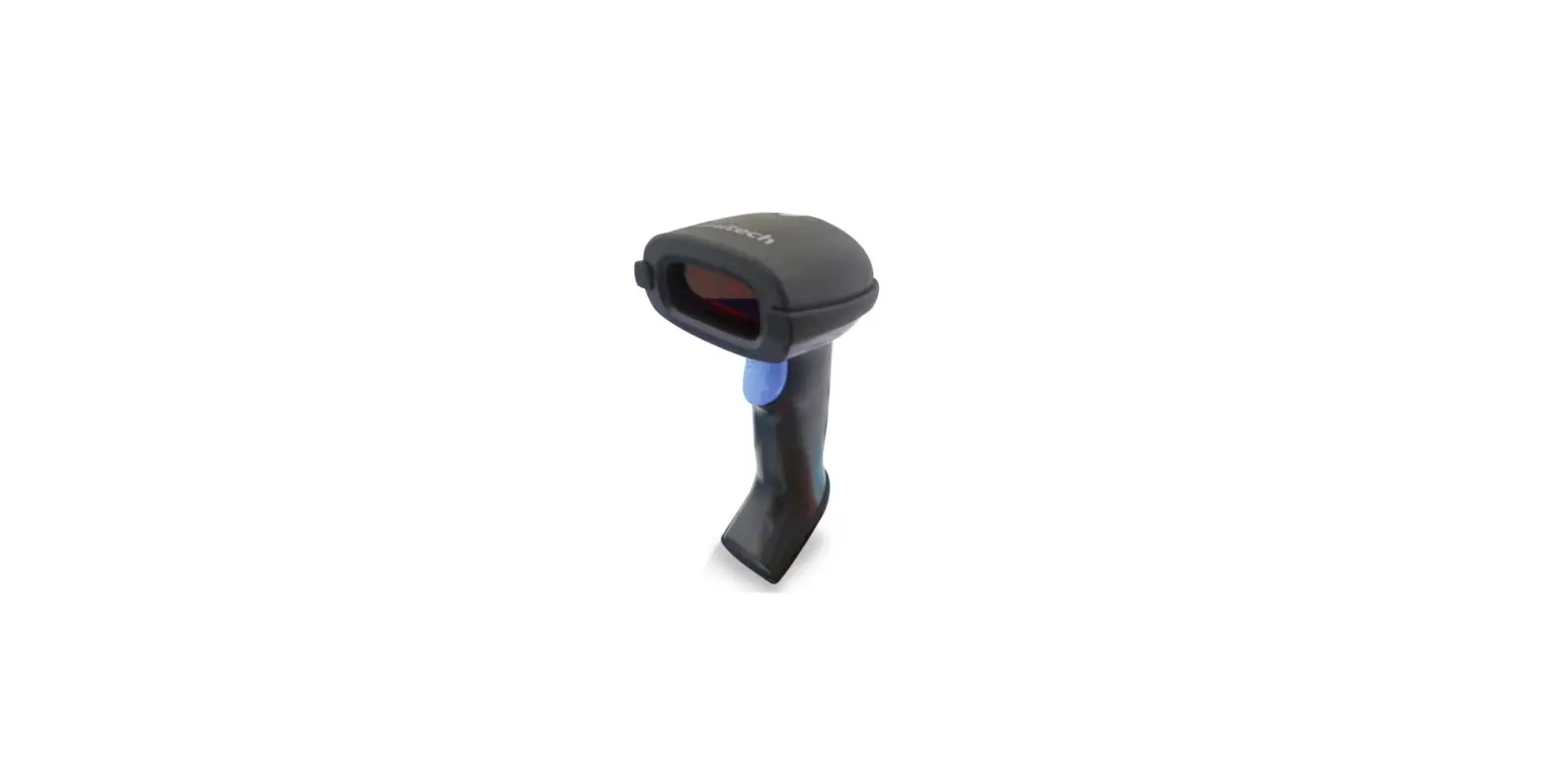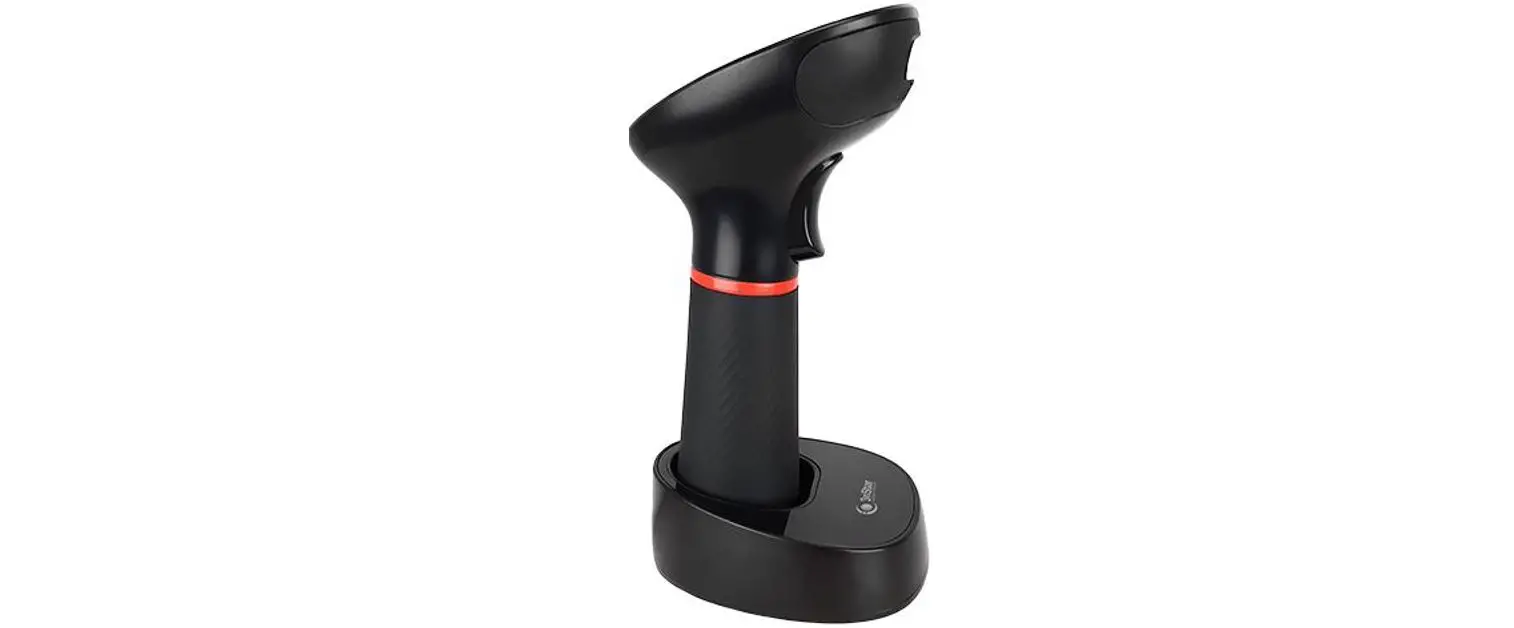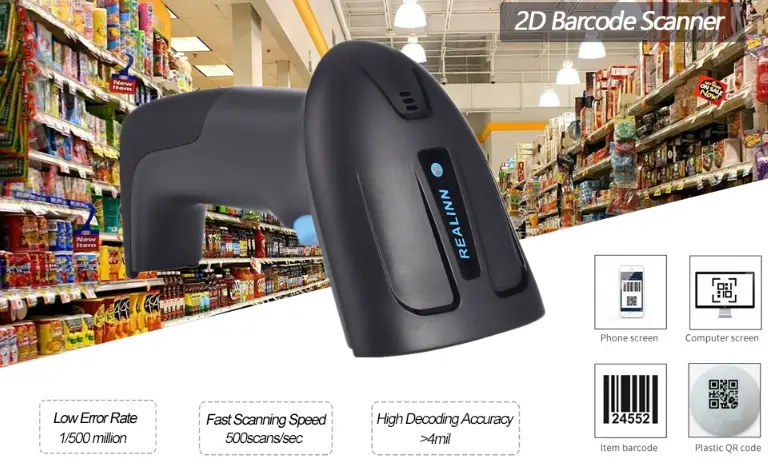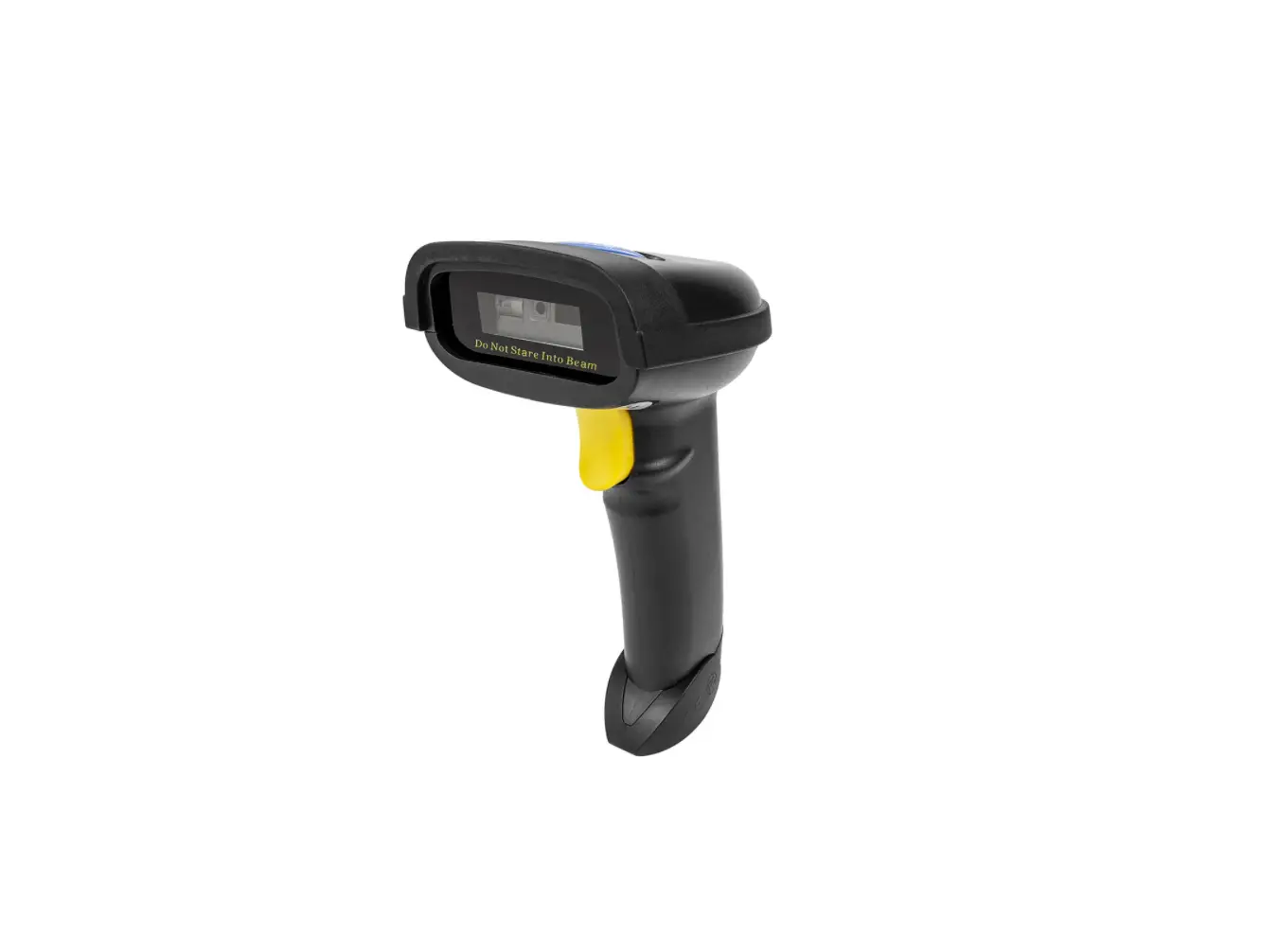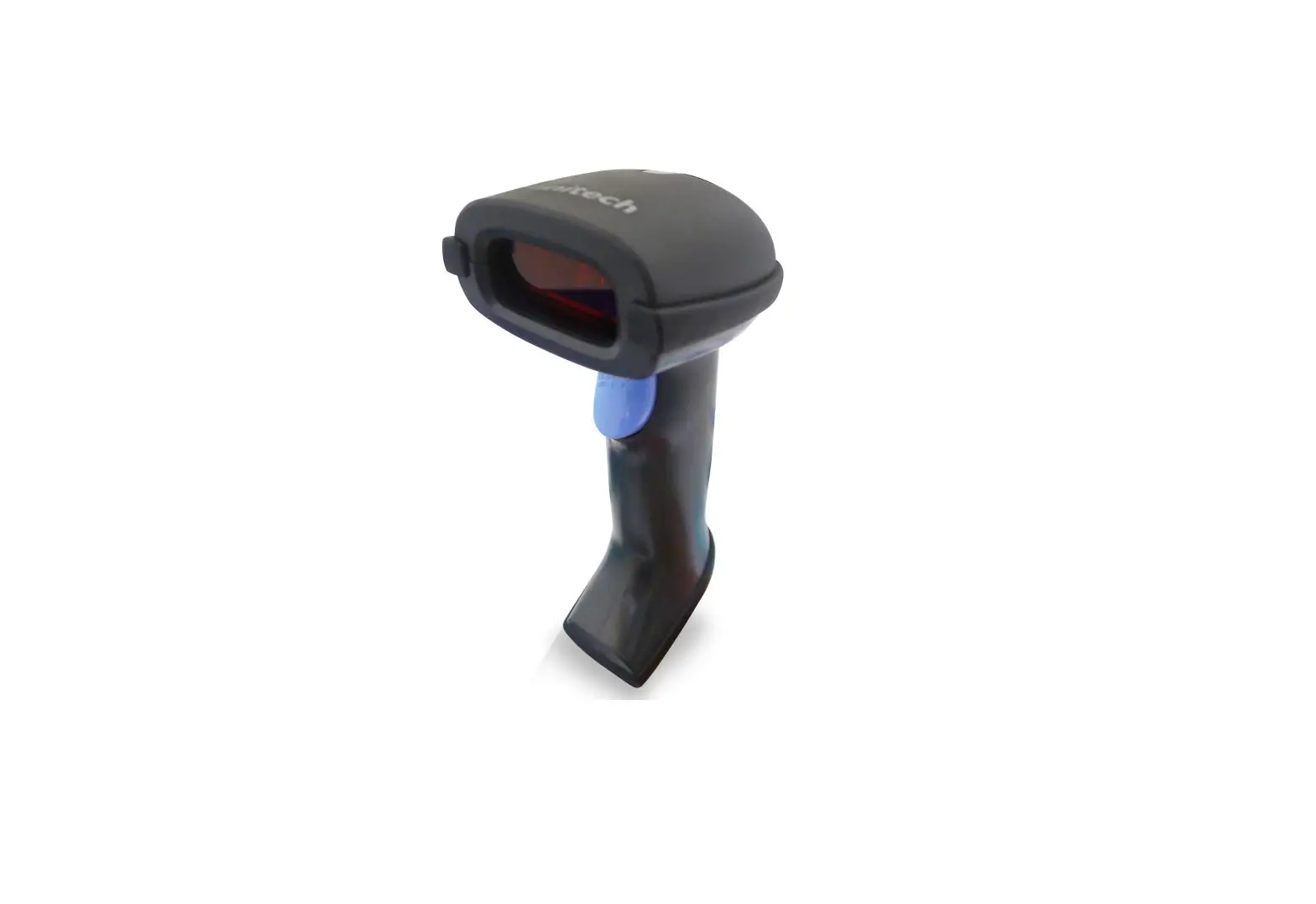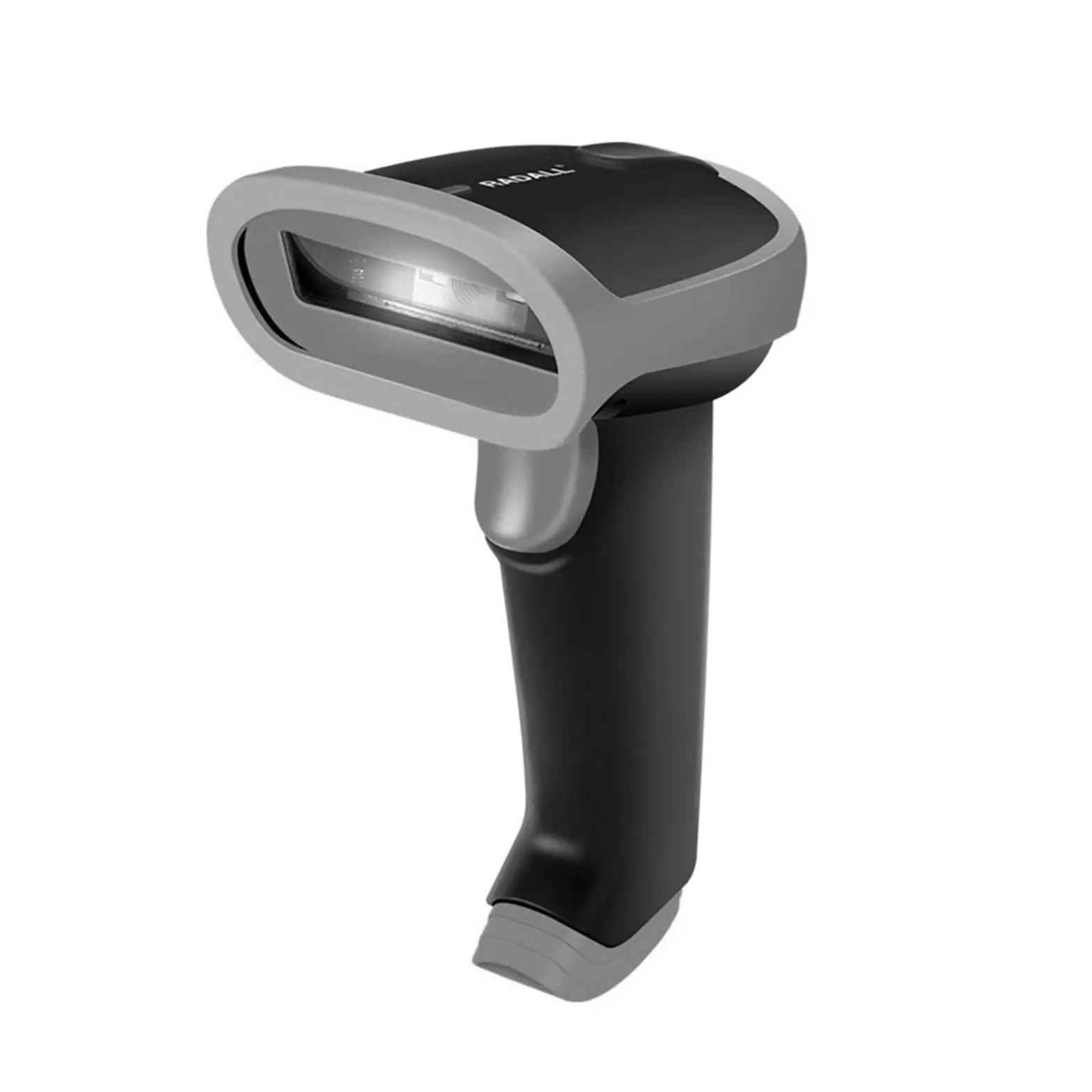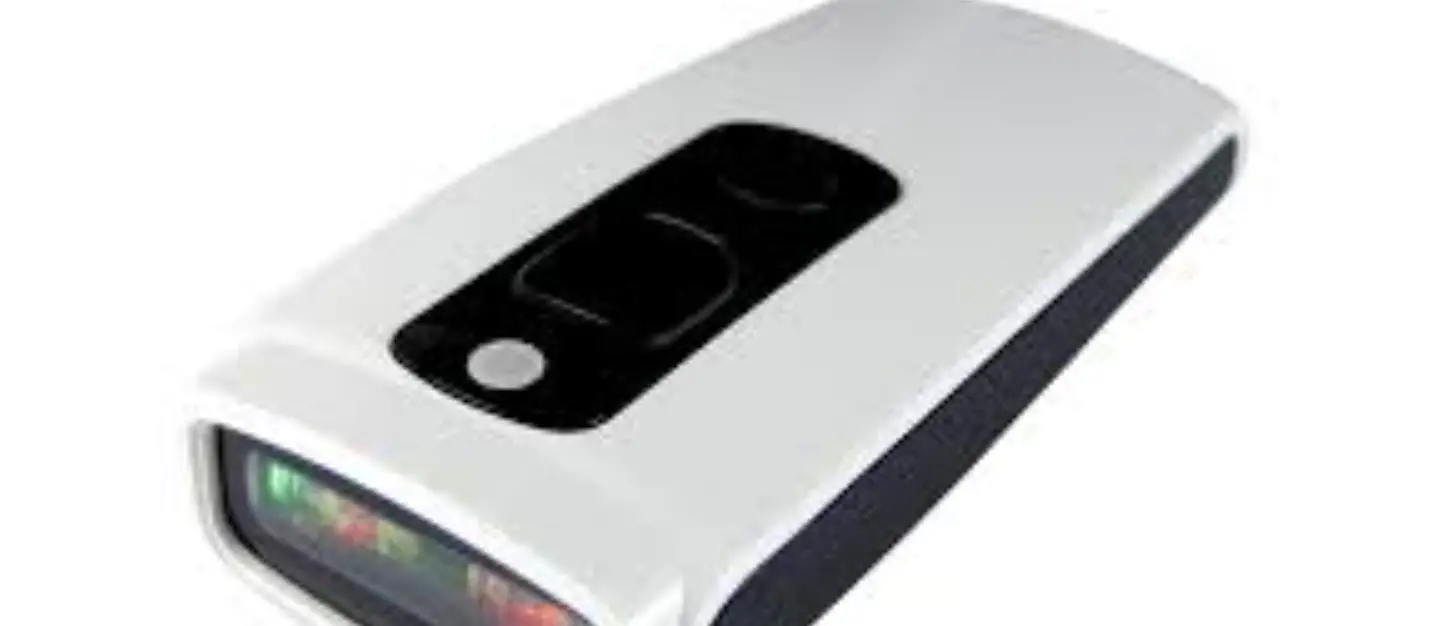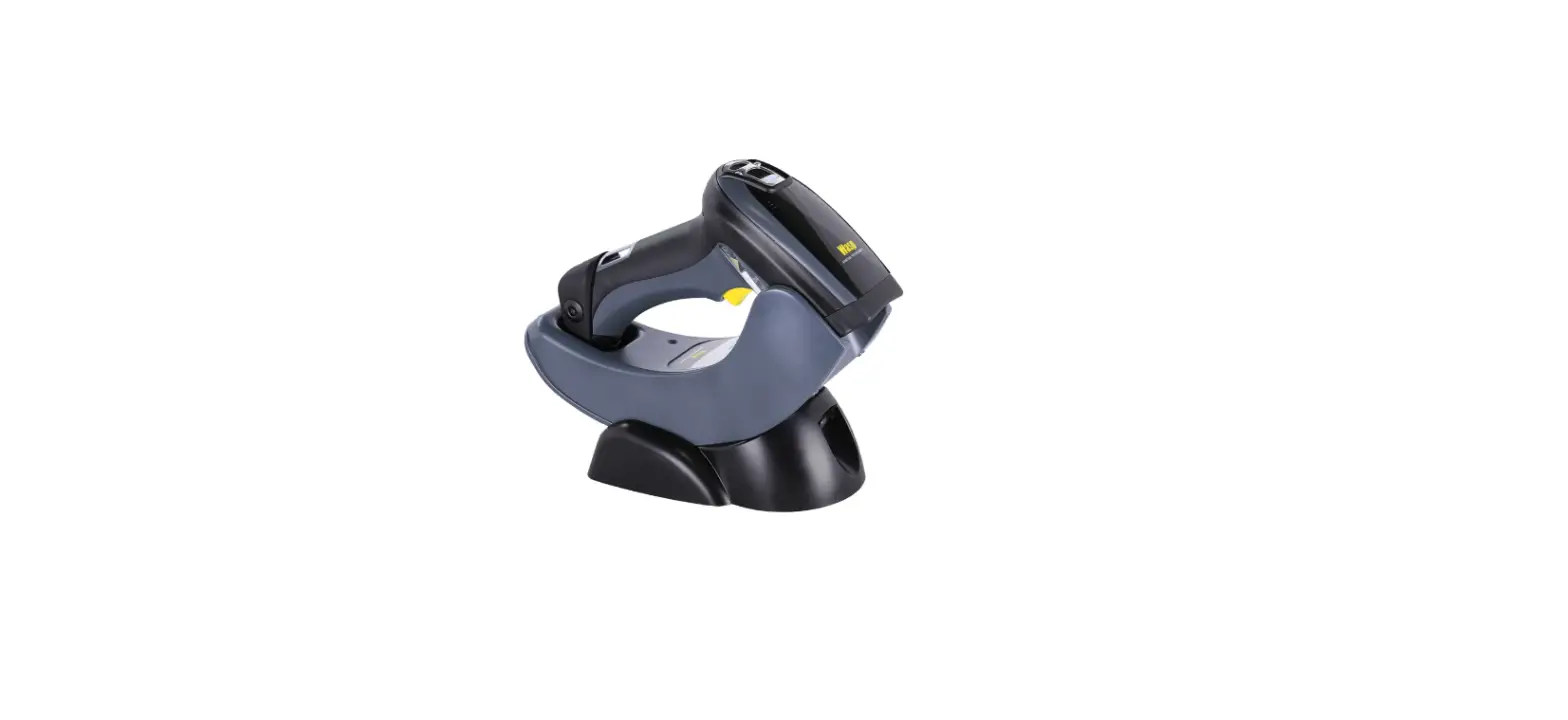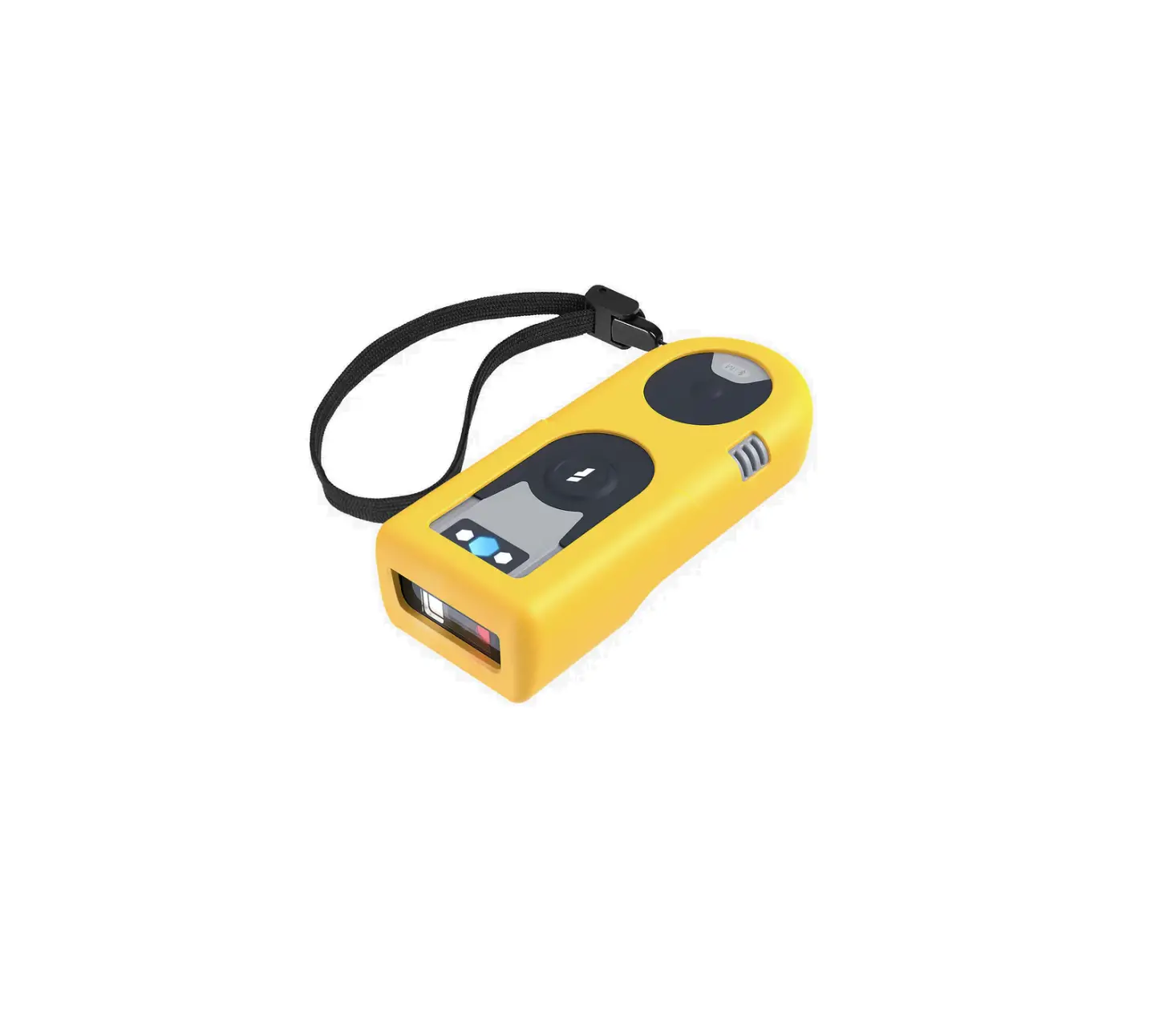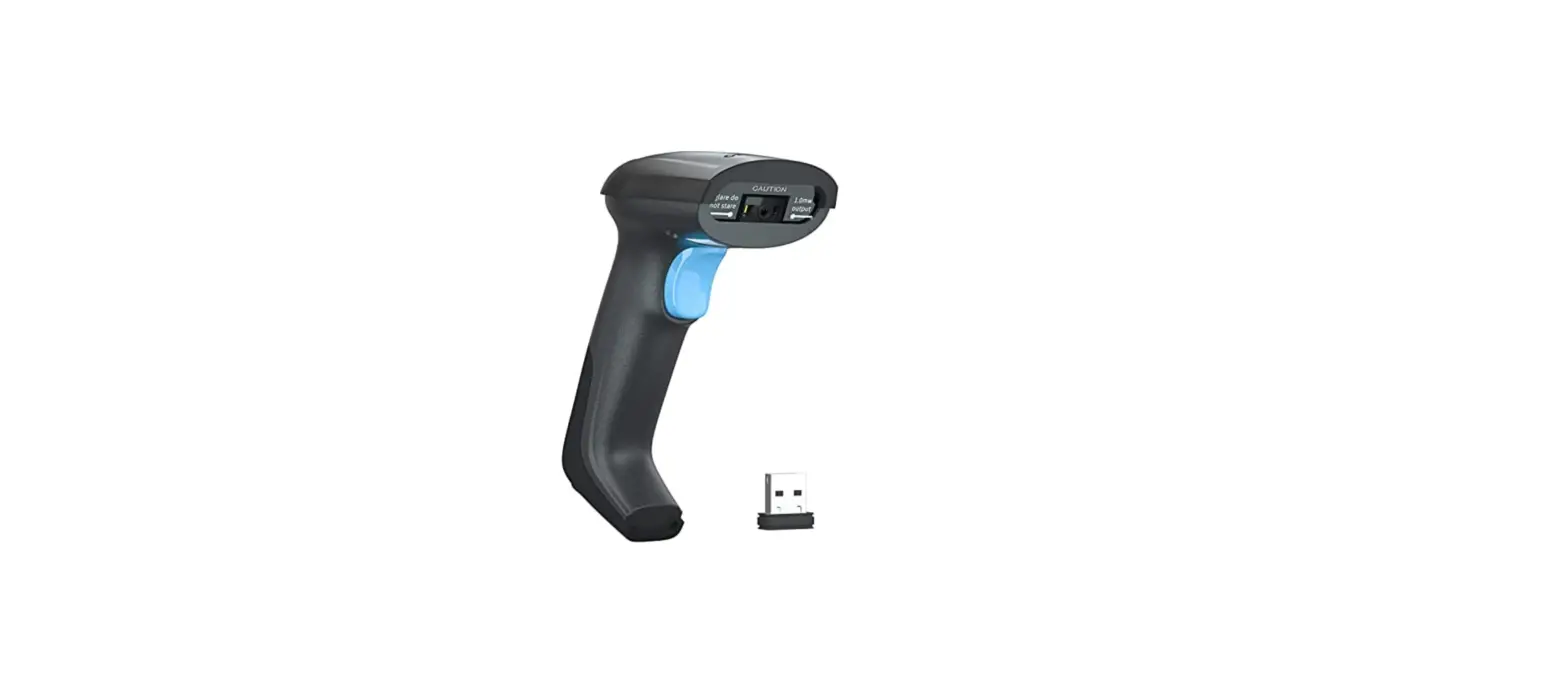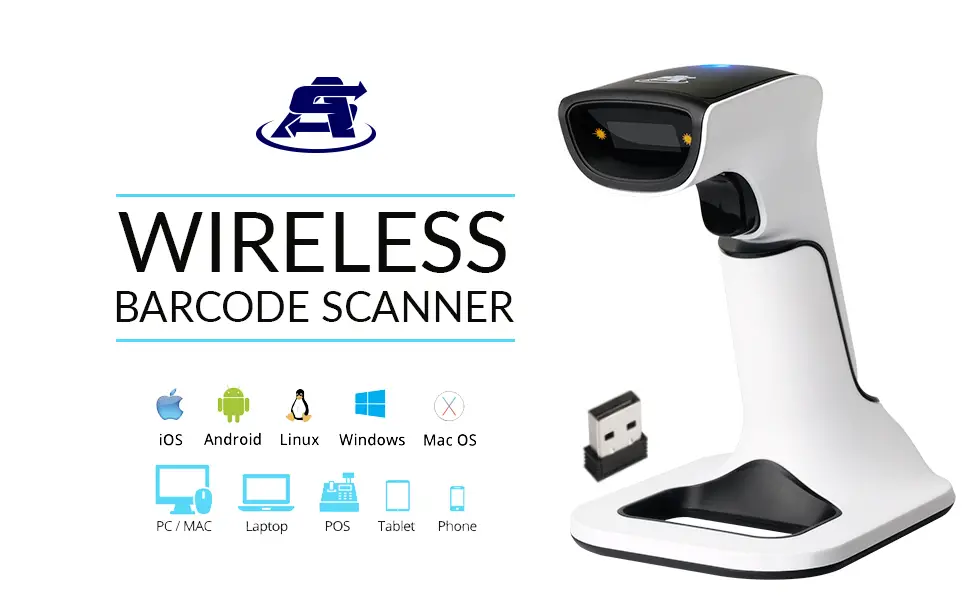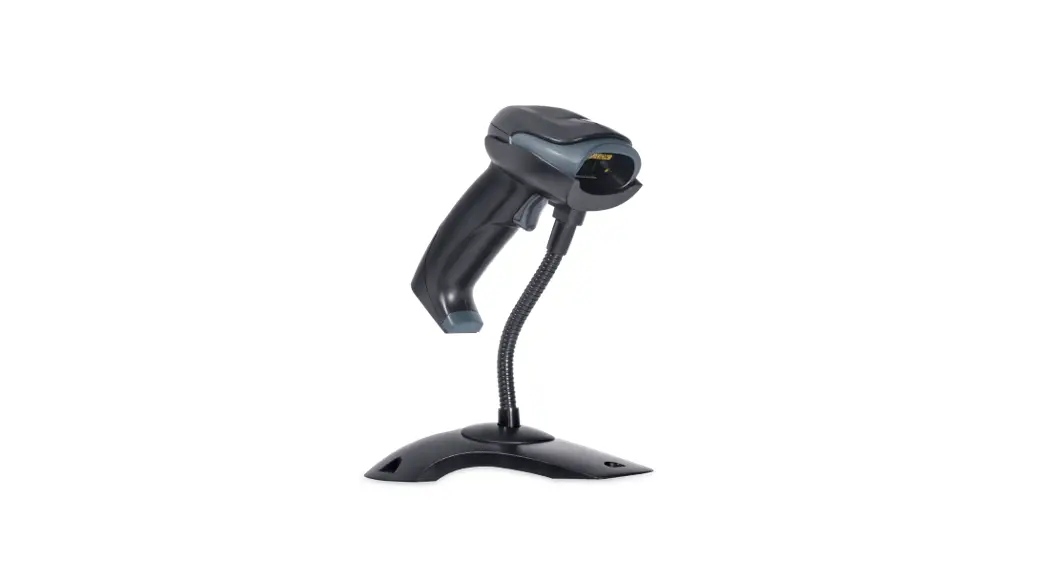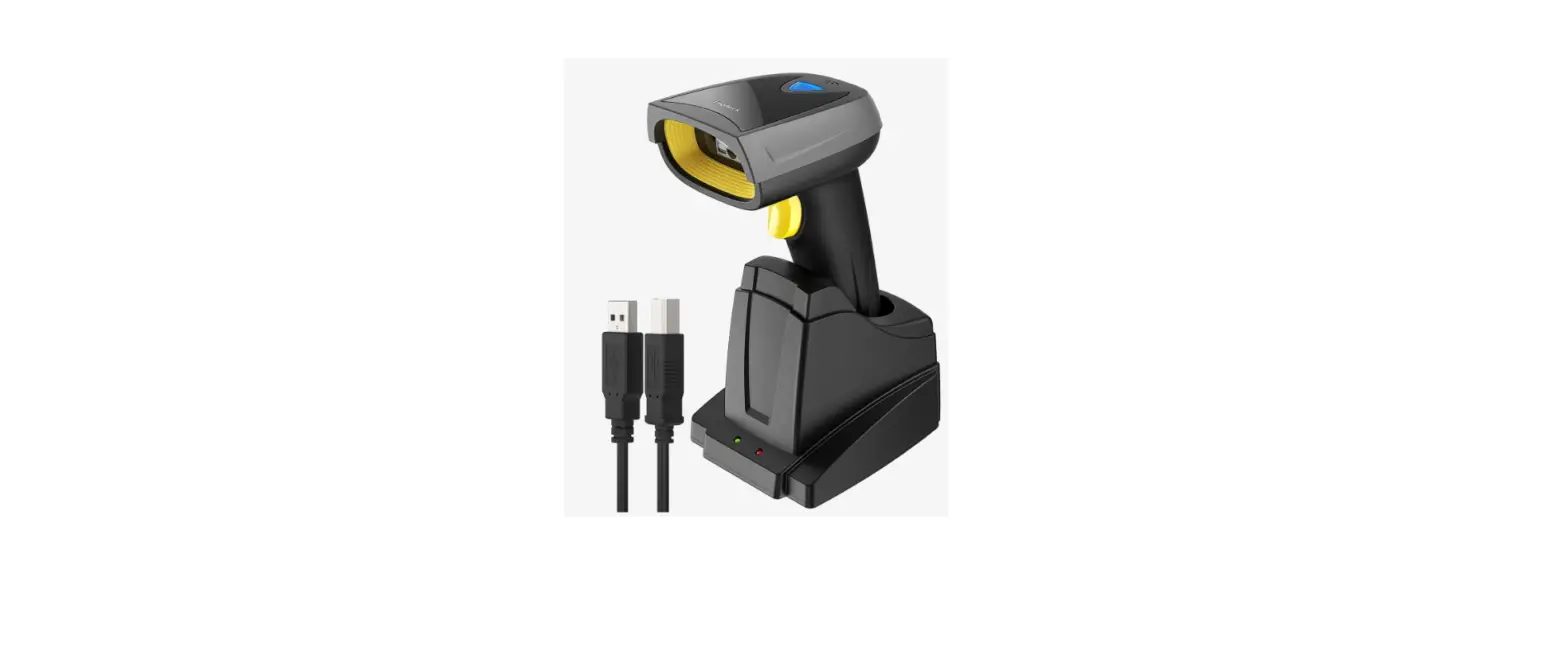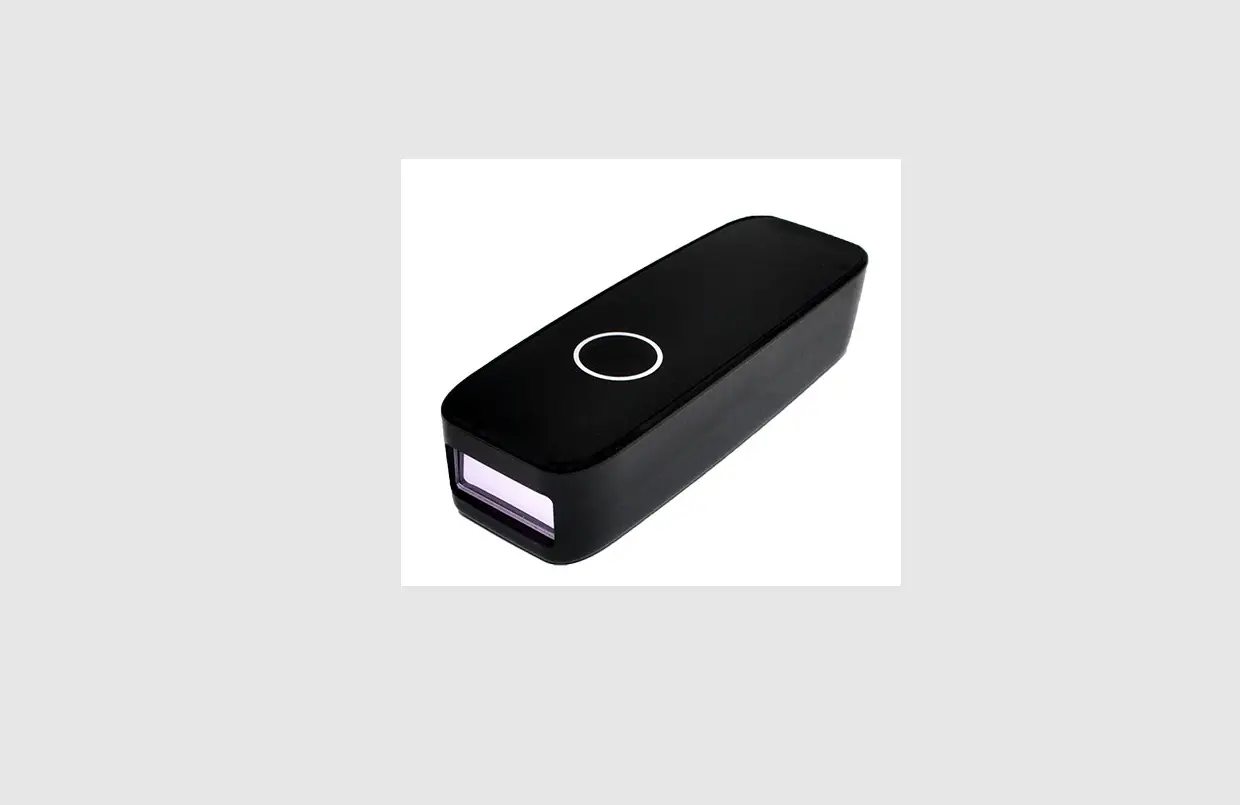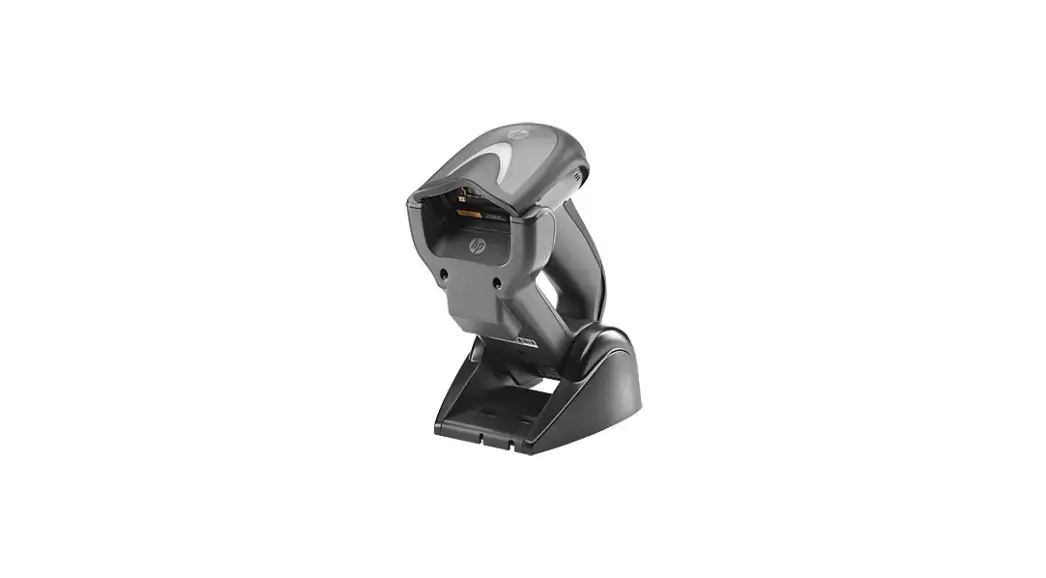
HP4400W
2D Wireless Barcode Scanner
2.4G+Wire
2.4G+Bluetooth+Wire
User’s Guide
HP4400W 2D Wireless Barcode Scanner
Wireless pairing settings (2.4G mode)
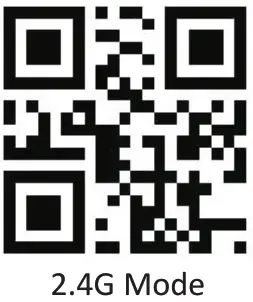 | 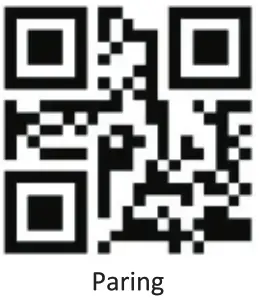 |
| %%SpecCodeA8 | %%SpecCode99 |
Scan the above two setting codes one by one, Then the green light on the back of the scanner will flash continuously, you need to re-plug the receiver, the green light is off, and the green light is always on.
 |  |
| %%SpecCodeAA | %%SpecCode99 |
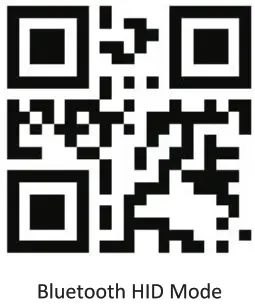
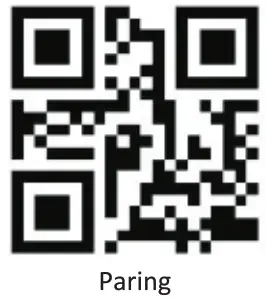
Wireless pairing settings (Bluetooth mode)
- Scan the above two setting codes or Press and hold the scanner button for about 8 seconds. After hearing the sound of the scanner, release the button, the blue indicator light on the back of the scanner flashes continuously, and the scanner enters the Bluetooth search mode.
- Open the mobile phone, iPad, and other terminal devices Bluetooth, search for Bluetooth, and pair (the Bluetooth name is: BarCoed Scanner HID), after the connection is successful, the scanner will sound once, and the blue indicator light is always on, the connection is successful.
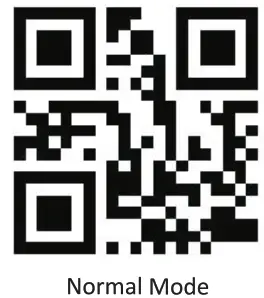
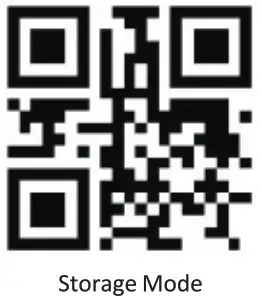
Working Mode setting:
 |  |
| %%SpecCode10 | %%SpecCode11 |
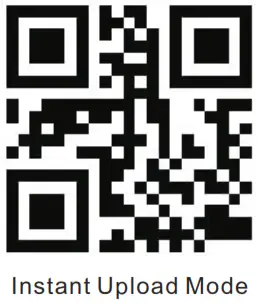 | 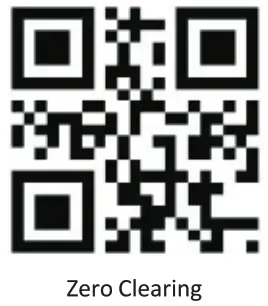 |
| %%SpecCode17 | %%SpecCode18 |
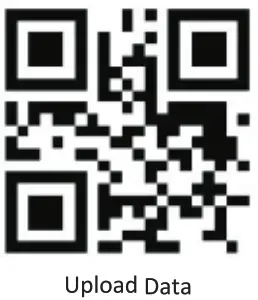 | %%SpecCode16 |
Scan Mode Setting
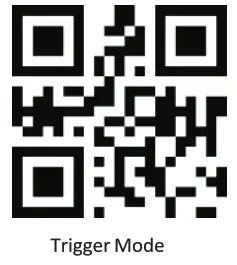 | 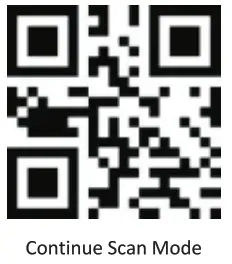 |
| ^#SC^2050200 | ^#SC^2050204 |
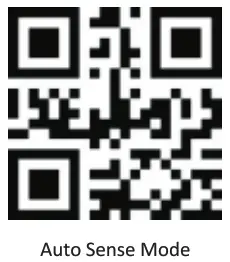 | 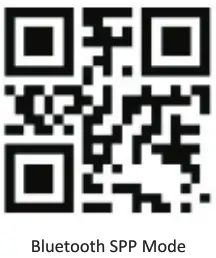 |
| ^#SC^2050209 | %%SpecCodeAB |
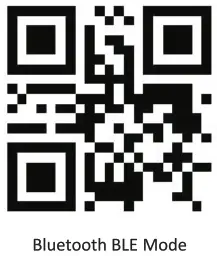 | 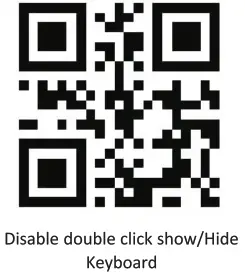 |
| %%SpecCodeAC | %%SpecCode7A |
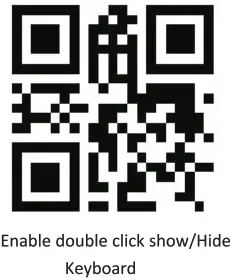 | 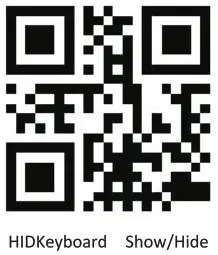 |
| %%SpecCode7B | %%SpecCode1A |
Standby Setup
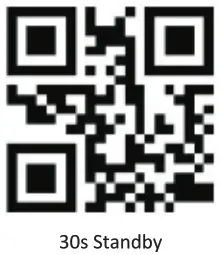 | 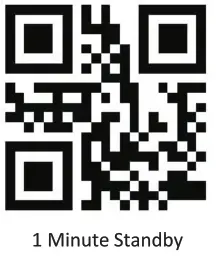 |
| %%SpecCode30 | %%SpecCode31 |
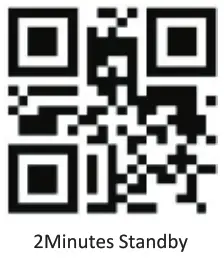 | 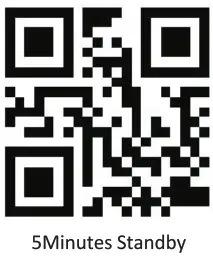 |
| %%SpecCode32 | %%SpecCode33 |
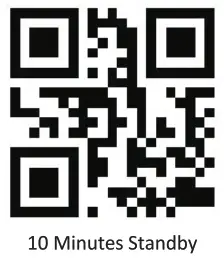 | 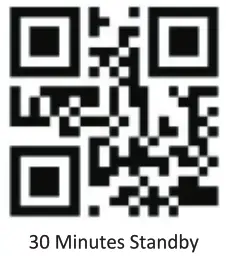 |
| %%SpecCode34 | %%SpecCode35 |
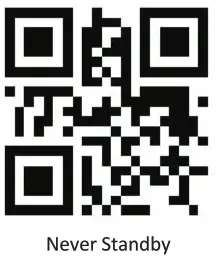 | 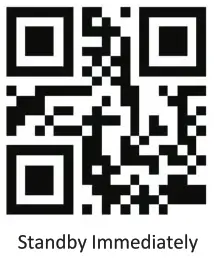 |
| %%SpecCode36 | %%SpecCode38 |
| TYPE: | 2. | Bluetooth |
| Distance: | 30m-80m | 10m-20m |
| Memory: | 2MB | Printing Contract:?-25% |
| Working current: 180mA | Standby current: 30mA | |
| Working time : 3 to 7 days | Charging power: 5V-400mA | |
Scanner parameters:
| Sensor: 640480 CMOS | Indication: Buzzer & HD |
Trigger Mode: Auto-Sense
| 250 LuxDepth of Field | 13mil-EAN13 | 50-250mm | Resolution: 4mil CPU: ARM 32-bit Printing Contract : >25% Decoding speed: 500/sec |
| 4mikode39 | 60-100mm | ||
| 20mil-QR | 40-3COmm |
Scanning {HYPERLINK “app:ds:angle”): Angle of rotation360°, indignation 65% declination t 60°
Anti-interference : 0-100000Lux Max
Decode Capital? :
1D: UPC-A UPC-E, EAN-8, EAN13, Code 178, Code 39, code 93 Code II, Interleaved 2 of 5, Mitt 2 of 5, Standard 2 of 5, Coda bar, M51 Okssey, PSS, etc
2D: QR Code, Data Matt&, POF417, Aztec code,
| Button life : 500,000 times | LED life:100000 hours |
| Drop test: 1.5m | Interface: USB, USB-COM,USB-HID |
QUALIFIED CERTIFICATE
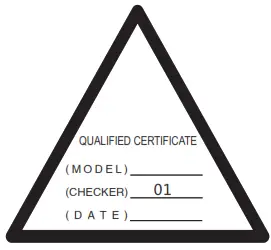
Guarantee item:
- 3 months upon the date of purchase.if there was a function problem. we would offer the same item subject to goods and packing maintain perfect.
- 1year upon the date of purchase, we will guarantee to keep the goods in repair. (not including fittings)
- Guarantee service is subject to normal use.
- All of the damage by man-made(tear open the housing, tear off the sticker, run normally using), of losing this card, we will not guarantee.
General Settings:
 | 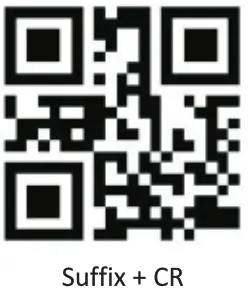 |
| %%SpecCode93 | %%SpecCode9C |
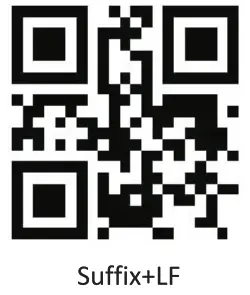 | 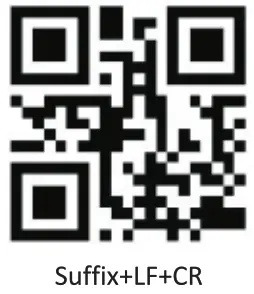 |
| %%SpecCode9D | %%SpecCode9E |
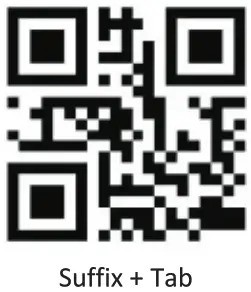 | 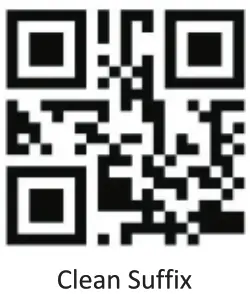 |
| %%SpecCodeA2 | %%SpecCode9F |
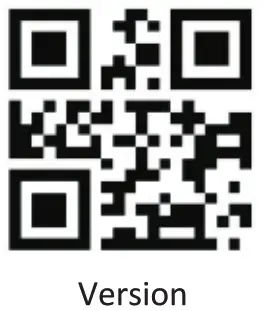 | 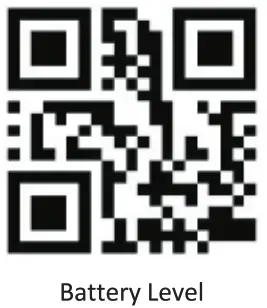 |
| %%SpecCode39 | %%SpecCode15 |
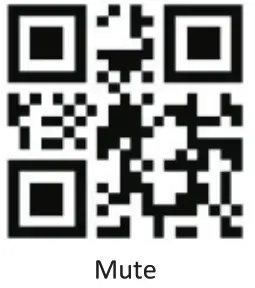 | 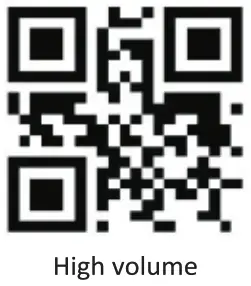 |
| %%SpecCode94 | %%SpecCode97 |
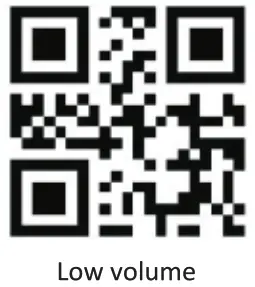 | 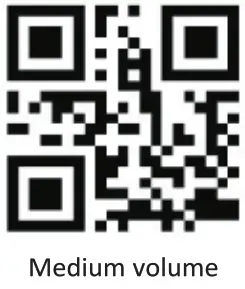 |
| %%SpecCode95 | %%SpecCode96 |
Warning:
changes or modifications not expressly approved by the party responsible for compliance could void the user’s authority to operate the equipment.
This device complies with Part 15 of the FCC Rules. Operation is subject to the following two conditions: (1) this device may not cause harmful interference, and (2) this device must accept any interference received, including interference that may cause undesired operation.
NOTE: This equipment has been tested and found to comply with the limits for a Class B digital device, pursuant to Part 15 of the FCC Rules. These limits are designed to provide reasonable protection against harmful interference in a residential installation. This equipment generates, uses, and can radiate radio frequency energy and, if not installed and used in accordance with the instructions, may cause harmful interference to radio communications. However, there is no guarantee that interference will not occur in a particular installation.
If this equipment does cause harmful interference to radio or television reception, which can be determined by turning the equipment off and on, the user is encouraged to try to correct the interference by one or more of the following measures:
- Reorient or relocate the receiving antenna.
- Increase the separation between the equipment and receiver.
- Connect the equipment into an outlet on a circuit different from that to which the receiver is connected.
- Consult the dealer or an experienced radio/TV technician for help.
RF Exposure Statement
This equipment complies with FCC radiation exposure limits set forth for an uncontrolled environment.