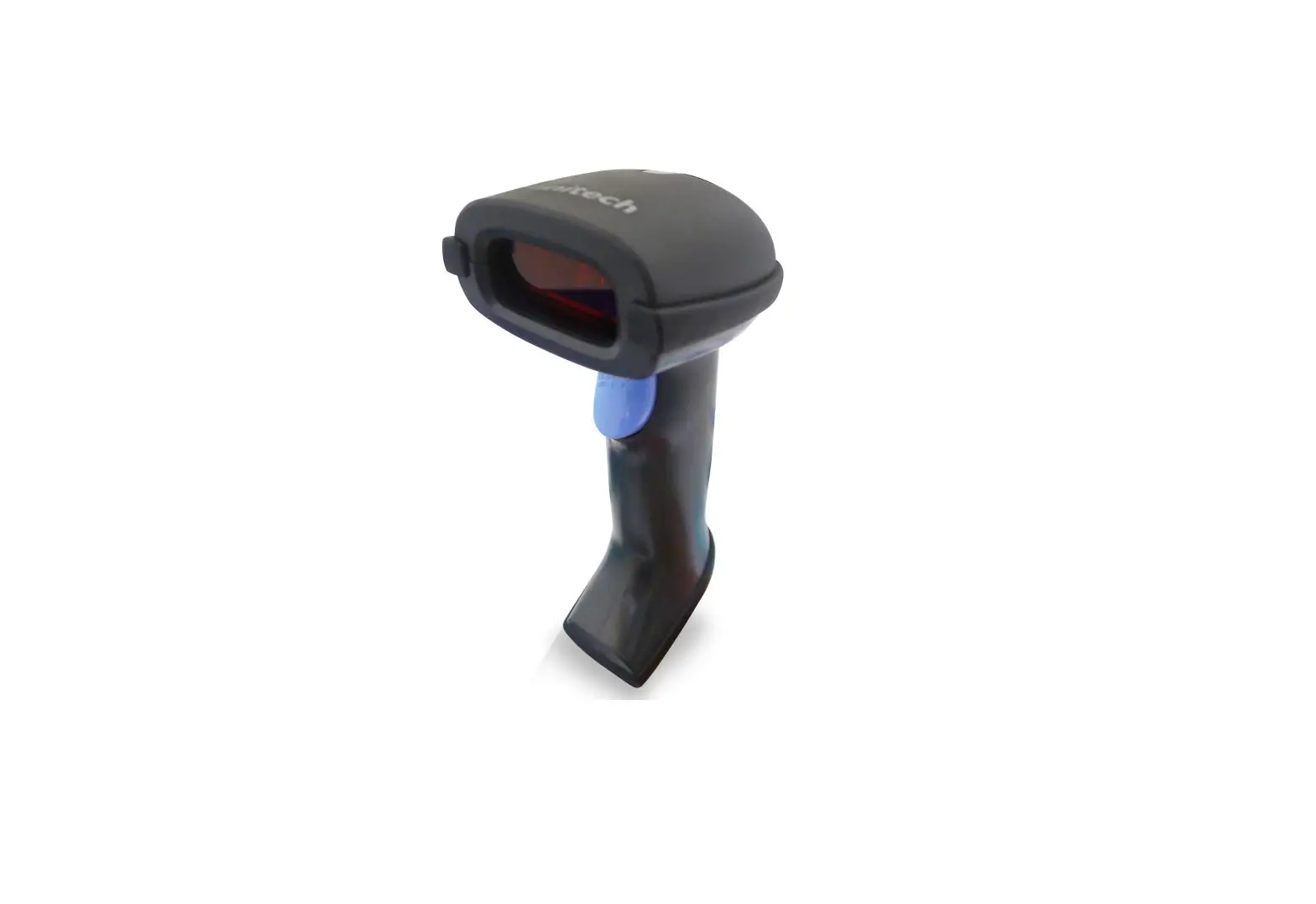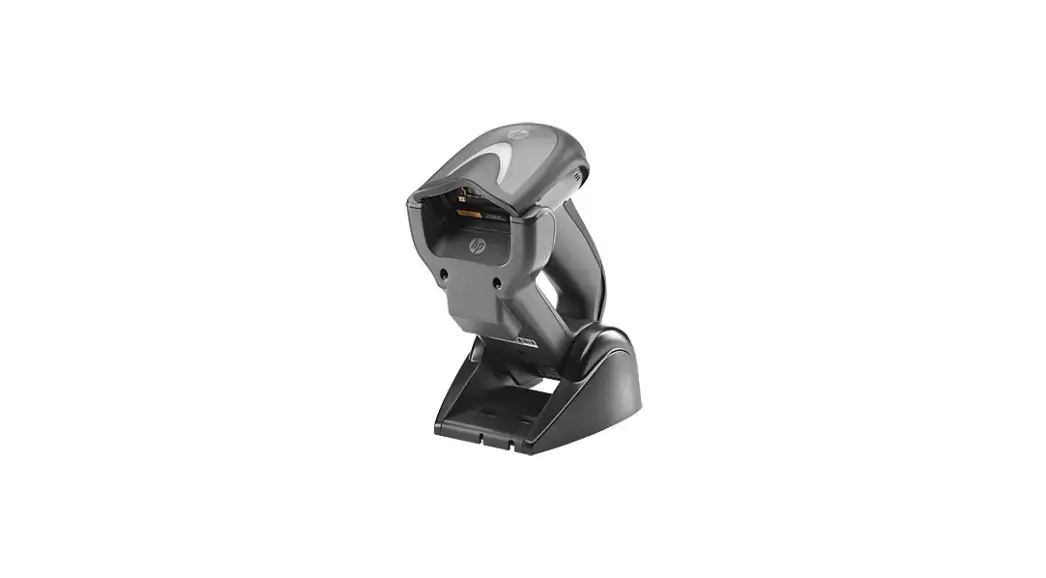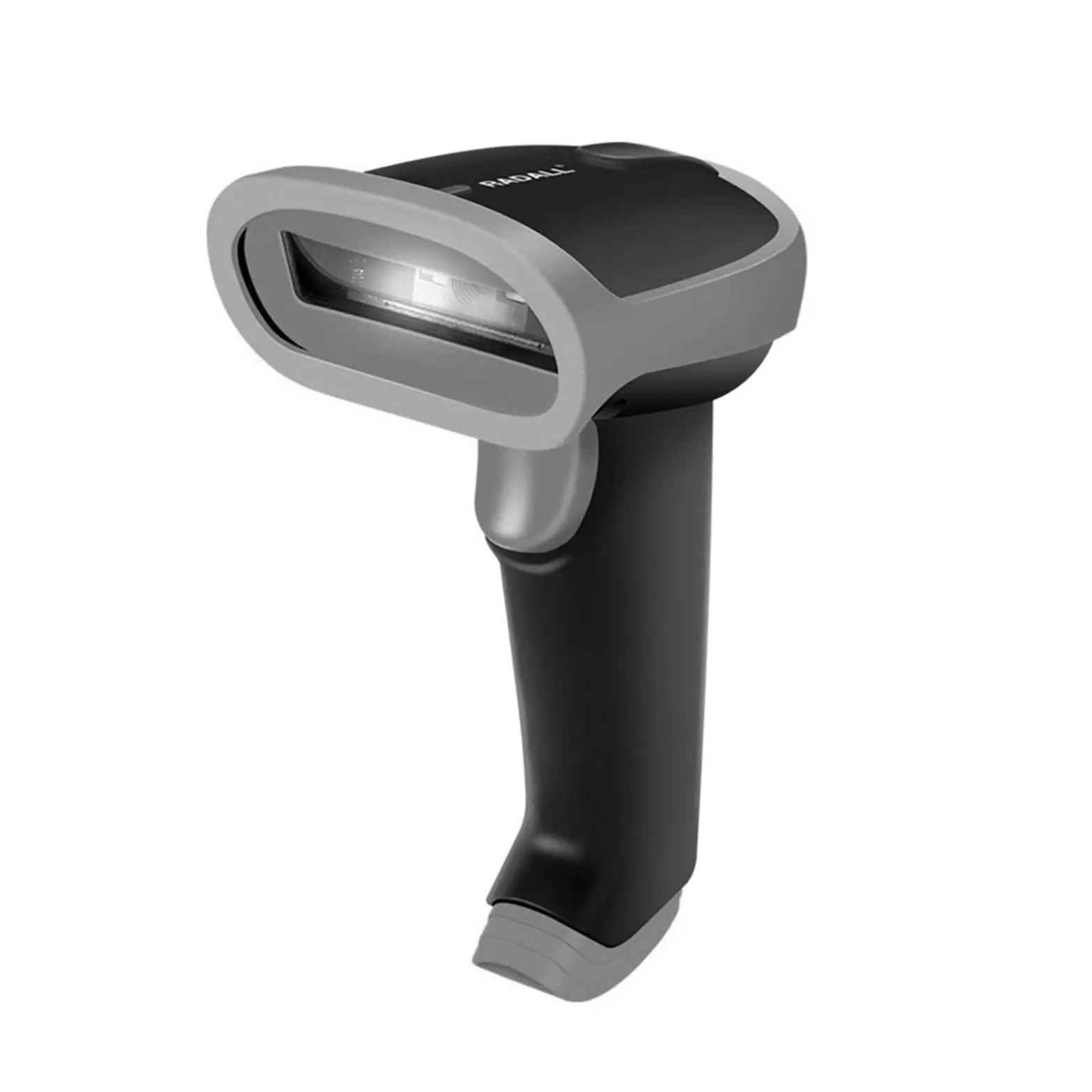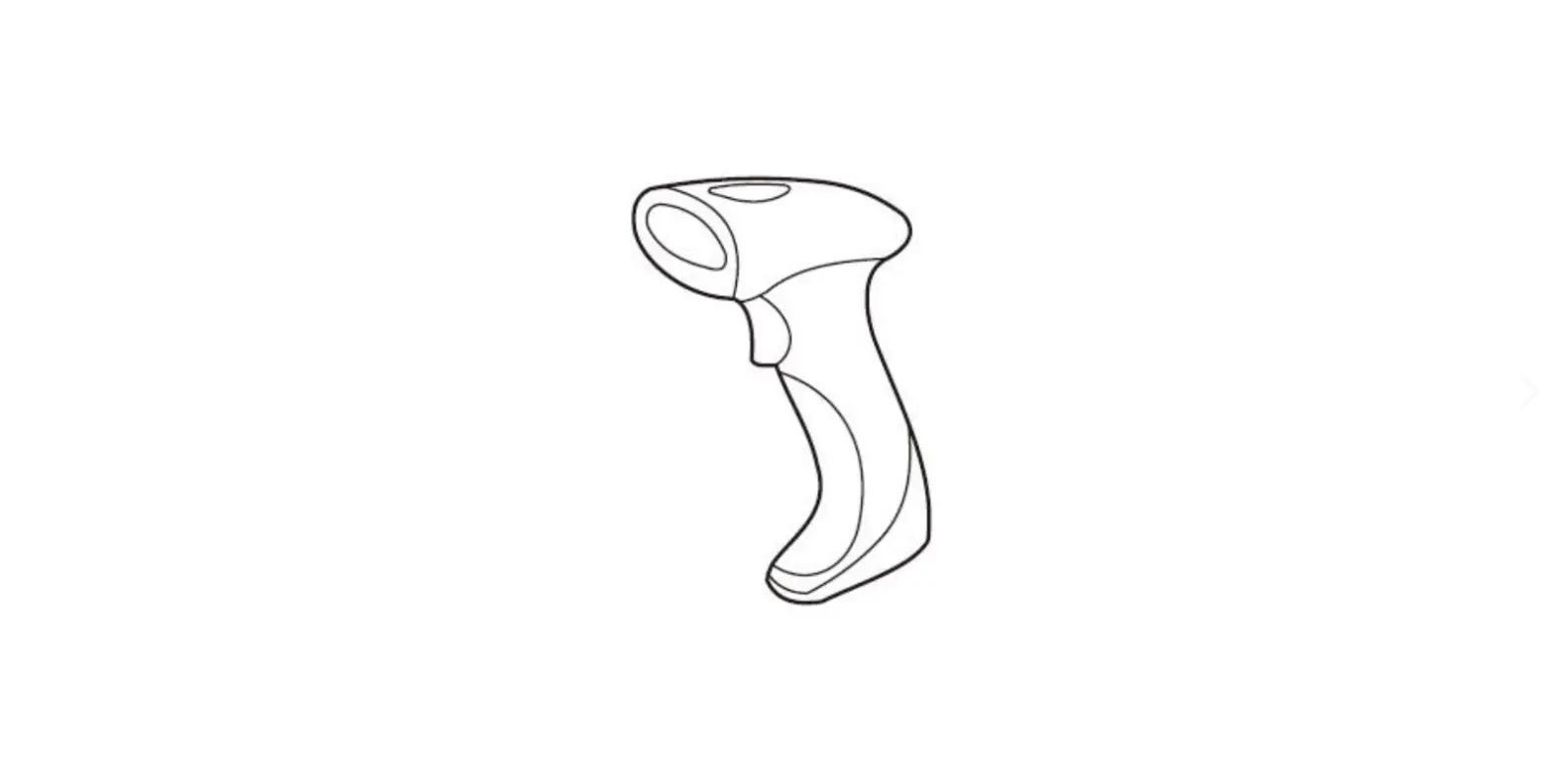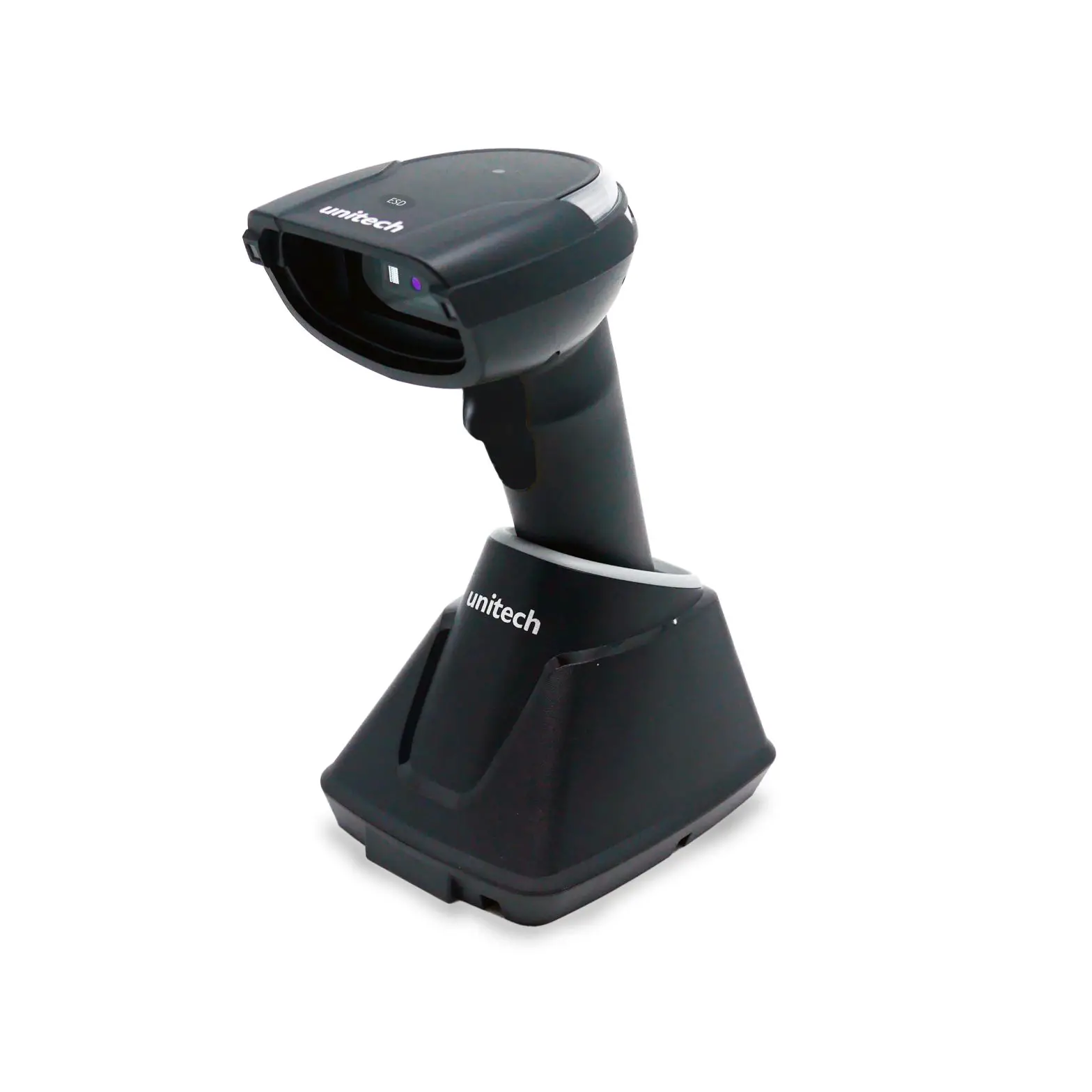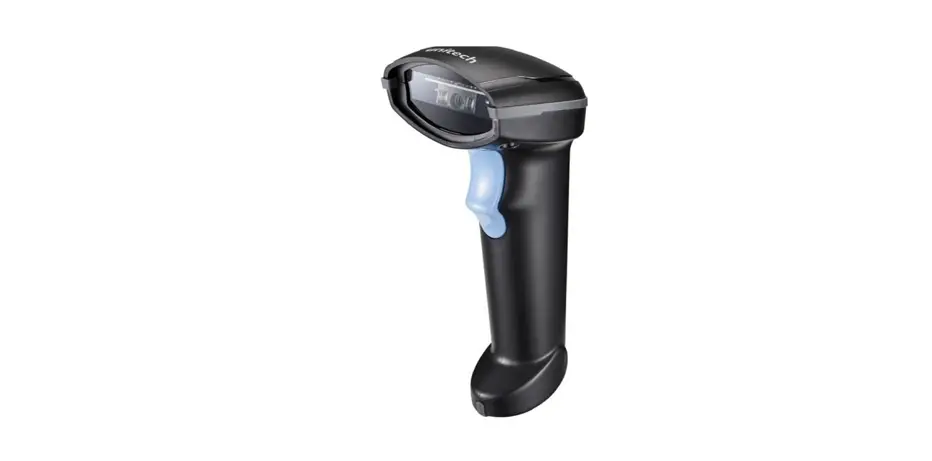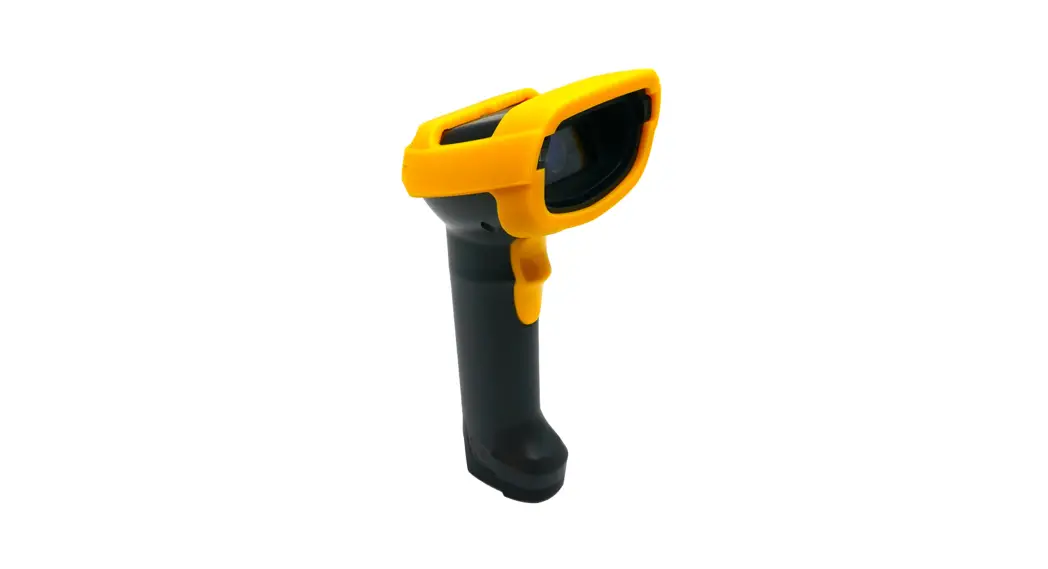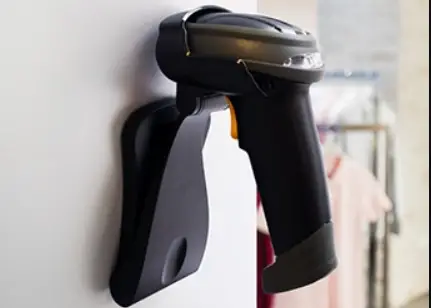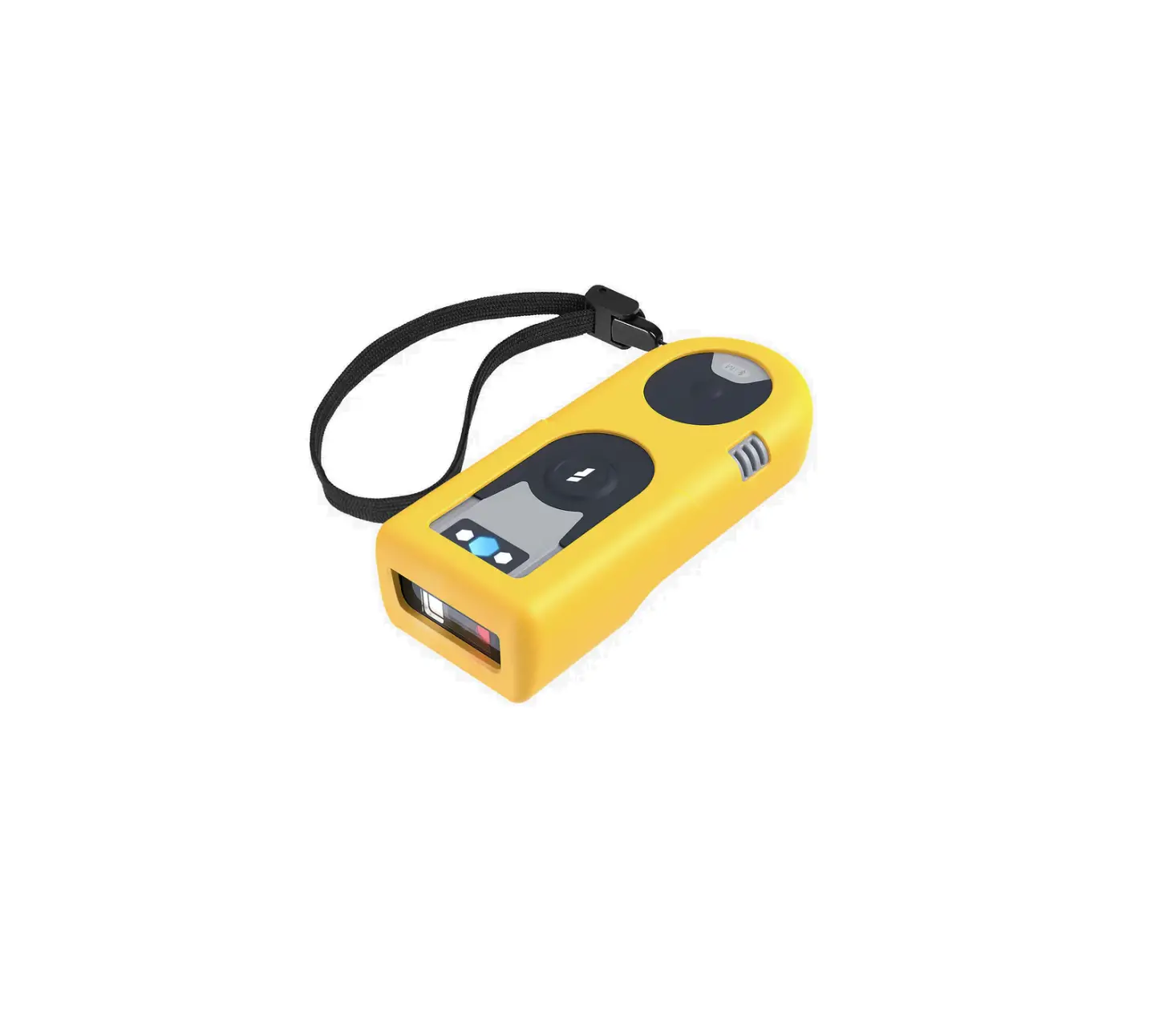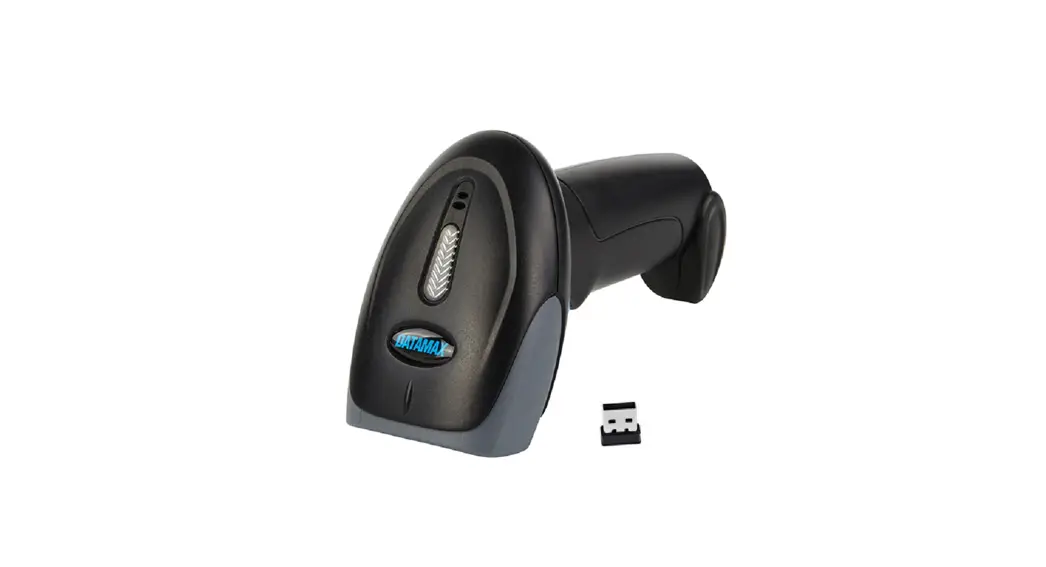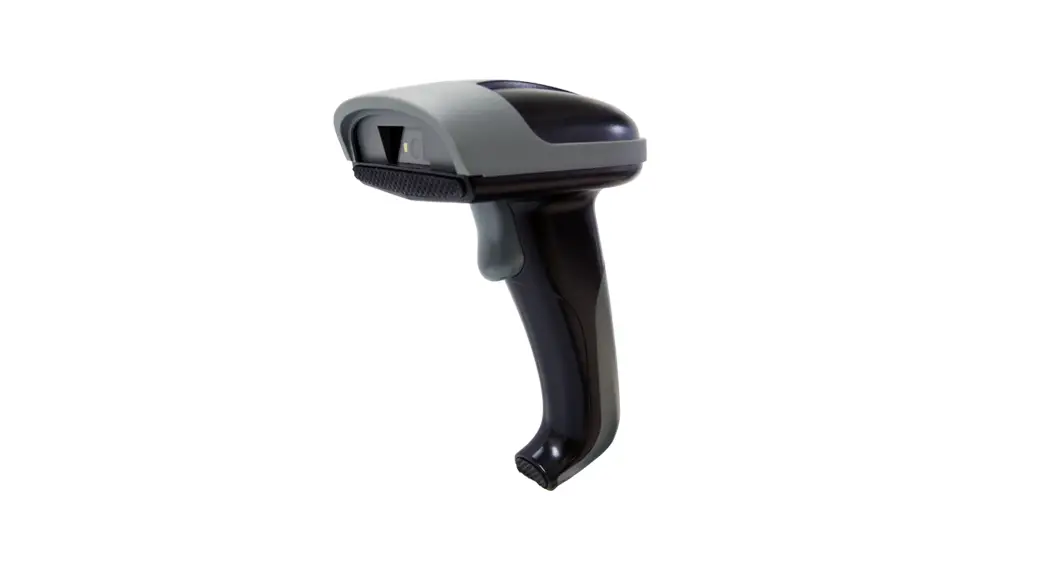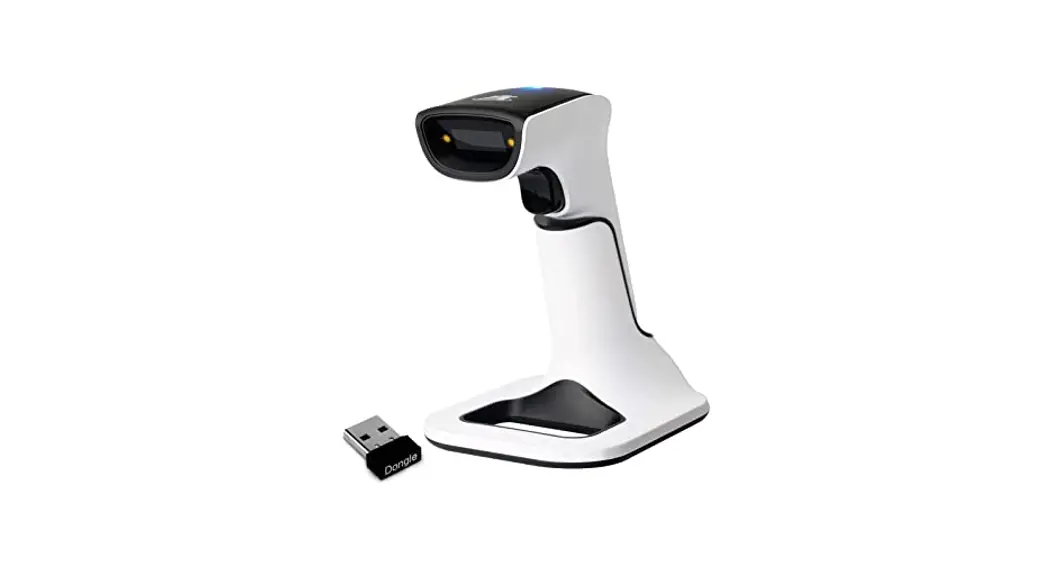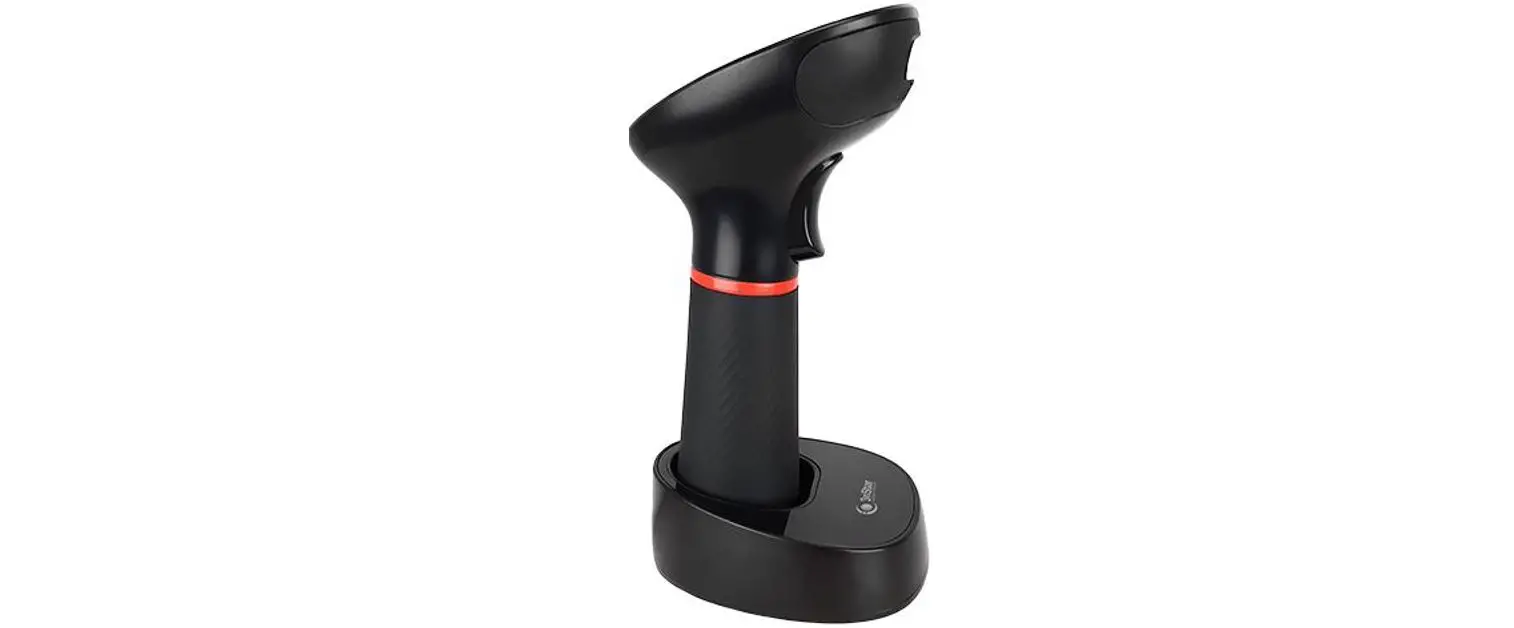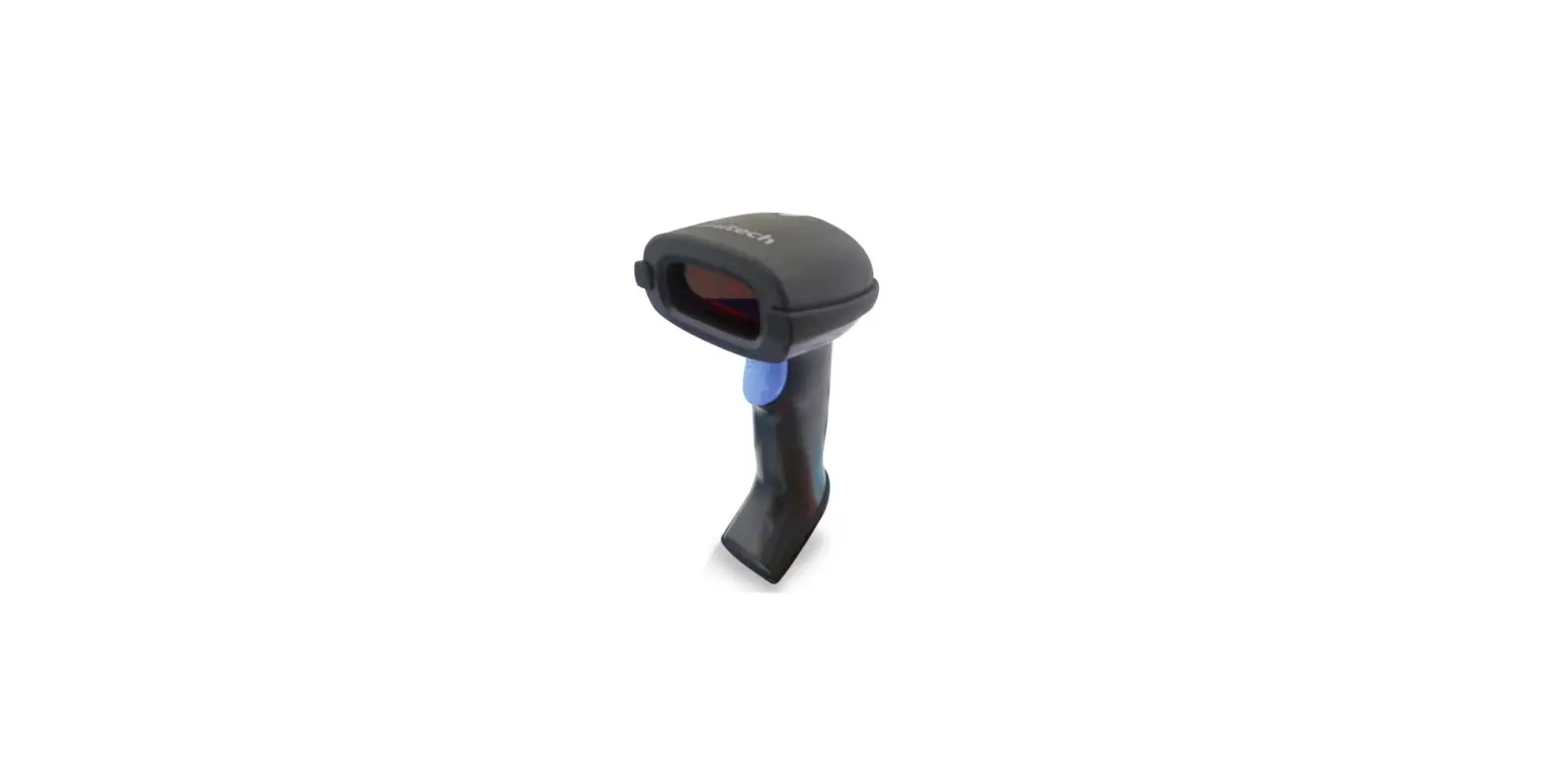

MS836B 2.4G Wireless 2D Barcode Scanner
Quick Start Guide
MS836B
2.4G Wireless
Laser Barcode Scanner
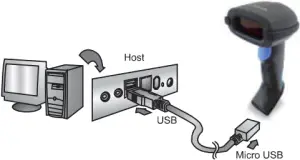
> Charging
Plug the USB cable into the port on the scanner and into a USB port on the host computer.
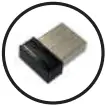
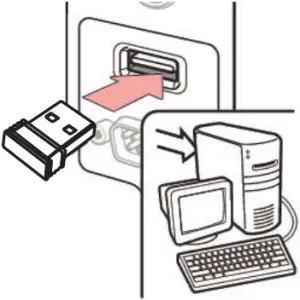
> Connect Dongle To Host
Plug the USB Dongle to a free USB port of a host computer.
The MS836B is now ready to use.
> Test & Finish
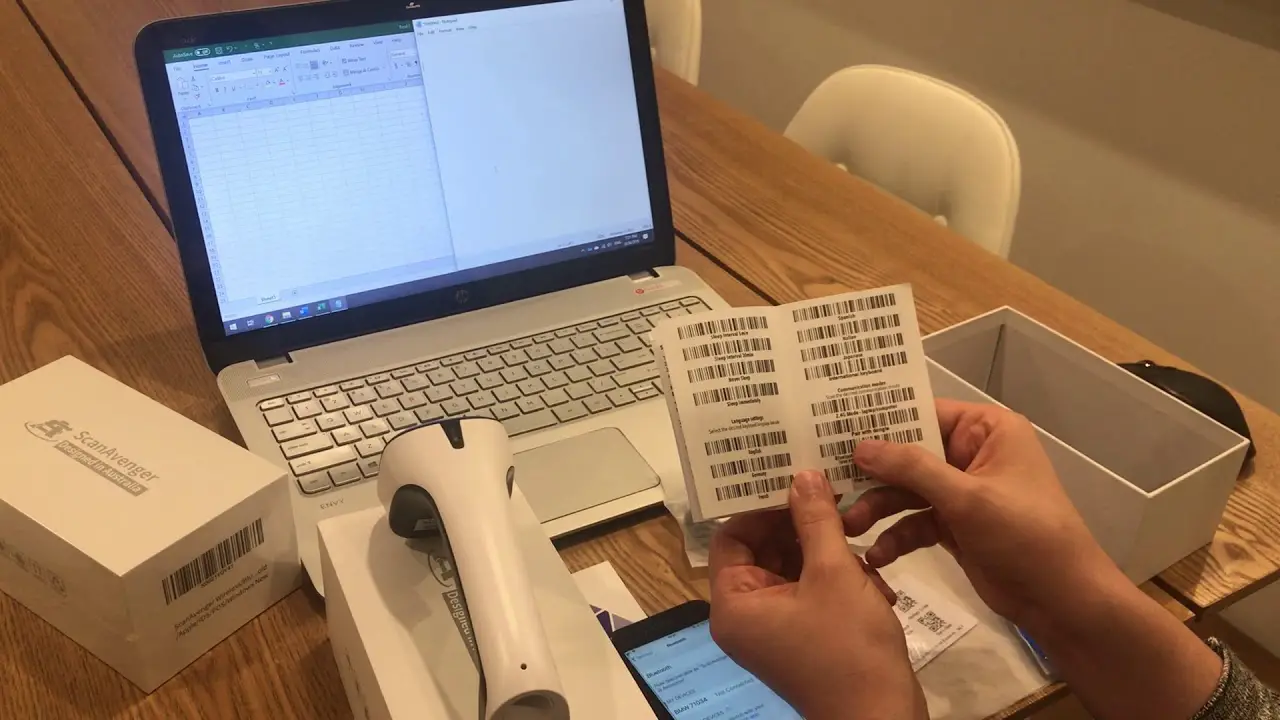
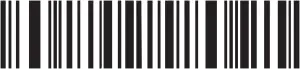
Open a word processing program such as Microsoft Word or Notepad and scan the following barcode:
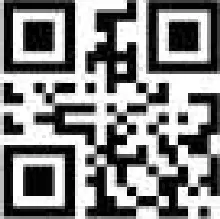
If the word “Unitech” appears on the screen you have successfully installed your scanner.
> Buzzer Description
- One long beep: Switch on
- One low beep and two high beeps: setup code or data saved.
- One short beep: pairing up with the receiver successfully.
- One short low beep and one short high beep: Good Read and data send.
- Three continuous short beeps: Alarm prompt
> LED Description
Red Light
- Charging: Light on
- Charging finished: Light off
Green Light
- Slow flash: Bluetooth SPP/BLE pairing
- Light On: Scanner is connected to the receiver, USB or Bluetooth successfully.
- Quick Flash: Entering the pairing mode
- Flash once: Data upload successfully.
> Default Setting
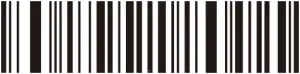
Note: With (*) is the factory default.
> Wireless Bluetooth Setting
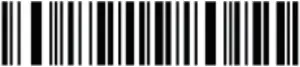
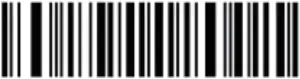
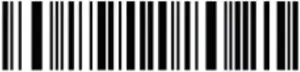
> Pairing Function
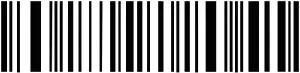
Note: The scanner can be searched by other Bluetooth devices after scanning Bluetooth HID pairing code.
> IOS show / hide the Keyboard
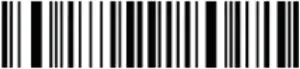
Note: Only support under Bluetooth mode
> Battery Display
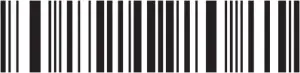
Note: Battery Percentage display
> USB Interface Type
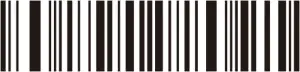
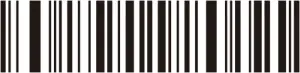
> Operation Mode
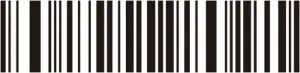
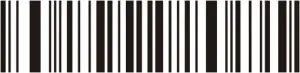
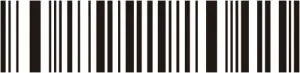
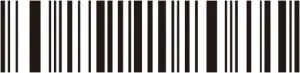
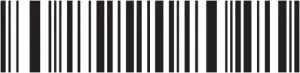
Note: Scan the “Upload all data” code to complete the data transfer.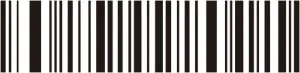
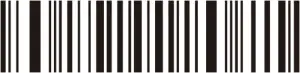
Note: Clear all data is only effective under Batch mode & Auto mode.
> Beeper Control
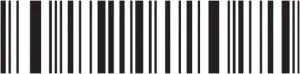
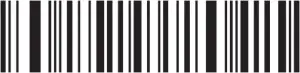
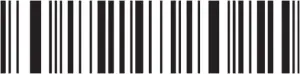
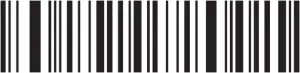
Note: The Off Code only turns off the short high beep of data send, the setting sound still exists.
> Good Read Indicator
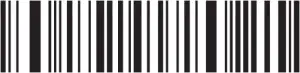
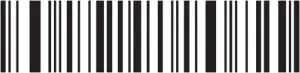
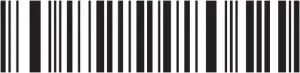
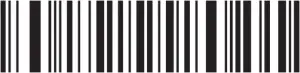
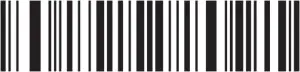
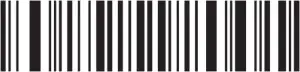
> Auto Power Off After Idle


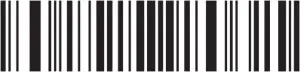
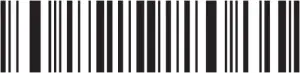
> Language Settings
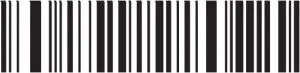
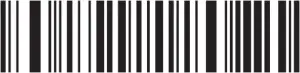
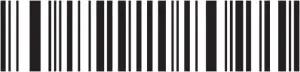
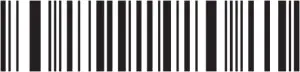
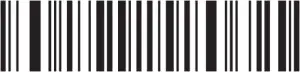
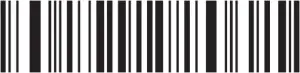
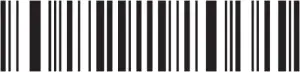
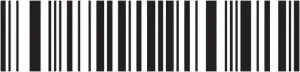
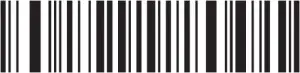
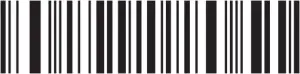
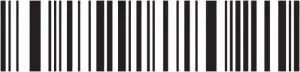
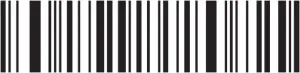
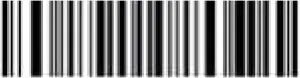
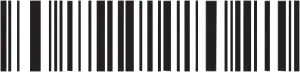
> Terminator
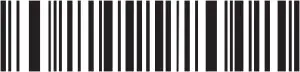
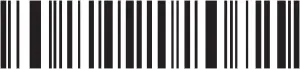
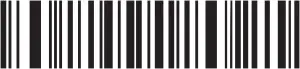
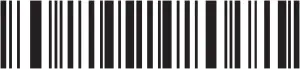
> Display Version
Thank you for purchasing the unitech product.
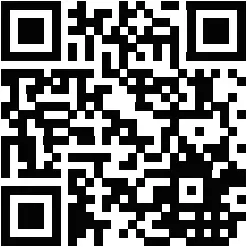
For other product documentation, please scan the QR code for more information.
FCC Statement
This equipment has been tested and found to comply with the limits for a Class B digital device, pursuant to part 15 of the FCC Rules. These limits are designed to provide reasonable protection against harmful interference in a residential installation. This equipment generates, uses and can radiate radio frequency energy and, if not installed and used in accordance with the instructions, may cause harmful interference to radio communications. However, there is no guarantee that interference will not occur in a particular installation. If this equipment does cause harmful interference to radio or television reception, which can be determined by turning the equipment off and on, the user is encouraged to try to correct the interference by one or more of the following measures:
• Reorient or relocate the receiving antenna.
• Increase the separation between the equipment and receiver.
• Connect the equipment into an outlet on a circuit different from that to which the receiver is connected.
• Consult the dealer or an experienced radio/TV technician for help.
Caution: Any changes or modifications to this device not explicitly approved by manufacturer could void your authority to operate this equipment.
This device complies with part 15 of the FCC Rules. Operation is subject to the following two conditions: (1) This device may not cause harmful interference, and (2) this device must accept any interference received, including interference that may cause undesired operation.
RF Exposure Information
The device has been evaluated to meet general RF exposure requirement. The device can be used in portable exposure condition without restriction.
Thank you for purchasing the unitech product.
For other product documentation, please scan the QR code for more information.