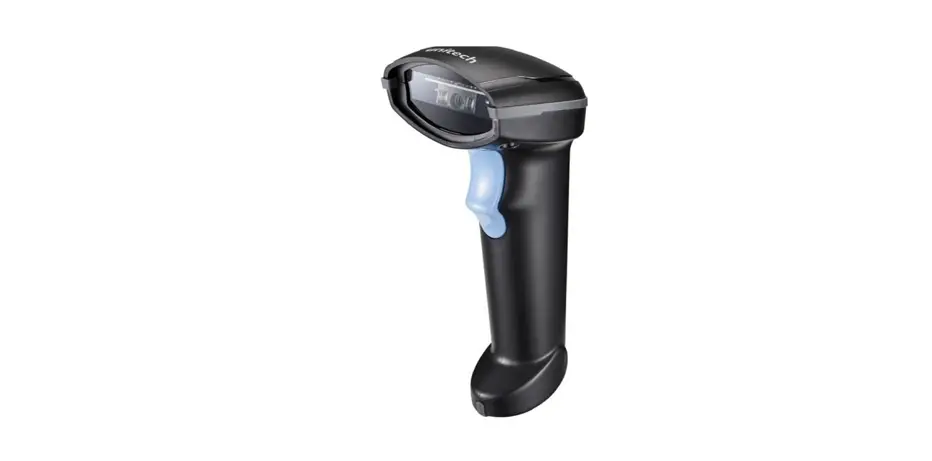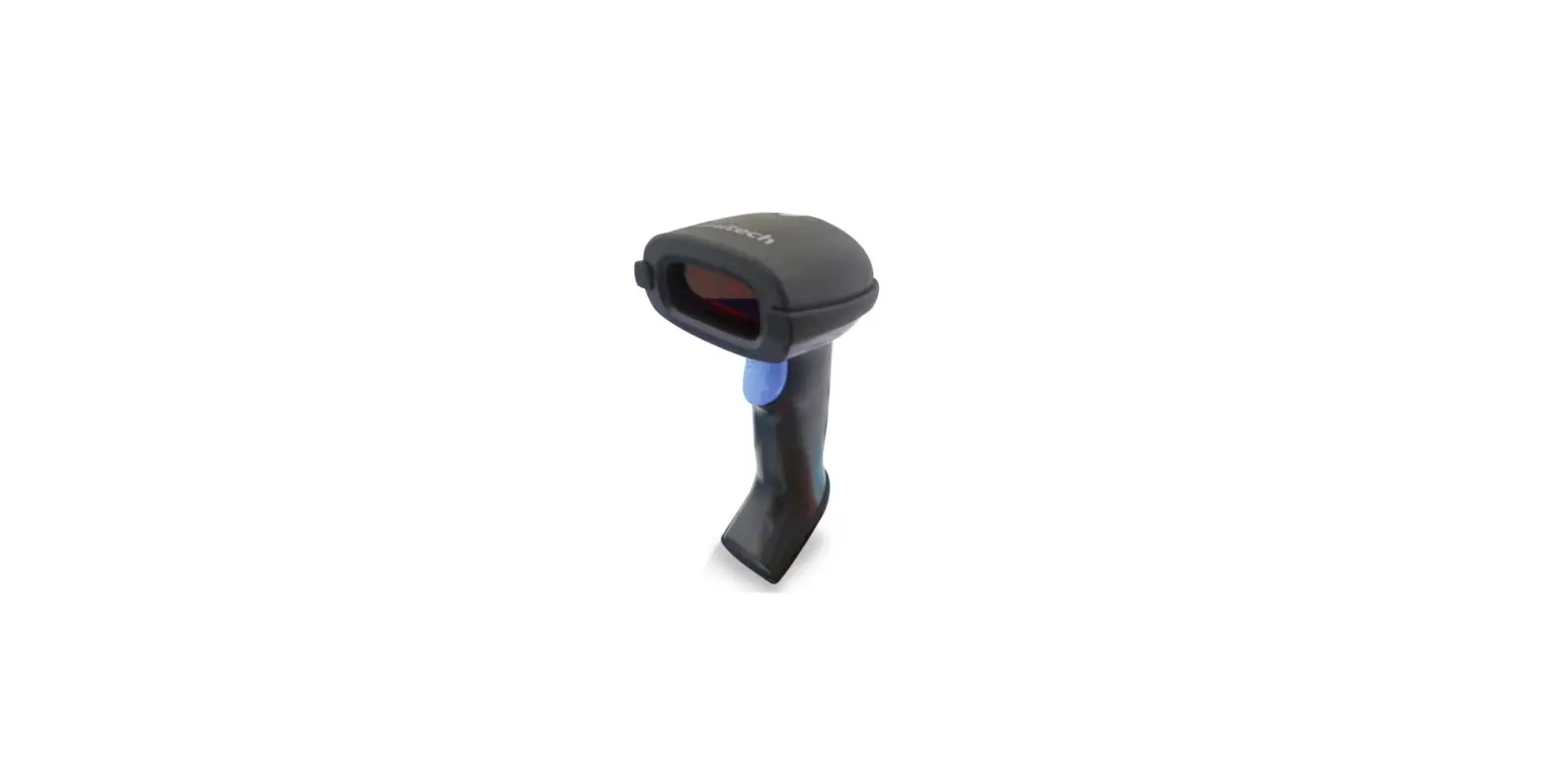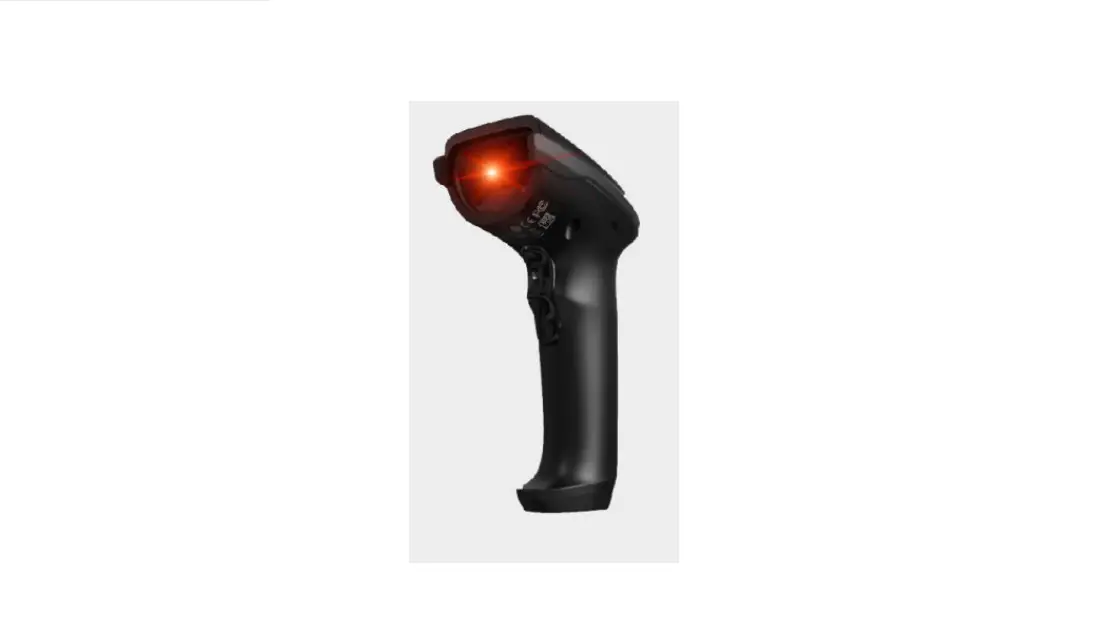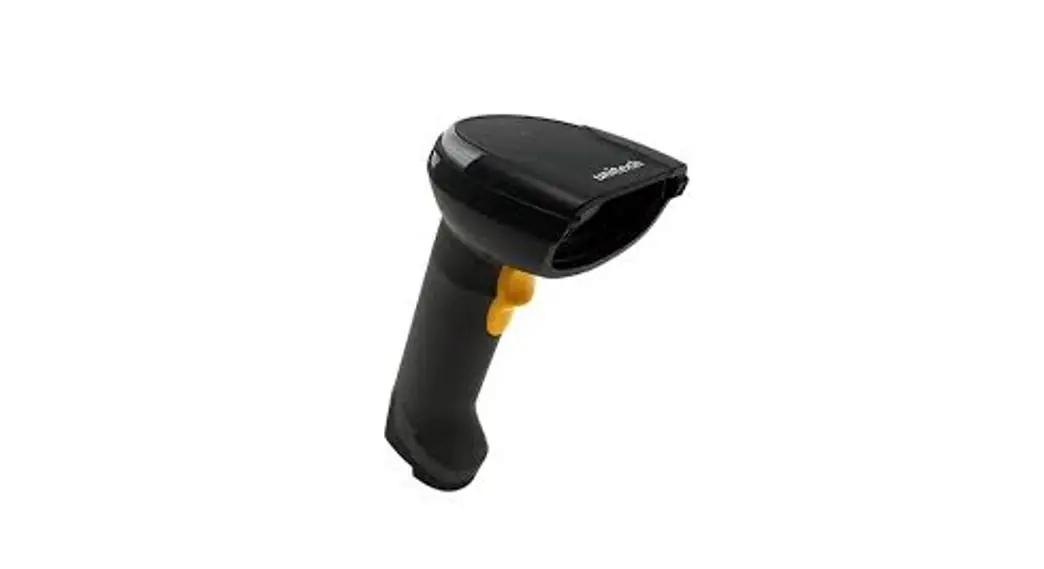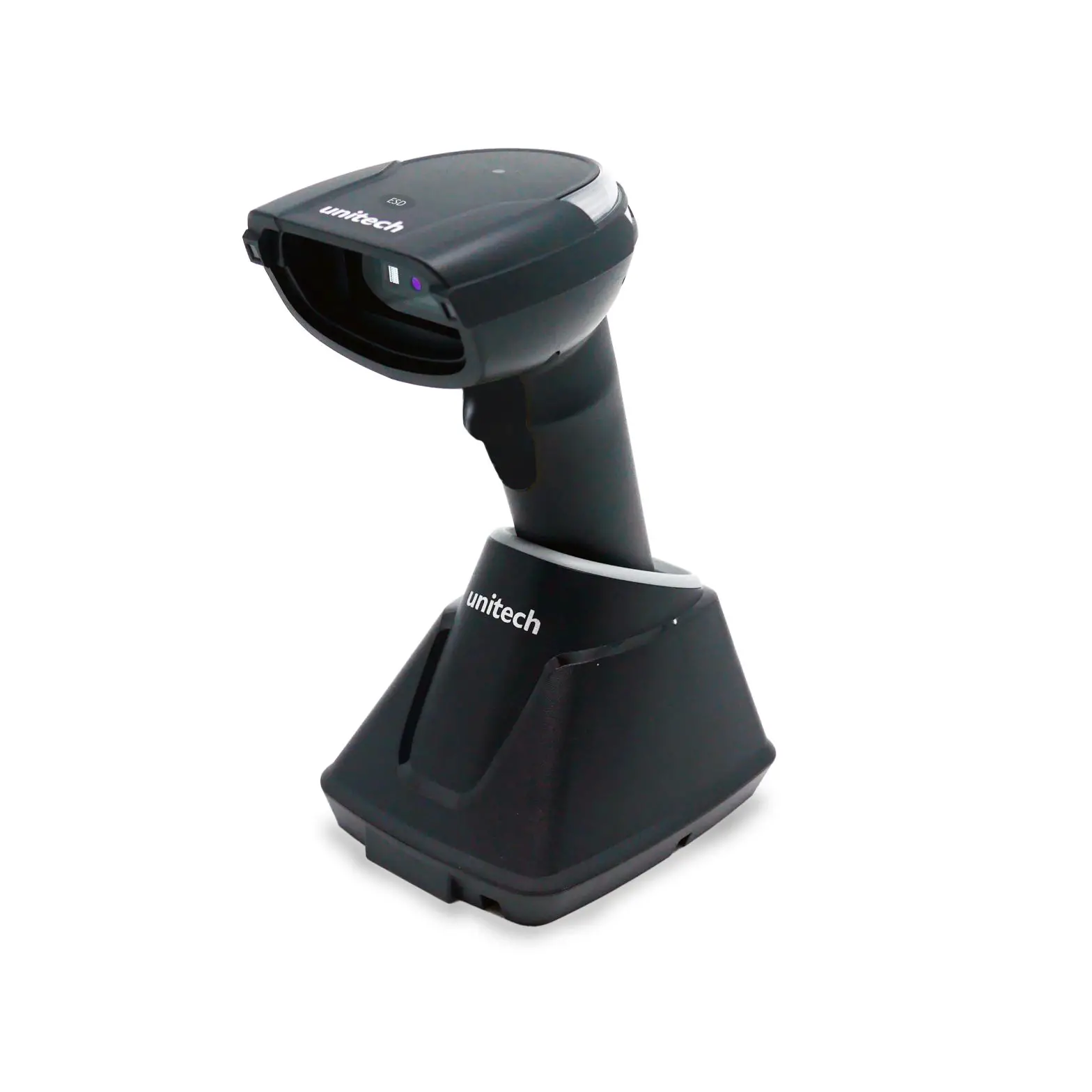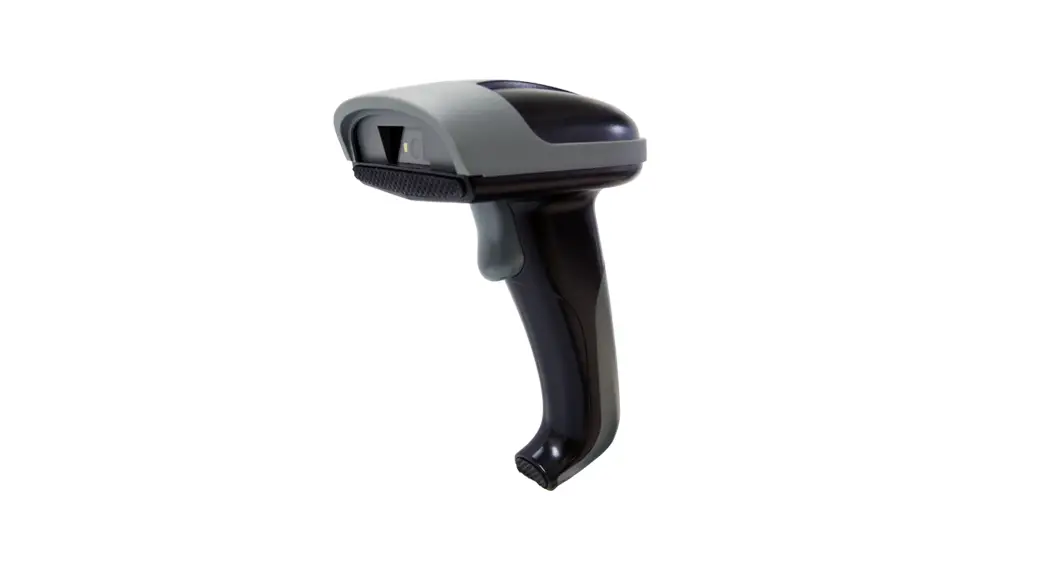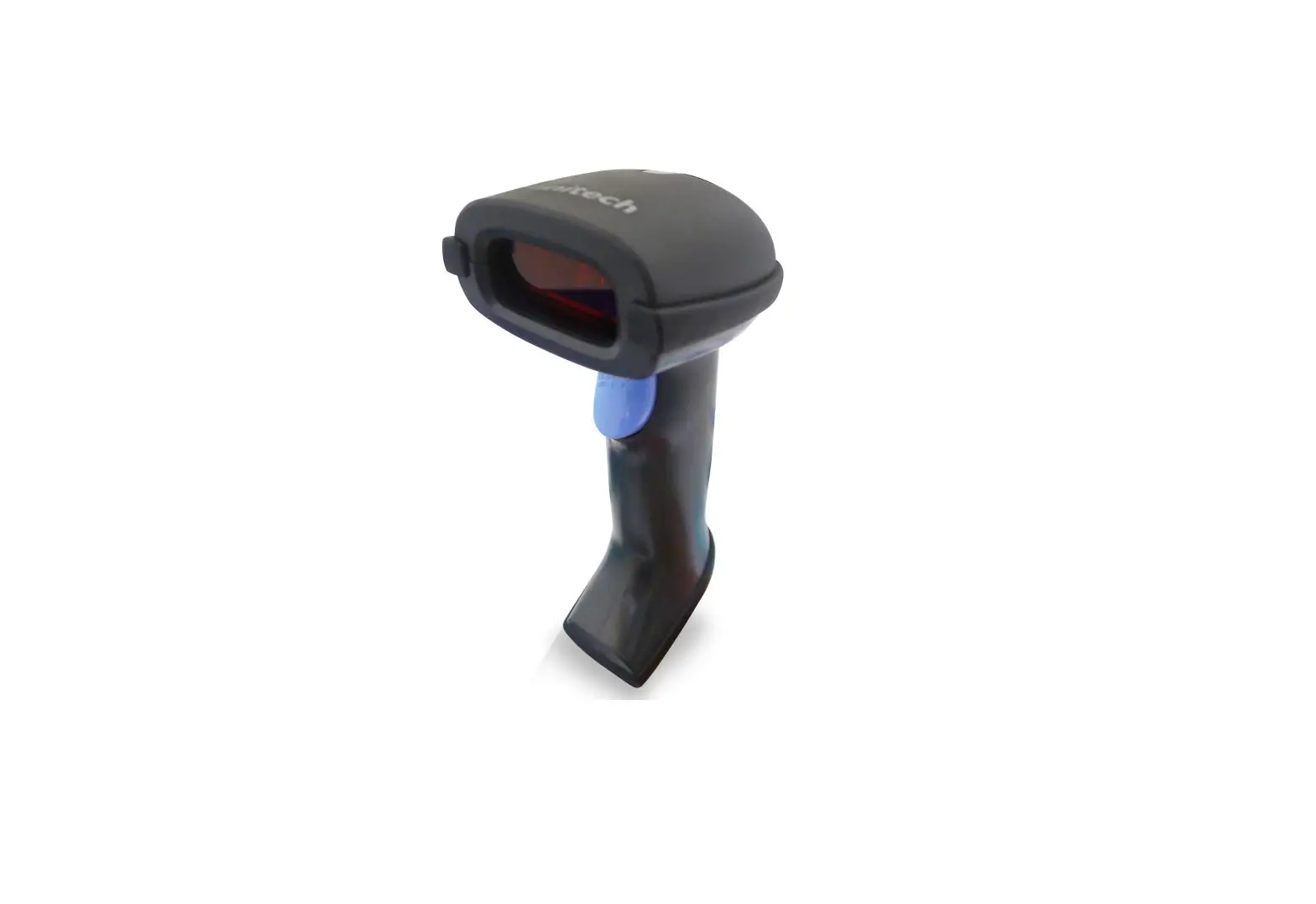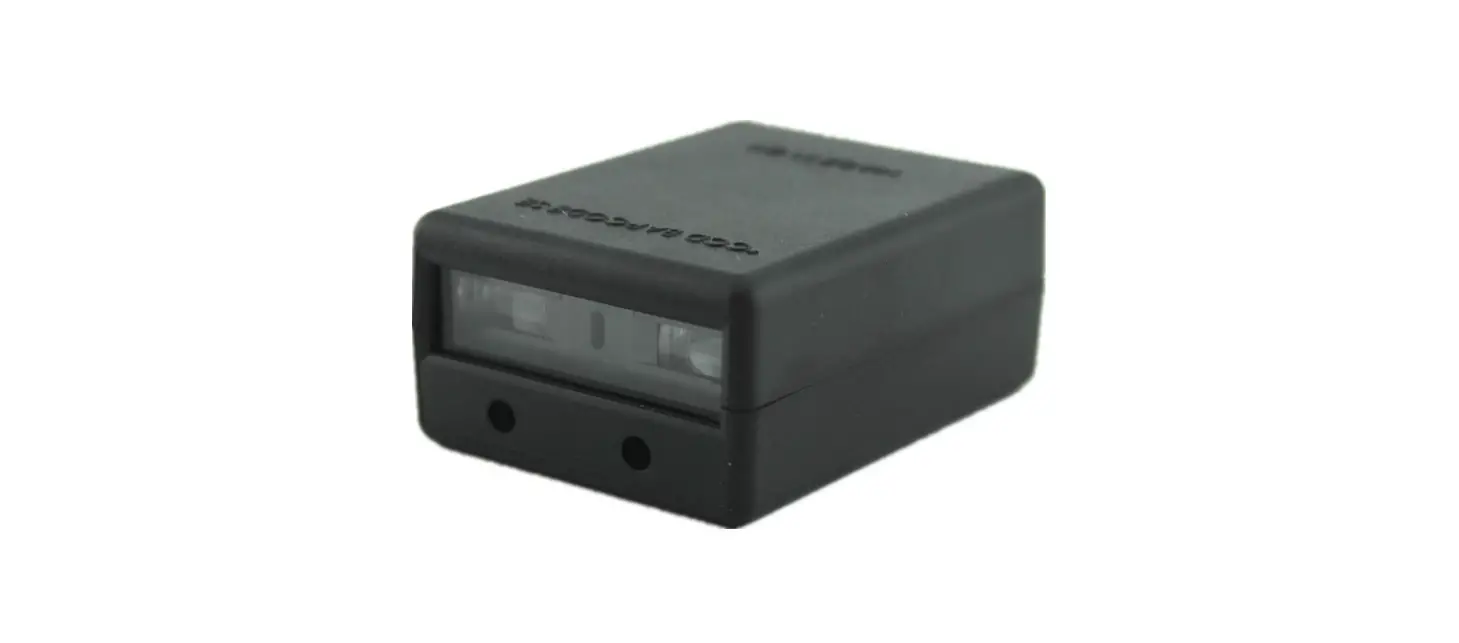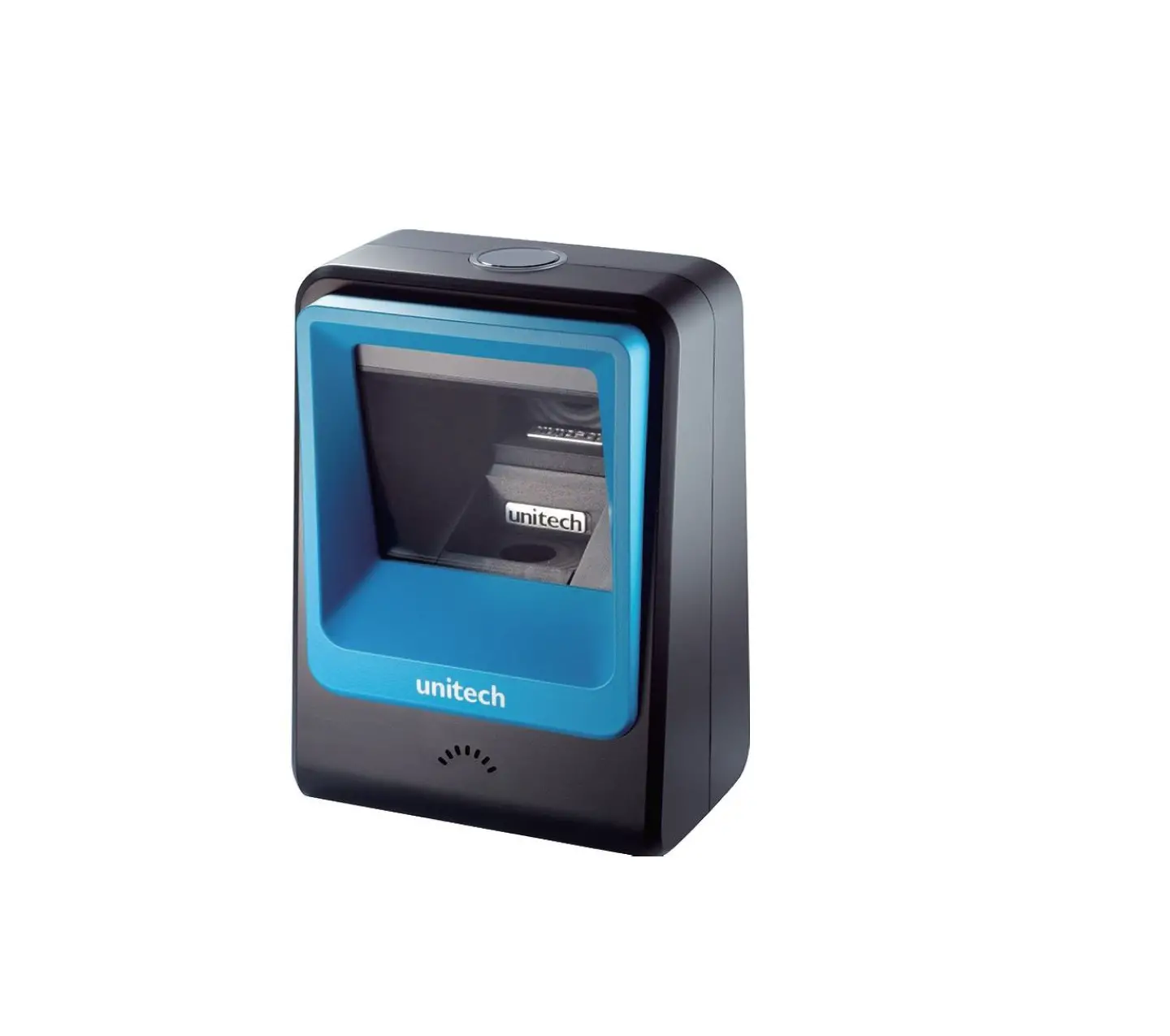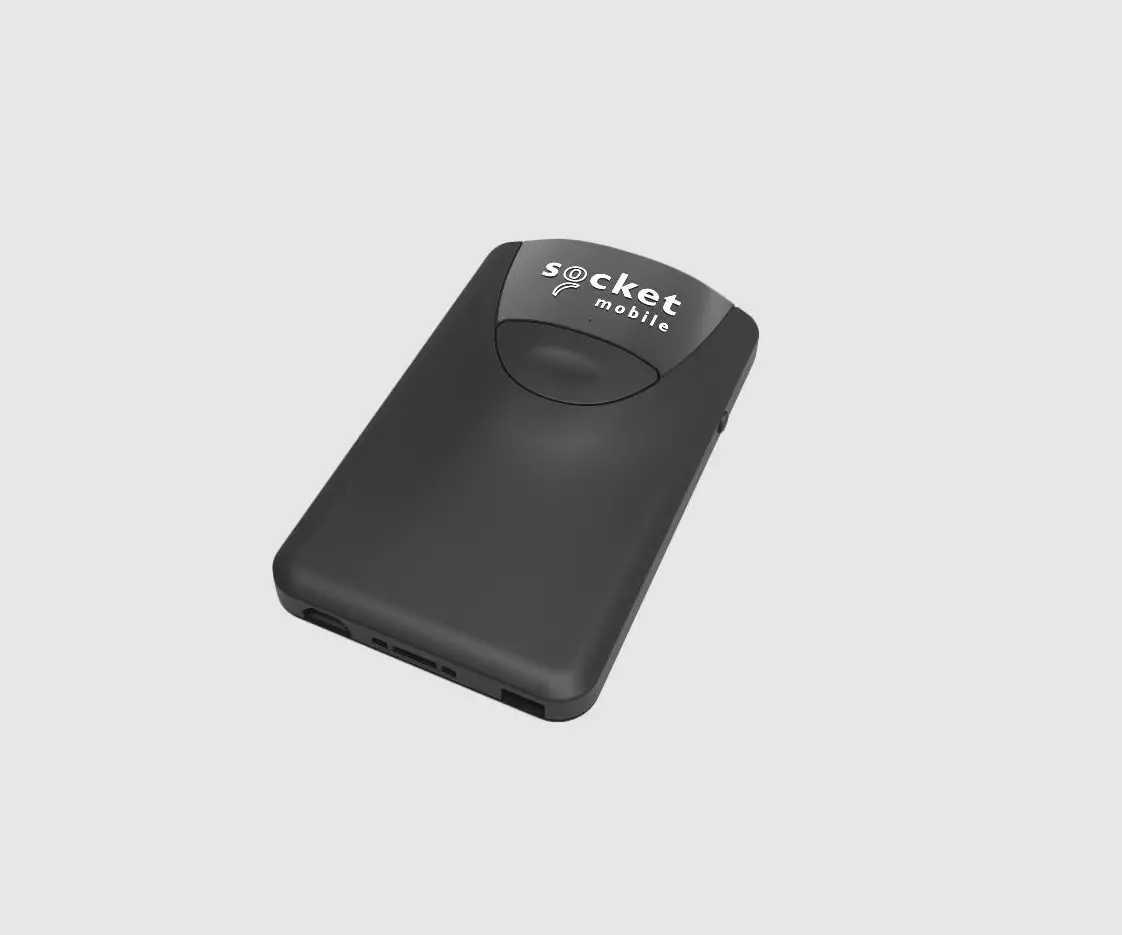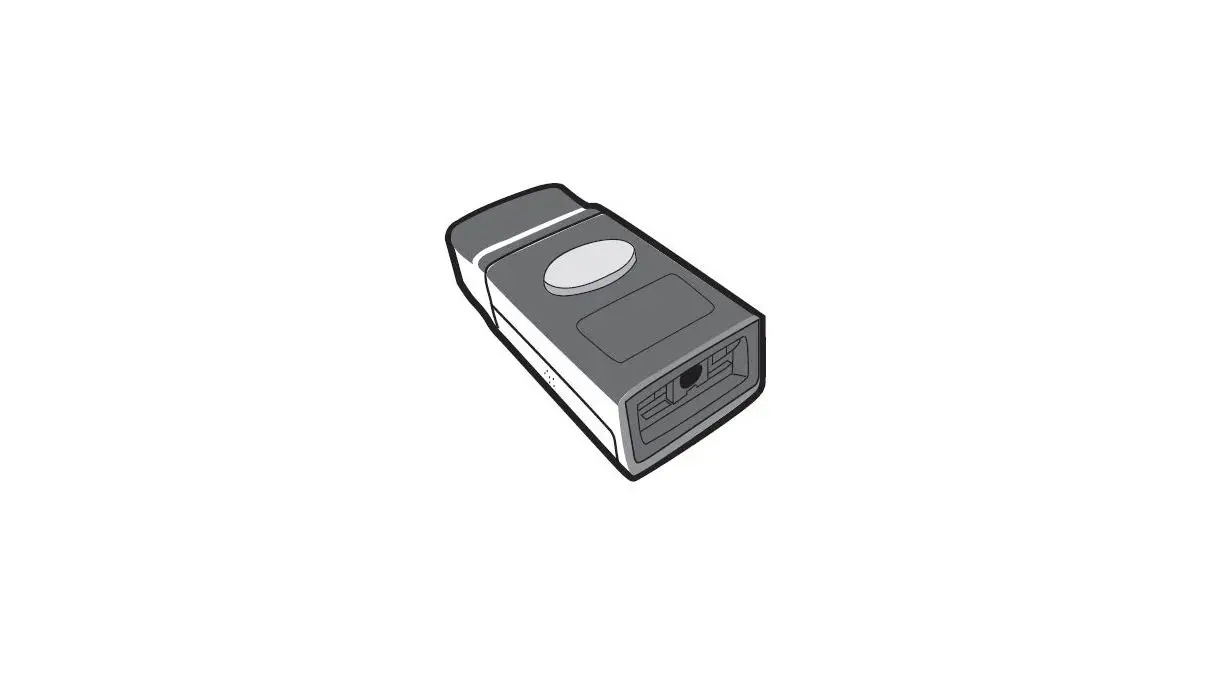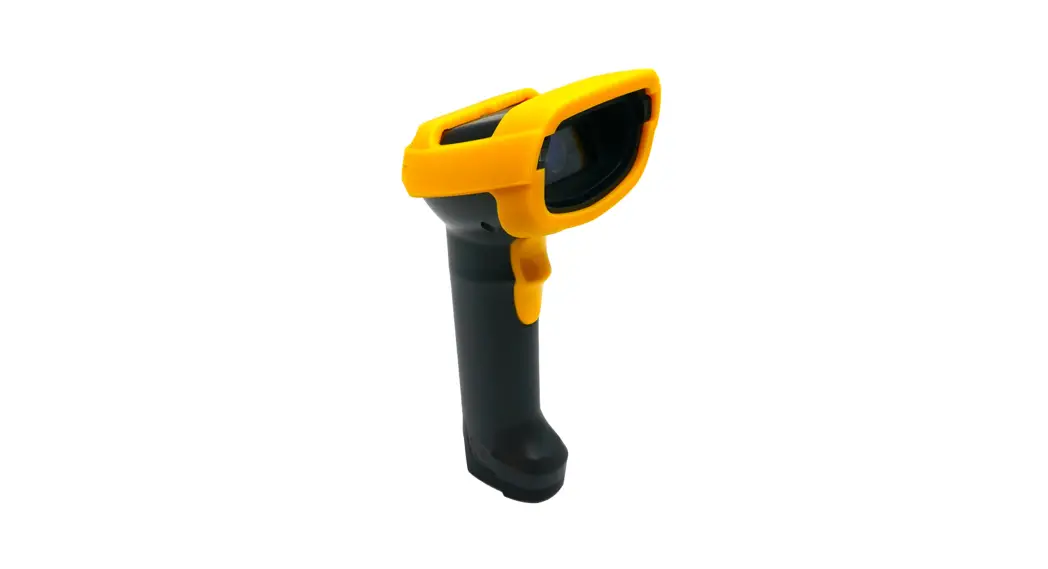

Unitech Ms852 2d Imager Barcode Scanner User Guide

Unitech Ms852 2d Imager Barcode Scanner User Guide

unitech logo

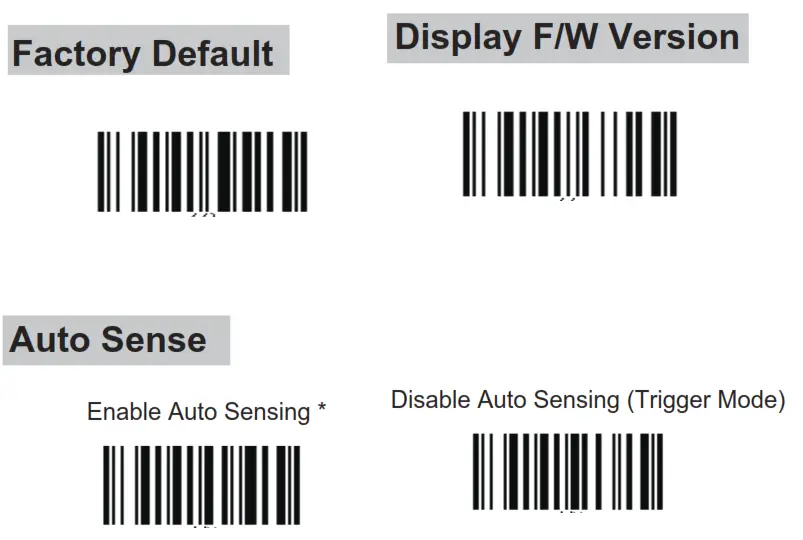
MS852 / MS852Plus Auto Switching
2D Imager Barcode Scanner
Quick Start Guide
Auto Switching
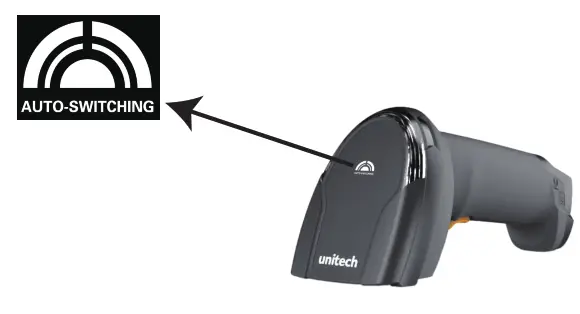
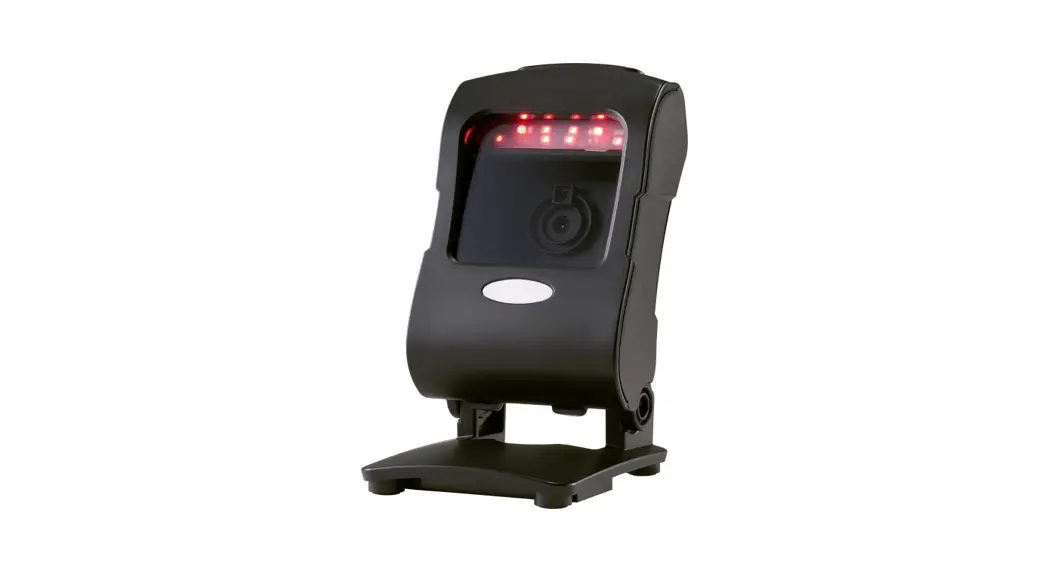
unitech MS852 2D Imager Barcode Scanner

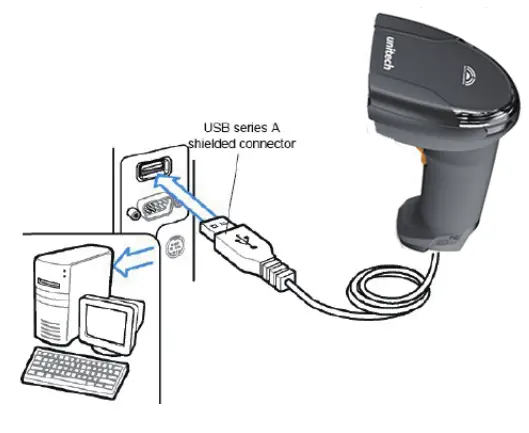
Connecting the Scanner

Connect USB cable to the USB port of a host PC. unitech MS852 2D Imager Barcode Scanner - Scanner
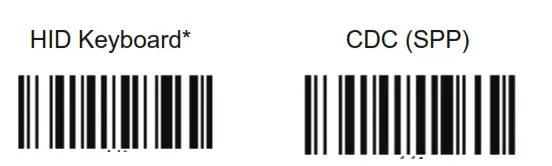
USB Device Type

unitech MS852 2D Imager Barcode Scanner - bar code

unitech MS852 2D Imager Barcode Scanner - bar code 1


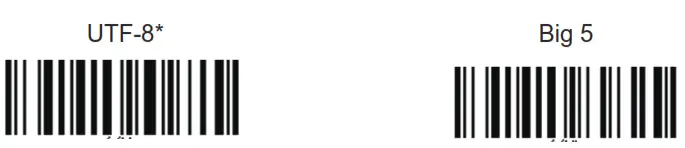
Encoding
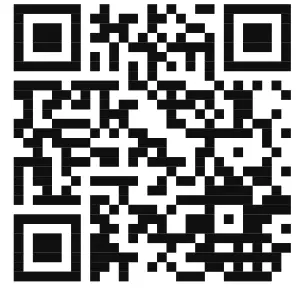
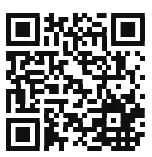
Remark: For displaying Traditional Chinese character on your Windows PC, please scan the QR code below to look for  corresponding product name and download Windows registry setting utility for Traditional Chinese input.unitech MS852 2D Imager Barcode Scanner - bar code 5
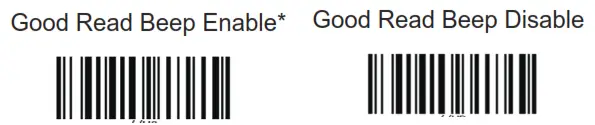
Good Readunitech MS852 2D Imager Barcode Scanner - bar code 6


  • Default Option
    Thank you for purchasing the unitech product.
    For other product documentation, please scan the QR code for more information.

unitech MS852 2D Imager Barcode Scanner - qr code 6

Version 1.1
608387G

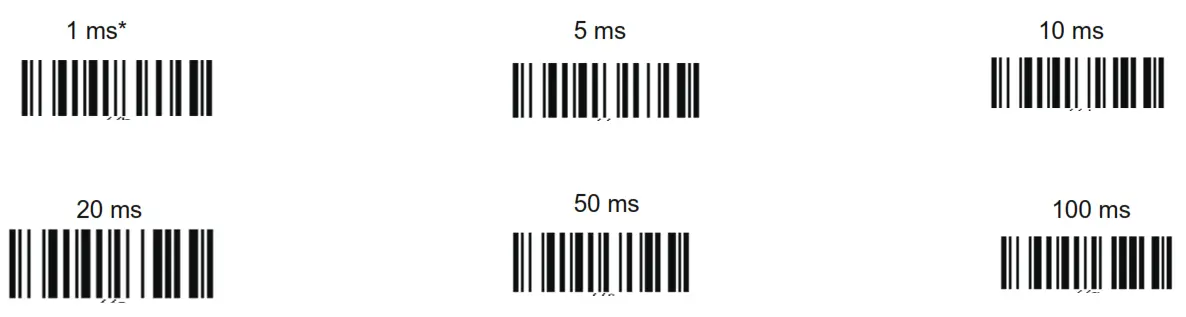
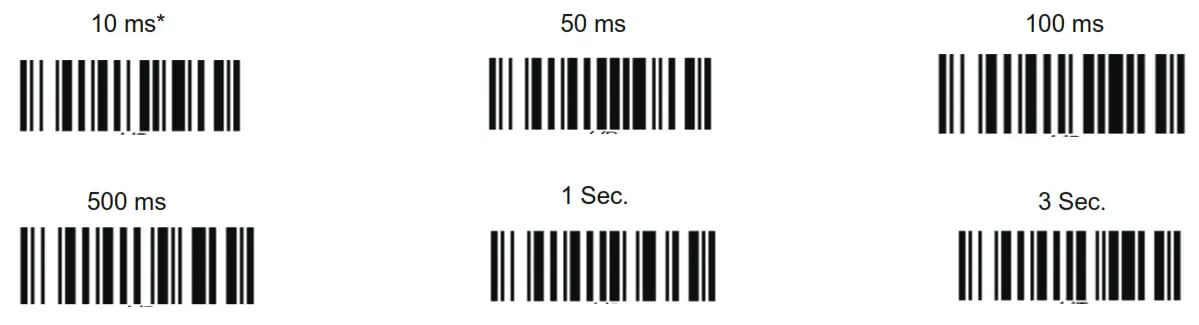
HID Keyboard Character Delay

unitech MS852 2D Imager Barcode Scanner - bar code 7

HID Keyboard Block Delayunitech MS852 2D Imager Barcode Scanner - bar code 8

HID Keyboard Caseunitech MS852 2D Imager Barcode Scanner - bar code 8

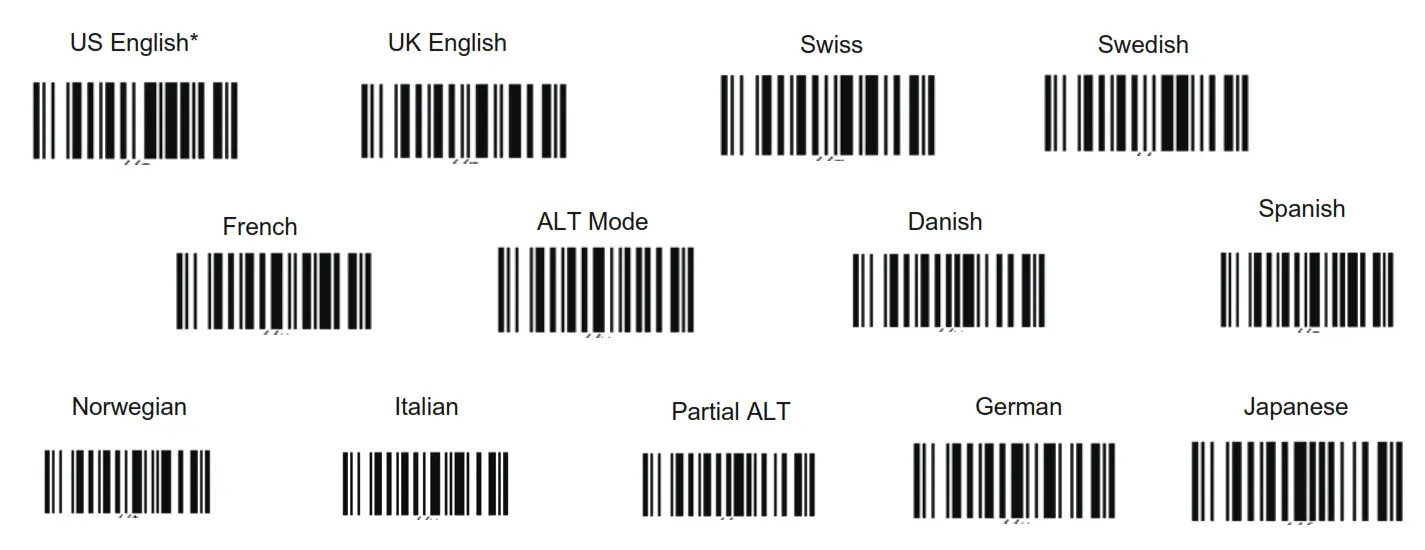
HID Keyboard Language

unitech MS852 2D Imager Barcode Scanner - bar code 10

* :Default Option
Thank you for purchasing the unitech product.
For other product documentation, please scan the QR code for more information.
unitech MS852 2D Imager Barcode Scanner - qr code d
http://www.ute.com/services01.php?rbu=0

Documents / Resouces

Download manual
Here you can download full pdf version of manual, it may contain additional safety instructions, warranty information, FCC rules, etc.


Related Manuals