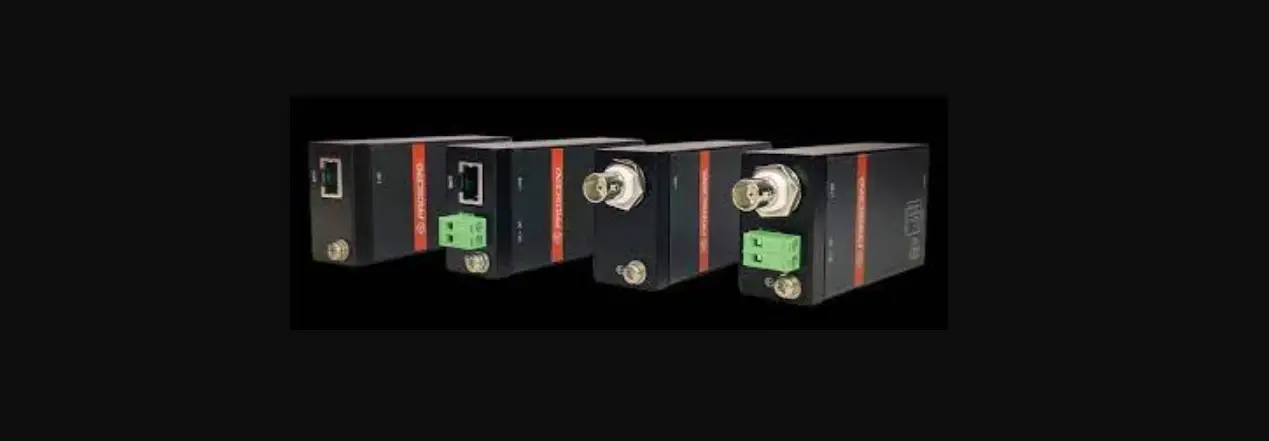

PROSCEND 708EP-AC 8-Port PoE Long Reach Switch/Extender
Overview
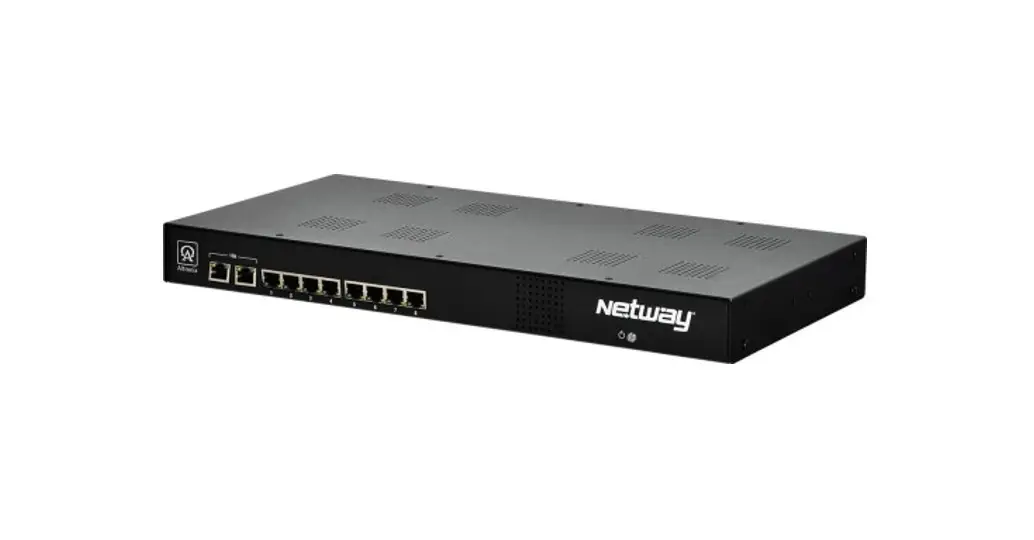
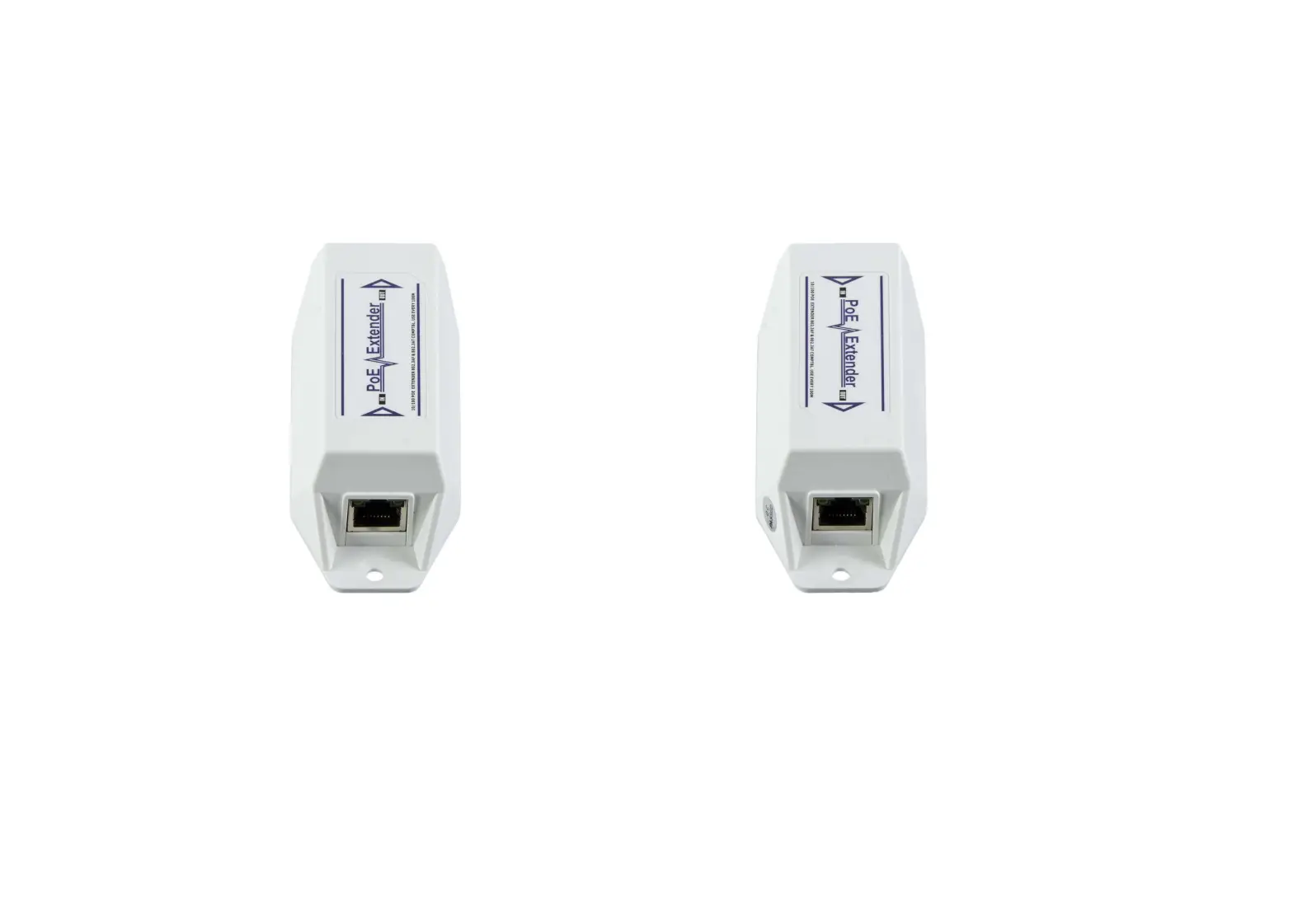
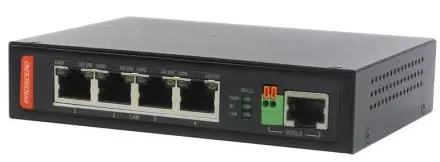
The 708EP-AC PoE Switch/Extender features 8 pairs of Long Reach Ethernet connections in cooperation with the 101EPI. Each pair carries
Ethernet traffic and power over an Ethernet cable up to 800 meters. The 708EP-AC is designed to locate at the network side where the 101EPI is located at the remote side.
LED Indicators
Each LED indicator on the front panel is described in the following table.
| LED | Color | LED | Description |
| PWR | Green | On | Device Power On. |
| Off | Device Power Off. | ||
| SYS | Green | On | System is working. |
| Off | System is off. | ||
| Blinking | Device Error. | ||
| PoE1~8 | Green | On | Powered Device Connected. |
| Off | Powered Device Disconnected. | ||
| UPLINK | Green | On | 1000Mbps UPLINK LINK UP. |
| Off | 1000Mbps UPLINK LINK DOWN. | ||
| Blinking | 1000Mbps Data Transmitting. | ||
| Yellow | On | 100/10Mbps UPLINK LINK UP. | |
| Off | 100/10Mbps UPLINK LINK DOWN. | ||
| Blinking | 100/10Mbps Data Transmitting. | ||
| LINE 1~8 | Green | On | 100Mbps LINE LINK UP. |
| Off | LINE LINK DOWN. | ||
| Blinking | 100Mbps Data Transmitting. | ||
| Yellow | On | 10Mbps LINE LINK UP. | |
| Off | LINE LINK DOWN. | ||
| Blinking | 10Mbps Data Transmitting. |
LINE Port Pin Assignment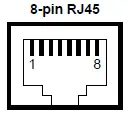
The LINE interfaces of the 708EP-AC are standard 8-pin RJ45 connectors. The following tables display the pinouts.
| MDI Port Pinouts | MDI-X Port Pinouts | ||
| Pin | Description | Pin | Description |
| 1 | TX+ | 1 | RX+ |
| 2 | TX- | 2 | RX- |
| 3 | RX+ | 3 | TX+ |
| 4 | Not used | 4 | Not used |
| 5 | Not used | 5 | Not used |
| 6 | RX- | 6 | TX- |
| 7 | Not used | 7 | Not used |
| 8 | Not used | 8 | Not used |
The PoE pinouts of the LINE interfaces are as below when 8 wires are connected
| PoE Pinouts | |||
| Pin | Description | Pin | Description |
| 1 | V+ | 5 | V+ |
| 2 | V+ | 6 | V- |
| 3 | V- | 7 | V- |
| 4 | V+ | 8 | V- |
The PoE pinouts of the LINE interfaces are as below when 4 wires are connected
| PoE Pinouts | |||
| Pin | Description | Pin | Description |
| 1 | V+ | 5 | Not used |
| 2 | V+ | 6 | V- |
| 3 | V- | 7 | Not used |
| 4 | Not used | 8 | Not used |
Connecting Power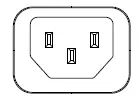
Use the included power cord to connect the power socket on the front panel to a power outlet.
Ground Connection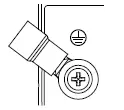
To prevent the effects of noise from electromagnetic interference (EMI), run the ground connection from the ground screw to the grounding surface before connecting the devices.
Reset Button
Reset button allows you to reboot the unit or restore it to the factory default setting
| Function | Operation |
| Reboot | Press the button for 1 second |
| Restore to factory default setting | Press the button for more than 5 seconds |
Rack Mounting
STEP 1: Align two brackets with the holes on the sides of the Switch and fasten the mounting kits by using screws.
NOTE: The type of screw is flat head M3 x 5mm.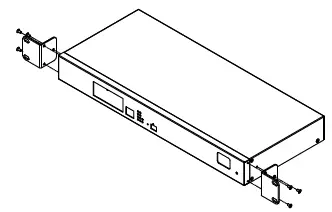
STEP 2: After attaching two brackets, line up the rack-mounting positions of the holes in the brackets with the appropriate holes on the rack and then fasten the Switch on the rack by using screws.
NOTE: The rack-mounting screws are not included in the package.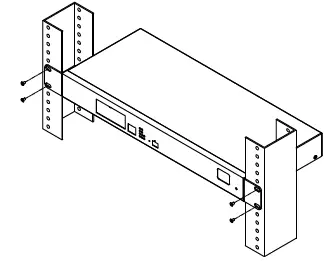
Setup
Access the Web Configurator via UPLINK port or LINE ports.
STEP 1: Enter the default IP address 192.168.1.1 as URL in your web browser.
STEP 2: Please enter the default username root and the default password 2wsx#EDC.
STEP 3: Click the Login button.
Change the default password.
Go to User setting and reset your new password and then click Apply button.
NOTE: The default password should be changed after configuration. Please avoid using easy to guess passwords (e.g., root, 1234…).
Safety Warning
- Disconnect all power from devices before attempting installation.
- This device is intended for installation only in restricted access locations as defined where both these conditions apply:
- Access is through the use of a lock or tool and key, or other means of security, and is controlled by the authority responsible for the location.
- Access can only be gained by service persons or by users who have been instructed about the reasons for the restrictions applied to the location and about any precautions that shall be taken.
- All electric installations must be carried out in accordance with local and national regulations.
- Do not work on the system, connect or disconnect cables during periods of lightning activity.
- The equipment must be connected to earth.
- Shield of RJ45 cables has to be connected to the same earth potential as the equipment.
- Please remove the ground connection lastly if you need to remove the device after installation.
- If the LINE interface is used for the connection between two buildings, all necessary protective measures must be ensured externally.
- This equipment relies on the building’s installation for short-circuit (overcurrent) protection. Ensure that a fuse or circuit breaker no larger than 3.5 is used.
NOTE - Please scan below QR Code to download online resources.
Download Link: https://www.proscend.com/en/product/708E.html