PIMA KLT500 Elegant Touch and Rubber-Key Keypads Instruction Manual

Installation Instructions
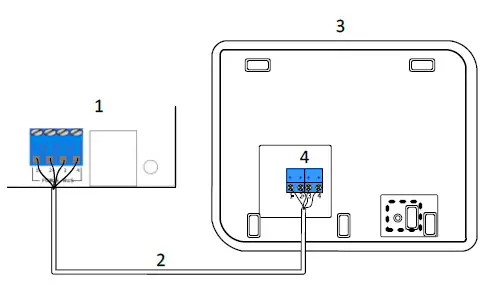
| 1 | FORCE’s control panel | 1 | Контрольная панель FORCE |
| 2 | BUS Cable | 2 | 4-х проводной кабель шины BUS |
| 3 | Keypad (back side) | 3 | Клавиатура (вид сзади) |
| 4 | Terminal Connector | 4 | Клеммная колодка |
| 1 | Control panel FORCE | לוח הבקרה של FORCE | 1 |
| 2 | Cable para el BUS de conexión | כבל הBUS- | 2 |
| 3 | Teclado (sin cobertura posterior) | לוח המקשים (צד אחורי) | 3 |
| 4 | Bloque terminal de conexiones | טרמינל בלוק | 4 |
KLT500/KLR500 LCD Keypads
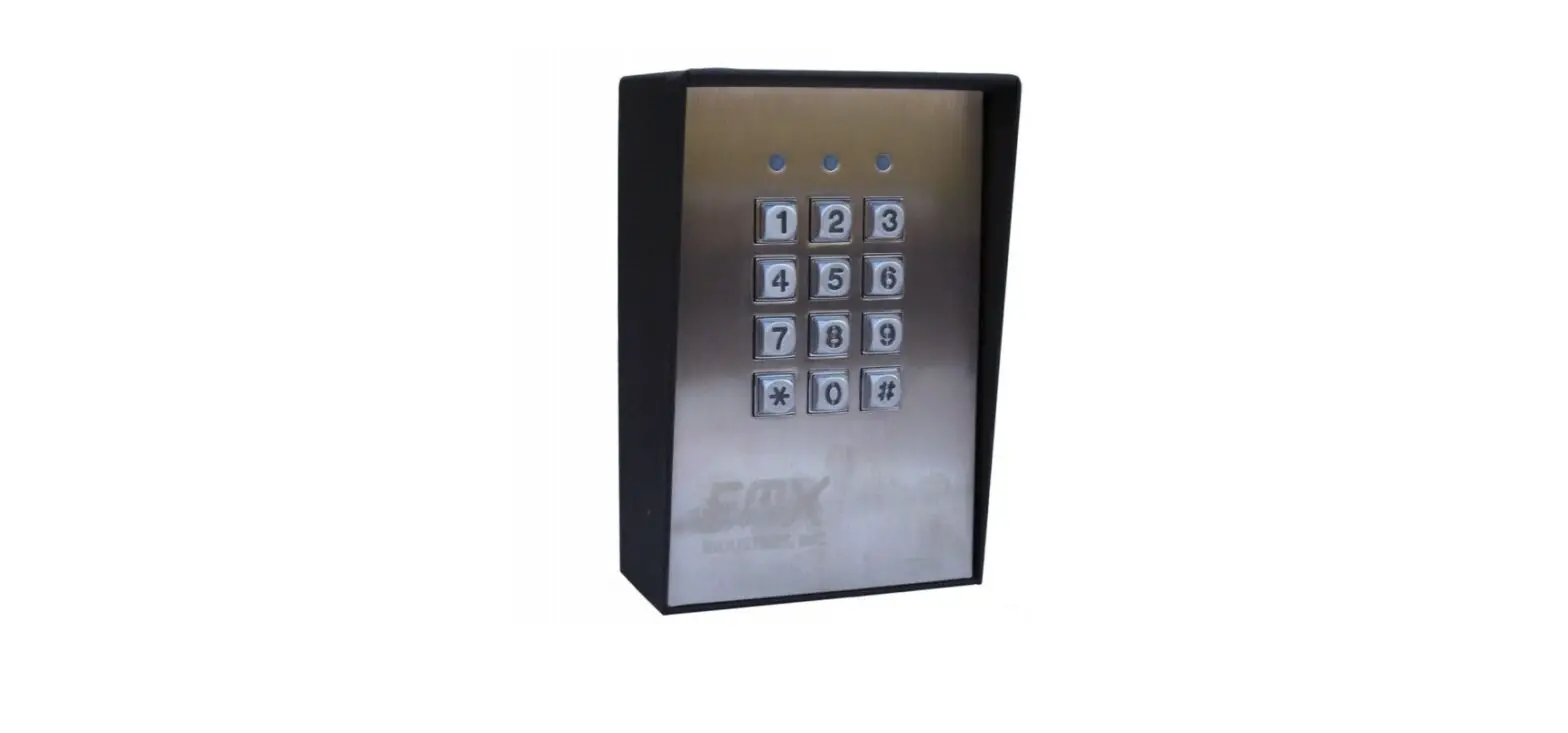
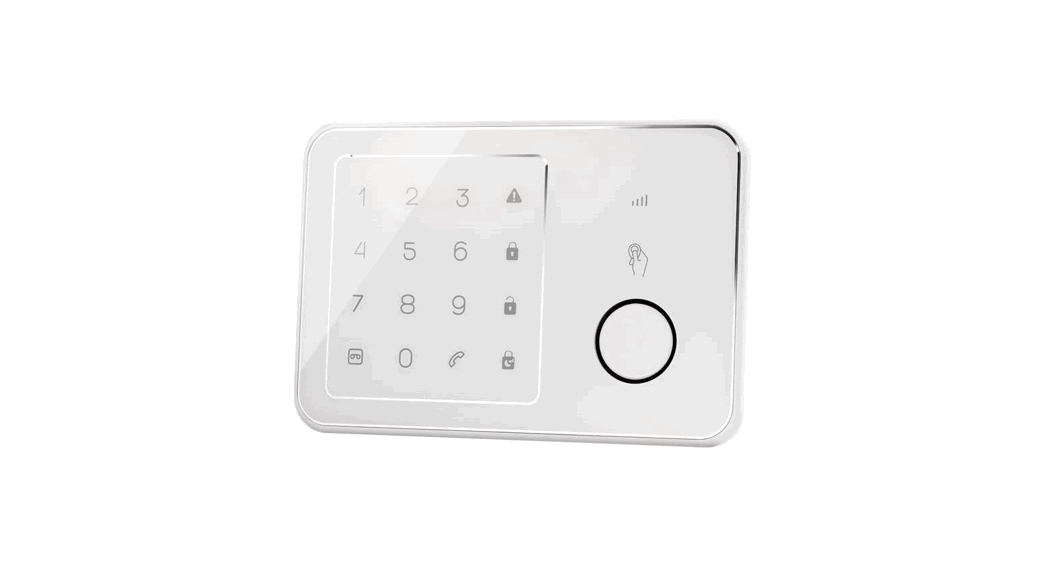
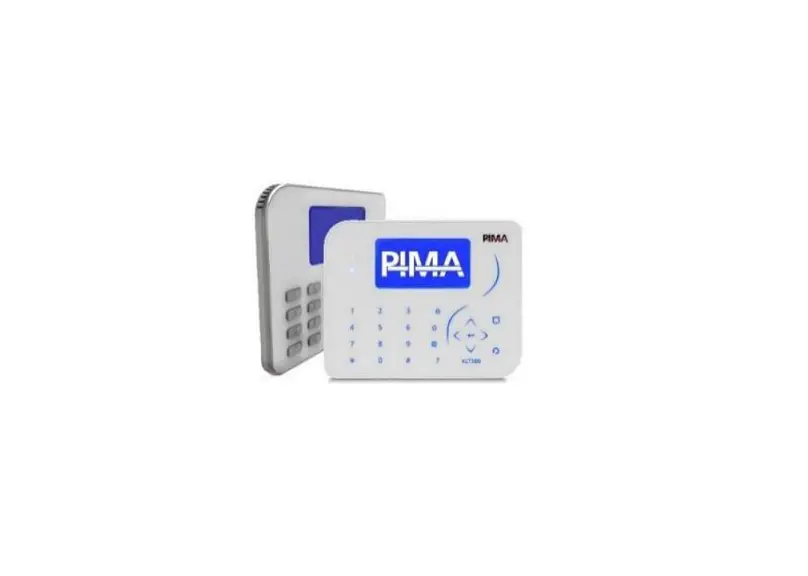
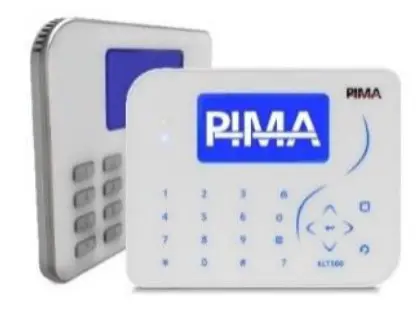
KLT500 and KLR500 are touch and silicon-rubber keys (respectively) graphic LCD keypads, designed for the FORCE Series intruder alarm systems. The two keypads connect to the control panel over the bus. Up to 16 keypads can be connected to the FORCE.
The KLT500 and the KLR500 have a modern and sleek design that fits every indoor decoration.
The two keypads have four LEDs – Arm, Ready, AC, Alert/Fault – and a buzzer for various panel status indications.
The two keypads have settings for backlight, contrast, buzzer volume and ID no., and a tamper switch for detecting the opening of the enclosure.
For complete information, see the FORCE’s Installation guide (P/N: 4410459
Technical specifications
- Screen size: 128X64 pixel
- Voltage levels: 0, +12V
- Operating Voltage Range: 9-14 VDC
- Current Consumption: 50mA idle, 90mA max.
- Sizes: 15 x 12 x 2cm
- Weight: 235gr
- CE compliance
- Operating Temperature: -10°C to +55°C
- Humidity (Max.): 93% R.H., Non-condensing.
Content of the product package
- KLT500/KLR500 keypad + terminal block
- This guide
How to install the KLT500/KLR500
Follow the next steps to connect the keypads.
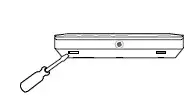
- Insert a slotted screwdriver to the notches on the keypad’s bottom, press gently and remove the backplate.
- Pass the BUS wires through the opening at the backplate.
- Mount the backplate on a flat surface.
- Connect the four BUS wires to the control panel: each wire connects between terminals with the same number on the keypad and the control panel (1-1, 2-2, etc.).
- Attach the keypad to the mounted backplate, top side first, and press until clicked.
Ordering Information
- KLT500: P/N 8415010
- KLR500: P/N 8415001
KLT500/KLR500 Клавиатуры с ЖК дисплеем
KLT500 и KLR500 сенсорная и контактная клавиатуры (соответственно) с графическим ЖК дисплеем, предназначены для работы с контрольными панелями серии FORCE. Данные клавиатуры подключаются к системной шине BUS. К одной контрольной панели FORCE может быть подключено до 16 клавиатур одновременно.
Клавиатуры KLT500 и KLR500 имеют современный стильный дизайн и прекрасно впишутся в интерьер любого помещения.
Клавиатуры имеют 4 светодиода индикации – На охране, Система готова к постановке, 220-240В, Неисправность и имеют встроенный динамик для различных системных сигналов.
Клавиатуры поддерживают следующие регулировки: яркость подсветки, контрастность, громкость звука динамика, задание ID клавиатуры, а также защищены тампером.
Более подробную информацию можно получить в Инструкции по установке FORCE (P/N: 4410487).
Информация для заказа
- KLT500: P/N 8415010
- KLR500: P/N 8415001
 Alarms.com
 Pima Electronic Systems | Residential & Commercial Security Systems