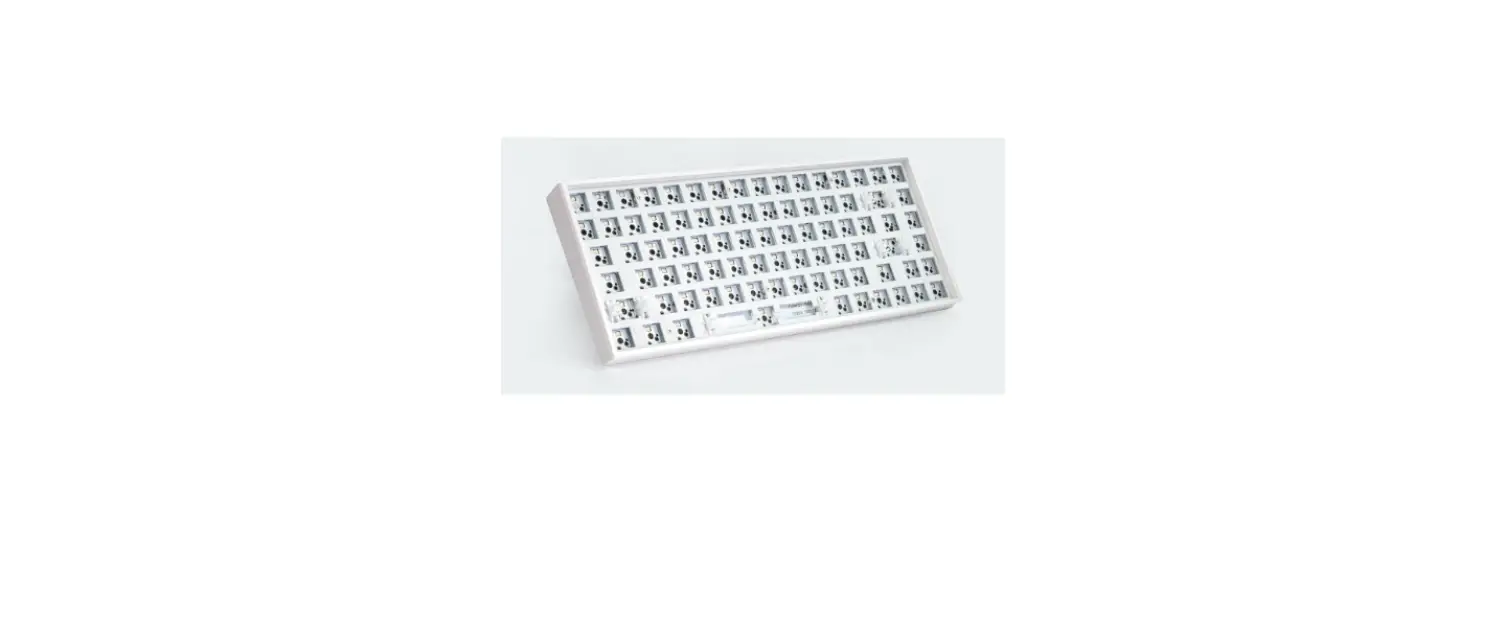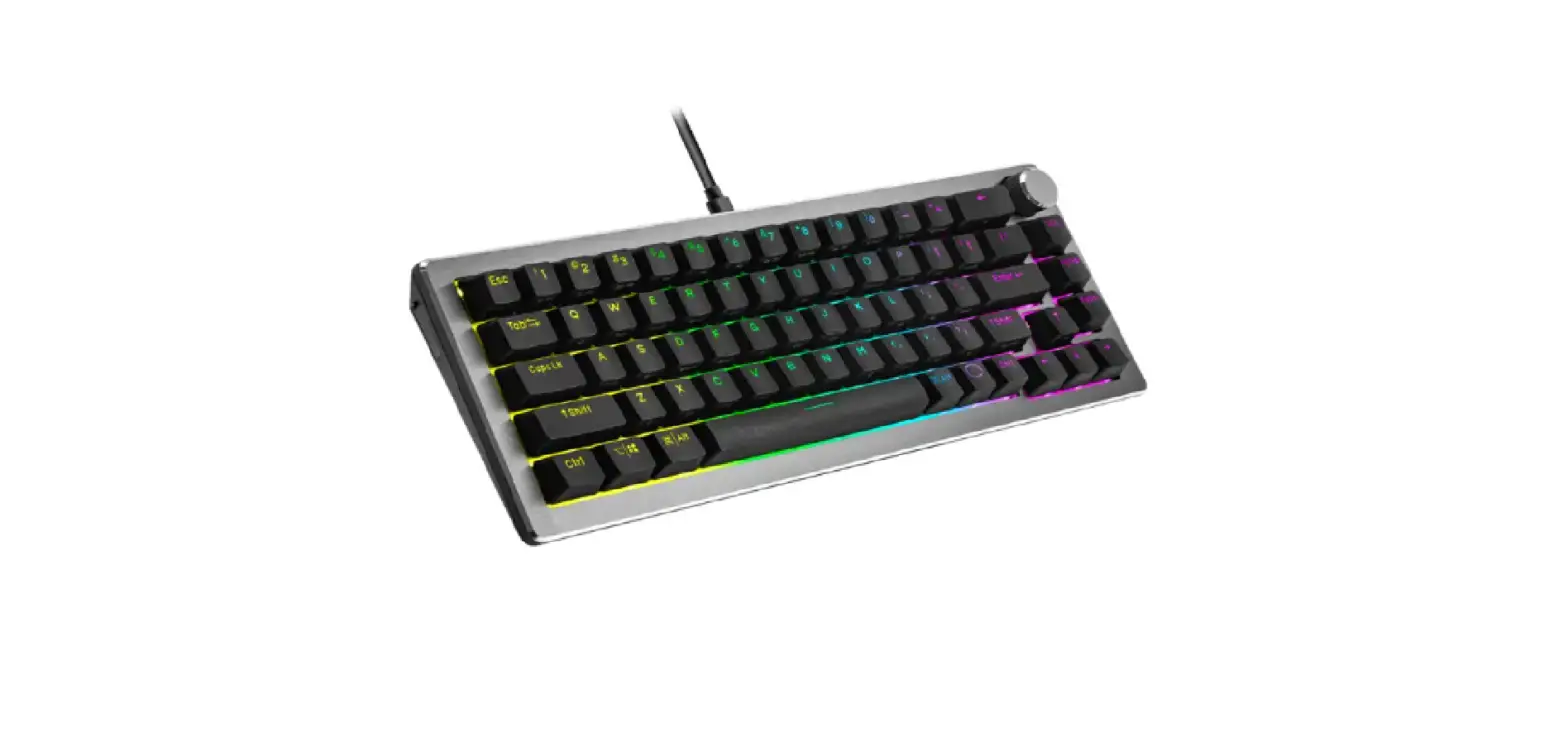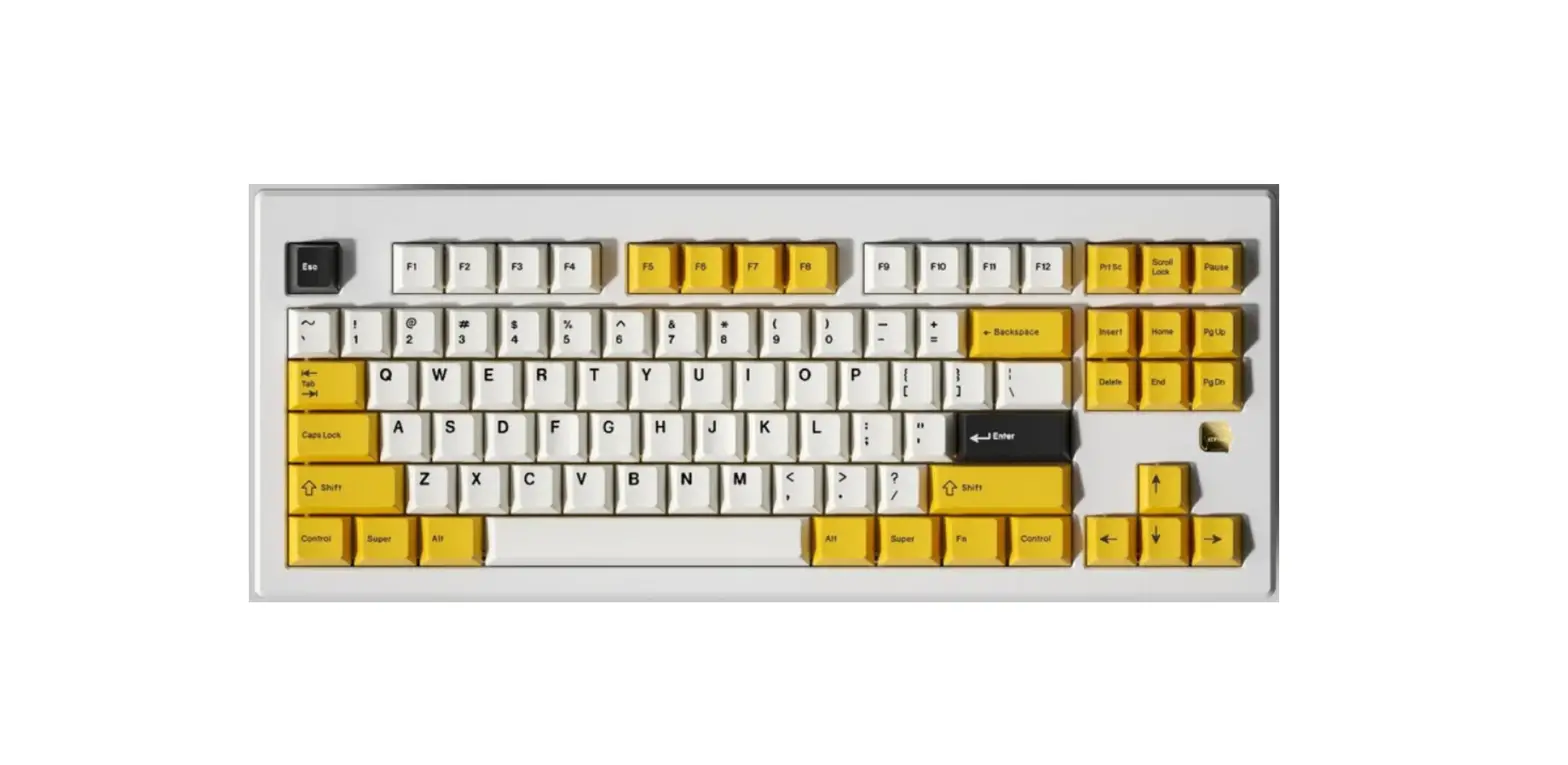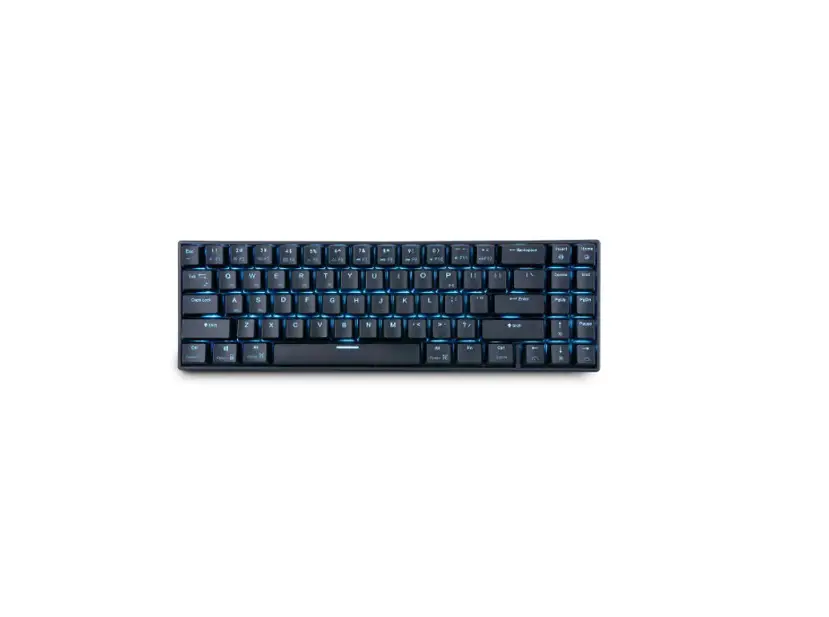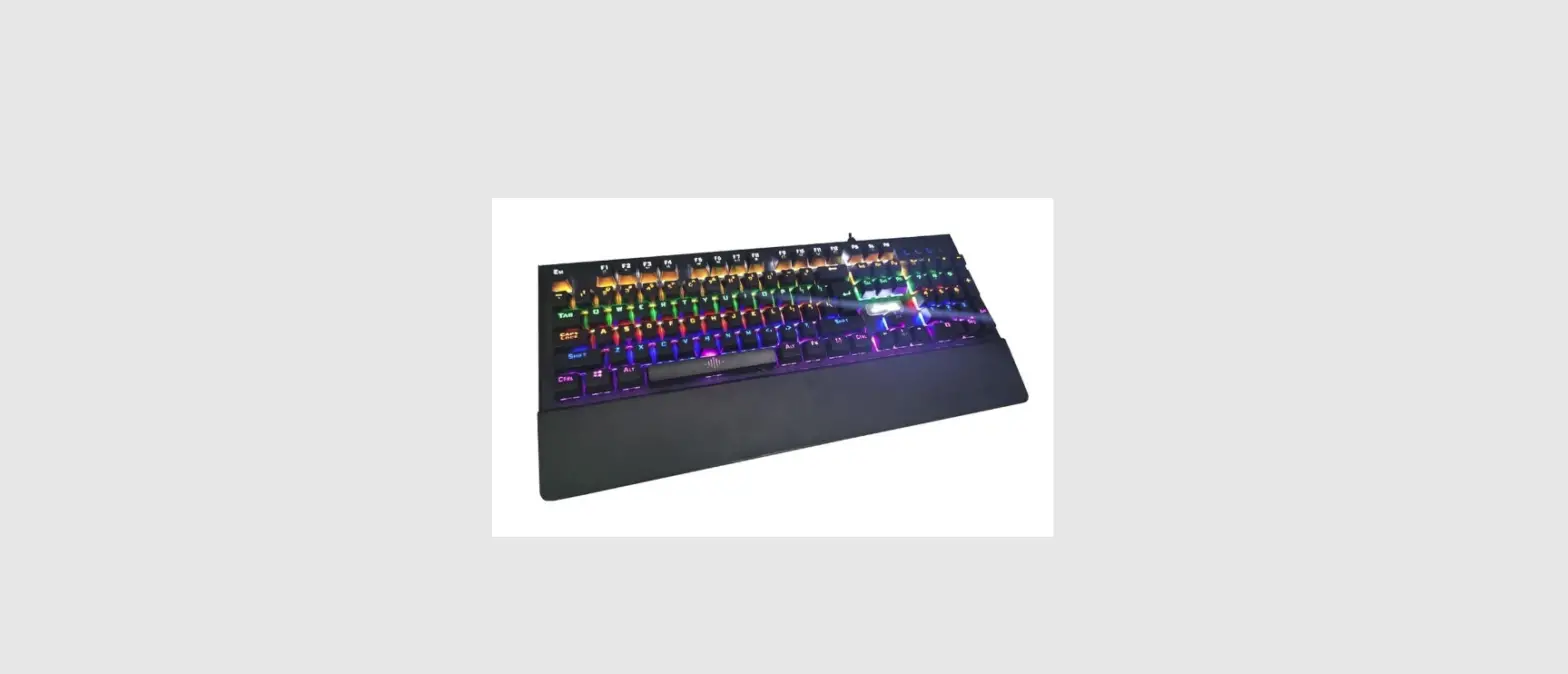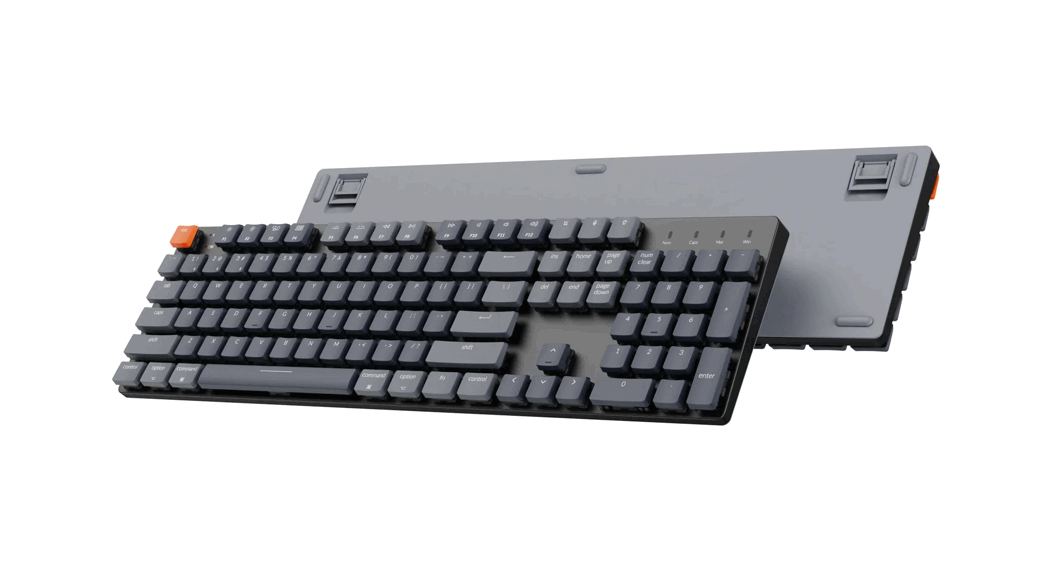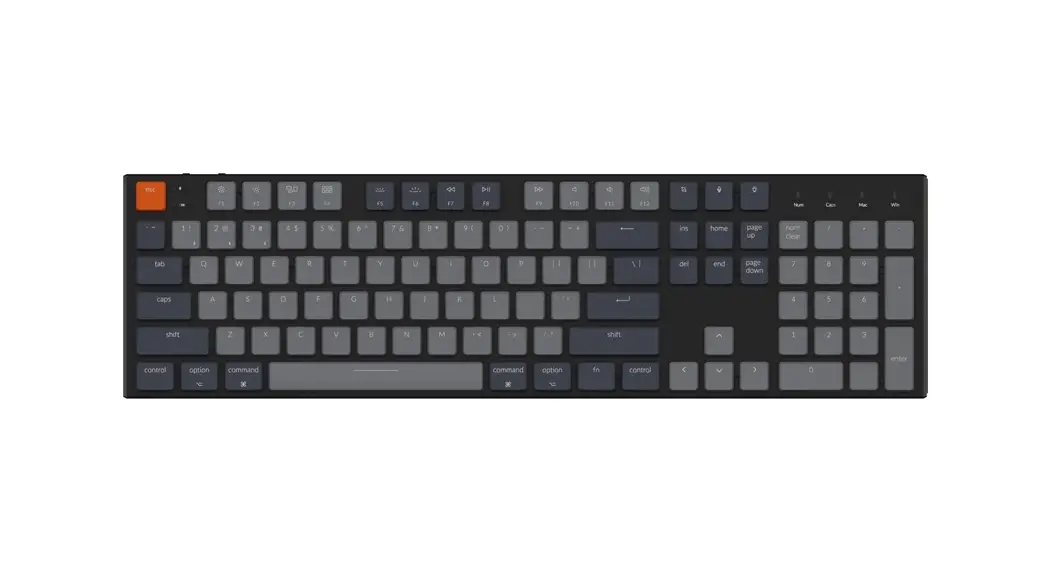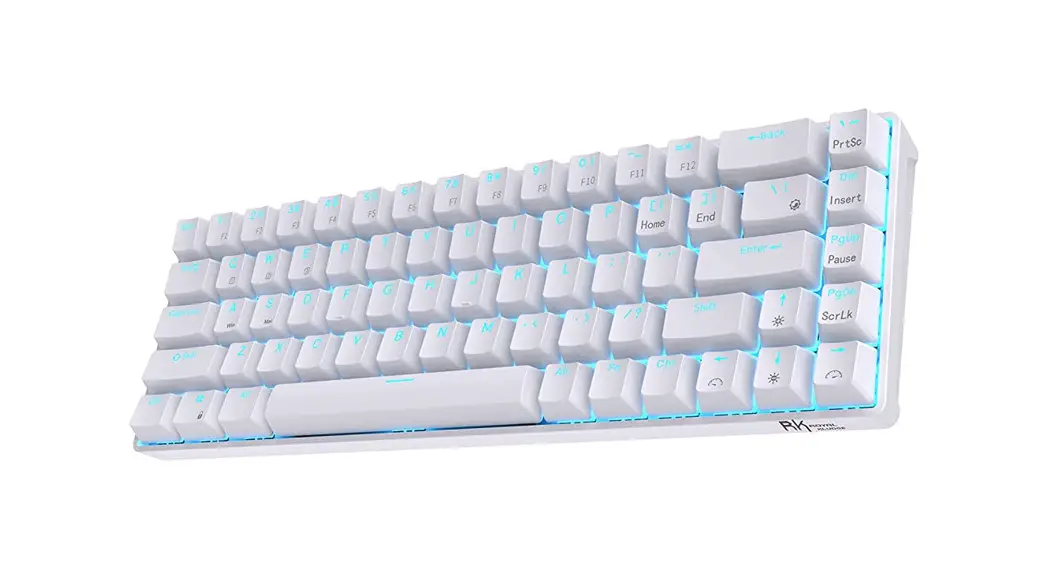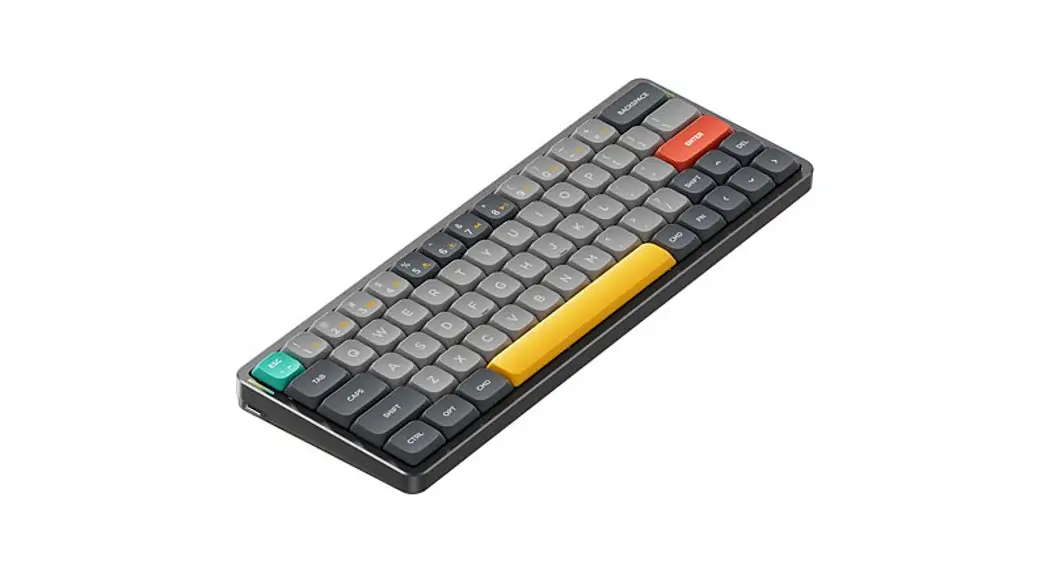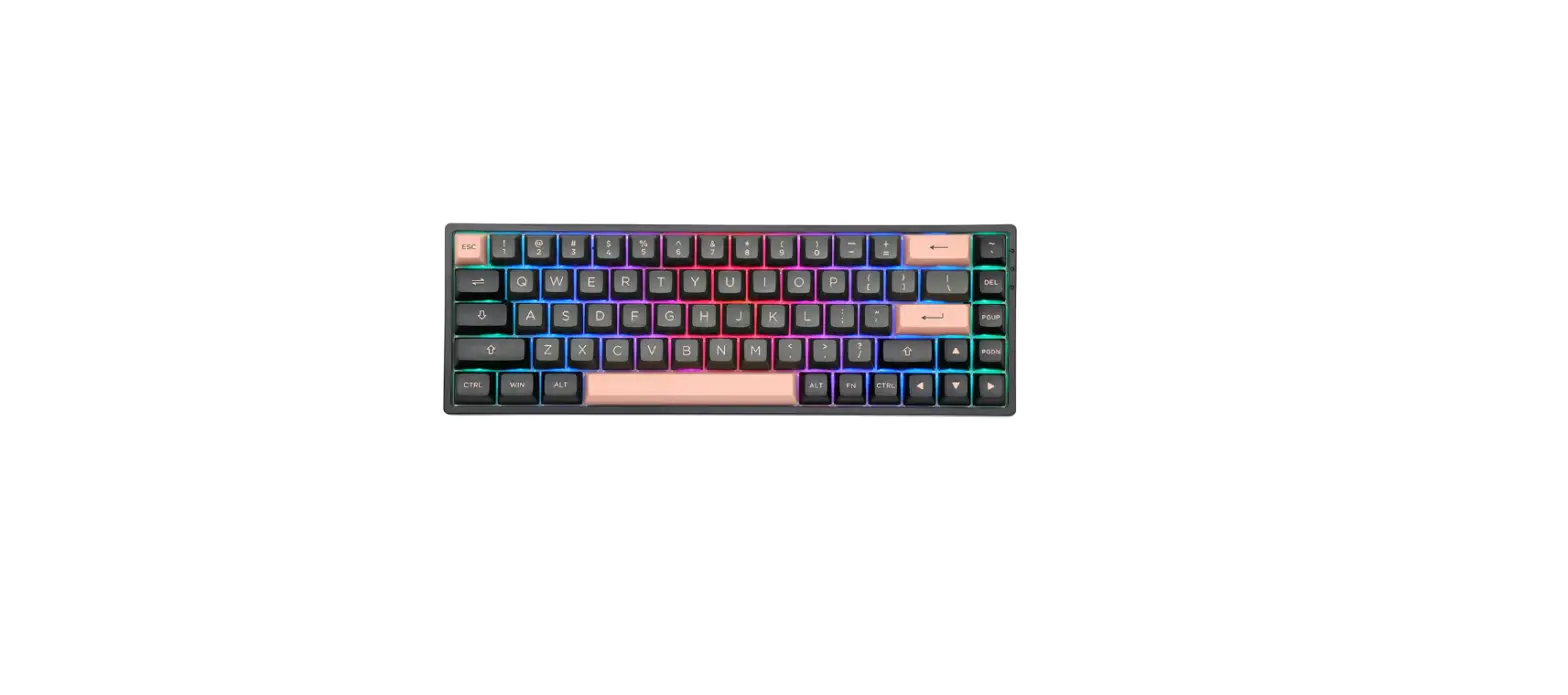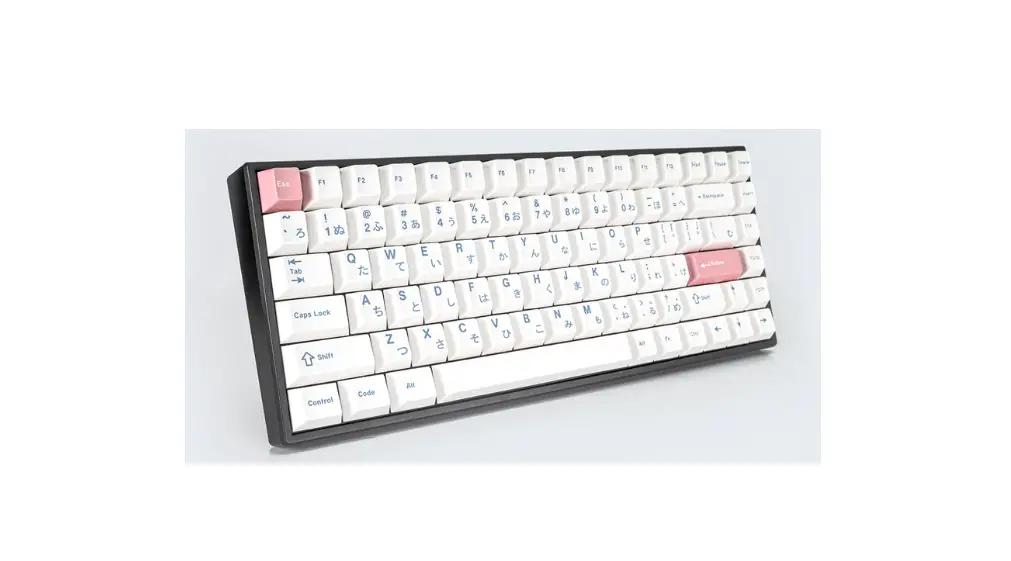

KONO 84 Mechanical Keyboard
 Connection
 Connection
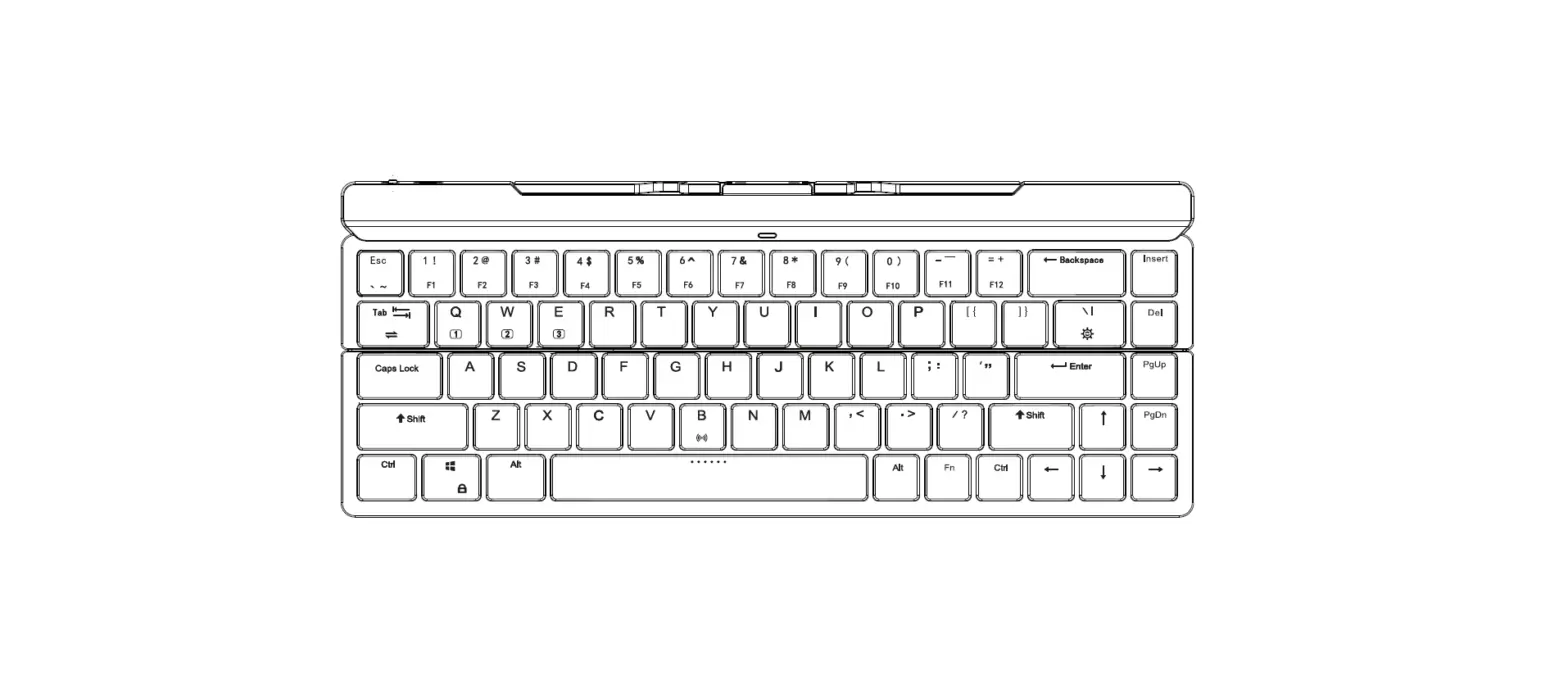
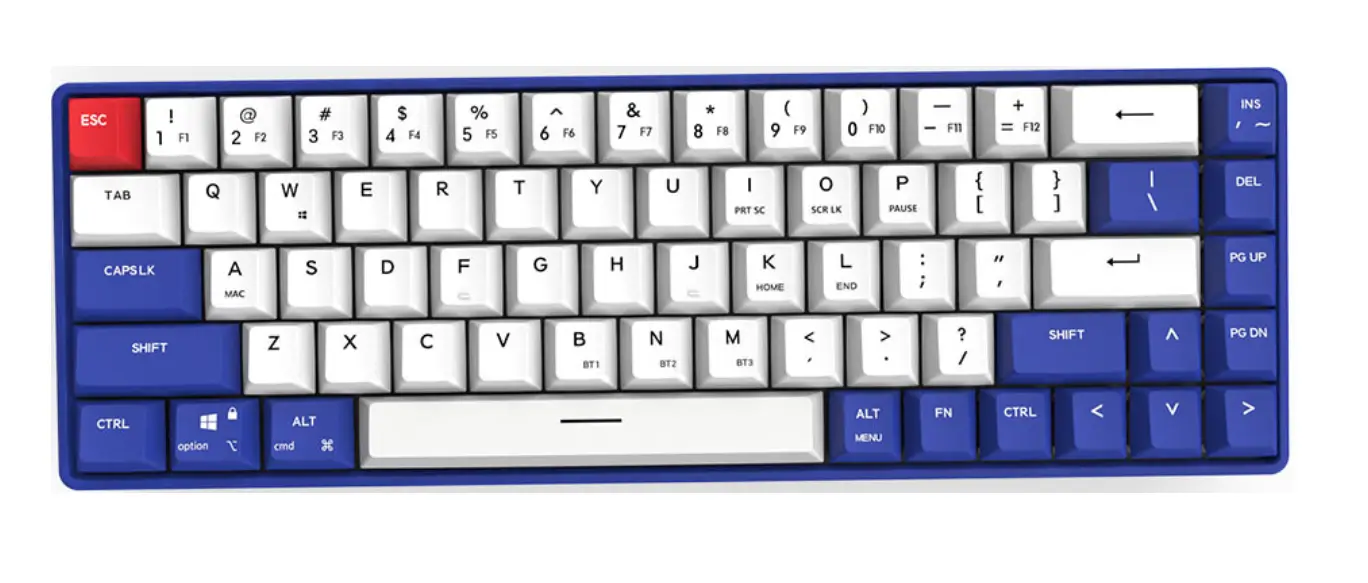
| Fun + | Action |
| Z | Connect to Bluetooth device 1 |
| X | Connect to Bluetooth device 2 |
| C | Connect to Bluetooth device 3 |
| Space | Switch to Wired Mode |
| Hold Fun + Z, X, or C to begin pairing for that slot. | |
RGB Backlighting
| Fun + | Action |
| \ | Cycles between lighting modes |
| Backspace | Toggle Backlight On/Off |
| ] | Increase backlight brightness |
| [ | Decrease backlight brightness |
| ; | Increase Animation Speed |
| ‘ | Decrease Animation Speed |
Media
| Fun + | Action |
| F8 | Play/Pause |
| F10 | Mute Volume |
| F11 | Lower Volume |
| F12 | Raise Volume |
Device
| Fun + | Action |
| F3 | Puts your device to sleep |
| WIN | Toggles Windows/OS key lock |
| F1 | Decrease screen brightness |
| F2 | Increase screen brightness |
| Esc | Hold for 5s for factory reset |
Other
| Fun + | Action |
| F7 | Back (in browswer |
| F9 | Forward (in browser) |
| F6 | Home |
| F4 | Windows Exporer |
Warranty
Limited one-year warranty. Please contact your place of purchase for warranty support