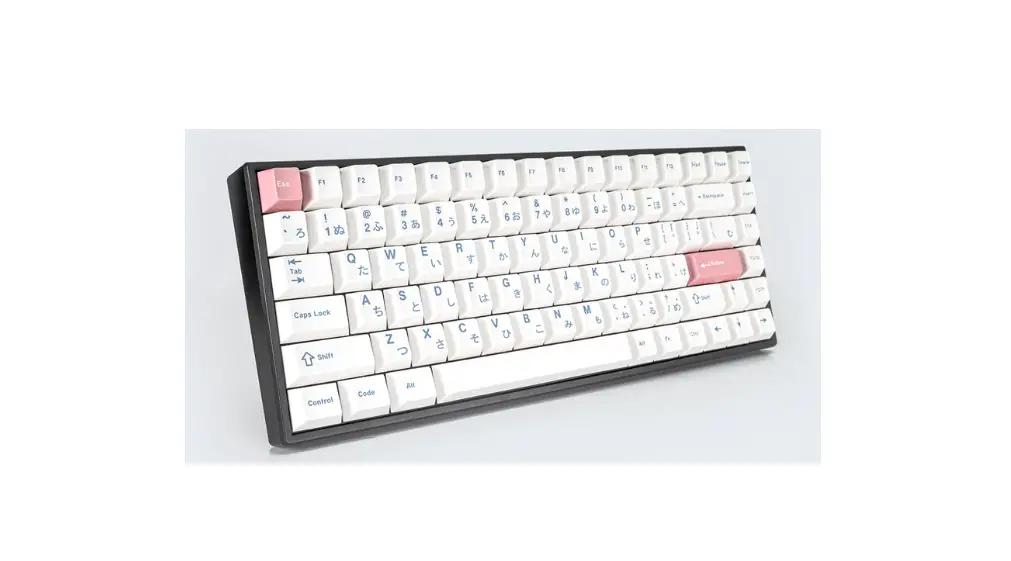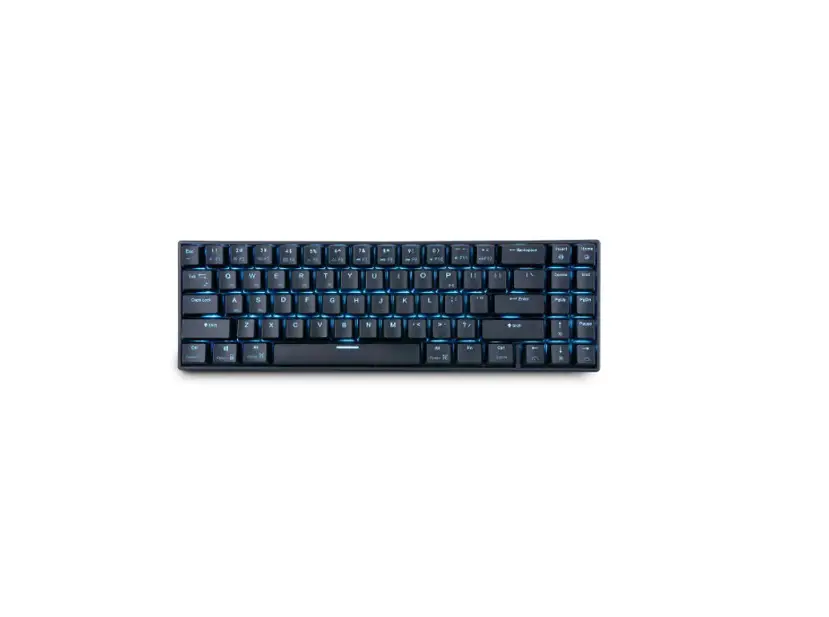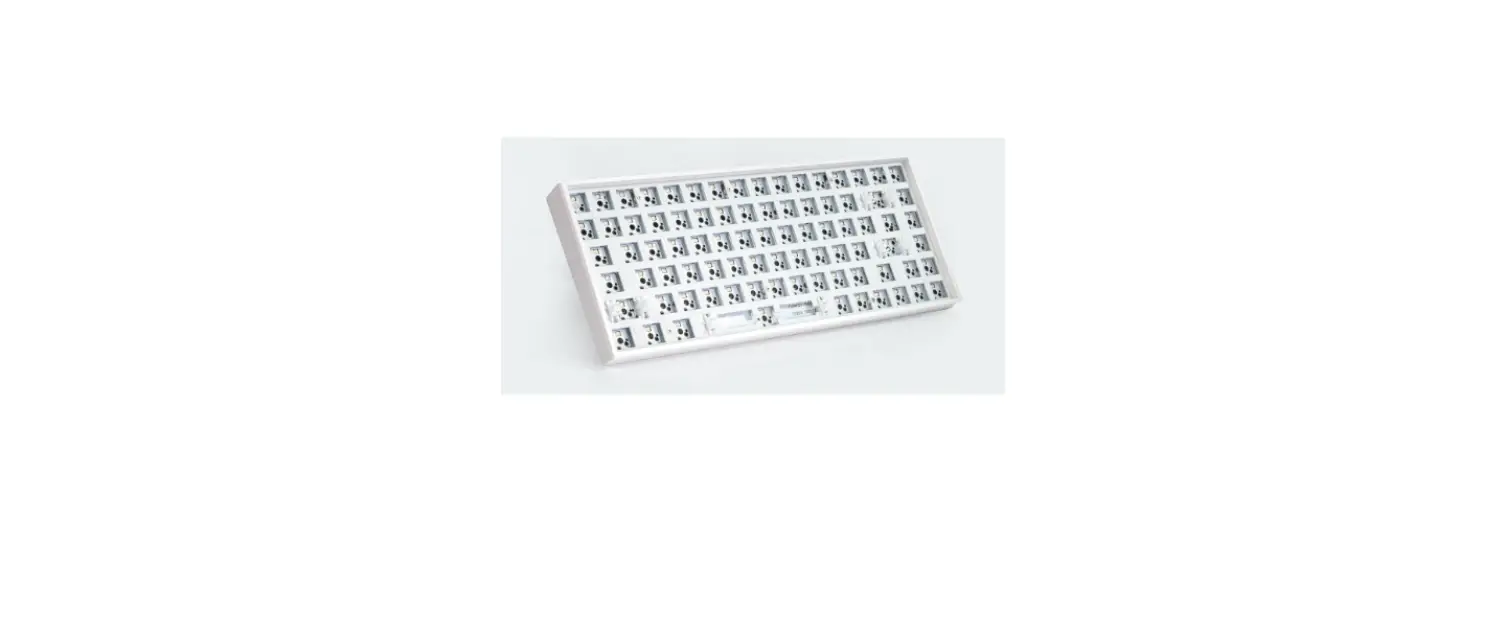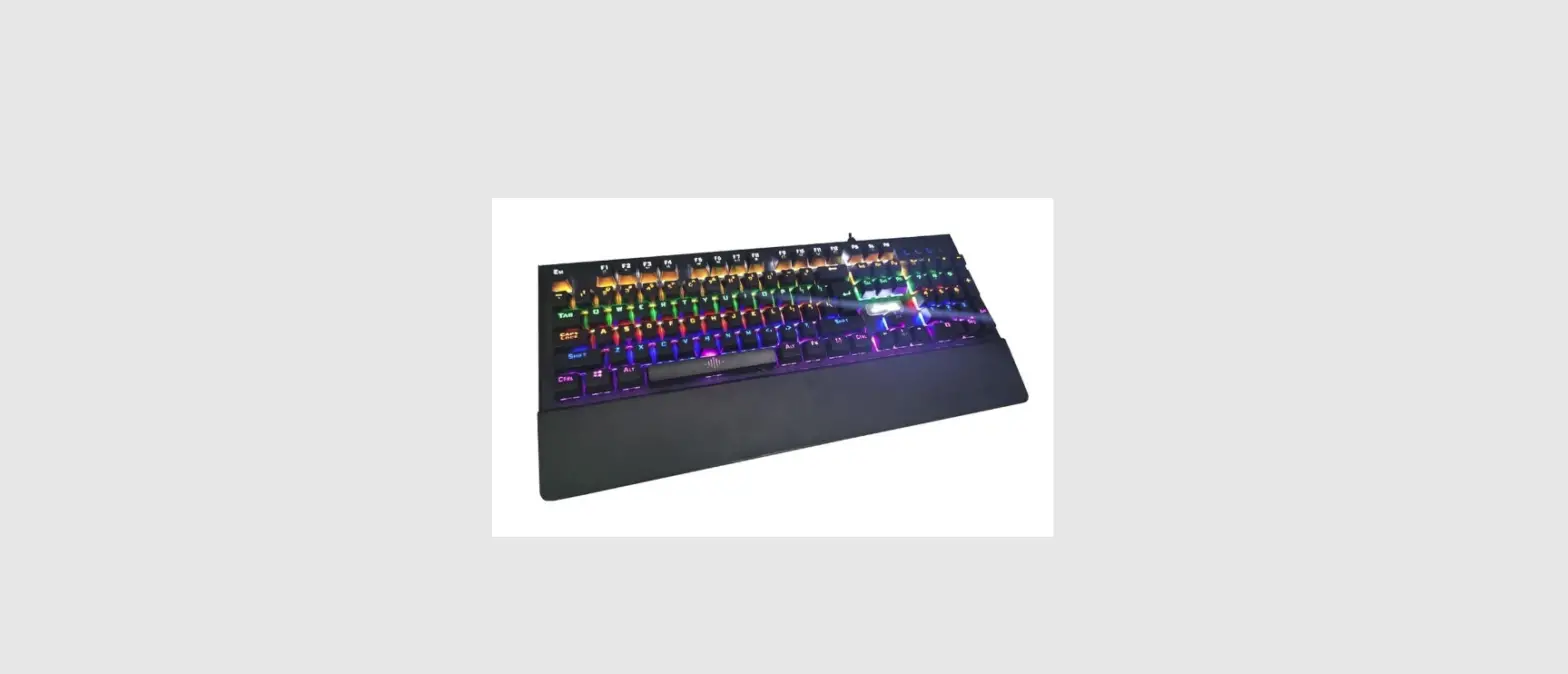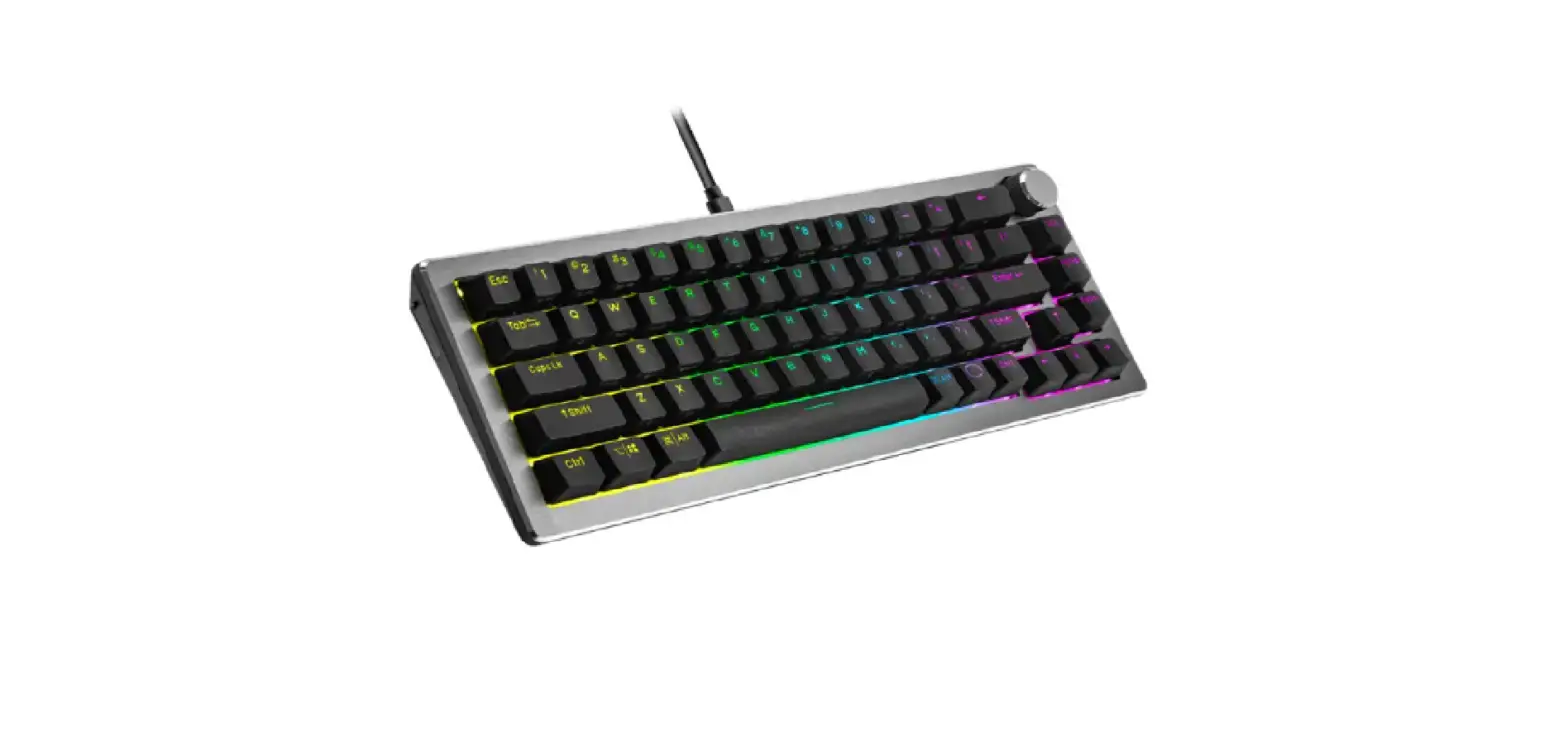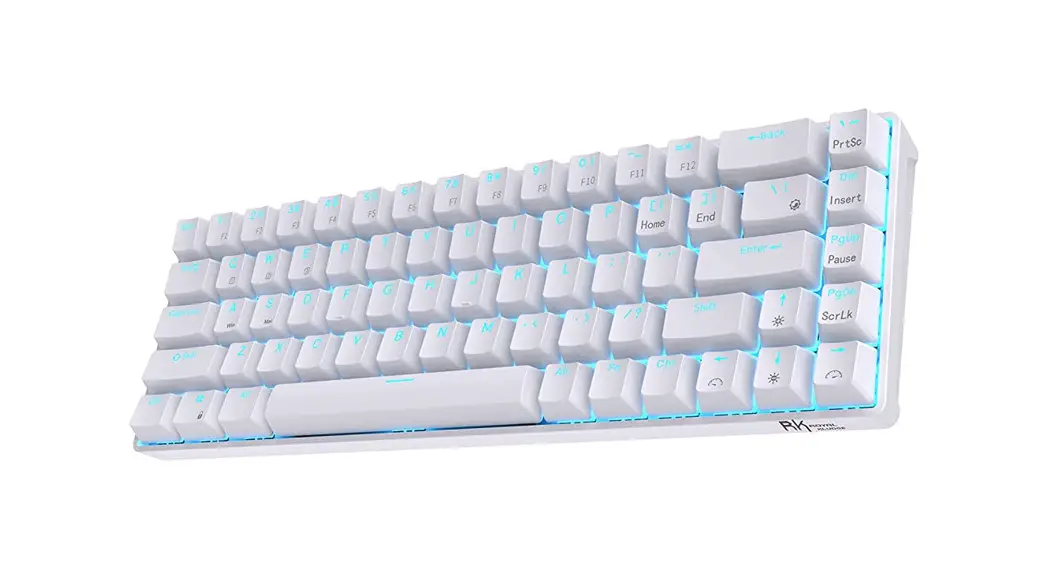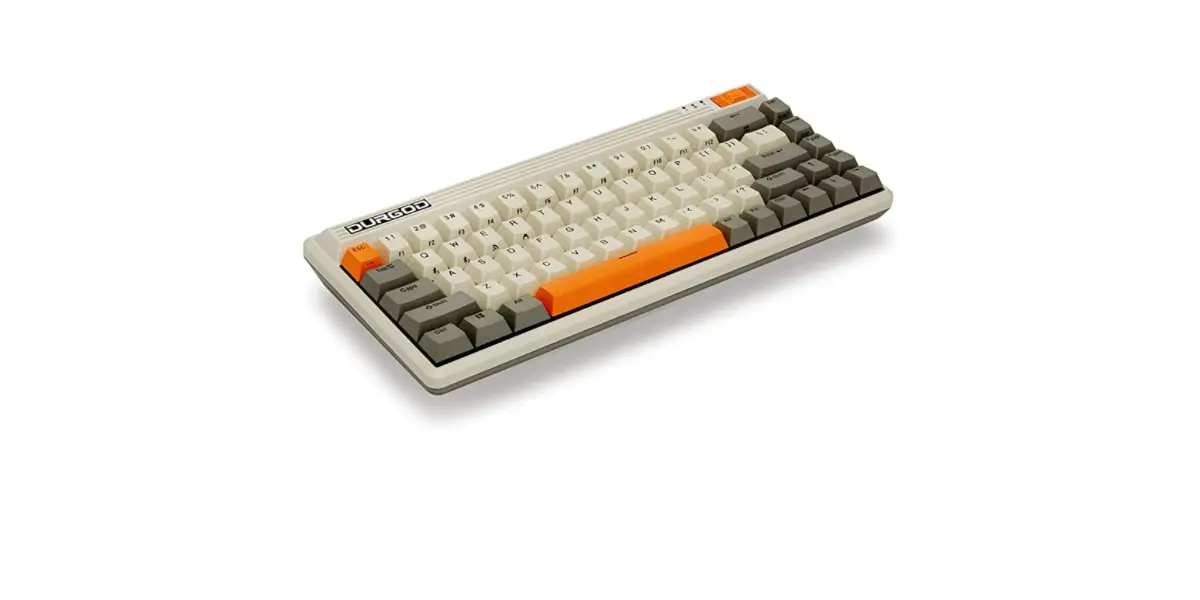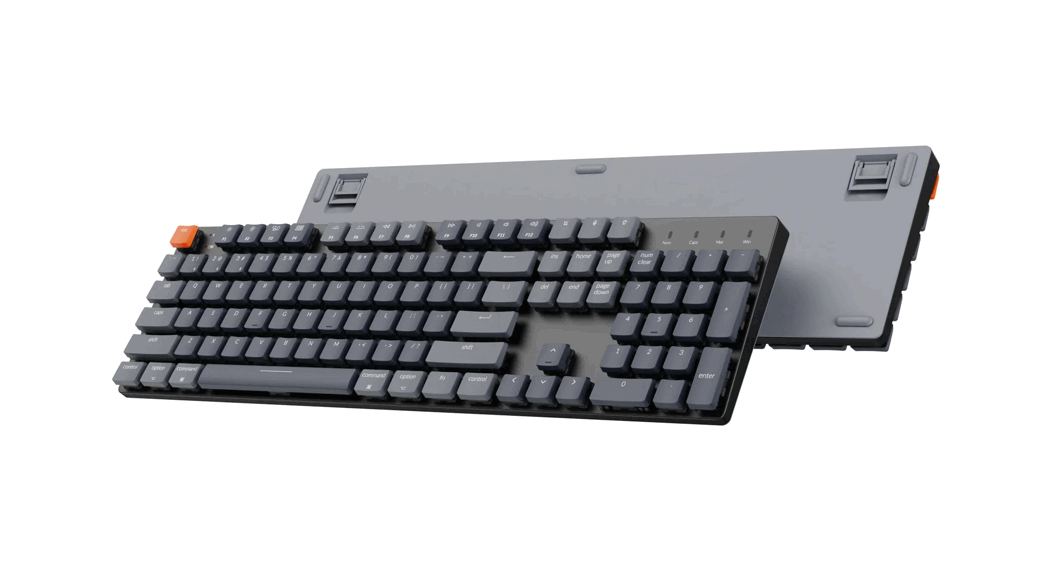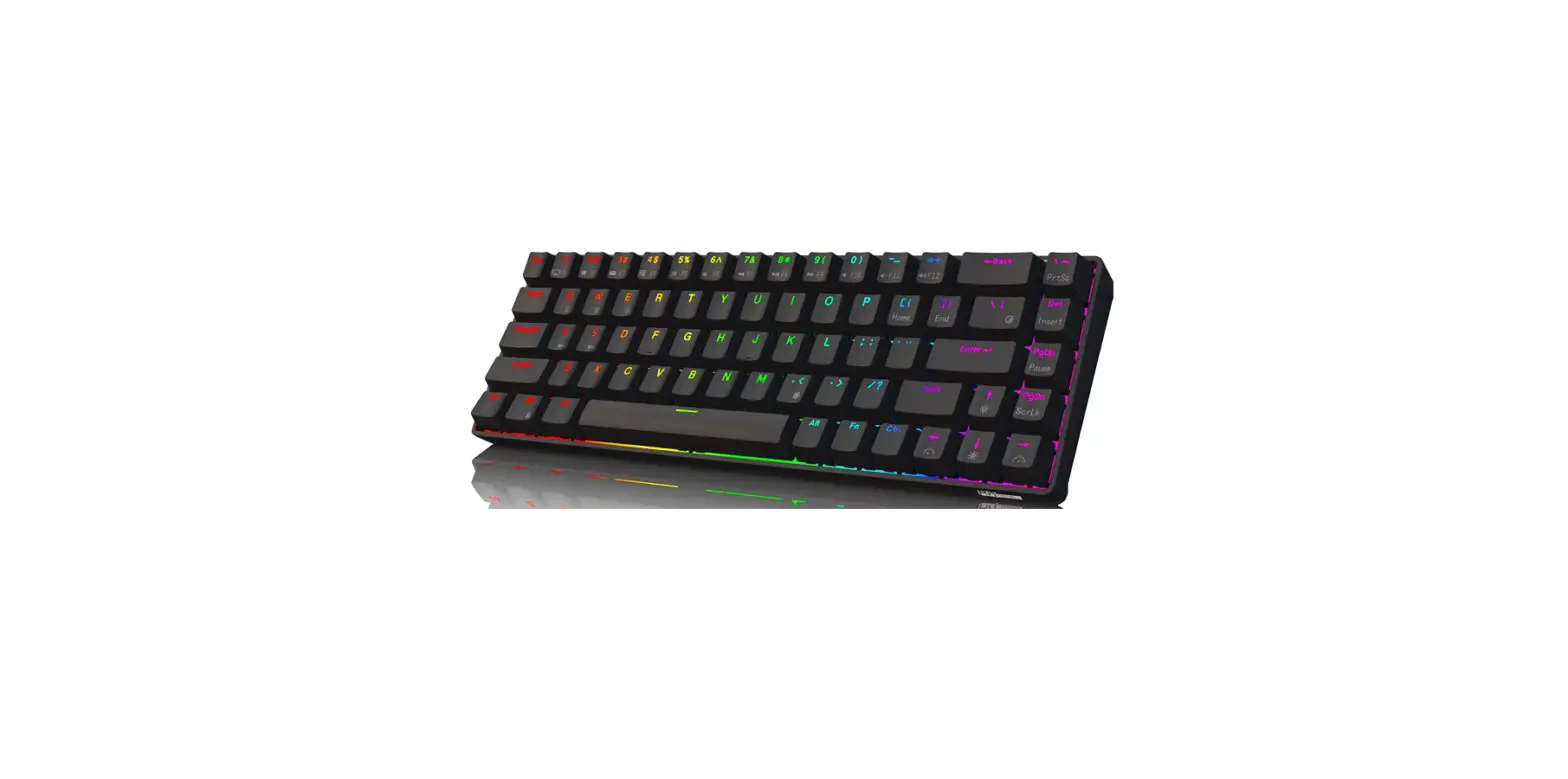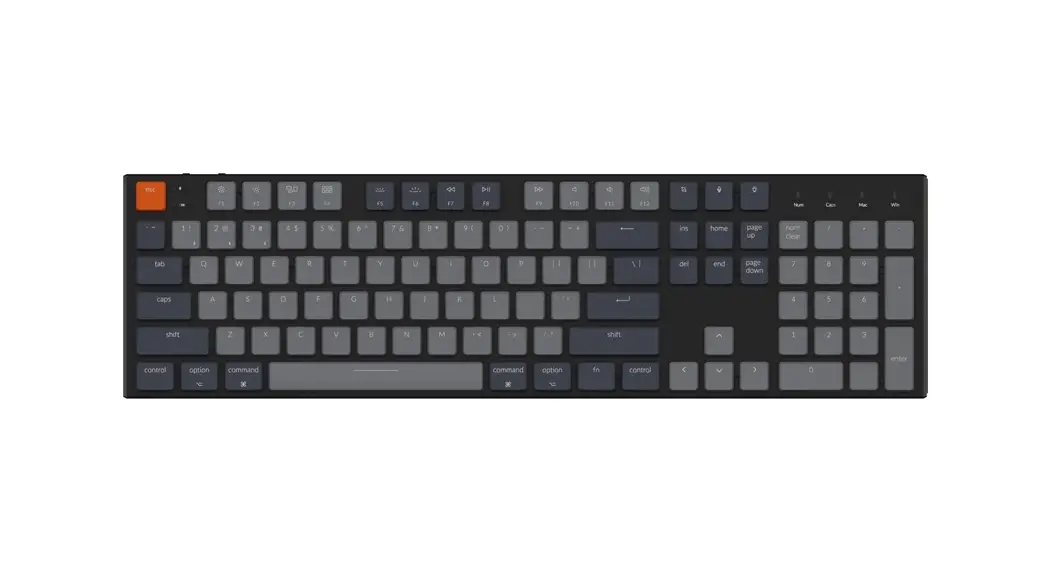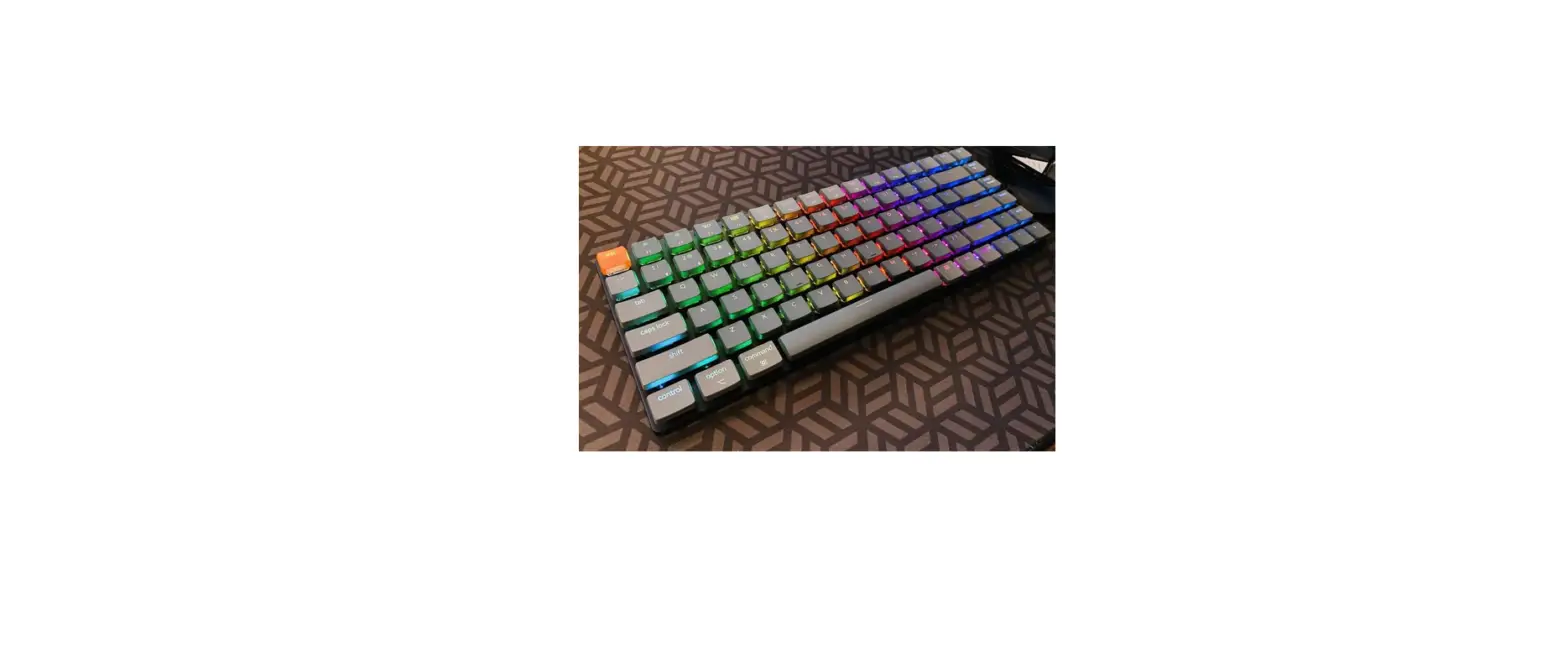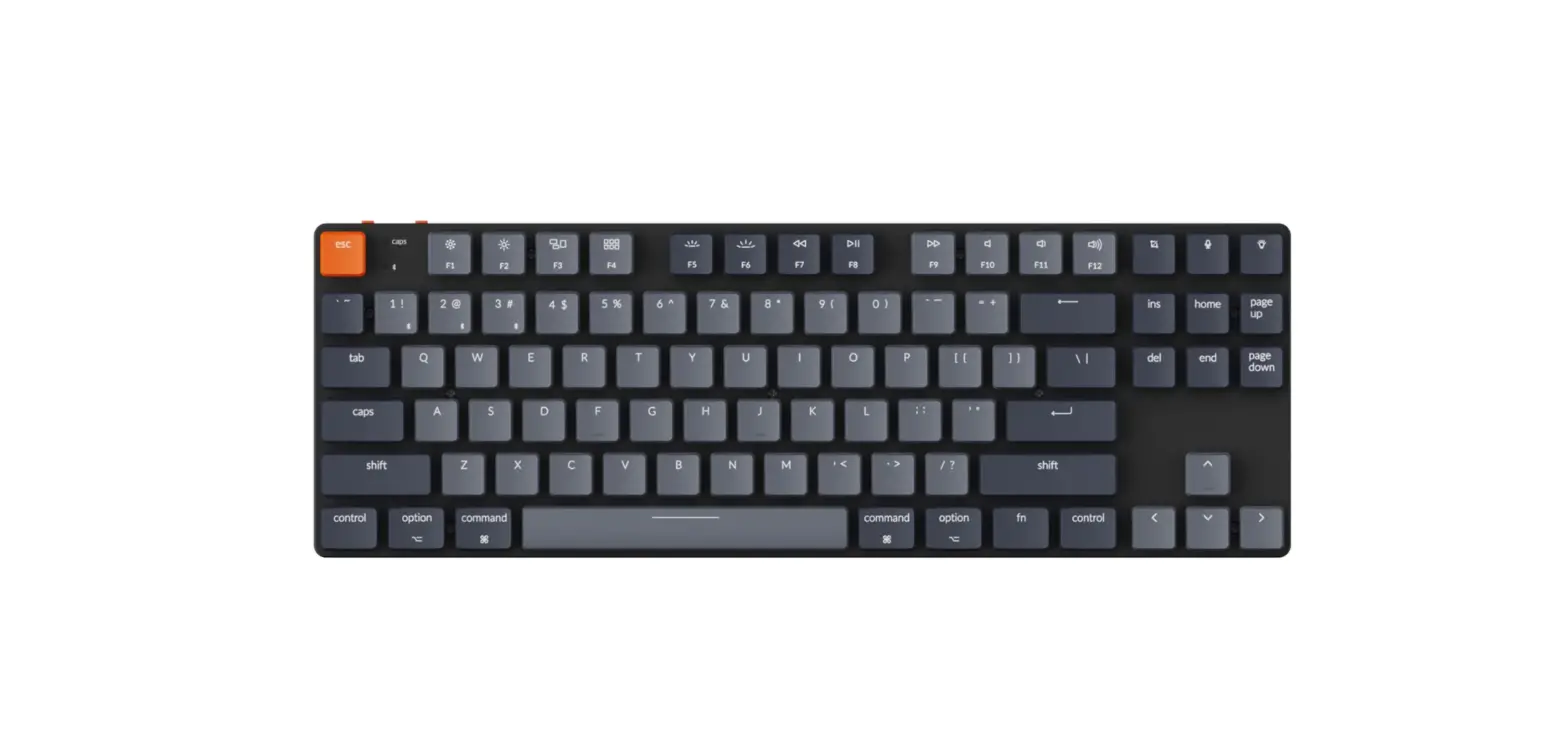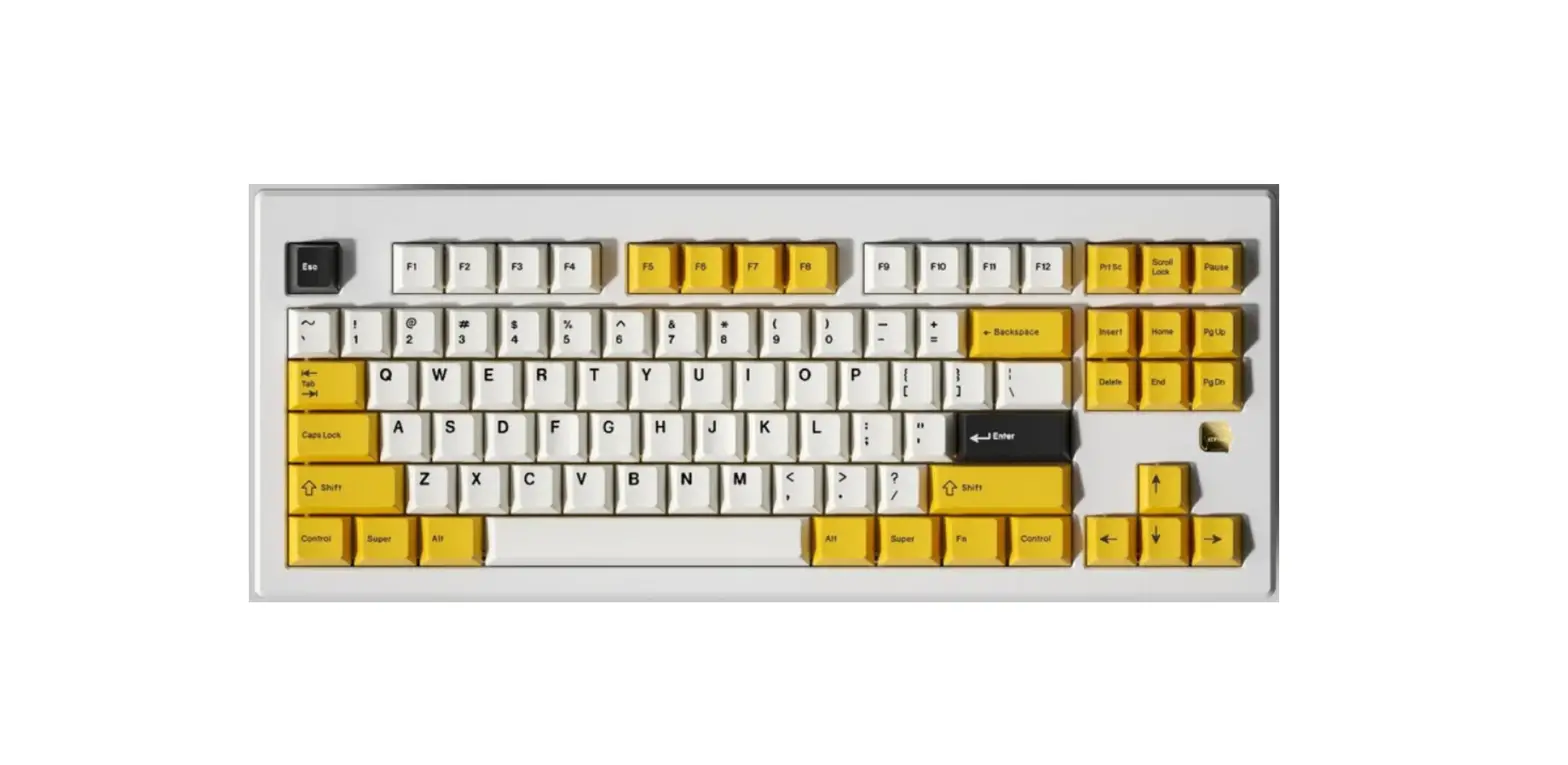
KONO Kindlestar Orion 87 Mechanical Keyboard User Guide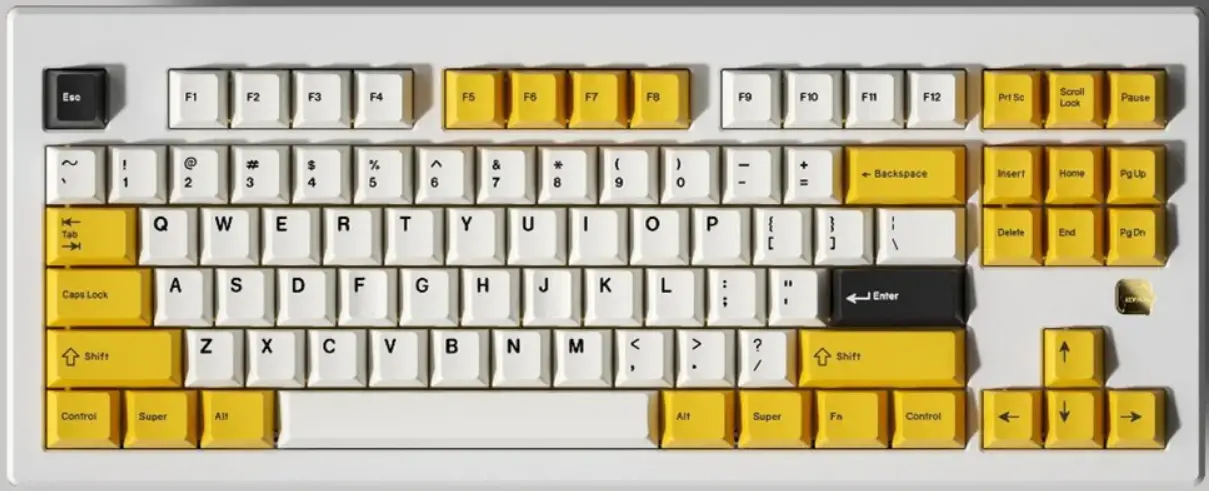
Description
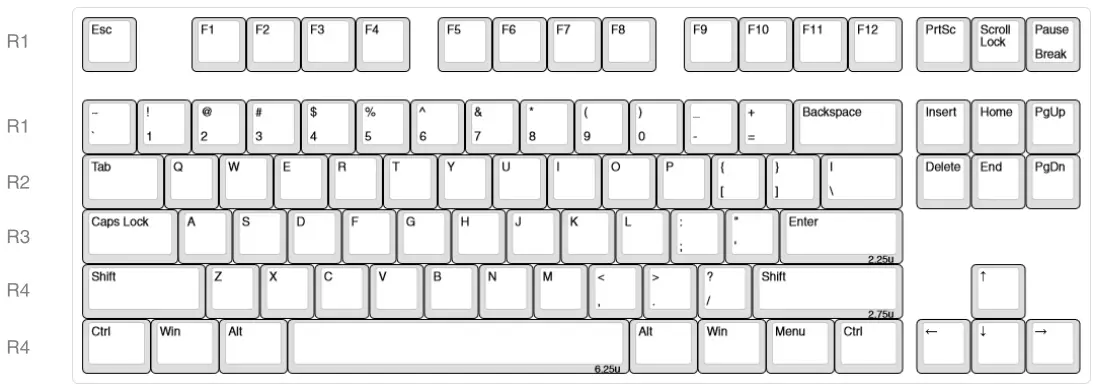
Connection
| Fun + | Action |
| Slide switch to left position and plug in USB-C cable for Wired Mode | |
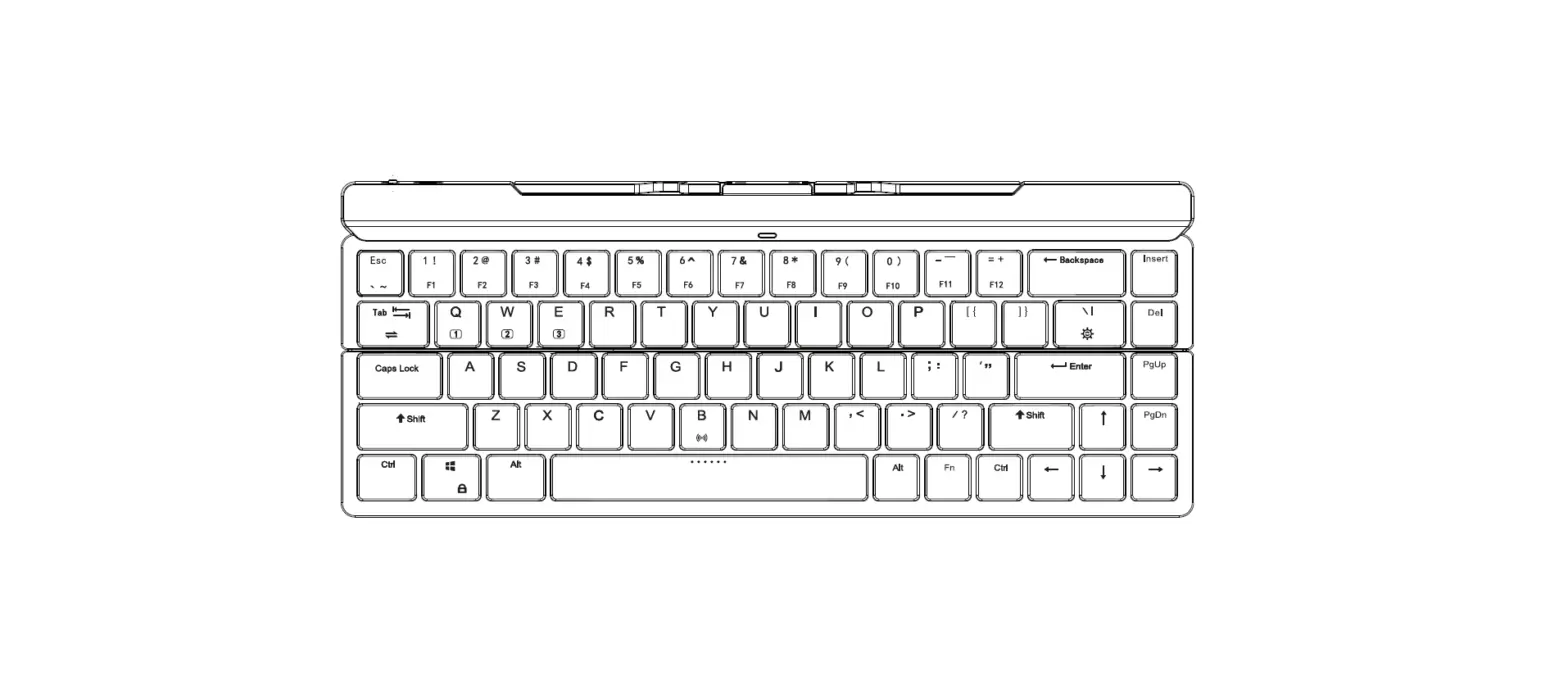
| Slide switch to right position for Bluetooth Mode, Hold Fn + Q, W, or E for 5 seconds to pair | |
| Q | Connect to Bluetooth device 1 |
| w | Connect to Bluetooth device 2 |
| E | Connect to Bluetooth device 3 |
| Spacebar | Switch to wired from Bluetooth (if plugged in) |
RGB Back lighting
| Fun + | Action |
| DEL | Change backlight color |
| INS | Change backlight animation |
| 4 f | Adjust brightness |
| 4/ + | Adjust animation speed |
Media
| Fun + | Action |
| F7 | Previous Song |
| FB | Play/Pause |
| F9 | Next Song |
| F10 | Mute |
| F11 | Volume Down |
| F12 | Volume Up |
Device
| Fun + | Action |
| F1 | Decrease screen brightness |
| F2 | Increase screen brightness |
| WIN | Toggles Windows/OS key lock |
| Esc | Hold for 3 seconds to factory reset |
Other
| Fun + | Action |
| F1 | Decrease screen brightness |
| F2 | Increase screen brightness |
| F3 | Window Managment |
| F4 | File Explorer |
| F5 | |
| F6 | New browser window |
Warranty
Limited one-year warranty. Please contact your place of purchase for warranty support.
[email protected]