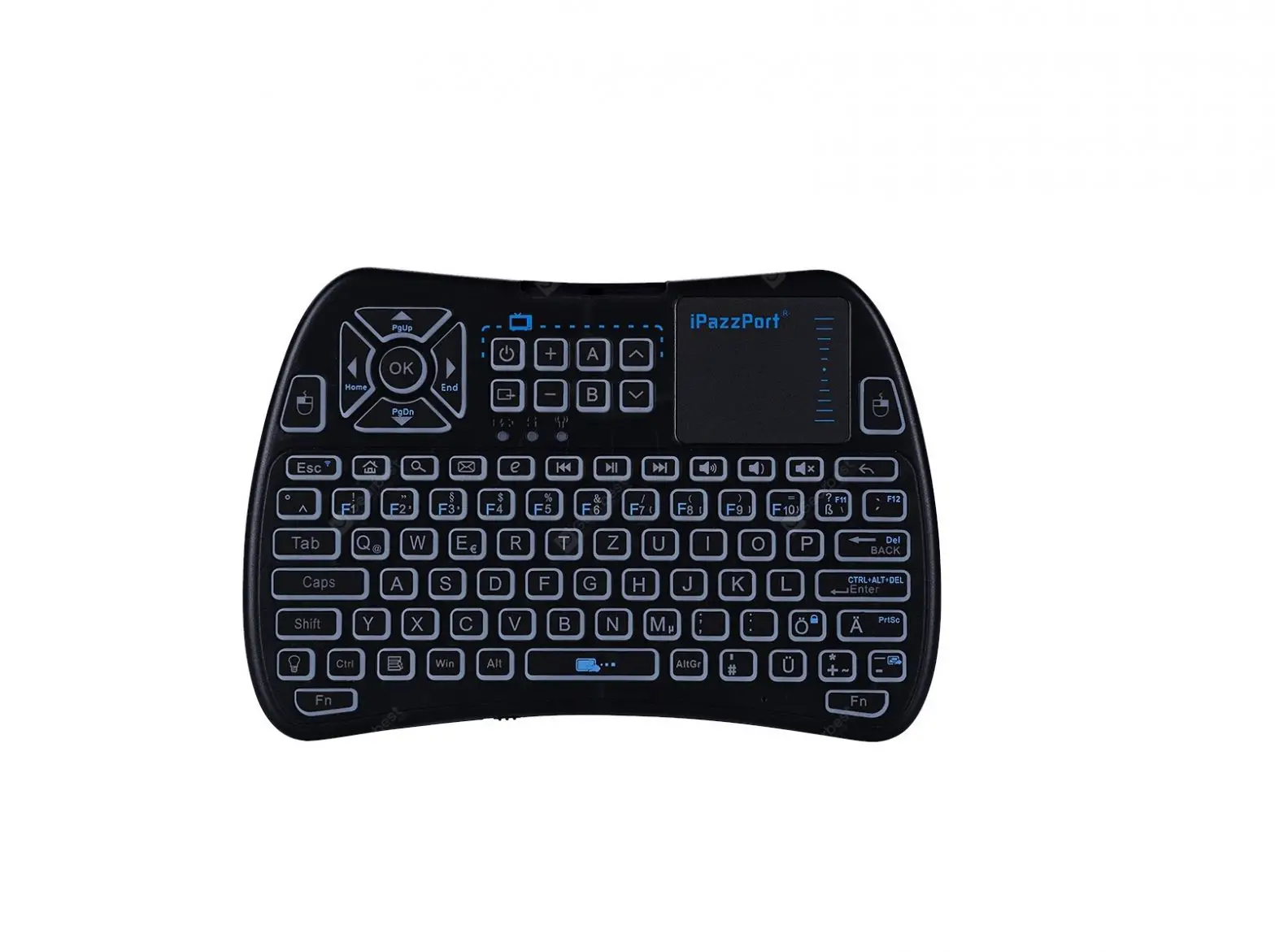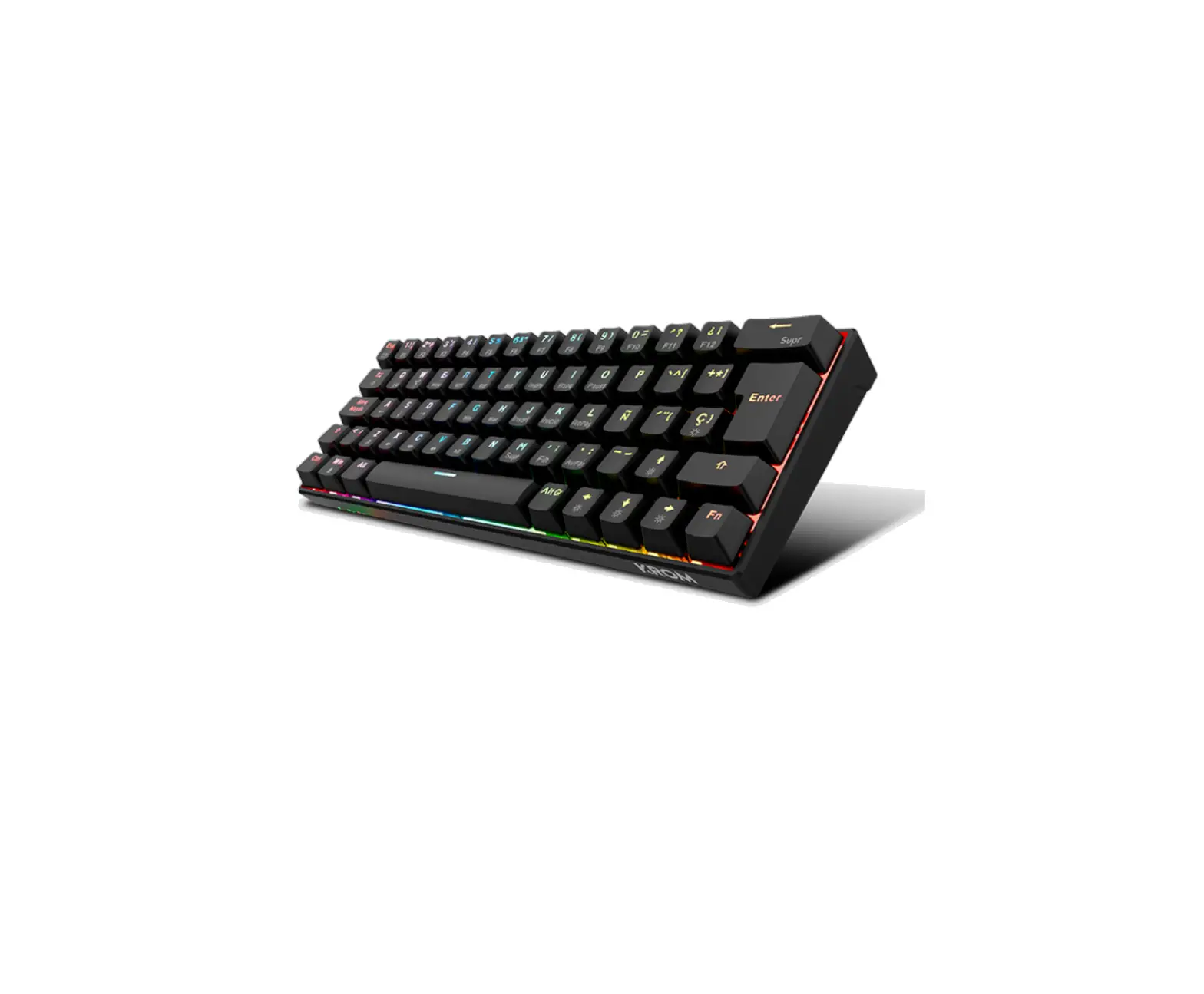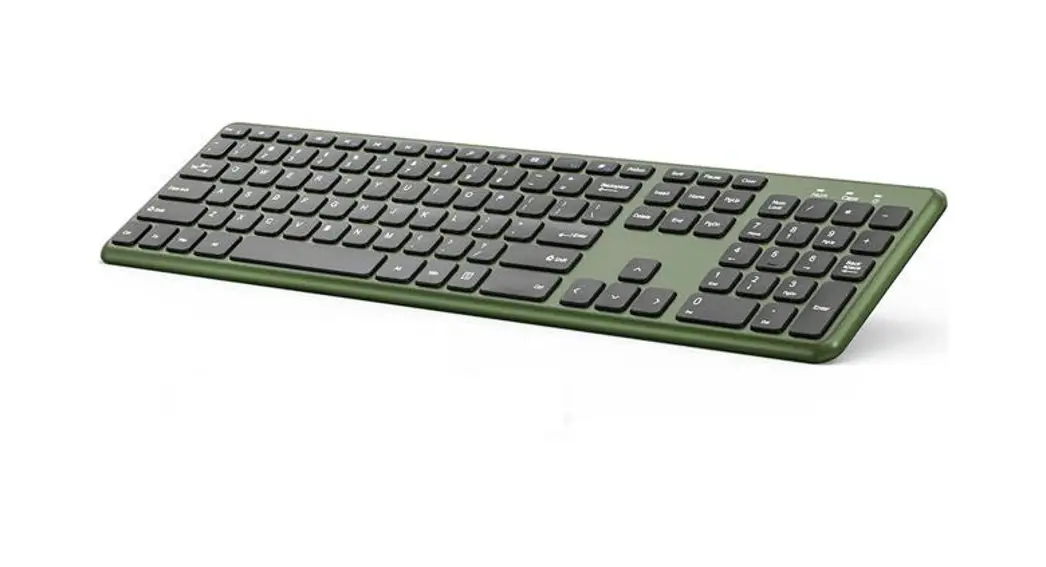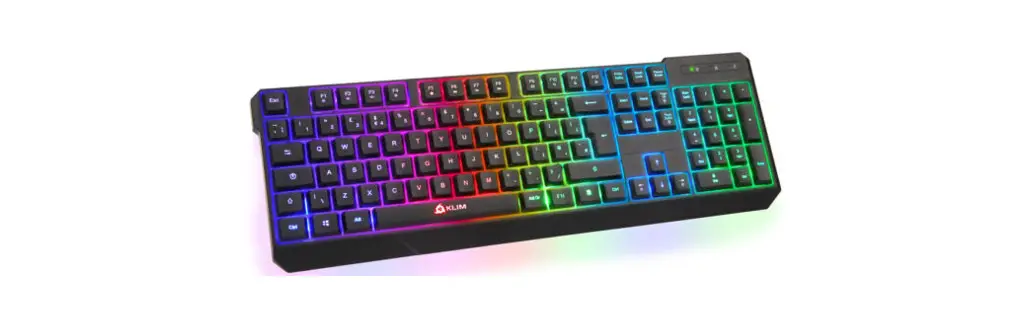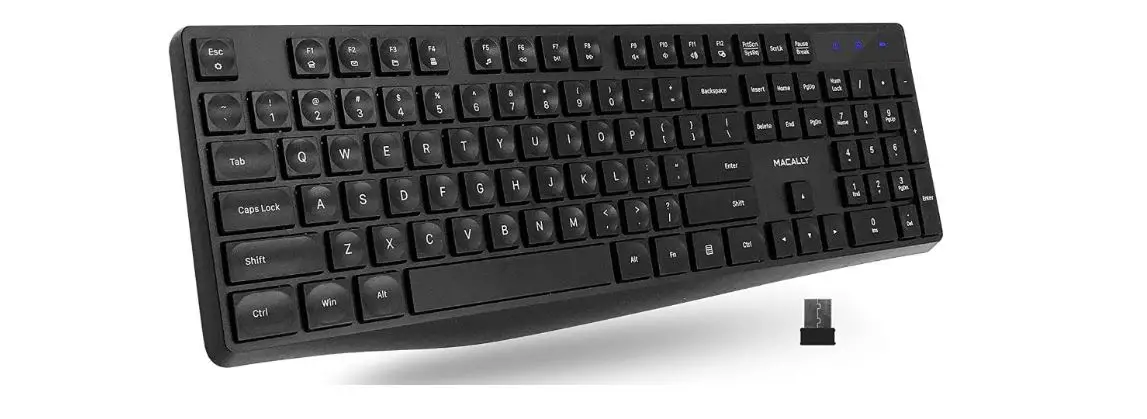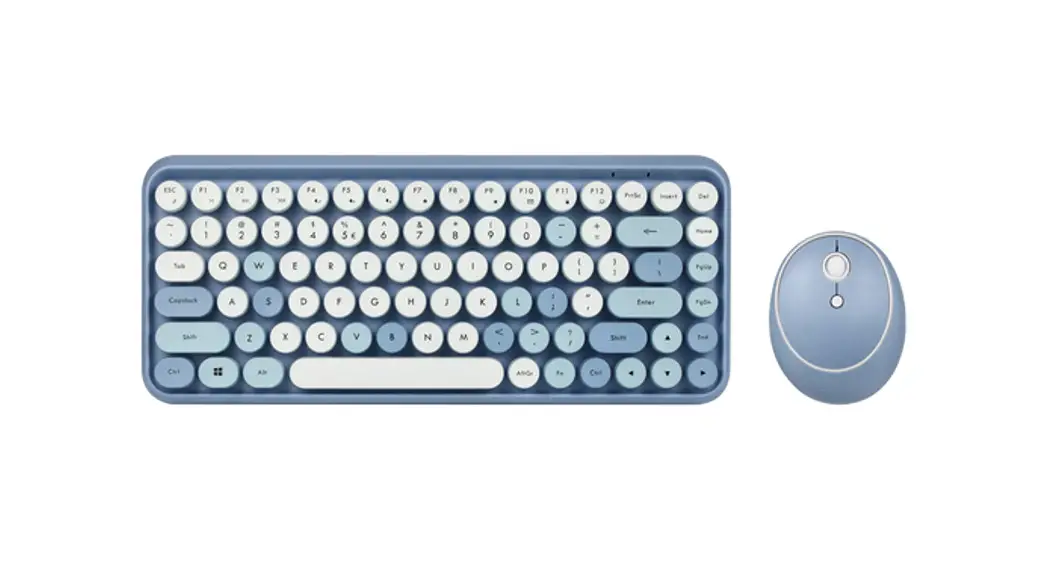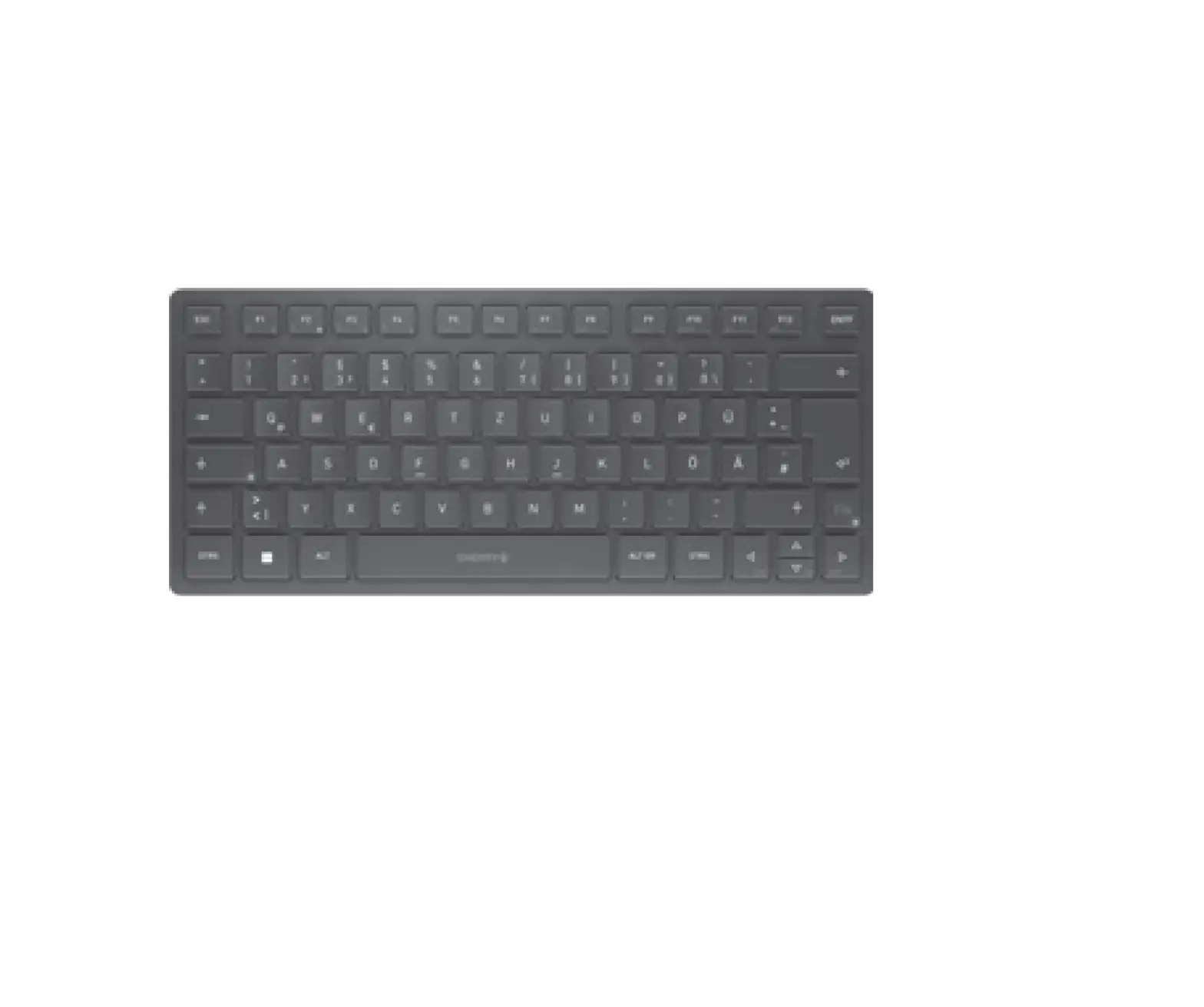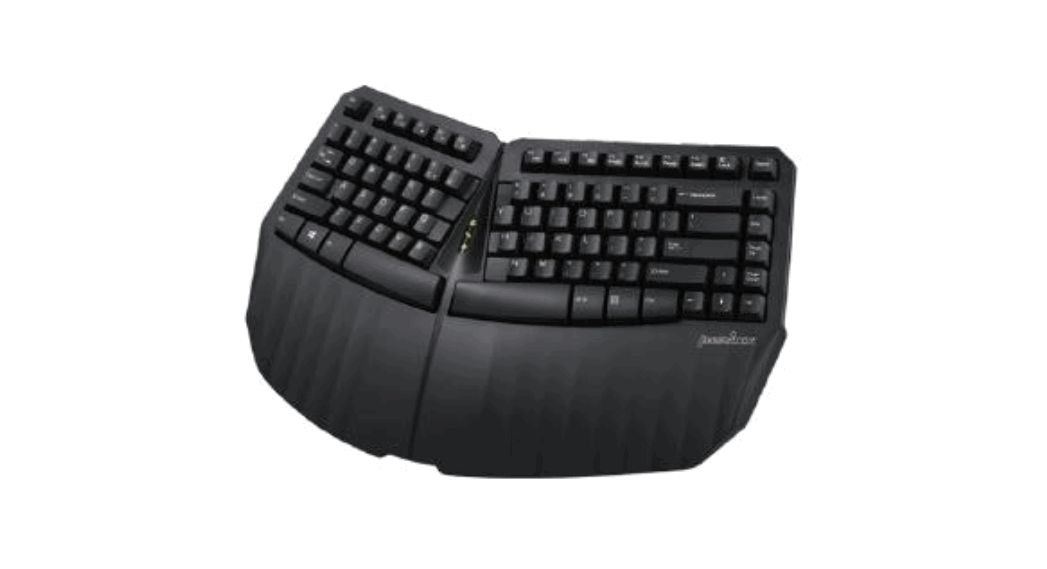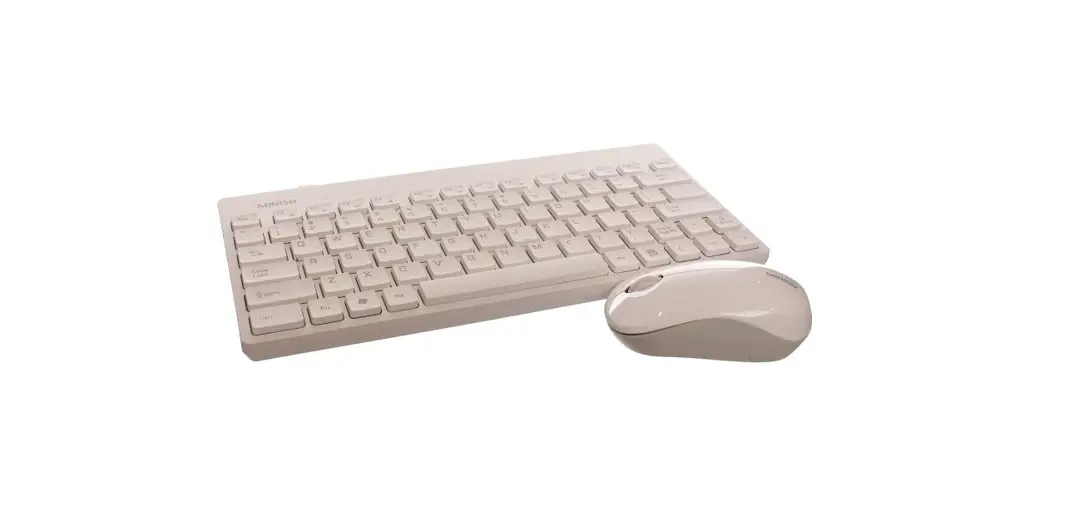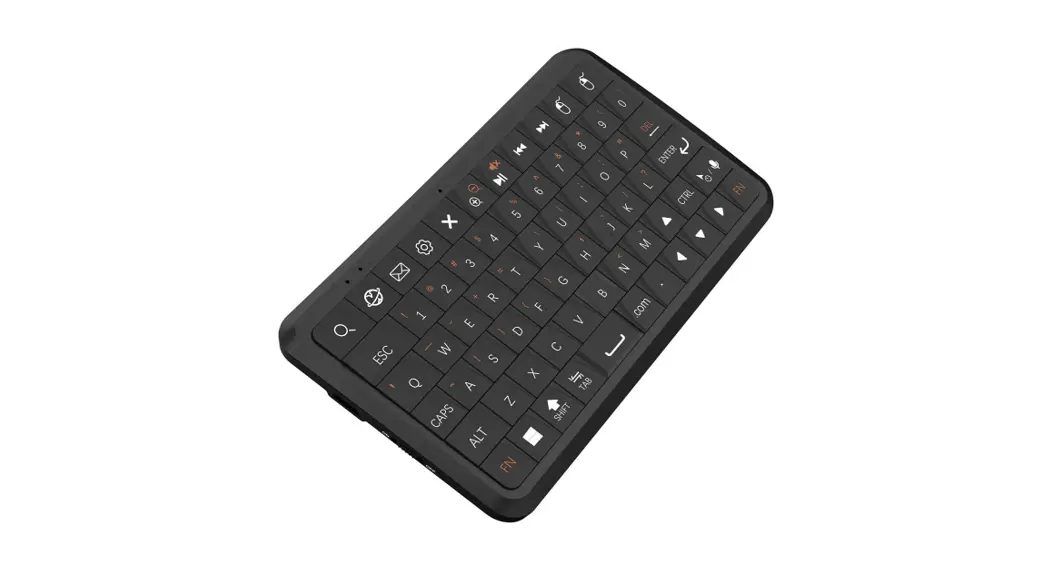


MINI WIRELESS KEYBOARD
Model No: MK1
Input 5V 200mA Max
Design by Hong Kong Made in China
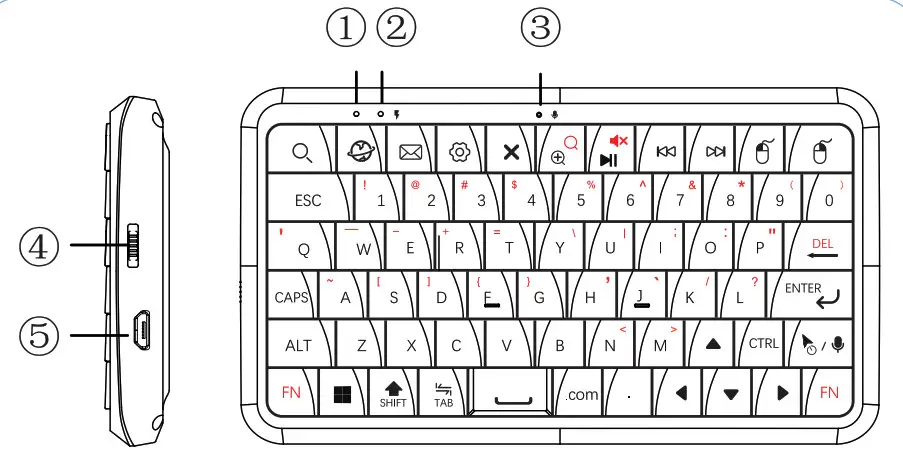
- Battery LED
- Work LED
- Microphone
- ON/OFF Switch
- USB charging
 | Search |  | Play/Pause/Mute |
 | Explorer |  | Mouse Left |
 | | Mouse Right | |
 | Setting |  | Rewind (for stock video player) |
 | Close the window |  | Fast Forward (for stock video player) |
 | Zoom in/Zoom out |  | Mouse / MIC Switch (Mouse: press one time, turn mouse On/Off MIC: Long press for recording] |
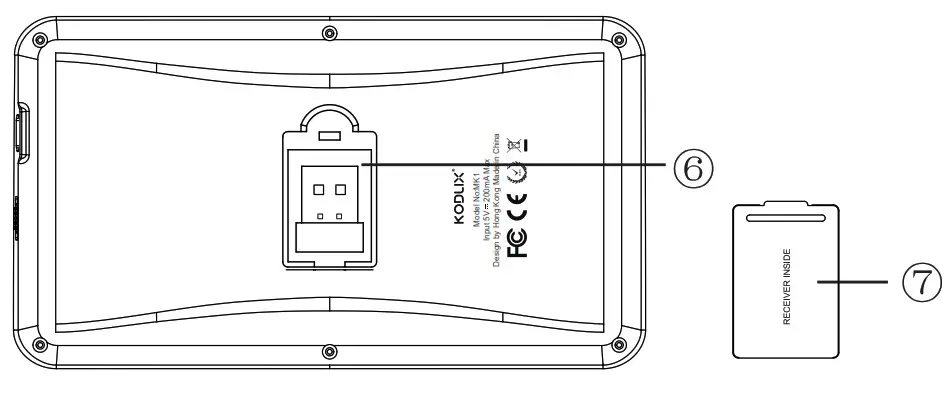
6. USB Receiver 7. Back cover
Installation
- Open the back cover on the back of the keyboard
- Remove the USB receiver.
- Plug the micro receiver into a USB port on your compatible electronic device.
 |  |  |  |
Family Theater | Meeting | PC | Tablet |
| What’s in the box |
| 1 x Keyboard |
| 1 x USB Receiver |
| 1 x Charging Cable |
| 1 x User Manual |
| Specifications |
| Product Size : 131 x73x 13.4mm |
| Weight: 115g |
| Remote Control Distance: 10m |
| Working Current: 10mA |
| The Standby Current: 6mA |
| Dormancy Current : 0.01mA |
| Battery Capacity: 500mA |
General keyboard shortcuts
| Ctrl + x | Cut the selected item. |
| Ctrl + C | Copy the selected item. |
| Chi + V | Paste the selected item. |
| Ctrl + Z | Undo an action |
| CM + N | Open a new window |
| CM + Tab | Move forward through tabs. |
| Alt + Tab | Switch between open apps. |
| Alt + Enter | Open the Properties dialog box for the selected item. |
| Alt + Esc | Cycle through items in the order in which they were opened. |
| At + Spacebar | Open the shortcut menu for the active window. |
 + L + L | Lock your PC. |
| + D | Display and hide the desktop. |
| + P | Choose a presentation display mode. |
| + Shift + S | Take a screenshot of part of your screen. |
| + Chi + D | Add a virtual desktop. |
| + Up arrow | Maximize the window. |
| + Down arrow | Remove the current app from the screen or minimize the desktop window. |
Kindly note
- Low Battery Warning
When the battery is low, Red LED will flash continuously, please charge it asap. - Indication LED
Blue LED indicates connection and working status;
Red LED indicates charging status;
Red LED Constantly ON: Charging is ongoing.
OFF: Charging is completed. - Re-pairing of USB Receiver- If similar USB receivers are mixed, please follow these steps to repair
1. Press ESC+ENTER simultaneously, blue light flashes;
2. Insert the USB receiver into the corresponding device;
3. Blue light stops flashing, paring is completed; - How to switch between white and yellow characters – Press Fn
Contact Us
Address: UNIT 04, 7/F, BRIGHT WAY TOWER, NO. 33 MONG KOK ROAD, KOWLOON, HK.
After-sale Service
Email: [email protected]
After-sale Service
Email: [email protected]
Web: http://www.minisforum.com
 http://www.facebook.com/kodlix

Join the KODLIX Forum at www.kodlix.com