
User Manual
PLEASE READ THIS MANUAL CAREFULLY BEFORE USING THE PRODUCT AND KEEP IT PROPERLY.
Pairing
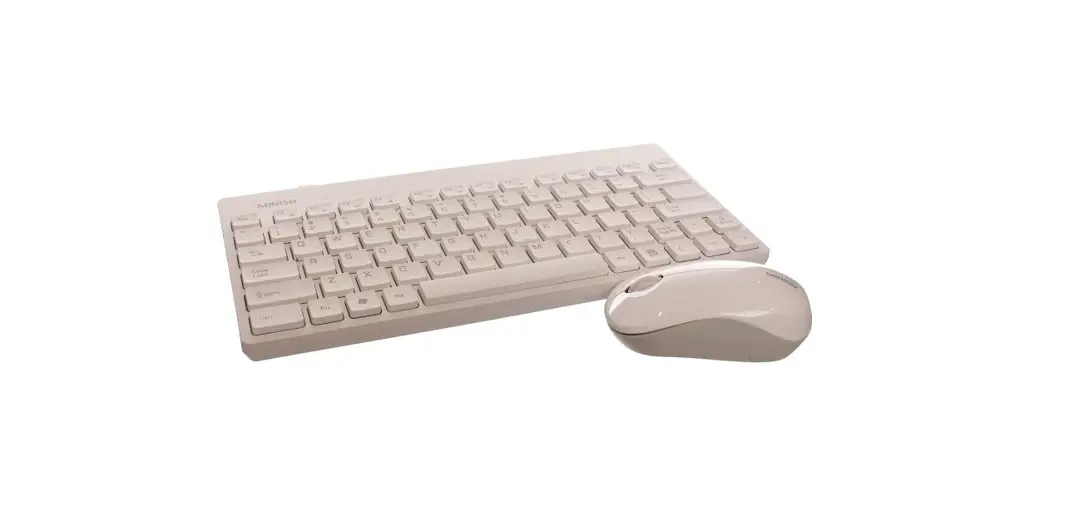
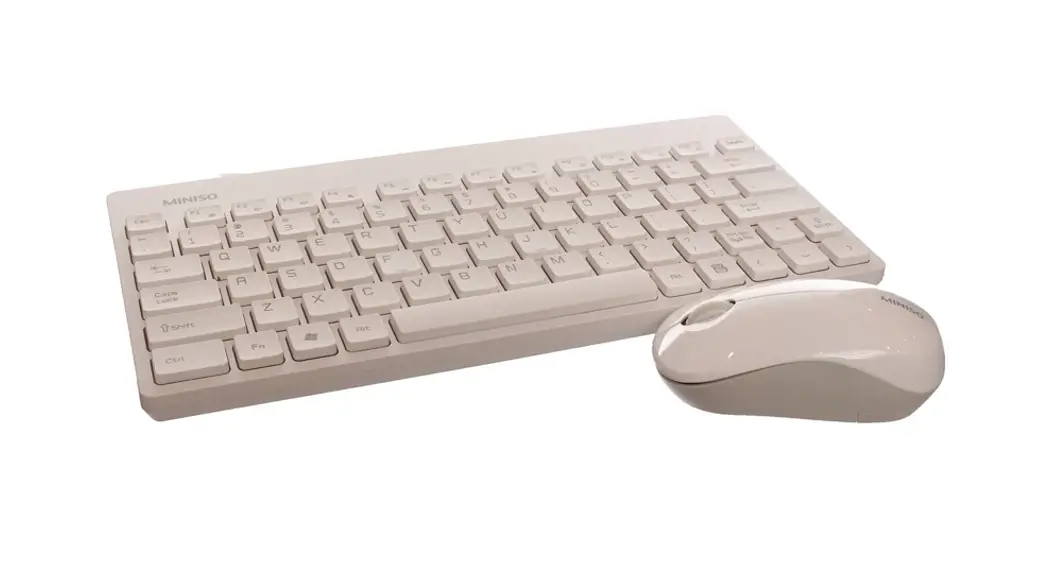
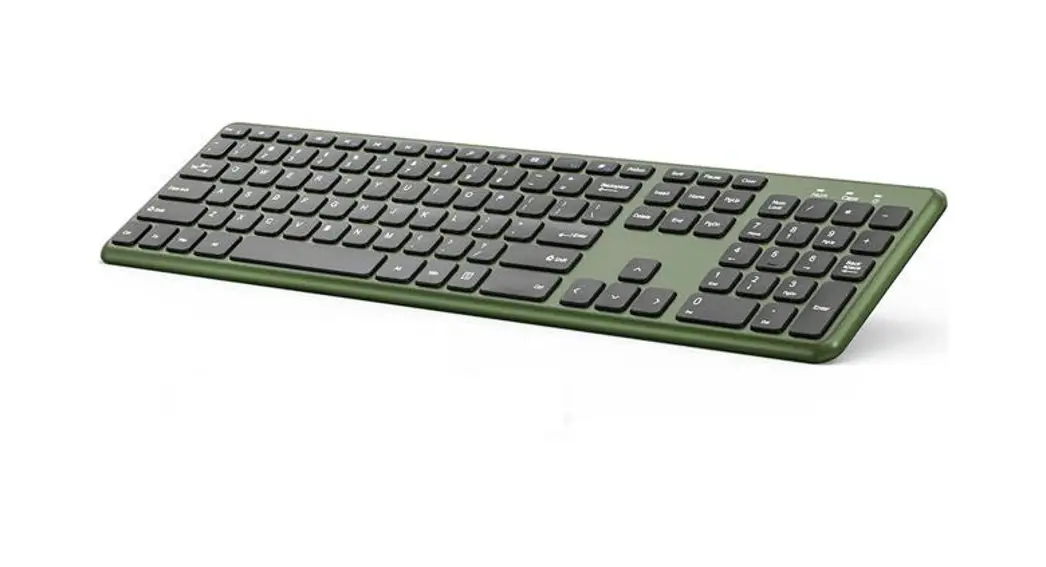
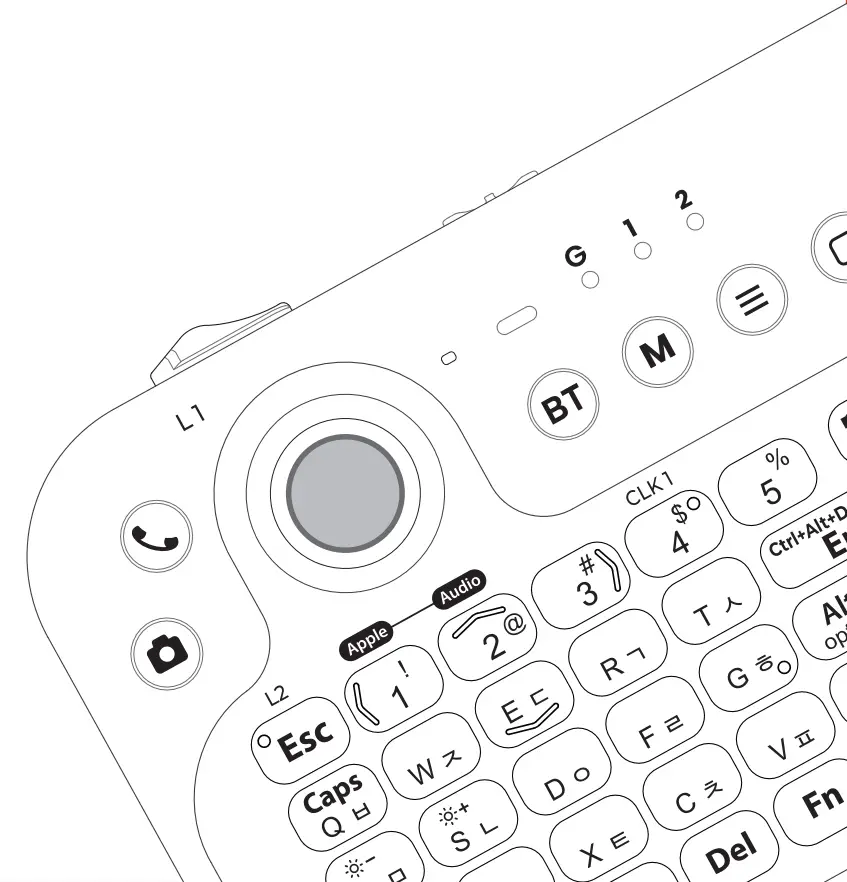
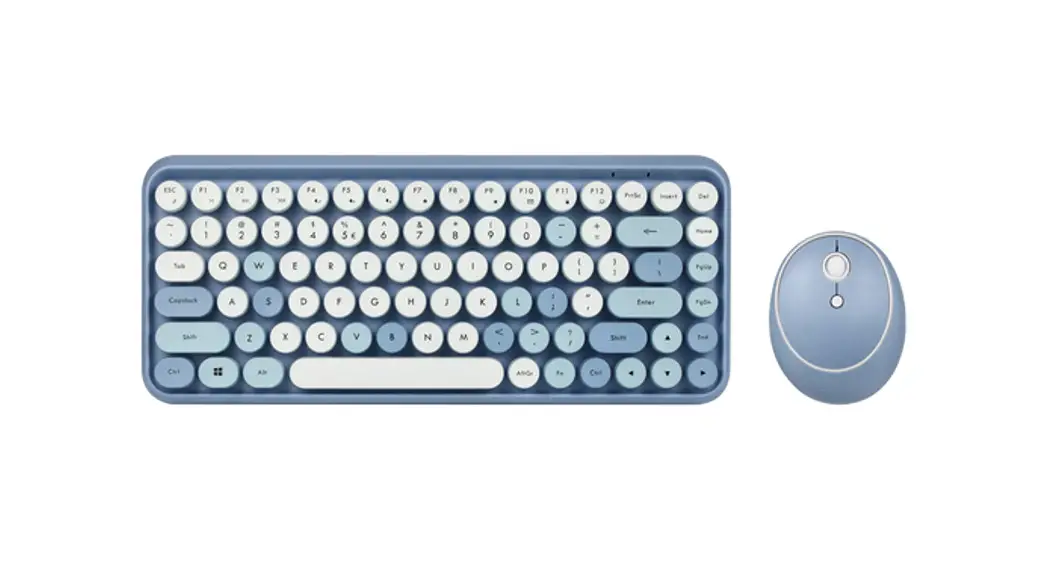
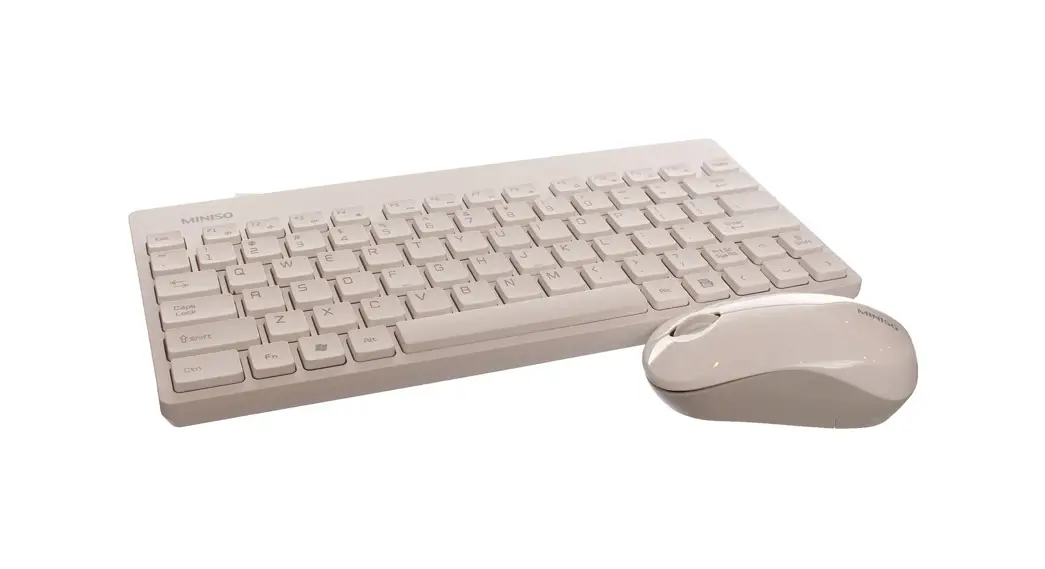
Press FN+1 for 5 seconds, then the first light will blink fast, after that the possible devices to use the keyboard would find the Bluetooth (MINISO-K616 ). now you can get them paired. press FN+2 for 5 seconds, then the second light will blink fast, after that the possible devices to use the keyboard would find the Bluetooth (MINISO-K616 ), now you can get them paired. press FN+3 for 5 seconds, then the third light will blink fast, after that the possible devices to use the keyboard would find the Bluetooth (MINISO-K616 ), now you can get them paired.
Sleep Mode
After being not used for 10 minutes the keyboard will turn into sleep mode, then if you press any key it will turn back to active mode.
Functionality
Compatible with different operating systems of Win2000, Win XP, Win ME, Vista, Win7, Win8, Win10, etc.
Product Parameters
- Size: 366’131″24mm
- Weight: 354.6g±5g
- Pairing method: Bluetooth (Bluetooth name: MINISO-K616)
- Working voltage: VDD=1.5V
- Compression load: 53gt8g
- Key travel: 2.5mmi0.5mm
- Rated Current: 15mA
- Temperature: -20-55°C
FN Key combination
- FN+F1 Open music player (Only applicable for Kugou Player)
- FN+F2 Decrease the volume
- FN+F3 Increase the volume
- FN+F4 Mute
- FN+F5 Previous track
- FN+F6 Next track
- FN+F7 Pause
- FN+F8 Stop
- FN+F9 Open homepage
- FN+F10 Open e-mail box
- FN+F11 Open “My computer”
- FN+F12 Open “My favorites” (Only applicable for IE browser)
Cautions
- Do not expose the battery to humidity or high temperature. Avoid contact with conducting materials or liquids.
- Prevent short circuits.
- Battery life varies according to service condition, used batteries should be disposed of according to local laws.
- Do not disassemble or repair the product by yourself.
- If the product does not work properly, please contact after-sales service support for related service or repair.
Storage
- Turn the power off before storing.
- Do not expose to humidity or high temperature.
FCC Warning:
This device complies with Part 15 of the FCC Rules, Operation is subject to the following two conditions: (1)This device may not cause harmful interference, and (2)This device must accept any interference received, including interference that may cause undesired operation. Caution: Changes or modifications not expressly approved by the party responsible for compliance could void the user’s authority to operate the equipment.
NOTE: This equipment has been tested and found to comply with the limits for a Class B digital device, pursuant to Part 15 of the FCC Rules. These limits are designed to provide reasonable protection against harmful interference in a residential installation. This equipment generates, uses, and can radiate radio frequency energy and, if not installed and used in accordance with the instructions, may cause harmful interference to radio communications. However, there is no guarantee that interference will not occur in a particular installation. If this equipment does cause harmful interference to radio or television reception, which can be determined by turning the equipment off and on, the user is encouraged to try to correct the interference by one or more of the following measures:
–Reorient or relocate the receiving antenna.
–Increase the separation between the equipment and receiver
— Connect the equipment into an outlet on a circuit different from that to which the receiver is connected.
–Consult the dealer or an experienced radio/TV technician for help.
FCC Radiation Exposure Statement:
This equipment complies with FCC radiation exposure limits set forth for an uncontrolled environment.
This transmitter must not be co-located or operating in conjunction with any other antenna or transmitter.
IC Warning:
This device complies with Industry Canada license-exempt RSS standard(s). Operation is subject to the following two conditions:
- This device may not cause interference, and
- This device must accept any interference, including interference that may cause undesired operation of the device.