 Setting Up Libro B Book Holder
Instructions
Setting Up Libro B Book Holder
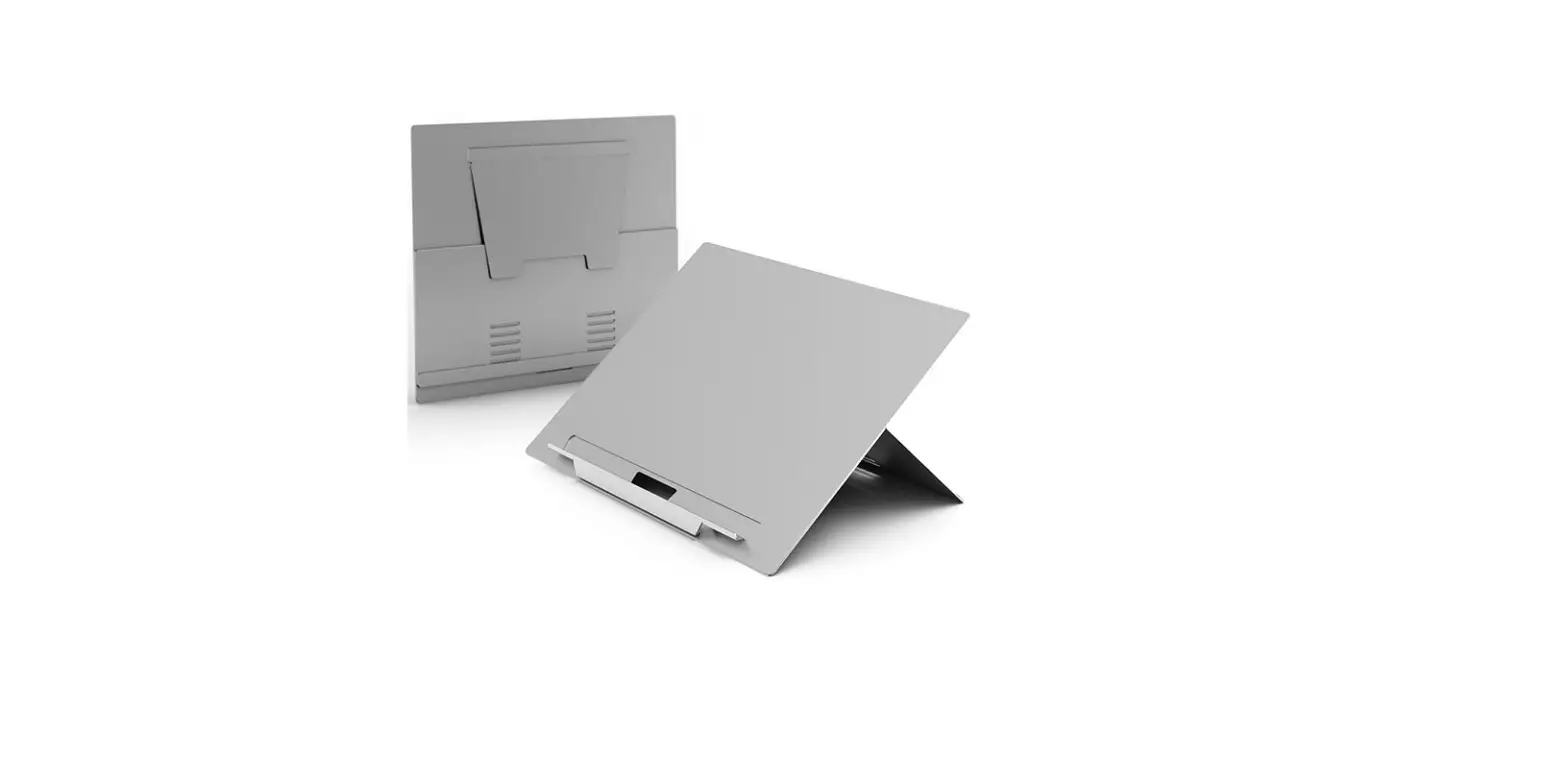
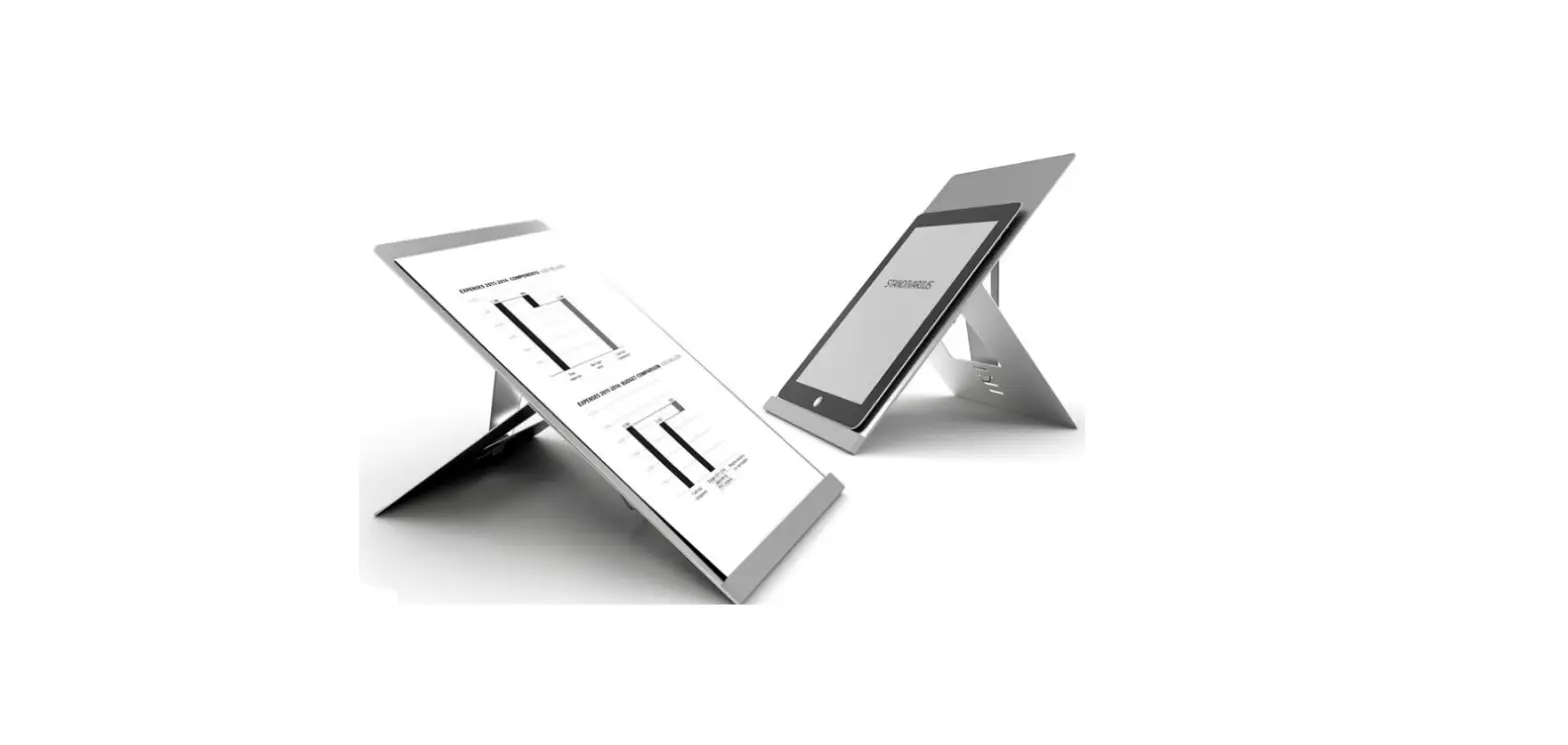
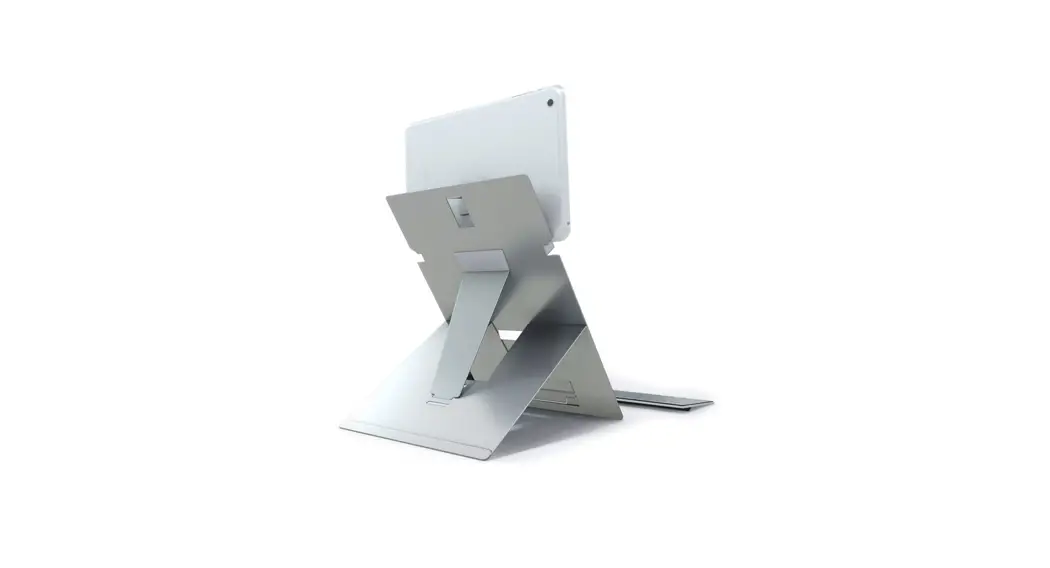
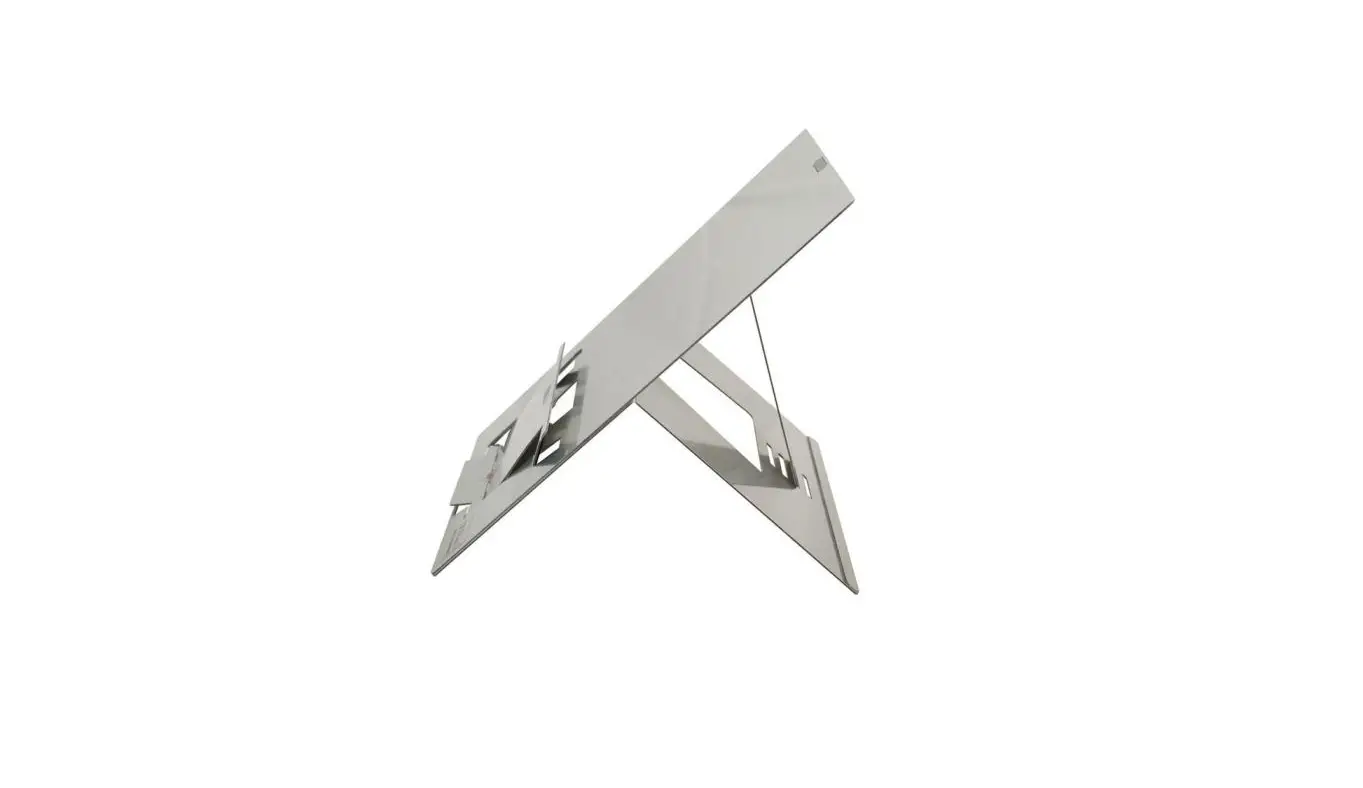
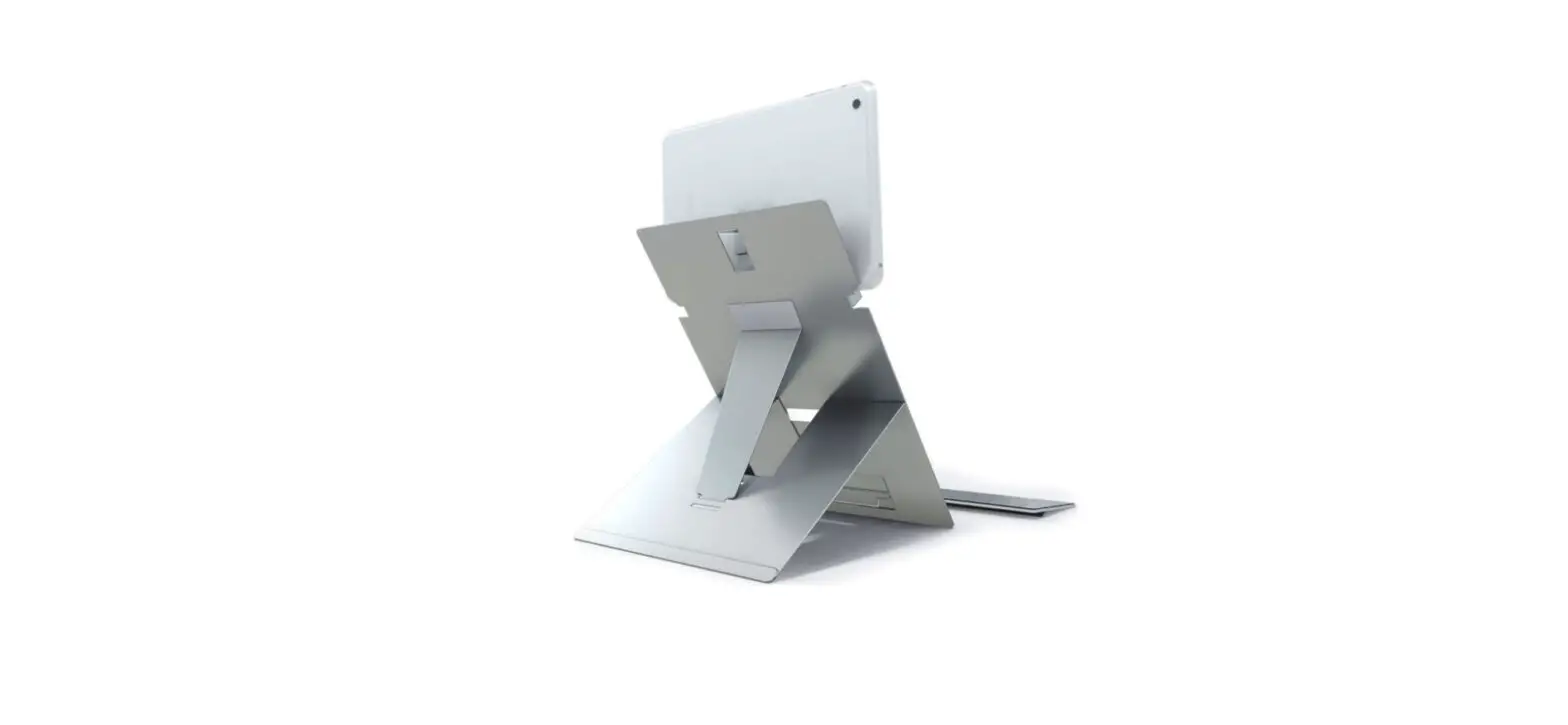
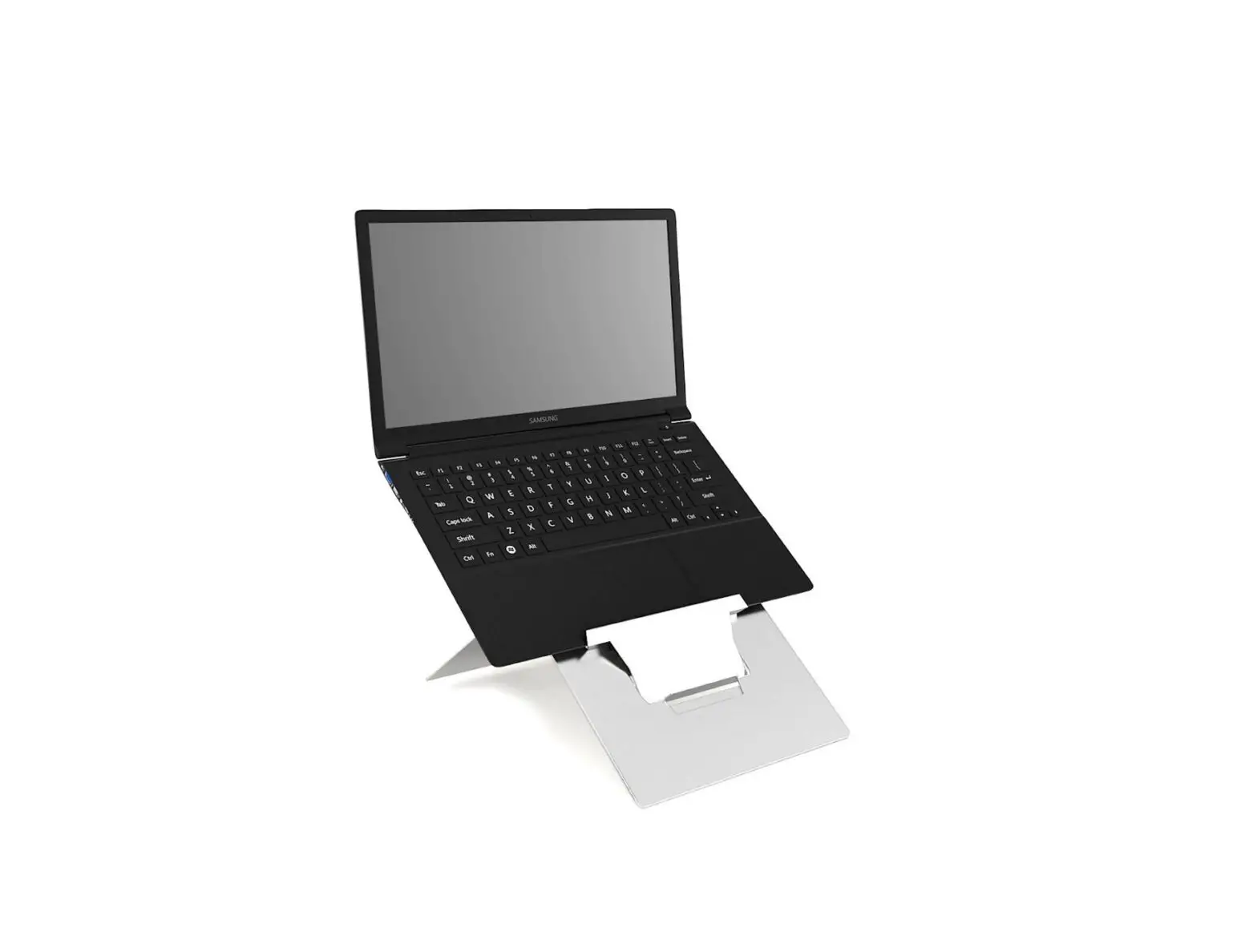
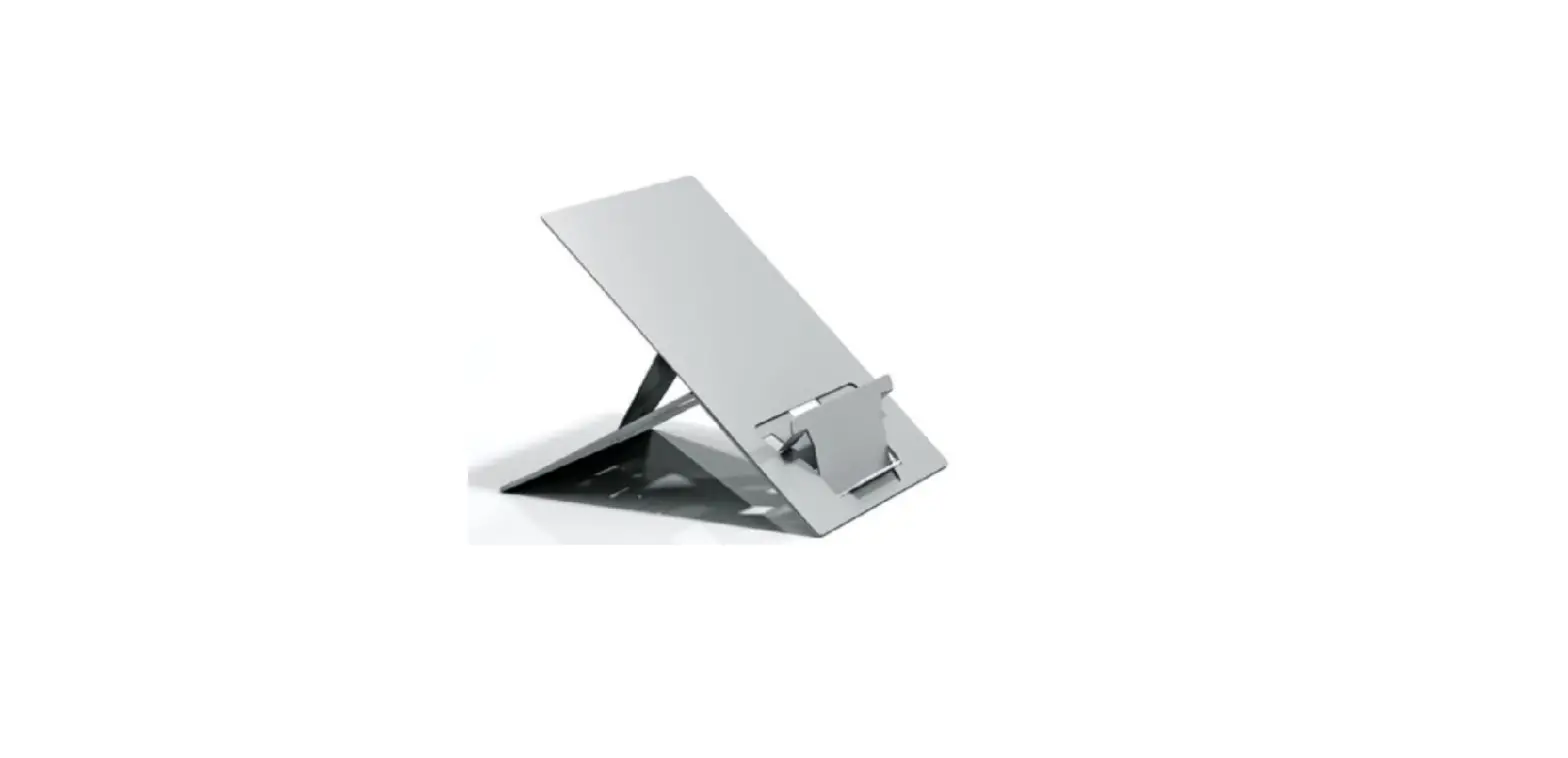
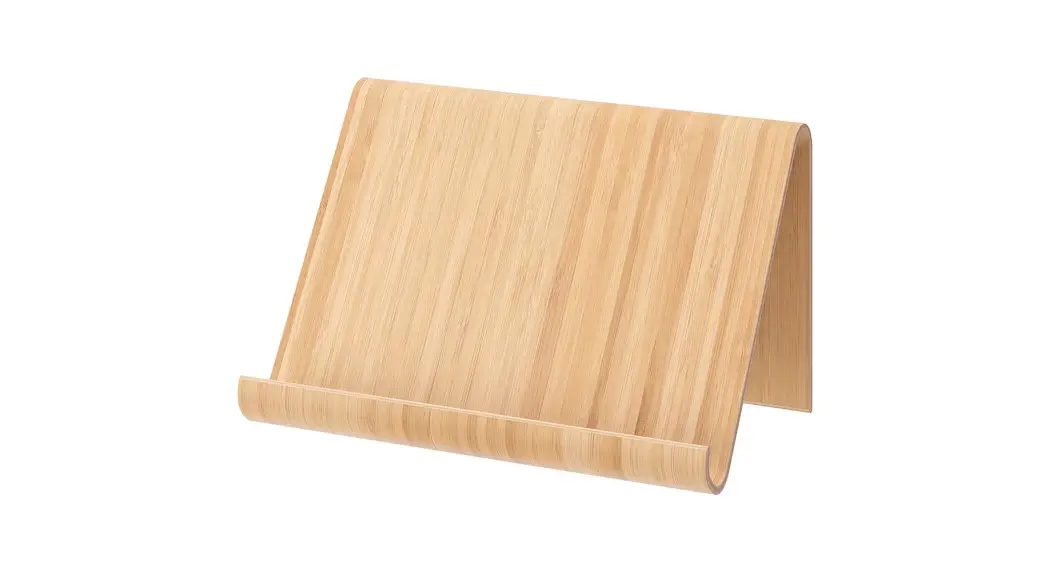
How to set up your Libro B book holder
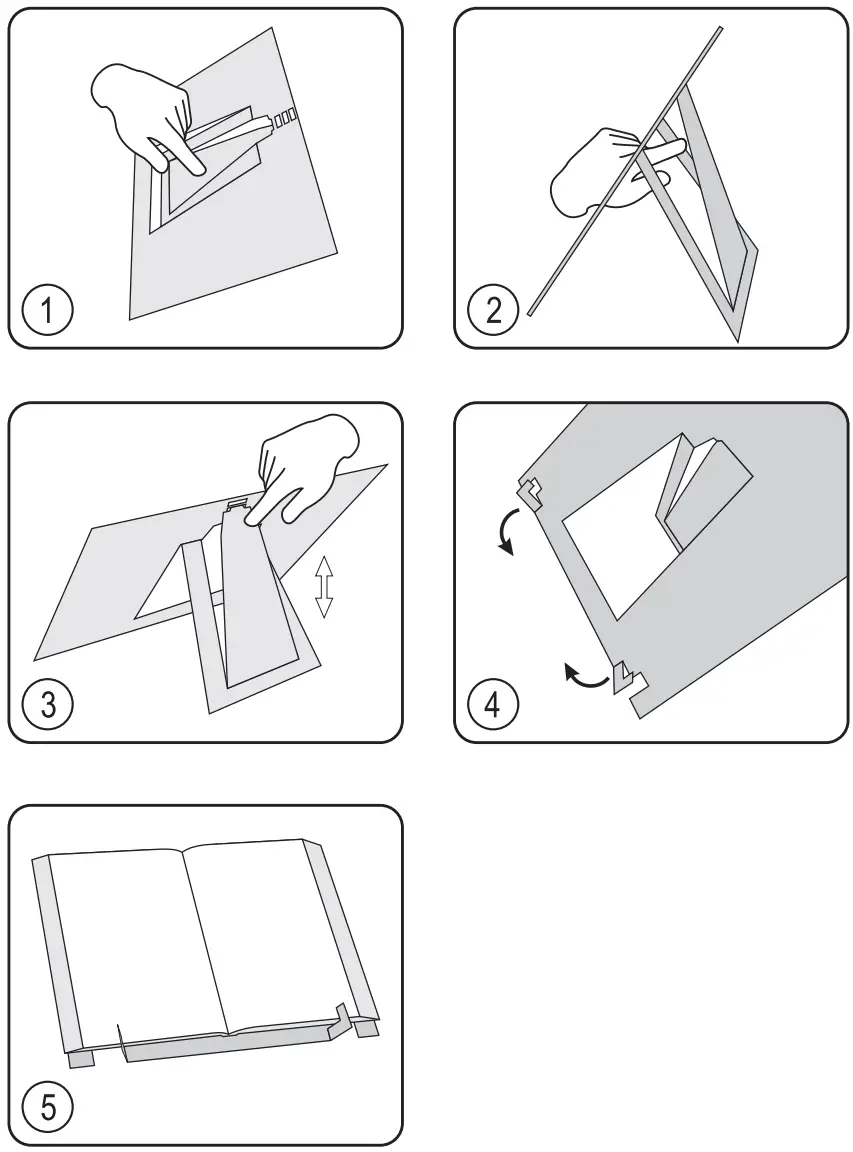
- Push document holder support
- Unfold internal rear support leg
- Select the appropriate angle setting
- Unfold front book holding support on both sides
- Place a book on the book holder for convenient work
| See the book holder before you buy: | How to set up your book holder: |
 |  |
| http://standivarius.com/lb-p | http://standivarius.com/lb-i |
 standivarius.com/lb-i