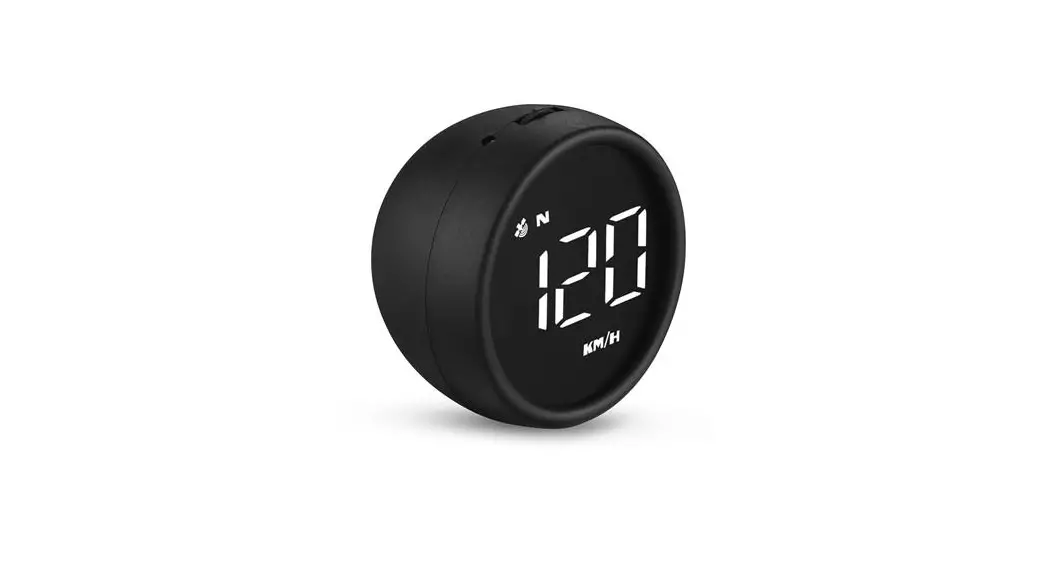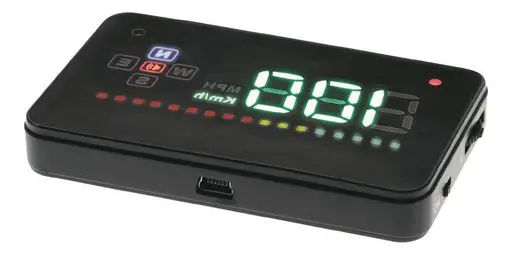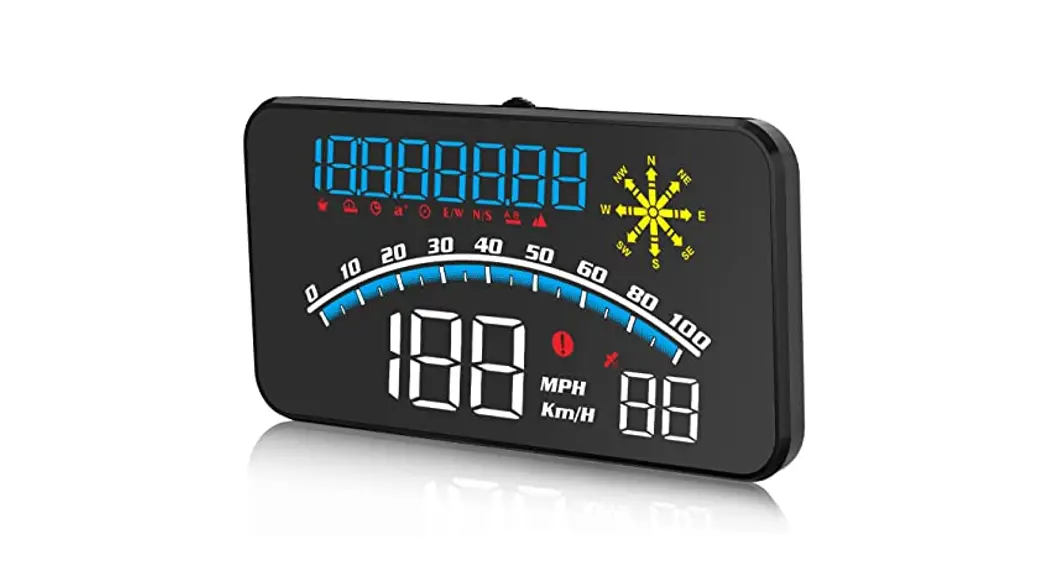

G10 GPS Speed Meter
User Guide
Warning: This product working voltage is 5V, and it is forbidden to use a voltage higher than 5V for power supply.
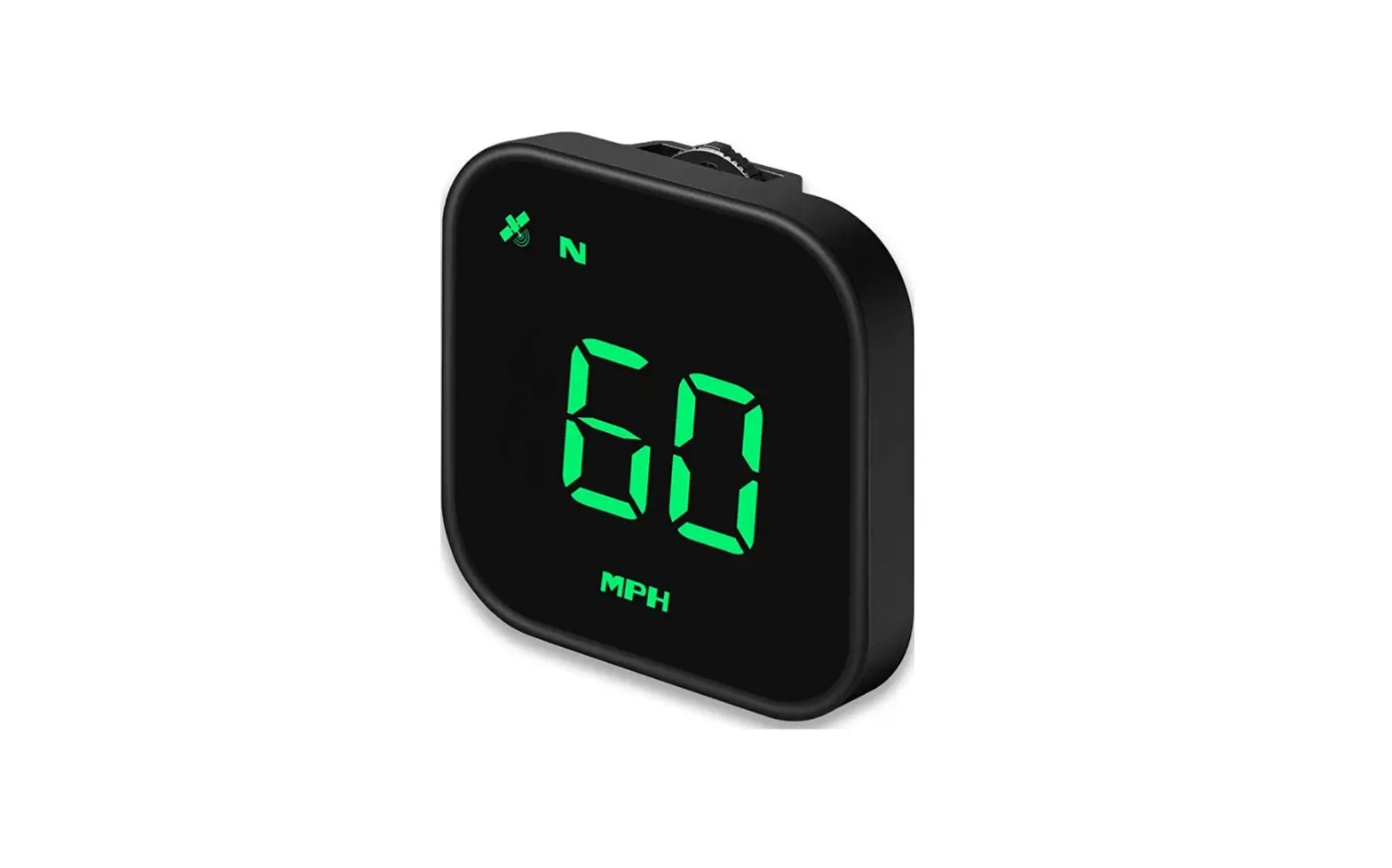
Display functions:
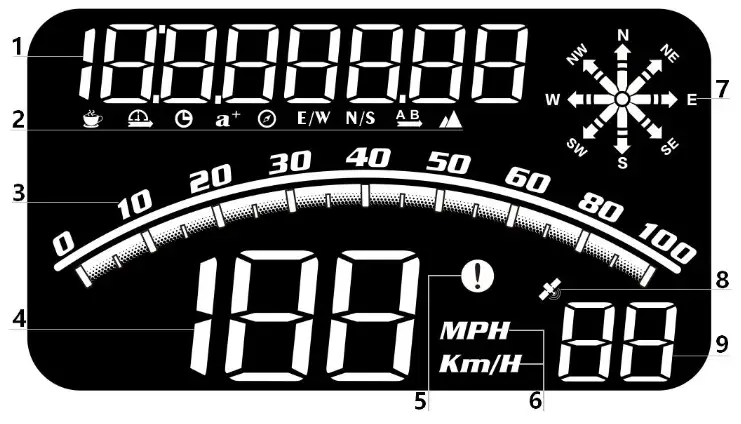
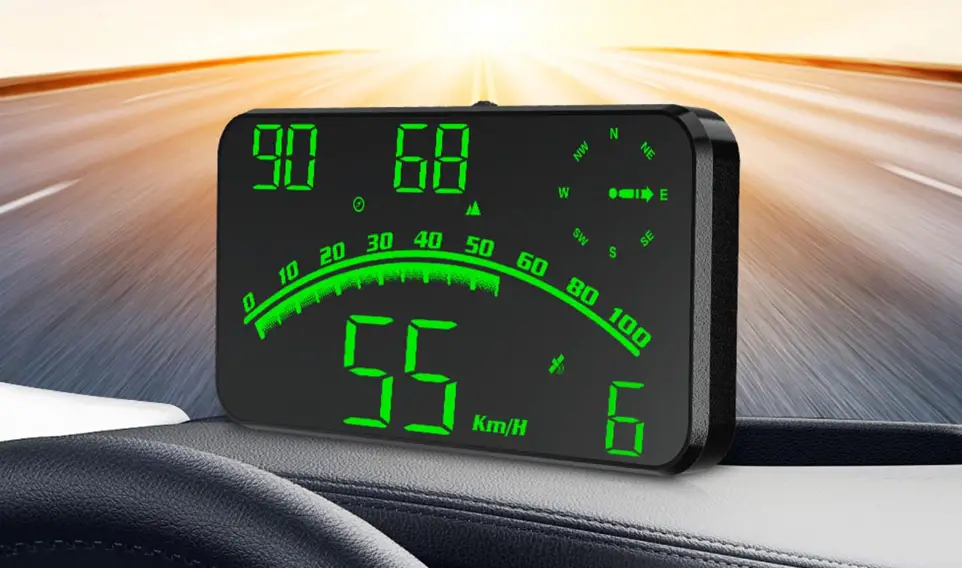
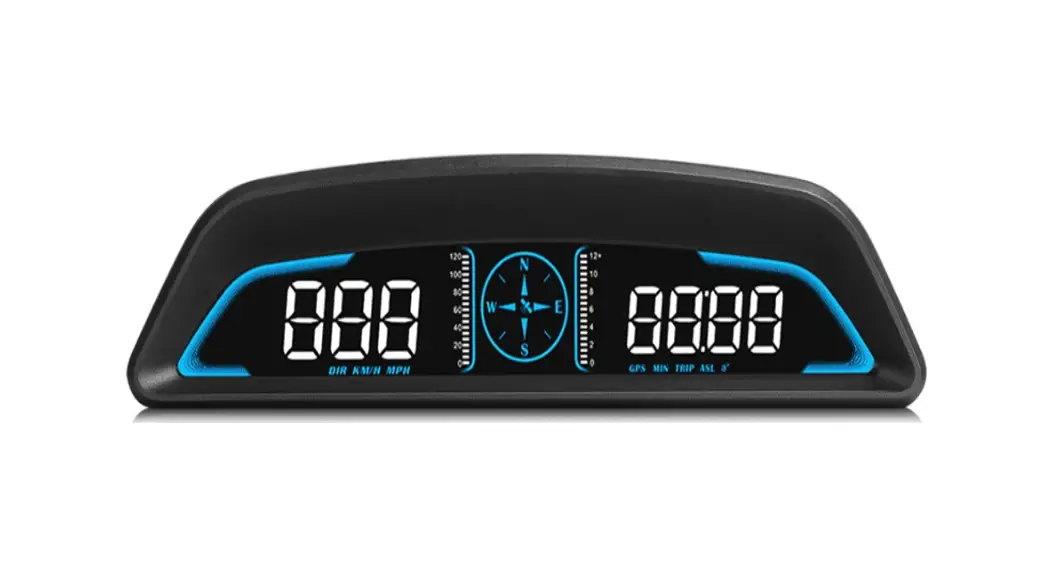
- Multi-function display: clock, driving time, travel distance, satellite numbers, acceleration time, longitude, latitude,Dial left or right to switch
- Function icons: fatigue driving, driving time, clock, acceleration time, direction angle, longitude, latitude, driving distance, altitude
- Speed progress bar
- Speed display
- Speeding alarm icon
- Vehicle speed unit (MPH=mile ,Km/h=kilometre), compass, satellite number icon
- The compass can be used normally after the satellite is searched, (N=North, E=East, W=West, S=South)
- The GPS satellite icon stops flashing before it can be used normally
- Satellite numbers
Wave button function:
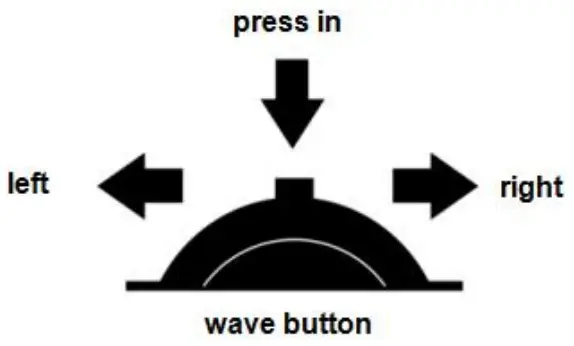
- Short press in: confirm the option after entering the setting menu
- long press in: enter the setting, after adjusting, press vertically for 2 seconds to save and exit
- Push left:: switch clock, driving time, acceleration time (move option after entering setting)
- Long push left: push left for 2 seconds to turn off the buzzer alarm, do it again to turn on
- Push right: switch driving distance, altitude, longitude, latitude (move option after entering the setting)
Enter setting mode:
Long press in to enter into the setting mode, press right to choose the menu, and short press in to confirm. Once finishing the setting, long press in to exit.
| Menu | Function | Adjustment range | Explanation | Default value | Set parameter value interface |
| 1 | speed | 50-150 | Adjust the parameter value when there is an error between HUD and dashboard. Ex: dashboard displays 100 KM/H, HUD displays 105 KM/H. Please adjust the parameter value to 102.(107-5) | 105 | 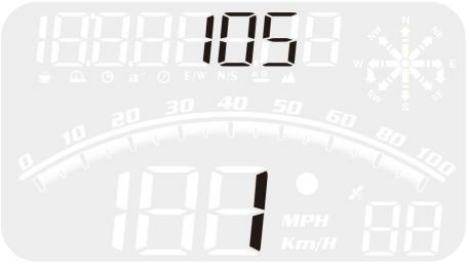 |
| 2 | Section 1 over speed alarm | 0-250 | When the vehicle speed reach to 150KM/H, HUD will give the alarm | 150 | 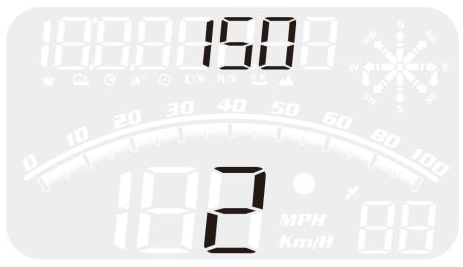 |
| 3 | Section 2 over speed alarm | 0-250 | When the vehicle speed reach to 180 KM/H, HUD will give the alarm | 180 | 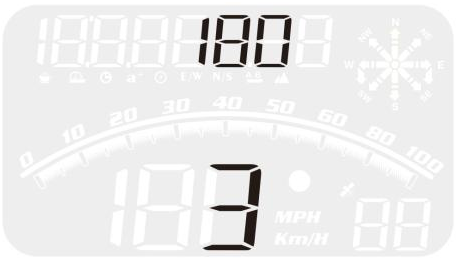 |
| 4 | Section 3 over speed alarm | 0-250 | When the vehicle speed reach to 200 KM/H, HUD will give the alarm | 200 | 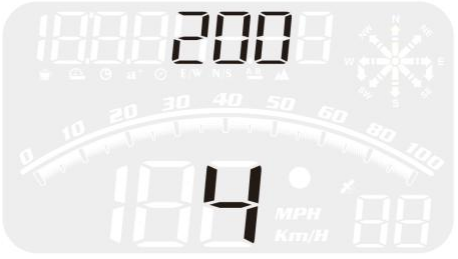 |
| 5 | Fatigue driving alarm | 1.0-8.0 | HUD will give fatigue driving alarm each 8 hours | 8 | 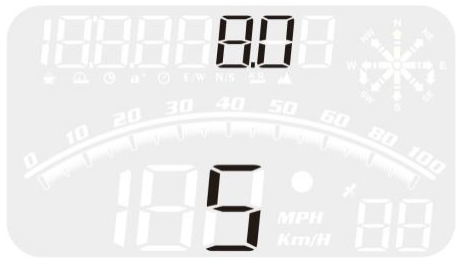 |
| 6 | Brightness adjustment | 0-11 | 0=automatic sensitivity adjustment 1-11=manual adjustment | 0 | 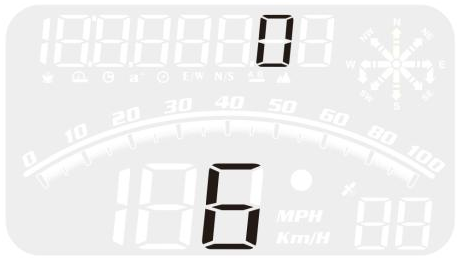 |
| 7 | Speed unit | 0-1 | 0=KM/H (kilometers) 1=MPH (miles) | 0 | 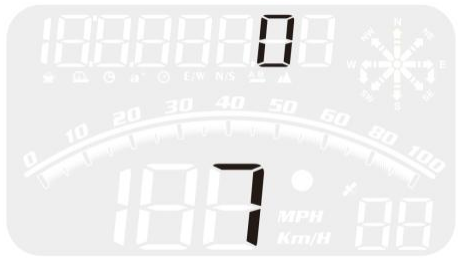 |
| 8 | Time Adjust | :00-12:00 | When the device searched the satellite successfully, adjust the device time as your local time and exit. | 0 | 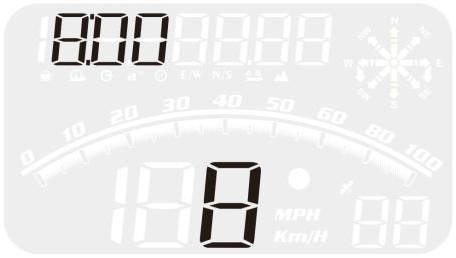 |
| 9 | Factory reset | 0-1 | default=0, →1, long press in for 2 seconds to save and exit | 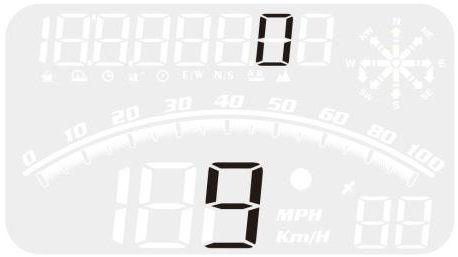 |
GPS FAQ:
– Check whether the USB cable is damaged, replace the USB cable for testing, and prohibit the use of voltage higher than 5V for power supply
– After HUD power-on, the satellite icon flashes will start to find the satellite. Please driving the car to the road. It will work after it stops flashing
– When the device search the satellite successfully(the default 8:00 will change to China local time), set it to your local time and save and exit.
– (1) If the unit is correct,km KM/mile MPH, (speed unit switch reference settings item)
– (2) The car factory had increased speed(5-7%)than real for drivers’ safety,satellite data is strictly follow the international standards
– (3) Fine-tuning the vehicle speed, e.g. meter display 100 Km/h, machine display 105Km/h,default value 107-5=102
– After the vehicle speed exceeds 5KM / H, the direction can be displayed normally.
– Under the underground parking lot, tunnel, under the overpass, there will be unstable satellite drift when there is obstruction.
– Push left for 2 seconds to turn off the buzzer, do it again to turn on.