ACECAR G4S Digital GPS Speedometer Instructions
GPS speedometer: G4S
Special reminder: the working voltage of this product is 5V, and the voltage higher than5Vis prohibited After the satellite icon is powered on, it flashes to indicate the searchstar. Pleasemove the car to the open road until the satellite icon stops flashing
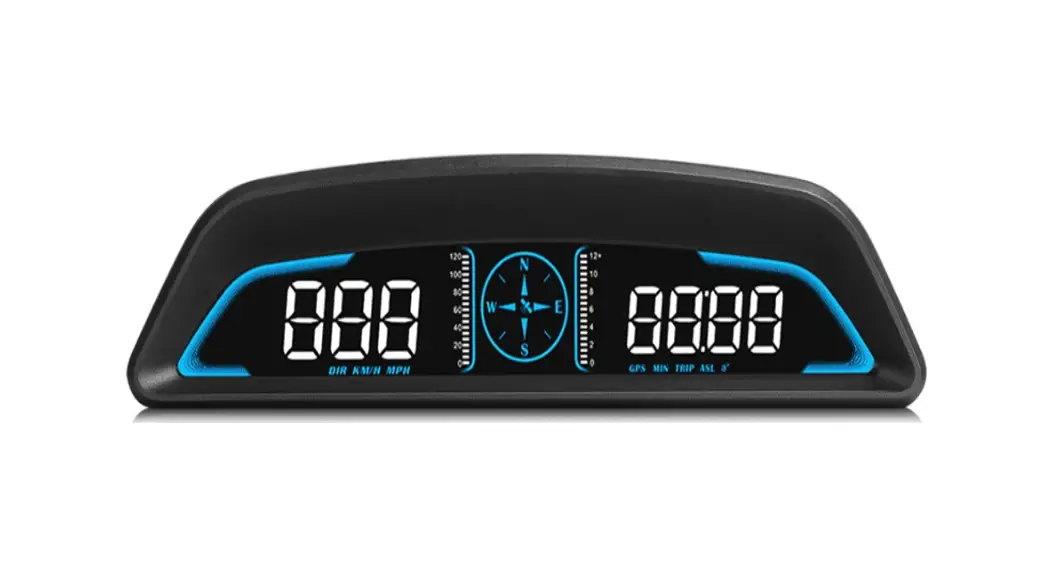
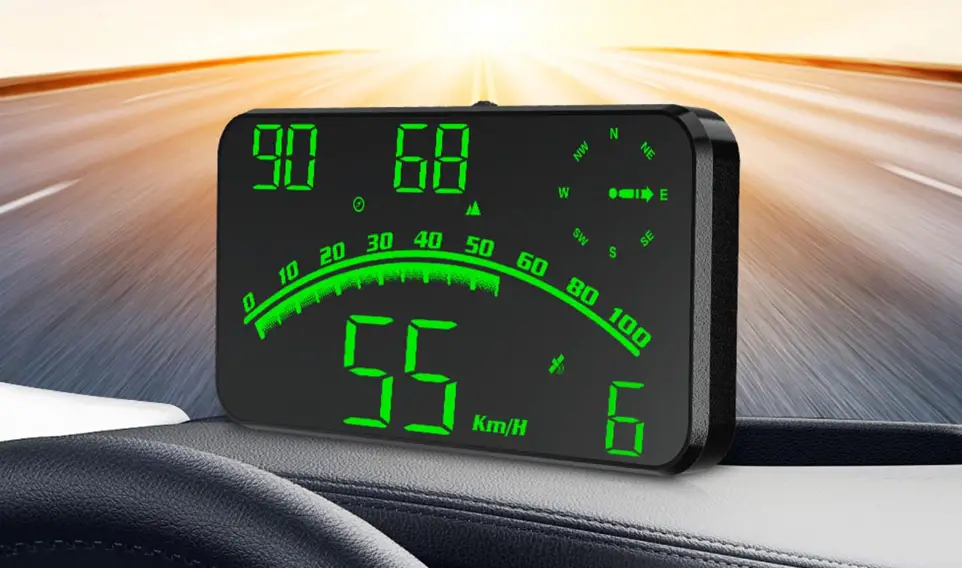
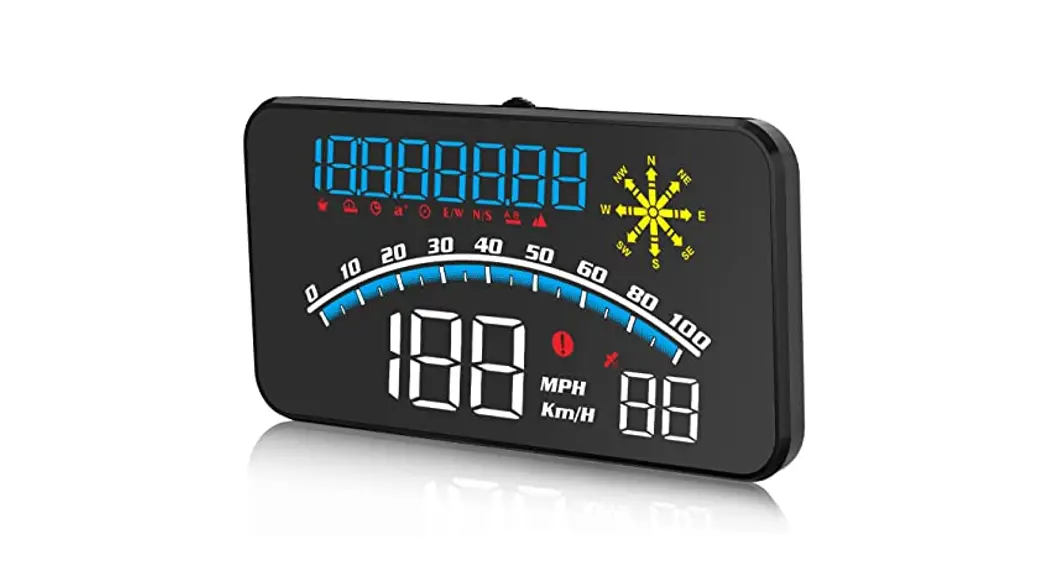
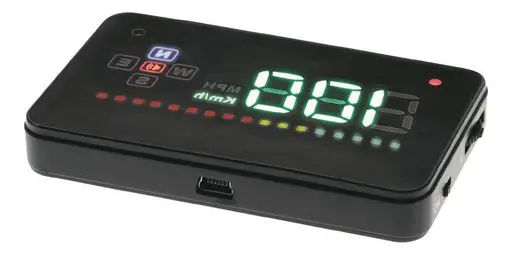
Display function:
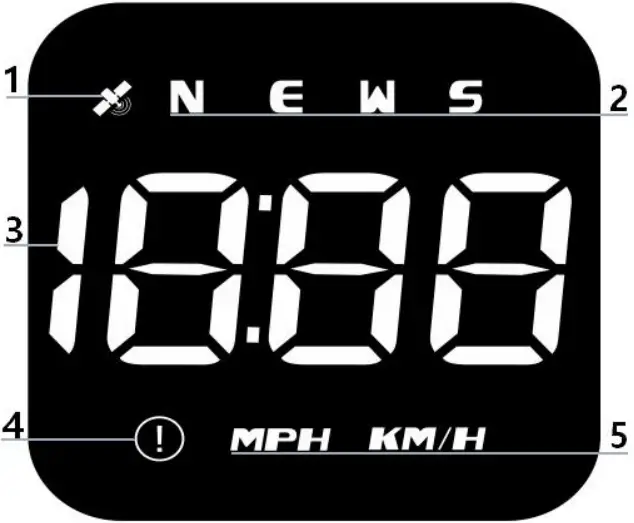
- Satellite icon: search the satellite after the stop flashing and extinguished, can be usednormally
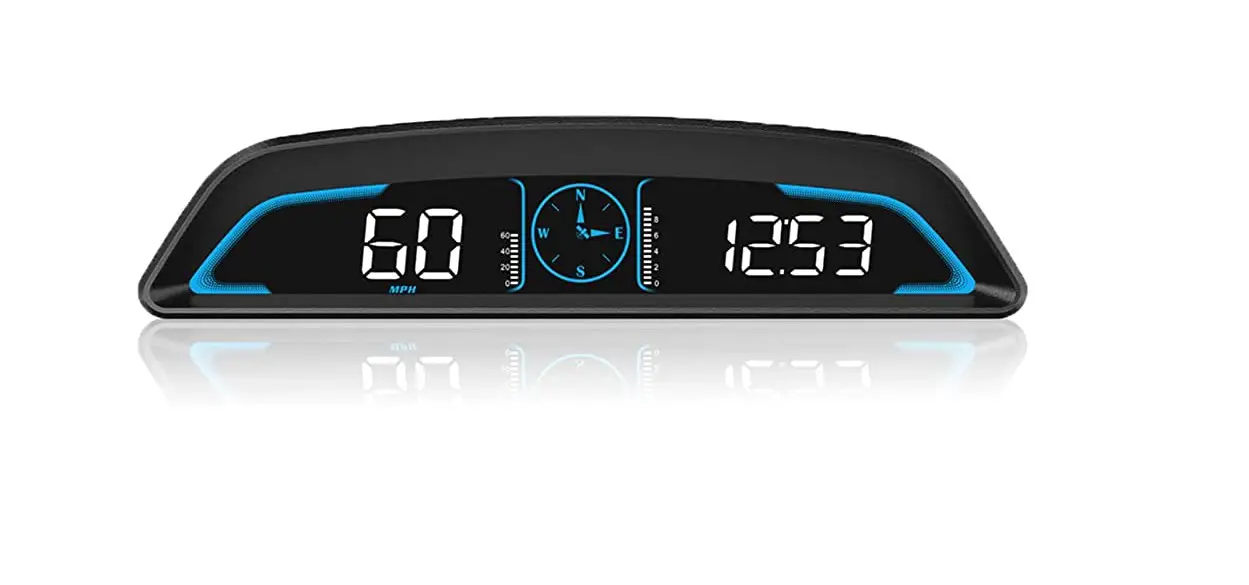
- Compass: N North E East W West S South
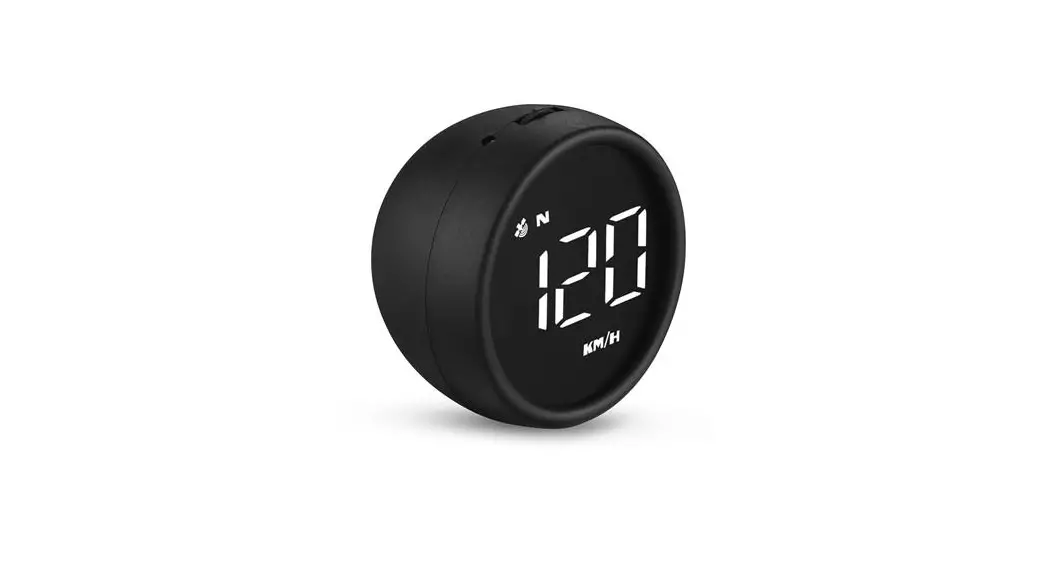
- Multi-function display: display the current vehicle speed time
- Overspeed alarm icon: flashing when the speed exceeds the set value
- Speed unit: KM / H km MPH miles
Rotary key function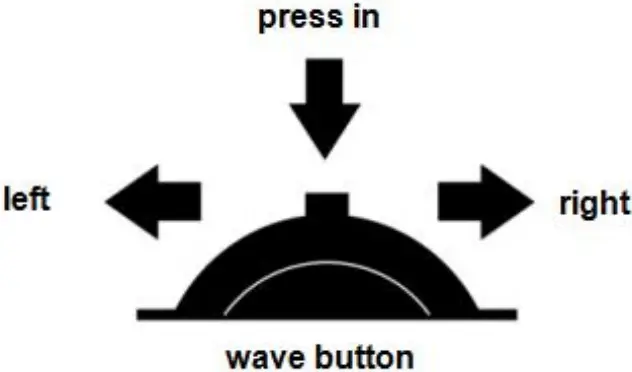
- Vertical short press (dial press to release): confirm the options after entering the Settingsmenu2. Vertical long press (hold the dial and hold for 2 seconds to release): enter the setting, adjustand press the vertical long for 2 seconds to save the exit
- Left dial: switch the simple mode, the standard mode into the set after moving the option4. Long left dial: dial left for 2 seconds, turn off the buzzer to alarm, and dial left againfor 2seconds to open the buzzer
- Right dial: switch the atmosphere light color, and move the options after entering theSettings
Enter the setup mode:
Dial wheel button vertically press for 2 seconds to enter the setting item, dial wheel right toselectthe menu, vertical short press to enter the parameter value, adjust and vertical long press for2seconds to save the exit
| Set the menu screen | function | adjustable range | direction for use | Window s default | Set the parameter value screen |
 | Speedfine-tuning | 50-150 | Adjust theparameter value ifthe speed andinstrument panelinstrument display100 KM / Hequipment display105KM / H, andadjust theparameter value to102 | 107 | 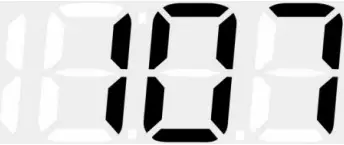 |
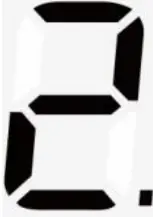 | Overspeed alarmsetting | 0-250 | Alarm when thevehicle speedreaches the setdefault value of150KM / H | 150 | 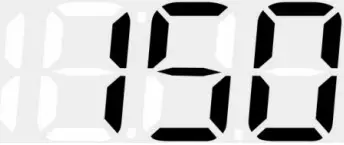 |
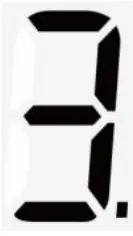 | Fatiguedrivingreminder | 1.0-8.0 | Remind afterexceeding thedefault value for8.0 hours | 8.0 | 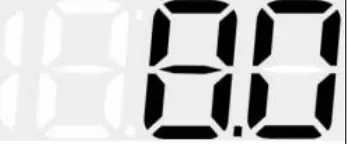 |
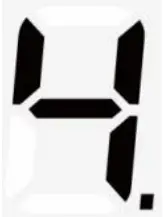 | Brightness mode | 0-11 | 0 Is automaticphotosensitivemode, 1-11 ismanual adjustment | 0 |  |
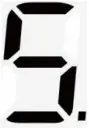 | Speed unit | 0-1 | 0 Unit of km1 For miles of units | 0 | 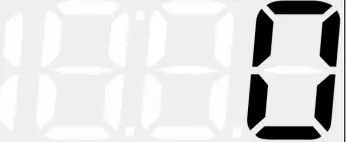 |
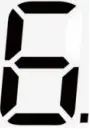 | time adjustme nt | 0:00-12:00 | If the time zone is adjusted when the satellite is not received, the default east 8 area only needs to calibrate the local time after finding the satellite | 0 | 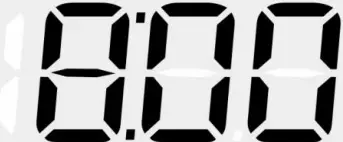 |
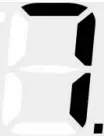 | factory data reset | 0-1 | The default is 0, after 1, press the dial for 3 seconds to save exit | 0 |  |
FAQ
- No display on the screen, no power
Check whether USB line is damaged, replace USB line test, and prohibit using voltagehigherthan5V - No speed
The satellite icon flashes indicating the star search state. Please move the car to theopenroadand wait until the satellite icon stops flashing - The speed is not allowed
Check unit correct, km KM / mile MPH, (speed unit switch reference settings) When the car leaves the factory, the manufacturer increases the speed displayed on thedashboard by 5-7%, and the international standard is subject to satellite data Fine-tune the vehicle speed, if the meter displays 100 Km/h, the machine displays 105Km/h, andadjust the parameter value to 102 - Driving direction is wrong
The satellite can’t tell your direction when there have no speed, and the speed exceeds 5KM/H5. The speed is still displayed after the car is stopped Underground parking lot, tunnel, overpass, with shielding will make the signal unstablesatellitedrift, please drive the car to the open road - Turn off the buzzer
The wheel dials left for 2 seconds to turn off the buzzer and dial left again to open the buzzer