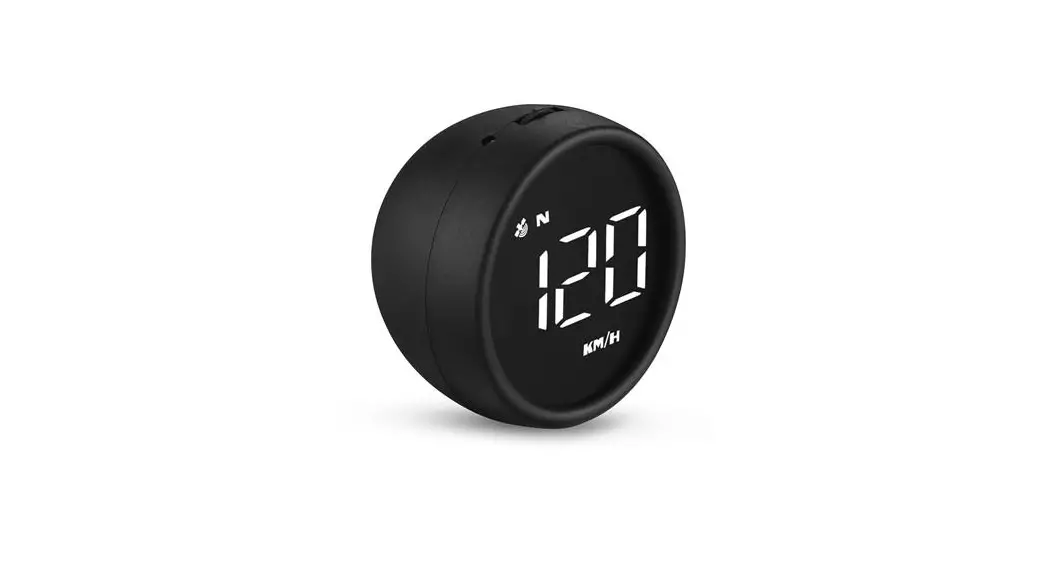
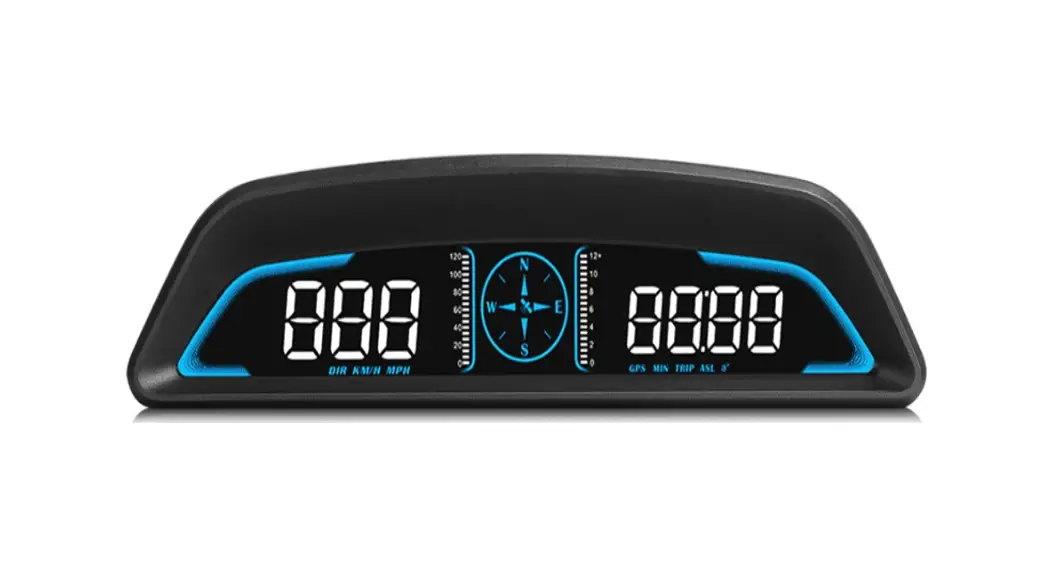
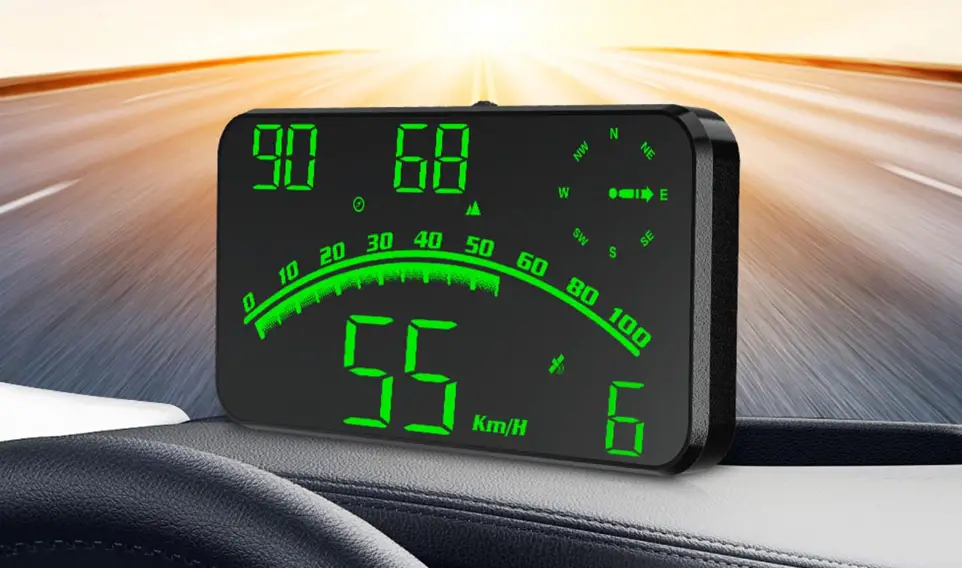
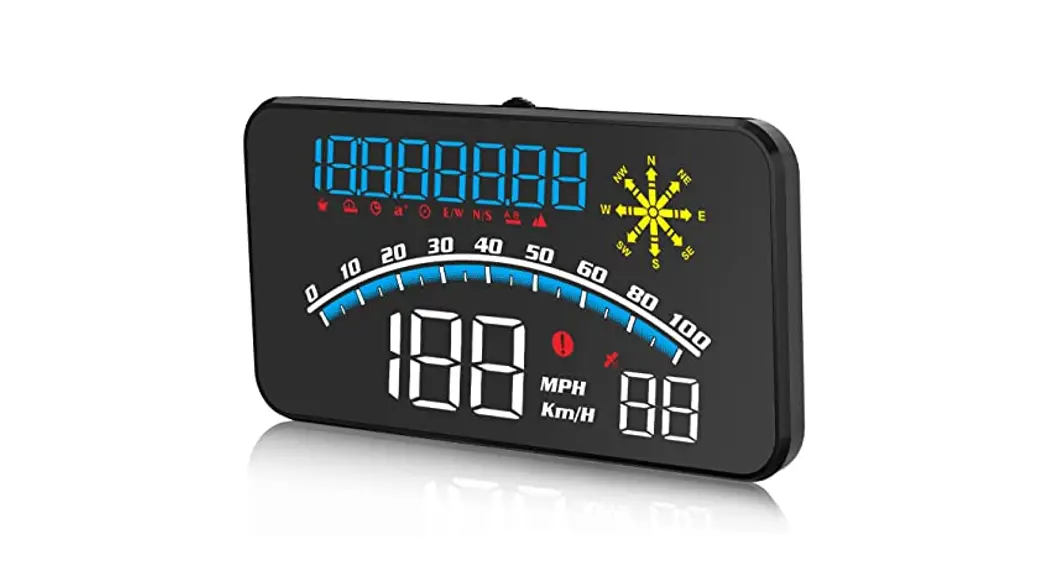
M1 GPS Speed Meter
Product Information: GPS Speed Meter M1
Warning: The working voltage of this product is
5V. It is strictly forbidden to use a voltage higher than 5V for
power supply.
Display Functions:
- Light Sensor: The Head-Up Display (HUD) can
automatically adjust the brightness according to the
environment. - Satellite Icon: After the satellite is found,
it stops flashing and goes out before it can be used normally. - Compass: Displays the cardinal directions N
(North), E (East), W (West), S (South). - Buzzer: Audible sound for notifications.
- Vehicle Speed Display: Shows the current
vehicle speed. - Speed Unit: Allows switching between MPH
(miles per hour) and KM/H (kilometers per hour).
- Short Press (1 second): Switches between
vehicle speed, satellite number, and menu options or parameter
values in the settings. - Long Press (5 seconds until display image
comes): Enters menu settings, saves and exits settings,
turns on/off the buzzer, and eliminates fault codes. - Power Switch: Long press for 5 seconds to turn
off, press again to turn on. - OBD Connection Port: Used for connecting to
the vehicle’s On-Board Diagnostics (OBD) system.
Long press the button to enter settings. Short press to choose a
menu option. Short press and long press for adjustment and
saving.
| Menu | Function | Speed Range | Default Value | Explanation |
|---|---|---|---|---|
| Speed | Adjust the parameter value when there is an error between HUD and dashboard speed. | 50-150 | 107 | Default value: 107. Ex: If the dashboard displays 100 KM and HUD displays 105 KM, adjust the parameter value to 102 (107-5). |
| Over Speed Alarm | Allows setting the over speed alarm value. | 30-250 | 150 KM/H | Users can freely set this value. |
| Fatigue Driving Reminder | Sets the duration for fatigue driving reminder. | 1.0-8.0 | 4.0 | Default reminder duration: 4 hours. |
| Brightness Level | Adjusts the brightness level of the display. | 0-11 | 0 (Automatic) | 0 represents automatic photosensitive mode, while 1-11 provides manual adjustment. |
| Speed Unit | Allows switching between KM (kilometers) and MPH (miles per hour). | 0-1 | 0 (KM) | Default value: 0 (KM). Can be changed to 1 (MPH). |
| Factory Reset | Resets all settings to default values. | 0-1 | 0 | Default value: 0. Set to 1, then long press the button to save and exit. |
GPS Display FAQ:
The screen without any display, and no power:
Check whether the USB cable is damaged, replace the USB cable
for testing, and prohibit the use of voltage higher than 5V for
power supply.Without car speed:
After turning on the HUD, the satellite icon will flash while it
starts searching for satellites. Please drive the car on the road
until the flashing stops to ensure proper functionality.Inaccurate Speed:
a. Check if the speed unit is correct (KM/H or MPH), and adjust
it accordingly in the settings.
b. Car manufacturers usually make the dashboard speed 5-7% higher
than the ECU. The device follows the international standard based
on satellite data. If there is a discrepancy between the dashboard
and HUD speed, adjust the parameter value to match the actual
speed.Driving Direction Display Error:
The direction display will work normally when the vehicle speed
exceeds 5KM/H.Speed is still displayed after the car stops:
In underground parking lots, tunnels, or under overpasses, there
may be unstable satellite drift due to obstructions.Turn off the buzzer:
Push left for 2 seconds to turn off the buzzer. Repeat the
action to turn it on again.
GPS speed meter M1
Warning: product working voltage is 5V, and it is forbidden to use a voltage higher than 5V for power supply.
Display functions:
1. Light sensor: HUD can automatically adjust the brightness according to the environment 2. Satellite icon: After the satellite is found, it stops flashing and goes out before it can be used normally 3. Compass: N (North) E (East) W (West) S (South) 4. Buzzer 5. Vehicle speed display: display the current vehicle speed 6. Speed unit: MPH- mile, KM/H- kilometer
Button functions
Short press (1 second) Long press 5s until the display image comes 1. Short Press To switch vehicle speed, satellite number, enter into menu setting to switch menu options or parameter values
Long Press
To enter into menu settings (see instructions for Menu 1-6) and press 5 seconds to save and exit
2. Short Press After entering the settings, Menu – and parameter value –
Long Press To turn on and off the buzzer (default choice is buzzer on,you can freely choose to turn on or off)
3. Short Press After entering the settings, Menu + and parameters value +
Long Press The screen is all on, and the fault code is eliminated, long press again to exit
4. Power switch
Long press for 5s to turn off, again to turn on
5. OBD connection port
Enter setting:
Long press the to enter setting, short press choose menu, short press long press after adjustment to save and exit
to confirm,
Menu
Function Speed
Range 50-150
Explanation
Default
value
Adjust the parameter 107
value when there is
an error between
HUD and dashboard.
Ex:dashboard displays
100 KM, HUD displays
105 KM. Please adjust
the parameter value
to 102.(107-5)
Setting screen
Over speed alarm
30-250 Over speed alarm is 150 150KM / H,users can freely set this value
Fatigue 1.0-8.0 Fatigue driving
4.0
Driving
reminder is 4 hours
Reminder
Brightness 0-11 0-automatic
0
level
photosensitive mode
1-11 is manual
adjustment
Speed unit 0-1 0=KM
0
1=MPH
Factory reset
0-1 The default value is 0. 0
After adjusting to 1,
long press
to
save and exit.
GPS display FAQ:
1.The screen without any display, and no power Check whether the USB cable is damaged, replace the USB cable for testing, and prohibit the use of voltage higher than 5V for power supply
2.Without car Speed After HUD power-on, the satellite icon flashes will start to find the satellite. Please driving the car to the road. It will work after it stops flashing
3.Inaccurate Speed a.First check the speed unit is correct or not, the speed unit including KM/H and MPH, please refer to the setting to switch the unit. b.The car manufacturers usually make the dashboard speed 5-7% higher than the ECU. The international standard is based on satellite data. (if the dashboard shows 100, and the device shows the 105, change the default value at 102)
4.Driving direction display error After the vehicle speed exceeds 5KM / H, the direction can be displayed normally.
5. Speed is still displayed after the car stops Under the underground parking lot, tunnel, under the overpass, there will be unstable satellite drift when there is obstruction.
6.Turn off the buzzer Push left for 2 seconds to turn off the buzzer, do it again to turn on.