PHONAK WallPilot Roger Wall Pilot User Guide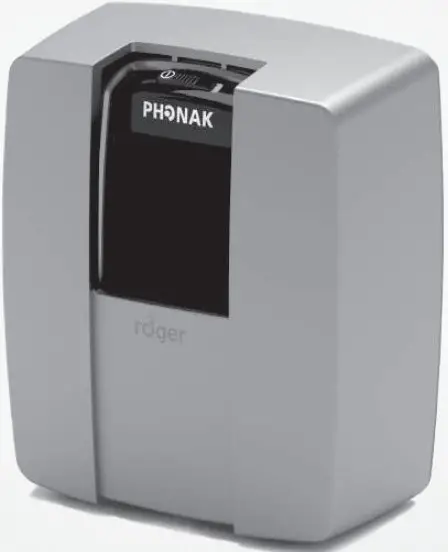
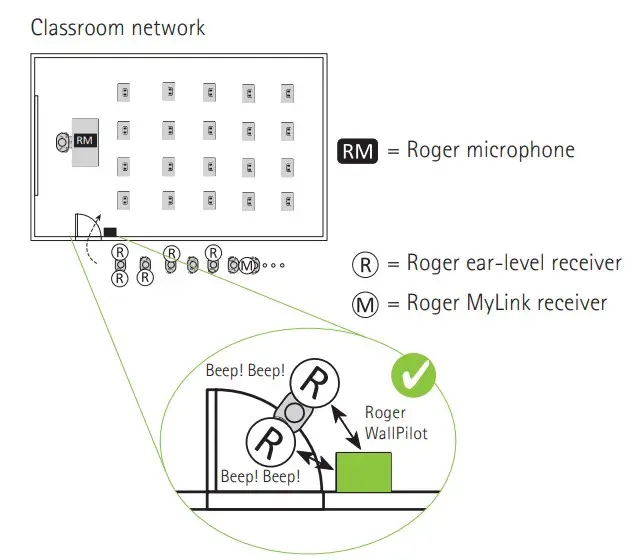
Roger ear-le vel receivers and Roger MyLink connected to cl assroom network.
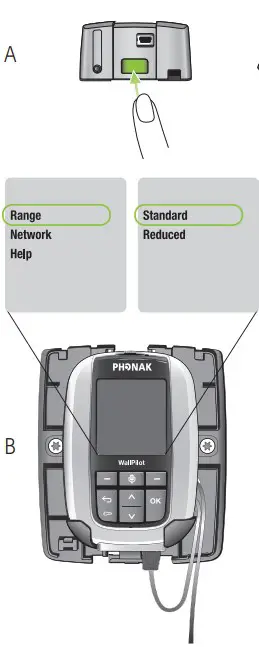
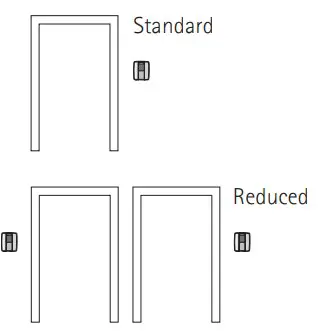
Adjusting the operating range
For adjacent entrances
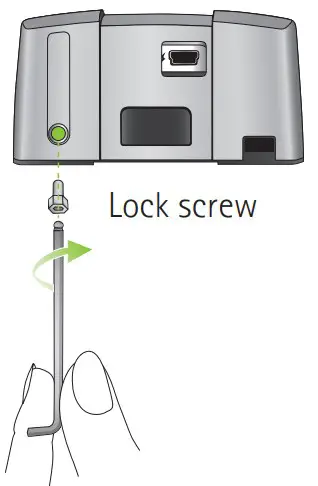
Locking Roger WallPilot
Several Roger WallPilo t in the same room
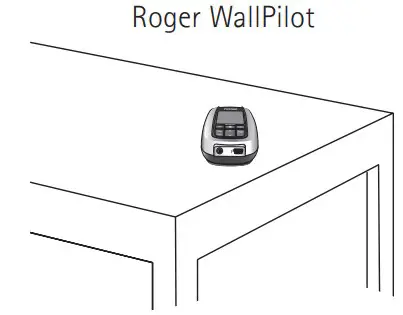
Battery-powered mode
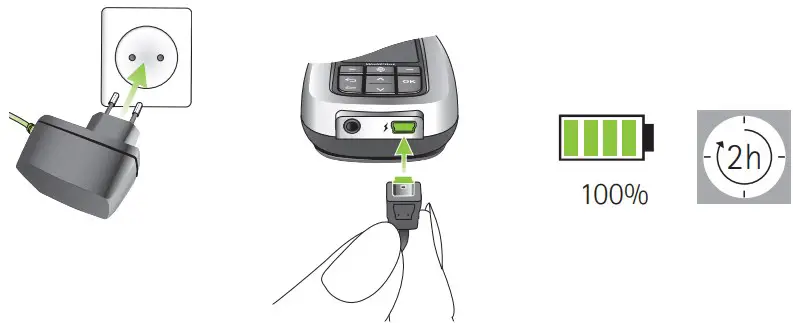
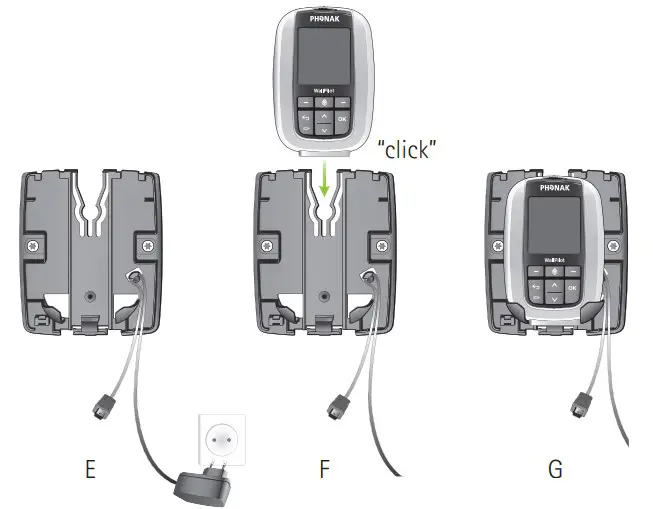
Charging Roger WallPilot
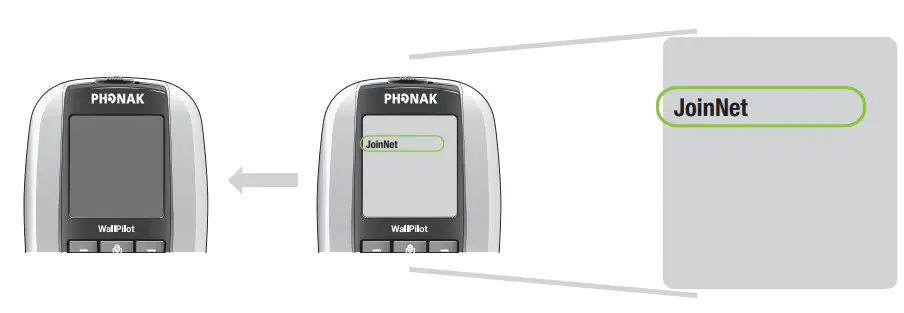
Trouble shooting: Creating a new Network
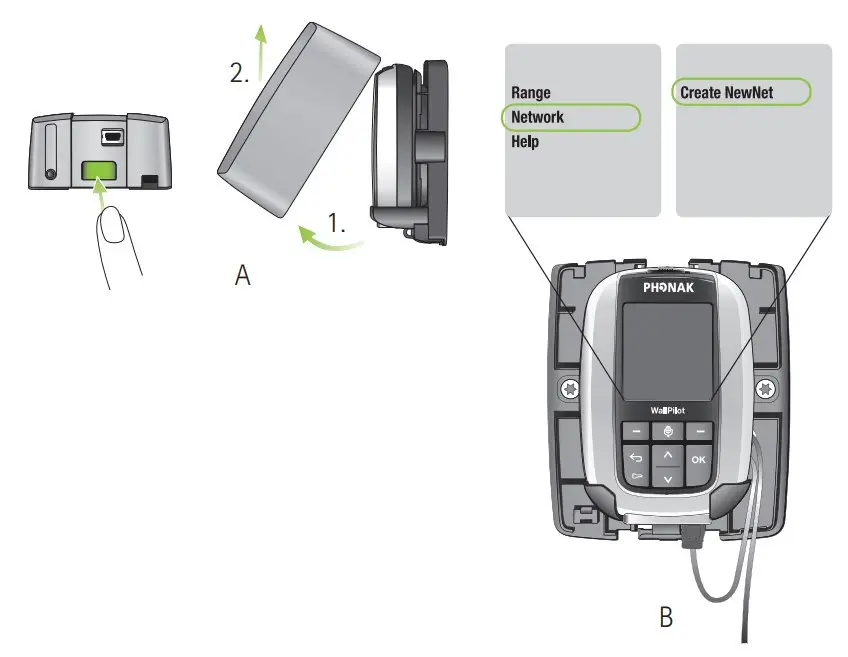
 The settings should not be changed. All previous settings will be deleted. This feature is useful for troubleshooting some issues.
Network compatibility
Only Roger devices are compatible with Roger WallPilot. Use Roger Touchscreen Mic or Roger inspiro to check Roger device’s firmware version.
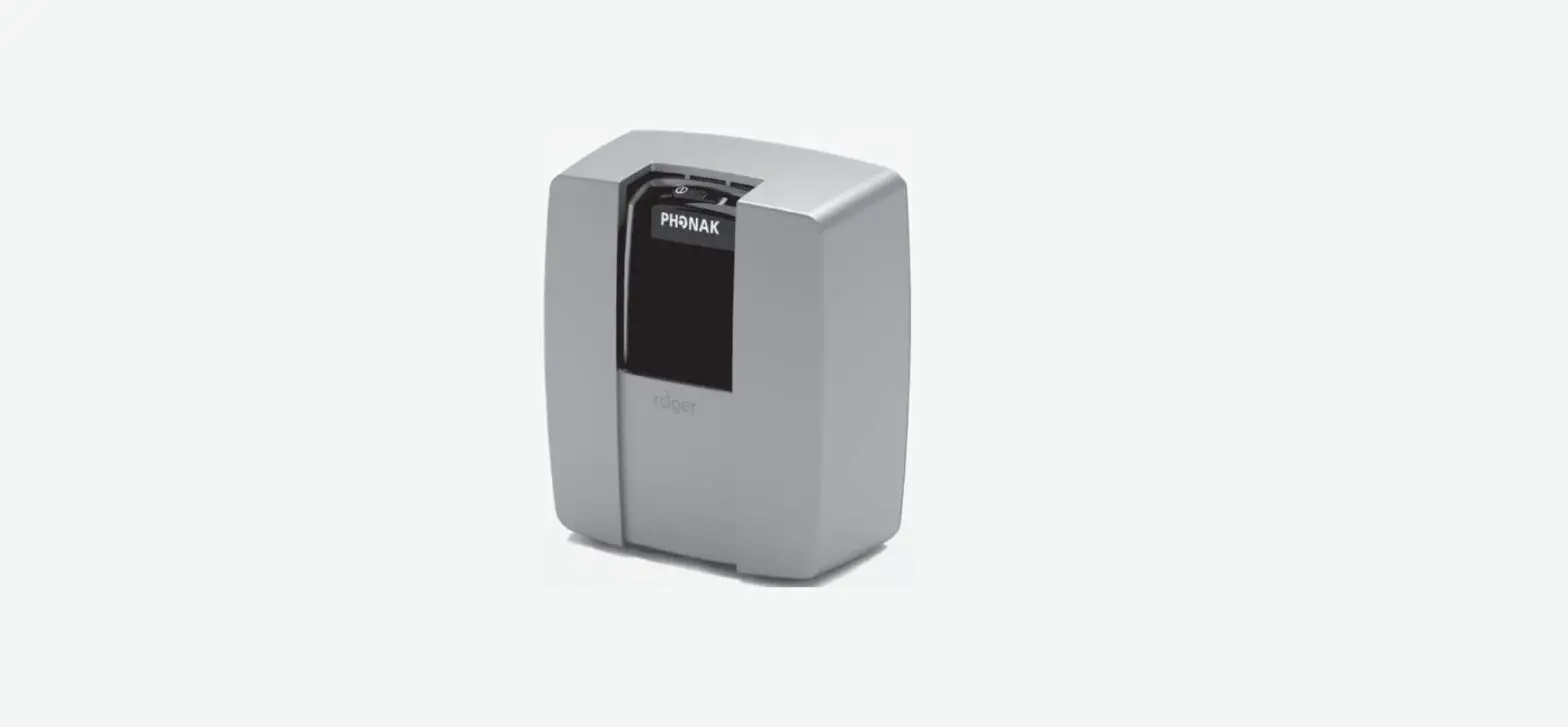
Components and functions
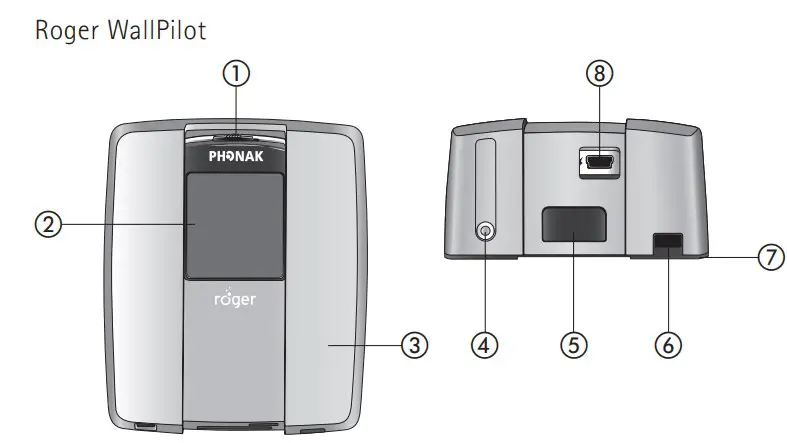
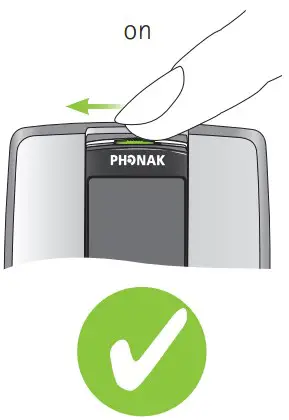
- On / of
- Display
- Case
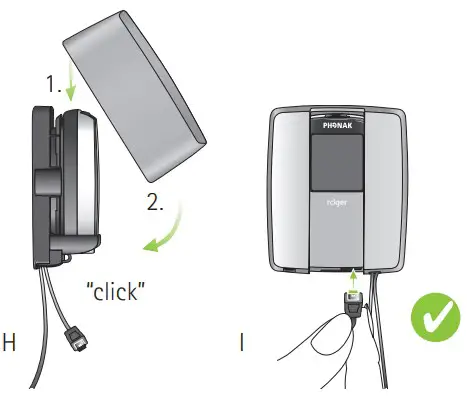
- Screw to lock the case
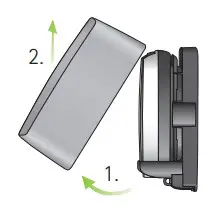
- Button to remove case
- Power cable opening
Componentsand functions - Backplate
- Mini-USB connector
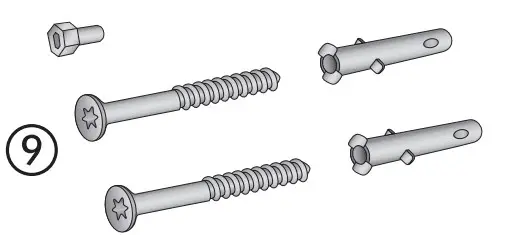
- Screws(3x) and anchors (2x)

- Key (2x

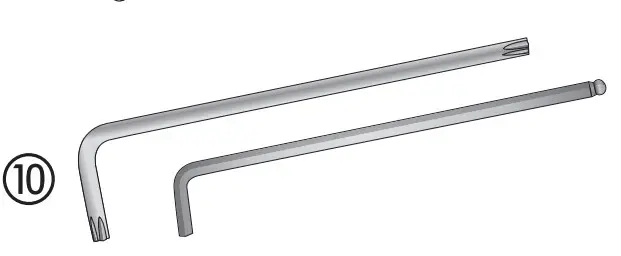
Components and functions
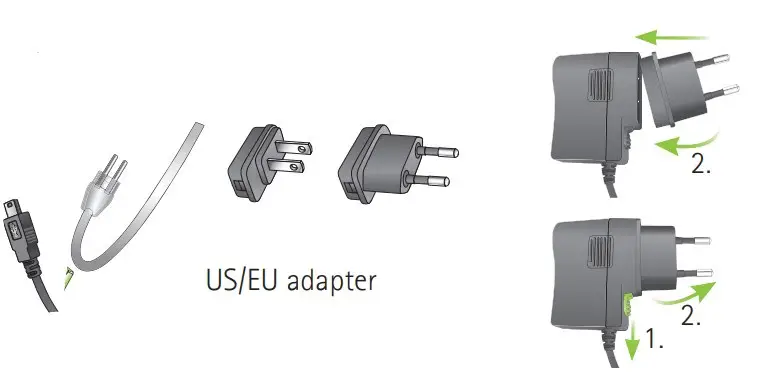
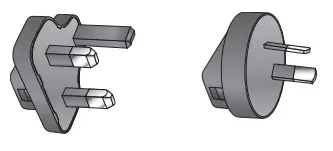
Package contents may vary slightly depending on your country
OptionaL
Wall mounting RogerWallPilot
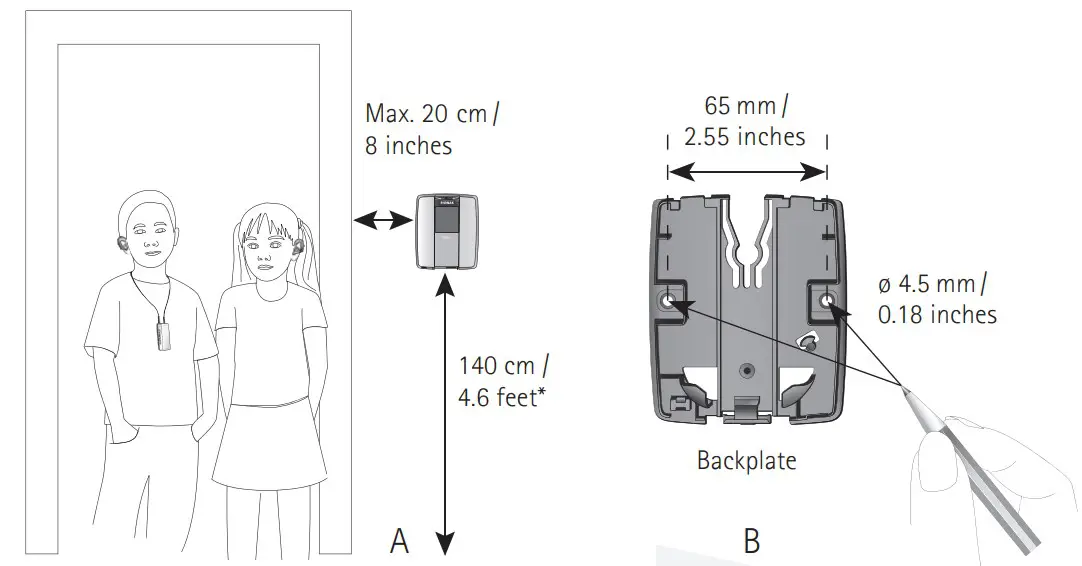
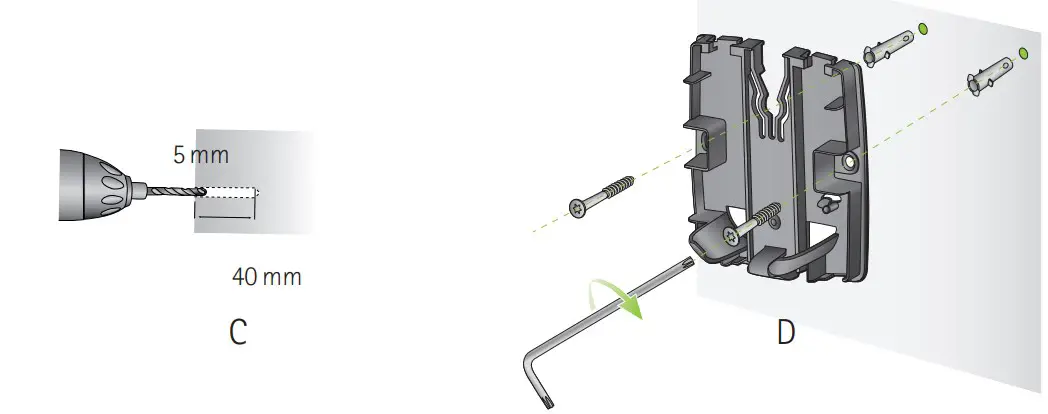
- Or head level of user group
Switching Roger WallPilot on
Setting up a Roger microphone in the classroom network
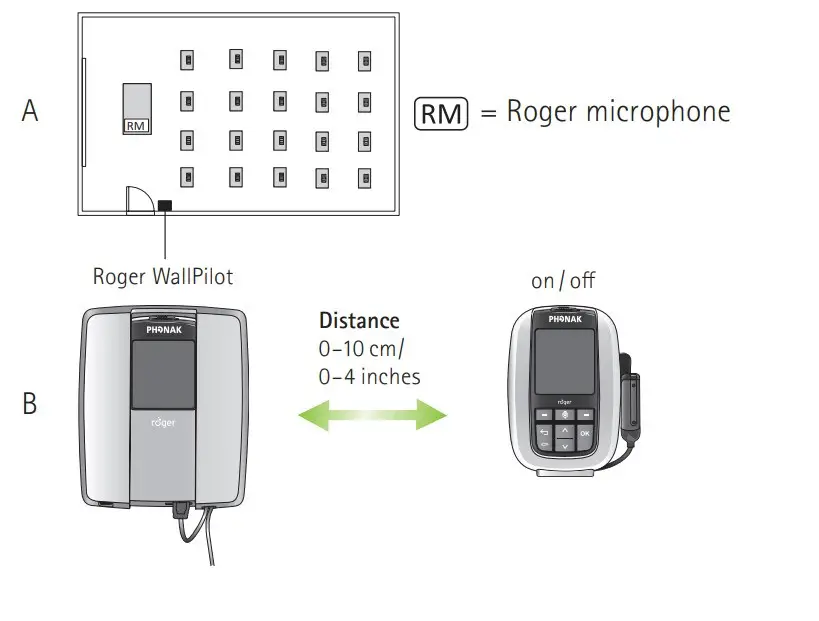
Switching Roger microphone on
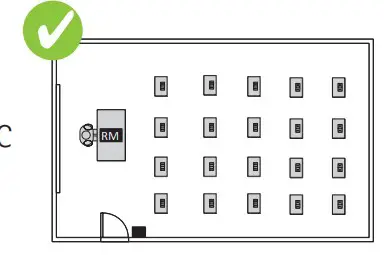
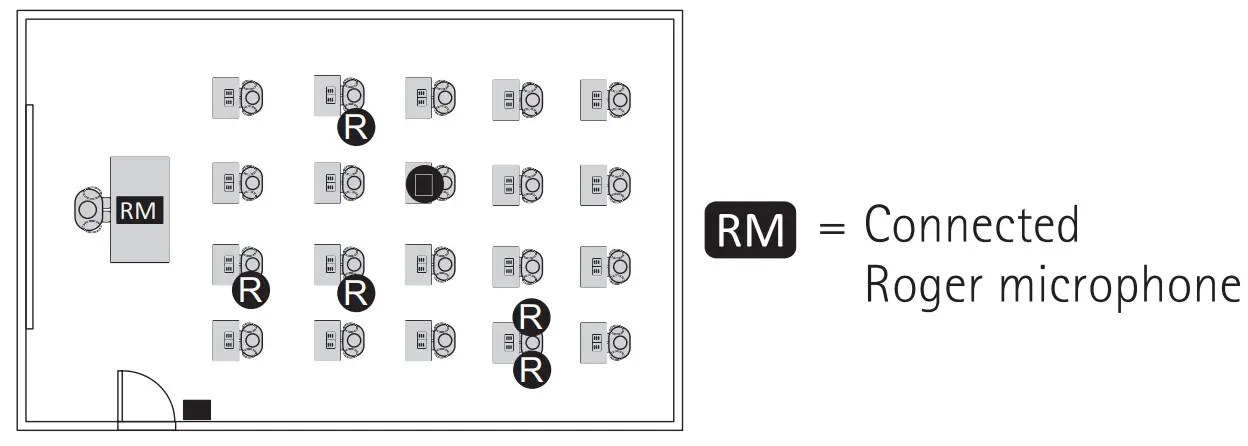
Connected Roger microphone
Automatically connectng Roger receivers to theclassroom network