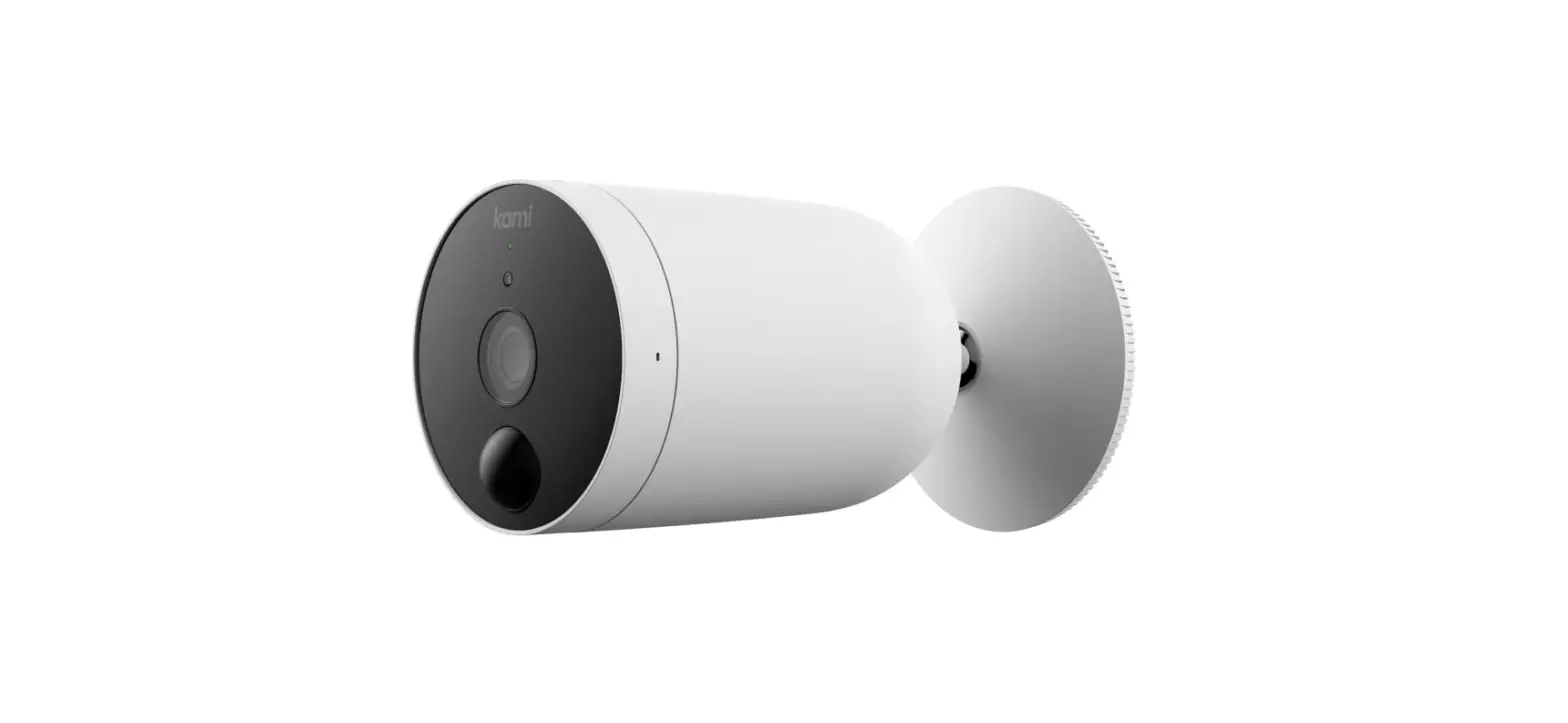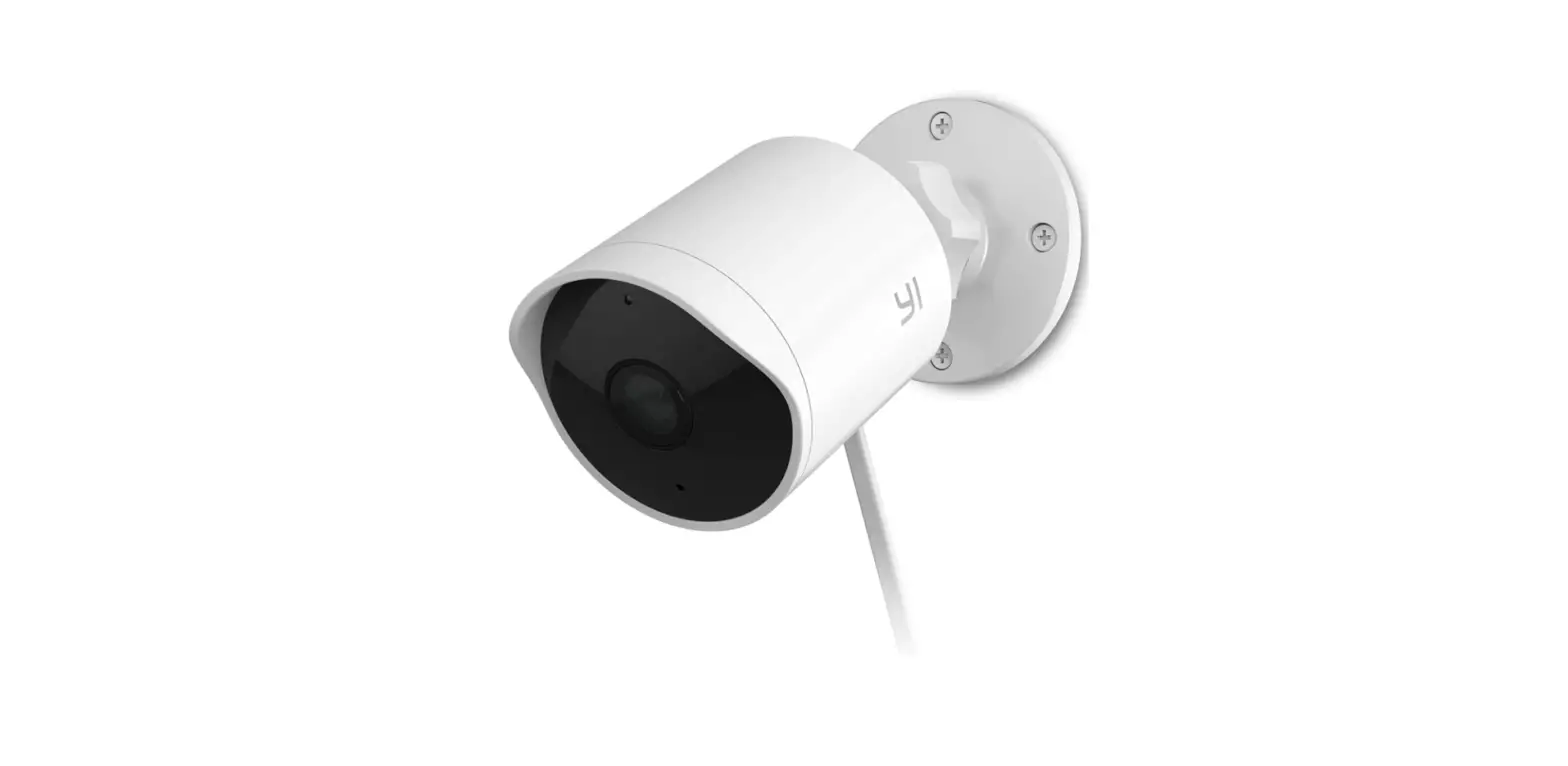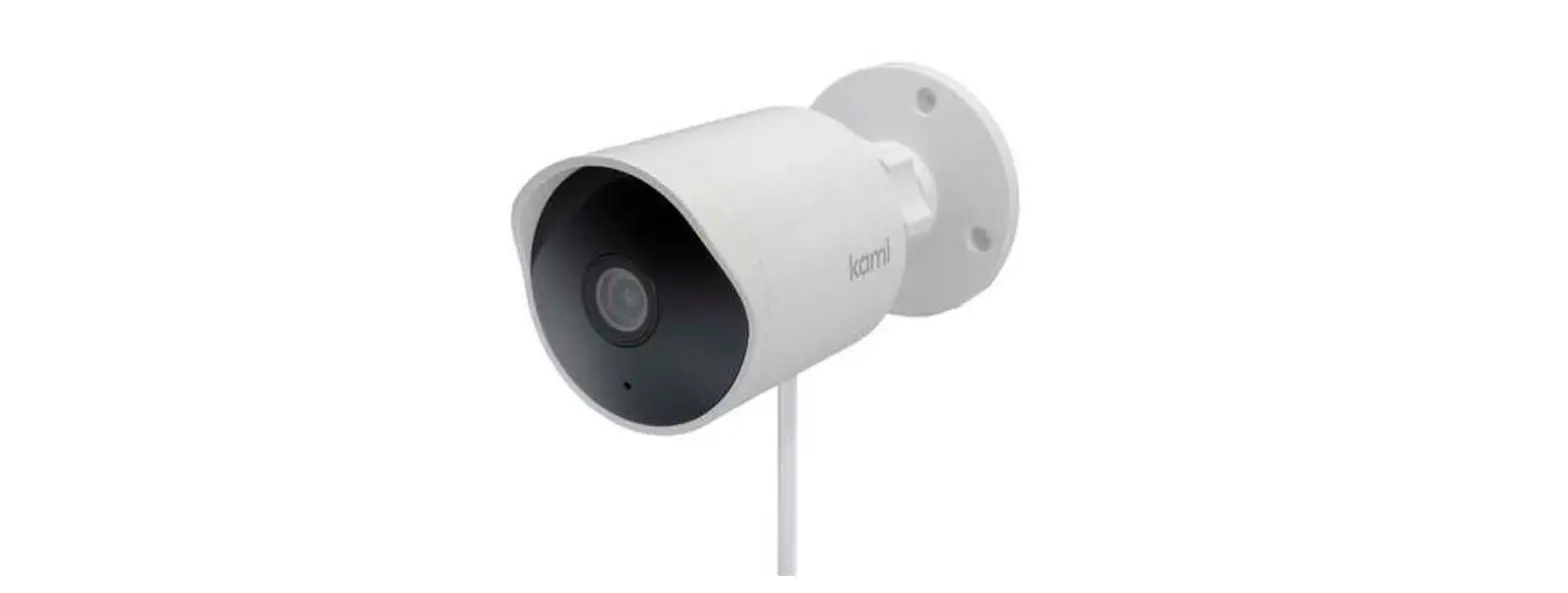
 Kami H31 Outdoor Security Camera AI+
 Kami H31 Outdoor Security Camera AI+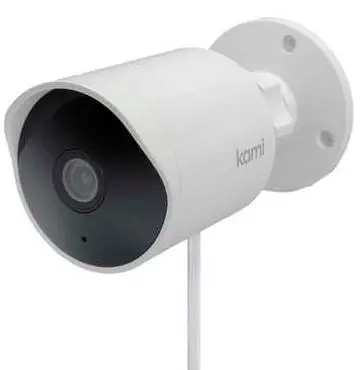
Installation Guide
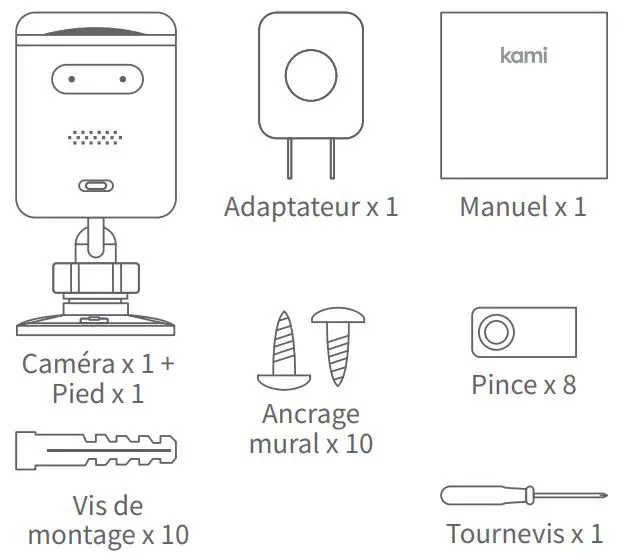
- What’s in the box

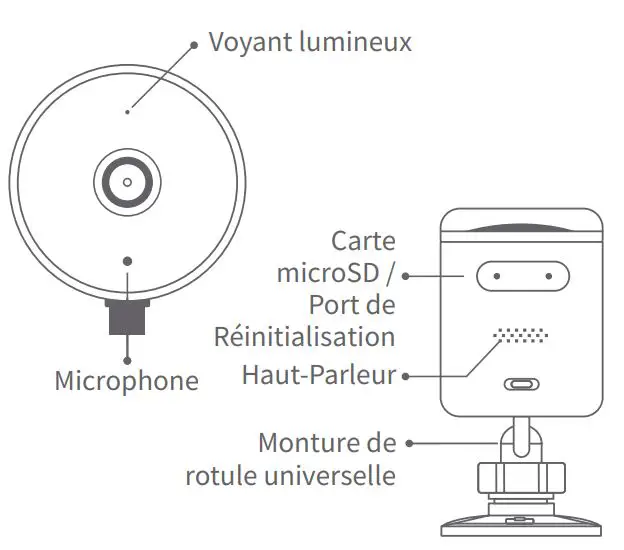
- Getting to Know Your Camera

- Pairing your camera
- Step 1
Download the Kami Home App. Register a Kami account and login. - Step 2
After logging into your Kami Home App, tap the “+” sign to select Kami Outdoor Security Camera. - Step 3
When yellow light blinks and “Waiting to connect” is heard, tap “The prompt voice has been heard”. - Step 4
Enter SSID and Wi-Fi password, then use your Kami Outdoor Security Camera to scan the QR code. - Step 5
When successfully scanned, touch “Next Step” and you will hear the voice prompt “Pairing is successful” shortly. Your Kami Outdoor Security Camera is now ready to use
- Step 1
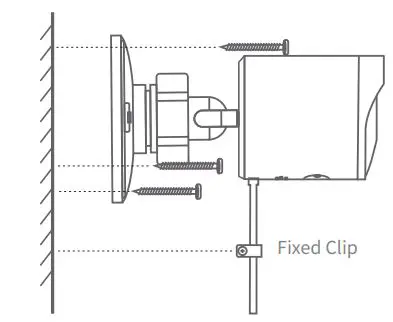
- Mounting Instructions
- Step 1
Plan the route of the cable from the power outlet to the camera and choose an appropriate spot. - Step 2
Use anchors and screws to mount the base to the wall. If the wall is wooden, you can screw the mount directly.
- Step 3
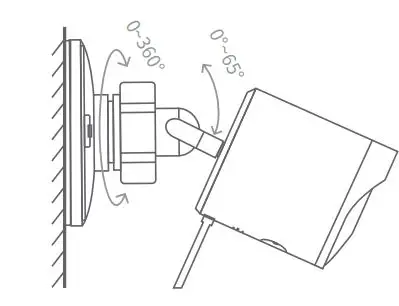
Attach your camera to the mounted base. Adjust the camera angle to a suitable position, then tightly lock the universal ball mount - Step4
Use the clips to fasten power cord, don’t fasten too tightly
- Step 1
- When mounting pay attention to the following
- Avoid direct sunlight.
- Mind any plants or objects that may obstruct the view.
- We suggest you mount the camera within a 33 foot (10 meter) range of your router.
Specification
- Maximum Resolution: 1920 x 1080
- Lens: Wide-Angle
- Audio: Built-in Mic/Speaker
- Photographic Enhancement: 3D digital noise reduction, distortion correction}
- Alert Mode: Human Detection, Motion Detection
- Weather Resistant Grade: IP65
- Night Vision: IR Cut+Infrared LEDs
- Support Platform: Android /iOS
- Wireless Encryption: WEP/WPA/WPA2
- Length of USB cable: 3 meters
- Power Supply: DC 5V/1A
 Kami
Kami