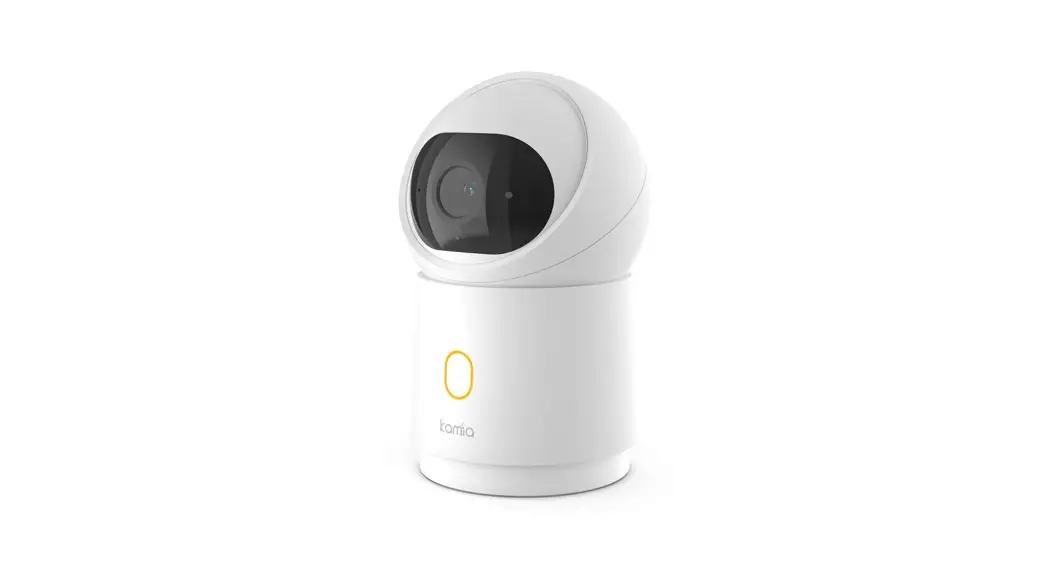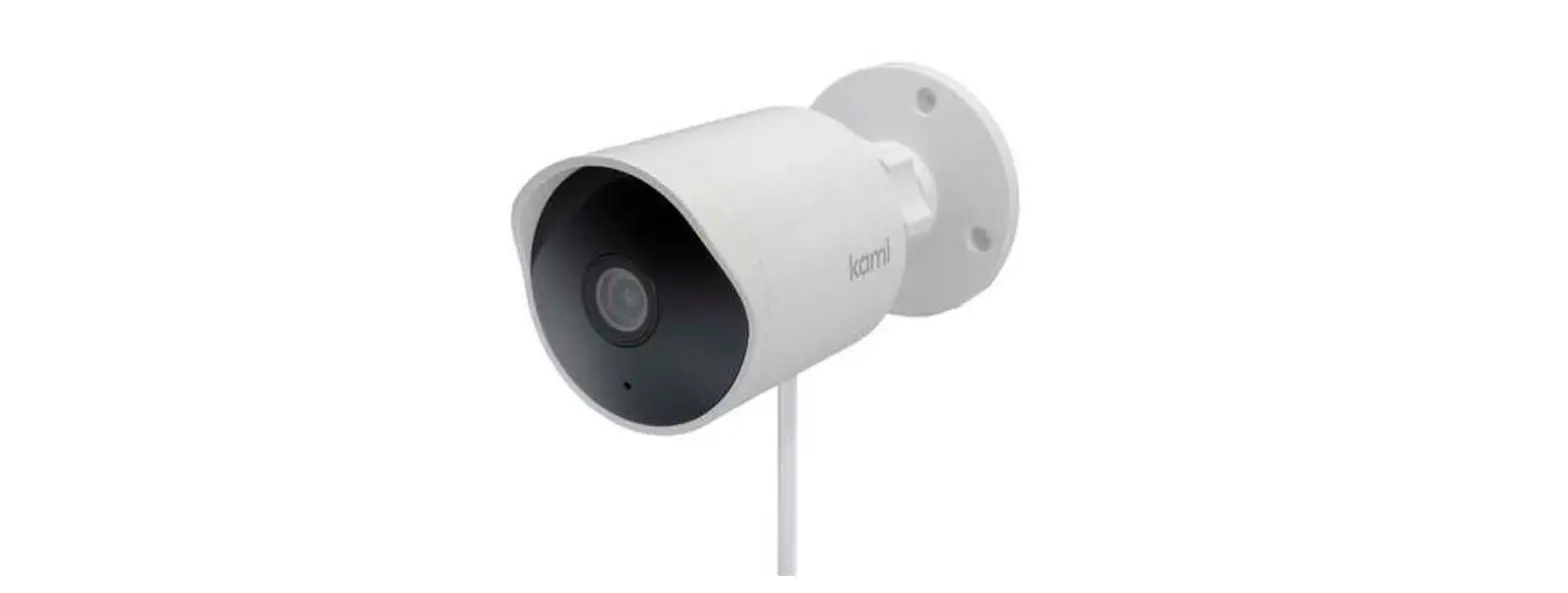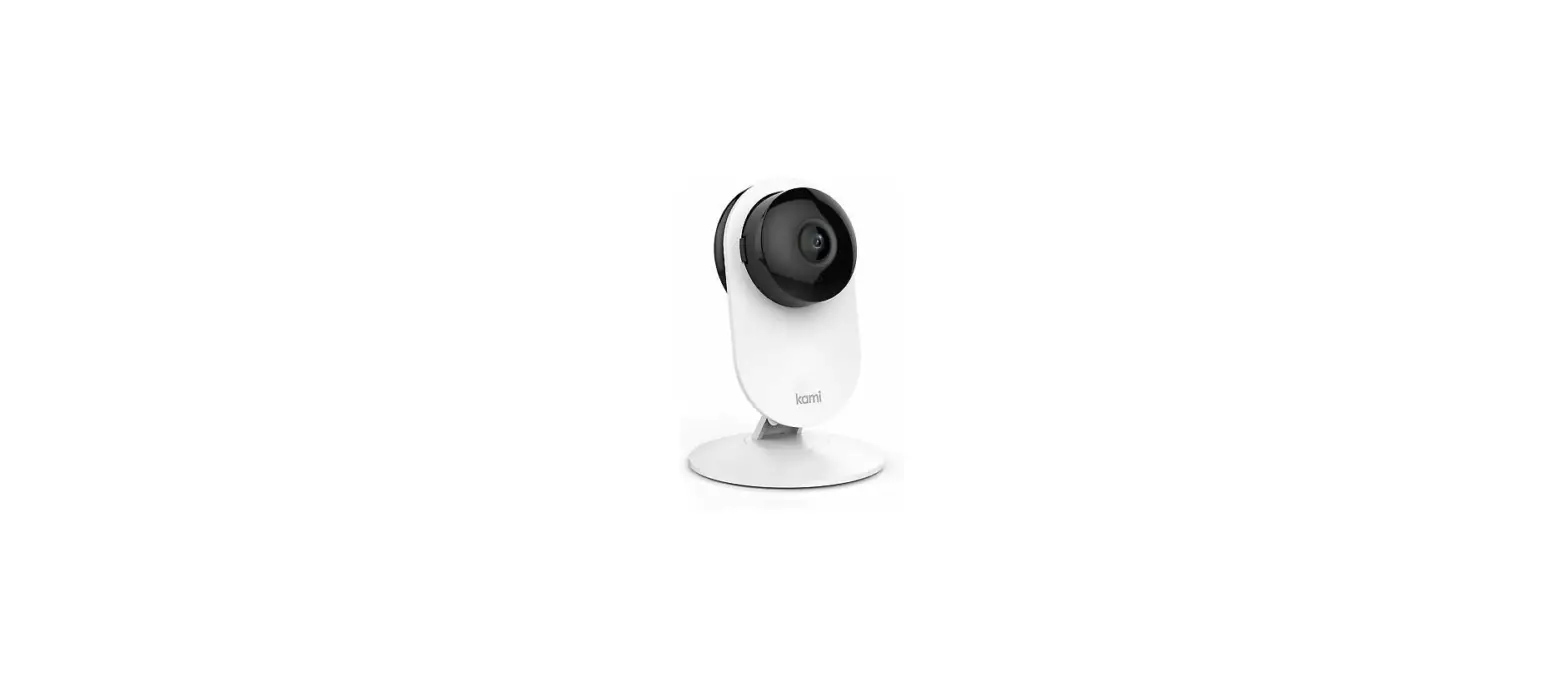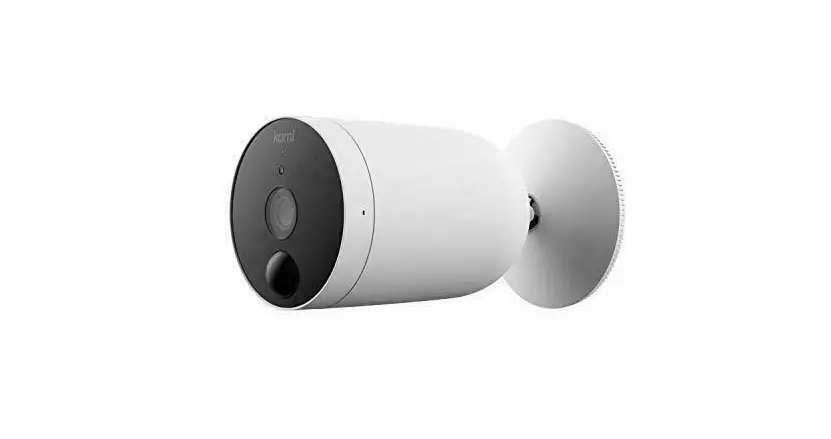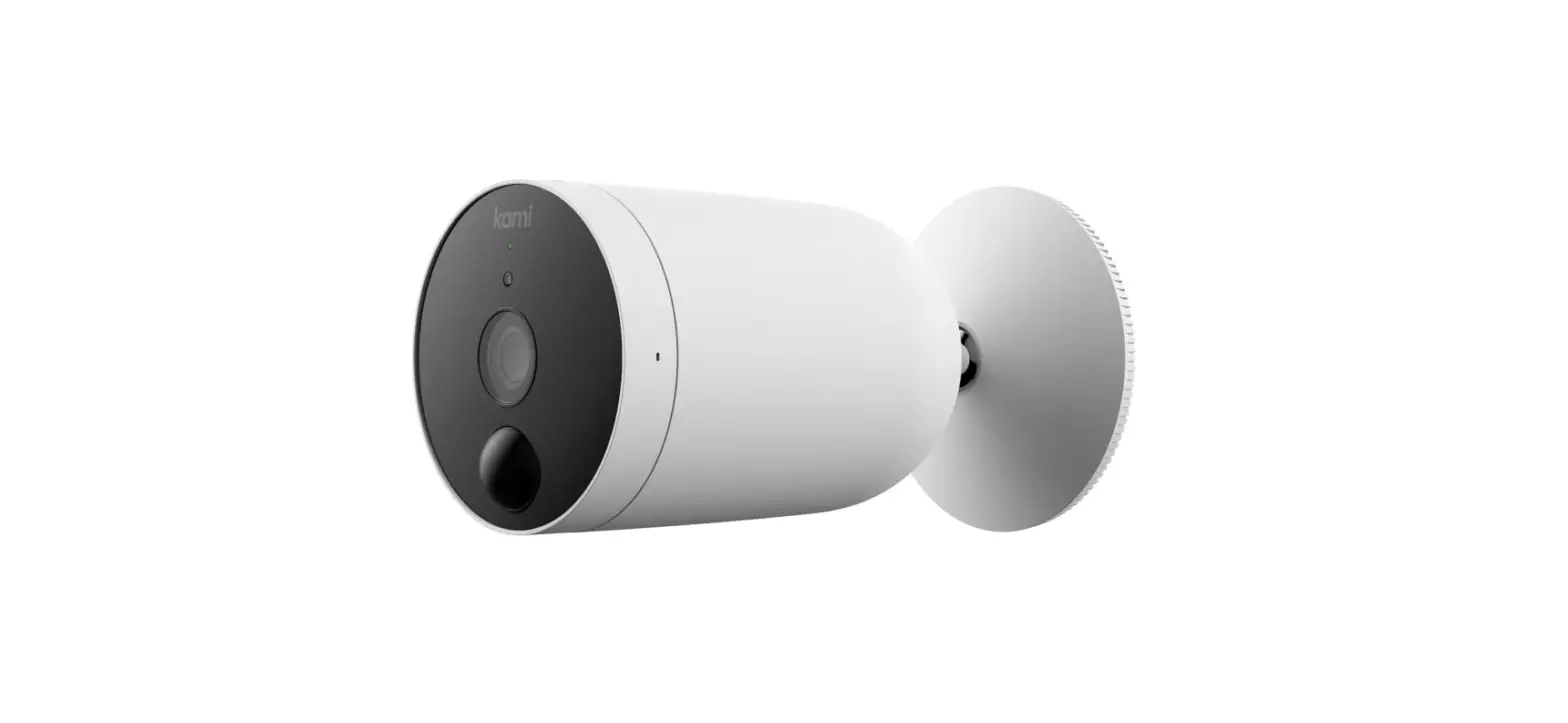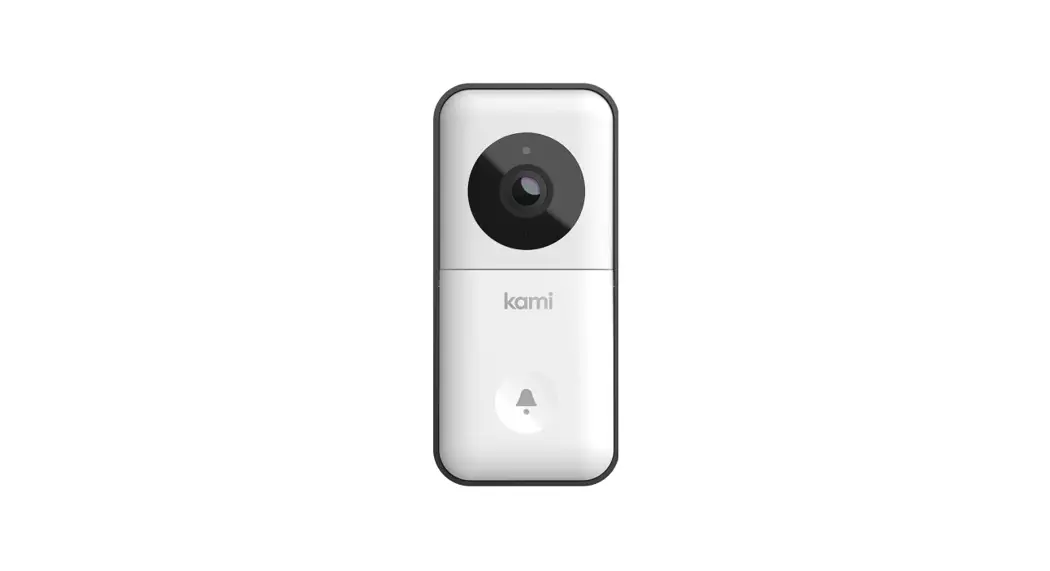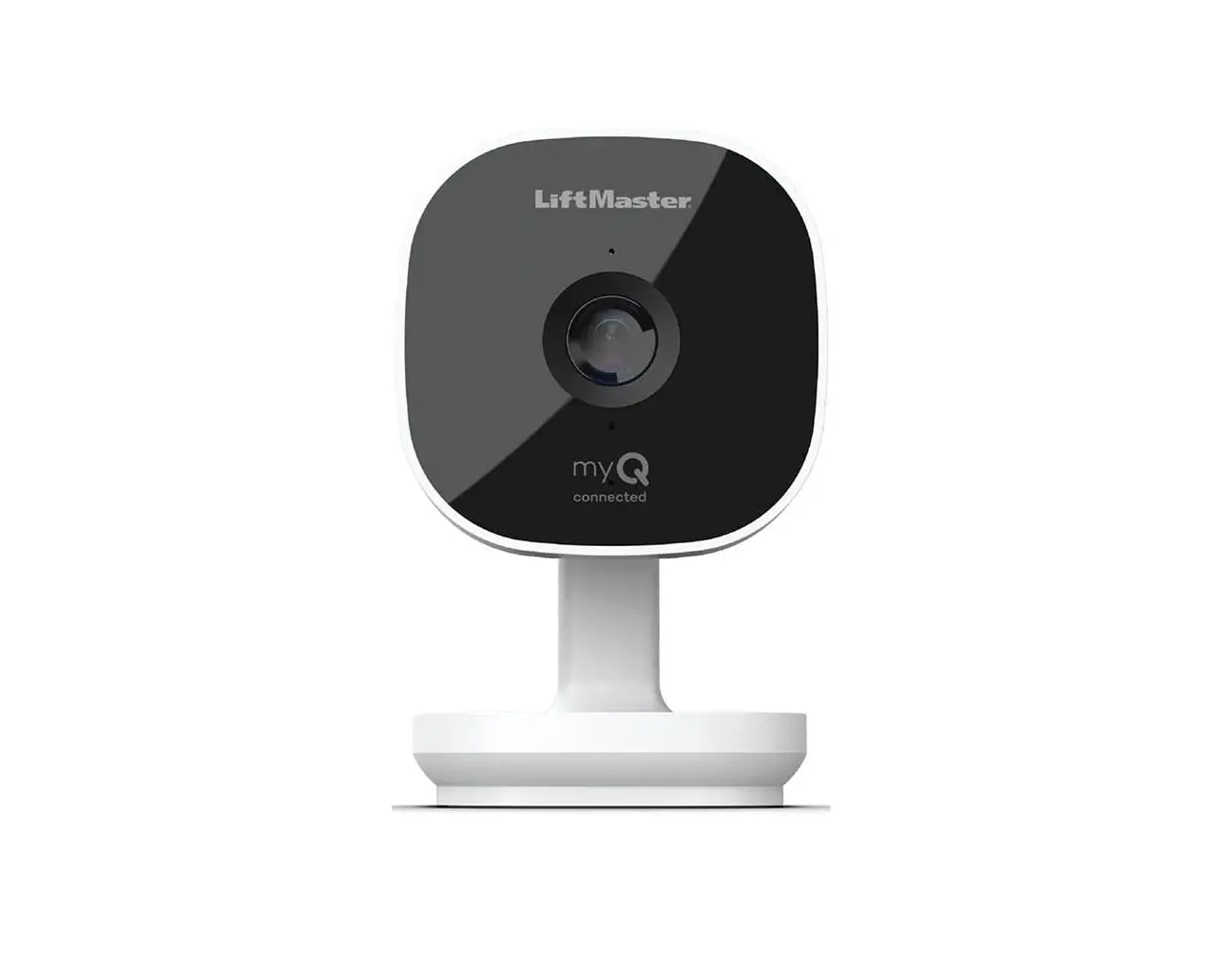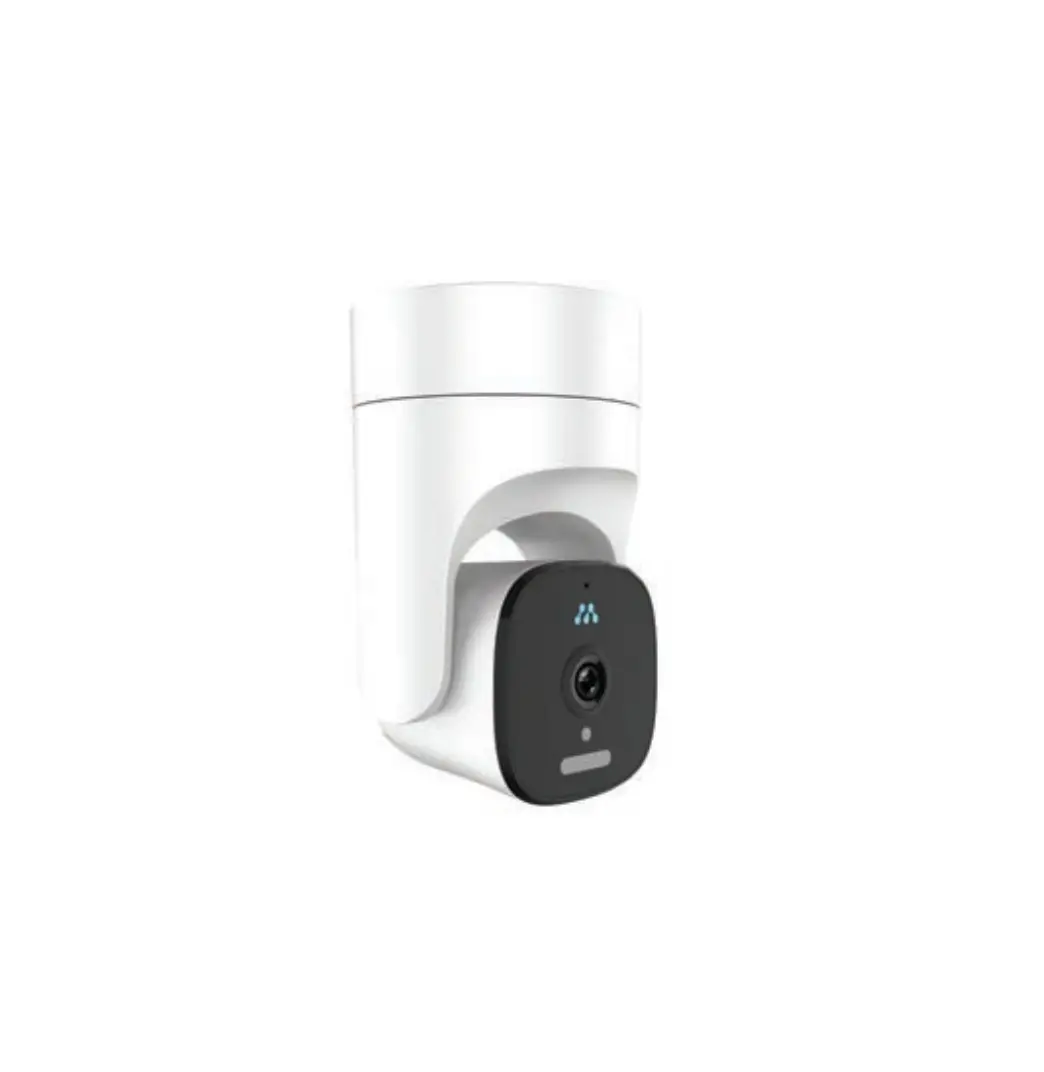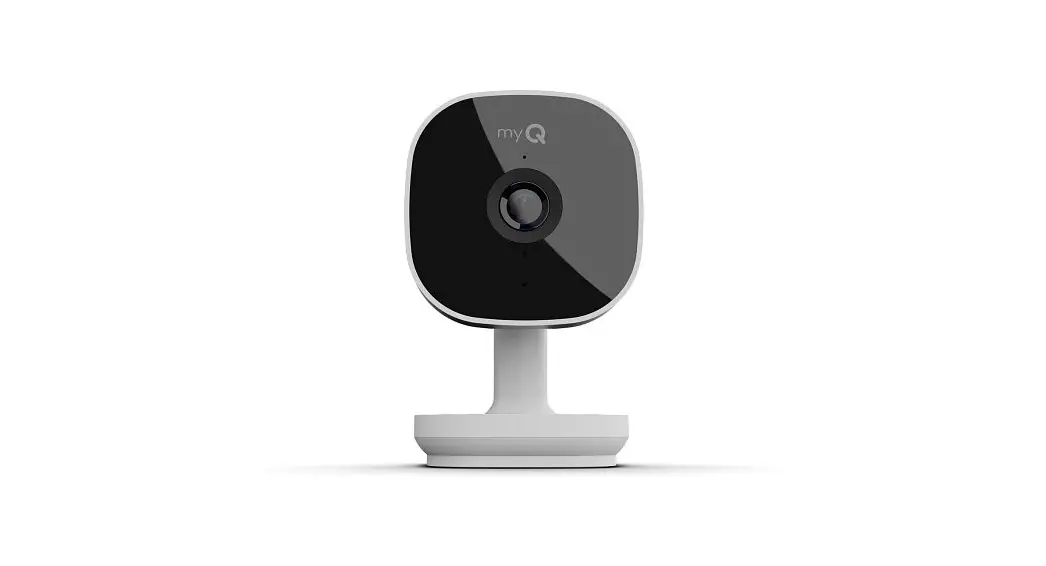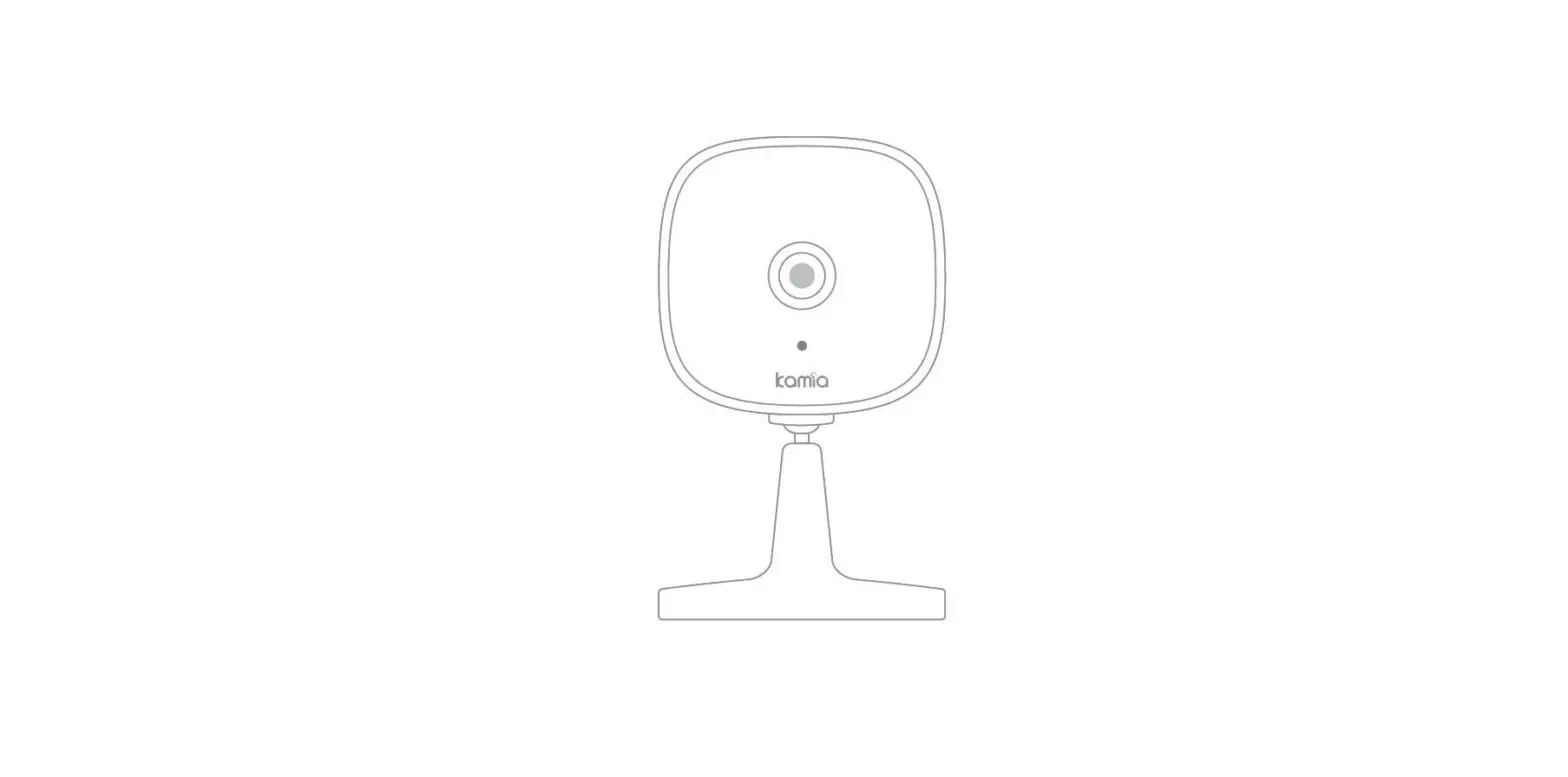

Kamia KGC100 Garage Camera
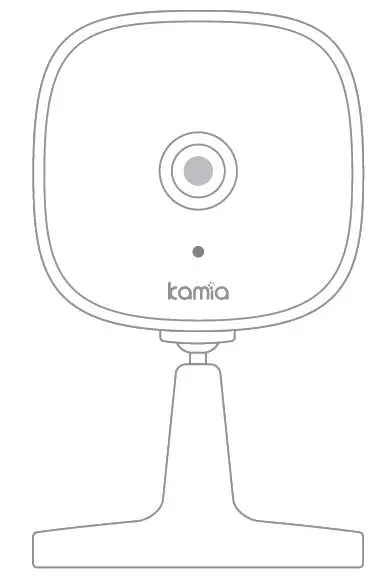
Welcome
Thank you for choosing our smart camera. Getting started is easy.
What’s Included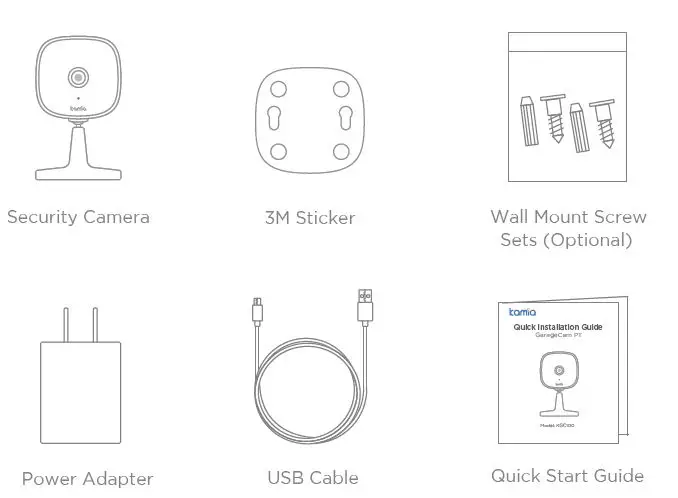
Product parameter
| product name | GarageCam |
| Model | KGC100 |
| Version | 1.0 |
| Power | 5V 1A |
| FCC ID | |
| Operating temperature | -20°C~40°C |
| Working humidity | 20%~85%(No condensation) |
Adapter parameters
| product name | Power Adapter |
| Model | KA06E-0501000BS/KA06E-0501000EU |
| Version | 1.0 |
| Output | 5V 1A |
| manufacturer | Shenzhen KEYU Power Supply Technology Co.,Ltd |
| Address | No.13, Lane3, Yuquan East Road, the 2nd Industrial park, Yulv, Guangming District,S Shenzhen, China |
| Input | 100-240V~50/60Hz 0.25A Max |
Product Details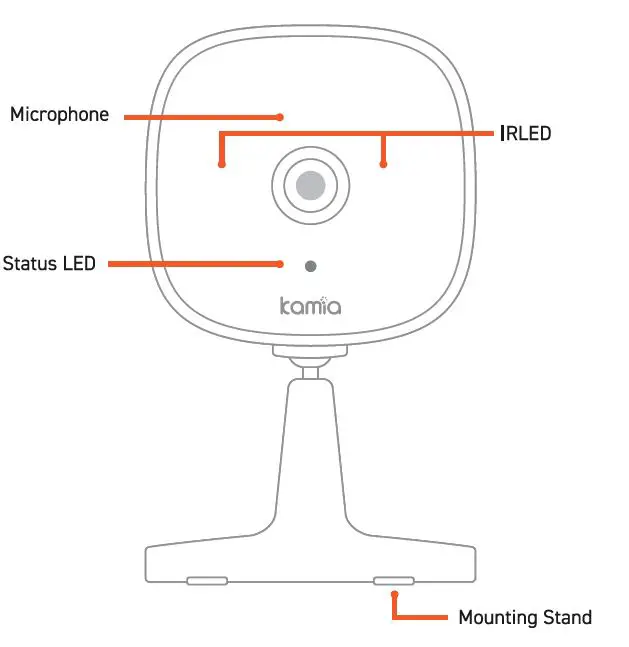
- Download
Get the Kamia app from Apple App Store or Google Play. - Power up
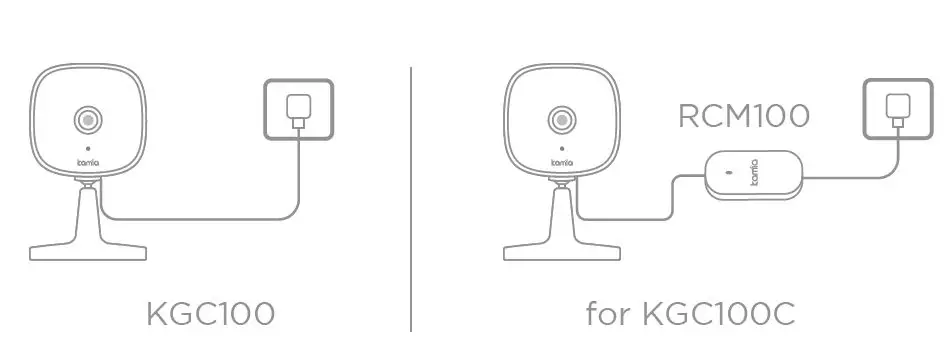
Plug in your Kamia camera. - Add to Kamia app
Tap the button in the Kamia app. Follow app instructions to complete setup. Images may differ from the actual product.
The socket-outlet shall be installed near the equipment and shall be easily accessible.
RECYCLING
This product bears the selective sorting symbol for waste electrical and electronic equipment (WEEE). This means that this product must be handled pursuant to European directive 2012/19/EU in order to be recycled or dismantled to minimize its impact on the environment. The user has the choice to give his product to a competent recycling organization or to the retailer when he buys new electrical or electronic equipment. The symbol indicates DC voltage Comply with the EU product compliance requirements.
- Do not cover ventilation openings, this equipment is not intended to be used on soft support.
- The marking information is located at the bottom of the apparatus.
- The adapter is used as the disconnect device, The socket-outlet shall be installed near the equipment and shall be easily accessible.
- It is recommended that the wall height be smaller than 2m.
FCC STATEMENT
This device complies with Part 15 of the FCC Rules. Operation is subject to the following two conditions: (1) This device may not cause harmful interference, and (2) This device must accept any interference received, including interference that may cause undesired operation. Specifications are subject to change without notice.
Note: This equipment has been tested and found to comply with the limits for a Class B digital device, pursuant to part 15 of the FCC Rules. These limits are designed to provide reasonable protection against harmful interference in a residential installation. This equipment generates uses and can radiate radio frequency energy and, if not installed and used in accordance with the instructions, may cause harmful interference to radio communications. However, there is no guarantee that interference will not occur in a particular installation. If this equipment does cause harmful interference to radio or television reception, which can be determined by turning the equipment off and on, the user is encouraged to try to correct the interference by one or more of the following measures:
- Reorient or relocate the receiving antenna.
- Increase the separation between the equipment and receiver.
- Connect the equipment into an outlet on a circuit different from that to which the receiver is connected.
- Consult the dealer or an experienced radio/TV technician for help.
This equipment complies with FCC radiation exposure limits set forth for an uncontrolled environment. This equipment should be installed and operated with minimum distance 20cm between the radiator & your body.
Email address:
[email protected] (US)
[email protected] (EU)
 Kamia | Live Every Moment, Relive Your Favorites. – KamiaTech