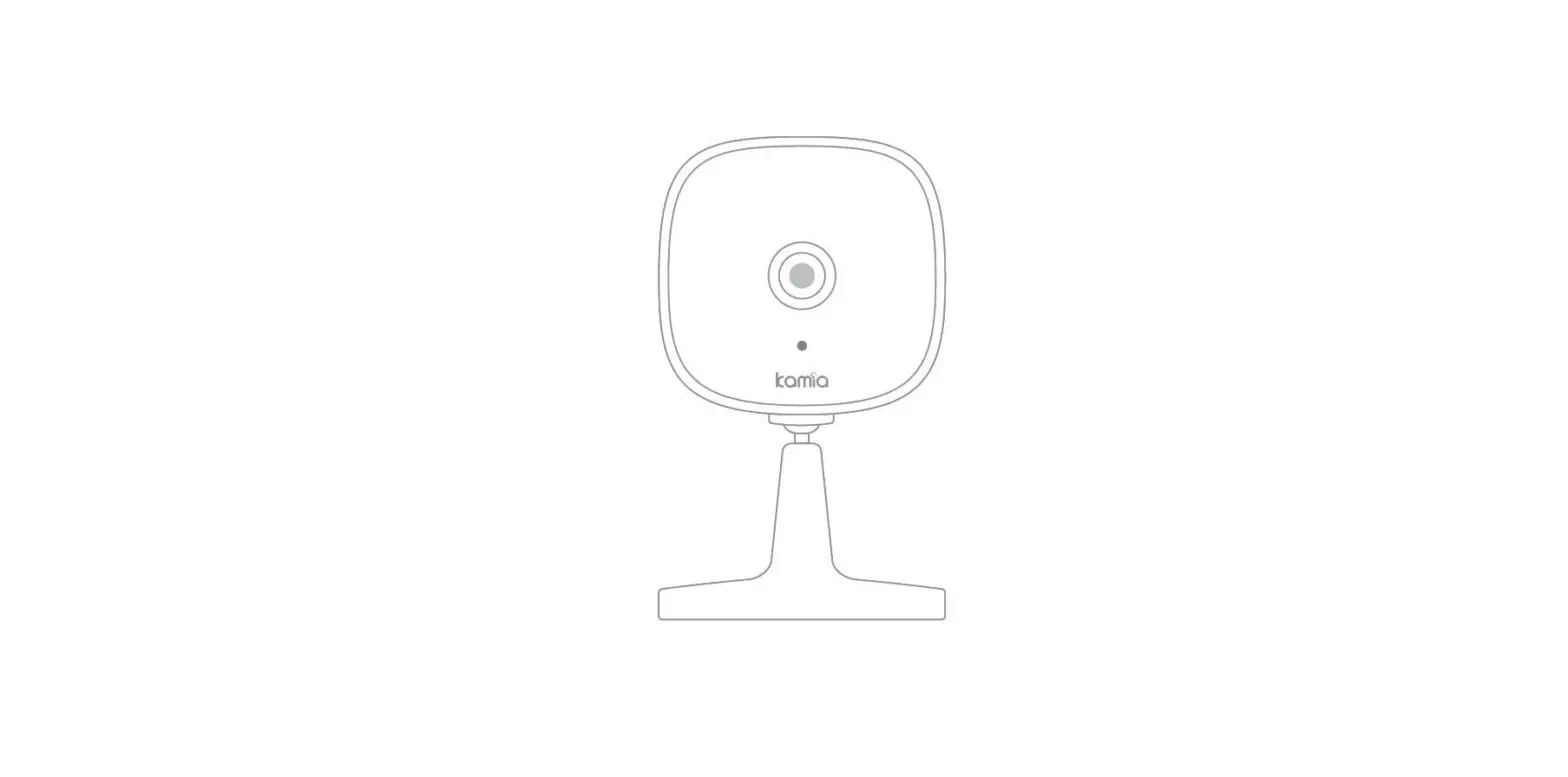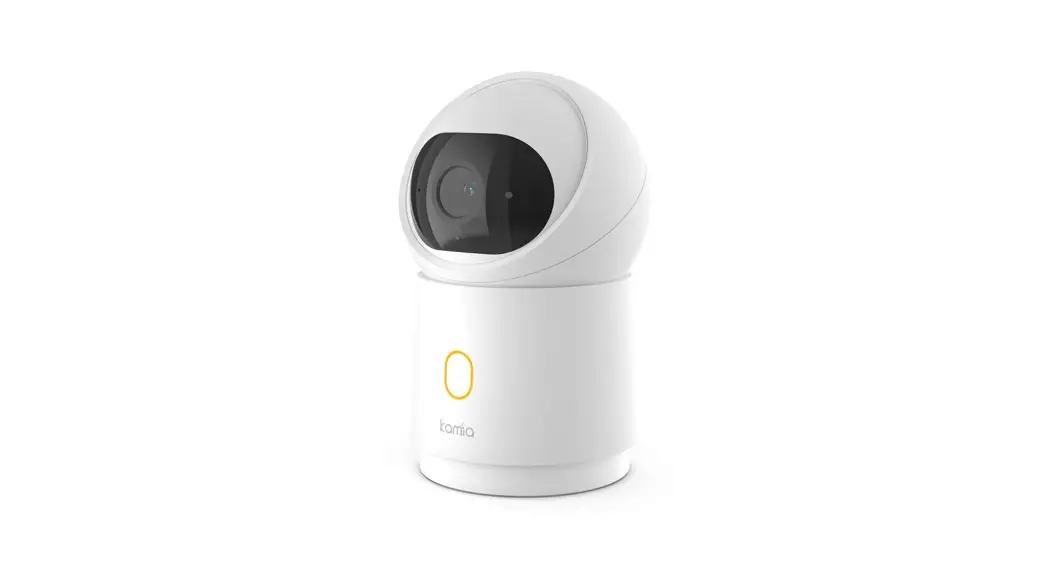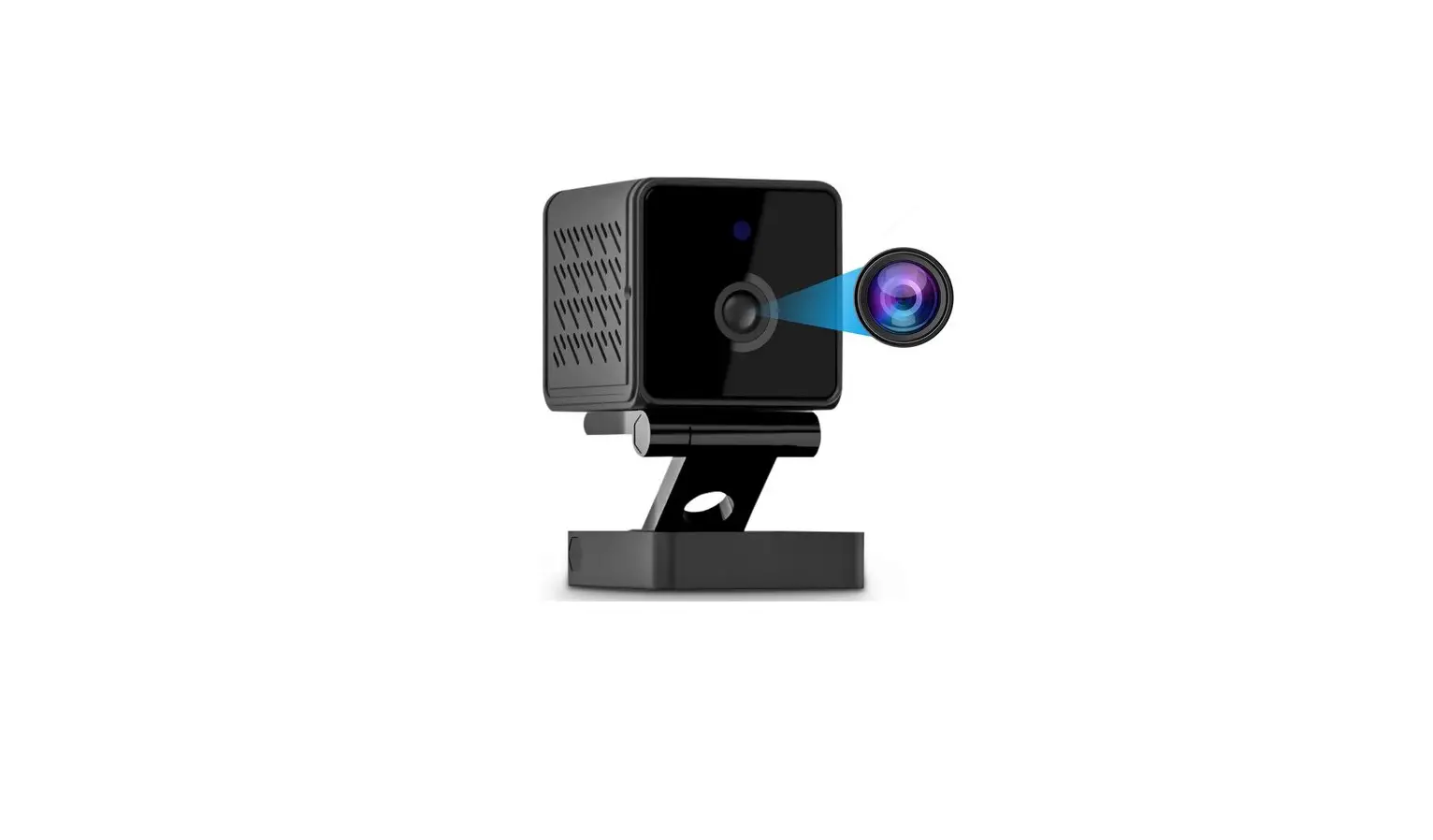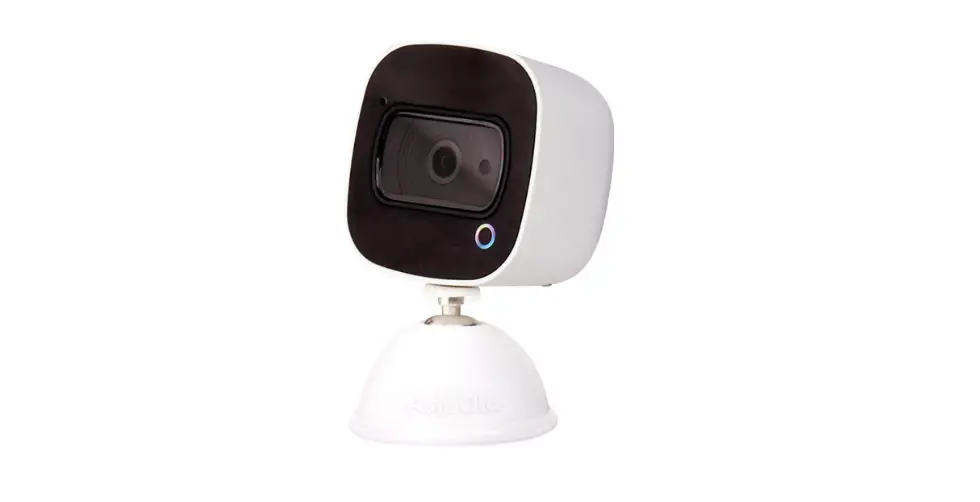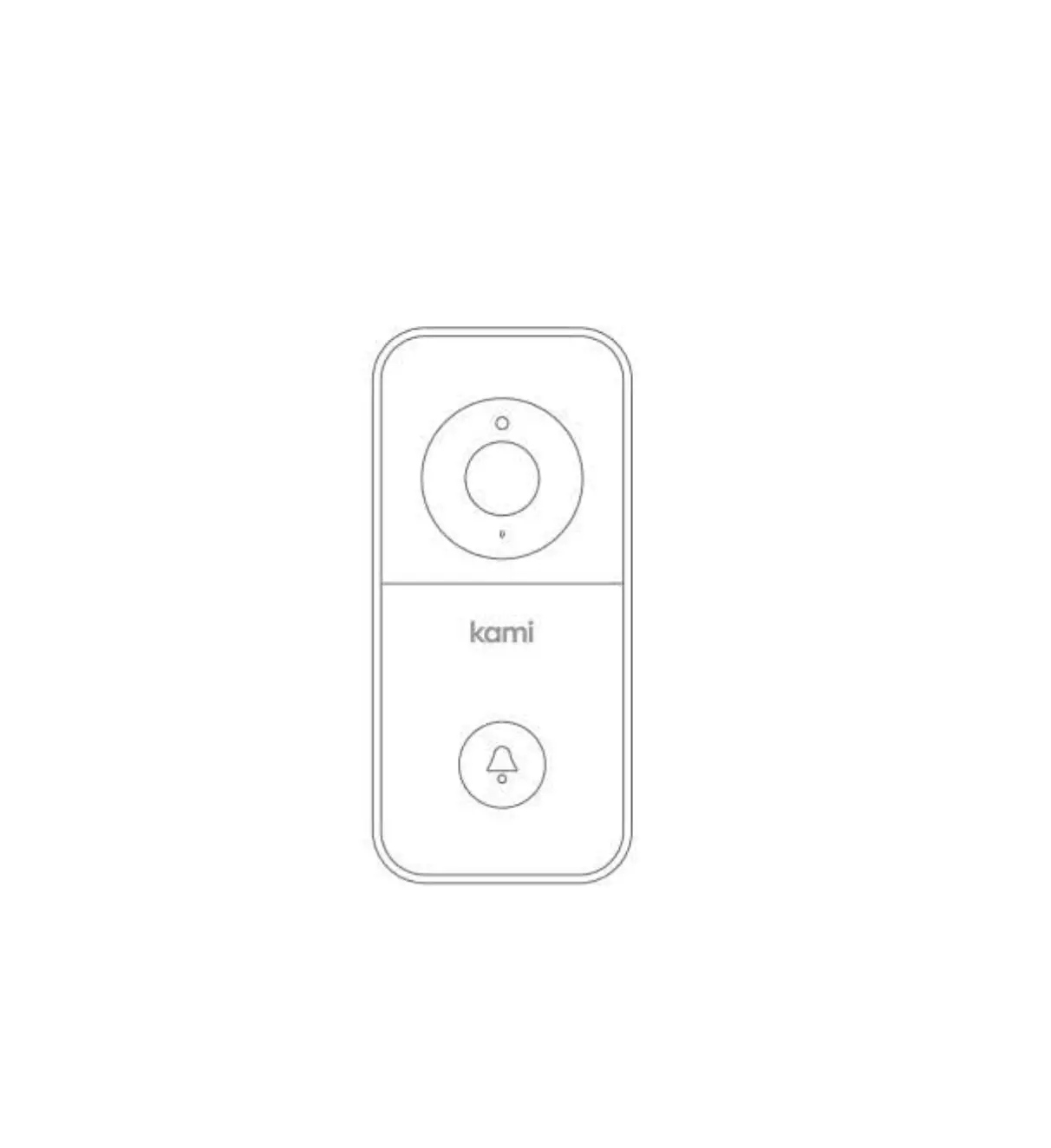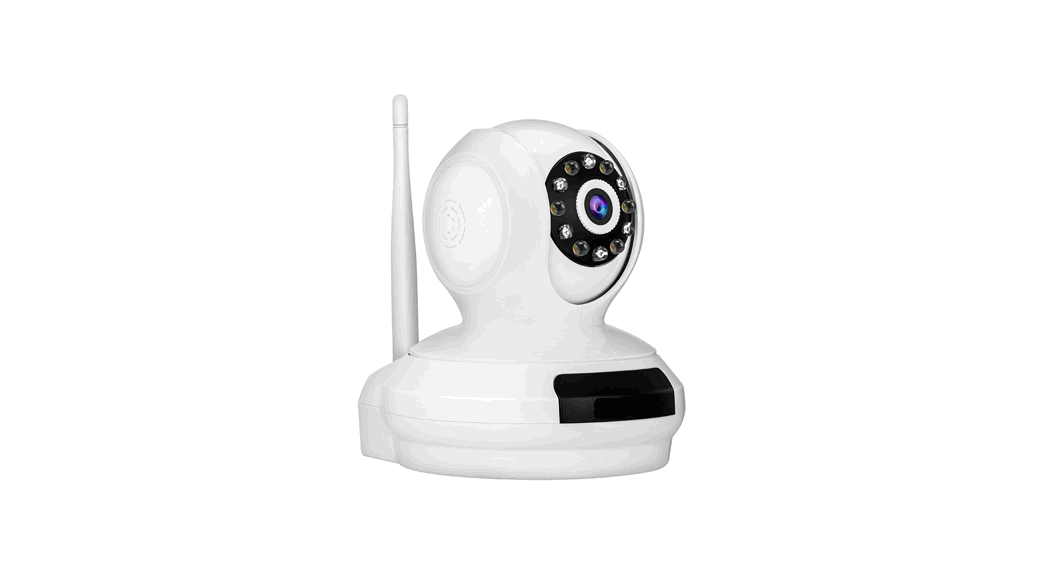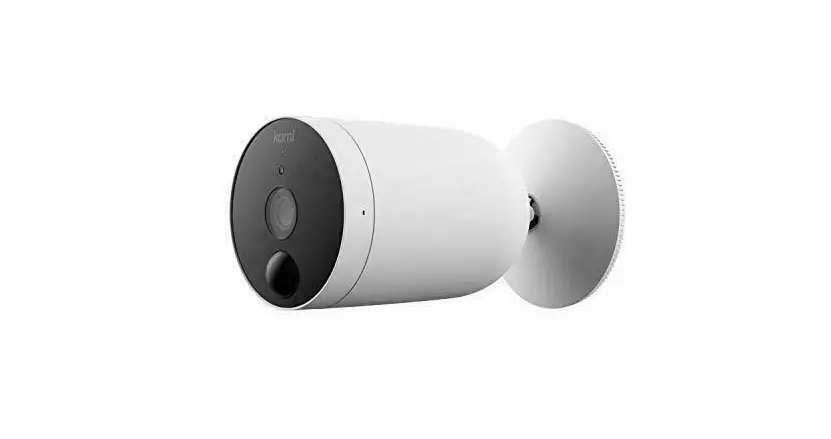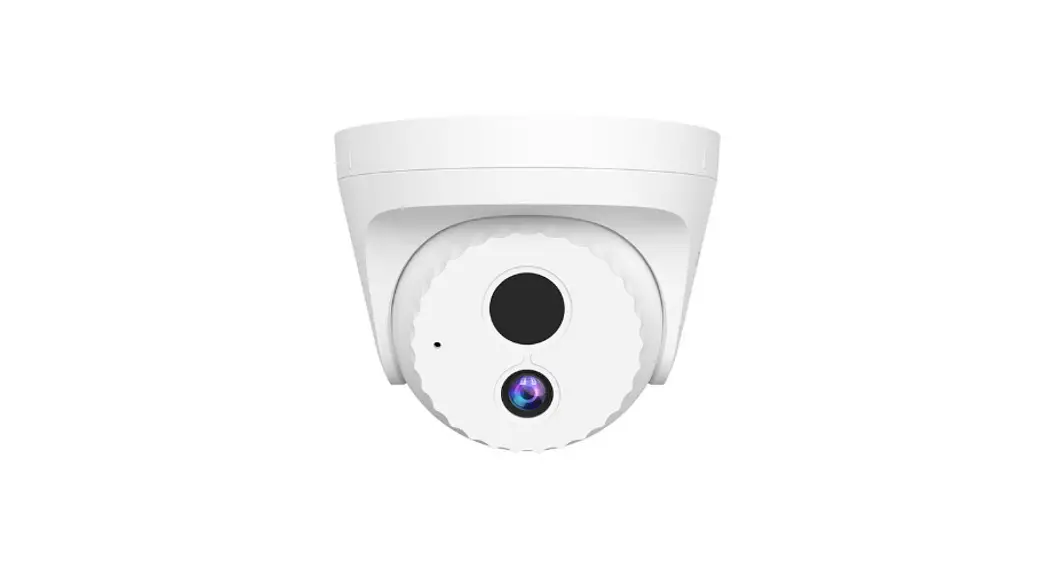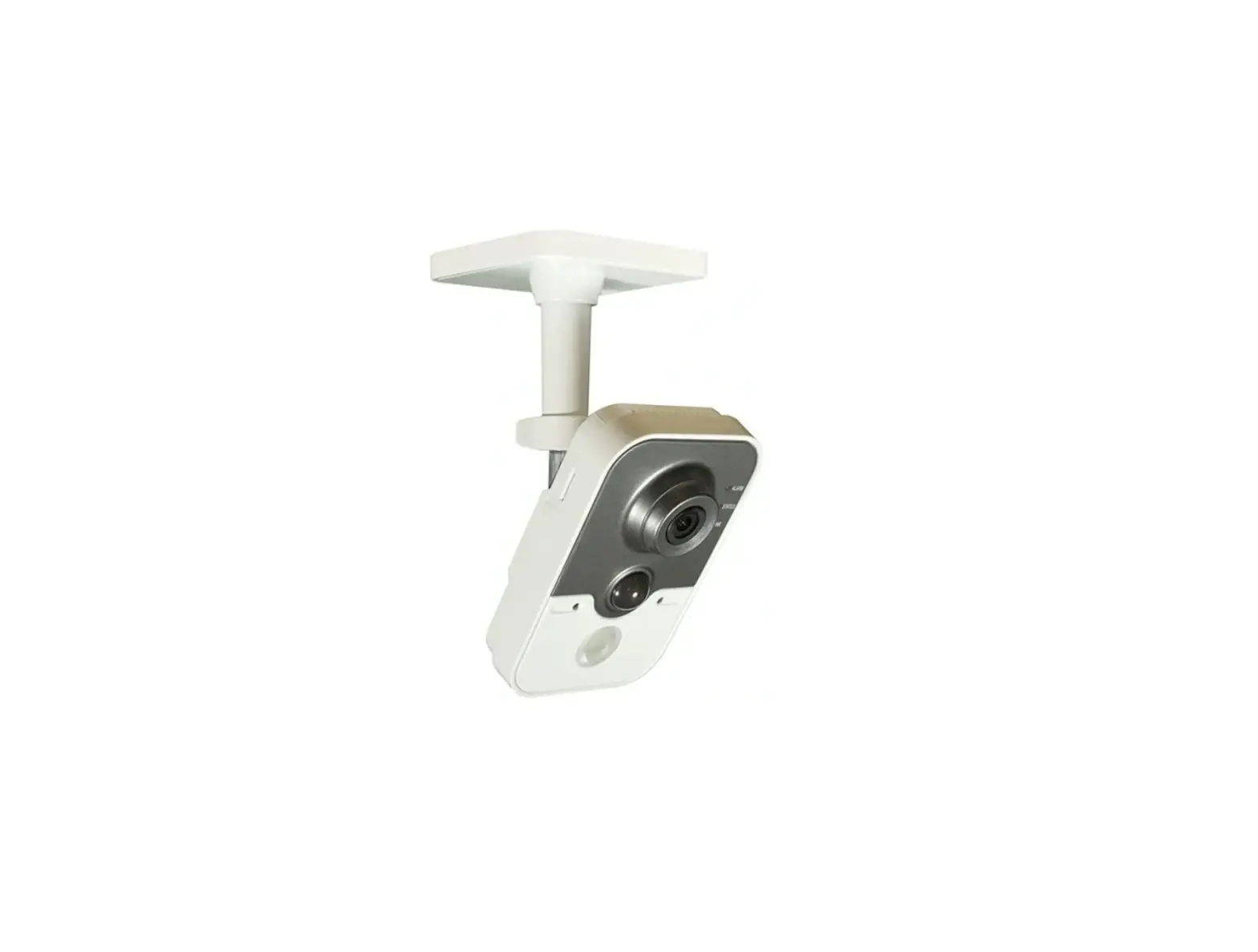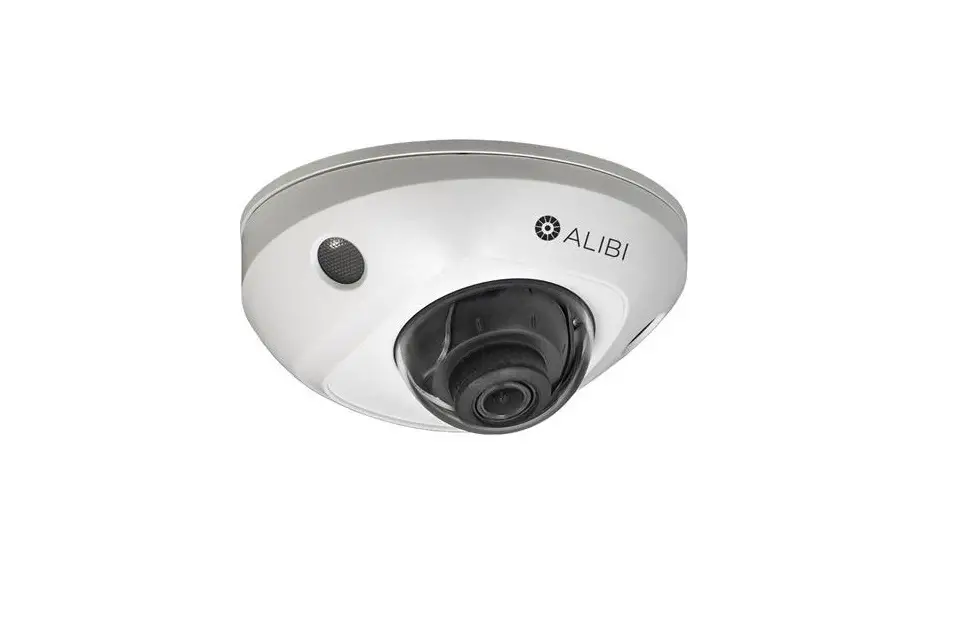
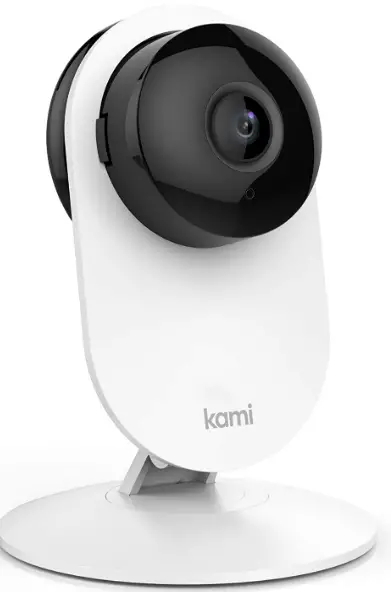
Kami Mini 77019 1080P Security Camera
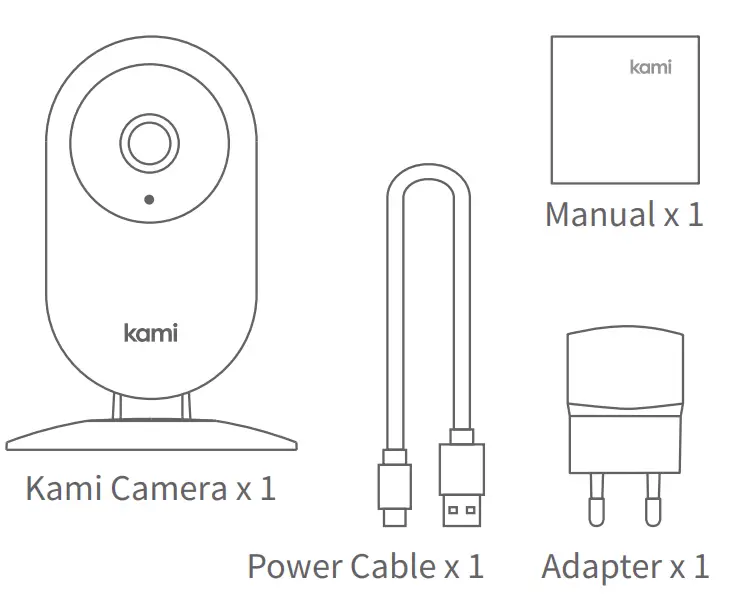
WHAT’S IN THE BOX
CAMERA PARTS
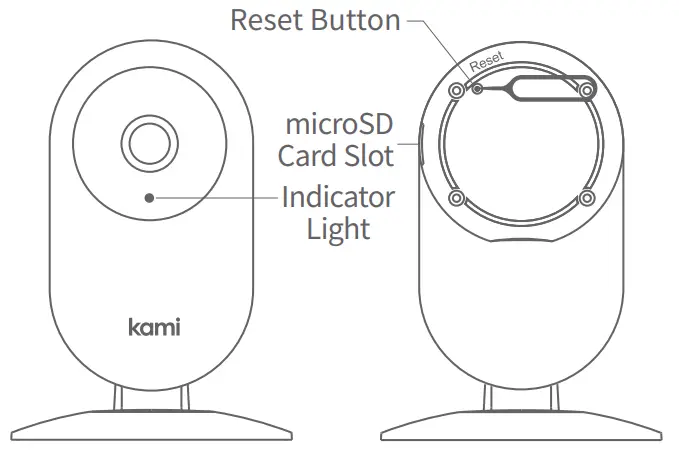
Note: To enable local recording, ensure that you have inserted a microSD card into the slot shown below. Supports up to 128GB microSD cards.
GETTING STARTED
- Step 1 Download the Kami Home App. Register a Kami account and log in.
- Step 2 After logging into your Kami Home App, tap the”+” sign and select “Kami Mini Camera”
- Step 3 Ensure that your cell phone is on the 2.4GHz Wi-Fi network.
- Step 4 Press the Reset Button to power on the camera. When the Indicator Light starts blinking, you will hear “Waiting to connect”, and tap “I heard ‘Waiting to Connect” on your screen.
- Step 5 4Ghz Wi-Fi required Enter your network’s SSID and Wi-Fi password, and then use your Kami Mini camera to scan the QR code.
- Step 6 When the QR code has been successfully scanned, tap “Next Step”. You will hear the voice prompt “Pairing is successful” shortly. Your Kami Mini Camera is now ready to use.
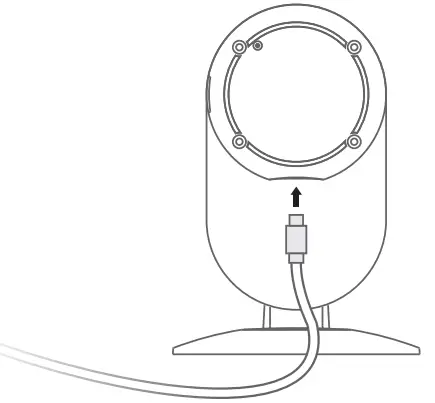
POWER ON THE CAMERA
Place the camera close to the router, and make sure Wi-Fi access is available, then connect the cable to the Micro USB port on the back of the camera to power the outlet as shown.
SWITCH WI-FI NETWORKS
When you need to switch Wi-Fi networks or update your Wi-Fi password, follow the instructions below:
- Use a clip to press the reset button on the back of the camera, and wait until the yellow light comes on.
- Open the Kami Home App on your phone, and connect the camera to your phone again. Your videos stored on your micro SD card will not be affected.
IMPORTANT SAFETY GUIDELINES
- Read these instructions.
- Clean only with a dry cloth.
- This camera is for indoor use only.
- Only use the attachments/accessories specified by the manufacturer.
- Unplug this apparatus during lightning storms or when unused for long periods of time.
- To get the best usage out of this product, please consistently update to the latest versions of our app and firmware.
FAQs
Do Kami Mini 77019 security cameras work if the WiFi is off?
You can instal cameras without an internet connection, yes. Many cameras exclusively record locally, using hard drives or micro-SD cards as local storage.
How far can a Kami Mini 77019 security camera be from WiFi?
A wireless camera shouldn’t be placed too distant from the main hub or wireless router. A wireless camera’s range can go up to 500 feet or more if there is a direct line of sight. The range is often 150 feet or less within a house, however this isn’t always the case.
What features to look for in a Kami Mini 77019 security camera?
A home security camera should have night vision, motion-activated recording, smartphone alerts, and high-quality resolution. These will support the security of your property.
Can I use my old phone as a Kami Mini 77019 security camera without internet?
To transform your phone into a security camera, you will need an app. You will need an internet connection for that app to work. We have provided a list of reliable apps for your old phone that will allow you to watch and listen remotely.
What makes Kami Mini 77019 security cameras go offline?
Why Your Security Cameras Might Go Offline. There are generally two causes for security camera inactivity. Either the router is too far away, or there is not enough bandwidth. However, there are other elements that may also play a role in cutting off a security camera’s internet connection.
Do Kami Mini 77019 security cameras record all the time?
The majority of home security cameras are motion-activated, which means that when they notice motion, they will start recording and inform you. Some people have the ability to continuously record video (CVR). An fantastic tool for ensuring home security and the peace of mind that comes with it is a security camera.
How long do Kami Mini 77019 security cameras keep data?
The majority of security camera footage is typically retained for 30 to 90 days (1 to 3 months the most). Since every location and security configuration is unique, there isn’t really a conventional response to the question “how long does the average security camera store footage?”
How long does Kami Mini 77019 security camera battery last?
The maximum battery life for wireless security cameras is between one and three years. They can be replaced much more quickly than a watch battery.
What is the purpose of Kami Mini 77019 security camera?
An excellent option for home security that can serve as a deterrent and a recovery tool is a home security camera system. Properties with clearly visible security cameras raise the ire of burglars. Additionally, security cameras can assist in gathering evidence if a crime does occur.
Do Kami Mini 77019 security cameras waste electricity?
Generally speaking, security cameras, whether they be CCTV analogue cameras or PoE IP security cameras, use much less energy than other devices like laptops or bread toasters.
What is the best setting for Kami Mini 77019 security cameras?
The highest resolution setting for my IP camera is always used, which is often 1080P. (1920 x 1080). In general, IP cameras should be configured to the maximum resolution possible. There is no reason not to lower the resolution, though, if you can do so without experiencing any appreciable quality loss (check zoom as well).
Are there Kami Mini 77019 security cameras that don’t need to be plugged in?
Cellular Security Camera for Homes Without Internet & Power Outlets The Reolink Go Plus is a cutting-edge, cellular-monitored security camera that operates even in locations without a power source or WiFi connection.
Do all Kami Mini 77019 security cameras need internet?
The majority of security cameras in use today require Wi-Fi, but some also use cellular data. Installing security cameras that don’t require the internet at all is an option for people whose homes don’t have Wi-Fi networks. Users can instead select a camera that transmits data via cellular signals.
How do you tell if a Kami Mini 77019 security camera is recording you?
If a light on a security camera is blinking, the camera is recording. Typically, this is red, although it might also be green, orange, or another color. The lamp is referred to as a “status LED.”
Do Kami Mini 77019 security cameras use a lot of WiFi?
In “steady-state,” some security cameras can use as little as 5 Kbps, while others can use up to 6 Mbps and more. 1-2 Mbps is the typical bandwidth use of an IP cloud camera (assuming 1080p using H. 264 codec at 6-10fps). A hybrid cloud camera averages between 5 and 50 Kbps in steady state, which is a small portion of that.