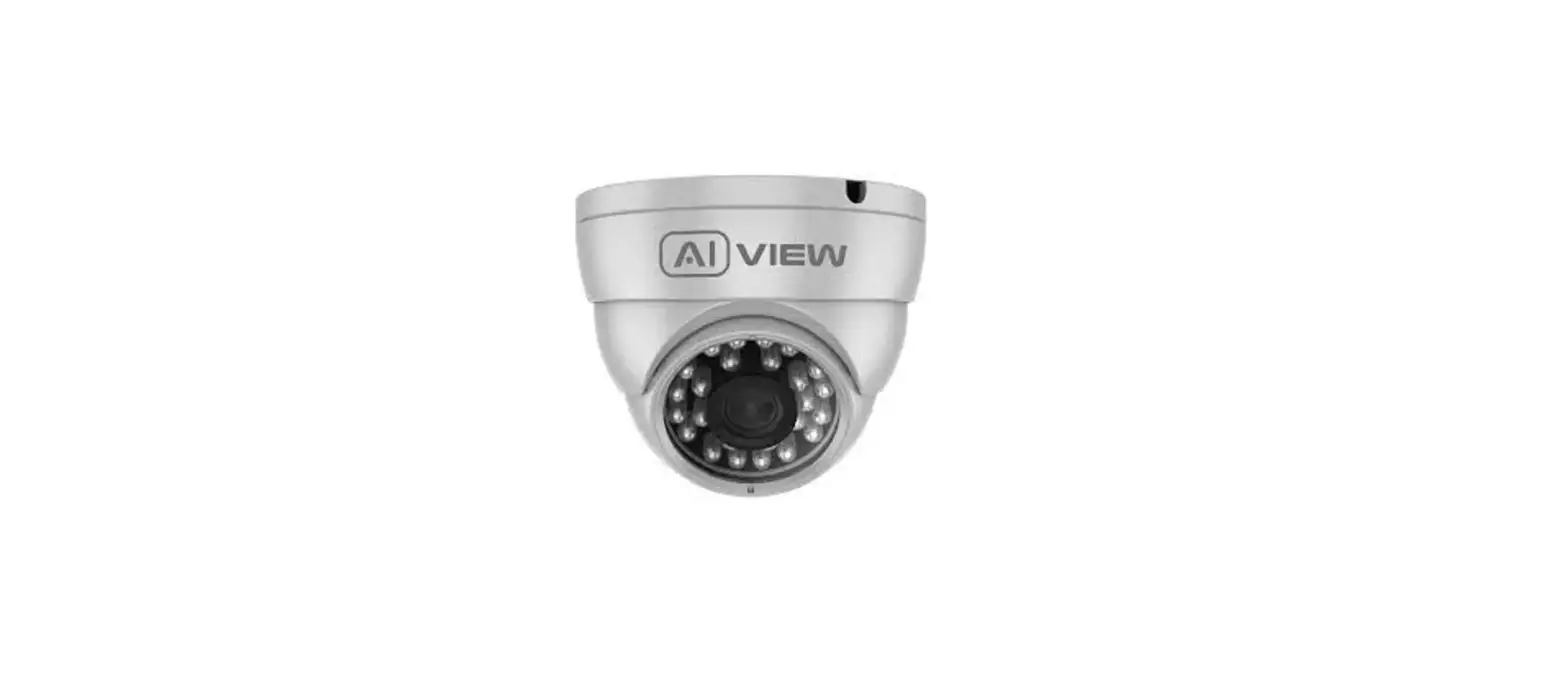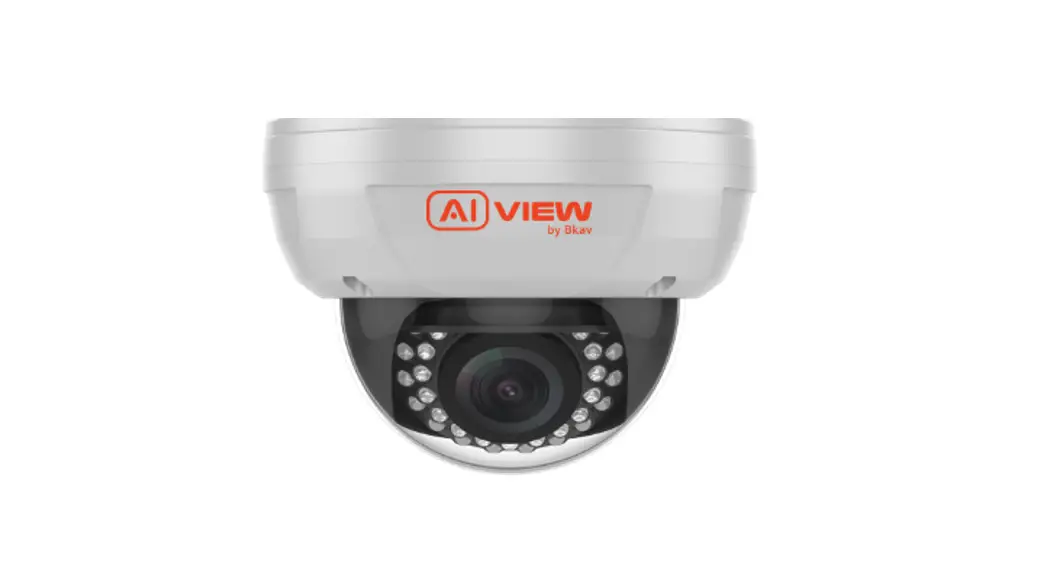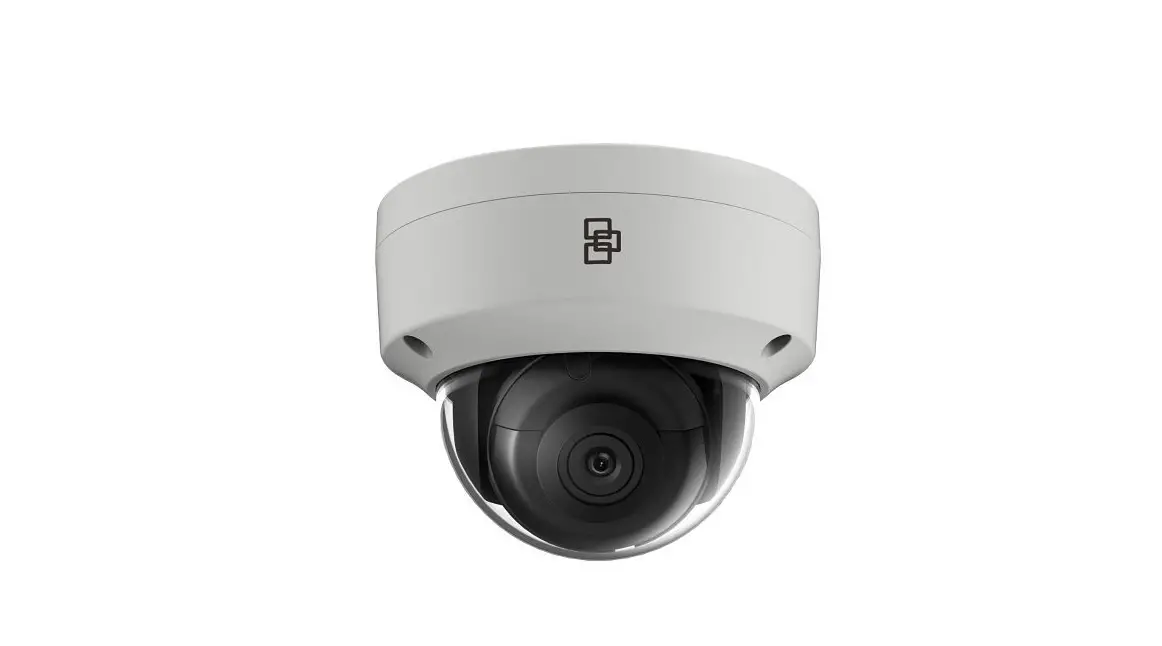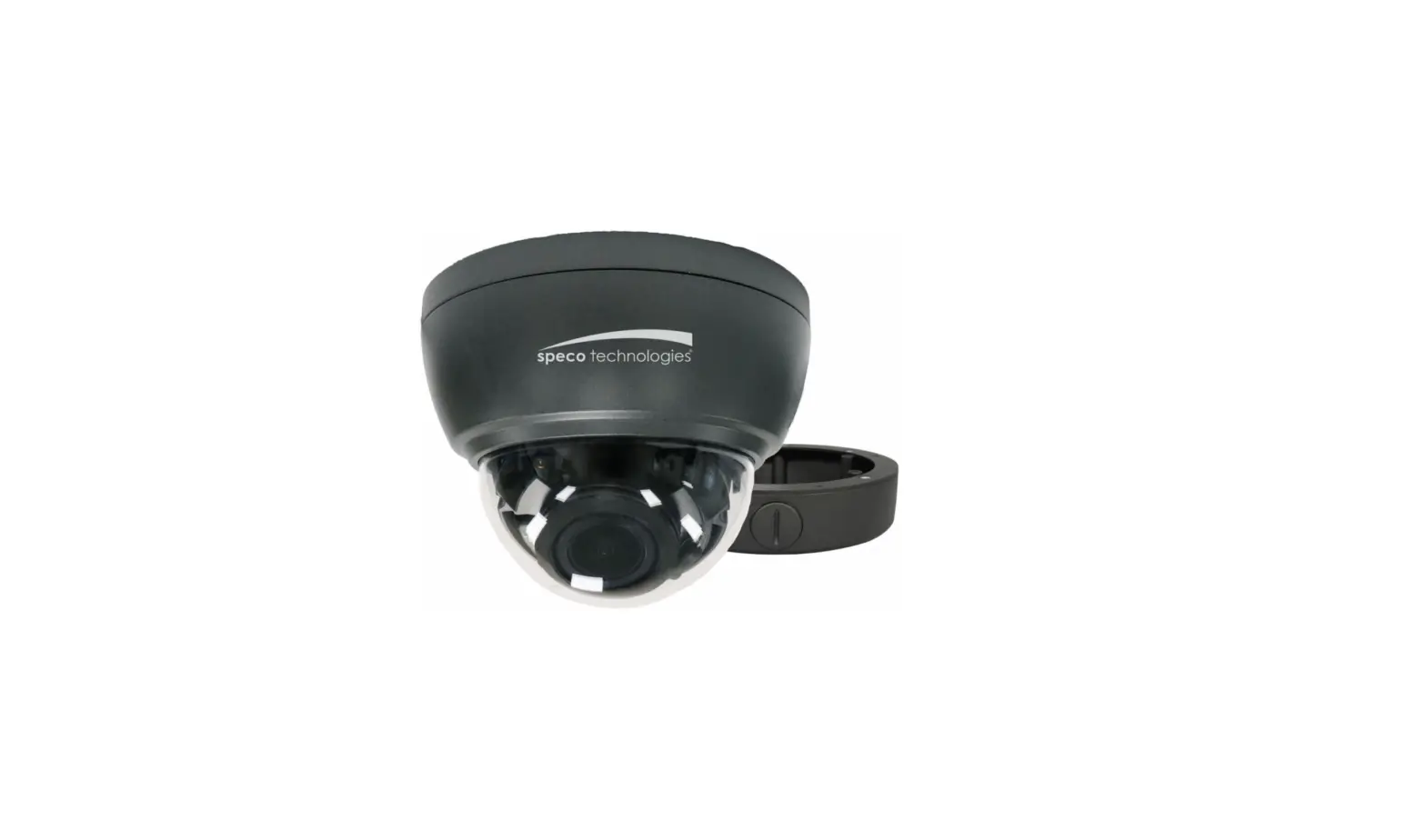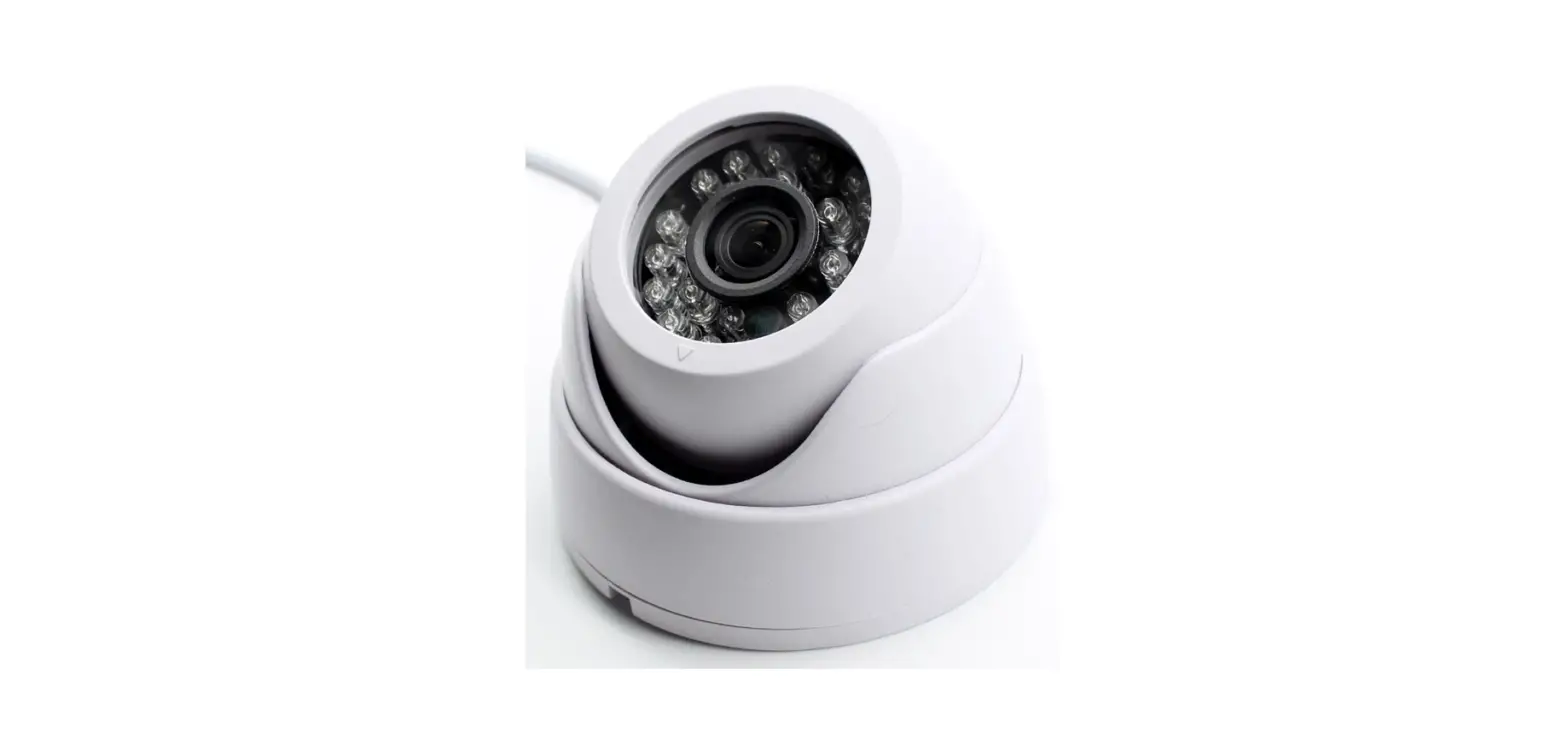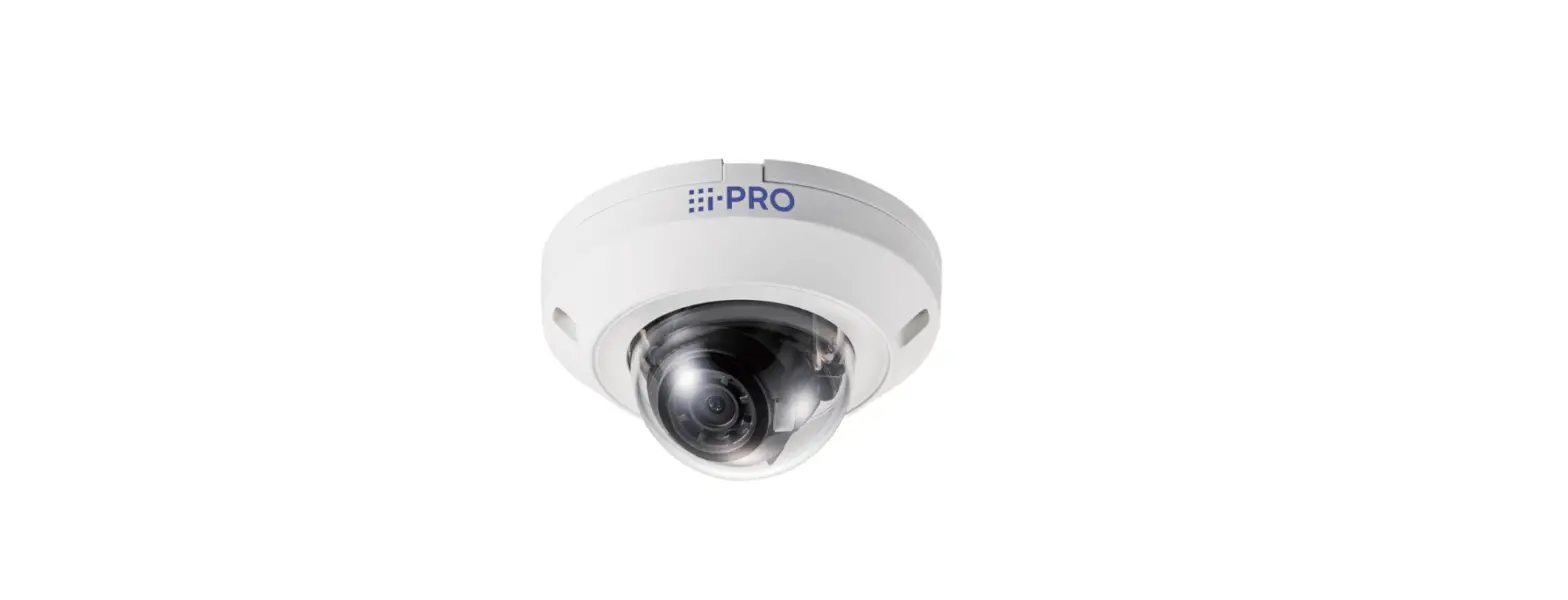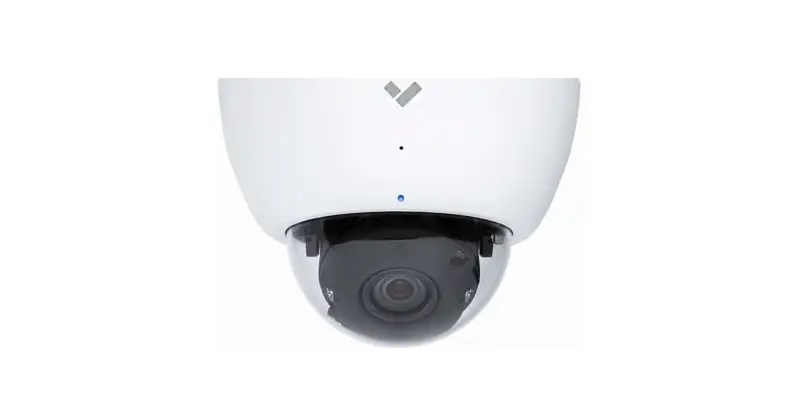

FULL HO DOME Al-BASED CAMERA
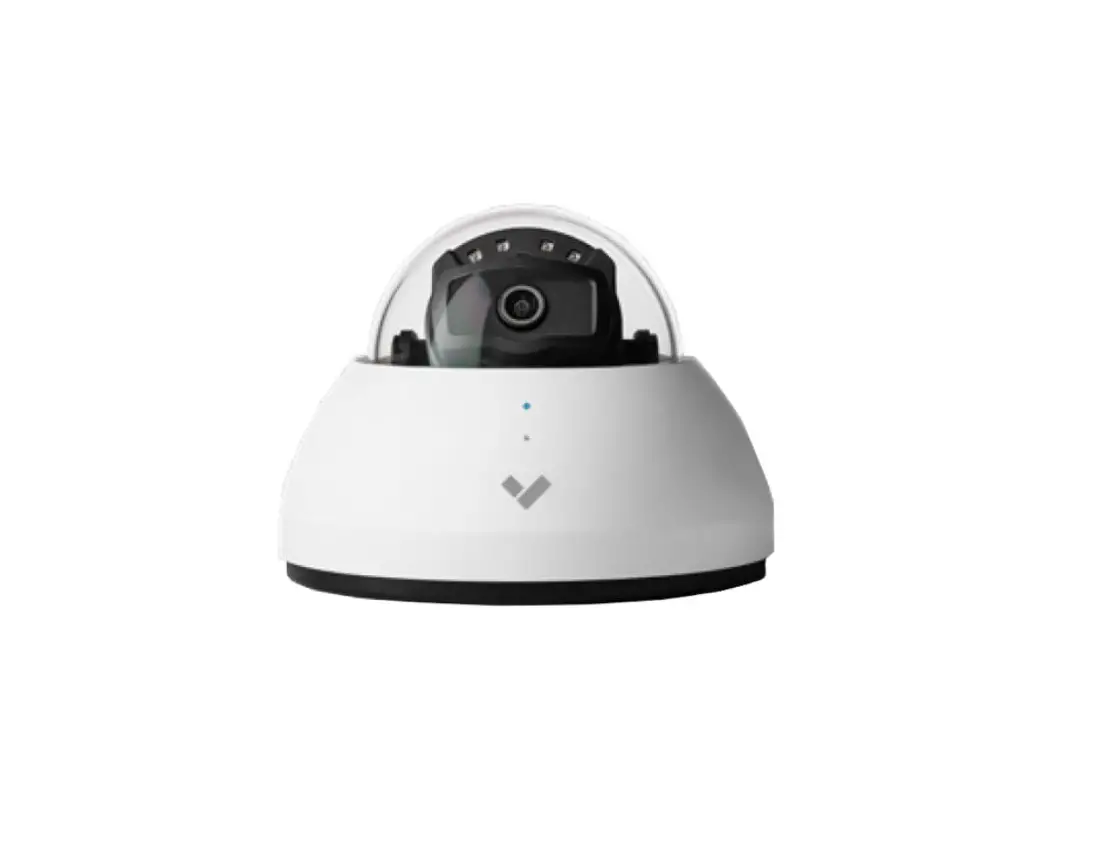
C310-0200 Full HD Dome AI Based Camera
Installation Guide
made with Qualcoivvv Technologies
Qualcomm products contained herein are products of Qualcomm Technologies, Inc. and/or its subsidiaries. Qualcomm is a trademark of Qualcomm Incorporated, registered in the United States and other countries. The Made with Qualcomm Technologies logo is a trademark of Qualcomm Incorporated.
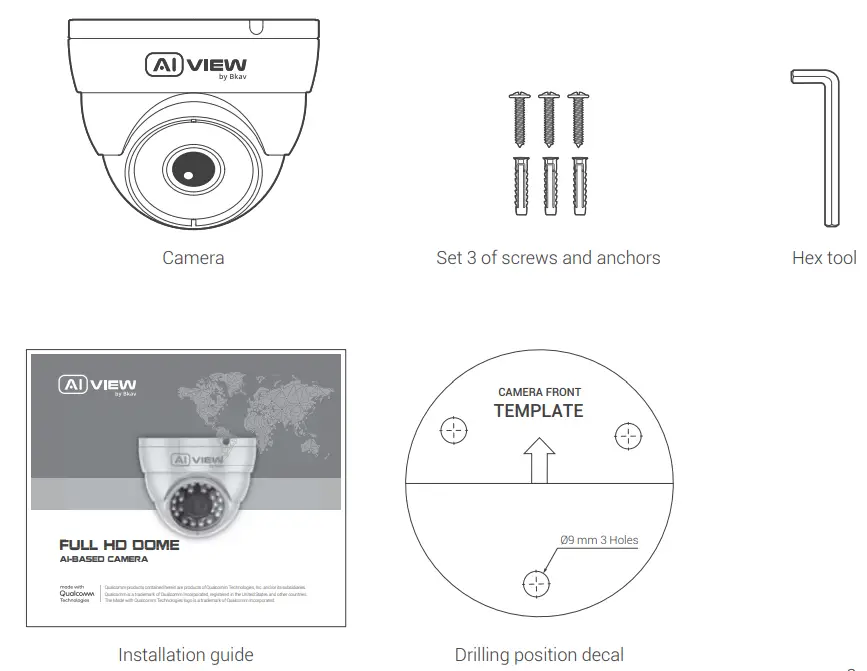
PRODUCT KIT
TECHNICAL SPECIFICATION
| Power supply | -C300-0200: DC 12V/1A – Maximum 5.4W |
| C310-0200: DC 12V/1A – Maximum 5.2W | |
| Protection standards | IP66 |
| Resolution, frame rate | H.264/H.265 |
| FHD 1920×1080, 30 fps | |
| Digital Zoom | 8x |
| Focal length | 4 mm |
| Angle of view | 87.5° (H) – 104.9° (D) – 44.4° (V) |
| Operating temperature | Temperature: -10°C — 60°C (14°F- 140°F) |
| Humidity: 10% — 100% | |
| Dimensions (L x W x H) | L93.1 x W93.1 x H68 mm |
| Weight | 0.36 Kq |
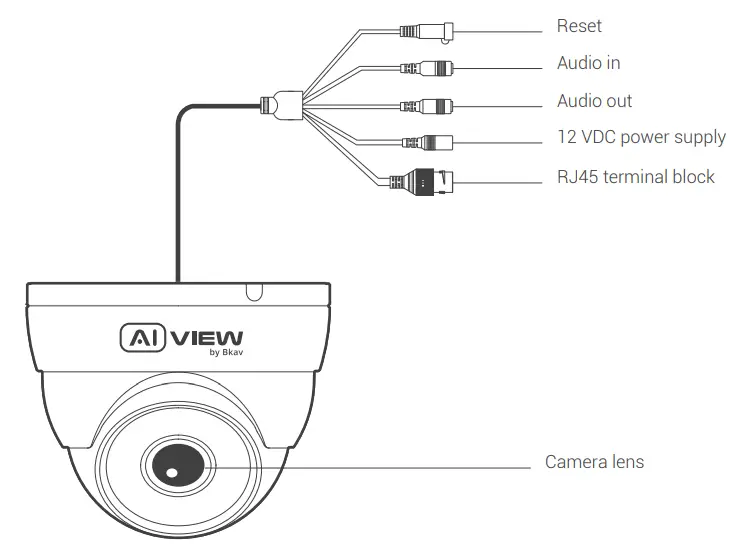
PRODUCT OVERVIEW
INSTALLATION GUIDE
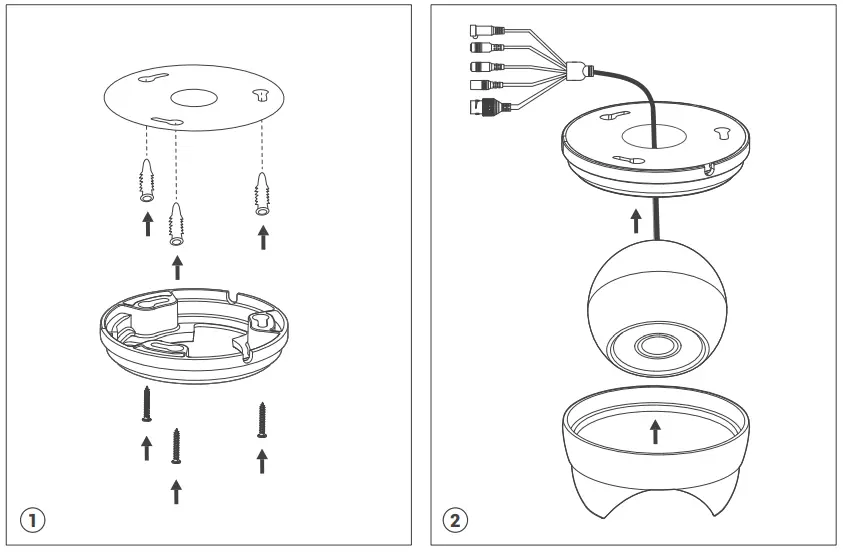
Step 1: Apply decal on the area where the camera needs to be installed and fix the plastic anchors. Tighten the screws to fix the camera (figure 1).
Step 2: Insert the camera body on the camera mount and fix the camera with the protector by rotating clockwise (figure 2).
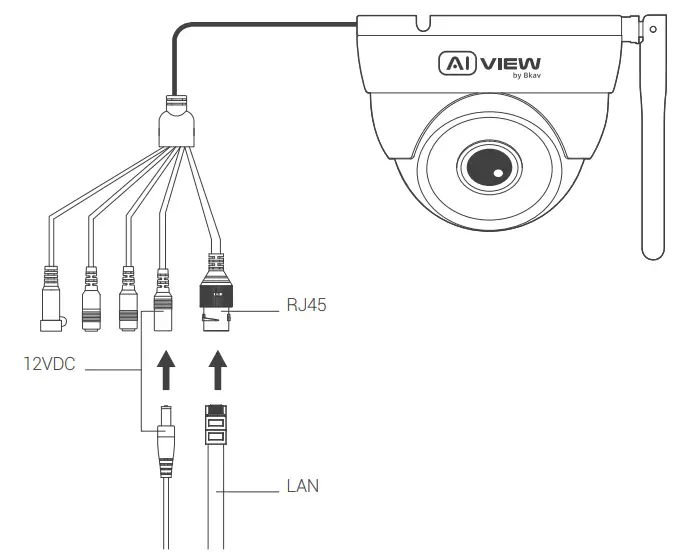
INSTALLATION FOR SIGNAL CONNECTION
How to connect devices: Model C300-0200/C310-0200: Use 12VDC and the network cable connected from the switch.
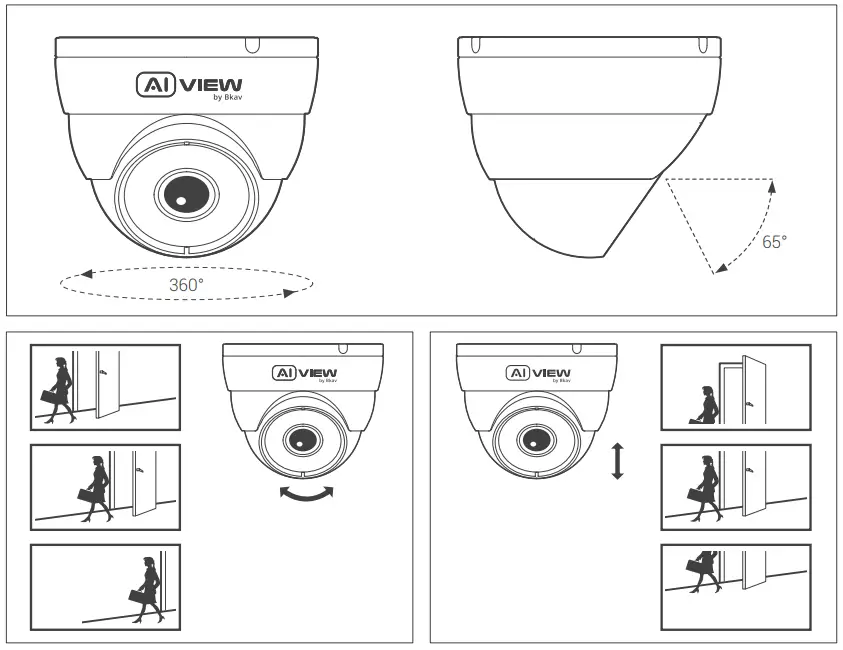
ADJUSTING THE CAMERA VIEWING ANGLE
PASSWORD SETTING
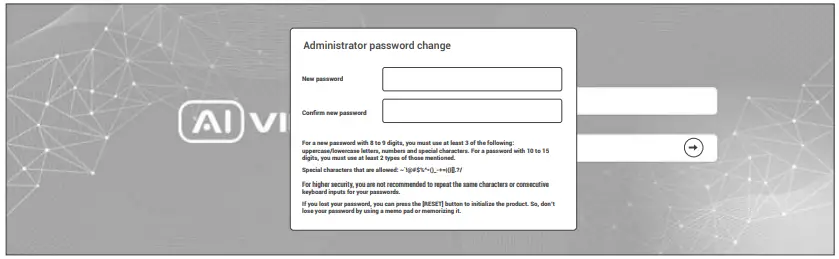
The IP address of camera is set to DHCP mode by default. For the camera enables the DHCP by default, you need to use the Al View Scanner App to scan IP. Note: To complete the installation steps for the camera, refer to the User Manual. The system will ask you to reset the password on your initial access. When the “Administrator password change” window appears, enter a new password.
- For passwords using eight or nine characters, you need to use at least three of the following types of characters: uppercase and lowercase letters, numbers, and special characters.
- For passwords using 10 to 15 characters, you need to use at least two of the character types.
Special characters include: — ! @ # $ % ^ &* ( )_ – = + I { [] . ? /
 Note:
Note:
- For additional security, please do not repeat any characters in your password.
- If you forget your password, you can hold the [RESET] button for 10 seconds to return the product to its factory settings.
SOFTWARE INSTALLATION
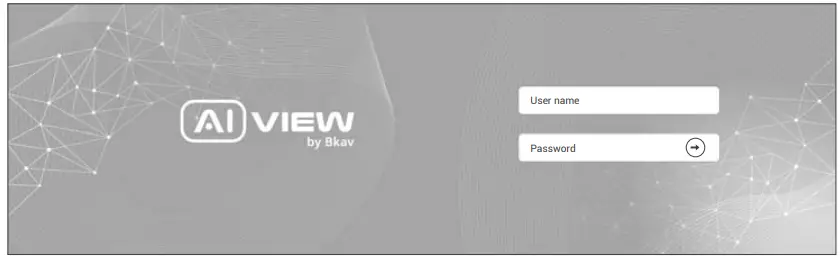
Login screen When accessing the camera, a login window will appear. Enter your user name and password to access the camera.
- Enter “admin” in the <User name> box.
- Enter your chosen password in <Password> box.
- Click ⇒
SAFETY INFORMATION
Be sure to follow this advice to ensure the device works properly.
Precautions
- It is recommended to use shielded network cables (STP) during set-up.
- It is recommended to use CAT5e or higher network cables.
- Store the camera in a cool and dry environment.
- Shield the camera from potential impact from heavy objects.
- Do not install the camera on unstable pillars, brackets, surfaces, or walls.
- Do not use chemicals or detergents to clean the camera or housing.
- To clean, use a damp cloth.
- Only use standard tools and accessories when installing the camera equipment. The manufacturer recommends using the manufacturer’s power supply equipment or a corresponding source for the camera. Improper installation may cause damage to the product.
- Contact Bkav’s customer support or authorized Bkav agents if you experience any problems.
Transportation:
- Use the original packaging, or equivalent, to avoid damaging the product during transportation.
WARRANTY INFORMATION
For information about Al View product warranty and thereto related information, go to aiview.ai/warranty.
REGULATORY INFORMATION
FCC Warning This device complies with part 15 of the FCC Rules. Operation is subject to the following two conditions: (1) This device may not cause harmful interference, and (2) this device must accept any interference received, including interference that may cause undesired operation.
Note: This equipment has been tested and found to comply with the limits for a Class A digital device, pursuant to part 15 of the FCC Rules. These limits are designed to provide reasonable protection against harmful interference when the equipment is operated in a commercial environment. This equipment generates, uses, and can radiate radio frequency energy and, if not installed and used in accordance with the instruction manual, may cause harmful interference to radio communications. Operation of this equipment in a residential area is likely to cause harmful interference in which case the user will be required to correct the interference at his own expense.
Radiation Exposure Statement: This equipment complies with FCC radiation exposure limits set forth for an uncontrolled environment. This equipment should be installed and operated with a minimum distance 20cm between the radiator and your body.
Caution: Any Changes or modifications not expressly approved by the party responsible for compliance could void the user’s authority to operate the equipment.
- For the 5150-5250 frequency band, Operations in the 5150-5250 band are restricted to indoor usage only.
- 5G: Any emission is maintained within the band of operation under all conditions of normal operation. The max. frequency stability is less than 20ppm.
BKAV CORPORATION
Address: 2nd Floor, HH1 Building, Yen Hoa Urban Area,
Yen Hoa Ward, Cau Giay District, Hanoi City, Vietnam
Website: www.aiview.ai
Email: [email protected]