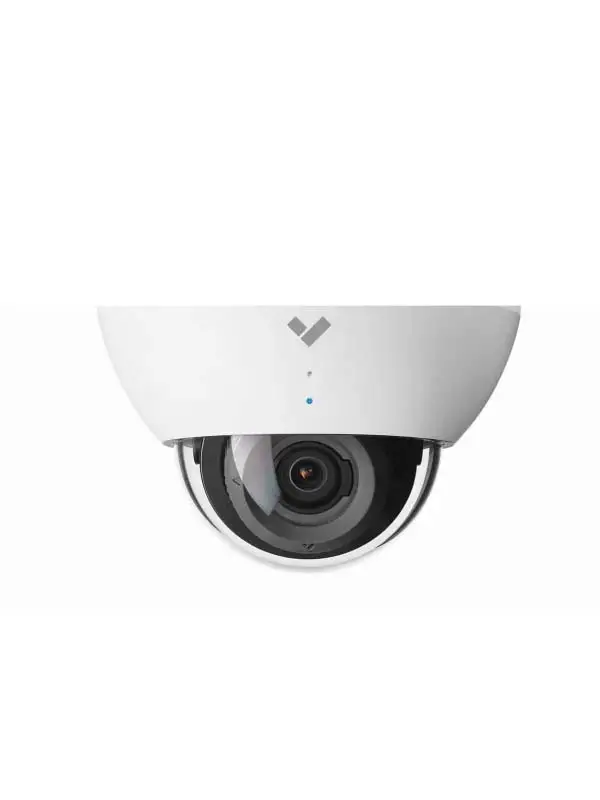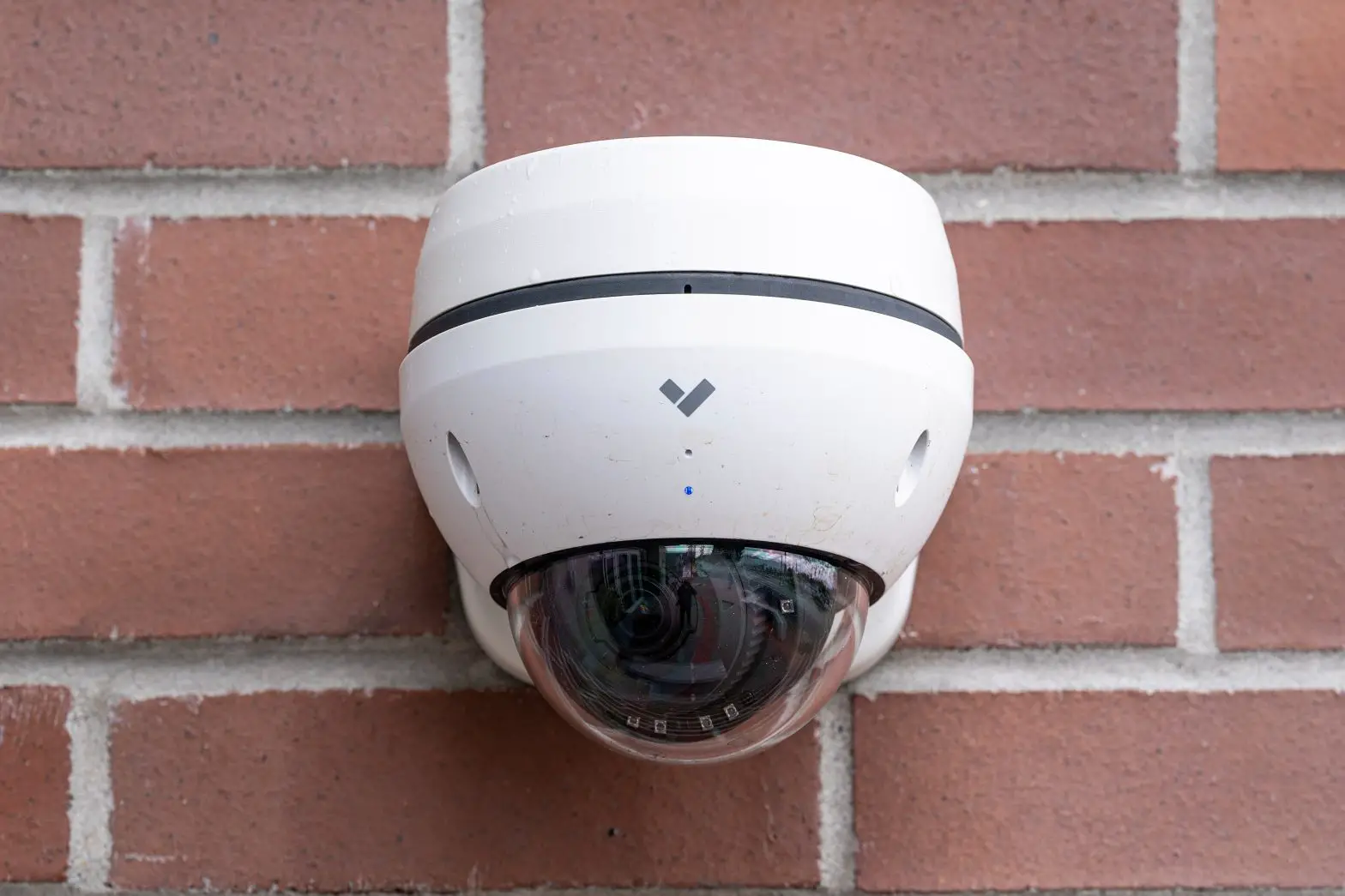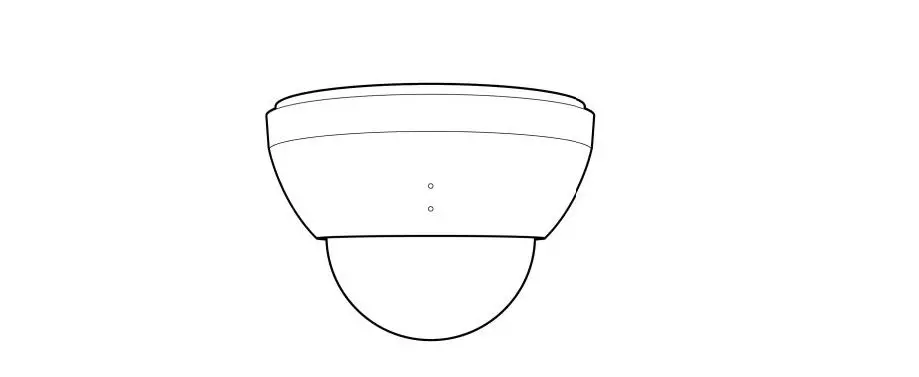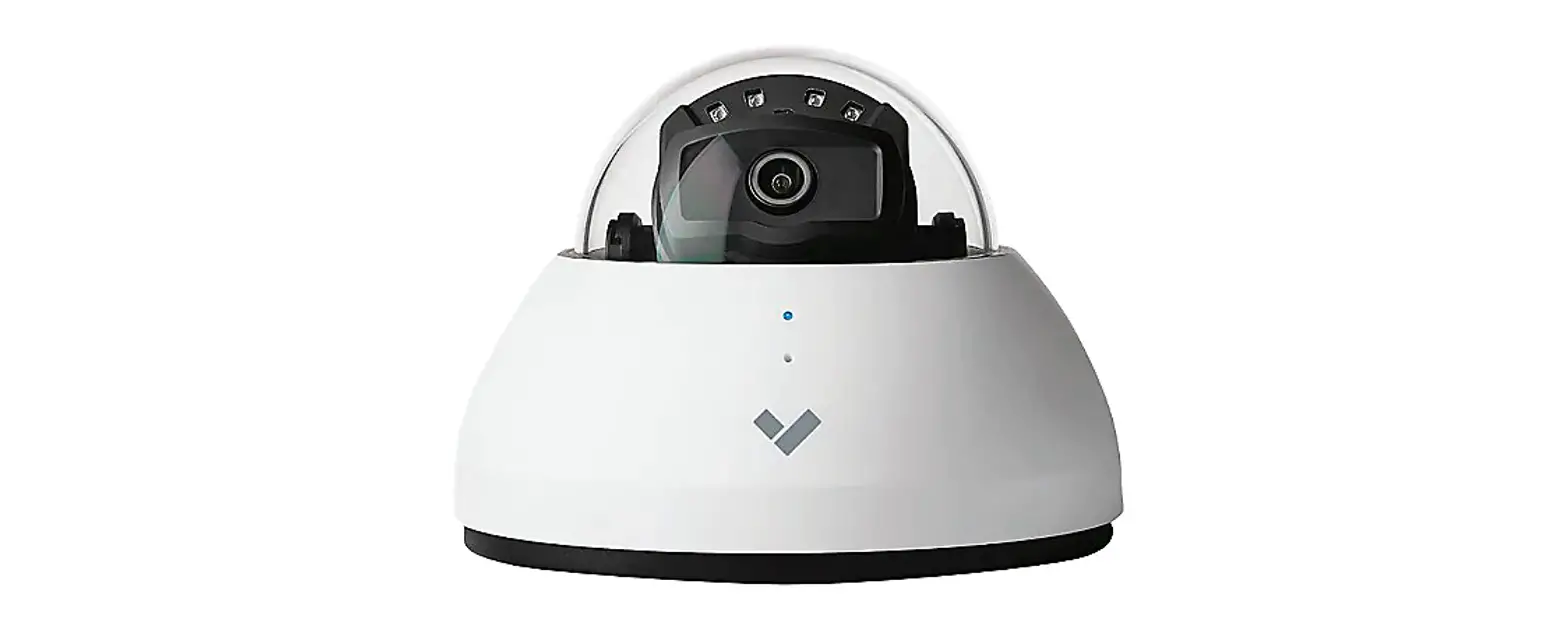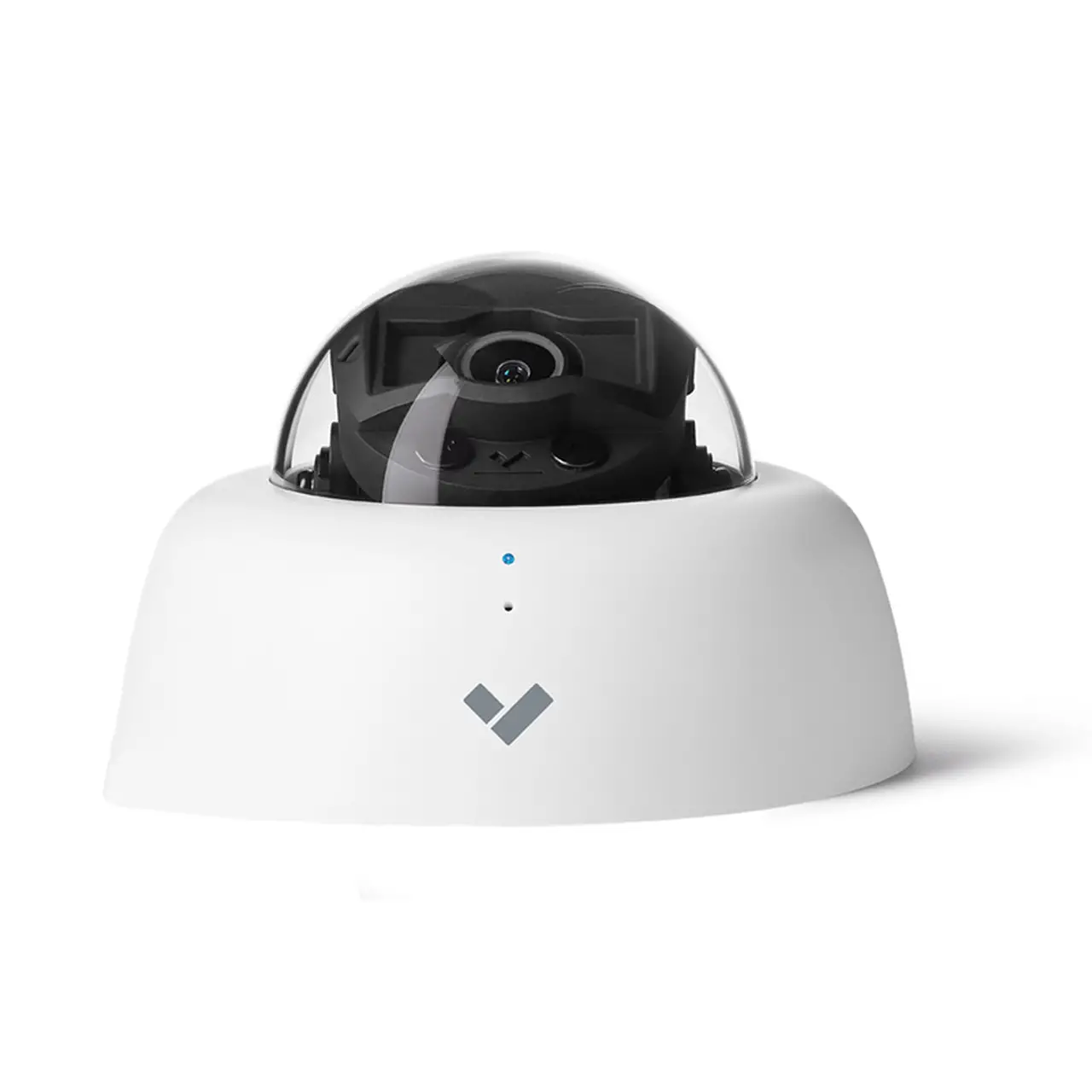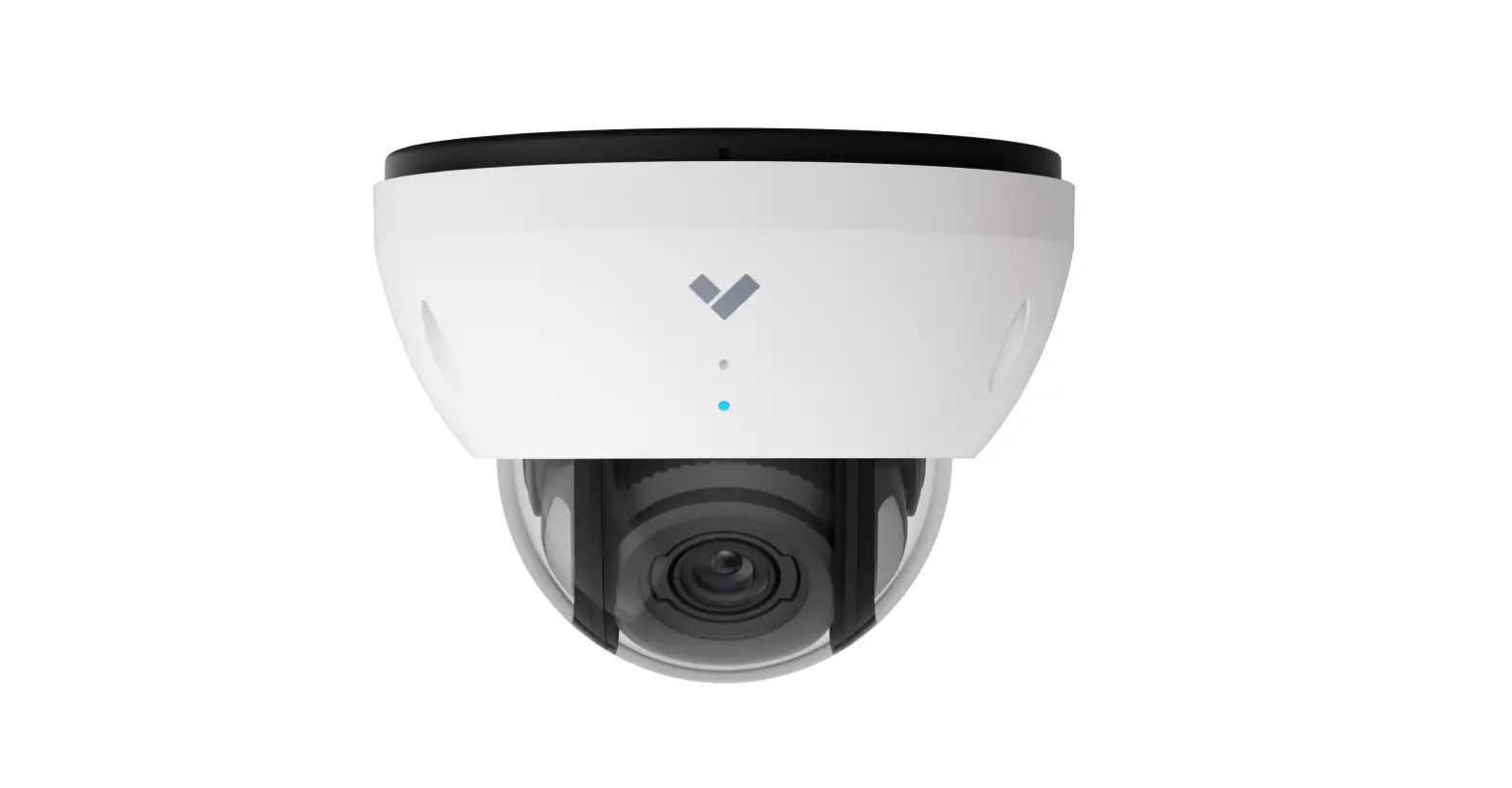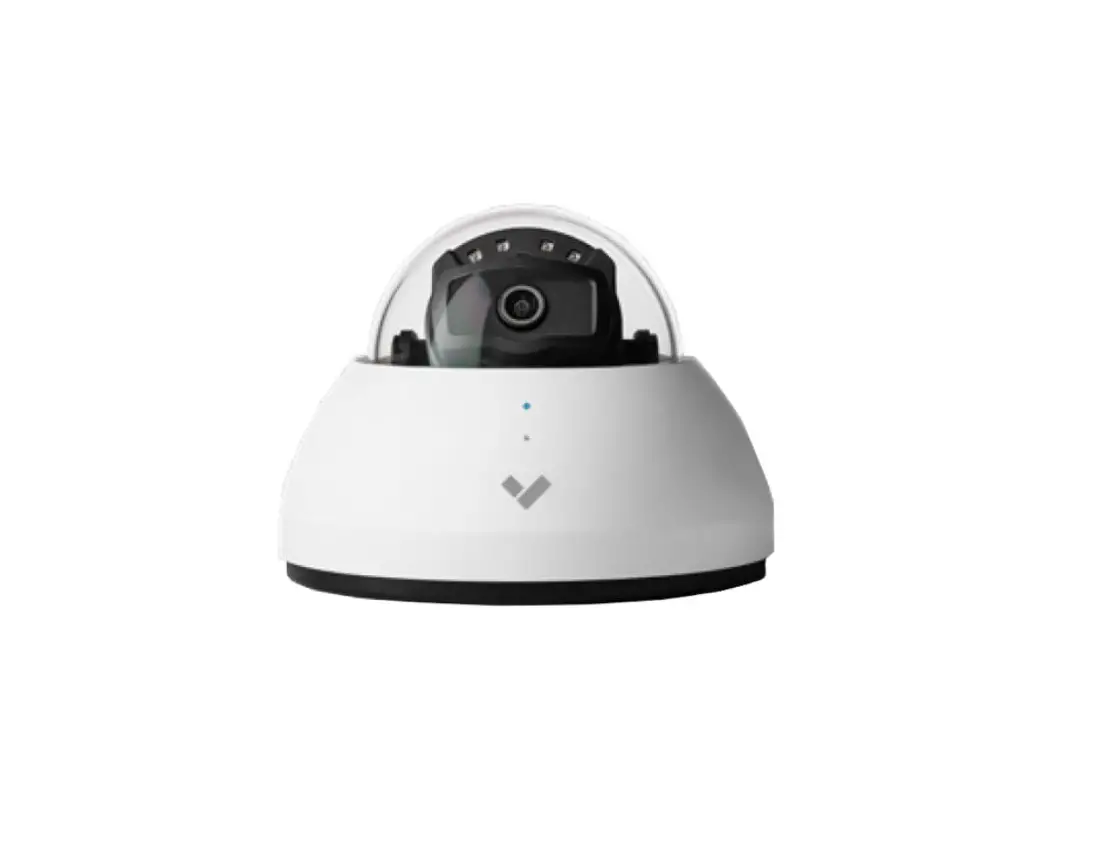
VERKADA CD31 Indoor Dome Camera Setup User Guide
In the box
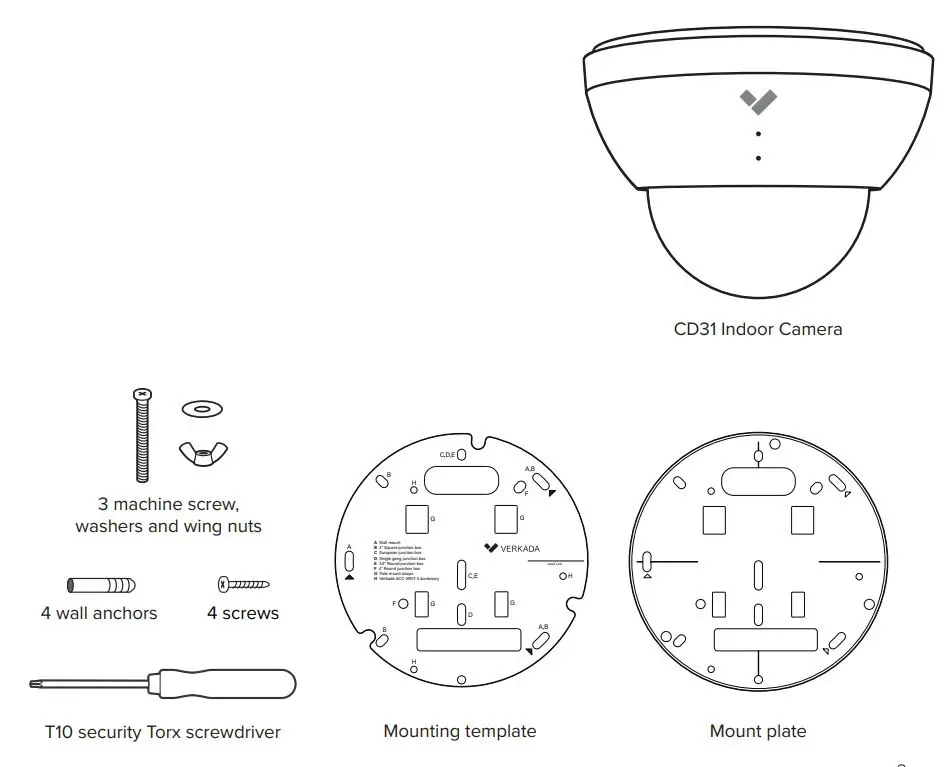
- 1 CD31 indoor dome camera
- 1 Mount plate
- 1 Mounting template
- 1 T10 security torx screwdriver
- 4 Mounting screws and wall anchors
- 3 Machine screws, washers and wing nuts
What you’ll need
- A working internet connection
- 802.3af Power over Ethernet (PoE) switch, or a PoE injector.
For operation below -20° C, use 802.3at PoE. - A smartphone or laptop · A #2 Phillips screwdriver or power drill with a #2 Phillips driver bit
- ¼ inch (6.5mm) drill bit for wall anchors
- 1⁄8 inch (3mm) drill bit for pilot holes
- A Cat5 or Cat6 ethernet cable with a .2-.25″ outside diameter (5-6.5mm)
Connect
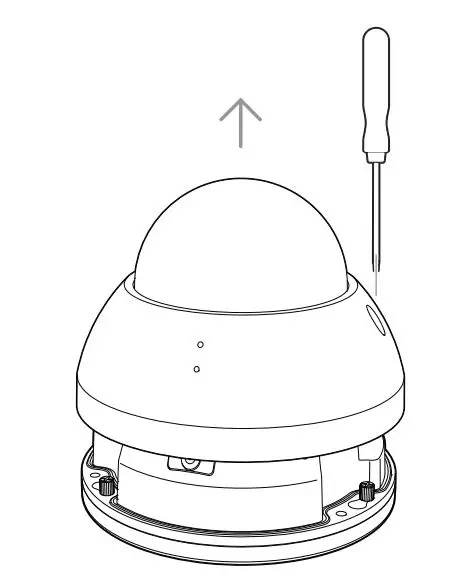
Use the provided T10 security torx security screwdriver to loosen the screws and lift the cover.
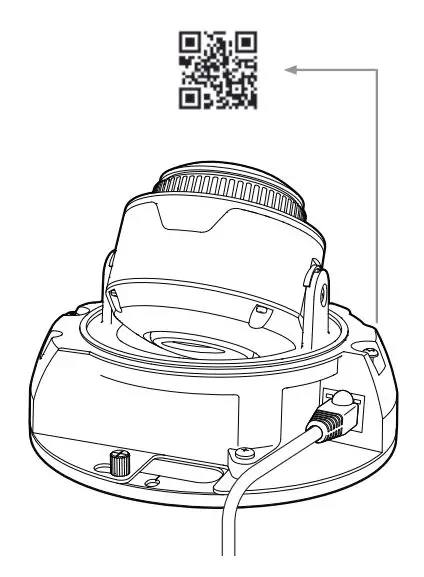 Insert the ethernet cable into ethernet port. Scan the QR code for easy camera registration and setup, or proceed to www.verkada.com/start.
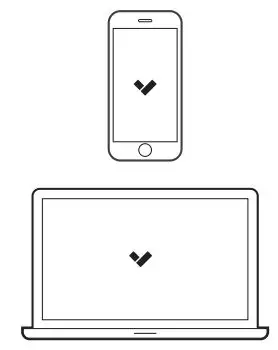
Go to www.verkada.com/start
Mount
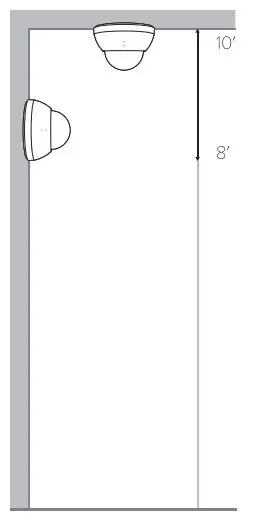
Mount the camera on a wall or ceiling. Try to keep the camera 8 to 10 feet above the ground. 7
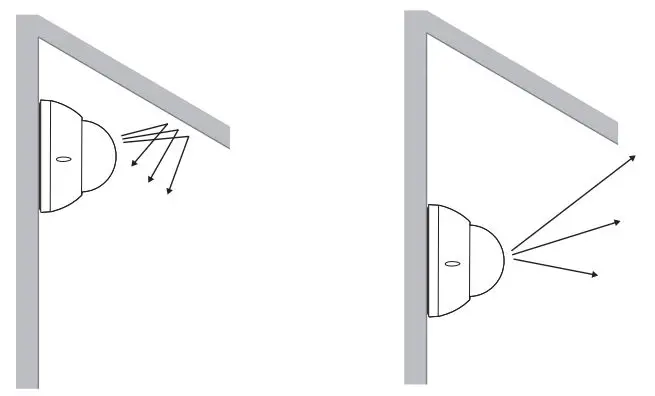
For best night vision, avoid overhangs or obstructions. These may reflect the camera’s IR illumination and reduce the image clarity in night mode.
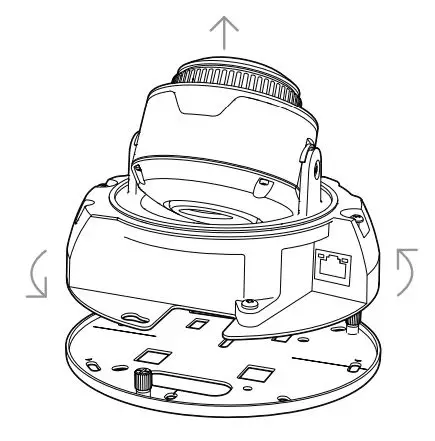
To remove the mount plate, loosen the mount plate screws and twist the camera counter-clockwise. Lift the camera vertically off the base plate and set aside.
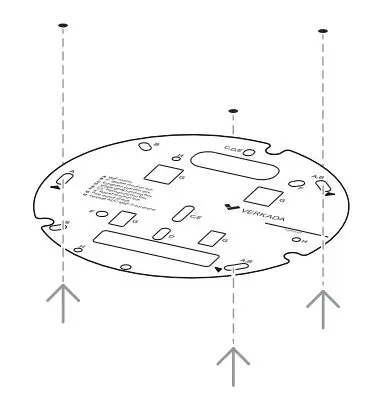
Use the provided mounting template to mark wall mount holes. For a junction box mount, use the mounting template to determine the correct hole pattern.
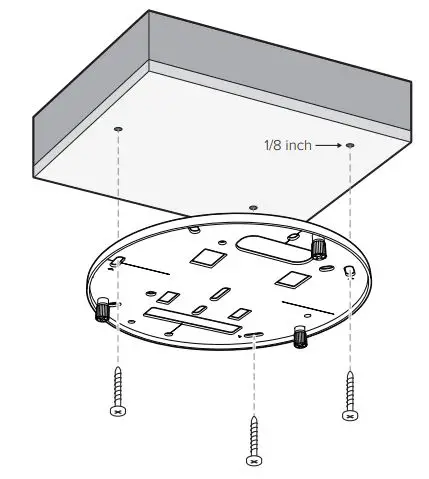
For a solid material like wood or metal, drill / inch pilot holes. Drive mounting screws directly into the pilot holes.
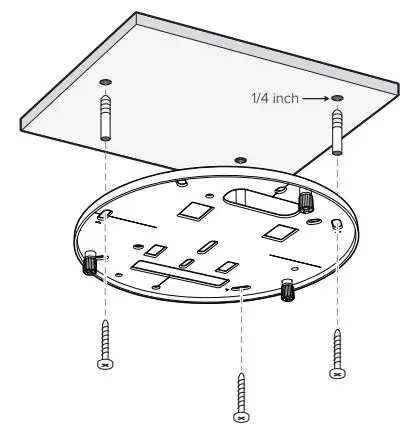
For drywall, drill / inch holes. Insert plastic anchors into holes and drive mounting screws into anchors.
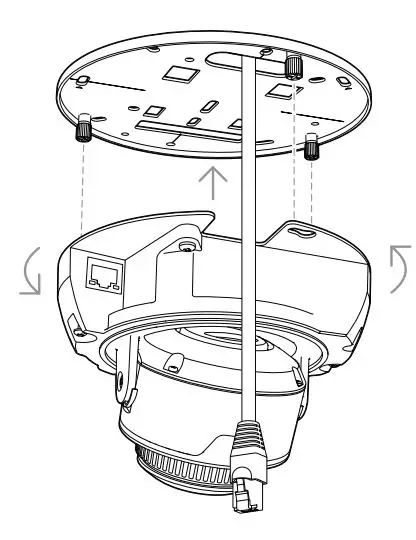
To secure the camera, place it over the mount plate screws and twist counter-clockwise. Tighten the mount plate screws with a Phillips screwdriver.
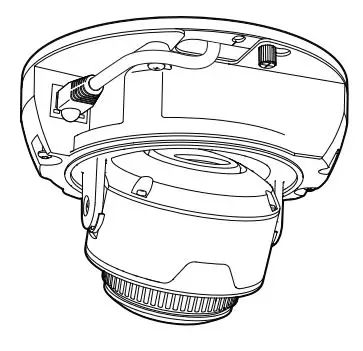
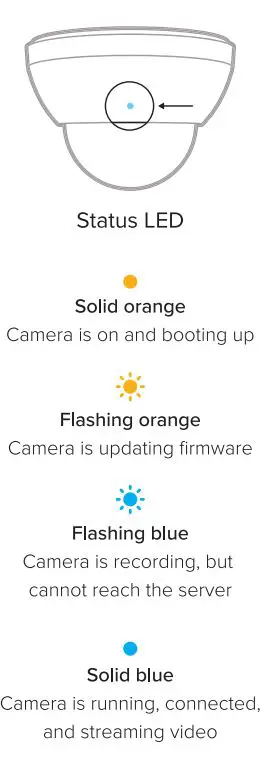
Plug in the camera. The status LED will turn orange to indicate the camera has power. The LED will turn blue to indicate the camera is active.
See additional LED states and definitions on page 16.
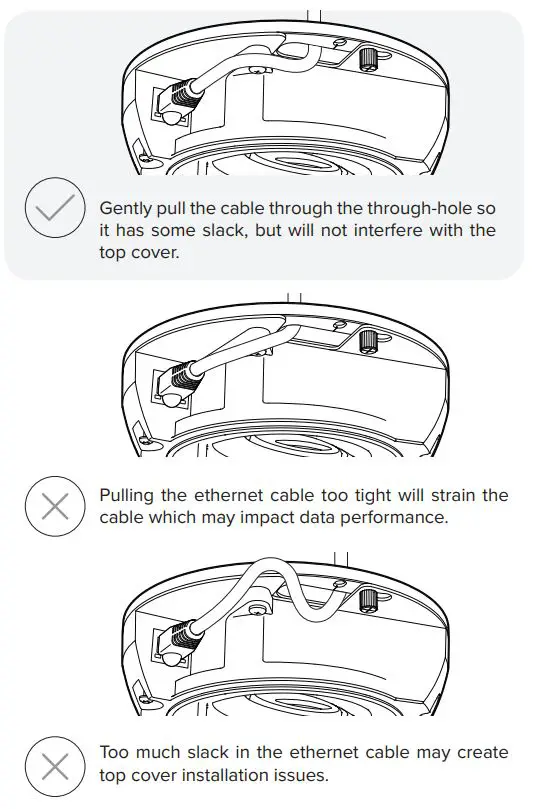
Adjust
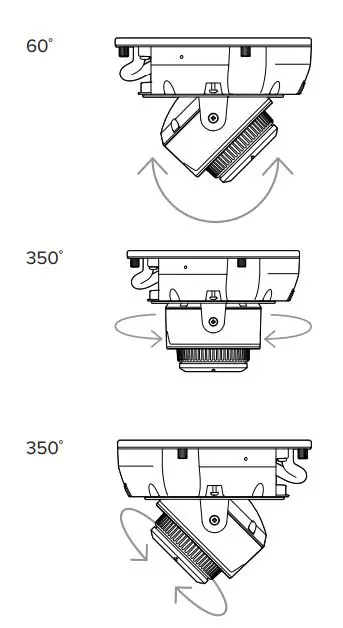
Adjust your camera to the desired viewing angle. Use the online stream to confirm image orientation.
Image can be flipped 180° online in Command.
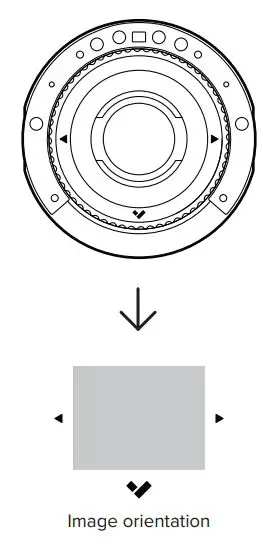
Default image orientation is indicated by markings on the lens face. Video orientation is also adjustable from within the Verkade application.
Secure
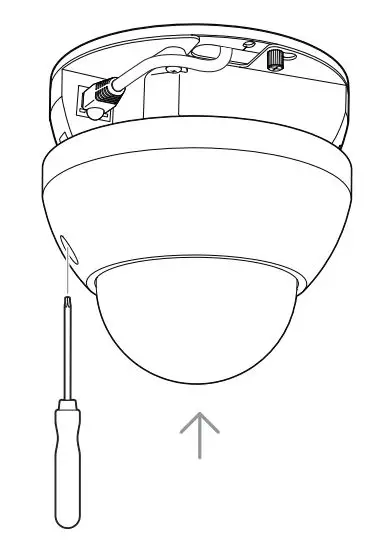
To secure the camera, align the top shell security holes with the baseplate and place the top shell back into its original position. Tighten the security screws using the provided T10 security torx screwdriver.
Support
Thank you for purchasing a Verkada camera.
If for any reason things don’t work right or you need assistance, please contact us immediately.
Sincerely The Verkada Team
www.verkada.com/support
NOTE:
- Maintenance and repair work must always be carried out by qualified technical personnel. Disconnect power from the unit when performing a maintenance task.
- Wiring methods used for the connection of the equipment to earth shall be in accordance with the National Electrical Code, ANSI/NFPA 70, and the Canadian Electrical Code, Part 1, CSA C22.1.
- The product must be installed and protected in a location that is not easily accessible, and is away from impacts or heavy vibration. For example, at the location where the surveillance cameras are looking down or installed at high positions such as on a wall, or at least 3 meters above the ground.
- The camera is only to be connected to PoE networks without routing to outside plants. 5.If powered by a power adapter, the adapter should be properly grounded. 6.Please contact certified dealers for power adapters.
For additional support please contact us directly at +1 (833) 837-5232 or [email protected]