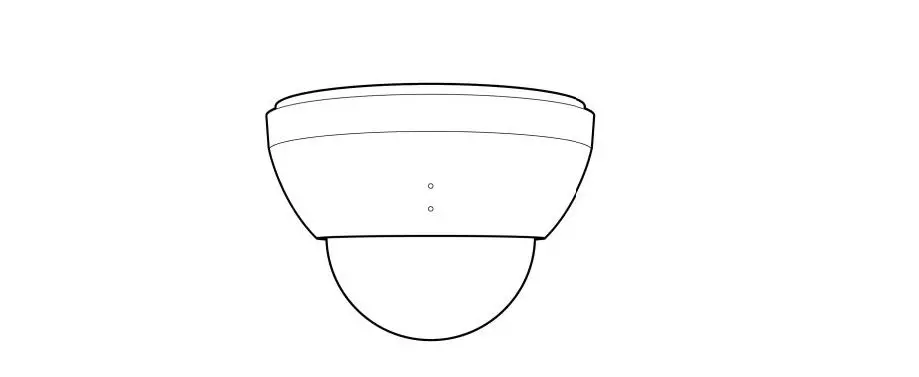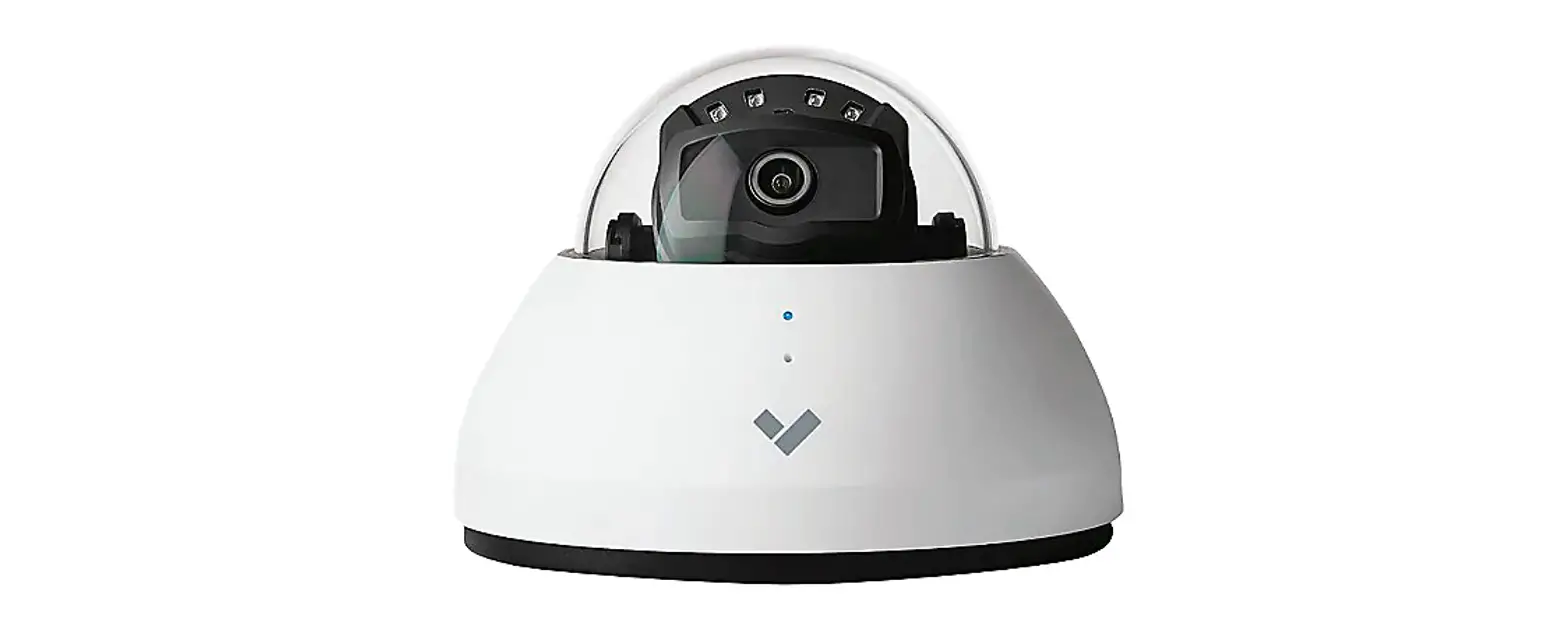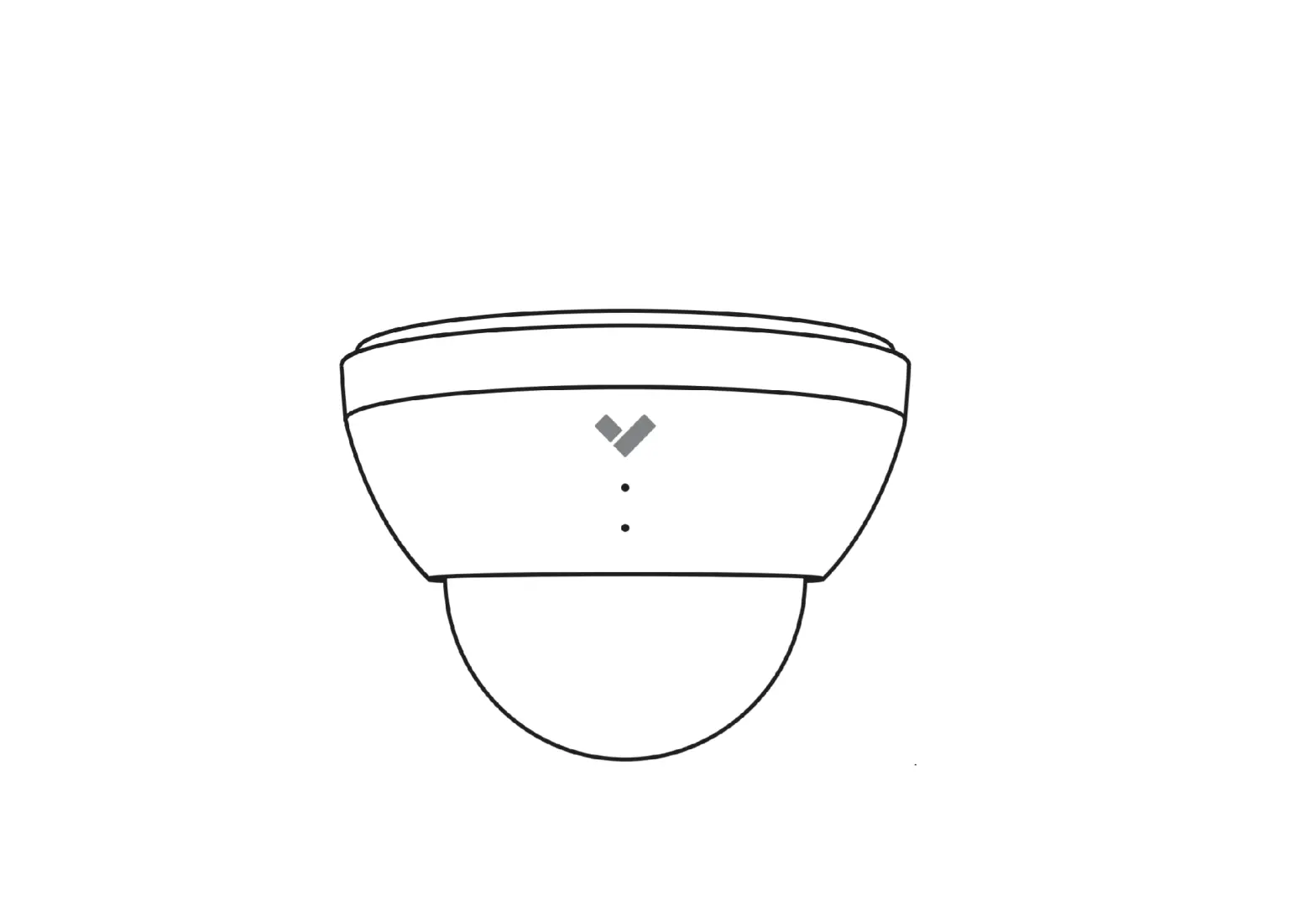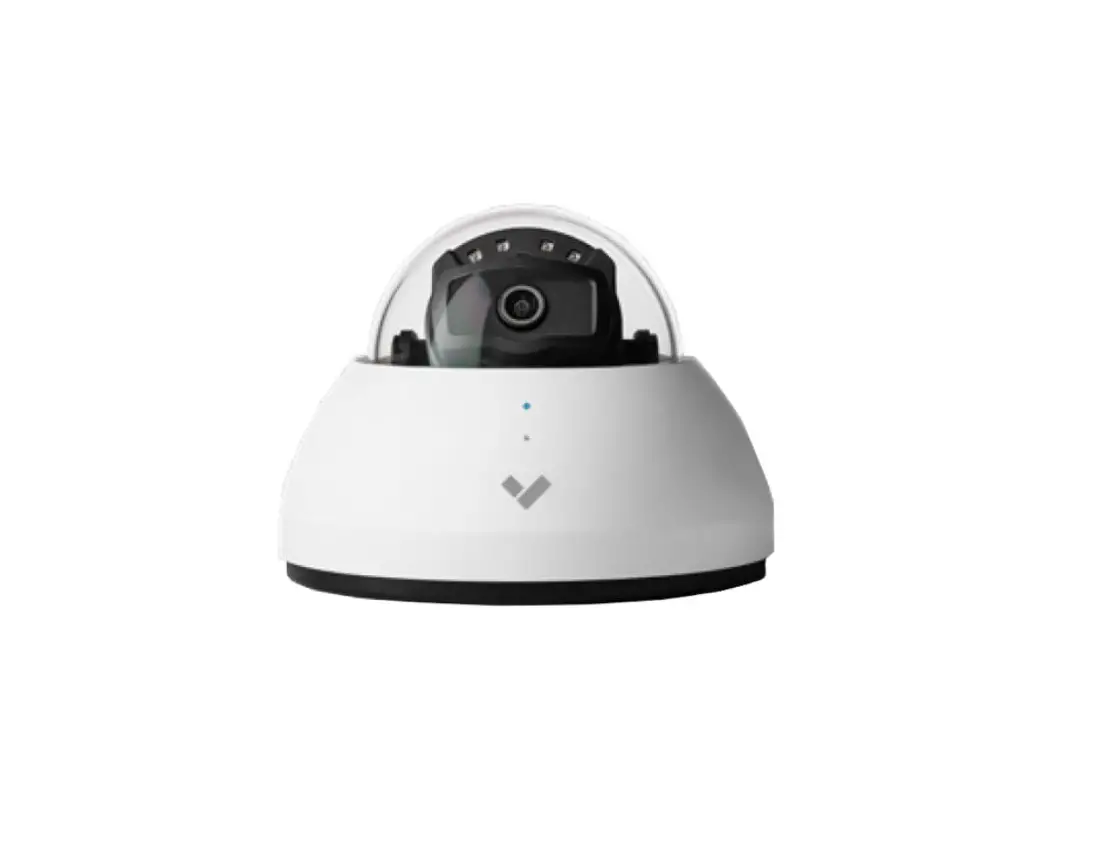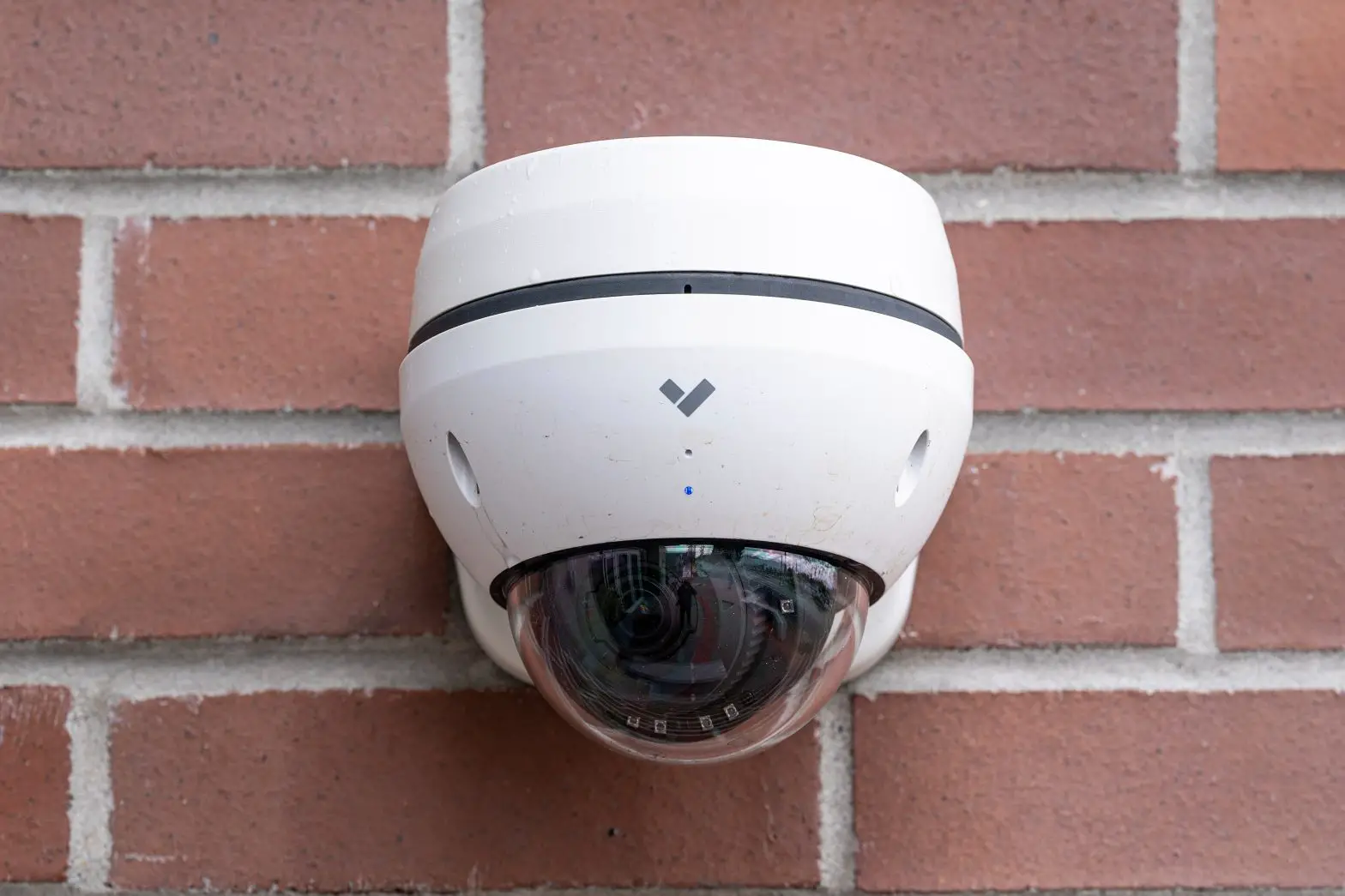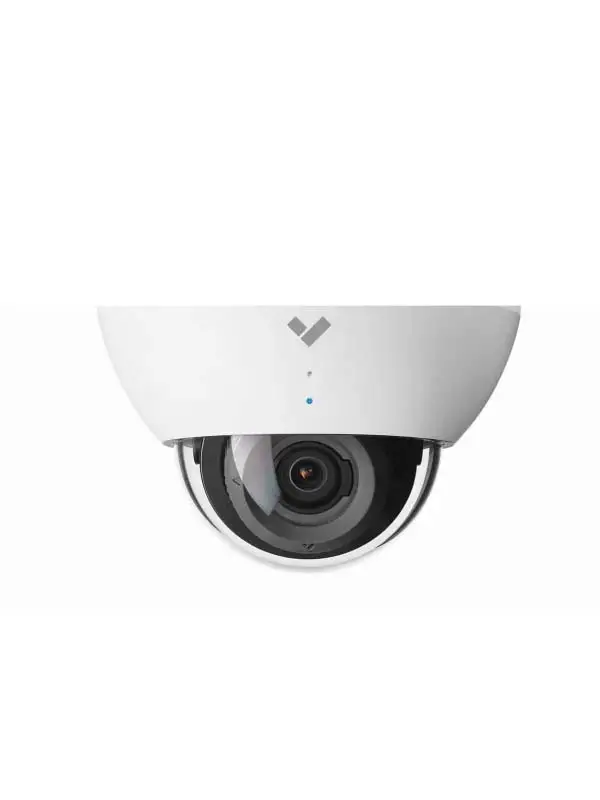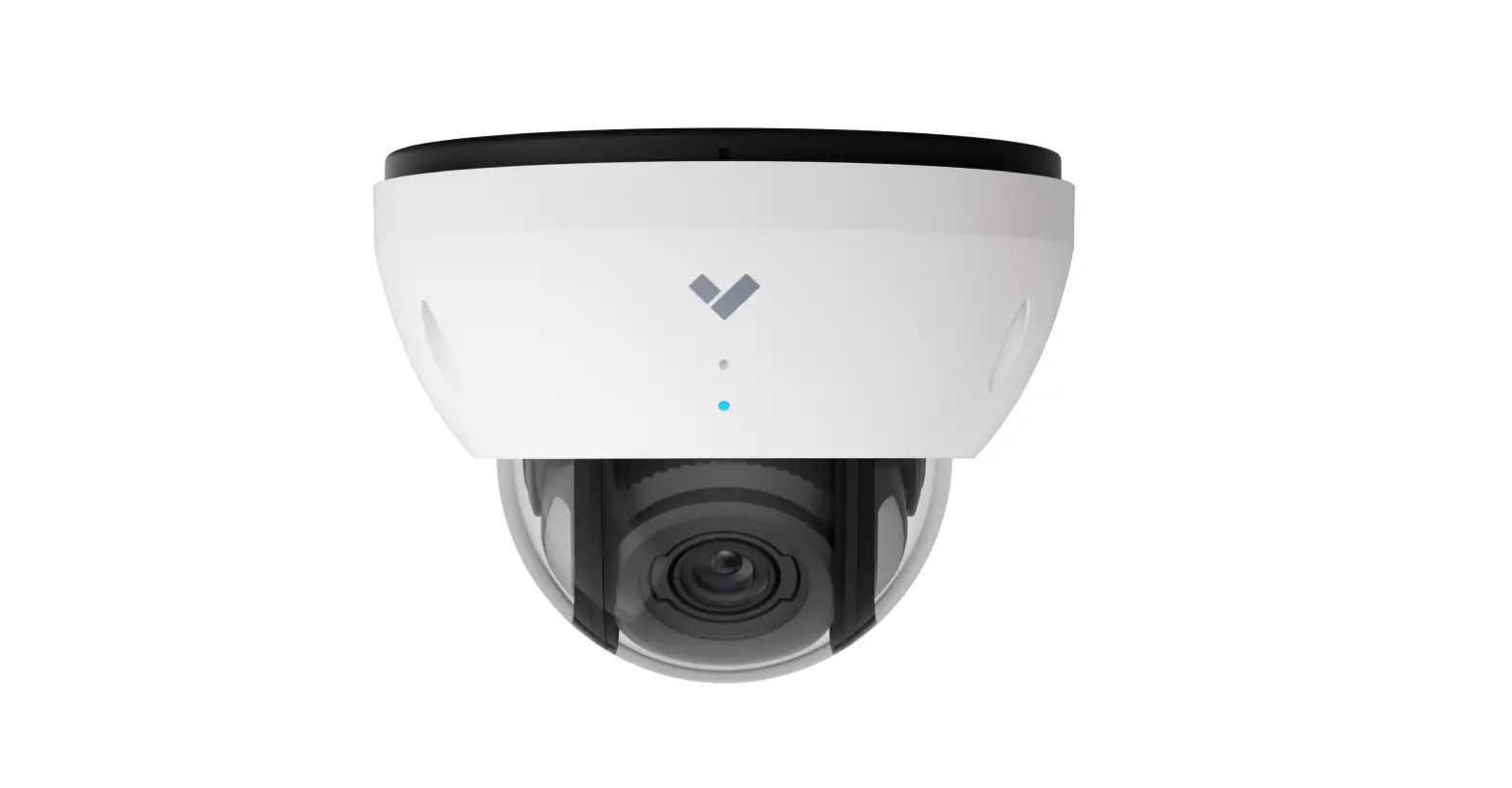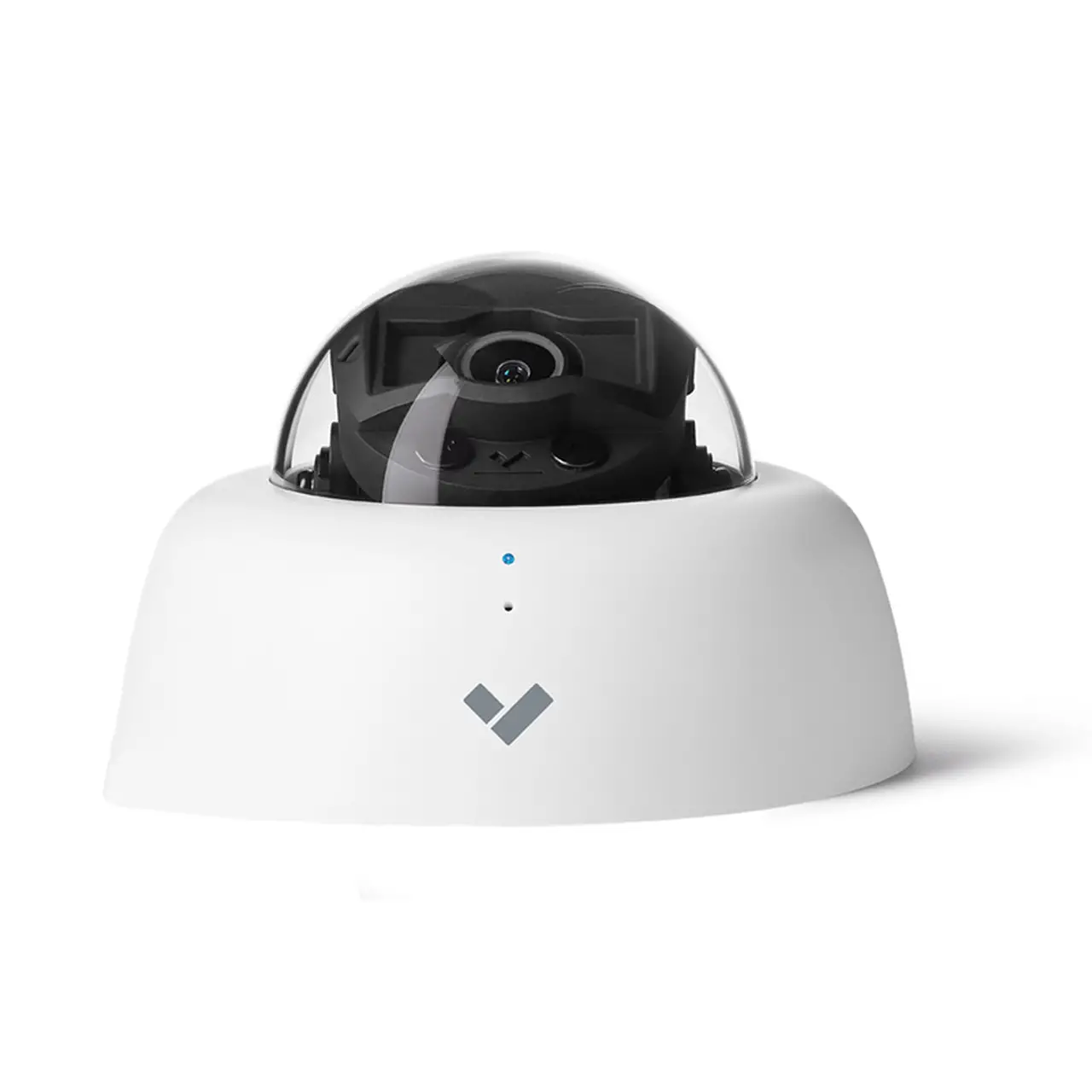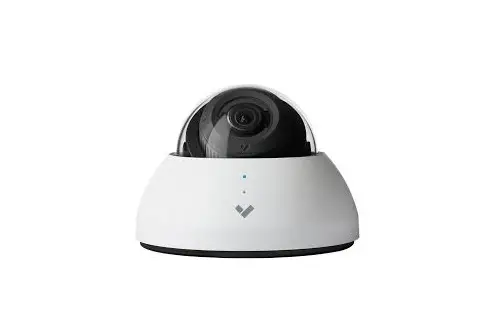

CD61 Indoor Dome Camera Setup
In the box
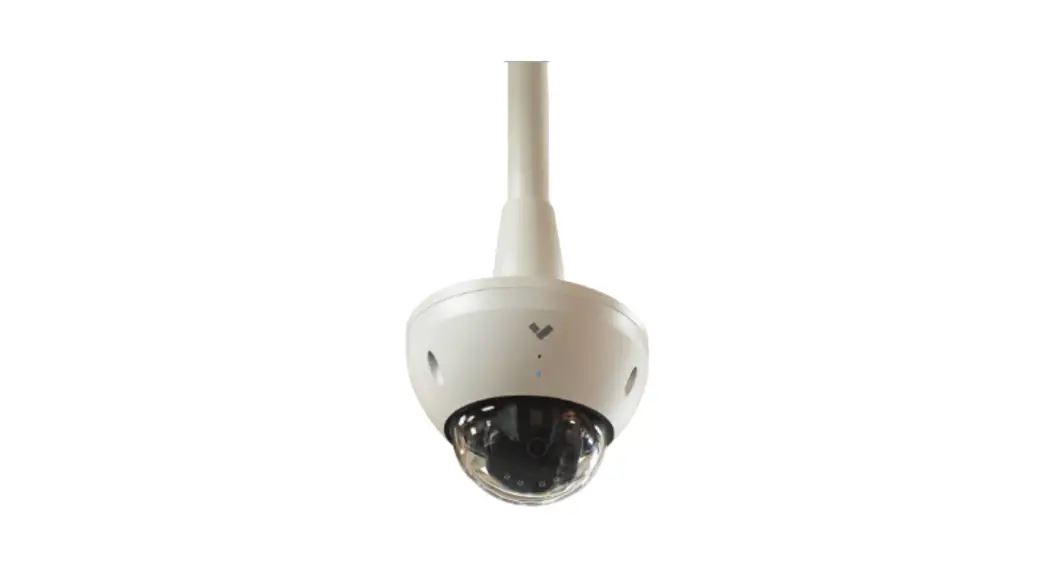
1 CD61 Indoor dome camera
1 Mount plate
1 Mounting template
1 T10 Security torx screwdriver
4 Mounting screws and wall anchors
3 Machine screws, washers, and wing nuts
What you’ll need
A working internet connection
802.3af Power over Ethernet (PoE) switch, or a PoE injector. For operation below -20° C, use 802.3at PoE.
A smartphone or laptop
A #2 Phillips screwdriver or power drill with a #2 Phillips driver bit
1/4 inch (6.5mm) drill bit for wall anchors
1/8 inch (3mm) drill bit for pilot holes
A Cat5 or Cat6 ethernet cable with a .2-.25 inch outside diameter (5-6.5mm)
Connect the camera to an 802.3af Power over Ethernet port on your network.
Go to www.verkada.com/start
For detailed installation instructions, visit www.verkada.com/support
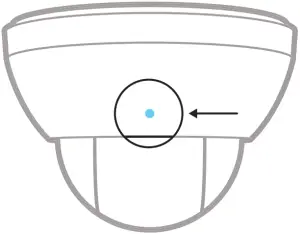 Status LED

Solid orange
Camera is on and booting up

Flashing orange
Camera is updating firmware

Flashing blue
Camera is recording, but cannot reach the server

Solid blue
Camera is running, connected, and streaming video
CD61 Assembly
Please keep the protective film adhered to the clear bubble until completing the final step of installation.
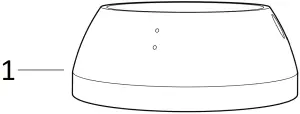
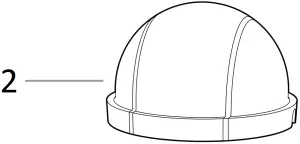
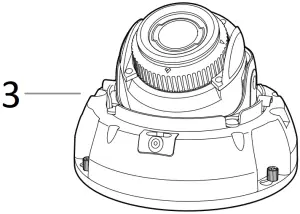
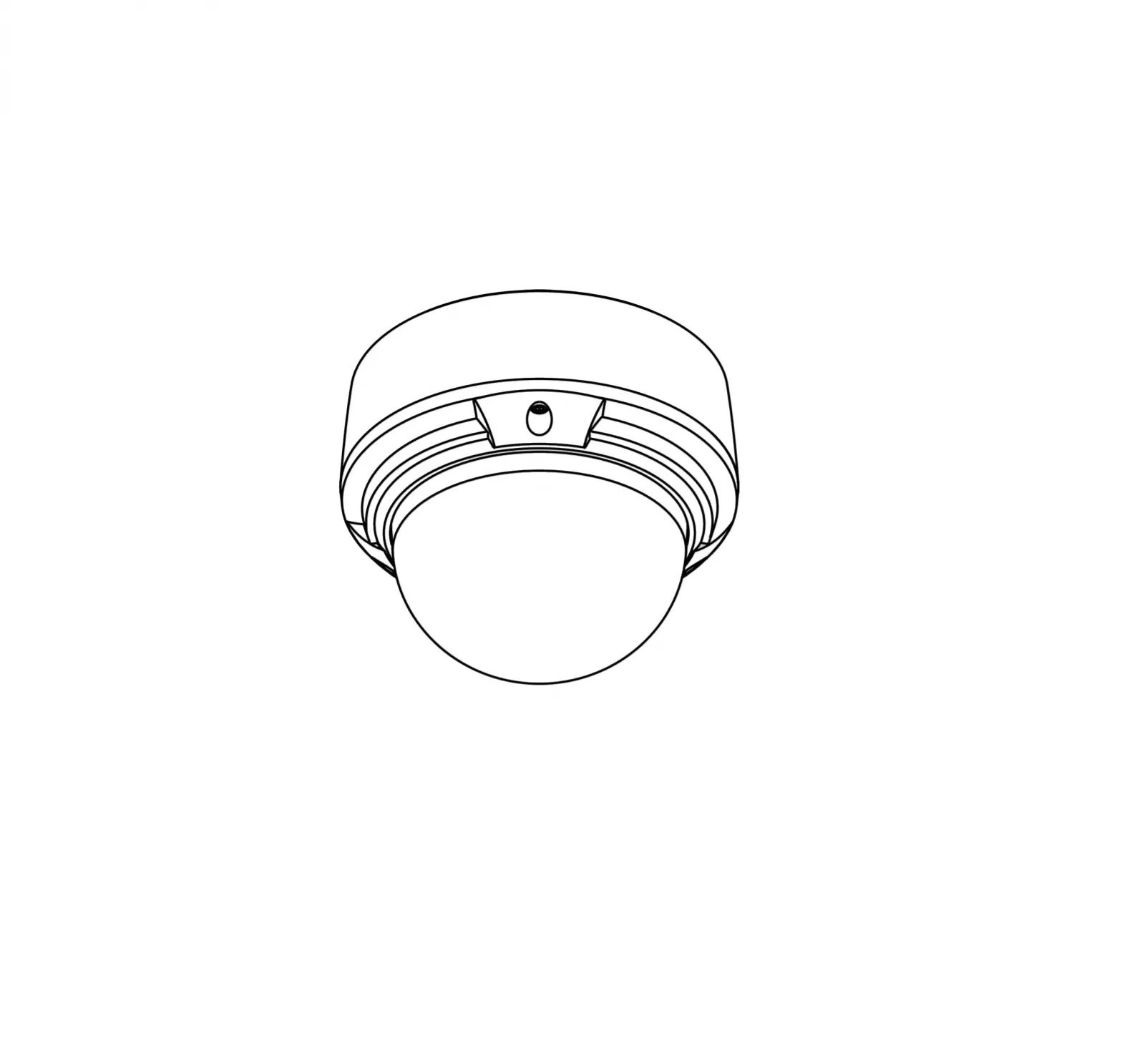
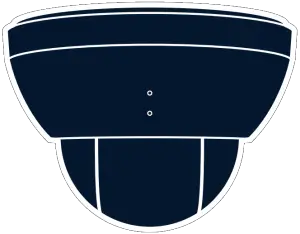
- Top Cover
- Clear bubble
- Camera Base
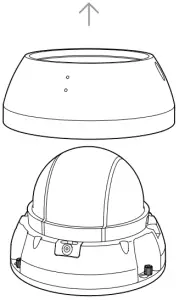
Unscrew the two torx security screws on the top cover. Remove and set aside, while taking caution not to scratch the clear bubble.
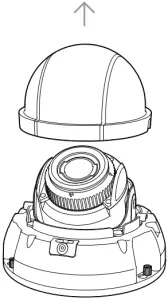
Gently lift the clear bubble off of the camera body. Due to the magnetic attachment system, there will be a small amount of resistance.
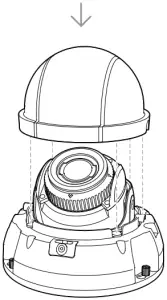
After mounting and positioning your camera correctly, carefully place the clear bubble back onto the camera base. The four magnets and two alignment features on either side will guide the bubble into position.
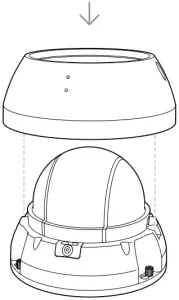
Carefully replace the top shell and tighten down the two torx security screws. Remove the plastic film after the top cover is secured.
Support
Thank you for purchasing a Verkada camera.
If for any reason things don’t work right or you need assistance, please contact us immediately.
Sincerely –
The Verkada Team
+1 (833) 837-5232
+1 (833) 837-5232
[email protected]
www.verkada.com/support