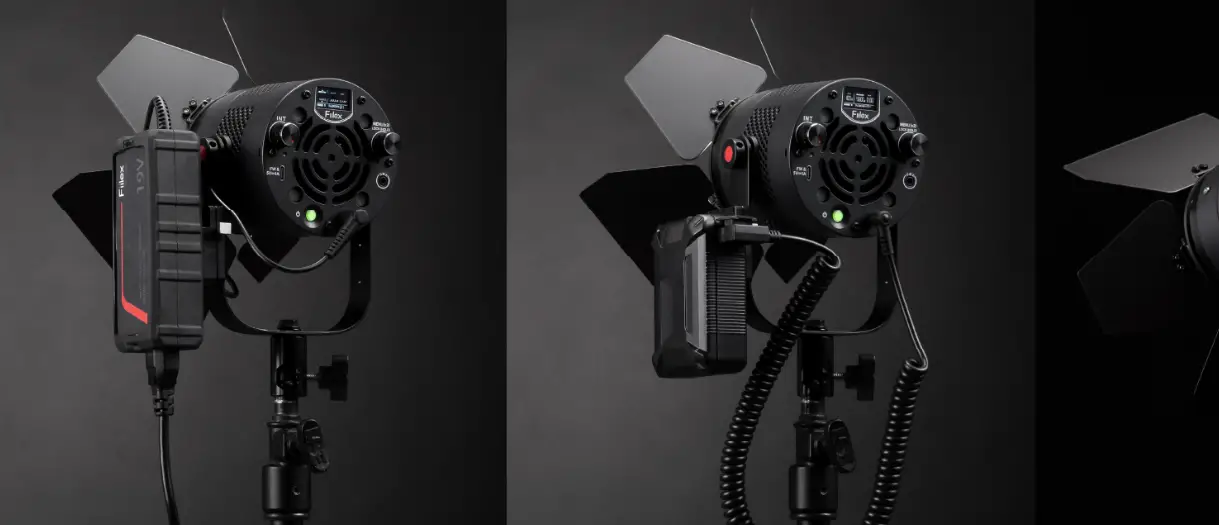

P3 Color LED Light
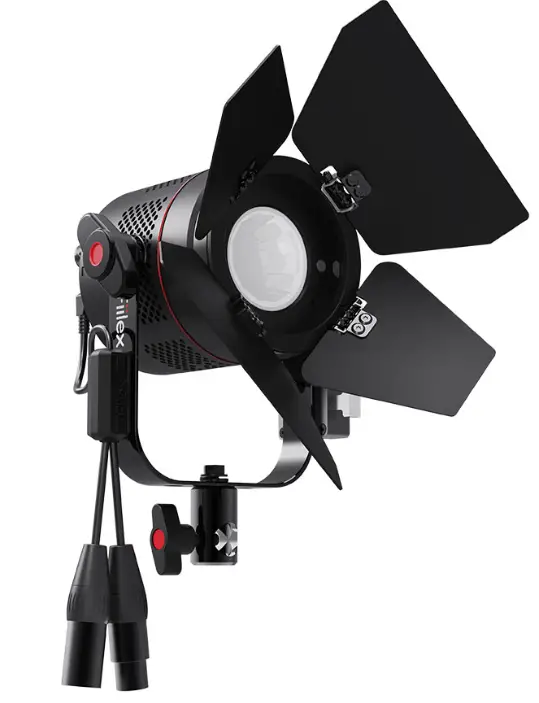
Product Information
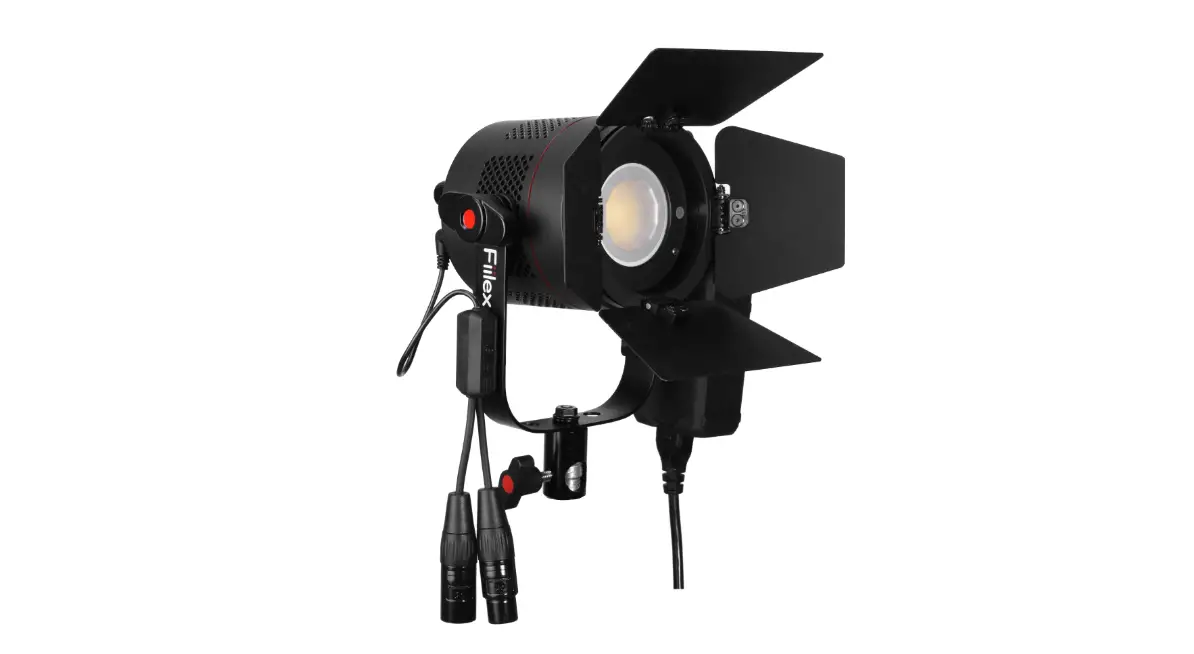
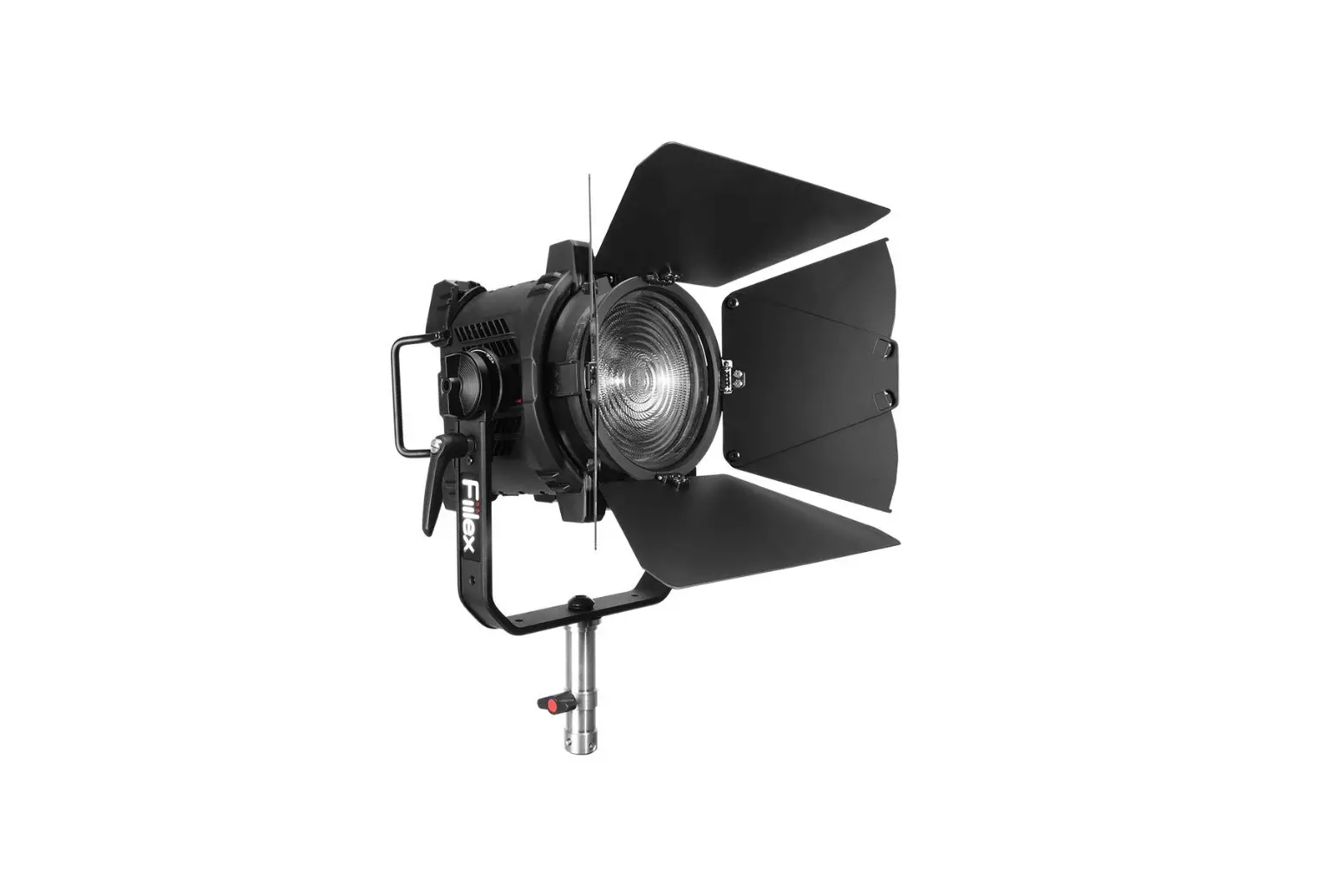
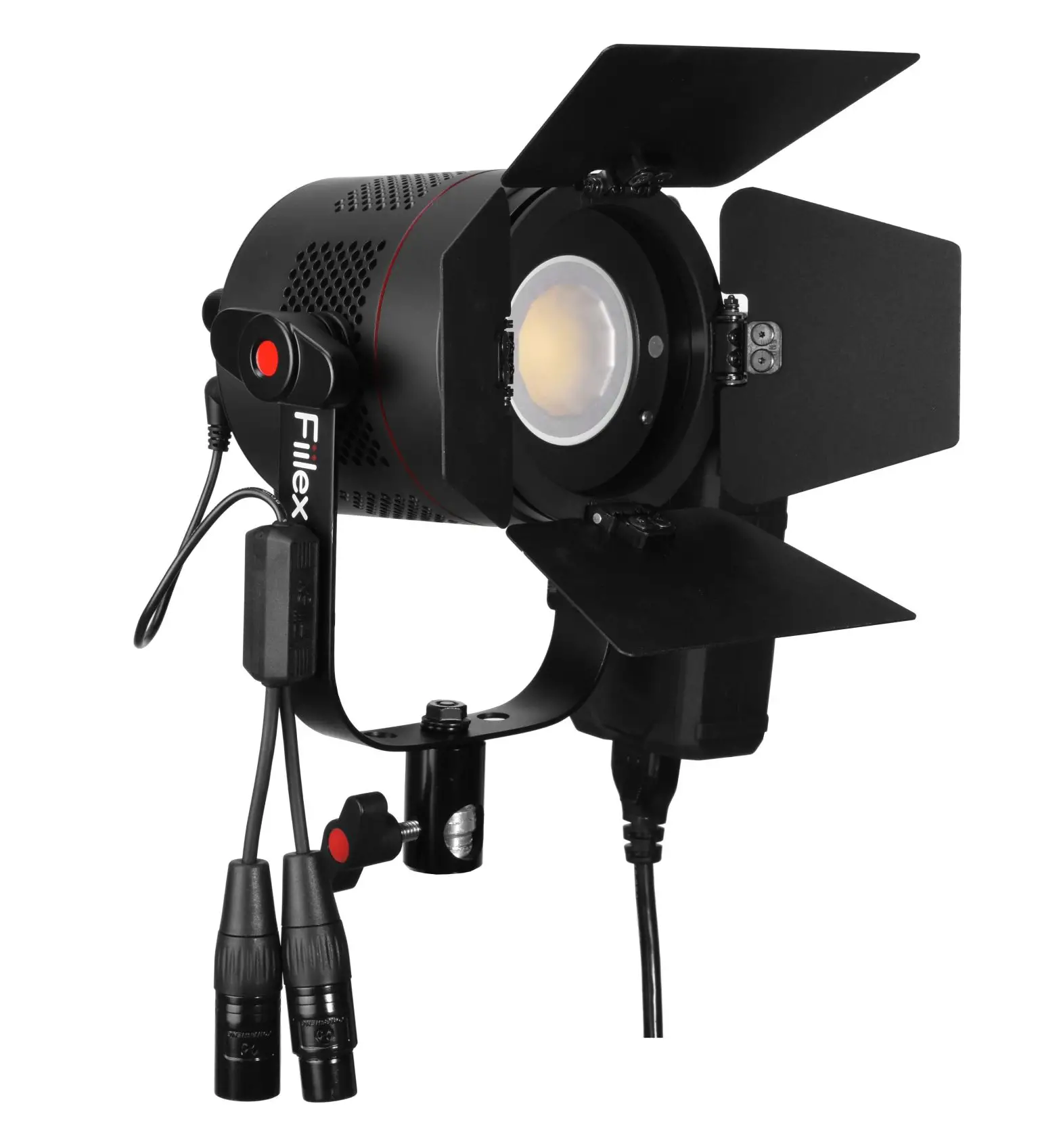
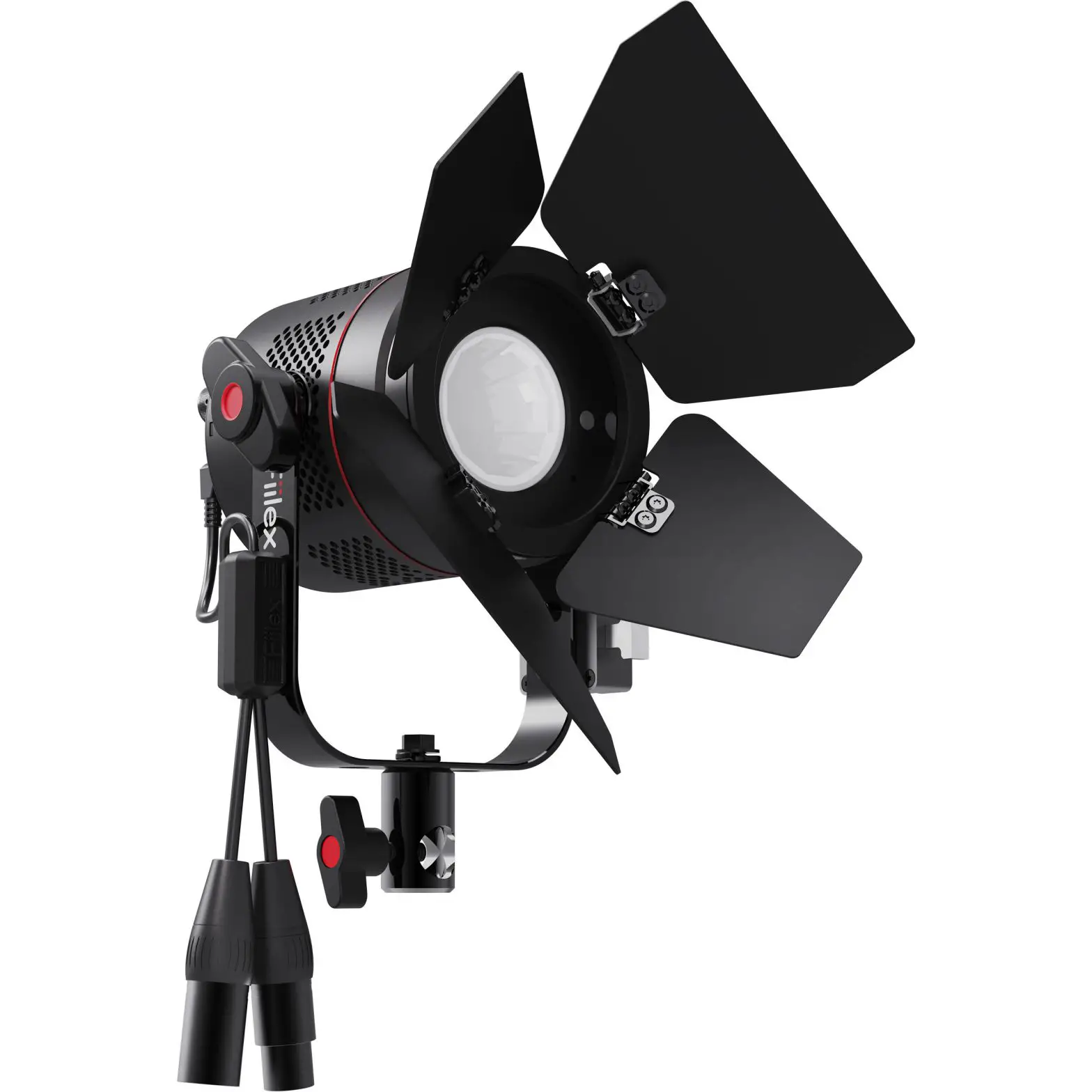
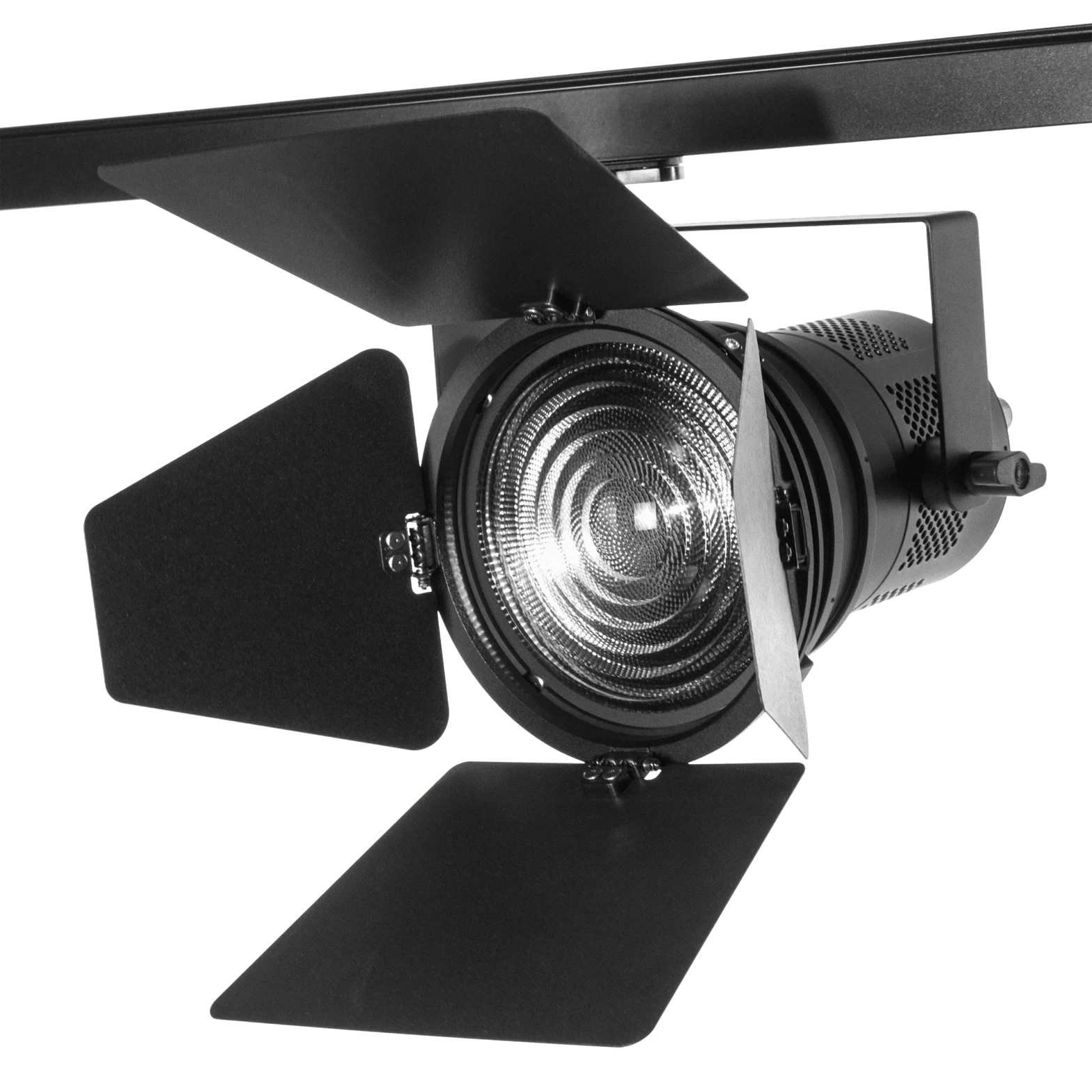
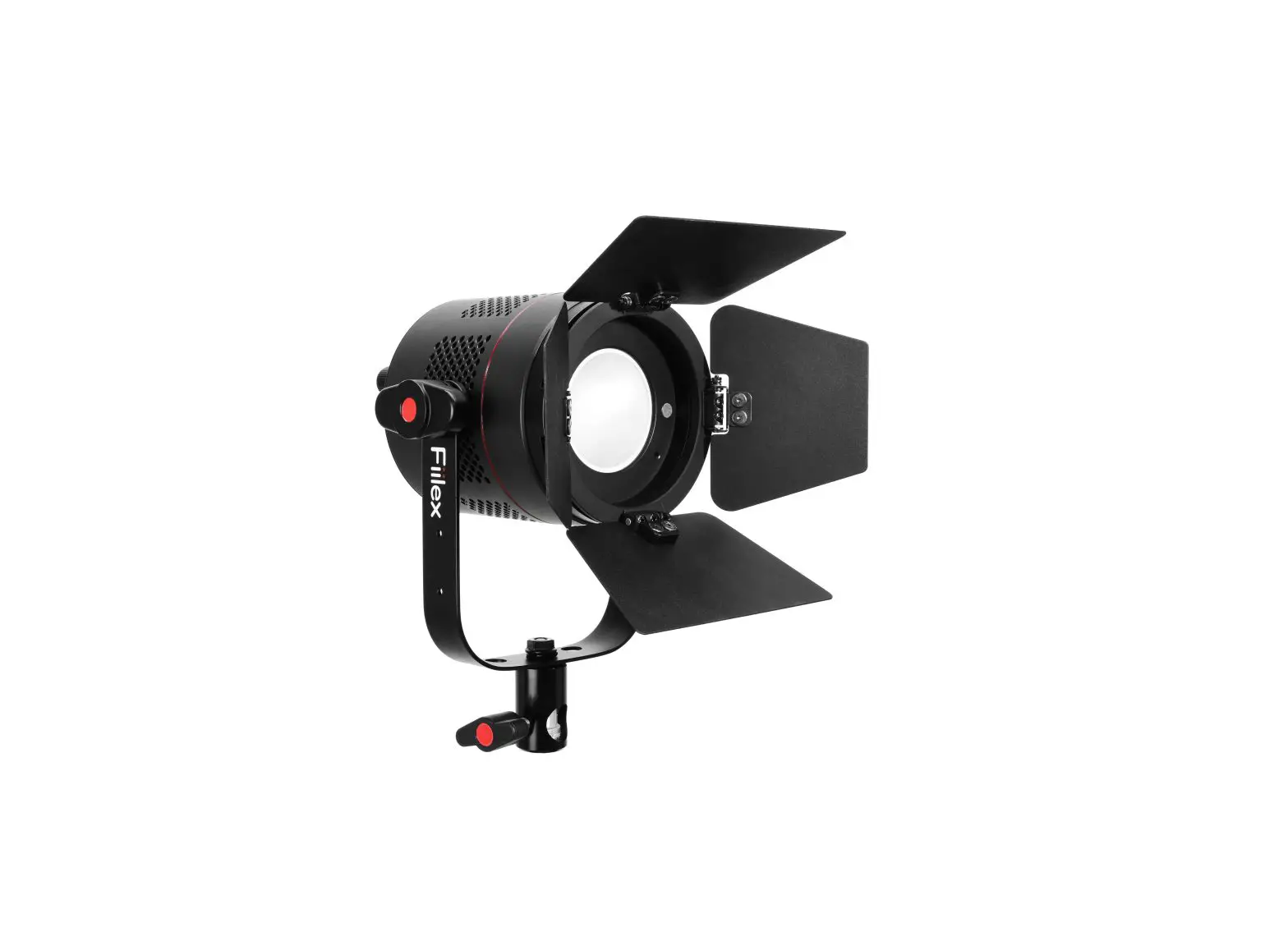
The product is a lighting fixture that comes with various parts and features, including:
- 4 Leaf Barndoor
- V-Mount
- Barndoor Slot
- Accessory Lock
- Barndoor Holder
- Side Air Vents
- Yoke Knob
- DMX Cable
- USB Type-C Port (For updating firmware & 5V/1A)
- Intensity Control Knob
- OLED Display
- Menu Knob
- Light Control Output Jack
- DC Power Input Jack
- ON/OFF Button
- Light Stand Adapter
- Power Adapter
- Yoke
Product Usage Instructions
Safety Instructions
Before using the product, please read the safety instructions included in the user guide to ensure safe usage.
Parts Diagram
Refer to the parts diagram in the user guide to identify and understand the different parts of the lighting fixture.
Fixture Operation
To operate the fixture, follow these steps:
- Use the Menu Knob to enter MODES.
- Navigate through modes and press the Menu Knob to select the desired mode.
- To exit the selected mode and return to the Main Menu, press the Menu Knob twice.
Fixture Control
The fixture can be controlled in two modes:
- Manual/Local: Use the Intensity Control Knob or the Menu Knob to control the parameters. Press the Menu knob for 3 seconds to lock the screen. Press for 3 seconds again to unlock.
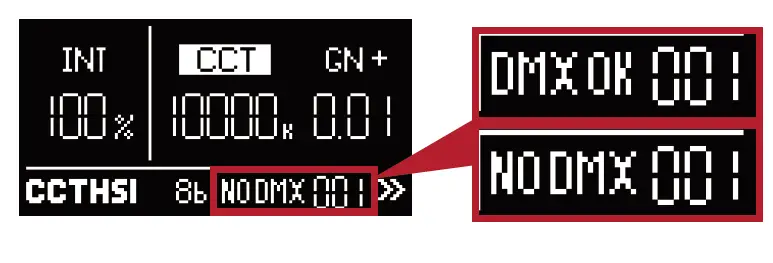
- DMX/RDM: The display shows DMX connection status, NO DMX or DMX OK.
Settings
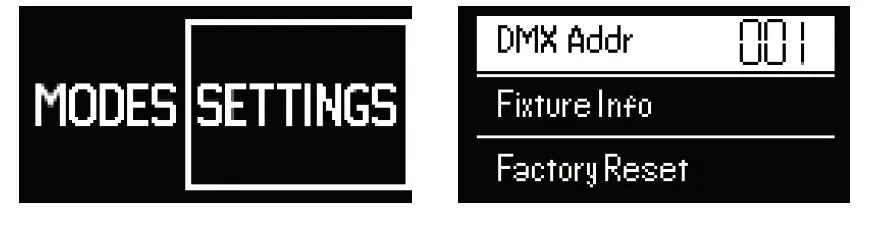
To enter and edit SETTINGS, use the Menu Knob and navigate to the right to access additional settings.
Info
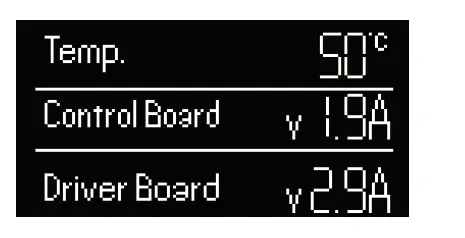
To view current fixture firmware versions and fixture temperature, access the INFO section.
For any further assistance, contact Fiilex at (510) 620-5155 or email [email protected]. Visit www.fiilex.com for more information.
Safety Instructions
- DO NOT disassemble P3 Color. This will void the warranty.
- DO NOT install P3 Color in damp or wet locations.
- DO NOT obstruct the fixture’s air vents.
- Use safety cable (not included) when rigging P3 Color overhead.
- Only use Fiilex approved power supply and accessories. Failure to do so may damage the fixture.
- Shields, lenses or ultraviolet screens shall be changed if they have become visibly damaged to such an extent that their effectiveness is impaired, for example by cracks or deep scratches.
- The lamp shall be changed if it has become damaged or thermally deformed.
- The luminaire is intended for professional use only.
- Do not look into the light source with any instrument that could concentrate the light output: this includes magnifiers,
binoculars, telescopes, etc. - This fixture corresponds to Risk Group 1 according to EN 62471 under normal operation condition, which considers all photobiological risks. It corresponds to Risk Group 1 according to EN 62778 under those conditions, which considers risk from blue light only.
- The light output can potentially cause eye injury if stared at for a prolonged period of time
Parts Diagram
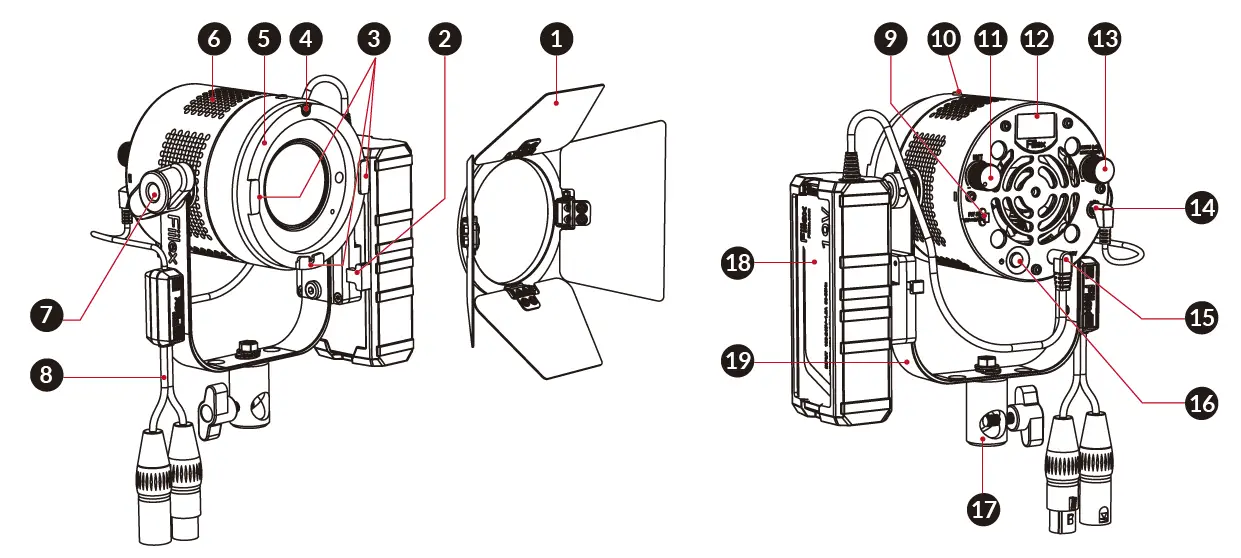
- 4 Leaf Barndoor
- V-Mount
- Barndoor Slot
- Accessory Lock
- Barndoor Holder
- Side Air Vents
- Yoke Knob
- DMX Cable
- USB Type-C Port
(For updating firmware & 5V/1A) - Accessory Lock Release
- Intensity Control Knob
- OLED Display
- Menu Knob
- Light Control Output Jack
- DC Power Input Jack
- ON/OFF Button
- Light Stand Adapter
- Power Adapter
- Yoke
Fixture Operation
- Mode Selection
Use Menu Knob to enter MODES, then navigate through modes and press Menu Knob to select the desired mode. Press the Menu Knob twice to exit the selected Mode and return to the Main Menu.
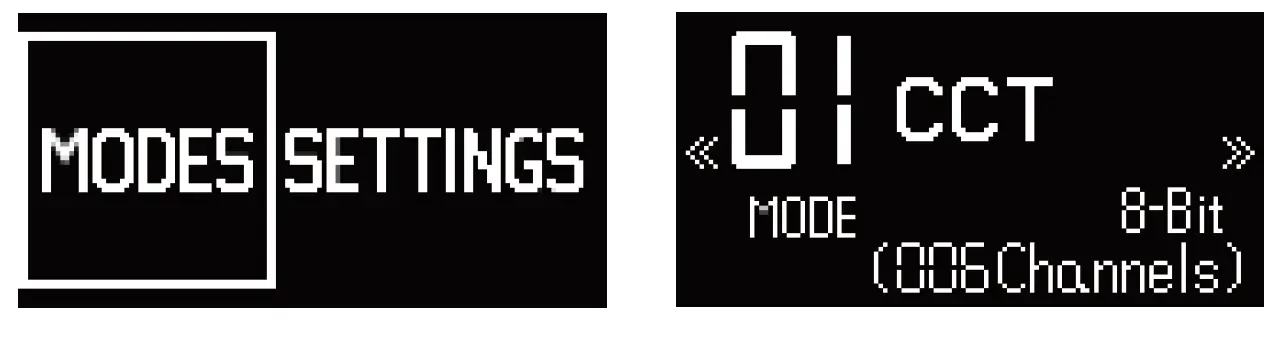
- Fixture Control
1 Manual / Local :
Use Intensity Control Knob or the Menu Knob to control the parameters.
Press the Menu knob for 3 seconds to lock the screen. Press for 3 seconds again to unlock.

2 DMX / RDM :
Display shows DMX connection status, NO DMX or DMX OK.
Settings
Use Menu Knob to enter and edit SETTINGS. Navigate to the right to access additional settings.
Info
View current fixture firmware versions and fixture temperature.
1689 Regatta Blvd. Richmond, CA 94804 | (510) 620-5155 | [email protected]
 Fiilex LED Lights