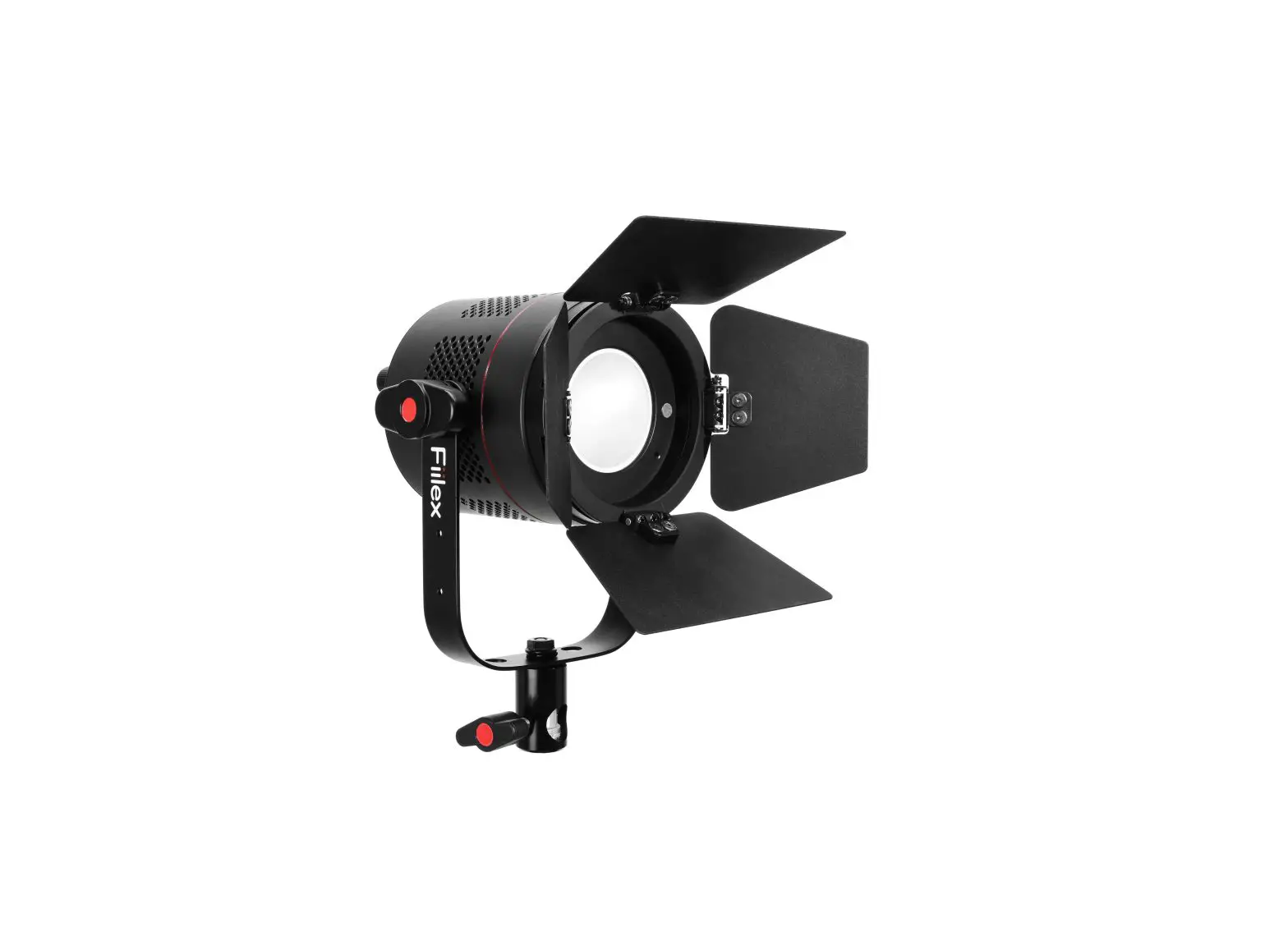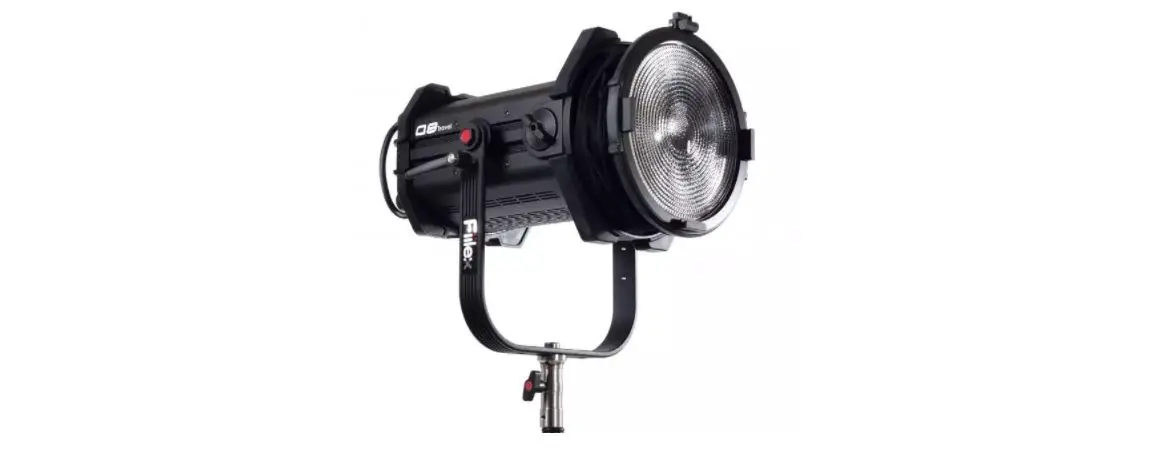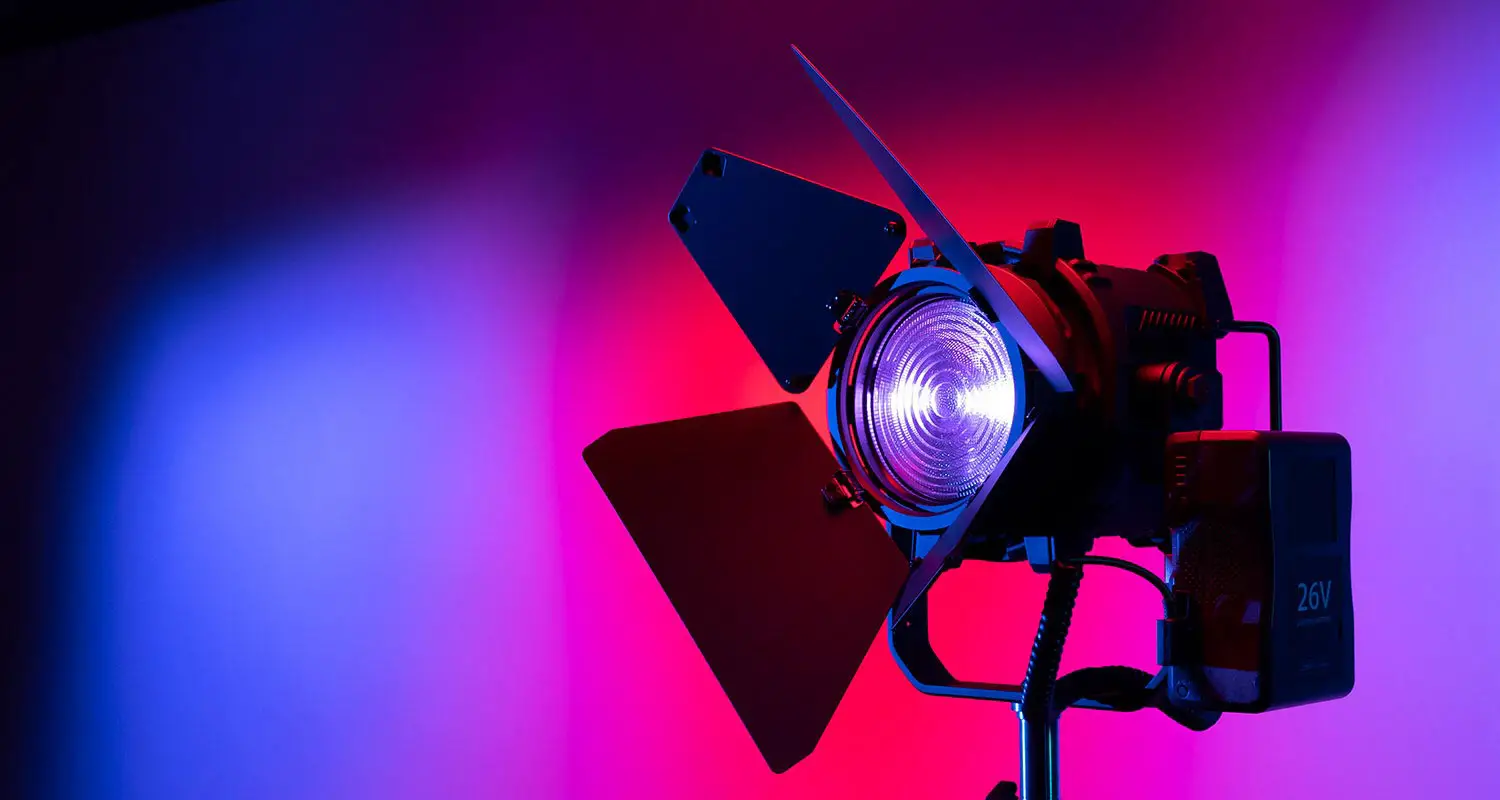
Fiilex P360S Portable LED Light
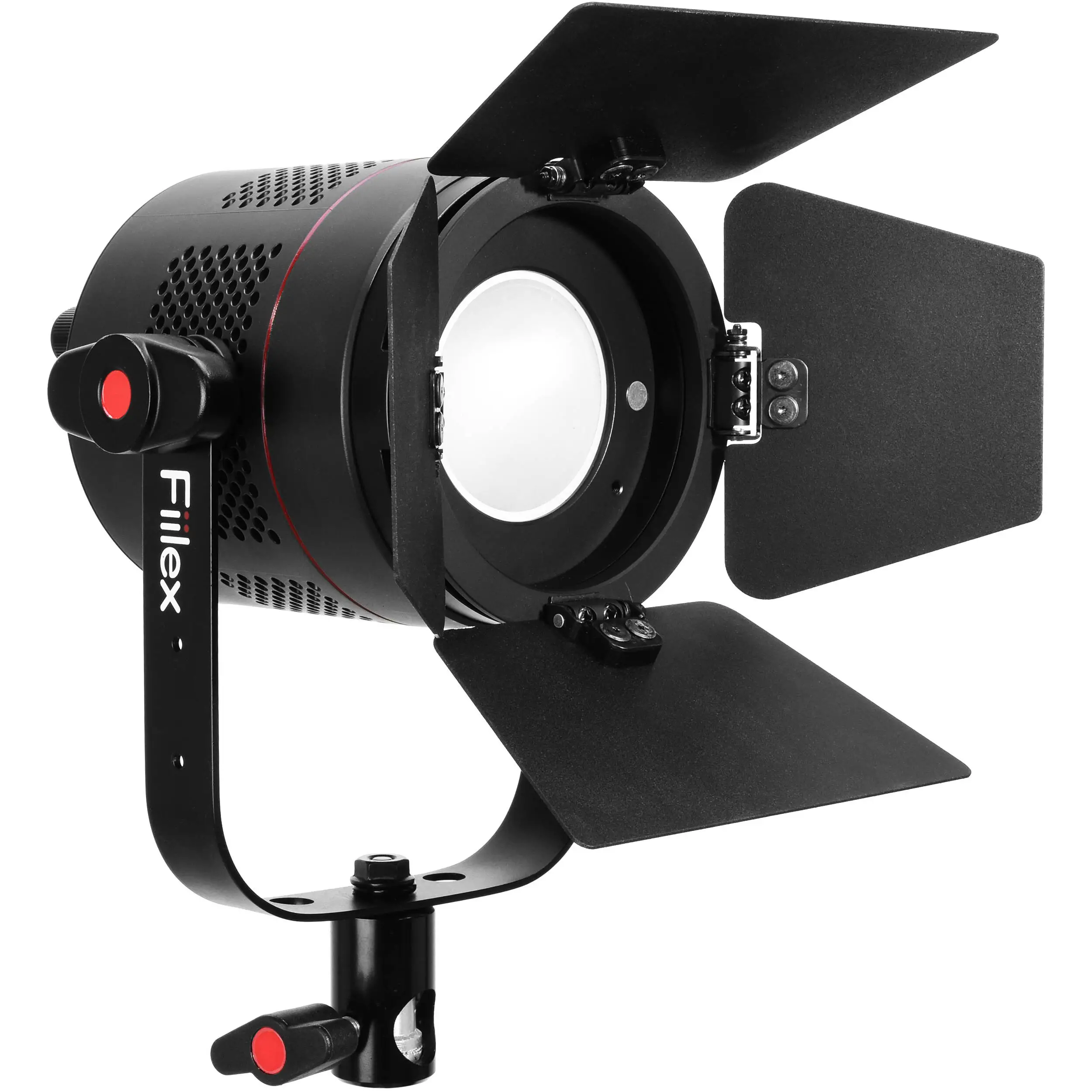
Safety Instructions
- DO NOT look into the light source. Be cautious of the high-intensity beam.
- DO NOT disassemble P360S. This will void the warranty.
- DO NOT install P360S in damp or wet locations.
- DO NOT obstruct the fixture’s air vents.
- Use safety cable (not included) when rigging P360S overhead.
- Only use Fiilex approved power supply and accessories. Failure to do so may damage the fixture.
Mode Selection
| Intensity | Turn the Intensity Knob (13) to adjust brightness. |
| CCT | Turn the CCT Knob (7) to adjust color temperature. |
| HUE (Magenta/Green) | Double click the HUE Knob (7) to adjust HUE value. |
| DMX Control | Double click the DMX Knob (13) to set DMX address (Range: 1 – 510). |
Parts Diagram
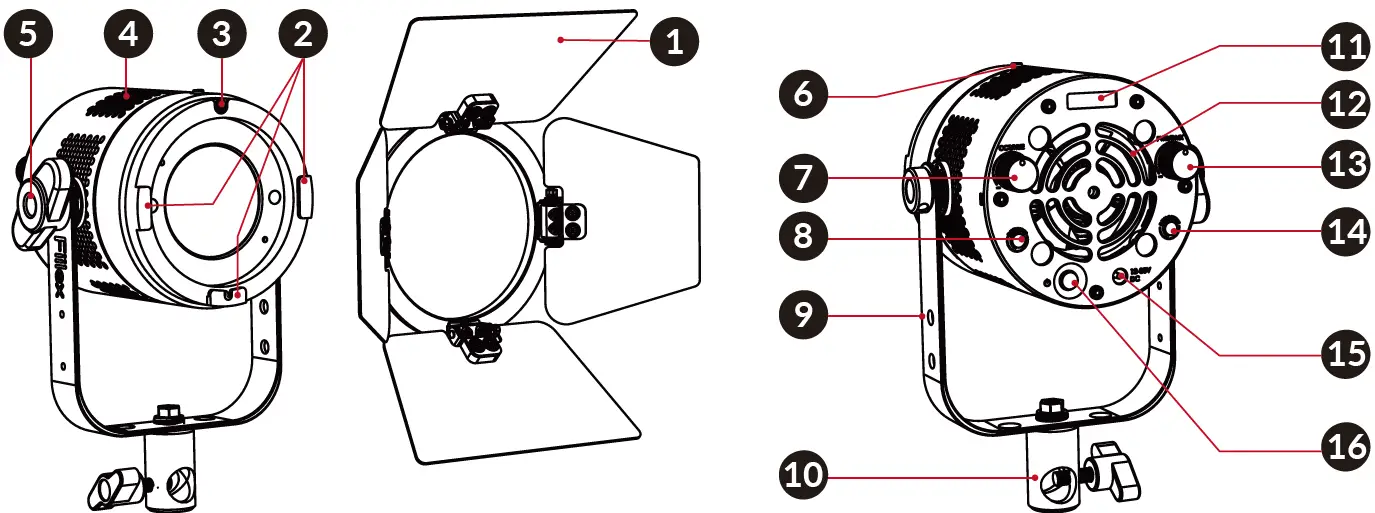
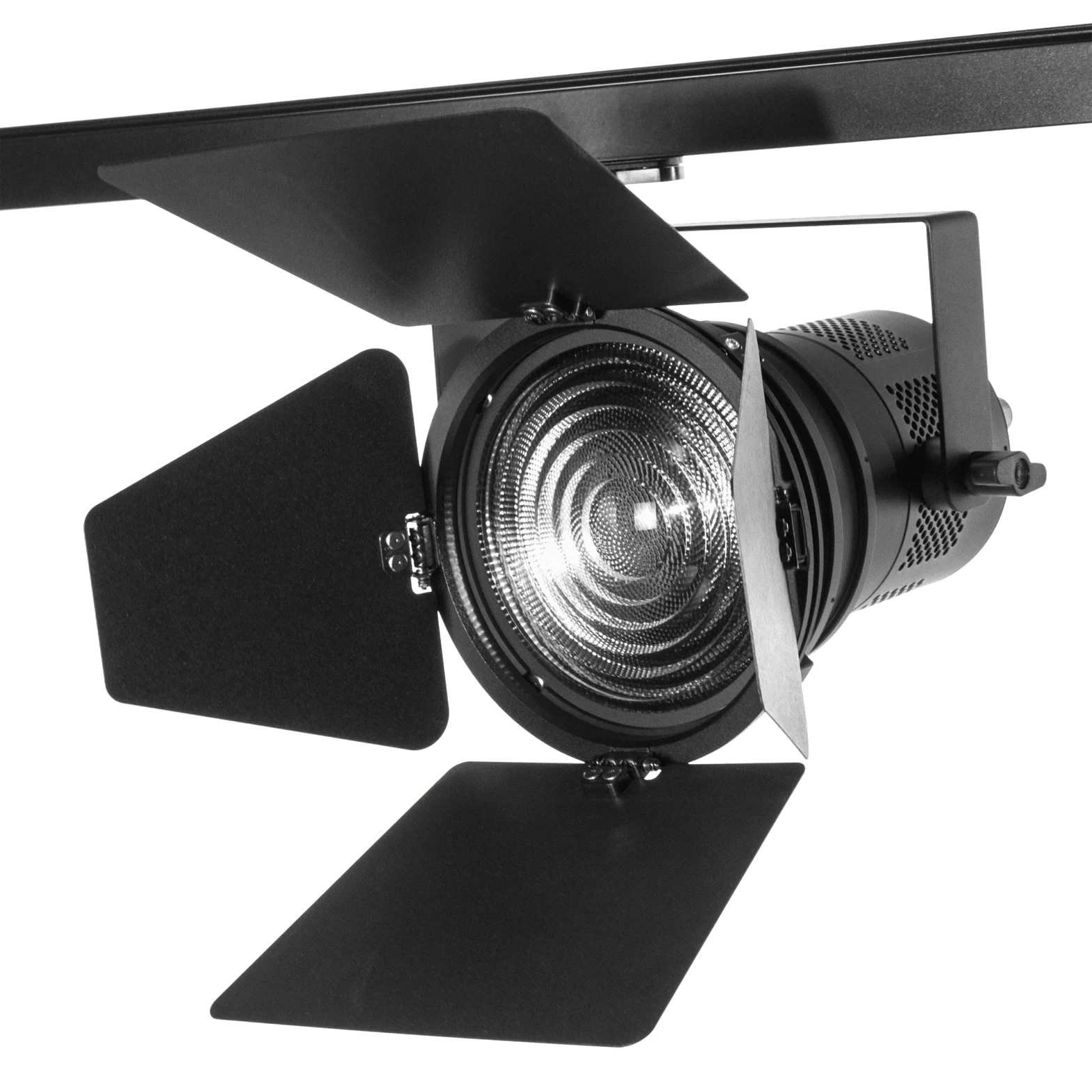
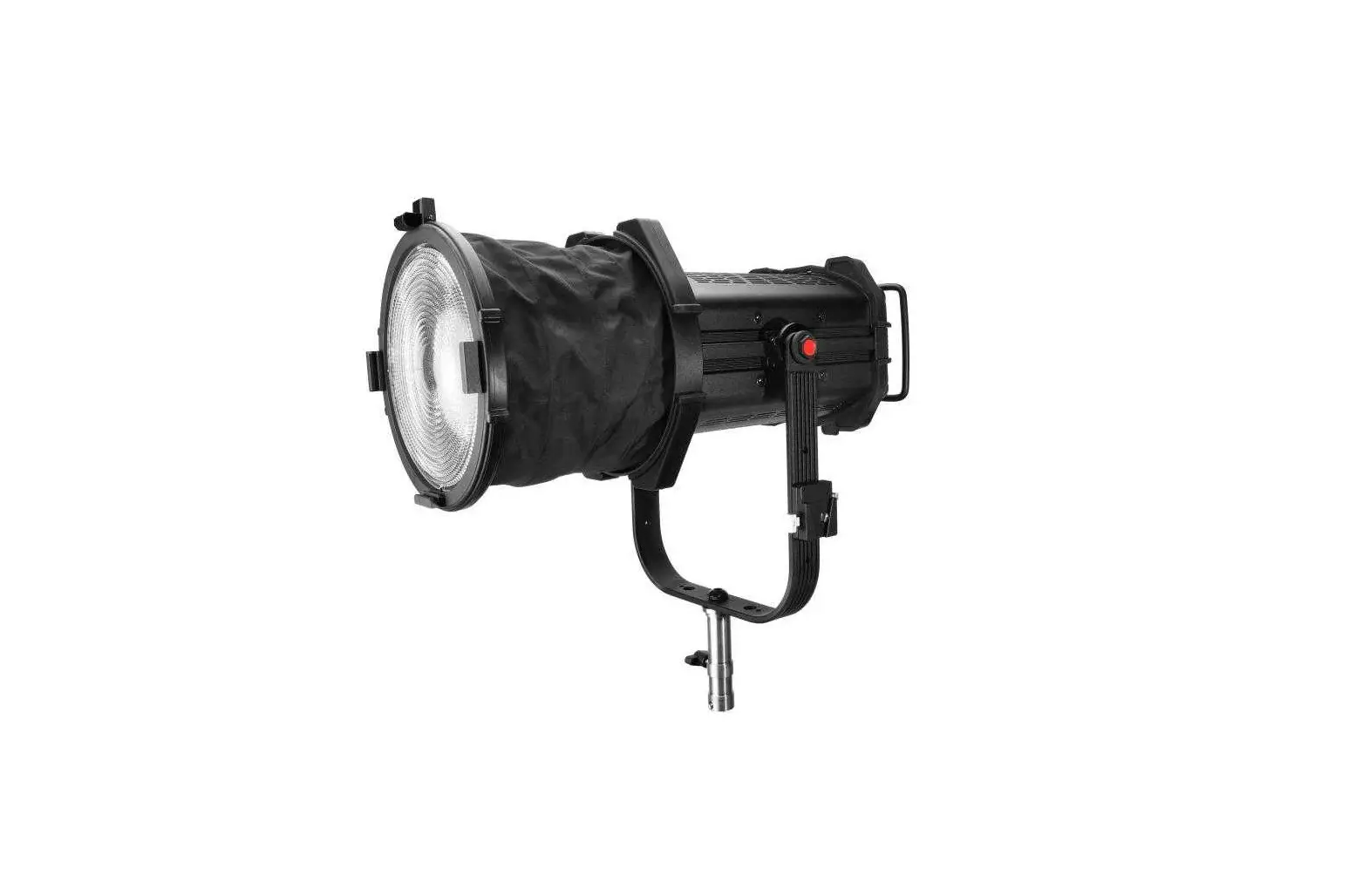
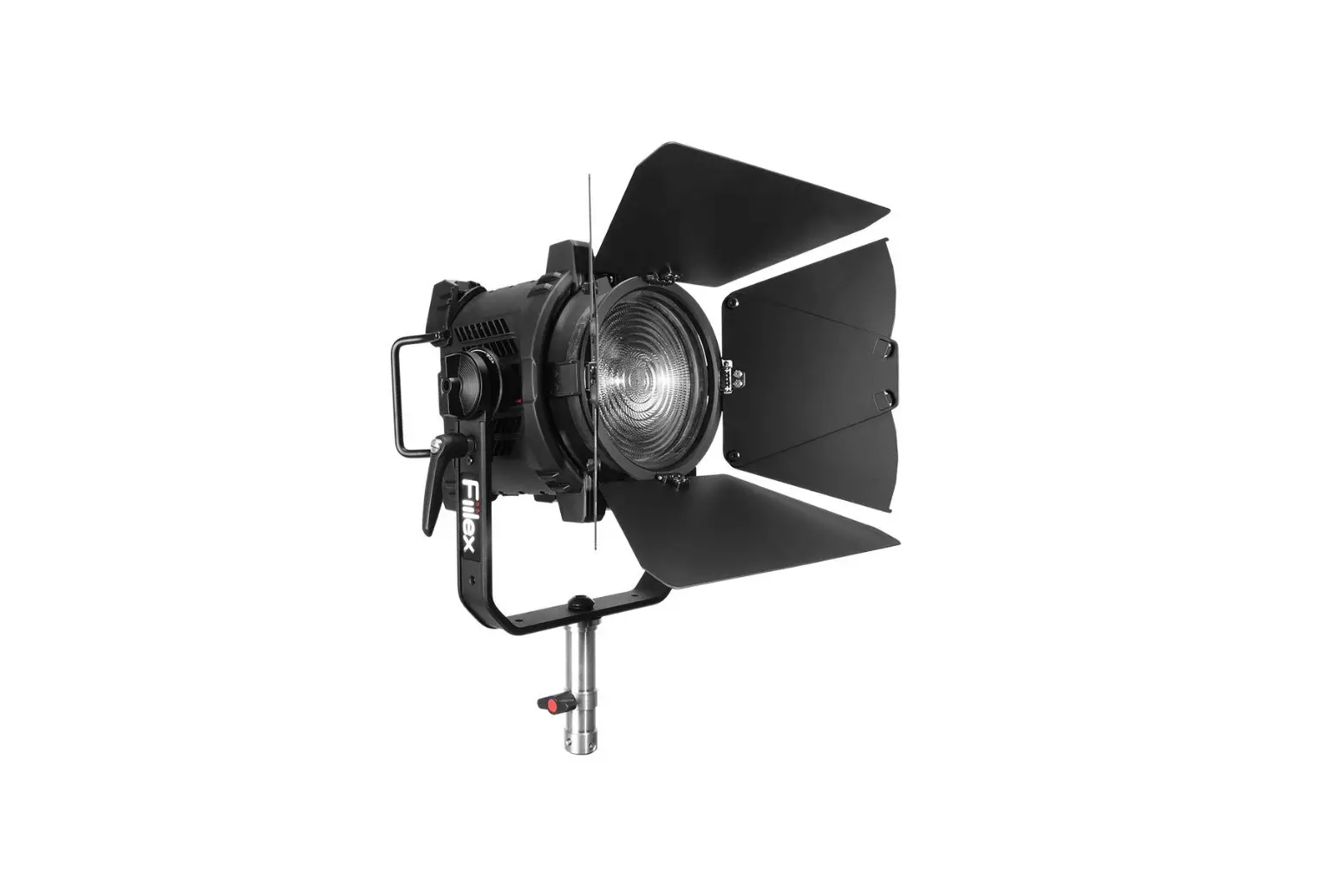
- 4-leaf Barndoor
- Barndoor Slot
- Accressory Lock
- Side Vents
- Yoke Knobs
- Accessory Lock Release
- CCT/HUE Knob
- Light Control Input Jack
- Yoke
- Light Stand Adapter
- OLED Display
- Rear Vents
- Intensity / DMX Knob
- Light Control Output Jack
- DC Power Input Jack
- ON/OFF Button
1689 Regatta Blvd. Richmond, CA 94804
(510) 620-5155
[email protected]