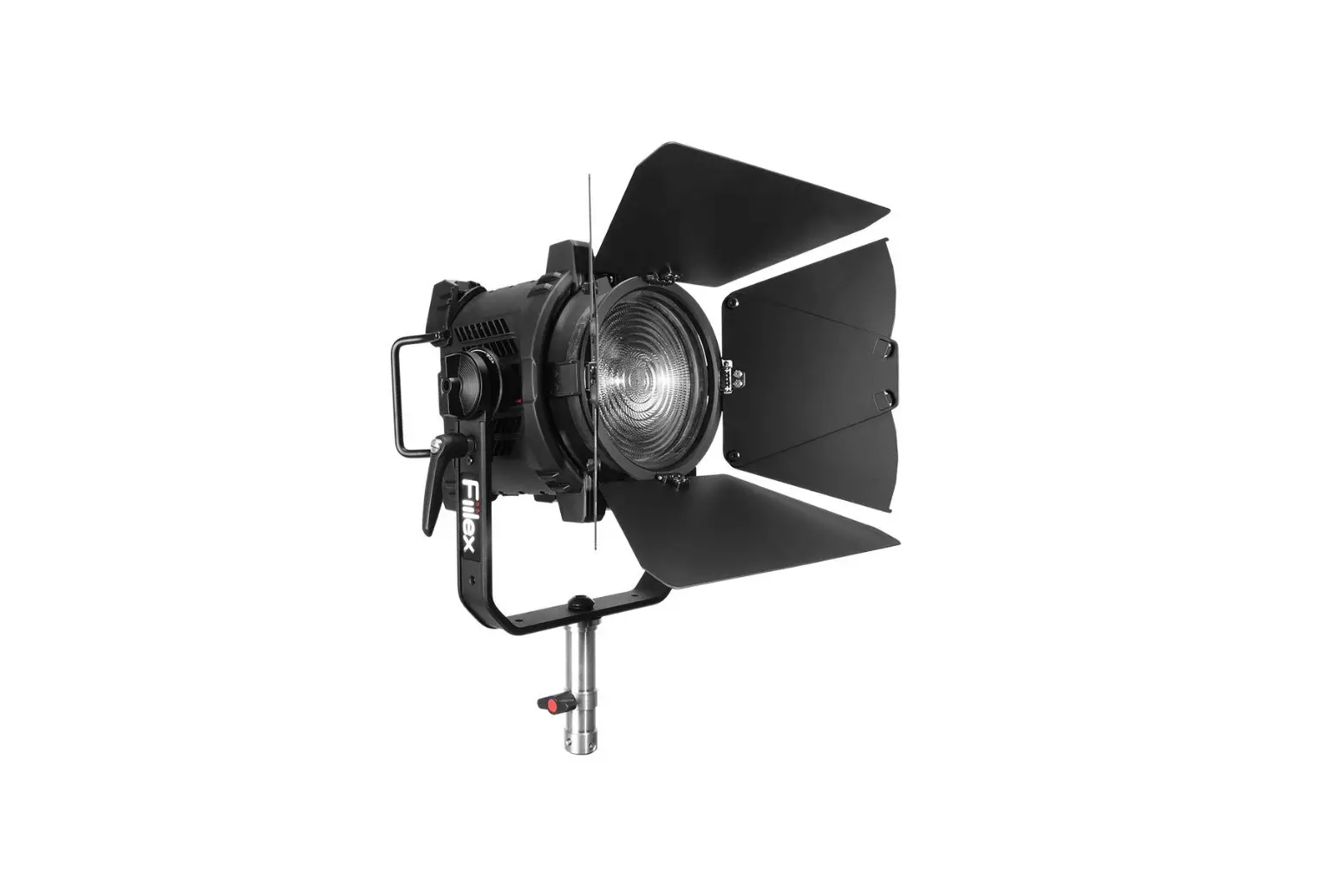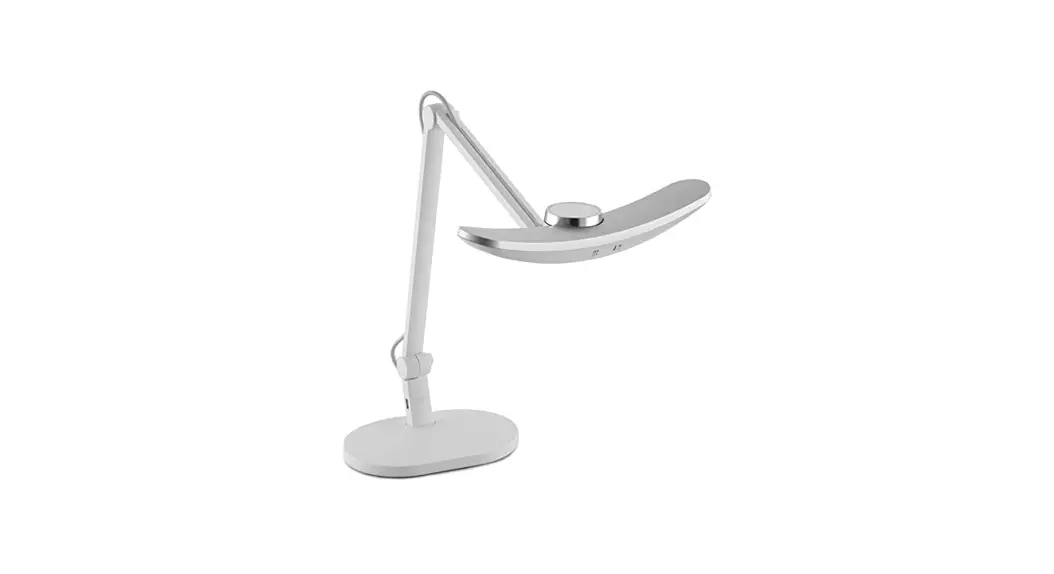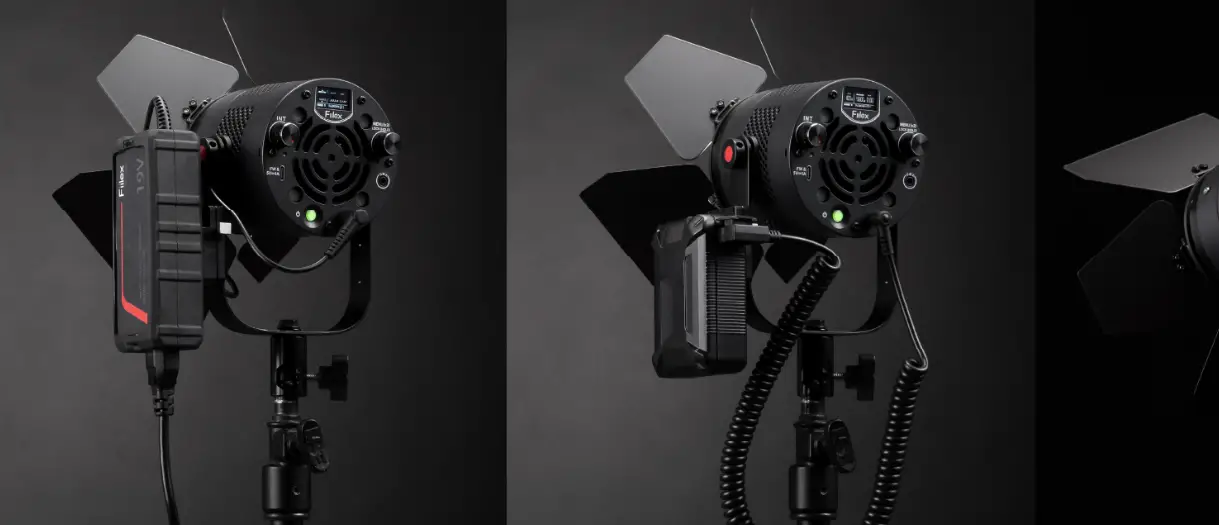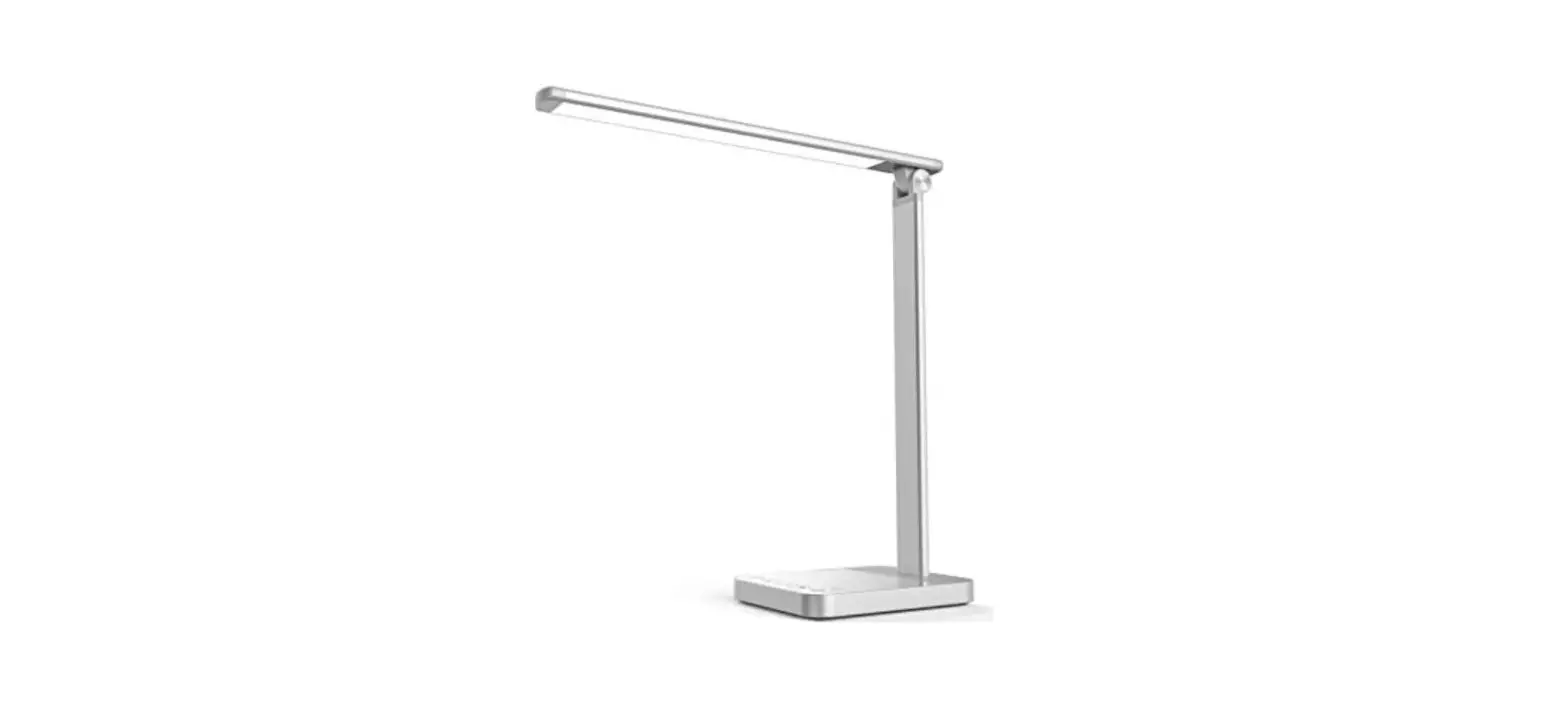
Fiilex V360 Versatile Viewing Lamp User Guide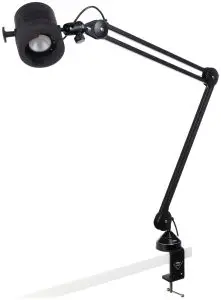
Safety Instructions
- DO NOT look into the light source. Be cautious of the high-intensity beam.
- DO NOT disassemble V360. This will void the warranty.
- DO NOT install V360 in damp or wet locations.
- DO NOT obstruct the fixture’s air vents.
- Only use Fiilex approved power supply and accessories. Failure to do so may damage the fixture.
Fixture Settings
Intensity | Turn the Intensity Knob (11) to adjust brightness. |
CCT | Turn the CCT Knob (7) to adjust color temperature |
DMX Control | Double click the DMX Knob (11) to set a DMX address (Range: 1 – 510). When a DMX address is selected, the fixture will automatically assign the next addresses in the following order: 1. Intensity 2. CCT |
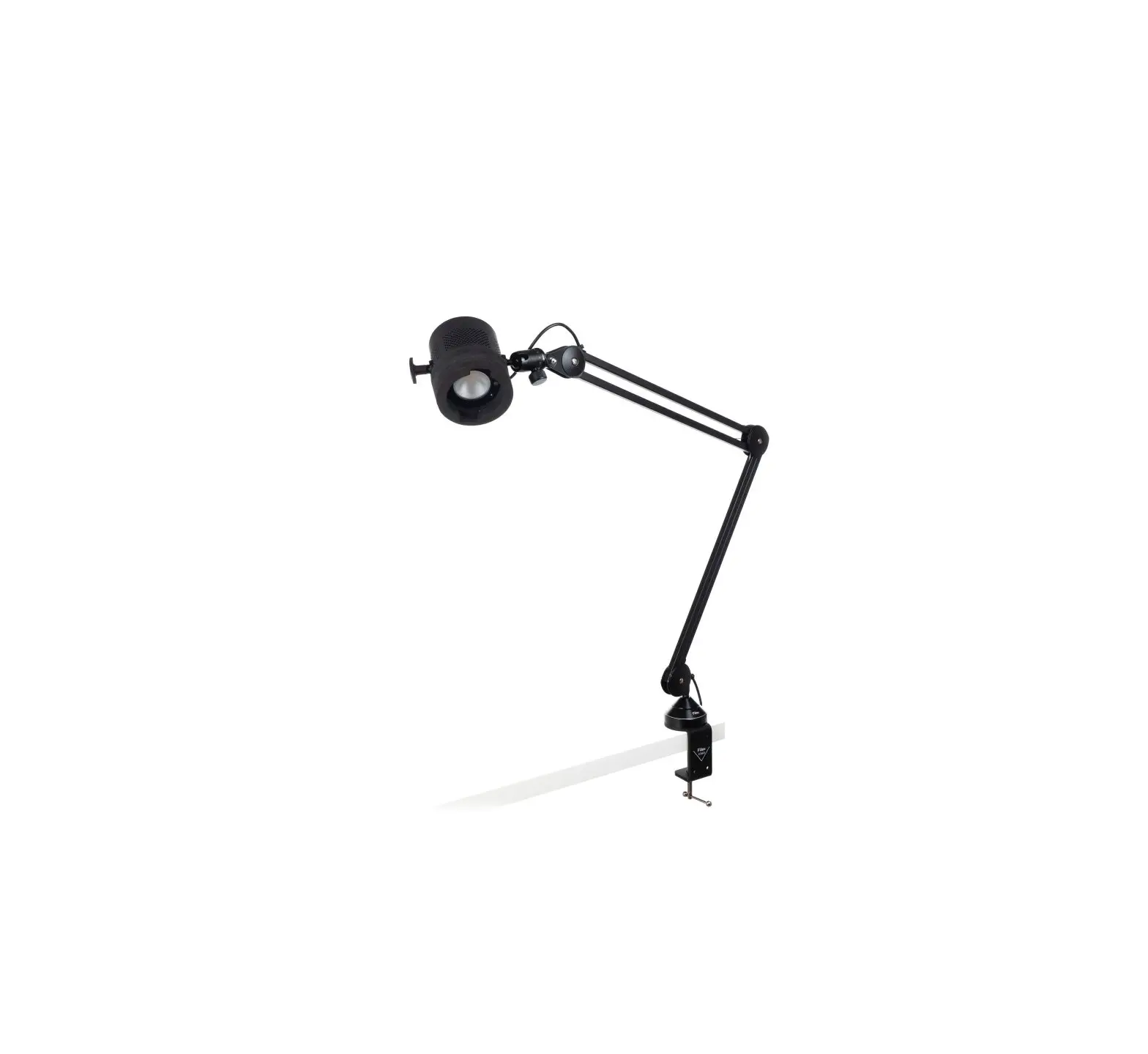
Parts Diagram
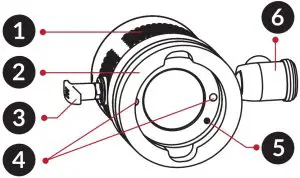
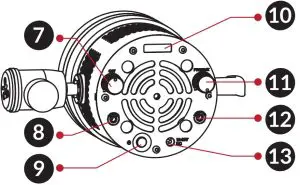
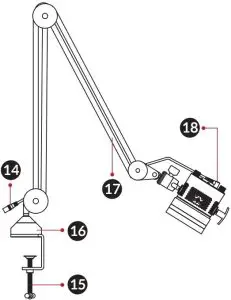
- Side Vents
- Foam Rubber Bumper
- Handle
- Accessory Locking Magnet
- Accessory Locking Pin
- Ball Joint (To adjust the tilt angle of the fixture)
- CCT Knob
- DMX Input Jack
- On / Off Button
- OLED Display
- Intensity / DMX Knob
- DMX Output Jack
- DC Power Input Jack
- Power Cable
- Clamp Knob (Turn it clockwise to mount the fixture)
- Desk Mount
- Adjustable Arm
- DC Power Plug
Customer Support
1689 Regatta Blvd. Richmond, CA 94804
Phone: (510) 620-5155
Email: [email protected]
Web: http://www.fiilex.com/