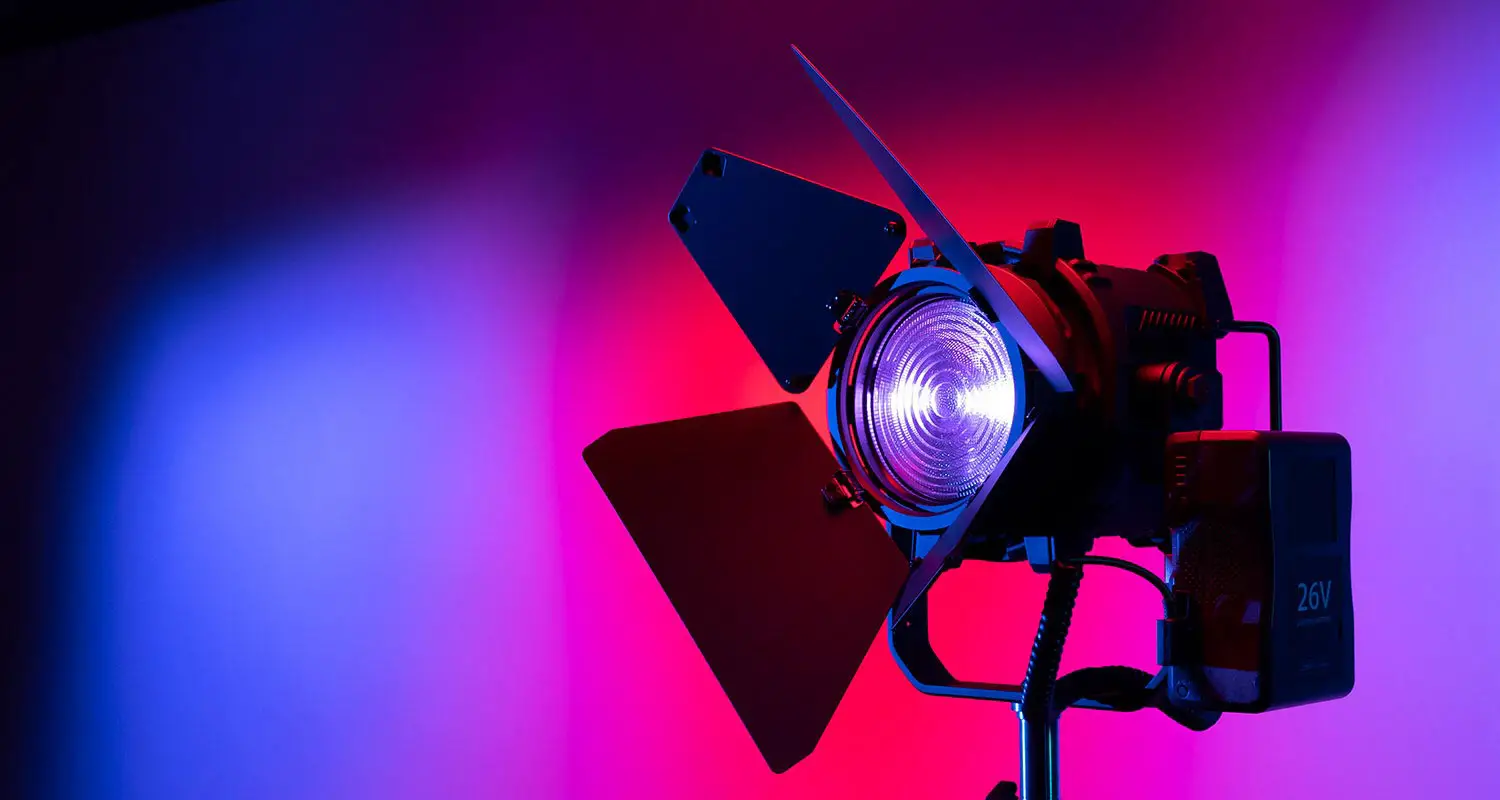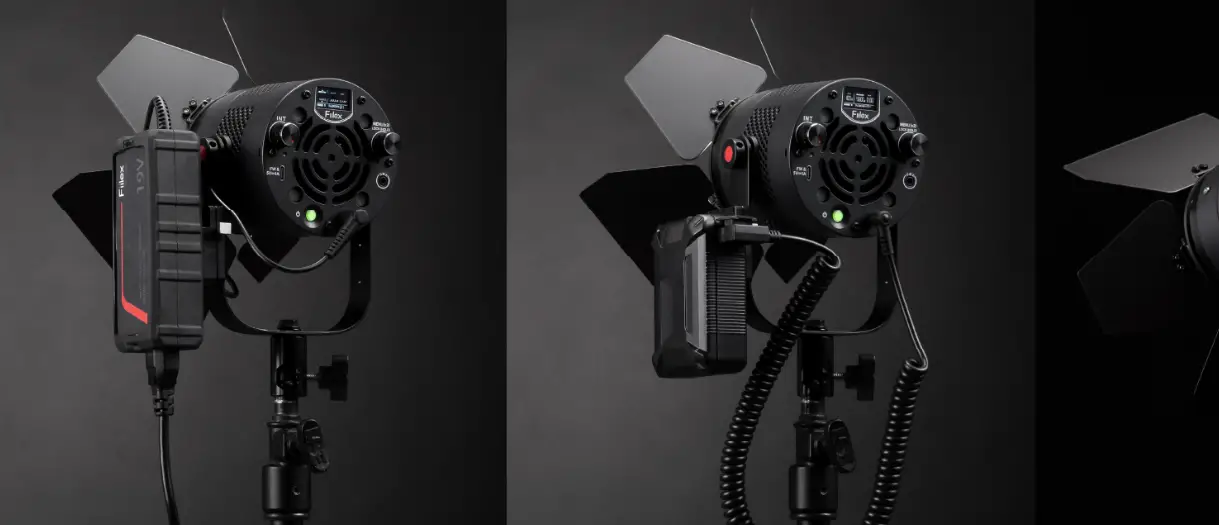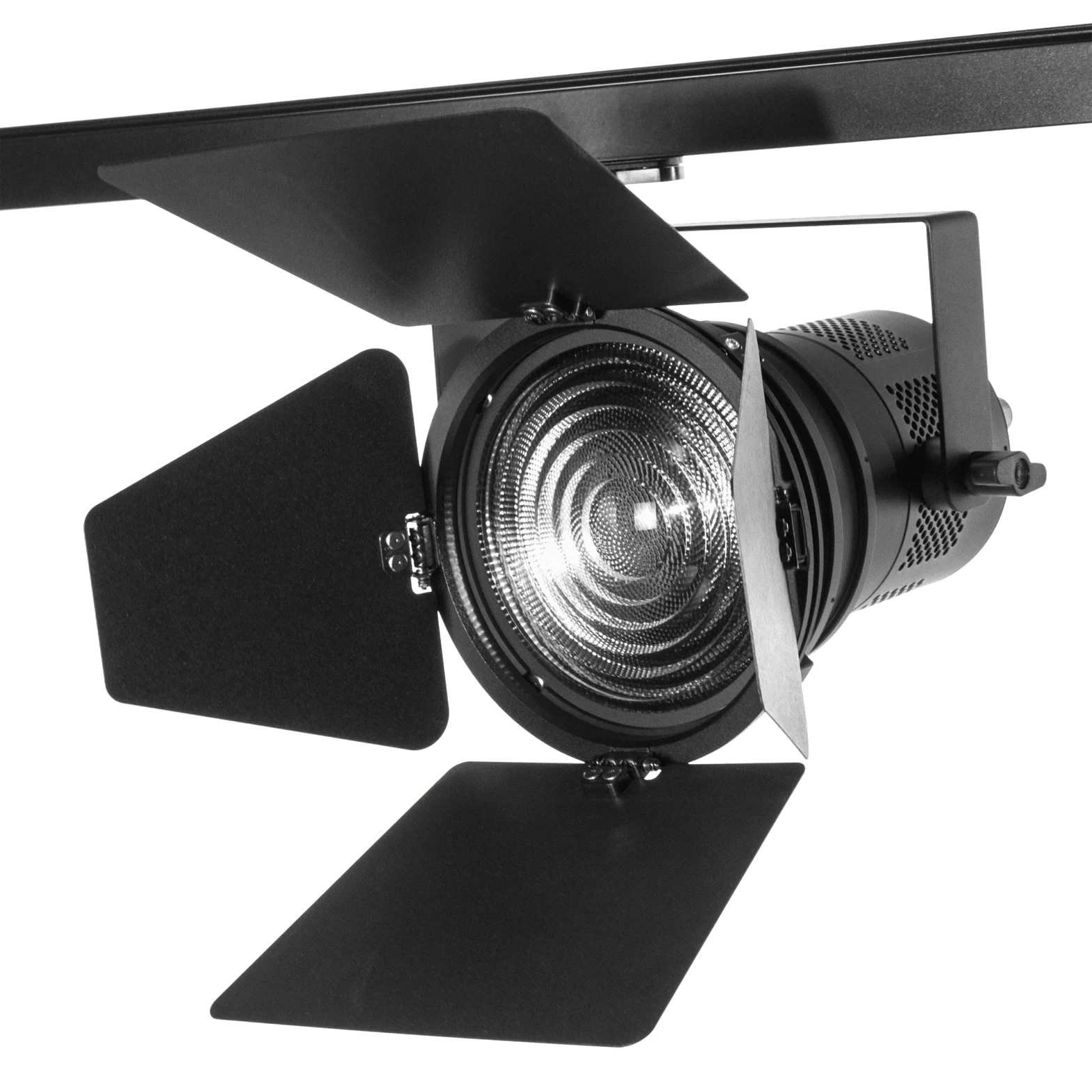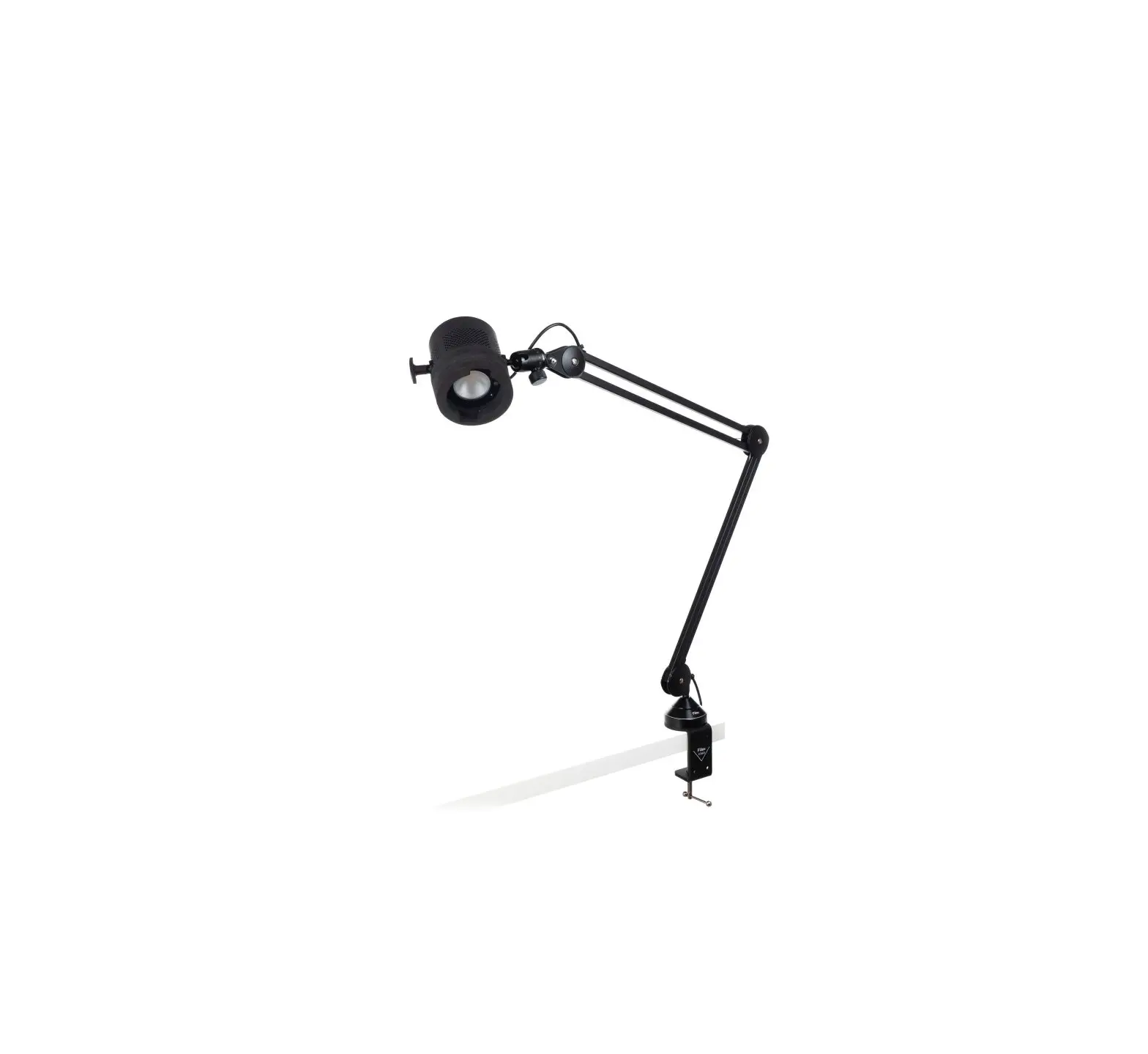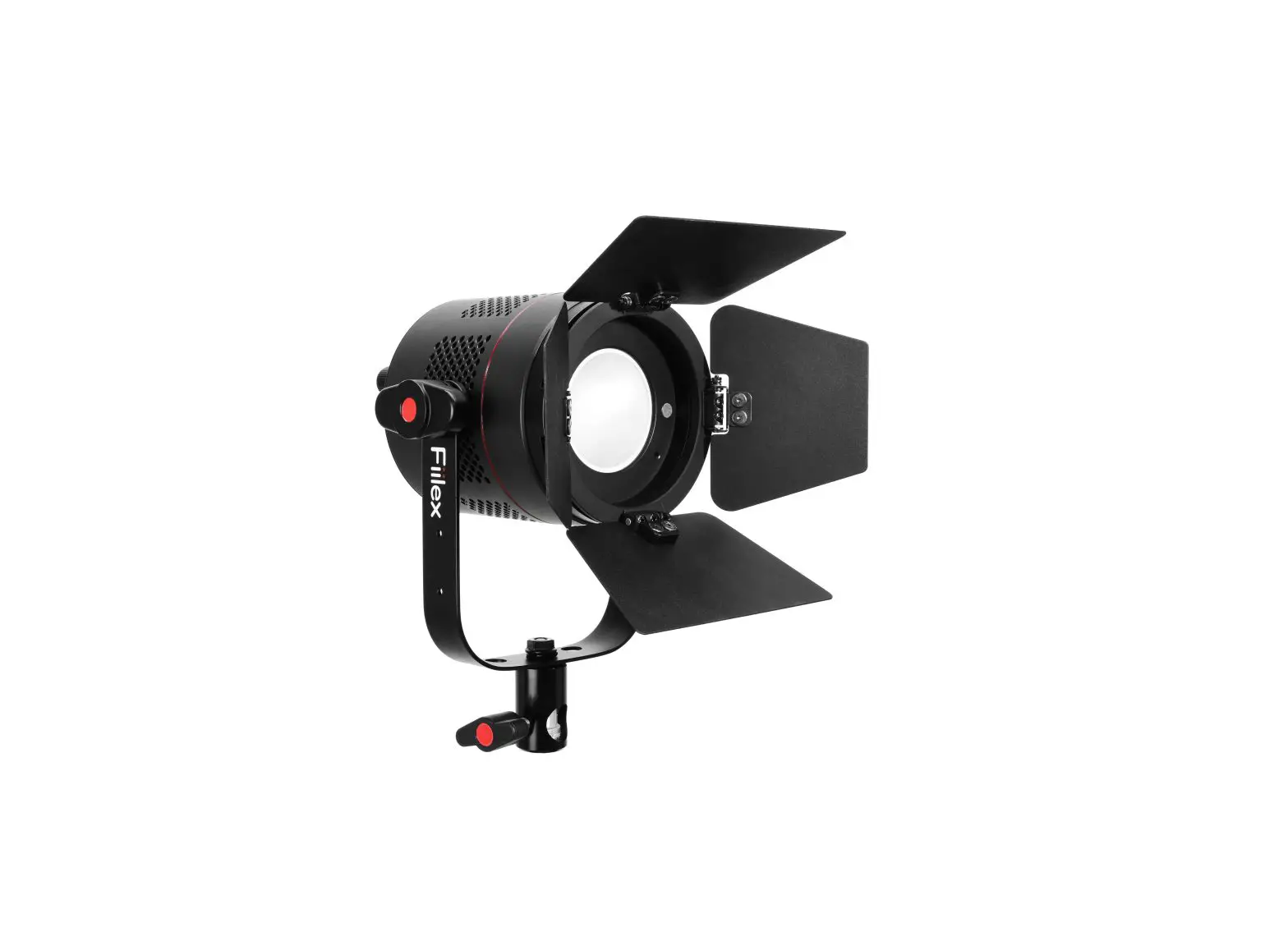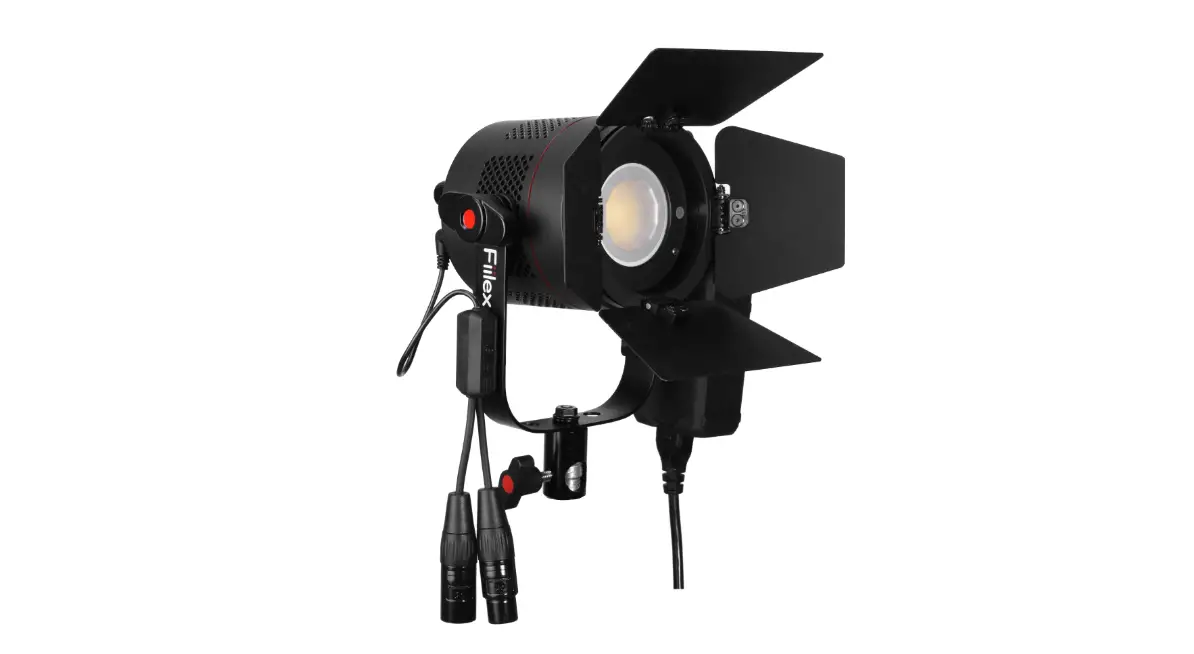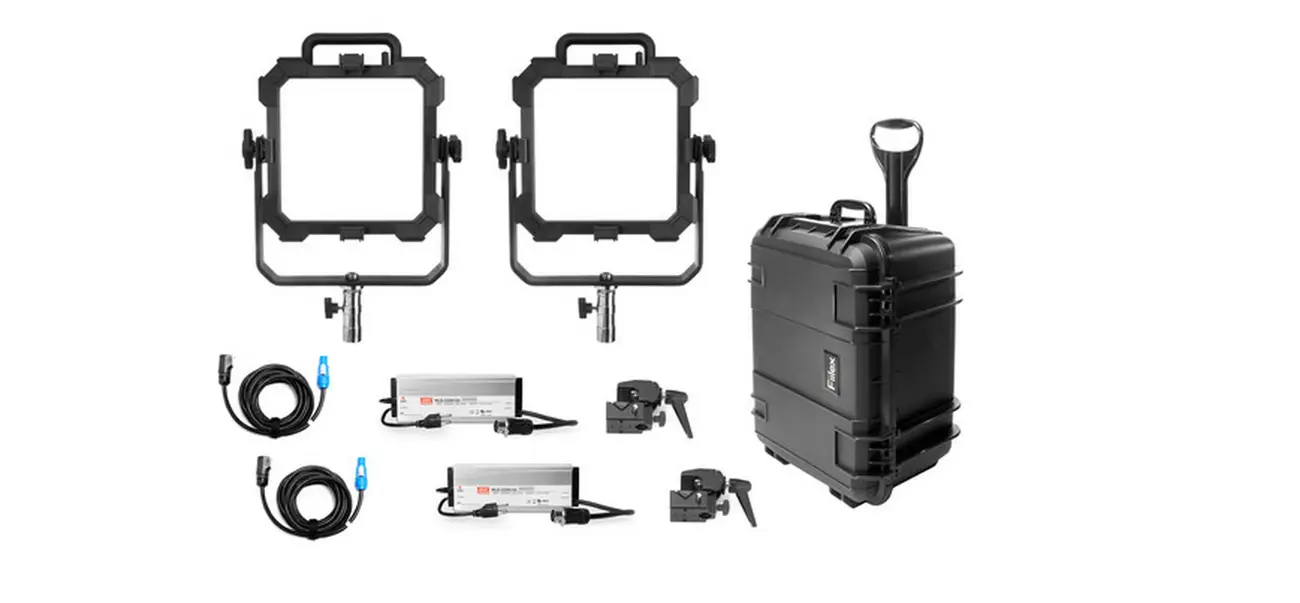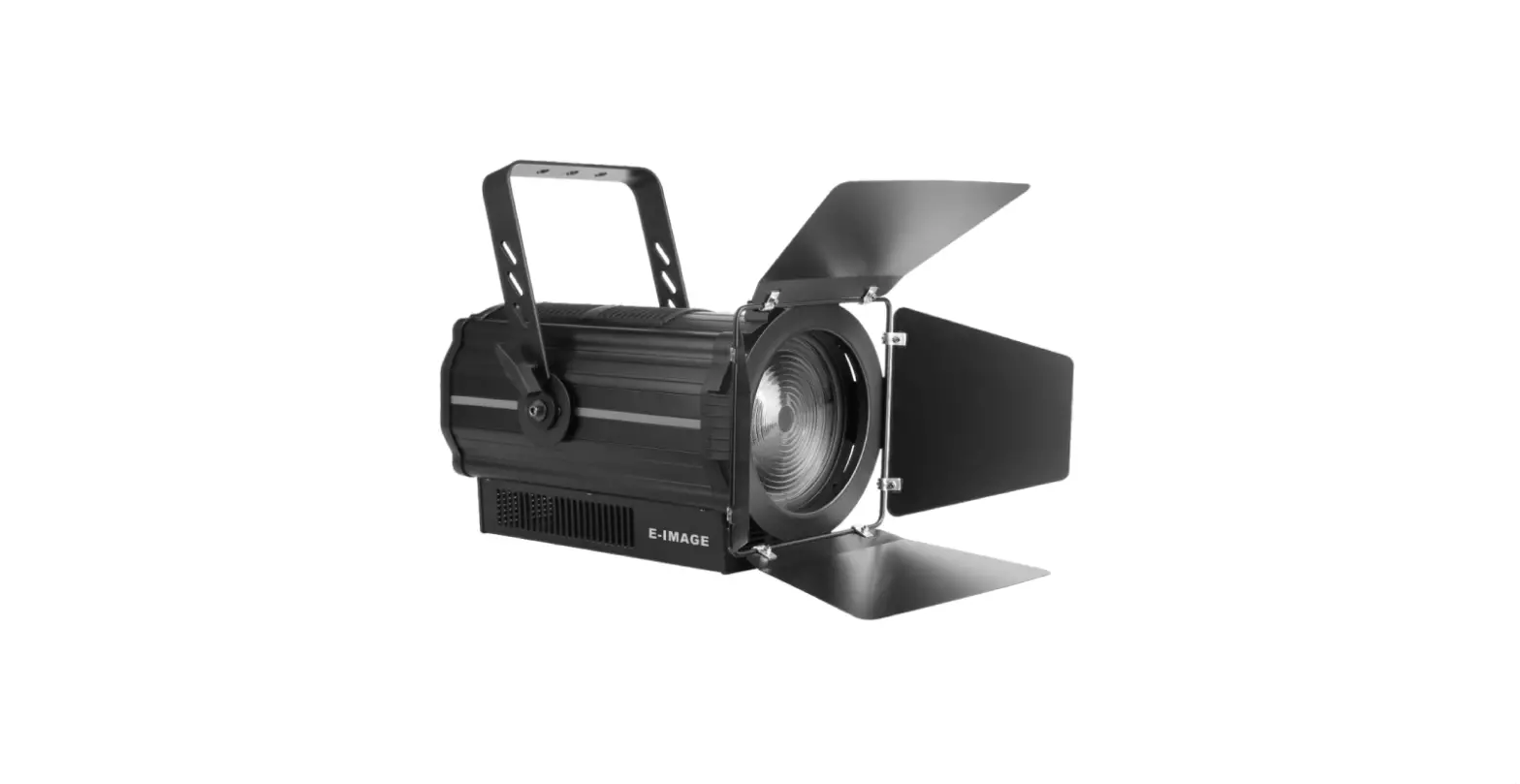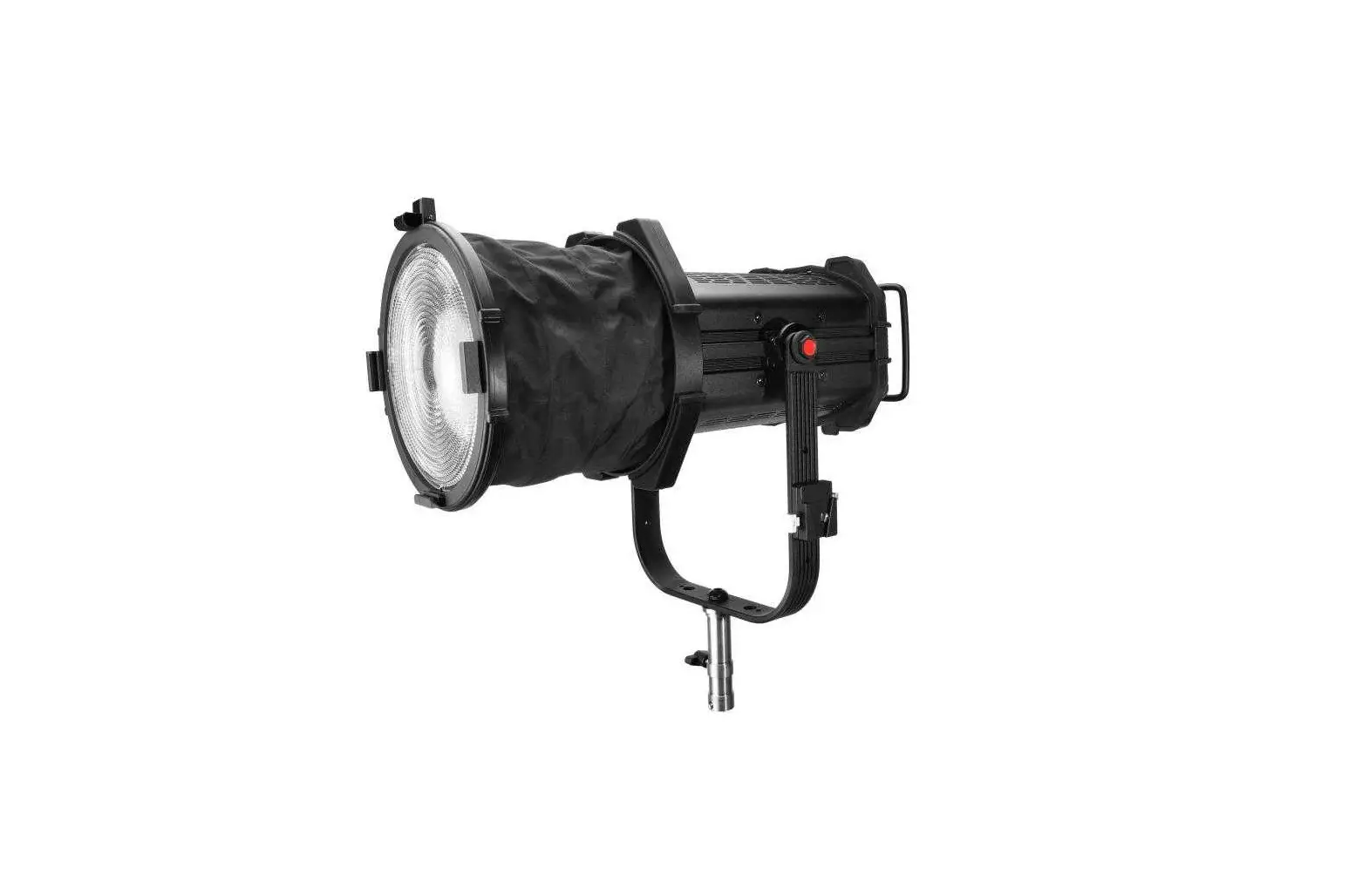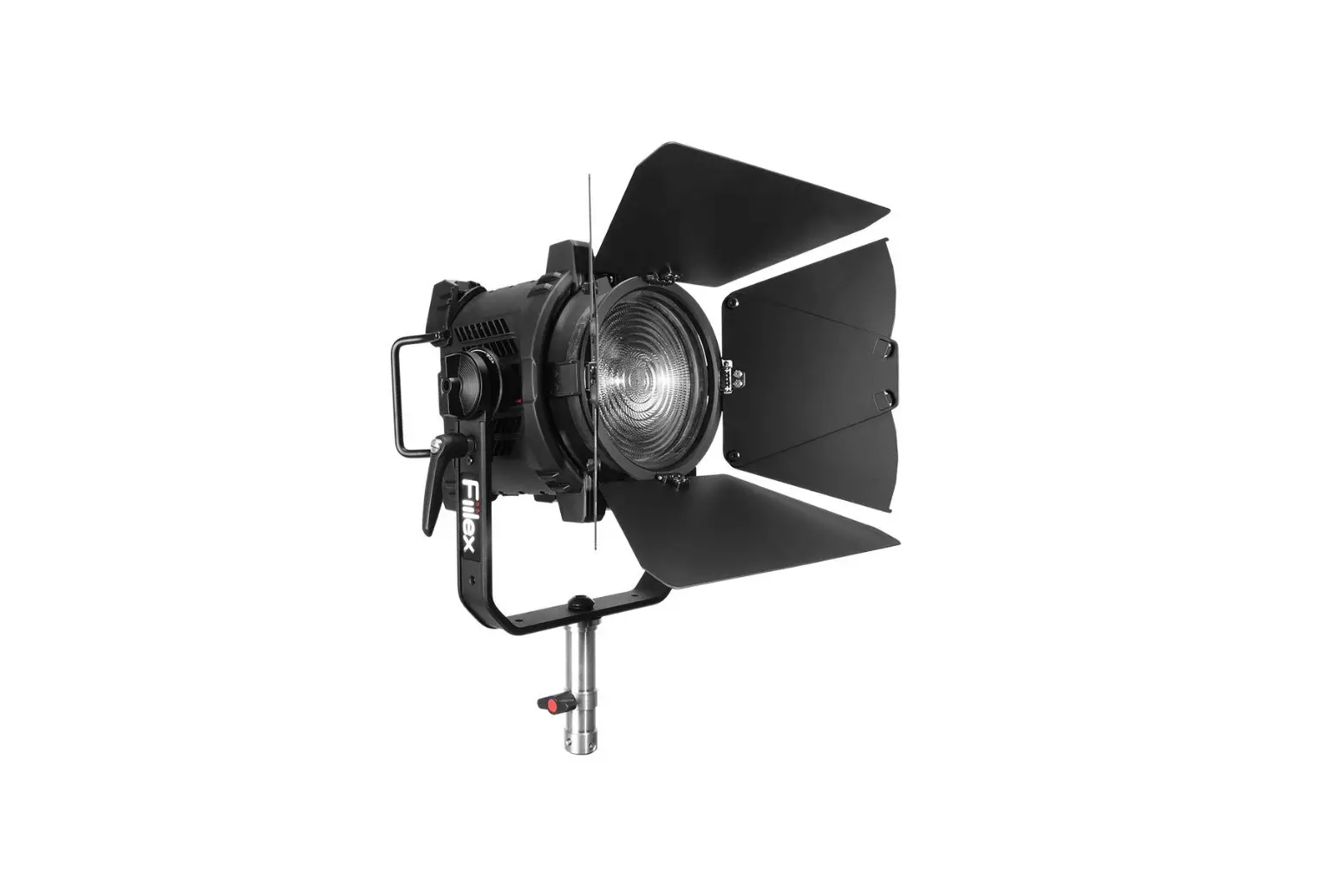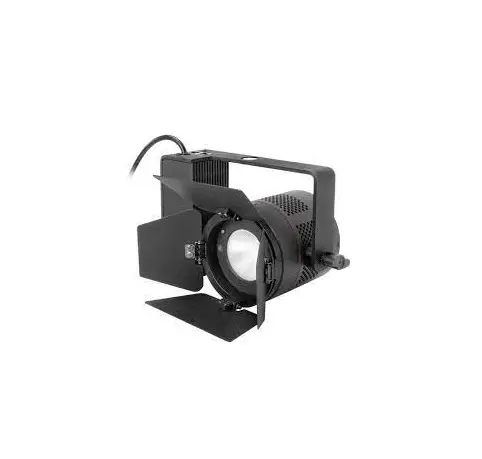
Fiilex C360 Pro Plus Compact LED Studio Light User Guide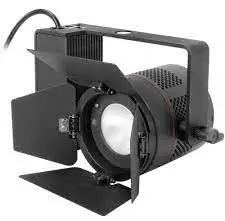
Safety Instructions
- DO NOT look into the light source. Be cautious of the high-intensity beam.
- DO NOT disassemble C360/C365. This will void the warranty.
- DO NOT install C360/C365 in damp or wet locations.
- DO NOT install C360/C365 less than 6 inches from any curtains or combustible materials.
- DO NOT obstruct the fixture’s air vents.
- Use safety cable (not included) when rigging C360/C365 overhead.
- Make sure to follow local building codes when installing C360/C365.
- Only use Fiilex approved power supply and accessories. Failure to do so may damage the fixture.
Parts Diagram
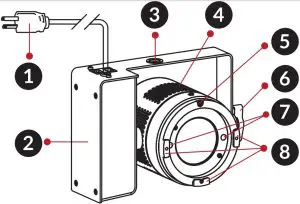
- Power Cord
- Power Module Box
- Size M12 Screw Receiver
- Side Vents
- Barndoor Lock
- Yoke Knob
- Magnetic Accessory Lock
- Barndoor Slot
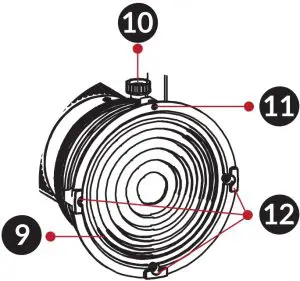
- 5” Fresnel Zoom Lens (C365 only)
- Lens Tighten Knob (C365 only)
- Barndoor Lock (C365 only)
- Barndoor Slot (C365 only)
- Barndoor Lock Release
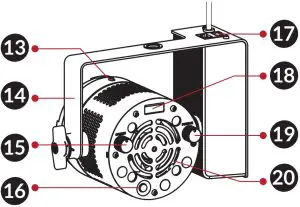
- Yoke
- CCT / HUE Knob
- On / Off Button
- RJ45 In / Out
- OLED Display
- Intensity / DMX Knob
- Rear Vents
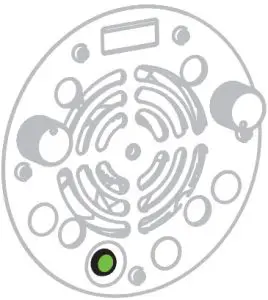
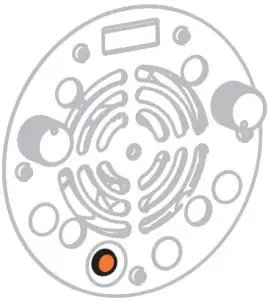
Indicator Light
On/Off Buttom (15) | Mode | Description |
Red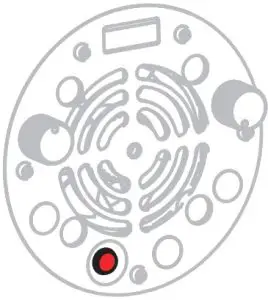 | Manual Contol | Fixture is off and receiving power. Light settings can be adjusted via manual control knobs. |
Green | Manual Contol | Fixture is on. |
Orange | DMX Control | Fixture is receiving DMX control signal. Manual control knobs are disabled while DMX is active. |
Fixture Settings
Intensity | Turn the Intensity Knob (19) to adjust brightness. |
CCT | Turn the CCT Knob (15) to adjust color temperature. |
HUE (Magenta/Green) | Double click the HUE Knob (15) to access HUE setting. |
DMX Control | Double click the DMX Knob (19) to set a DMX address (Range: 1 – 510). When a DMX address is selected, the fixture will automatically assign the next addresses in the following order: 1. Intensity 2. CCT 3. HUE |
Contact Us
Adress1689 Regatta Blvd. Richmond, CA 94804
Tell: (510) 620-5155
Email: [email protected]
Web: www.fiilex.com