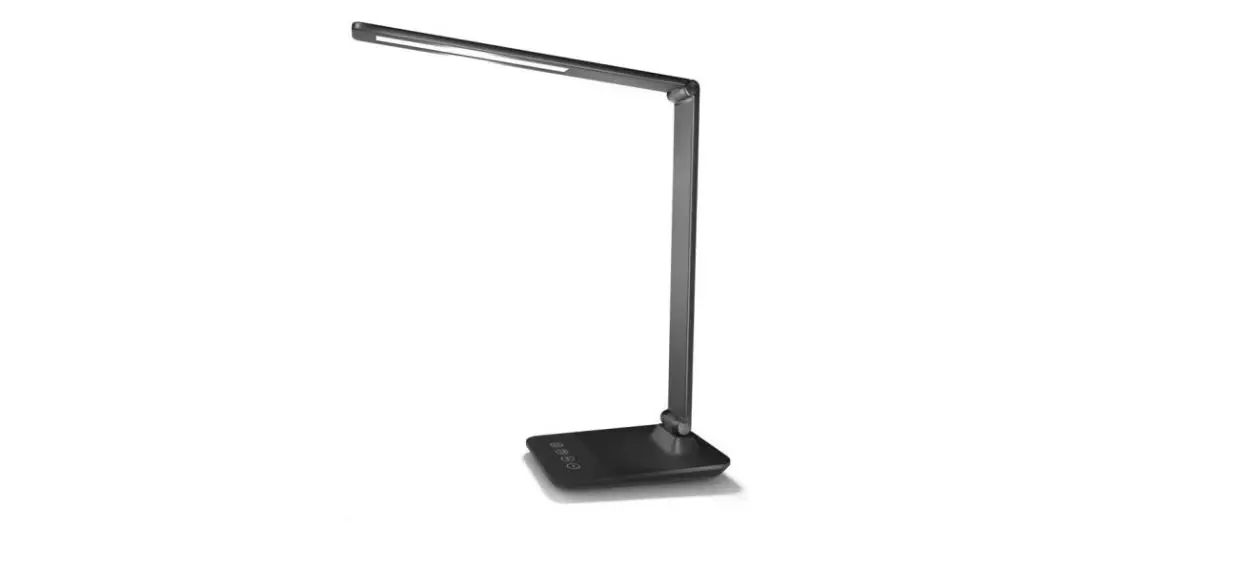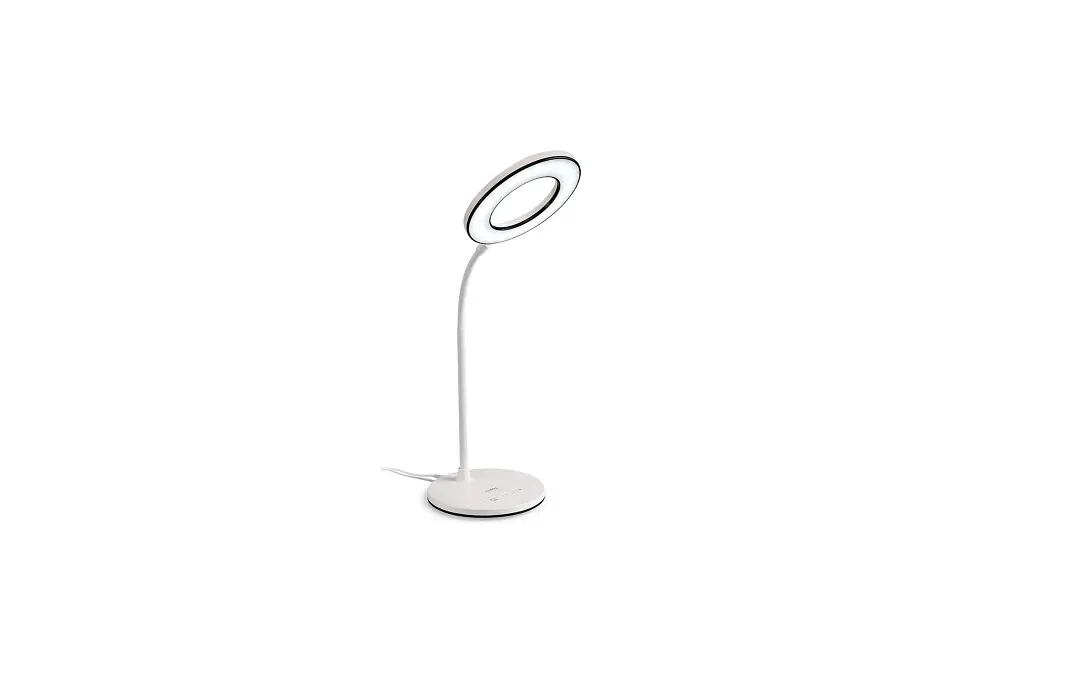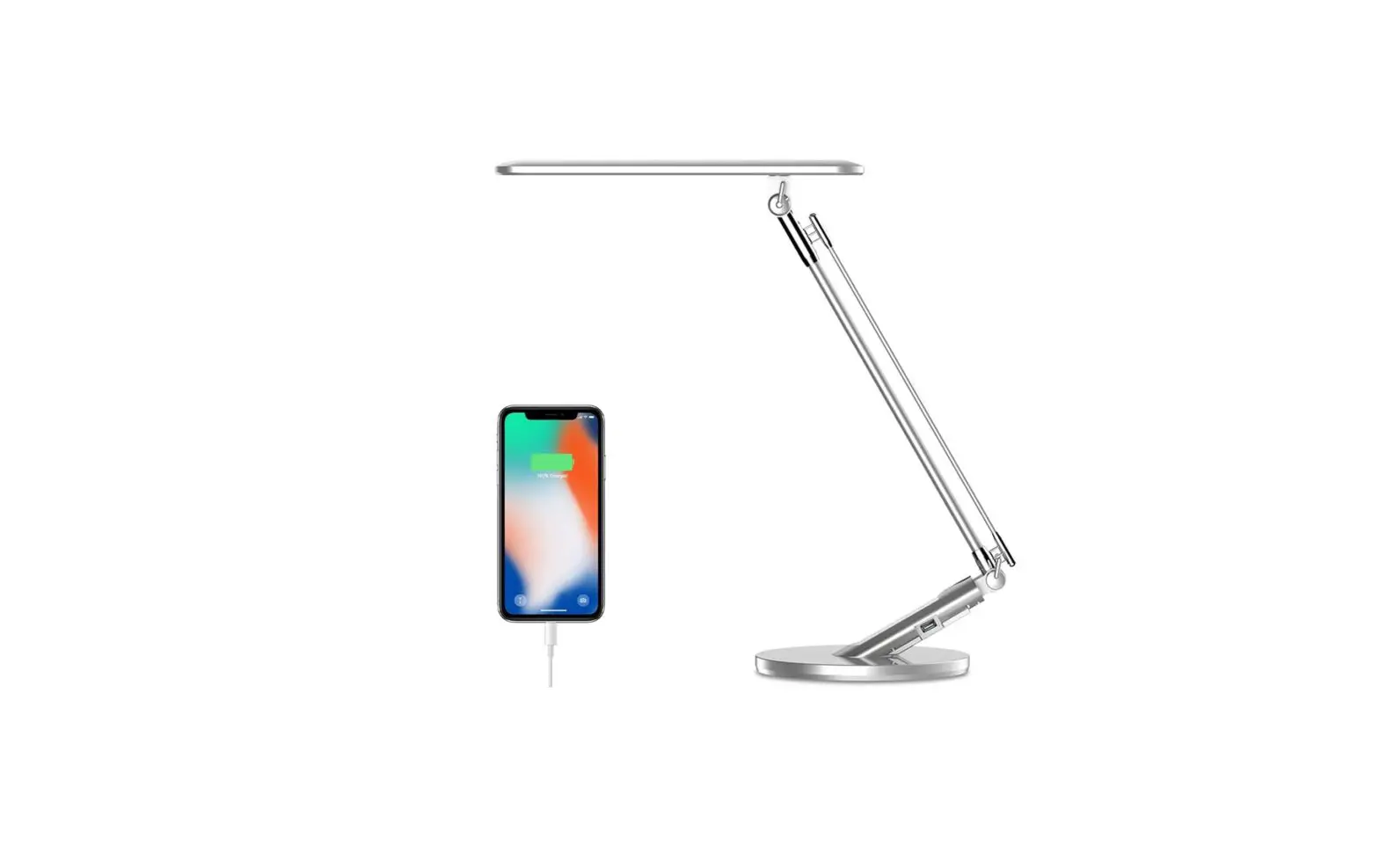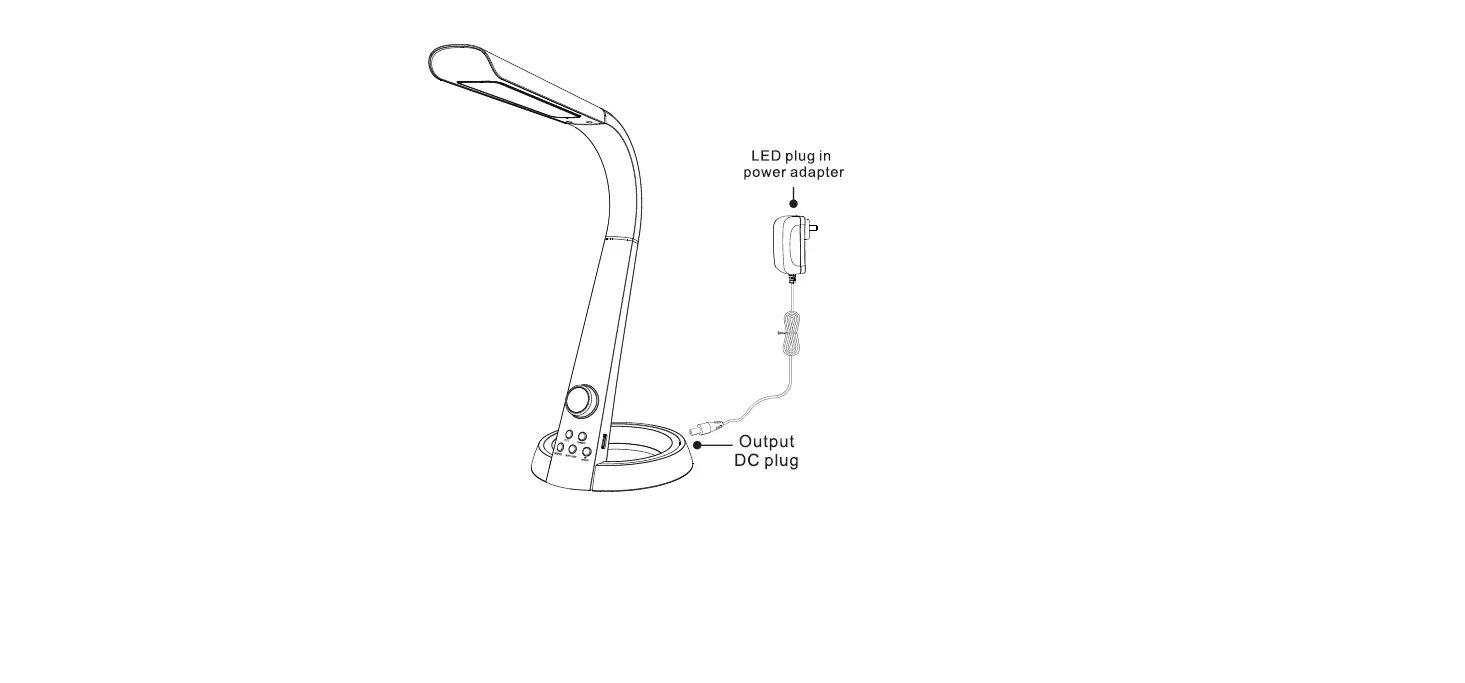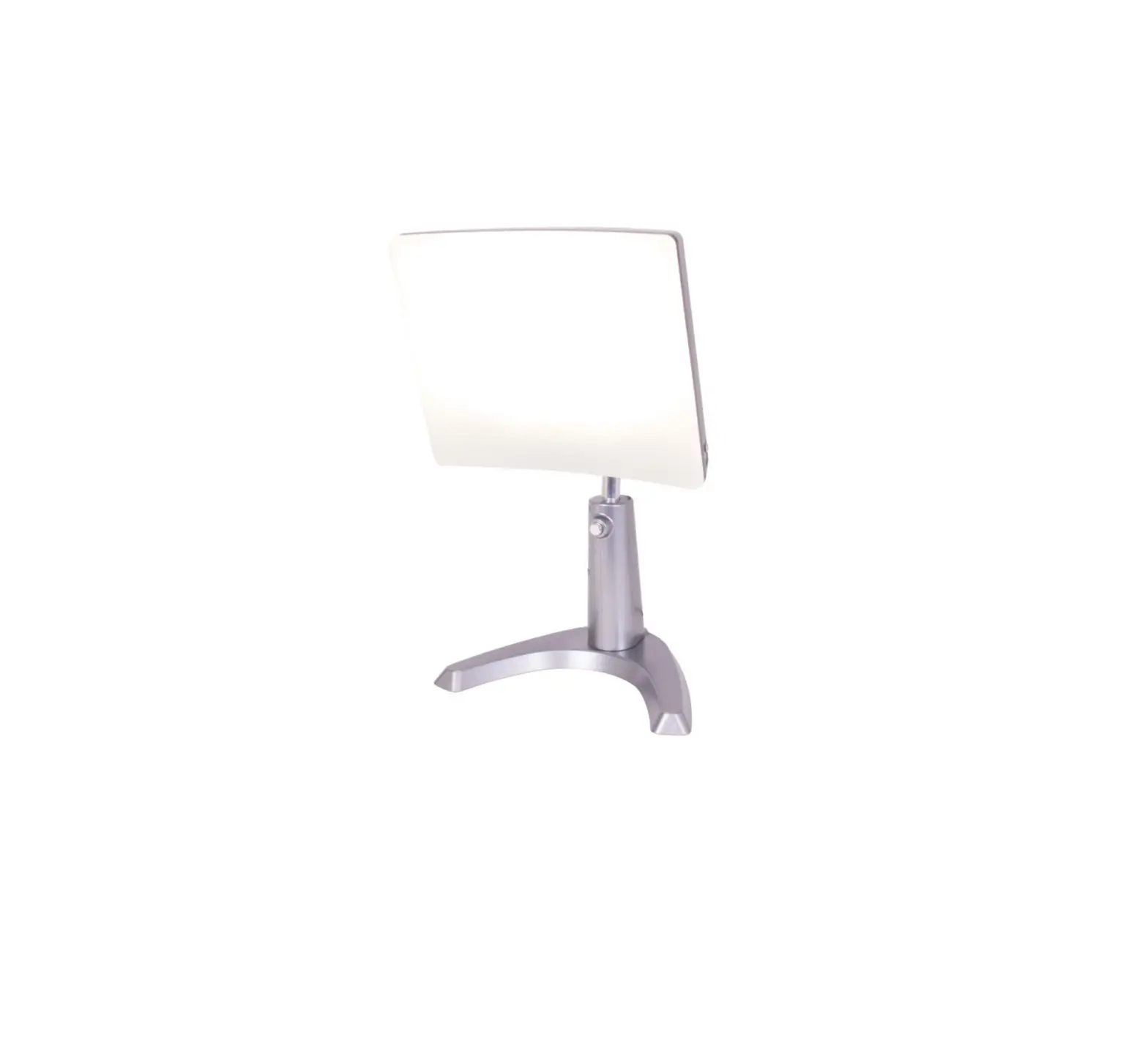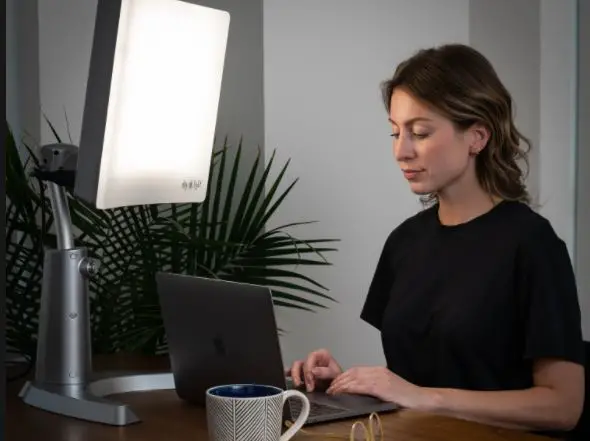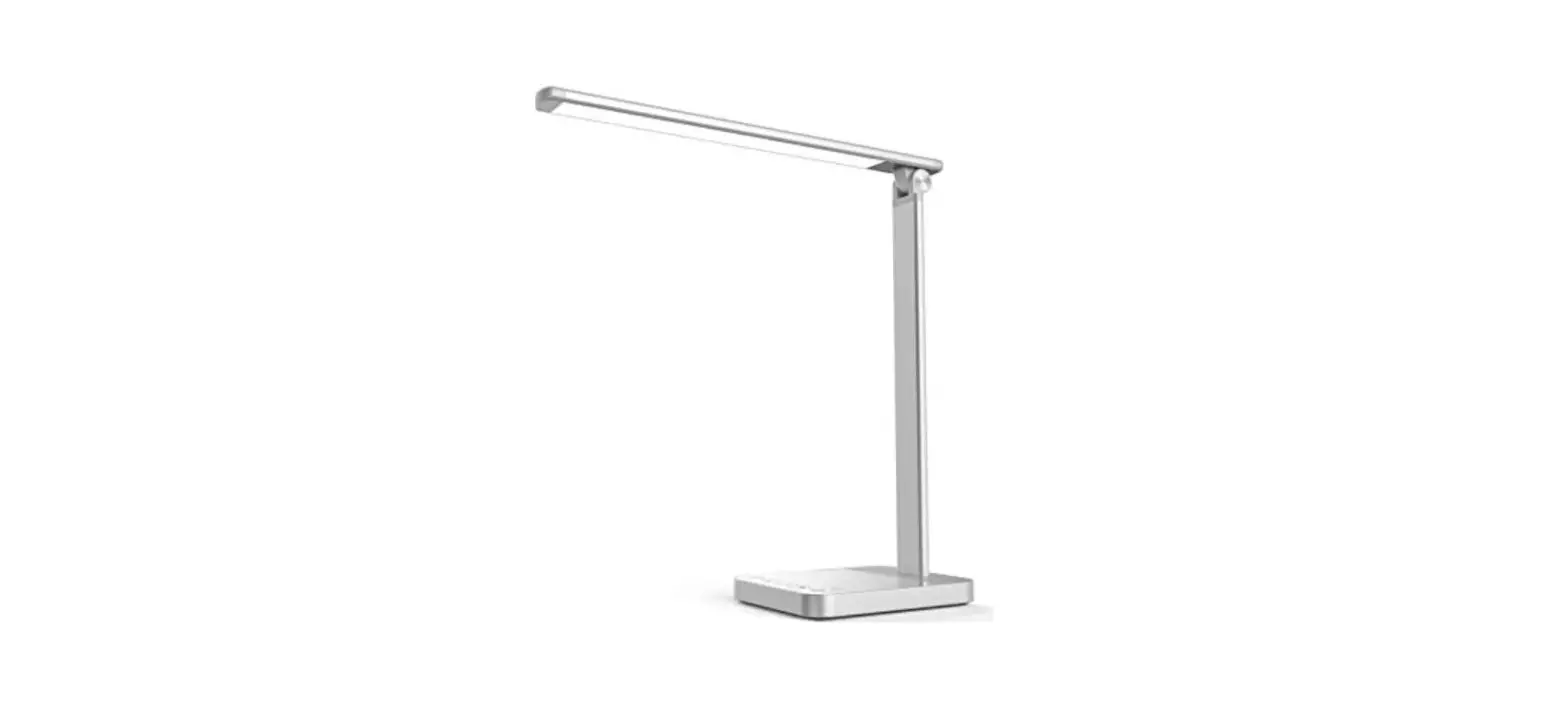

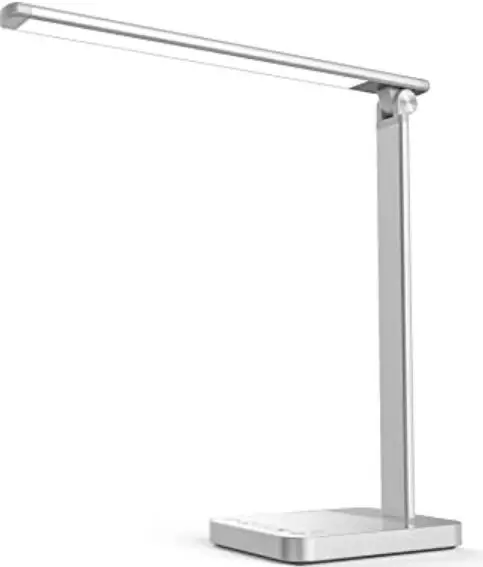
MOMAX QL6S Eye Caring Desk Lamp
User’s Guide
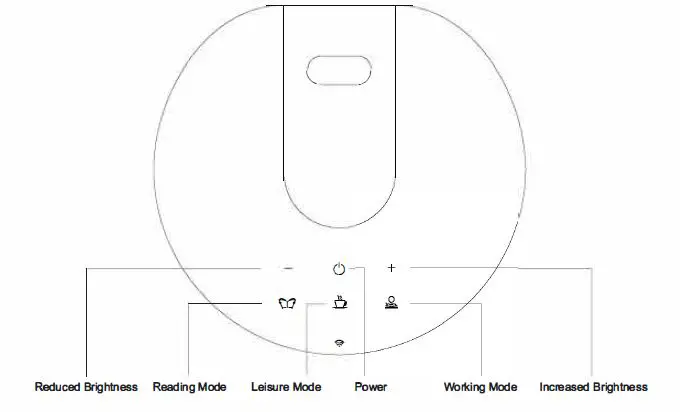
- Power: Touch ON/OFF
- Reduced Brightness; Touch brightness reduction, long press for the step-less dimming
- Increased Brigh1ness: Increase in touch brightn9S$, long press for the step-less dimming
- Reading Mode: Long press the scene mode until the light flashes, set the 45 minutes timing setting; long-press the scene mode until the light flashes twice, cancel the timing setting; Brightness can be section Adjustable as 10%, 20%, 40″, 60%, 80%, 10091;
- Leisure Mode: Long press the scene mode until the light flashes, set the 45 minutes timing setting; long-press the scene mode until the light flashes twice, cancel the timing setting; Brightness can be section Adjustable as 10%, 20’6, 40%, 6096, 80″, 100%
- Working Mode: Long press the scene mOde until the light flashes. set the 45 minutes timing setting; long-press the scene mOCle until the Ught flashes twice, cancel the timing settings; Brightness can be section Adjustable as 10%, 20″, 40%, 60%, 80″, 100%

Product Number
- GD-TDL12A: Eye Caring Desk Lamp
- GD-IDL12B: Eye Caring Desk Lamp with Wireless Charging
- GD-TDW12A: Smart Eye Caring Desk Lamp
- GD-TDW12B: Slllilrt Eye Caring Desk Lamp with Wireless Charging
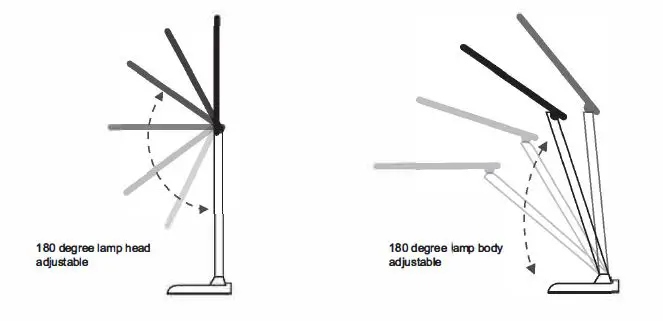
Multi Angle-adjustable
Basic Parameters
| Product Name | Eve Crino Desk Lamo |
| Applicable Scene Colour Material | Study/bedroom/living mom Black/white Aluminium+ABS |
| LED Product Size | 60 PCS(2835 LEDs ) 150*450″40mm |
| Weight CCT | 0.71kg 3000-5000K |
| rumination | > 1000Lux |
| Luminous Flux Dimming Rated Input Input of Desk Lamp | > 3Q0LM Six-stage dimming and stepless dimming AC100-240V 50/60Hz DC12V/2A |
| Rated Power USB Charging Output | 12W (60″0.2W/LED module) 5V/2A |
| Wireless Charging Wi-Fi Connection | SW(Oplional) IEEE 802.11 bla/n 2.4GHz/Oobonal) |
| Support System | Android 6.0 or 1OS11.0 and above{Optlonal) |
Instructions
- N0.1 Download and install the APP
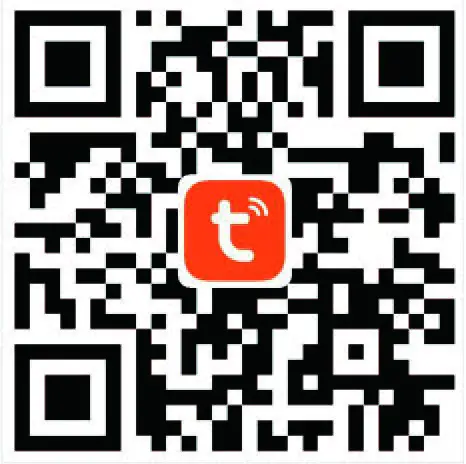
- Use your phone to scan the QR code below or search “TuyaSmart” in the application mar1et to download and install the App

- Use your phone to scan the QR code below or search “TuyaSmart” in the application mar1et to download and install the App
- No.2: Register/Login
- No.3Add the device
- Go to the App, on ·oevices(Preparer, tap·+· in the upper right of this page 1o add a device.
- No.4: Match the Wi-Fi network
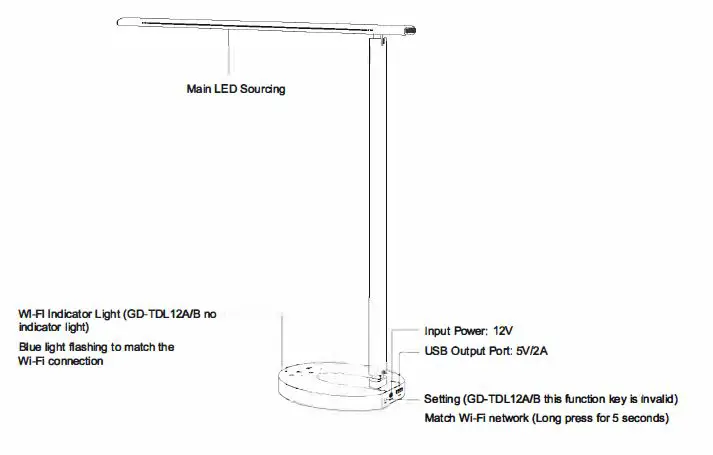
- Long press the settings button for 5 seconds and the smart light will be in the wireless network matching mode. After the configuration is successful, the device name of the smart desk lamp will appear in the list, dick to enter the smart control panel.
- Smart voice support
- Amazon Alexa, Google Assistant, IFTTT,
Warning
- The produc1 is only for indoor use, please do no1 disassemble or repair it by yourself;
- The lamp light source is not replaceable. When the light source reaches the end of life, the whole lamp should be replaced;
- Keep away from water and heal sources when using. Do not cover the lamp holder and use non-stand and adapters to avoid damage to the product and potential safety hazards;
- If the external flexible cable or cord of this luminaire is damaged, it should be replaced by the manufacturer or other service agent to avoid danger
FCC WARNING
This device complies with part 15 of the FCC Rules. Operation is subject to the following two conditions: (1) this device may not cause harmful interference, and (2) this device must accept any interference received, including interference that may cause undesired operation. Any changes or modifications not expressly approved by the party responsible for compliance could void the user’s authority to operate the equipment.
NOTE: This equipment has been tested and found to comply with the limits for a Class B digital device, pursuant to Part 15 of the FCC Rules. These limits are designed to provide reasonable protection against harmful interference in a residential installation. This equipment generates, uses and can radiate radio frequency energy and, if not installed and used in accordance with the instructions, may cause harmful interference to radio communications. However, there is no guarantee that interference will not occur in a particular installation. If this equipment does cause harmful interference to radio or television reception, which can be determined by turning the equipment off and on, the user is encouraged to try to correct the interference by one or more of the following measures:
- Reorient or relocate the receiving antenna.
- Increase the separation between the equipment and receiver.
- Connect the equipment into an outlet on a circuit different from that to which the receiver is connected.
- Consult the dealer or an experienced radio/TV technician for help.
To maintain compliance with FCC’s RF exposure guidelines, This equipment should be installed and operated with a minimum distance of 20cm from the radiator of your body: Use only the supplied antenna.