03282023A Quad Color
Product Information
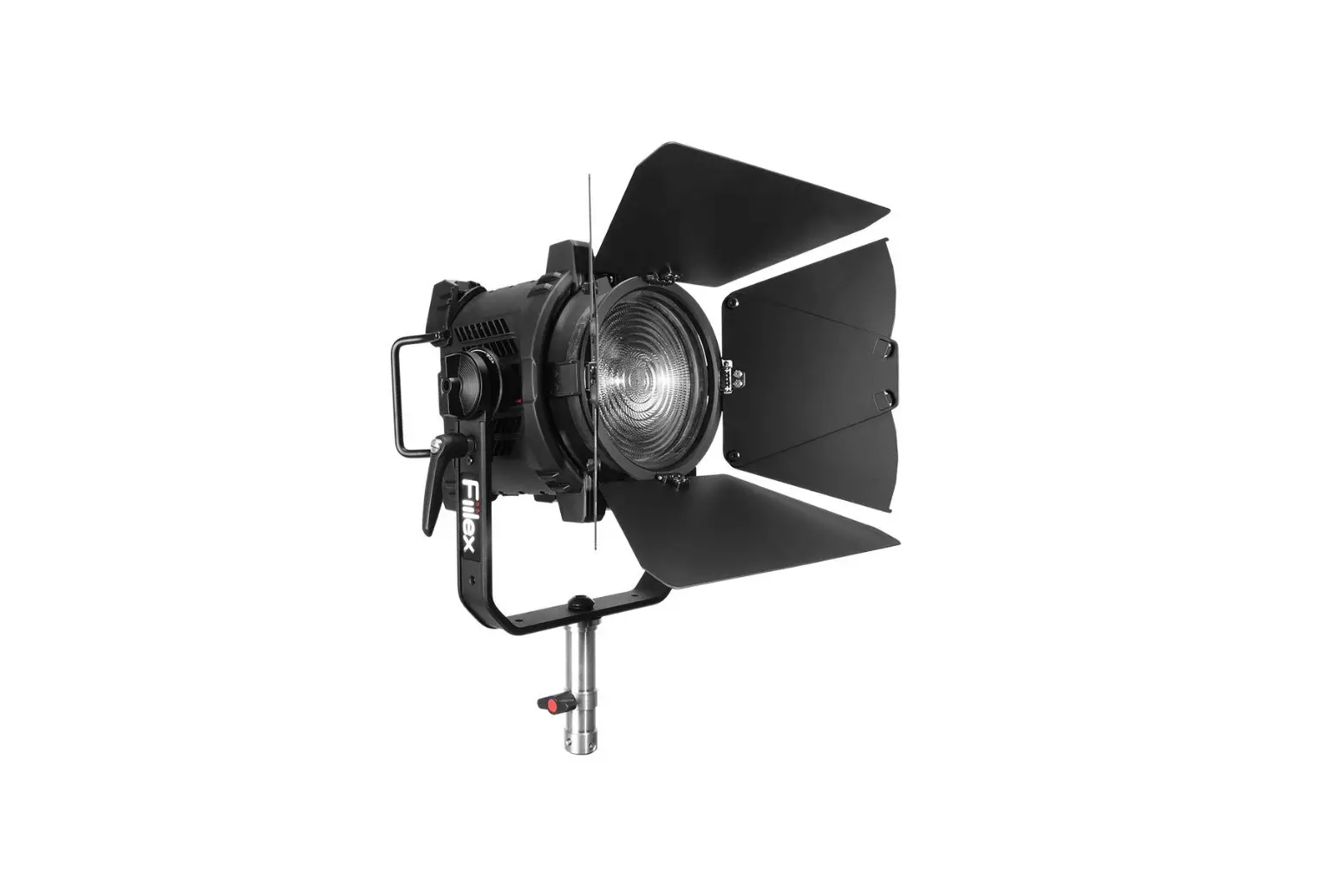
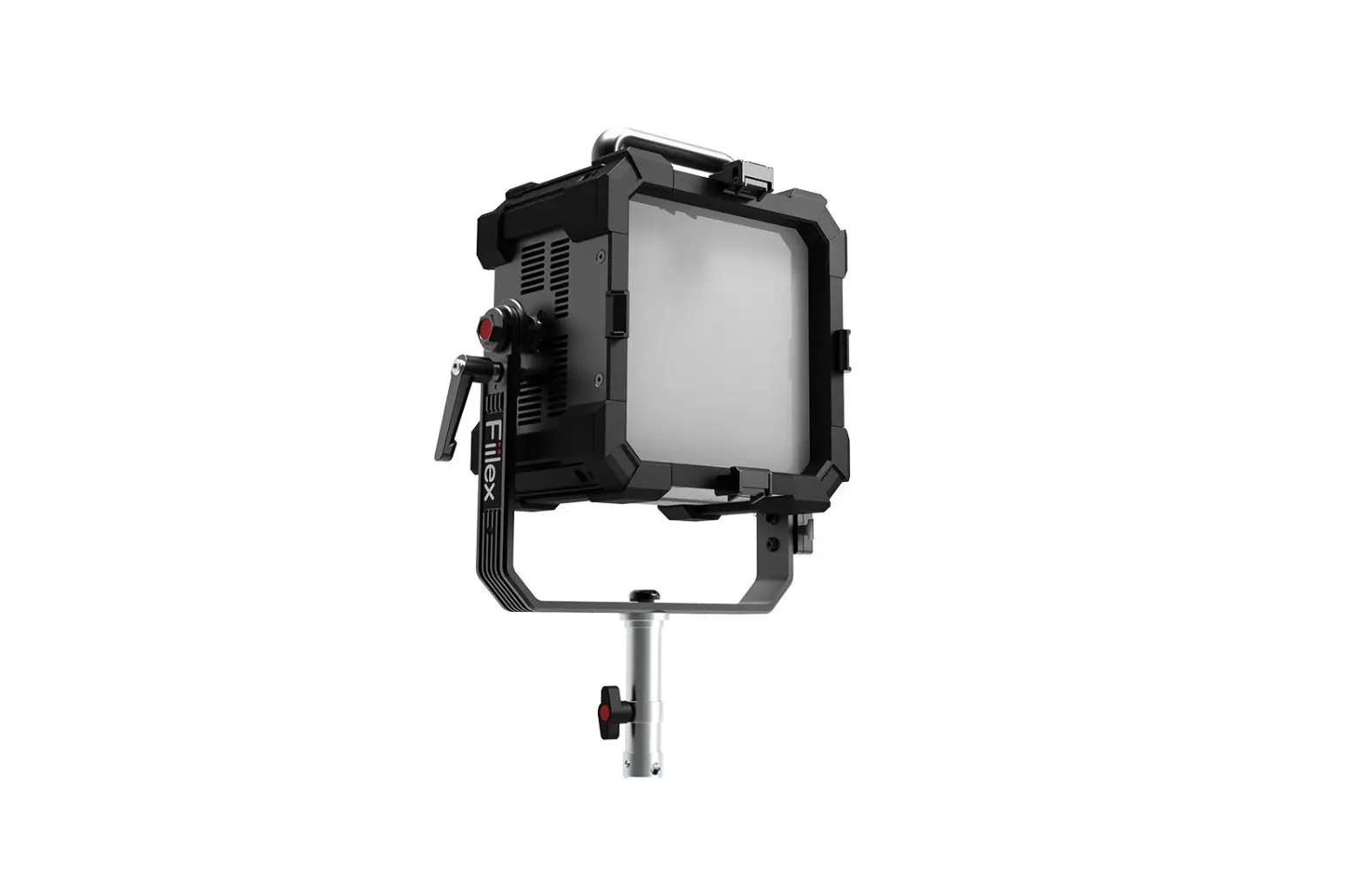
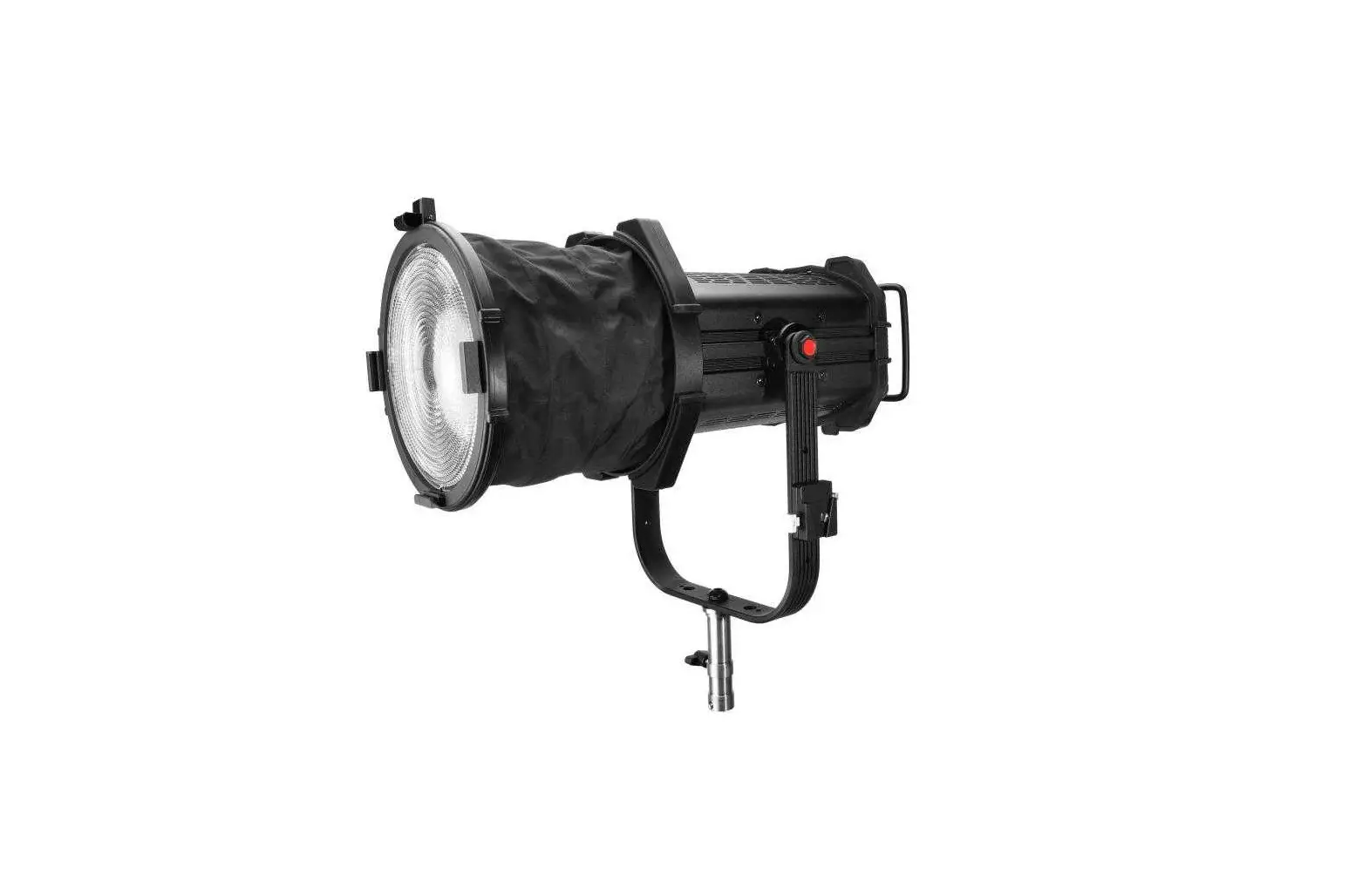
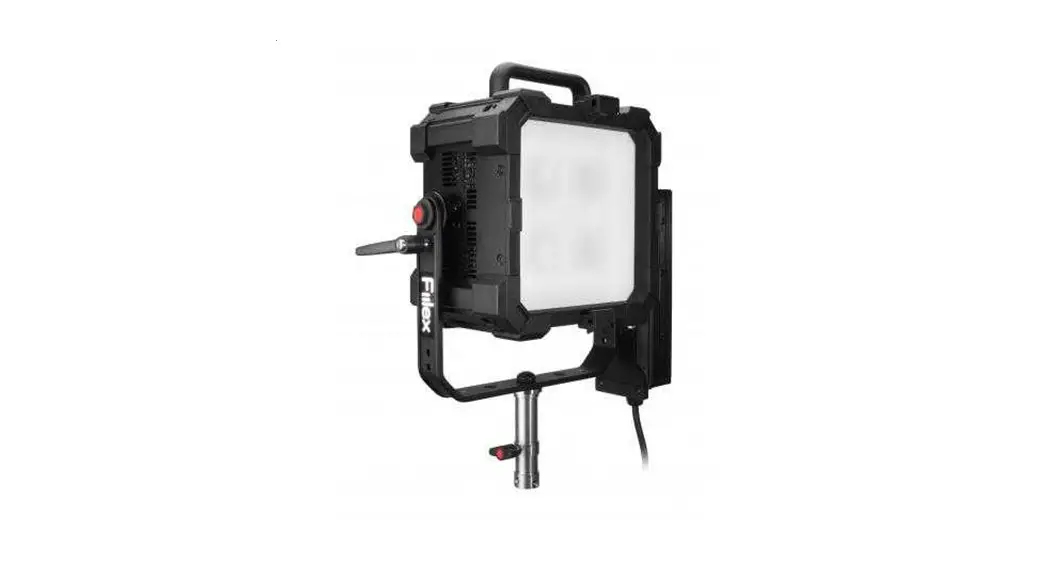
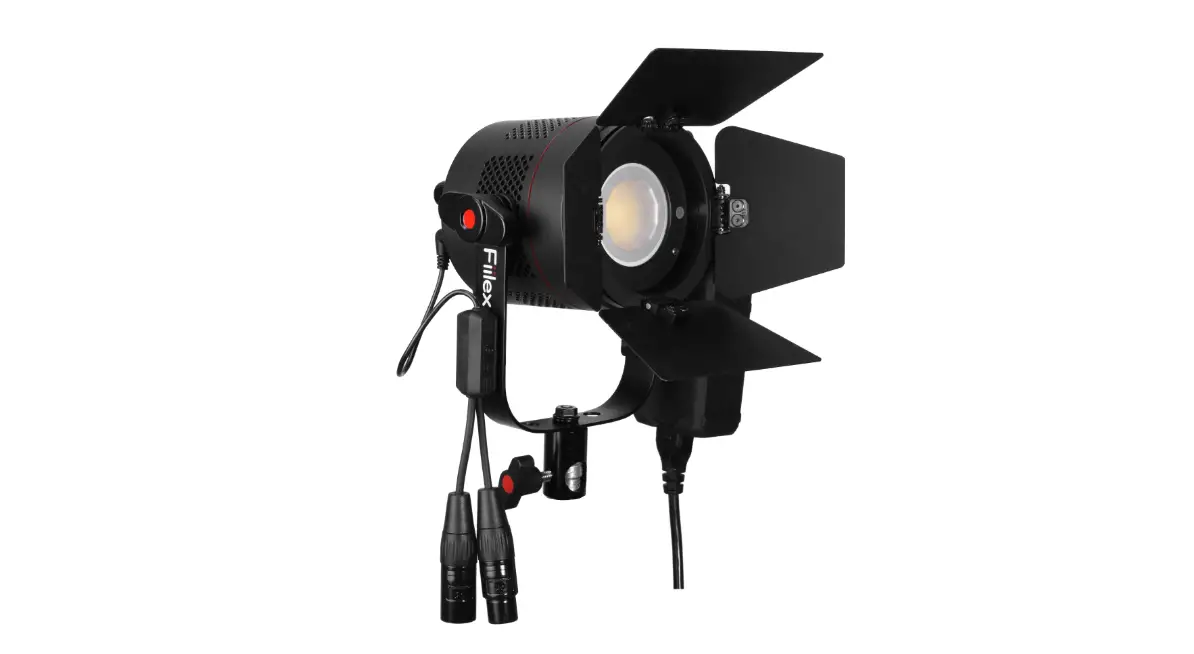
- The product is a lighting fixture with various control
options. - The fixture has a fan intake vent, vent holes, tilt lock lever,
yoke, handle, OLED, intensity control knob, CCT/HUE knob, GN/SAT
knob, navigation pad, USB type-A port (5V/1A power), DMX input
(XLR-male 5-pin), junior pin receiver, USB type-C port (for
updating firmware), LAN port, DMX output (XLR-female 5-pin), and AC
input port. - The fixture can be operated in manual/local mode or
DMX/RDM/Ethernet (ArtNet/sACN) mode. - The fixture has various settings that can be accessed through
the navigation pad. - The fixture has fan speed options of off, variable, silent, and
full speed. - The fixture has dimming options of sharp and smooth.
- The fixture allows modification of ArtNet and sACN settings and
viewing of current firmware versions and temperature.
Product Usage Instructions
- Connect the fixture to a power source using the AC input
port. - Turn on the fixture using the ON/OFF switch.
- Select the desired mode using the navigation pad in the MODES
menu. - In manual/local mode, use the intensity control knob or
navigation pad to control parameters. For CCT modes and HSI modes,
use either the CCT/HUE knob and GN/SAT knob or the navigation
pad. - In DMX/RDM/Ethernet mode, check the display for DMX connection
status, NO DMX, or DMX OK. - Access additional settings by navigating to the right in the
SETTINGS menu using the navigation pad. - Select fan speed options of off, variable, silent, and full
speed using the navigation pad. - Select dimming options of sharp and smooth using the navigation
pad. - Modify ArtNet and sACN settings and view current firmware
versions and temperature using the navigation pad in the INFO
menu.
User Guide
Safety Instructions
· DO NOT disassemble QUAD Color. This will void the warranty. · DO NOT install QUAD Color in damp or wet locations. · DO NOT obstruct the fixture’s air vents. · Use safety cable (not included) when rigging QUAD Color overhead. · Only use Fiilex approved power supply and accessories. Failure to do so may damage the fixture. · The luminaire is intended for professional use only. · Do not look into the light source with any instrument that could concentrate the light output: this includes magnifiers, binoculars,
telescopes, etc. · This fixture corresponds to Risk Group 1 according to EN 62471 under normal operation condition, which considers all photobiological
risks. It corresponds to Risk Group 1 according to EN 62778 under those conditions, which considers risk from blue light only. · The light output can potentially cause eye injury if stared at for a prolonged period of time
Parts Diagram
1 2 3 4 5 6 7 8
1. Fan Intake Vent
2. ON/OFF Switch
3. Vent Holes
9
4. Tilt Lock Lever
10
5. Yoke
11
6. USB Type-A Port (5V/1A Power)
12
7. DMX Iutput (XLR-Male 5-pin)
8. Junior Pin Receiver
9. Handle
13
10. OLED
14
11. Intensity Control Knob
12. CCT/HUE Knob
15
13. GN/SAT Knob
16
14. Navigation Pad
17
15. USB Type-C Port
(For updating firmware) 18
16. LAN Port
17. DMX Output (XLR-Female 5-pin)
18. AC Input Port
03282023A
Fixture Operation
Mode Selection
Use Navigation Pad to enter MODES menu, then navigate to select the desired mode.
Fixture Control
1 Manual / Local : Use Intensity Control Knob or the Navigation Pad to control the parameters. For CCT modes and HSI modes, use either CCT/HUE Knob and GN/SAT Knob or the Navigation Pad .
2 DMX / RDM / Ethernet (ArtNet / sACN) : Display shows DMX connection status, NO DMX or DMX OK.
Settings
Use Navigation Pad
to enter and edit SETTINGS. Navigate to the right to access additional settings.
Fan speed options
Off Variable
The fan is completely off. (Operation time is limited.) The fan speed varies based on light intensity.
Silent Full Speed
The fan operates at reduced speed. The fan operates at full speed.
Dimming options
Sharp Smooth
Best for flash and strobe effects. Best for gradual fades.
Ethernet
Modify ArtNet and sACN settings of the fixture.
Info
View current fixture firmware versions and fixture temperature.
1689 Regatta Blvd. Richmond, CA 94804 | (510) 620-5155 | [email protected]
www.fiilex.com
 Fiilex LED Lights