
QUICK START GUIDE
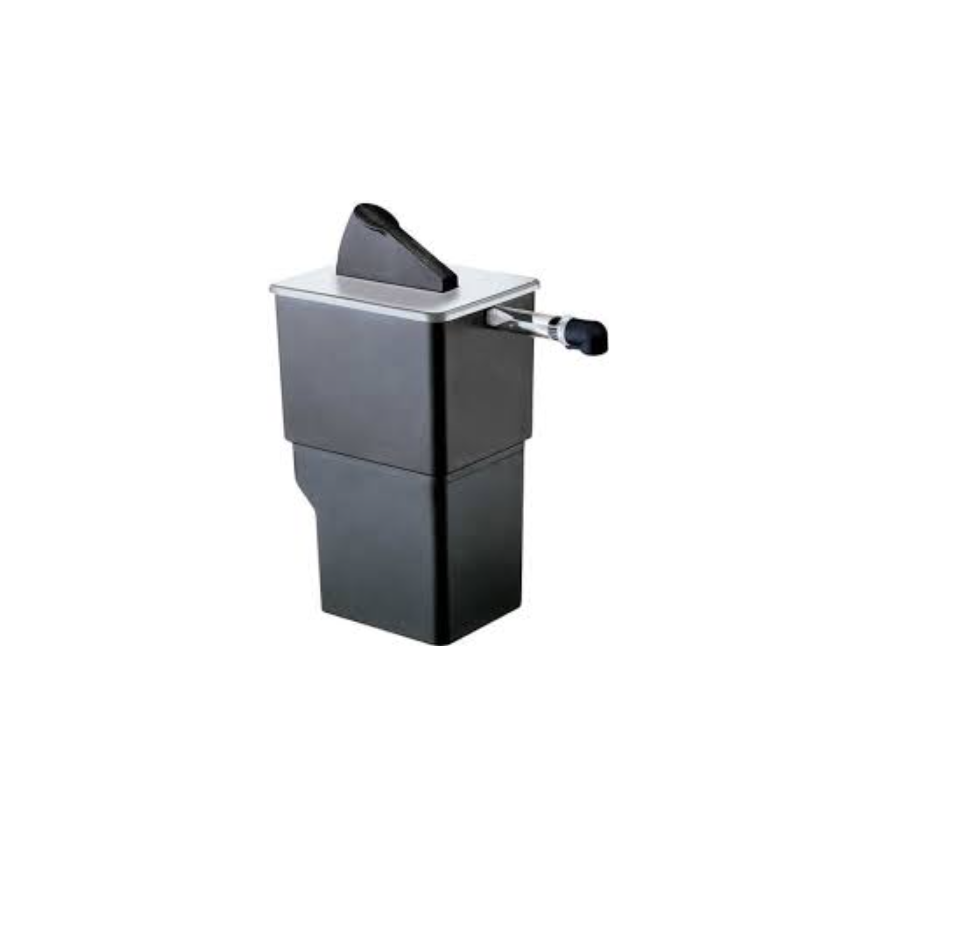
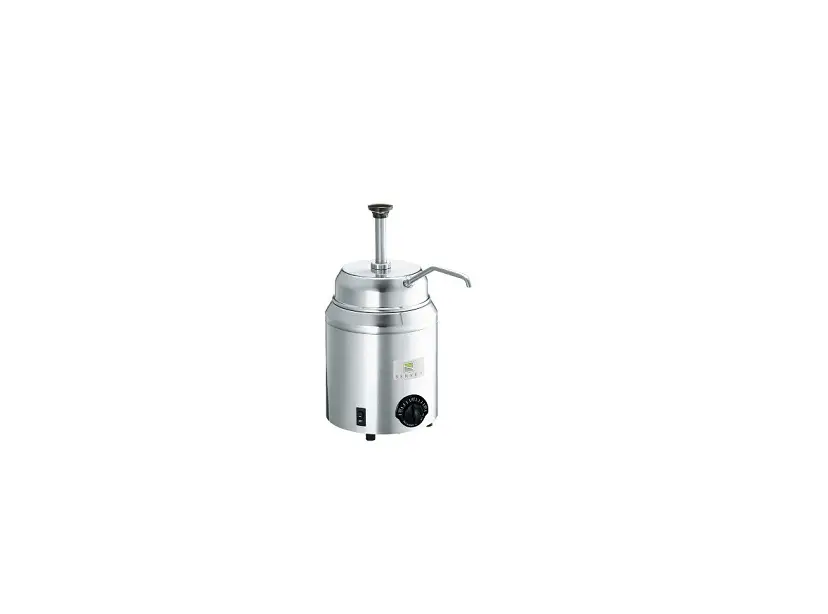
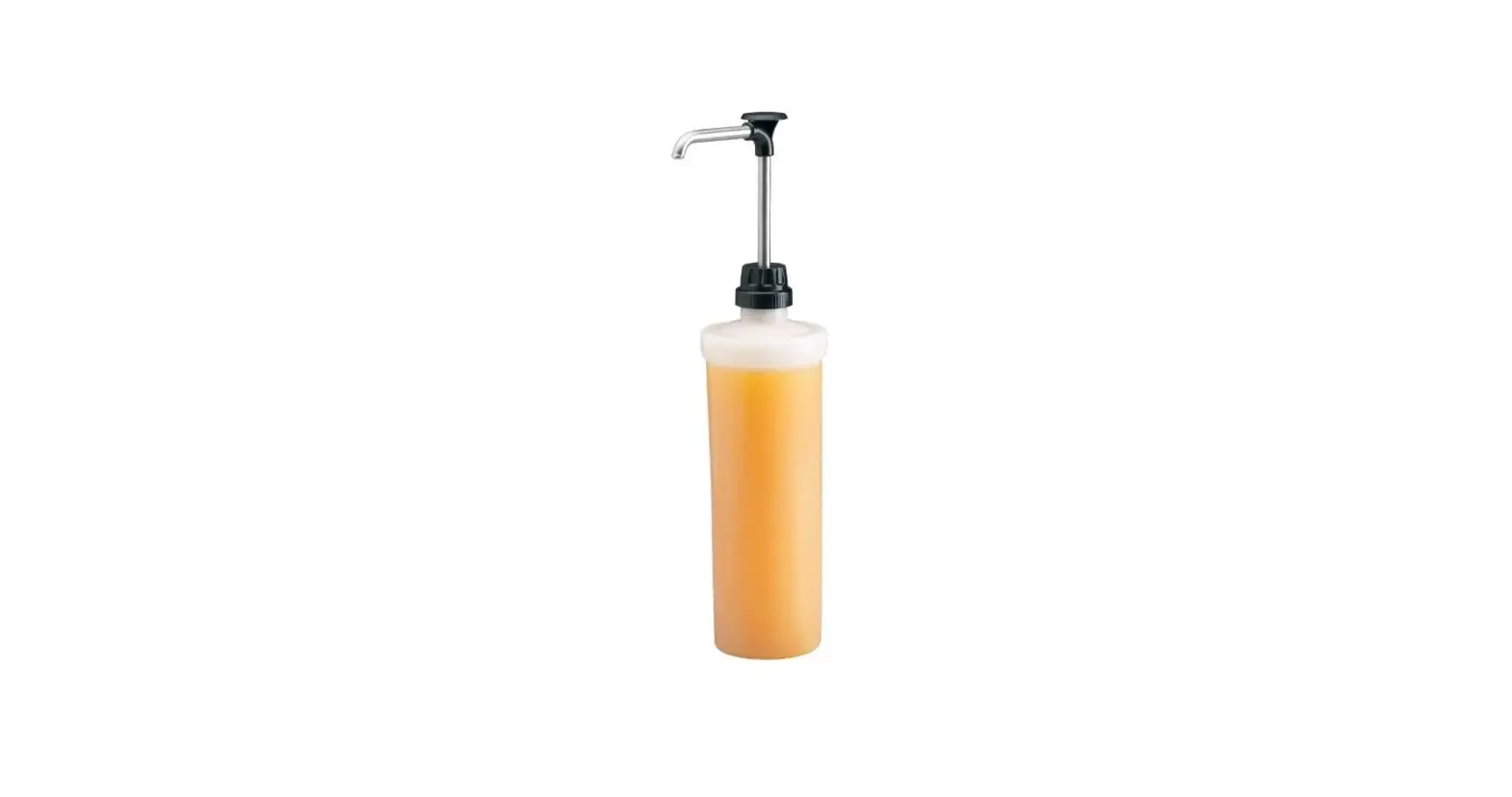
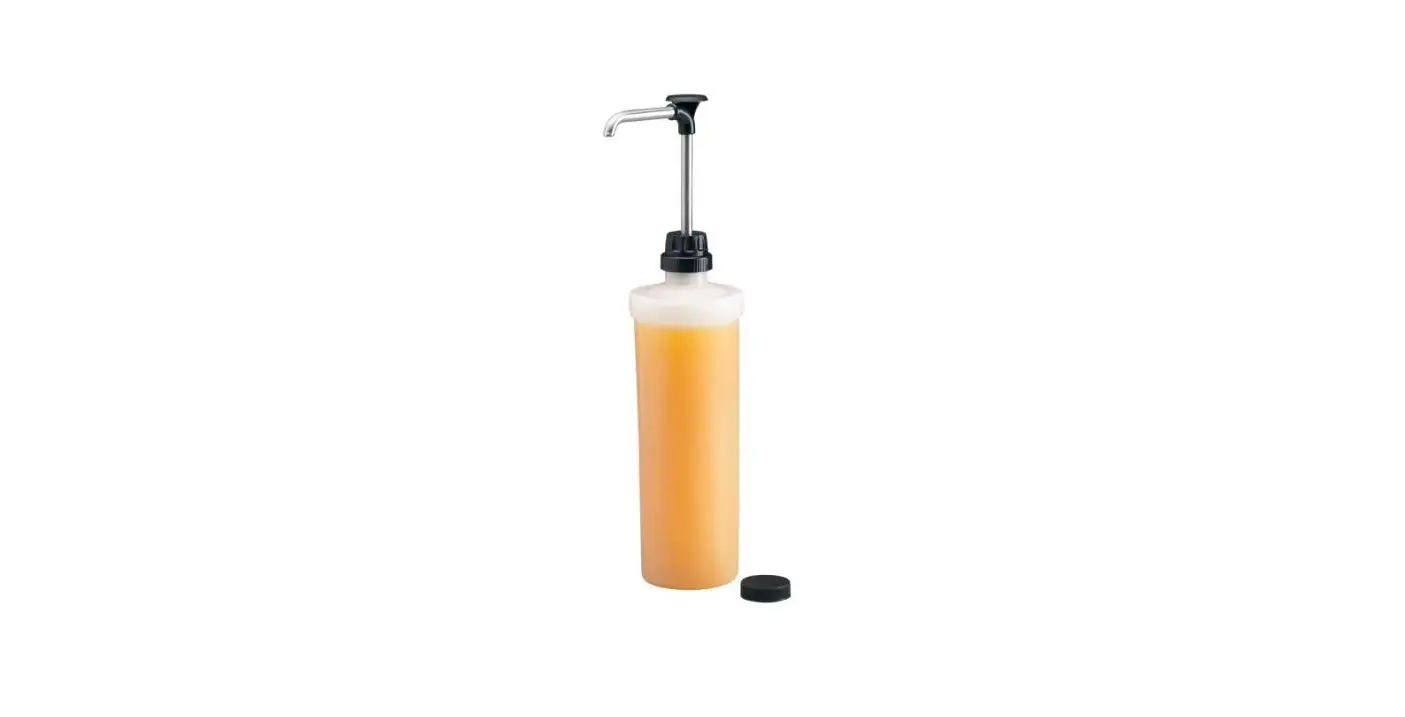
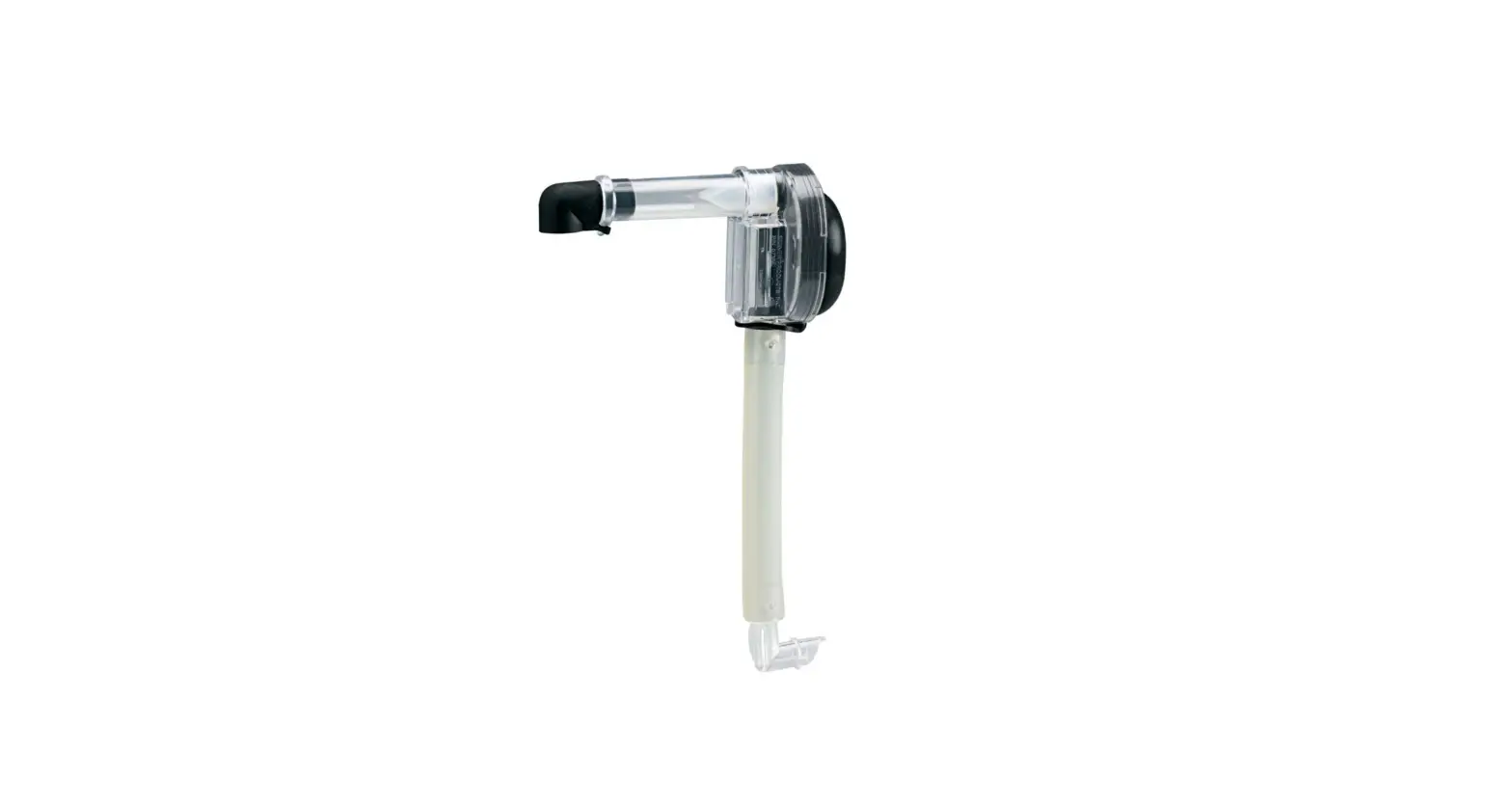
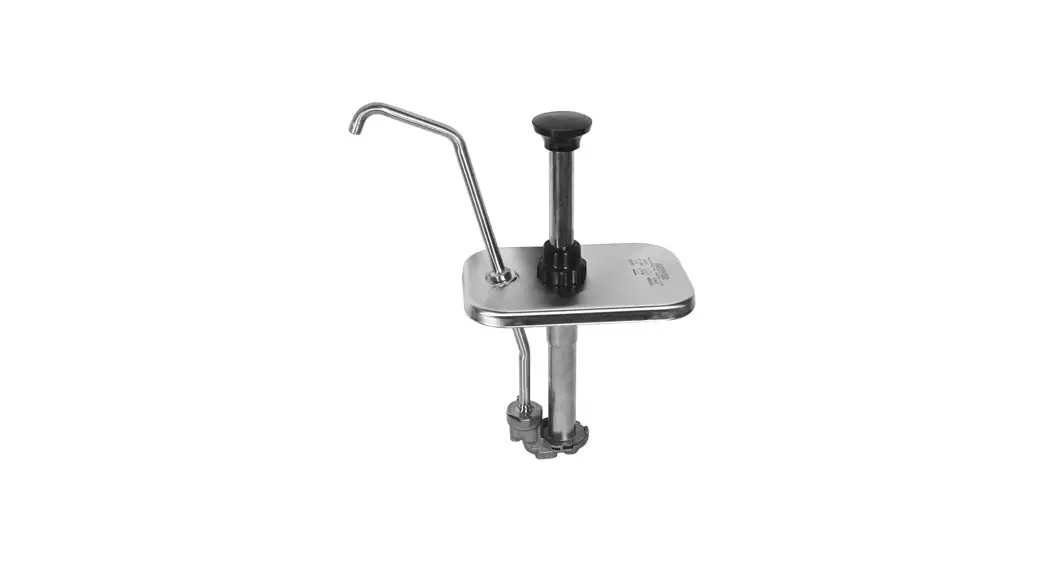
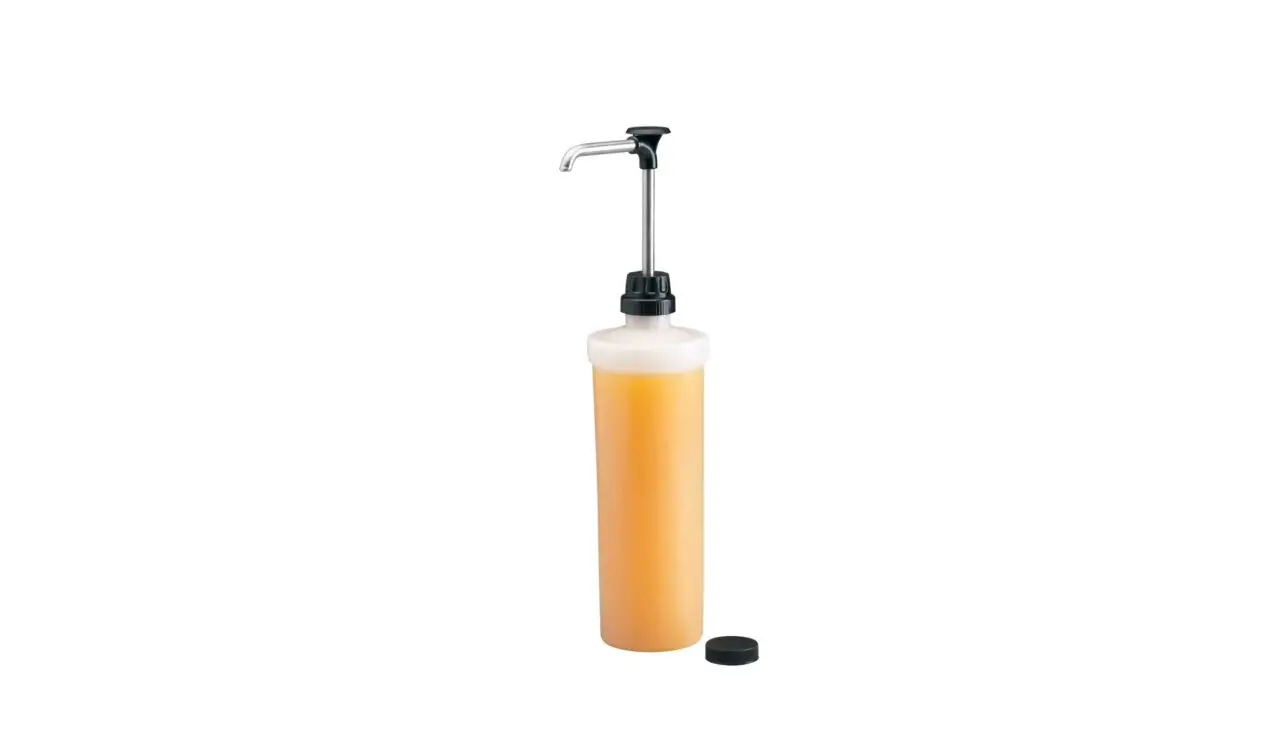
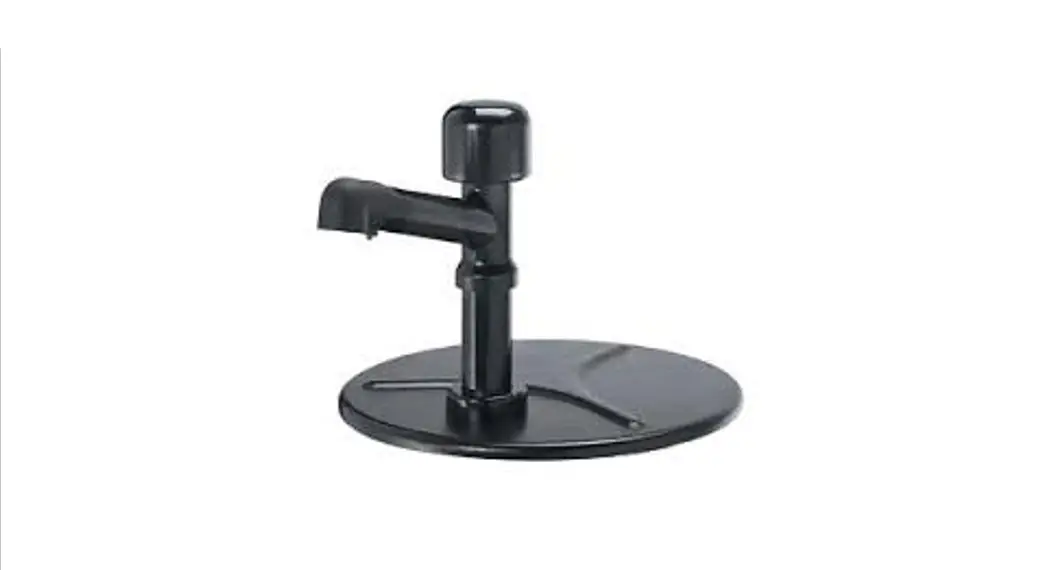
Server Specialty Dispenser with Eco Pump™
Tips and tricks to help you get started with your new dispenser with Eco Pump™.
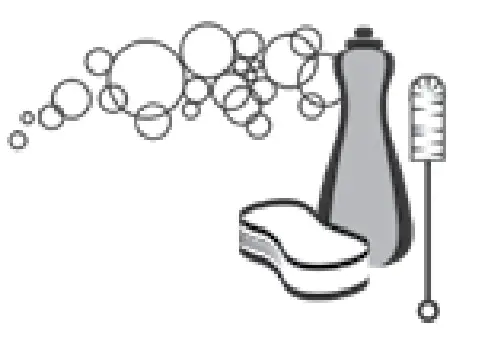
- Remove the pump from the box and disassemble then wash, rinse, and sanitize all pump parts properly before use.

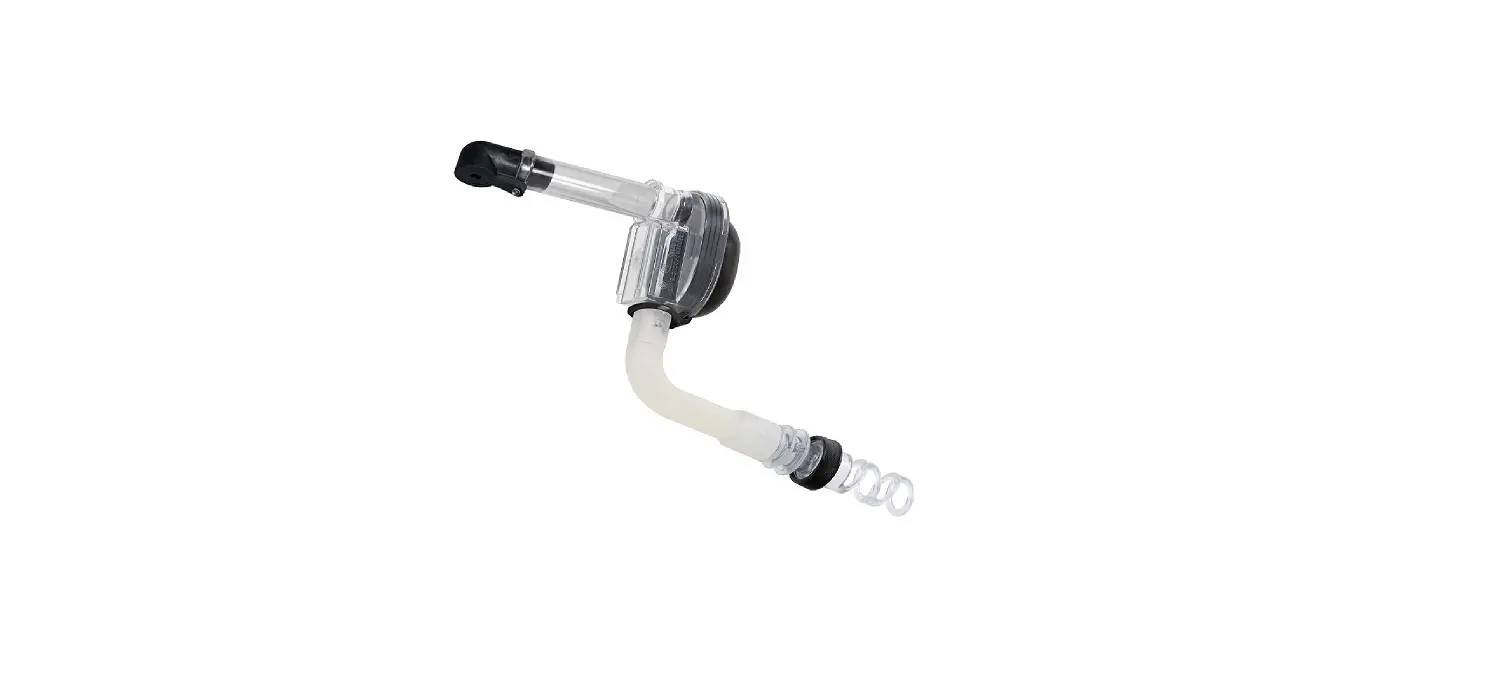
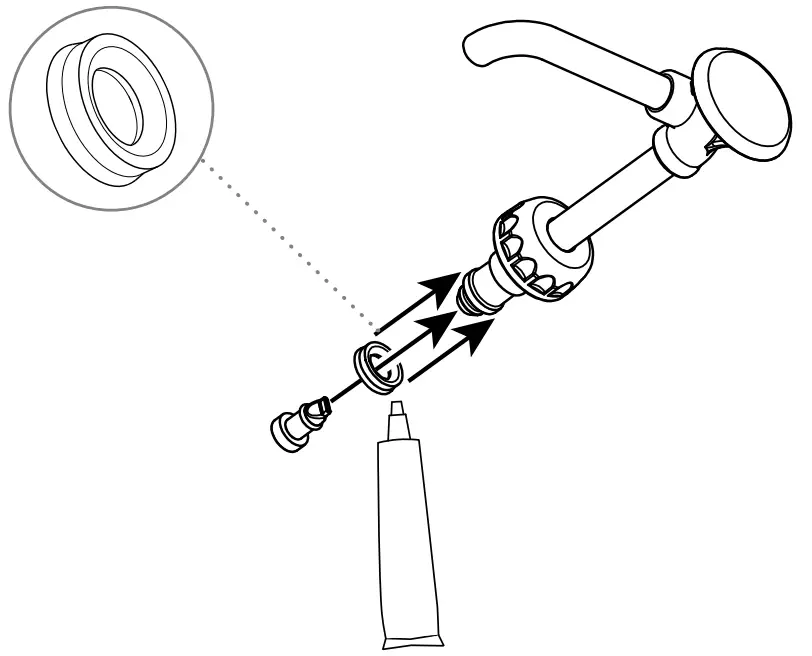
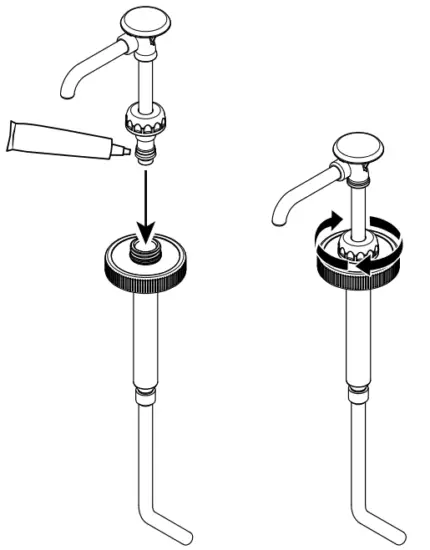
- Install seal onto head assembly piston. Apply a small amount of food equipment lubricant inside the seal. The flared end of the seal should face away from the piston head. Install pinch valve securely to seal the end. Squeeze the pinch valve opens before installation.

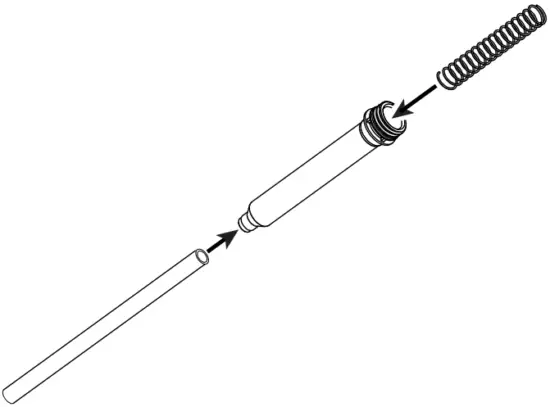
- Insert spring into the cylinder. Add a silicone tube to the bottom of the cylinder.

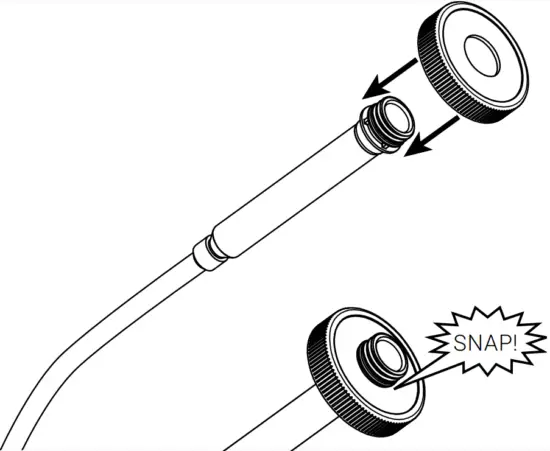
- Snap cap onto the cylinder. Press firmly to secure cap down overall threading on cylinder

- Install head assembly in the cylinder. Apply a small amount of food equipment lubricant to the outside of the seal. Slide locking collar down onto cylinder threading. Tighten firmly.

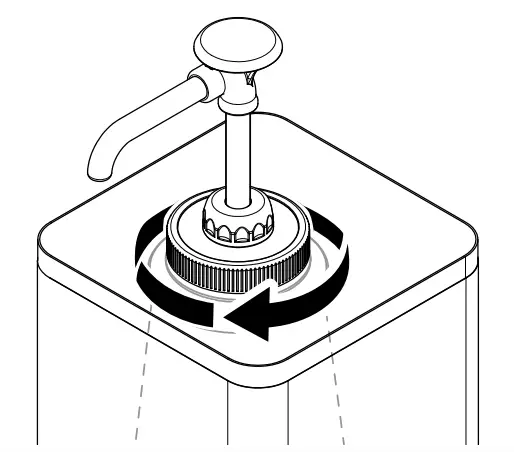
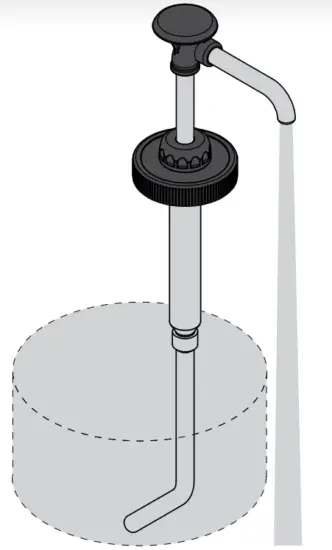
- Insert and secure the pump to a jug of product. Tighten cap very firmly onto jug threading. Place jug into the shroud.

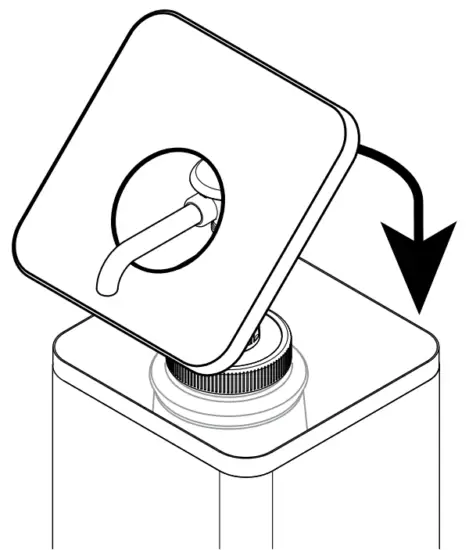
- Add lid.

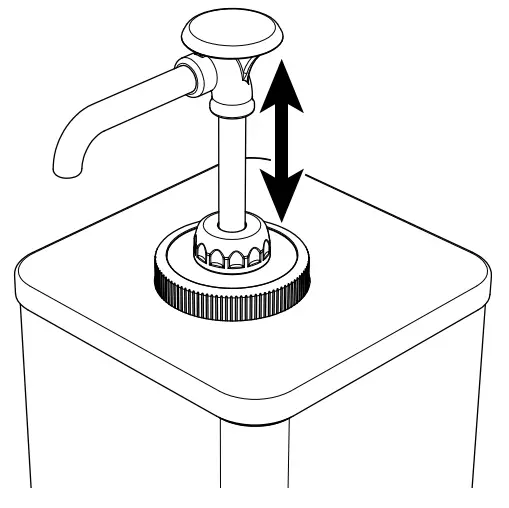
- Prime pump by continuously pressing on the pump until any air bubbles are eliminated and only the product is dispensed.

- This pump can also be cleaned-in-place without disassembly. For complete instructions for cleaning place, scan the QR code below and look up your part number in the
search bar to find the manual.
WANT TO LEARN MORE?
Visit server-products.com/manual-more for your manual, part breakdown, support videos and more.
[email protected] | 800.558.8722

MODEL XXXX
P/N #####
SERIES ##X ##X
REFERENCE YOUR PART NUMBER
(P/N) LOCATED ON THE LID OR BASE.
100769RevA
 Products.com
 Search our Website for Equipment Manuals & More