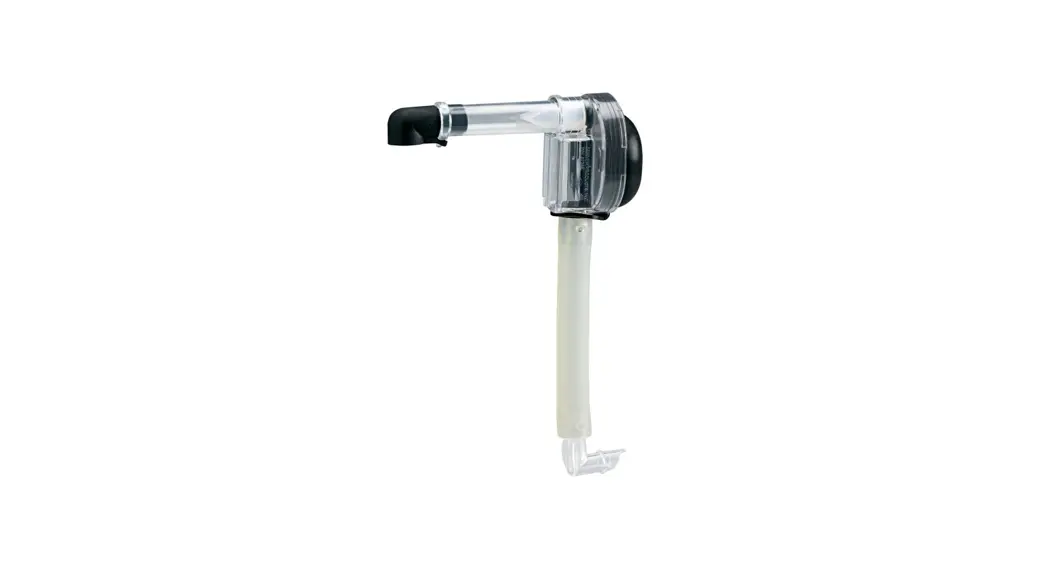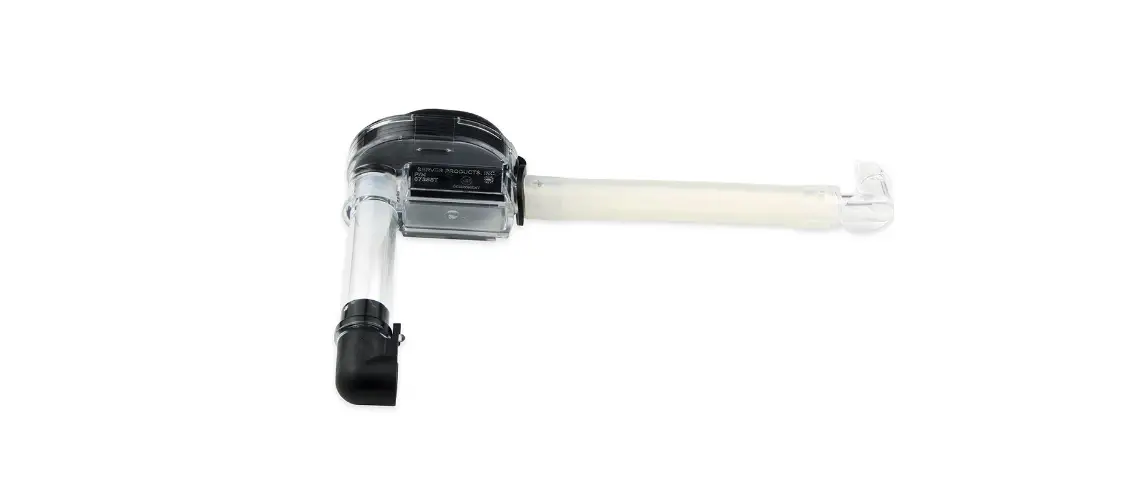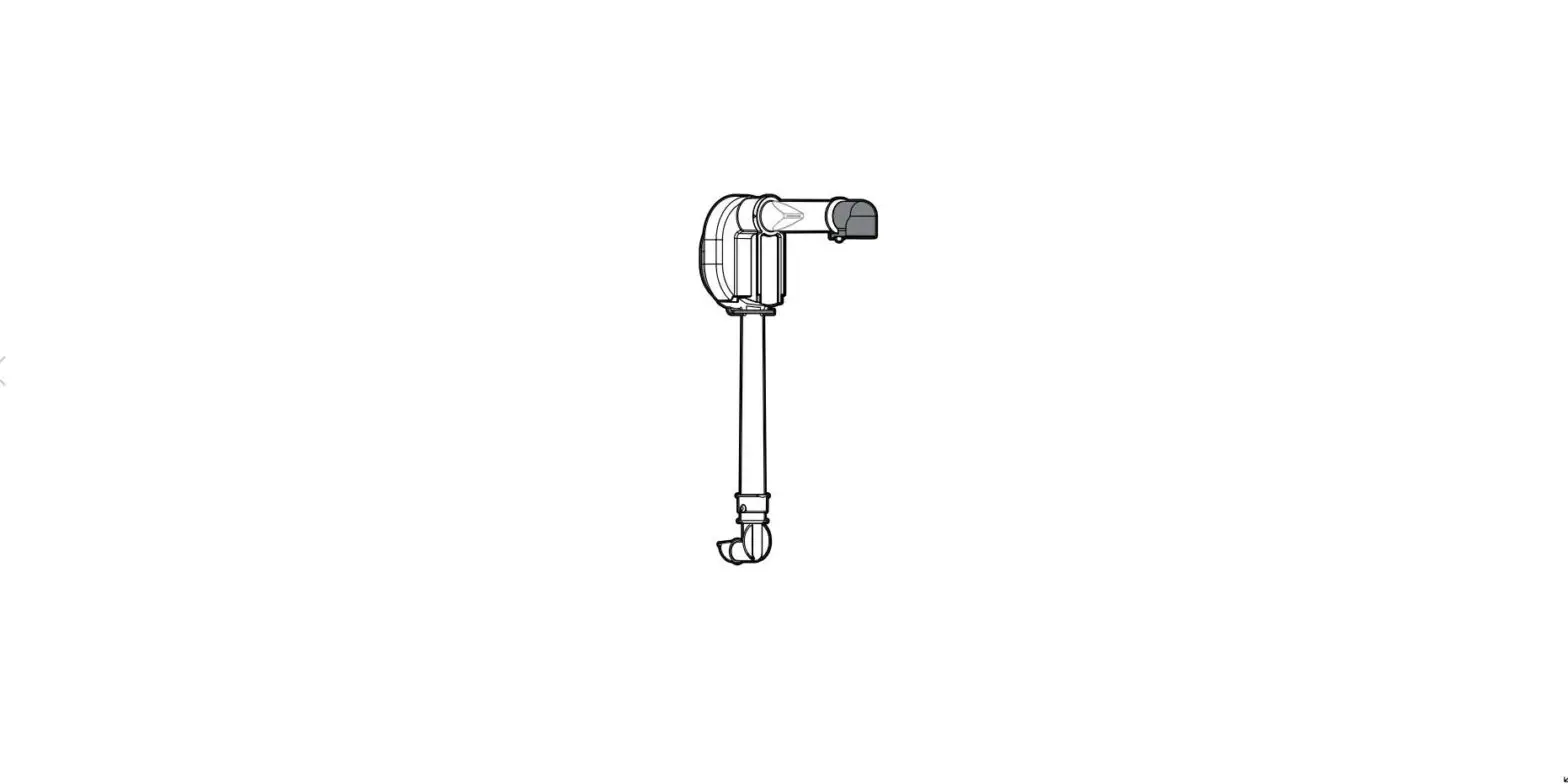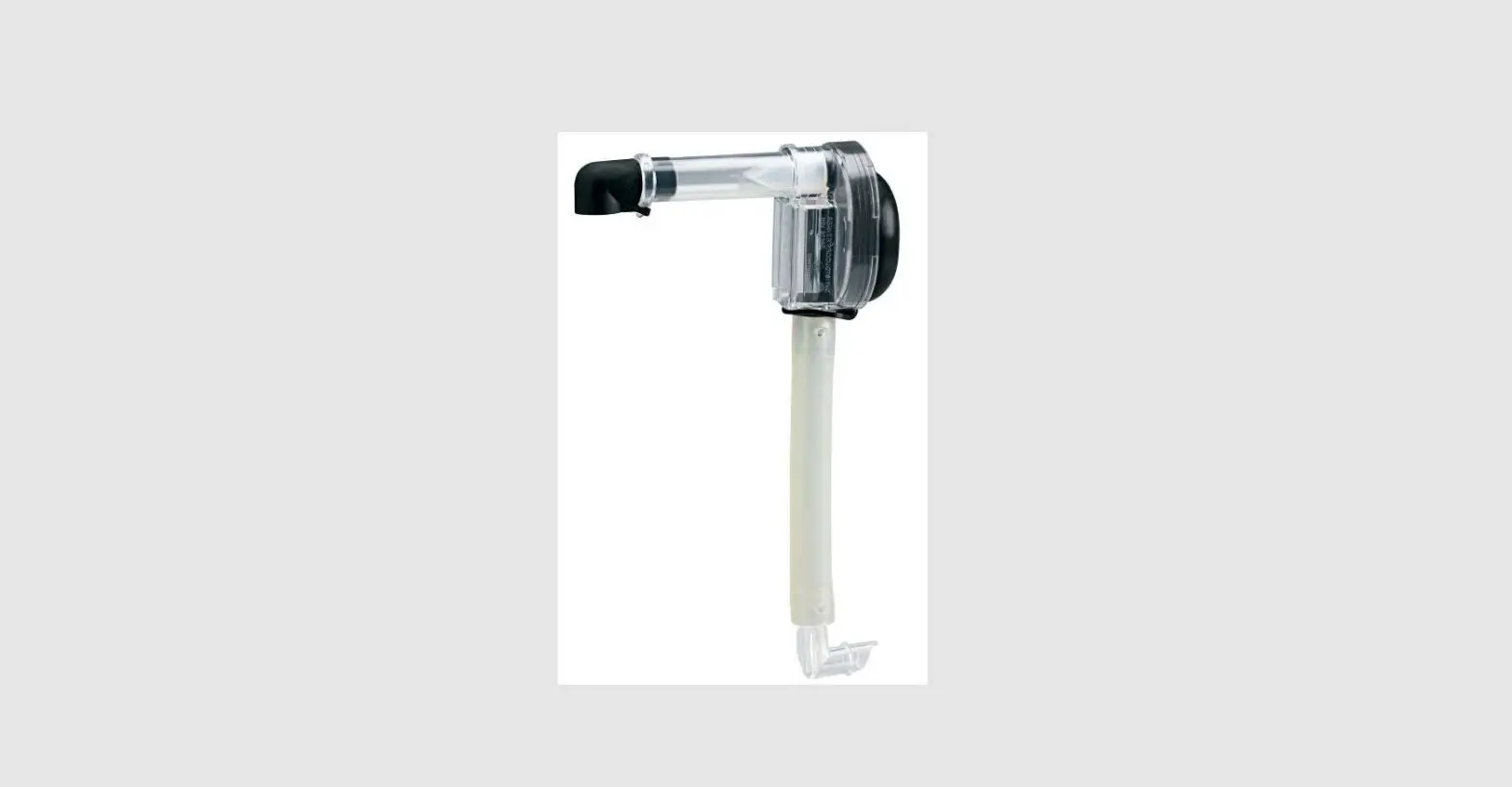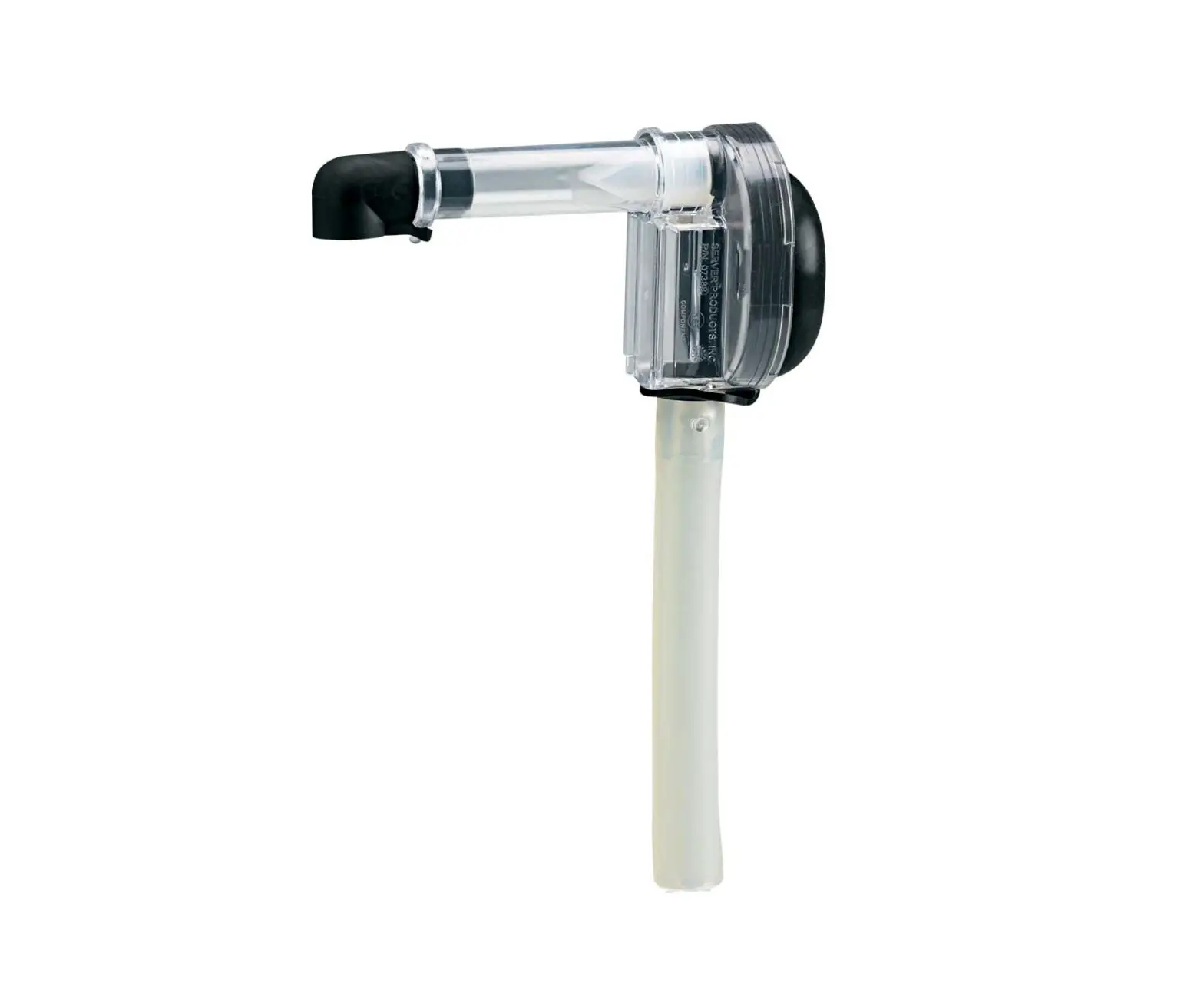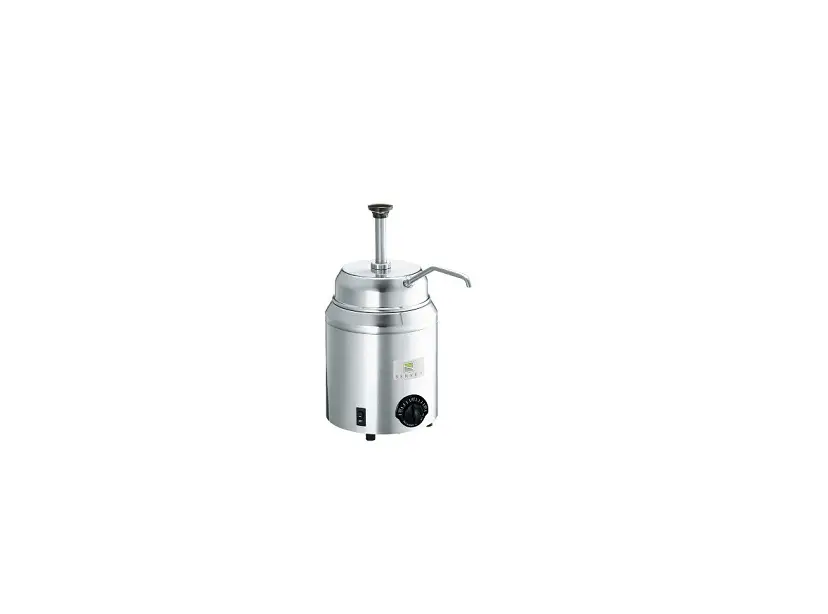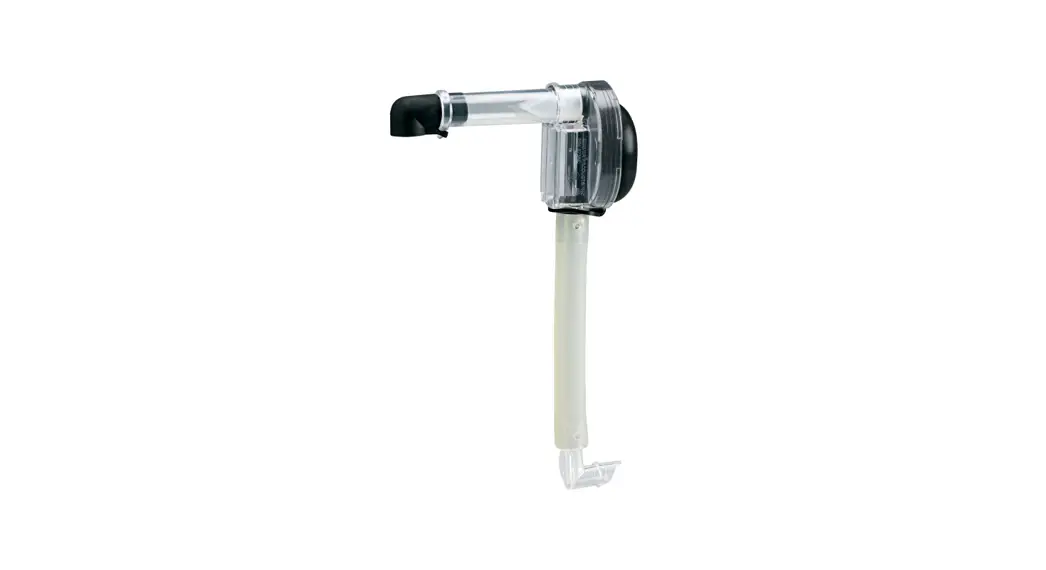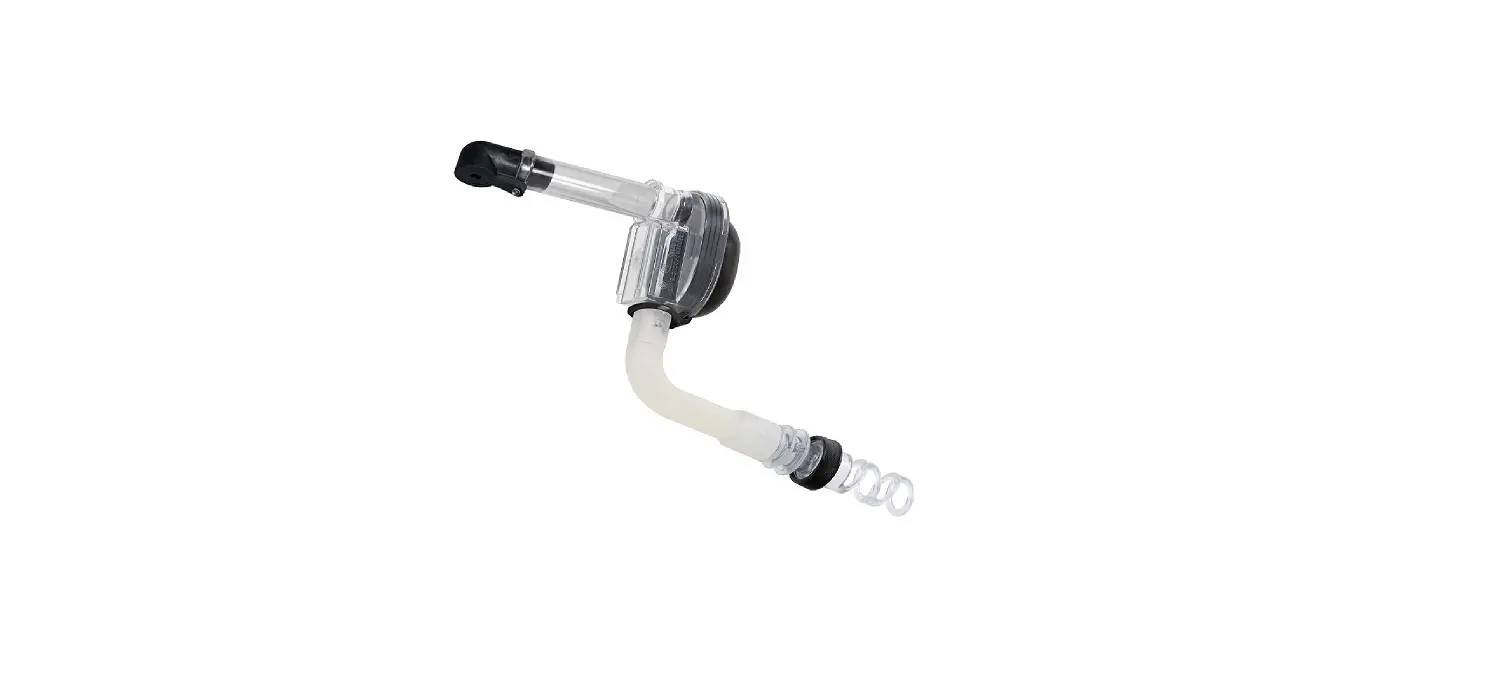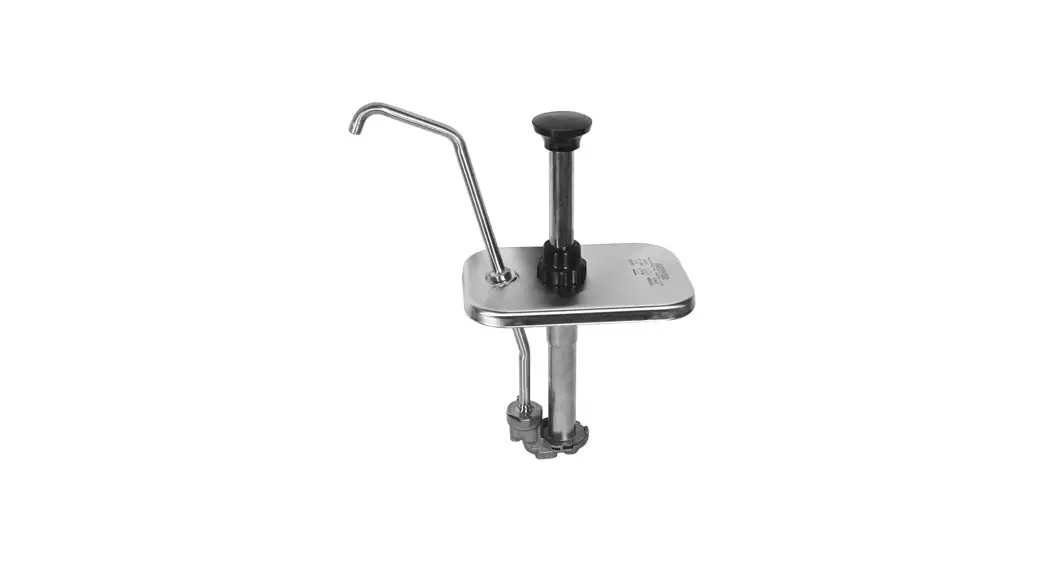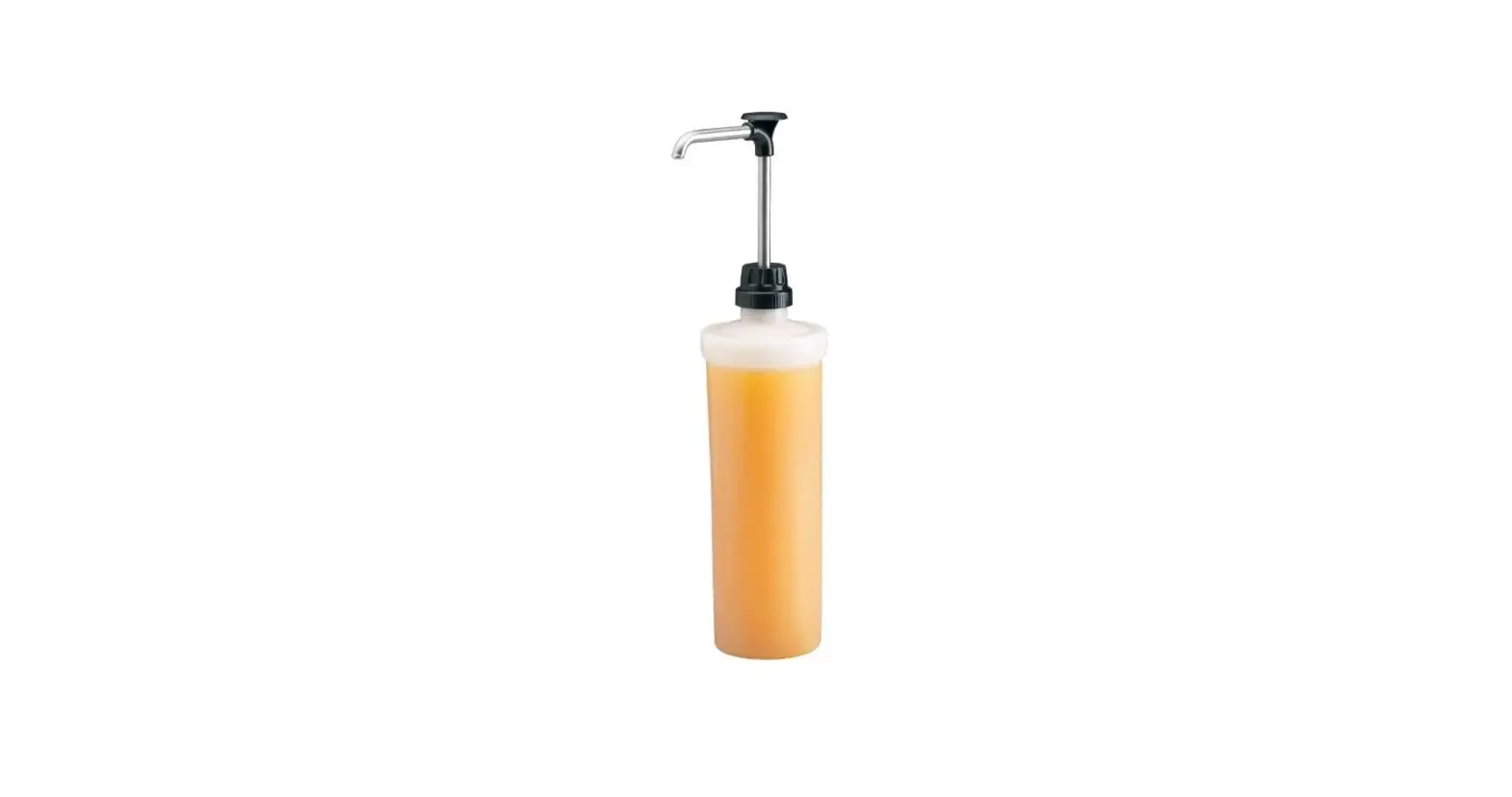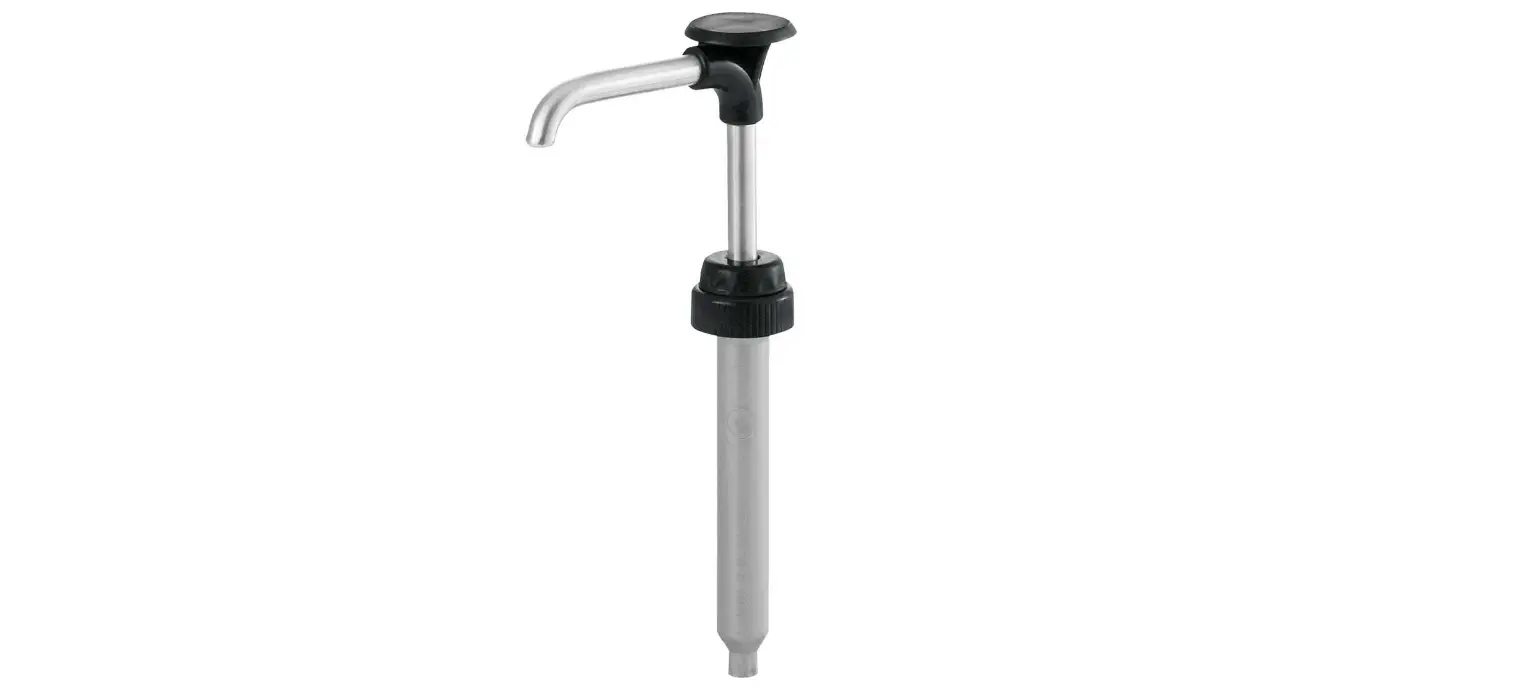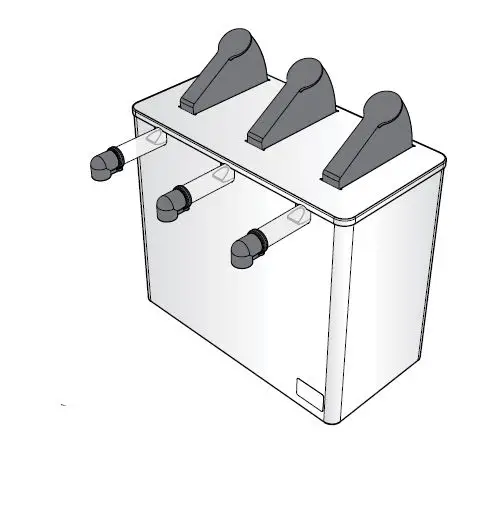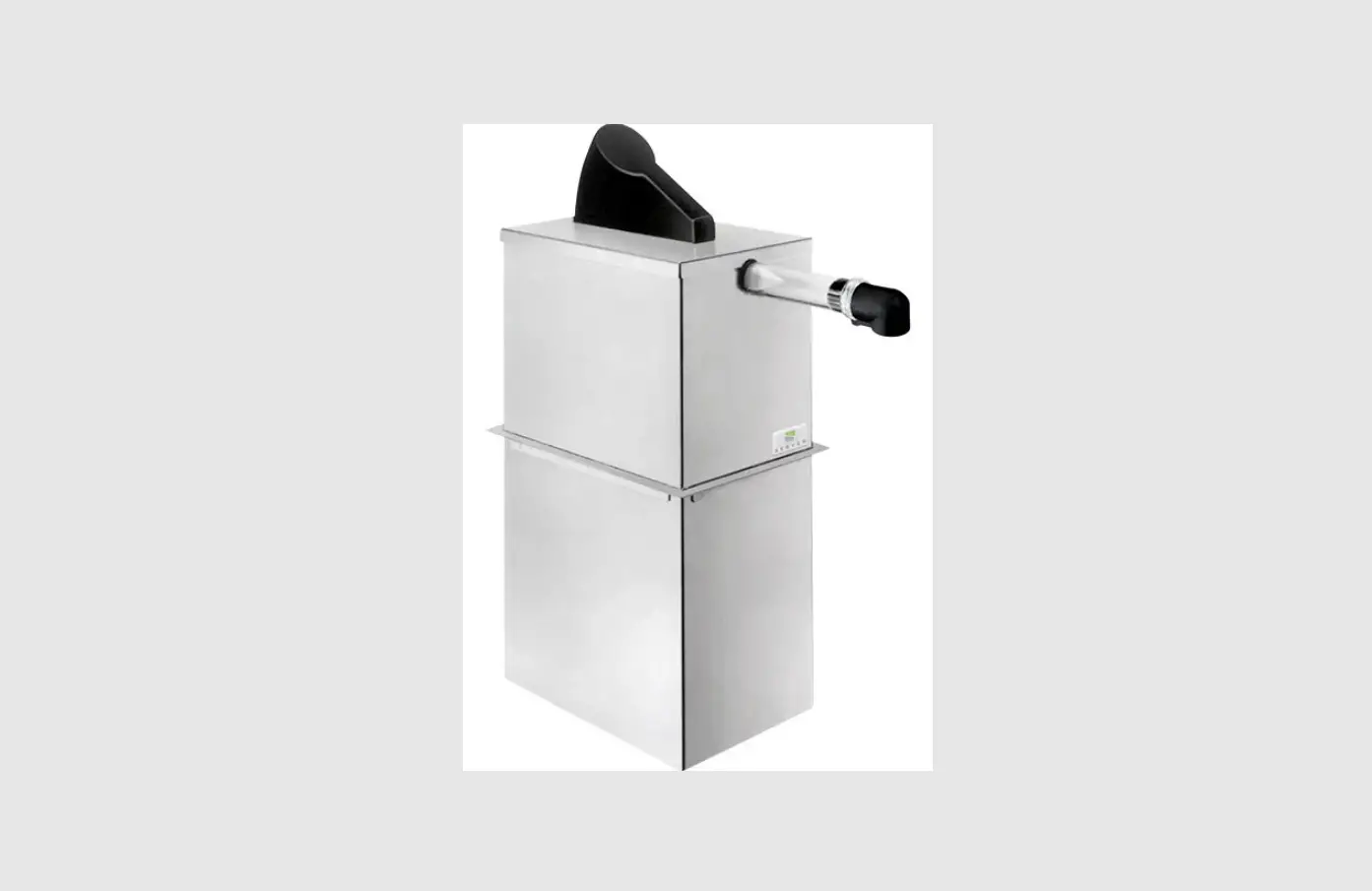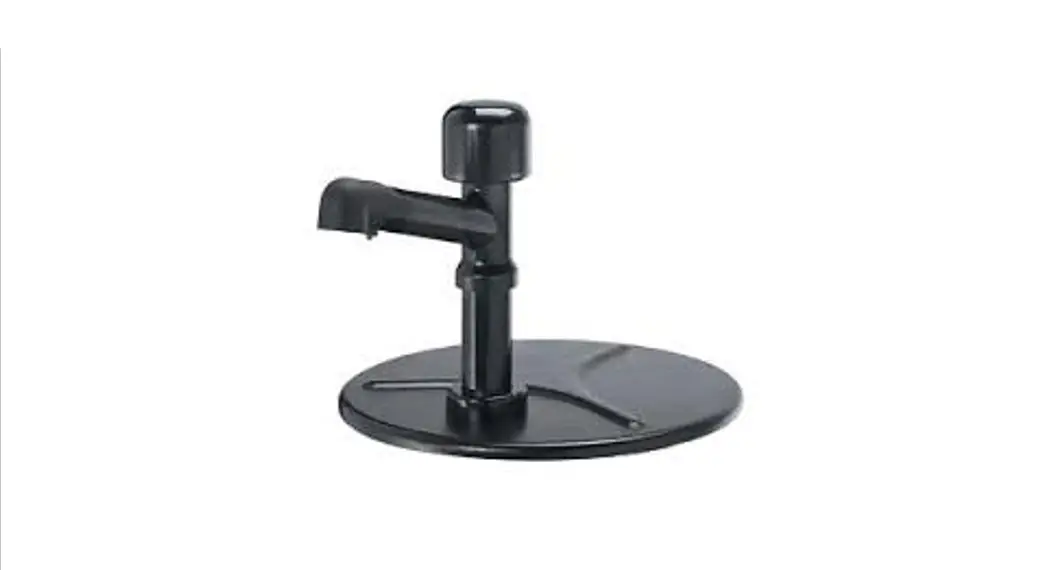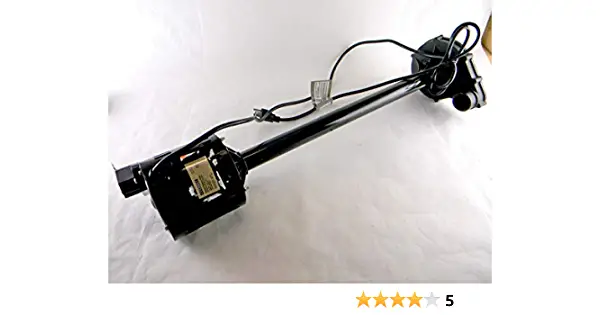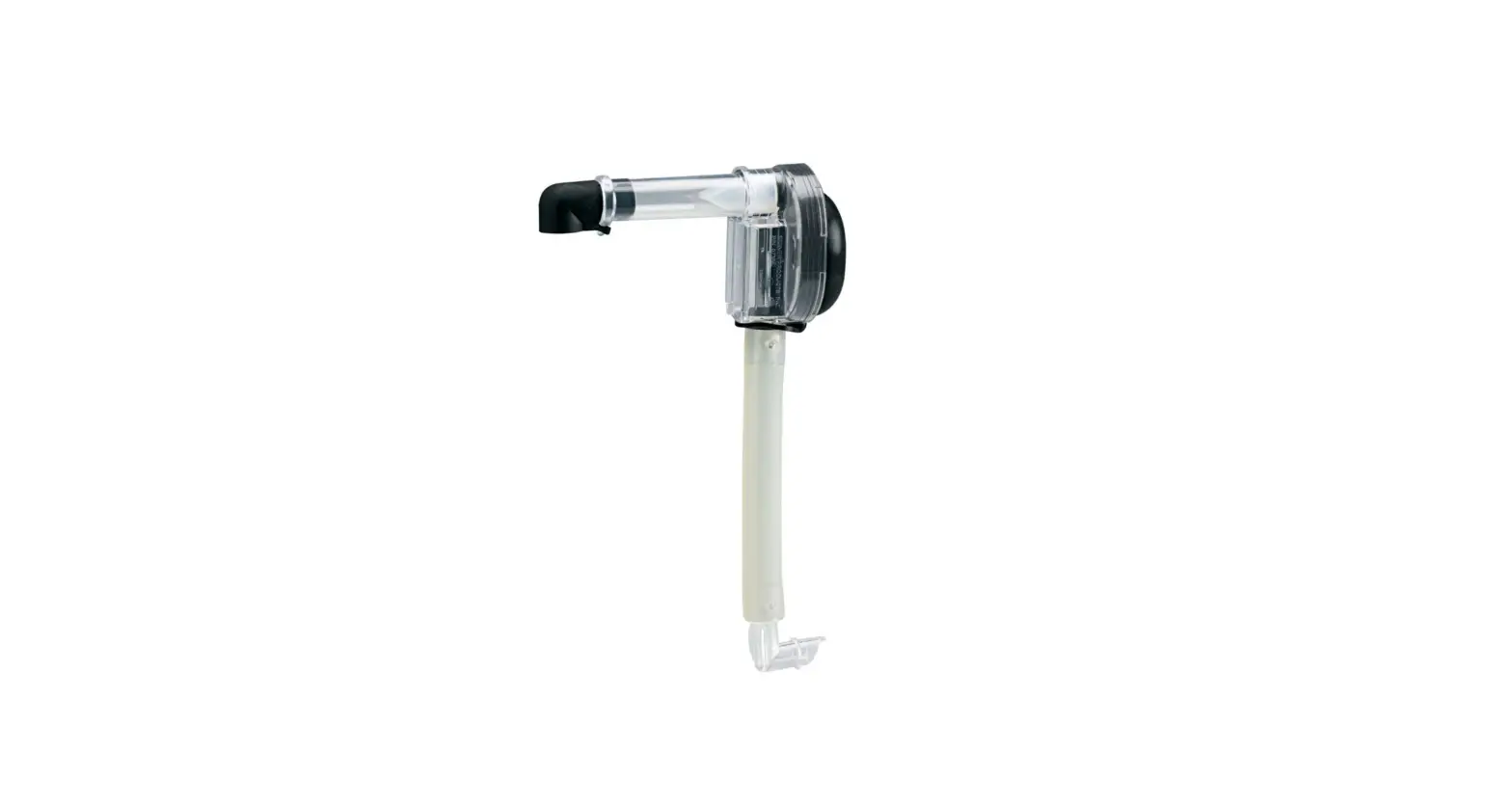

SERVER 07794 Express Replacement Pump
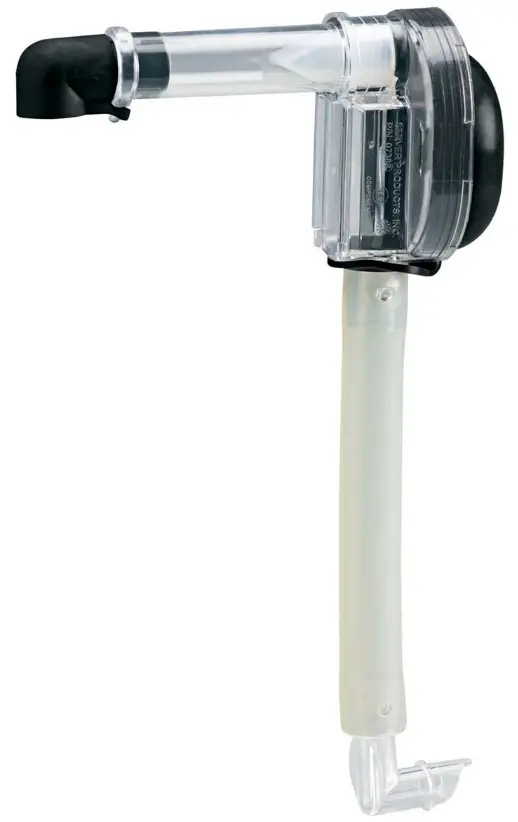
Tips and tricks to help you get started with your new Server Express pump
- Remove unit from box. Wash, rinse, sanitize, and air dry pump parts properly before use.

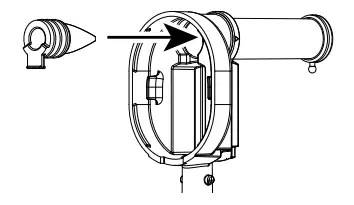
- Squeeze pinch valve open to ensure it isn’t stuck shut, then insert into pump housing.

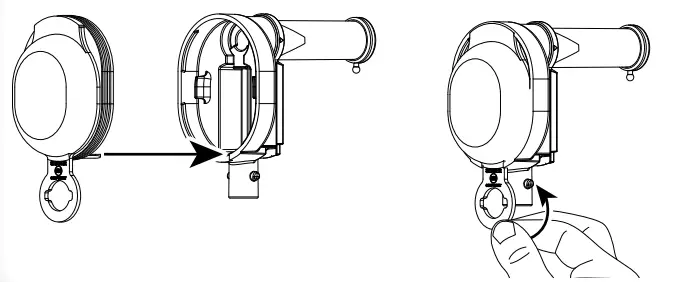
- Press dome into housing fully and wrap loop around lower opening to secure.

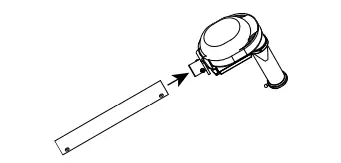
- Lubricate with a small amount of clean water and install tube by rotating until both pegs on housing fit into holes on tube.

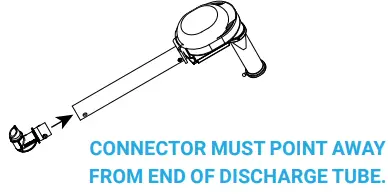
- Lubricate with water and install connector by rotating until both pegs on connector fit into holes on tube.

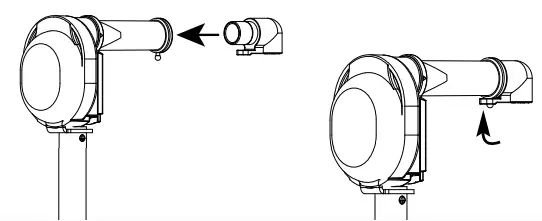
- Insert discharge fitting into discharge tube. Place loop of fitting around peg on end of discharge tube.

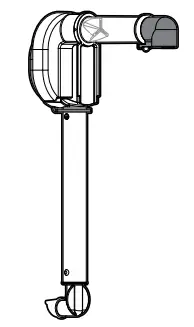
- Fully assembled pump.

WANT TO LEARN MORE
Visit server-products.com/manual-more for your manual, part breakdown, support videos and more. [email protected] | 800.558.8722
 Products.com
 Search our Website for Equipment Manuals & More