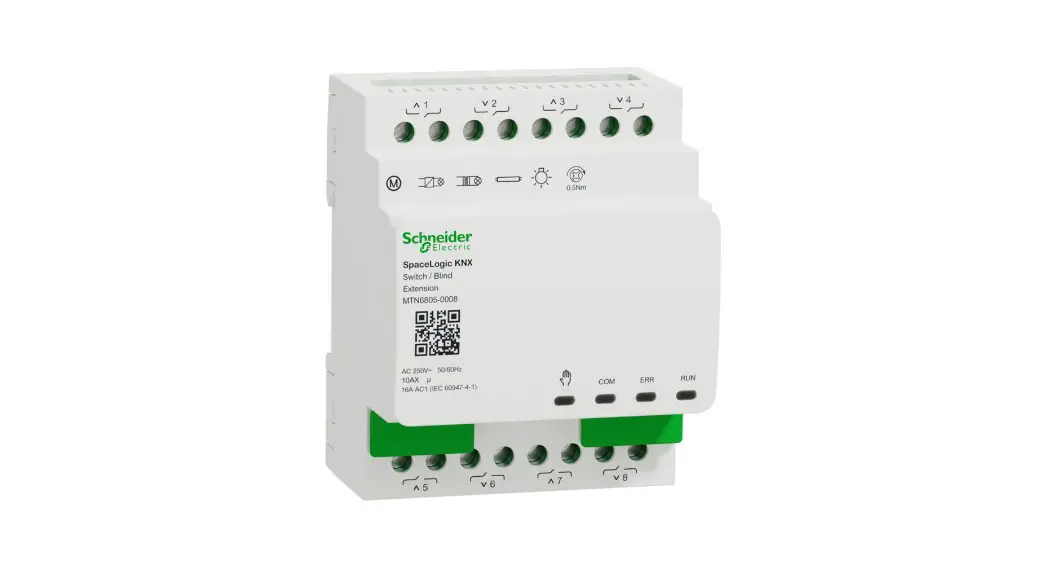
 MTN6805-0008 SpaceLogic KNX Switch/Blind Extension
User Manual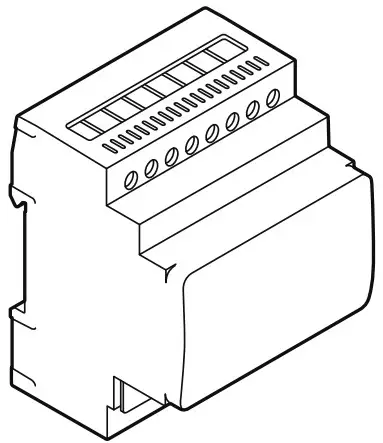
MTN6805-0008 SpaceLogic KNX Switch/Blind Extension

 http://go2se.com/ref=MTN6805-0008

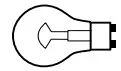 | 2300 W (230 V) 1150 W (110 V) | 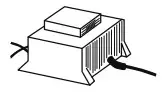 | 1200 VA (230 V) 600 VA (110 V) | R | 2300 W (230 V) 1150 W (110 V) |
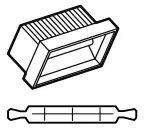 | 2300 W (230 V) 1150 W (110 V) | 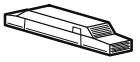 | 1500 VA (230 V) 750 VA (110 V) | C | 10AX, max 140 uF |
 | 200 W (230 V) 60 W (110) |  | 1000 VA (230 V) 500 VA (110 V) | L | 10 A, cosφ = 0,6 |
(IEC 60669-2-5)
 |  |
 | |
About this document
You can find all the information required for safe installation in this document. More detailed product information is available on the Internet -> See QR code.
For your safety
 DANGER
HAZARD OF ELECTRIC SHOCK, EXPLOSION, OR ARC FLASH
Safe electrical installation must be carried out only by skilled professionals. Skilled professionals must prove profound knowledge in the following areas:
- Connecting to installation networks
- Connecting several electrical devices
- Laying electric cables
- Connecting and establishing KNX networks
- Safety standards, local wiring rules and regulations
Failure to follow these instructions will result in death or serious injury.
Getting to know the device
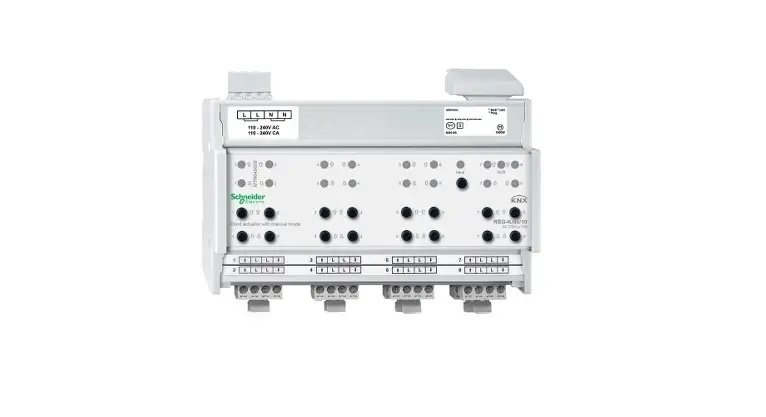
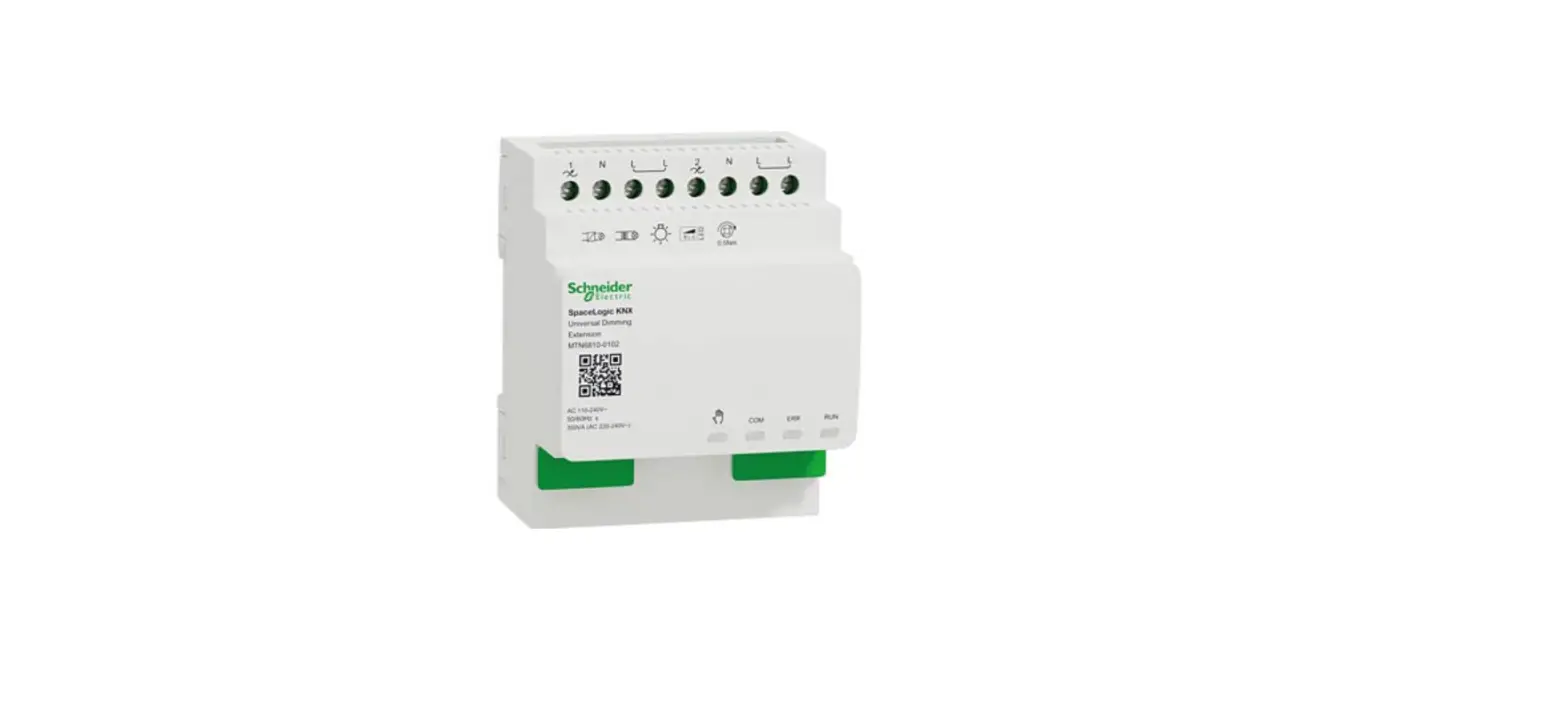
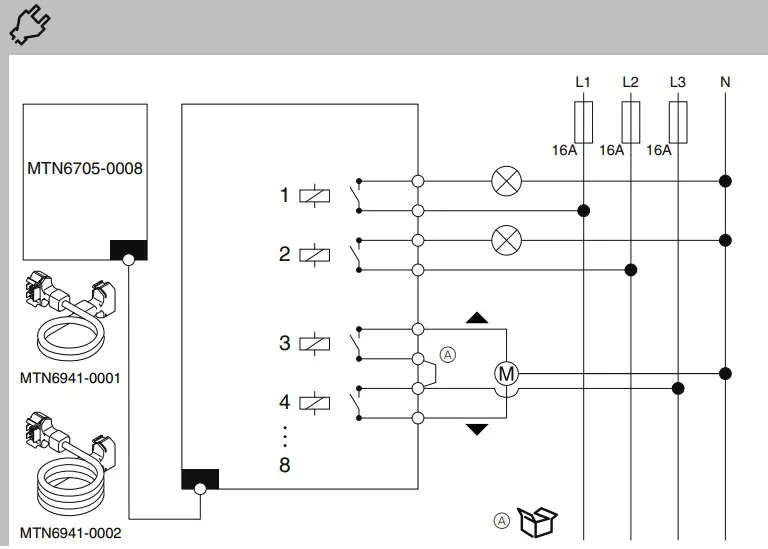
The SpaceLogic KNX Switch/Blind Extension is a switch actuator that extends the channels of a Switch/Blind Master. You can connect max. 8 switchable loads or max. 4 blind motors with limit switches.
They are always controlled by a master device.
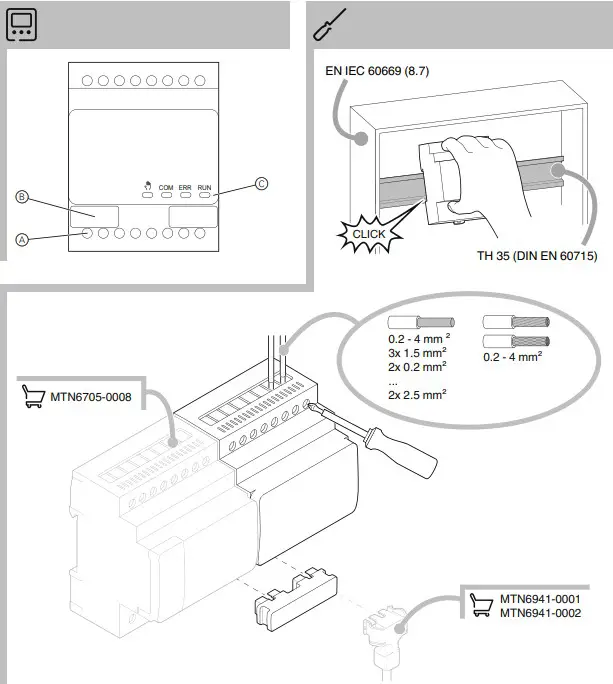
Connections and operating elements

A Load connections
B Link interface
C Status LEDs
Installation and connection
 Installing WARNING
Risk of death from electric shock.
Only install devices with at least basic insulation next to the device.
Failure to observe this instruction can result in death or serious injury.
Connecting
 DANGER
Risk of fatal injury from electric shock. When the mains voltage is connected, there may be voltage at the outputs. The switching contacts may switch to the connected state due to heavy jolting during transportation.
- Only connect the bus voltage.
All relays are moved to a defined position: in factory setting to “Off” or depending on ETS programming. The Master LED lights up, the keypad shows the status of the channels. - On the key pad: switch off the switched-on channels
- Disconnect the bus voltage
- Connect loads
- First switch on the bus voltage then the load voltage
Failure to observe these instructions will lead to death or serious injuries. Note
Note
- Connect only one motor per blind channel.
- Connect only blind motors with thermal protection.
- Switch channels are not locked against each other. Only connect blind motors to channels that are configured as a blind channel.
Failure to observe this instruction can damage the blind motors.
Technical data
| Supply voltage | via link interface |
| Insulation | Protective separation between the bus and the mains voltage |
| Power dissipation | < 8 W |
| KNX medium | TP1-256 |
| Switching contacts | 8x make contacts, µ contact |
| Nominal voltage | AC 250 V, 50-60 Hz |
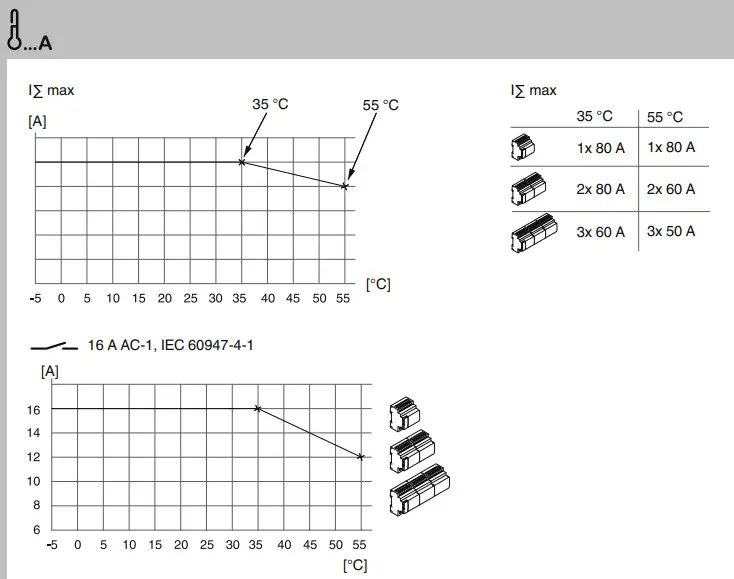
| Nominal current | 16 A AC-1, IEC 60947-4-1 10 A, IEC 60669-2-5 |
| Nominal power | →  |
| Switching frequency | max. 10 per minute at nominal load |
| Total device current |  |
| Relay data Inrush current: | max. 800 A/200 µs, max. 165A/20ms |
| Mechanical endurance: | >1×10⁶ operations |
| Fusing: | max. 16 A Miniature circuit breaker |
| Environment Temperature in operation | -5 °C … +55 °C |
| Max. humidity | 93%, no condensation |
| Installation height | Up to 2000 m above sea level |
| Resistance to fire and heat | Glow wire test according to IEC 60695 |
| Connecting terminals KNX | Bus connection terminal |
| Mains: | 2x 8-gang screw terminal |
| Device width: | 4 modules = approx. 72 mm |
 Dispose of the device separately from household waste at an official collection point. Professional recycling protects people and the environment against potential negative effects.
Schneider Electric -Contact
Schneider Electric Industries SAS
35 rue Joseph Monier
Rueil Malmaison 92500
France
If you have technical questions, please contact the Customer Care Centre in your country. se.com/contact
 Schneider Electric Limited
UK Representative
Stafford Park 5
Telford, TF3 3 BL, UK
 Go2SE
Go2SE Our offices around the world