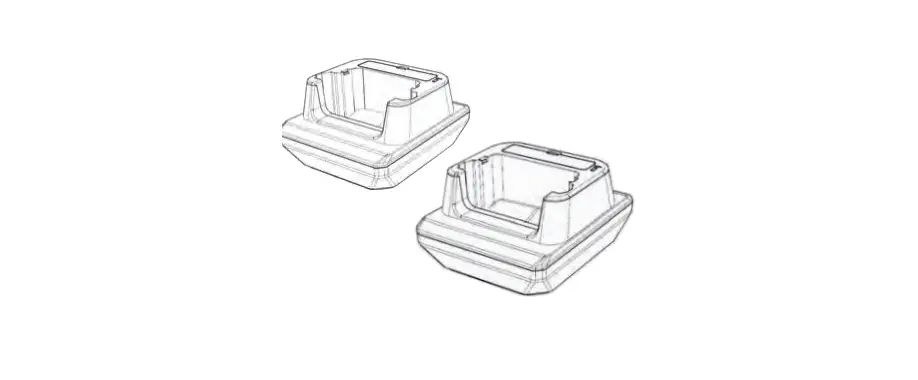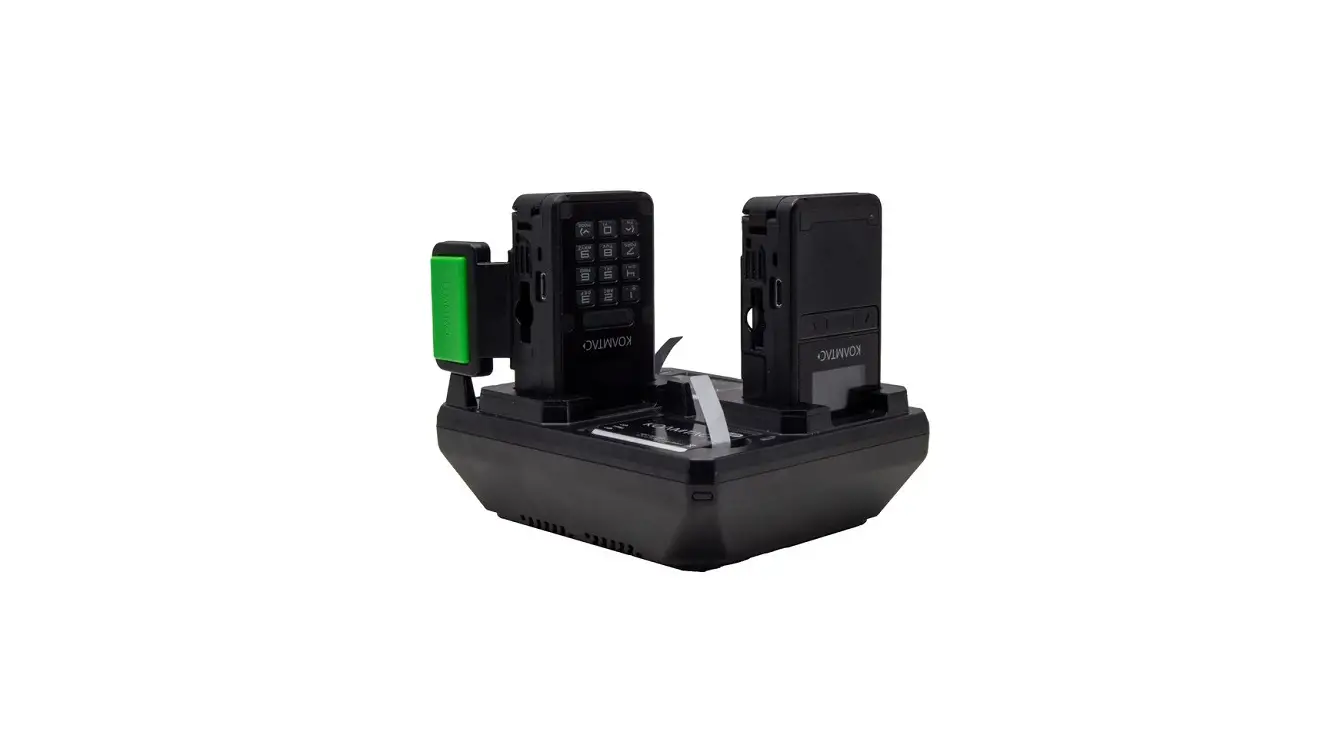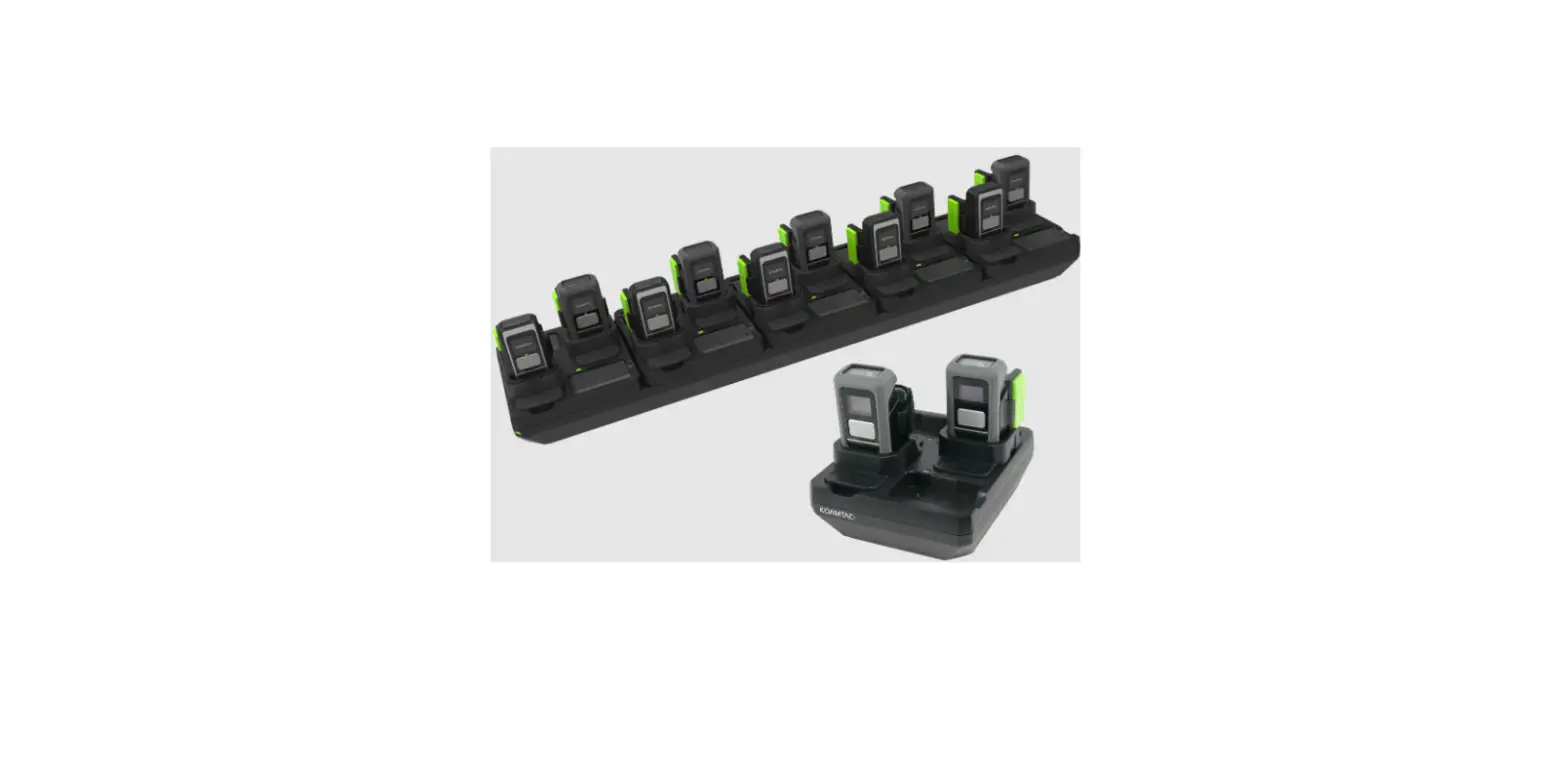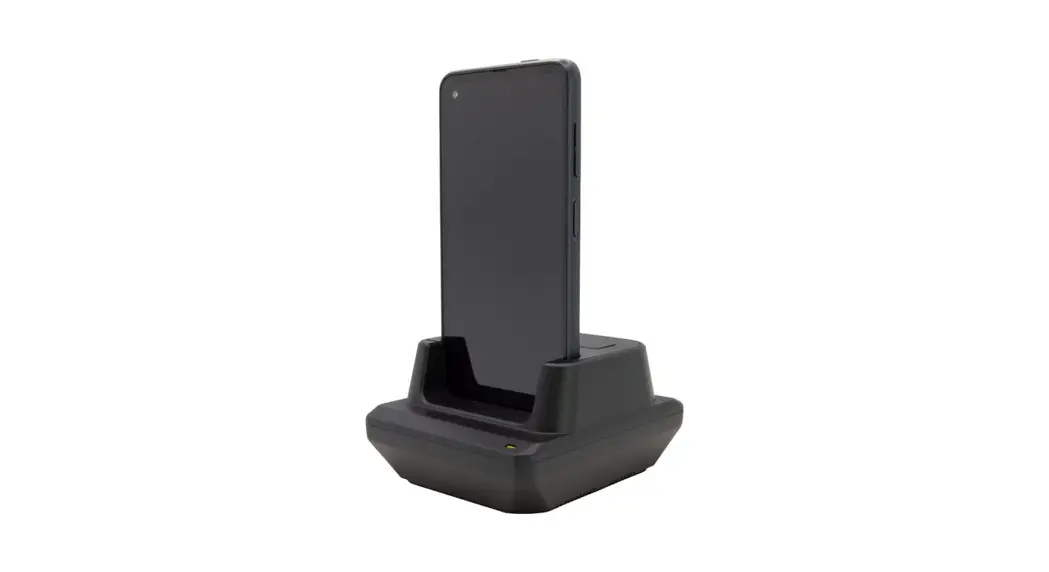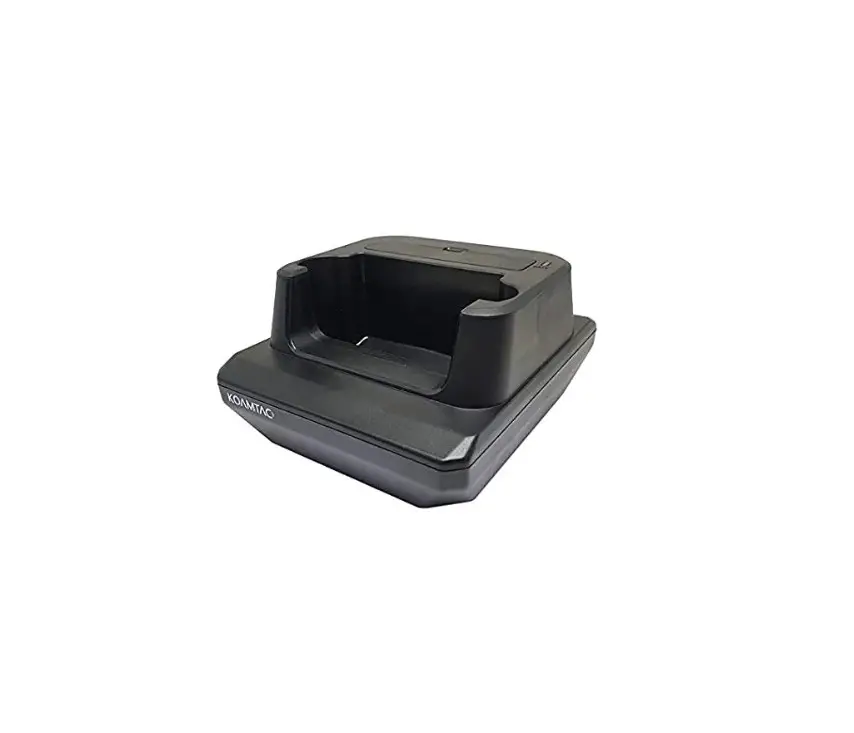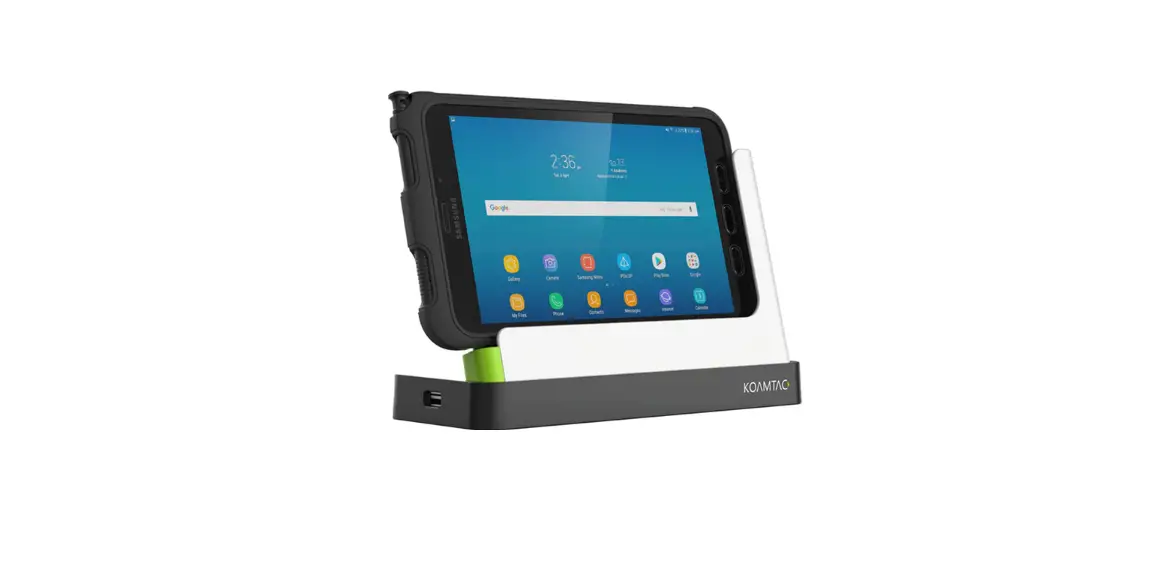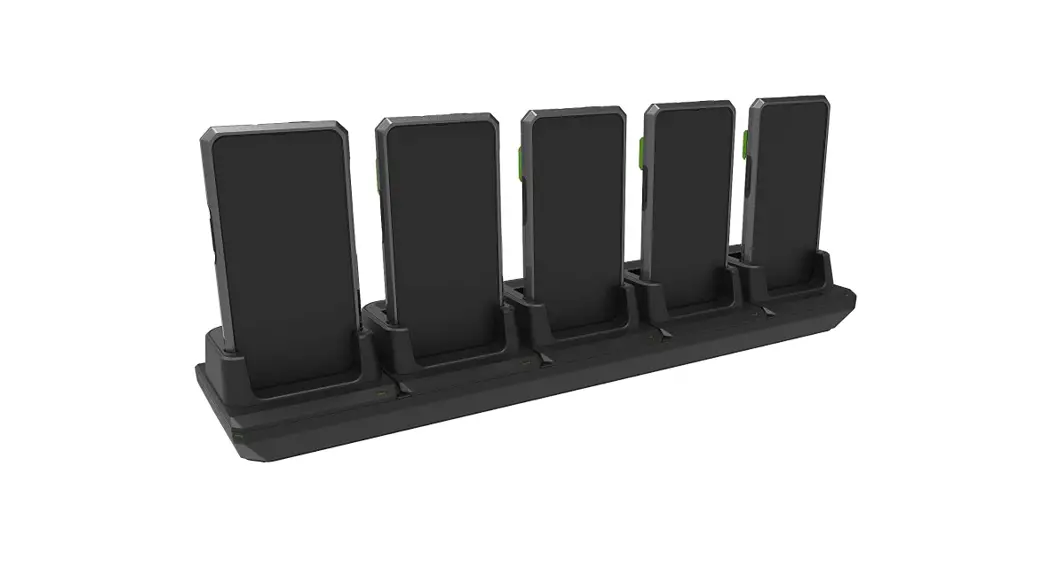

SKX™ SmartSled ®Charging Cradle Mini Guide
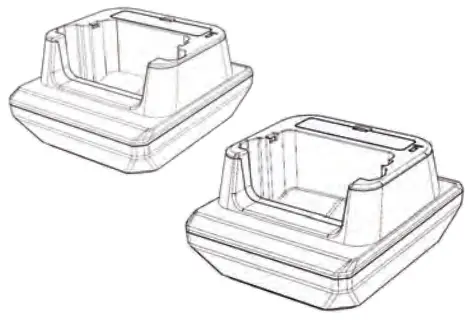
* All pictures shown are for illustration purposes only. The actual product may vary.
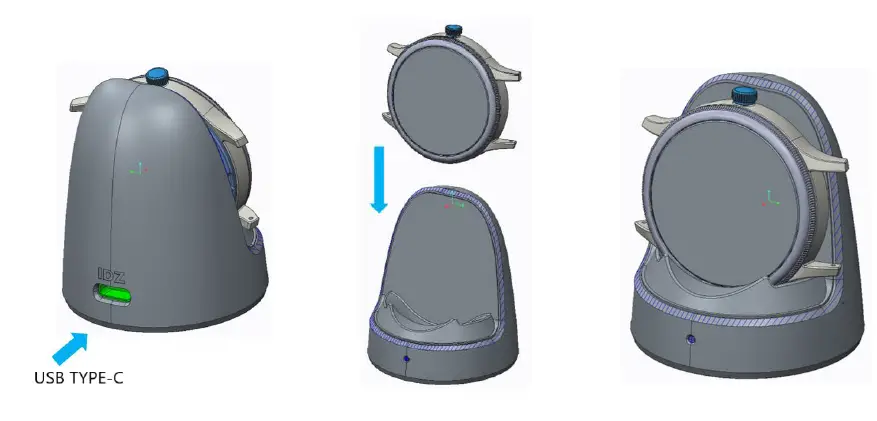
Charging via USB Type-C
Use a genuine Samsung AFC adaptor for 9V fast charging. Use a minimum 5V/2A rated USB adaptor for 5V normal charging. (A)
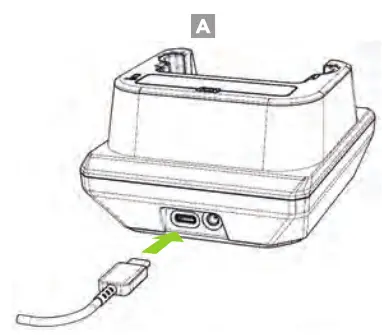 *Fast charging is only supported when using a genuine Samsung AFC charger.
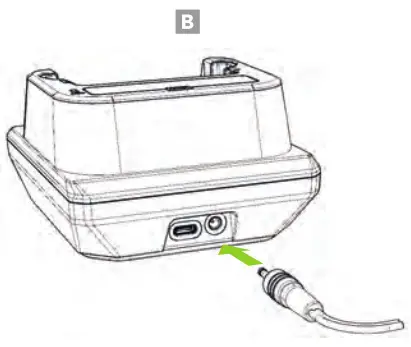
Charging via DC Connector
The 12V/2A DC power adaptor supports 9V fast charging when the SKX is mounted on the charging cradle. (B)
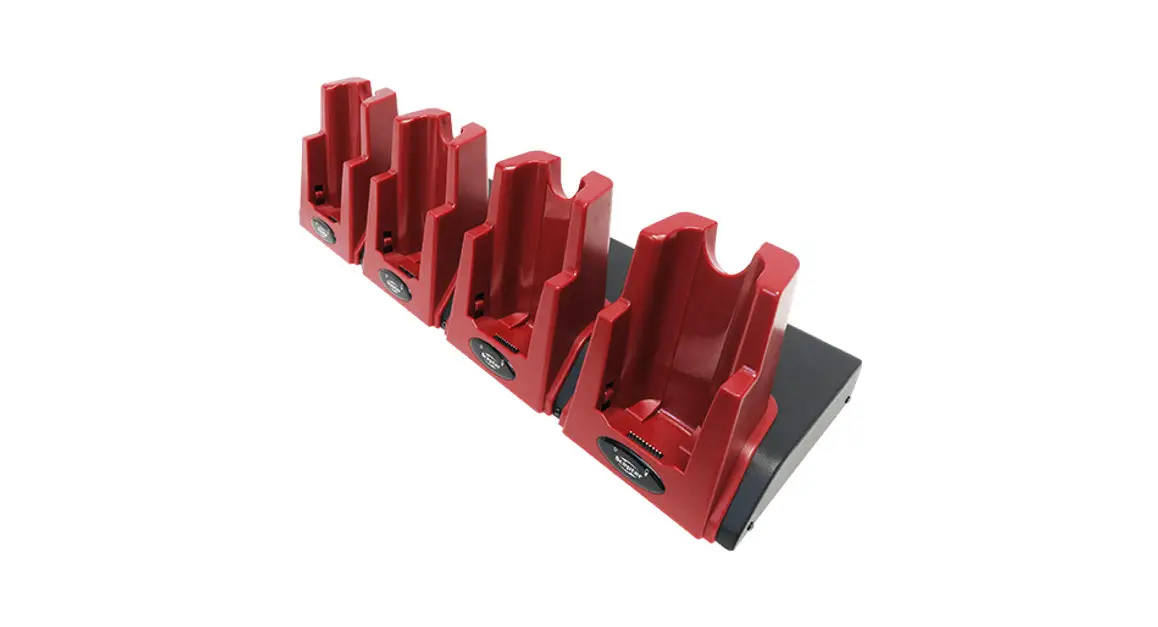
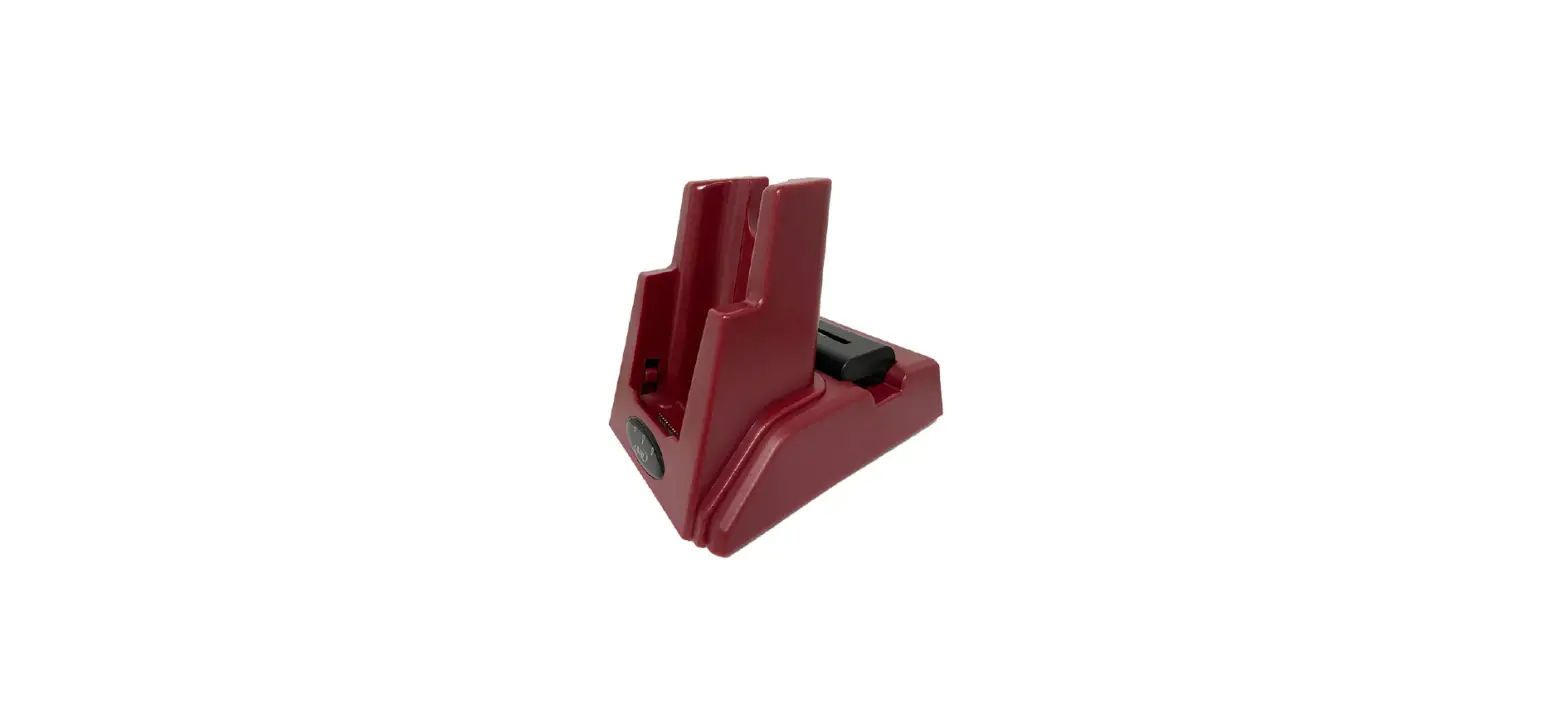
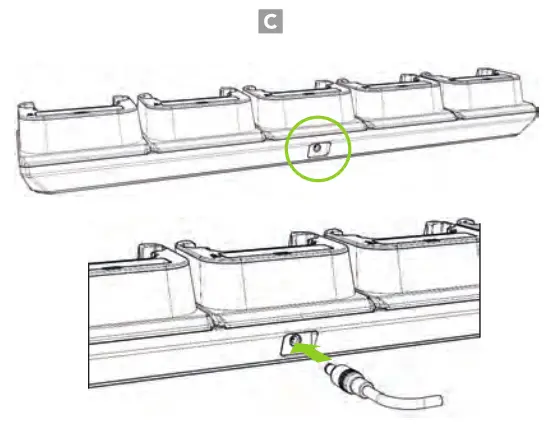
5-Slot Charging via DC Connector
The 12V/10A DC power adaptor supports 9V fast charging when the SKX is mounted on the 5-slot charging cradle. (C)
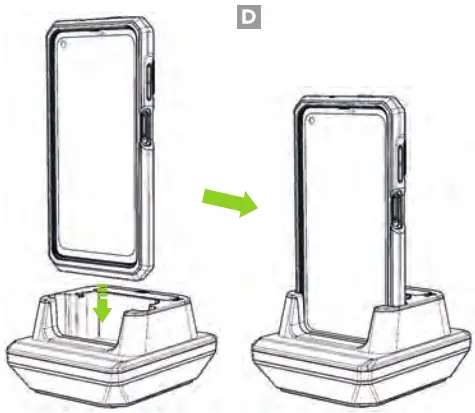
Charging the SKX with Protective Boot
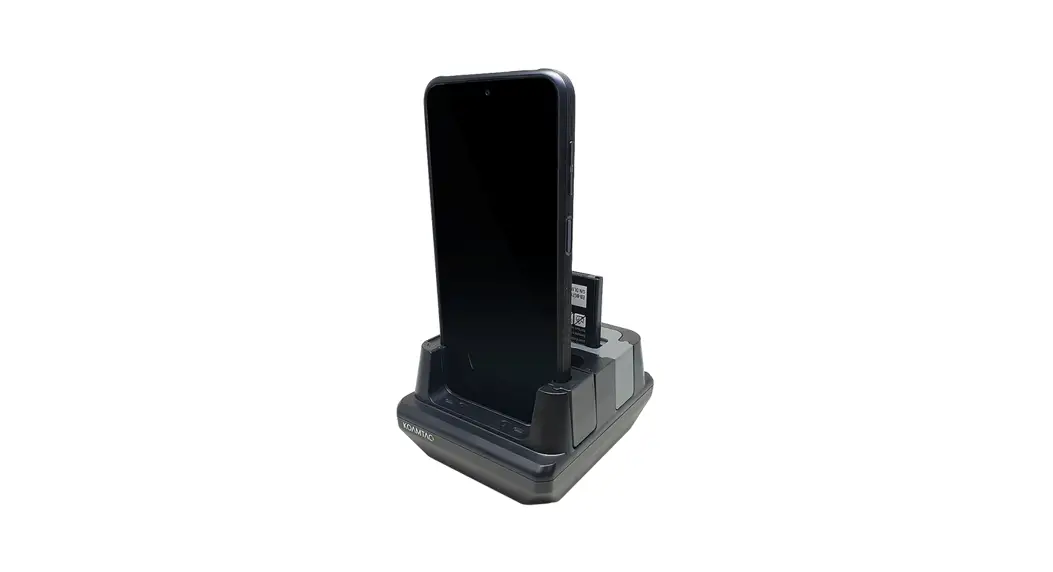
Insert the SKX with Protective Boot into the slot as shown below. (D)
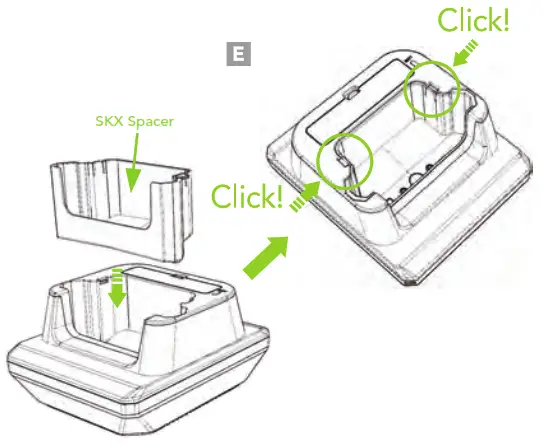
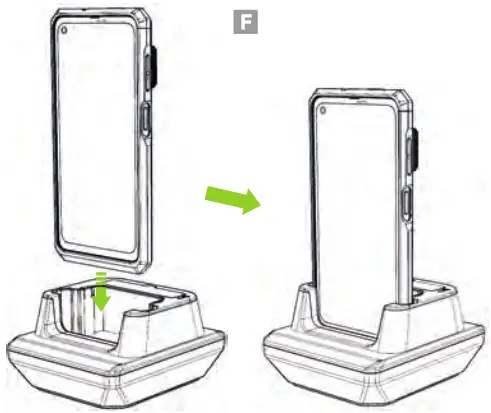
Charging the SKX
- Assemble the SKX spacer (optional) as shown in the figure below. (E)

- The SKX will now fit into the charging cradle without the protective boot. (F)

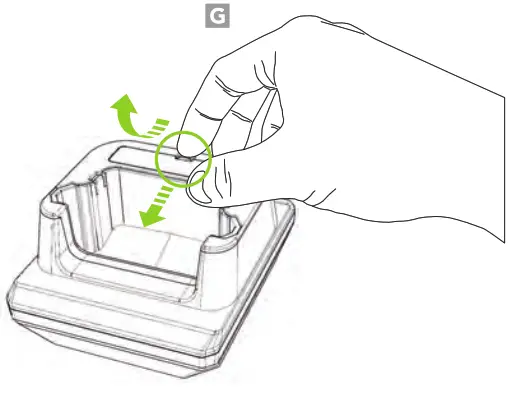
Removing the Battery Cover
To remove, pull the hook on the battery cover toward you and tilt it upwards. (G)
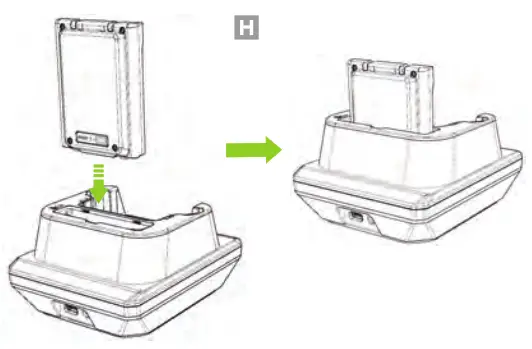
Charging the SKX Extended Battery
Insert the battery into the extended battery slot on the cradle with the battery’s charging LED indicator facing toward the back of the cradle. (H)
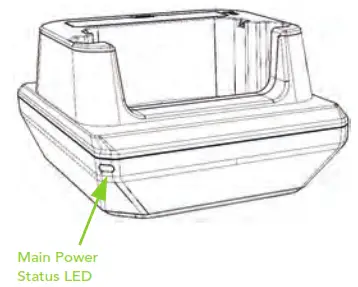
Cradle Power LED Status
Battery LED Status
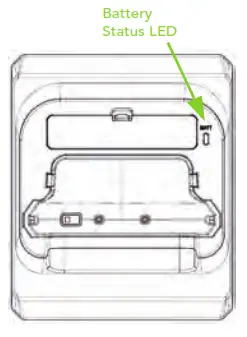
Green: Fully charged
Orange: Charging
Blinking Red: Charging Issue
– Overheating
– Charging fault
– Foreign material inside
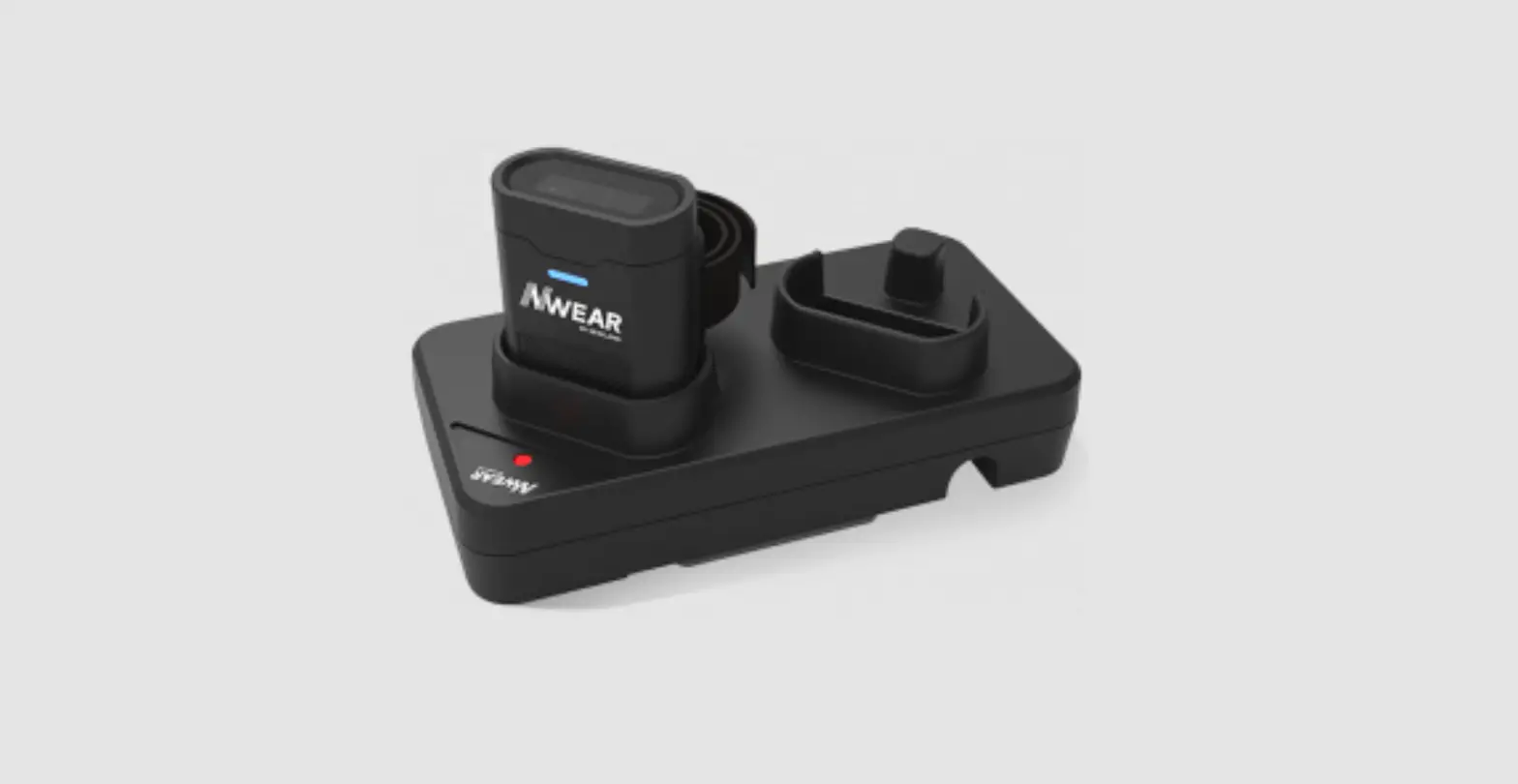
Additional Accessories
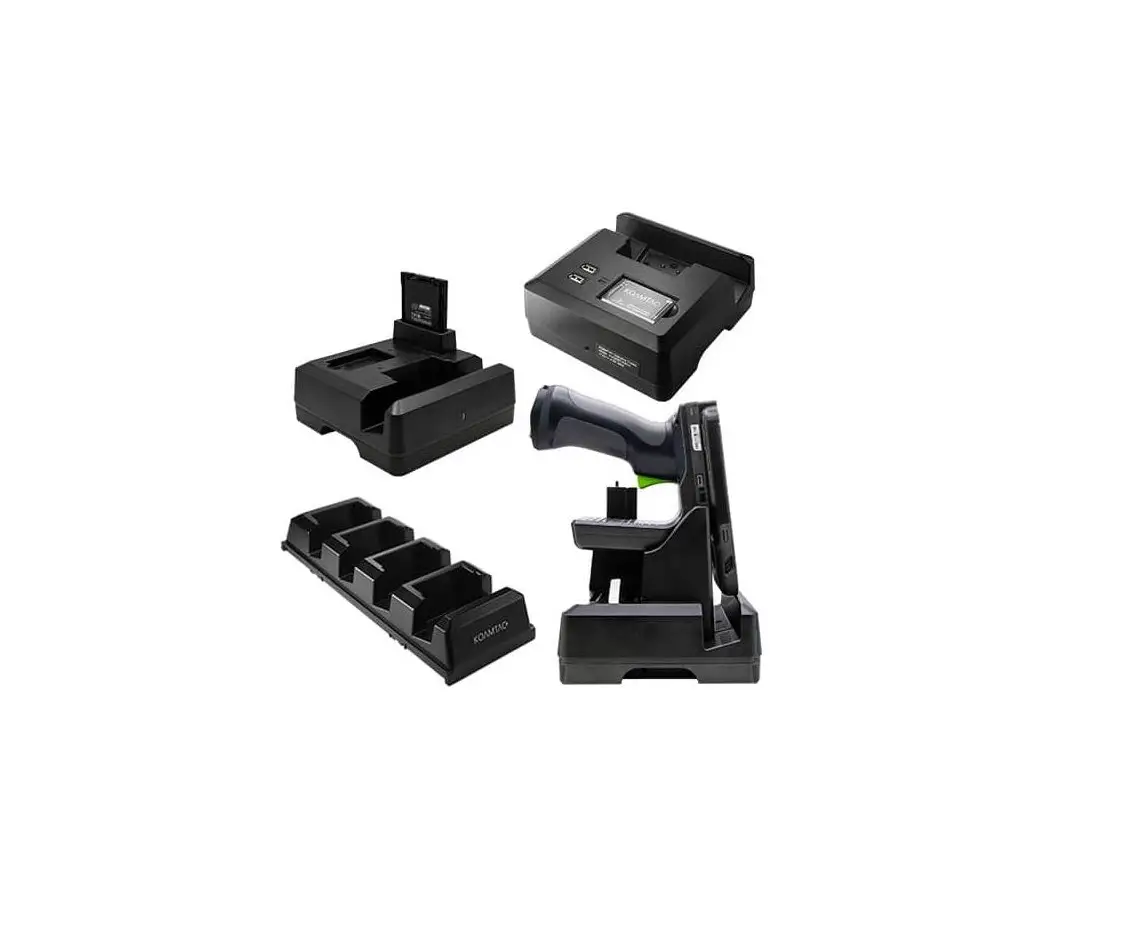
 0.5W UHF Reader Companion1.0W UHF Reader Companion2000mAh Extended Battery Companion Pistol Grip Companion (battery optional)SKX Pistol Grip 1-Slot Charging CradleSKX Pistol Grip 5-Slot Charging Cradle XCover 1-Slot Charging CradleXCover 5-Slot Charging Cradle SKXSLED-moreSKILLED-MUSIC
116 Village Blvd, Ste 305, Princeton, NJ 08540
+1 609-256-4700 I +1 609-228-4373
[email protected] www.koamtac.com