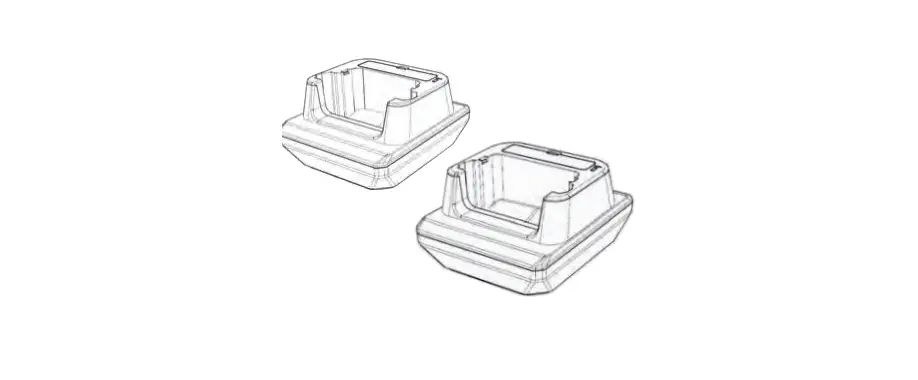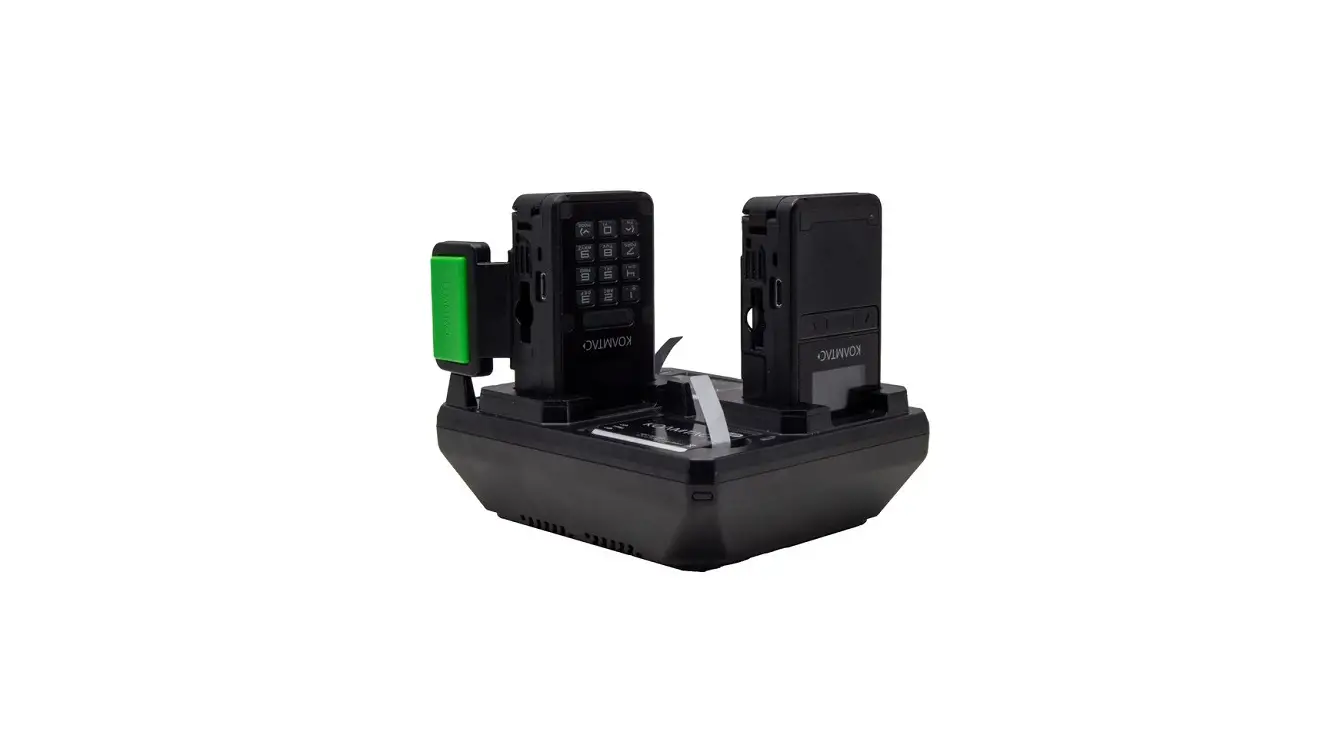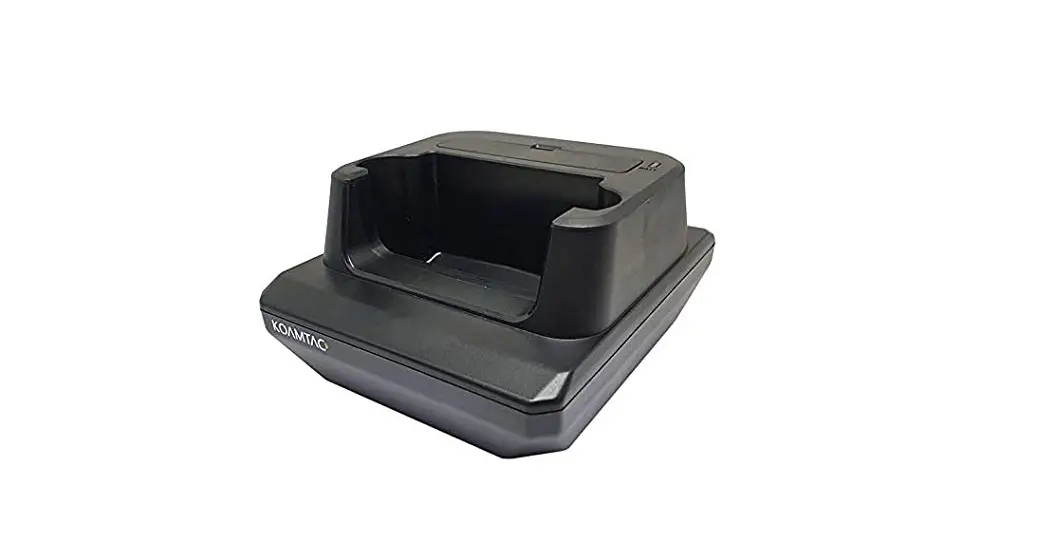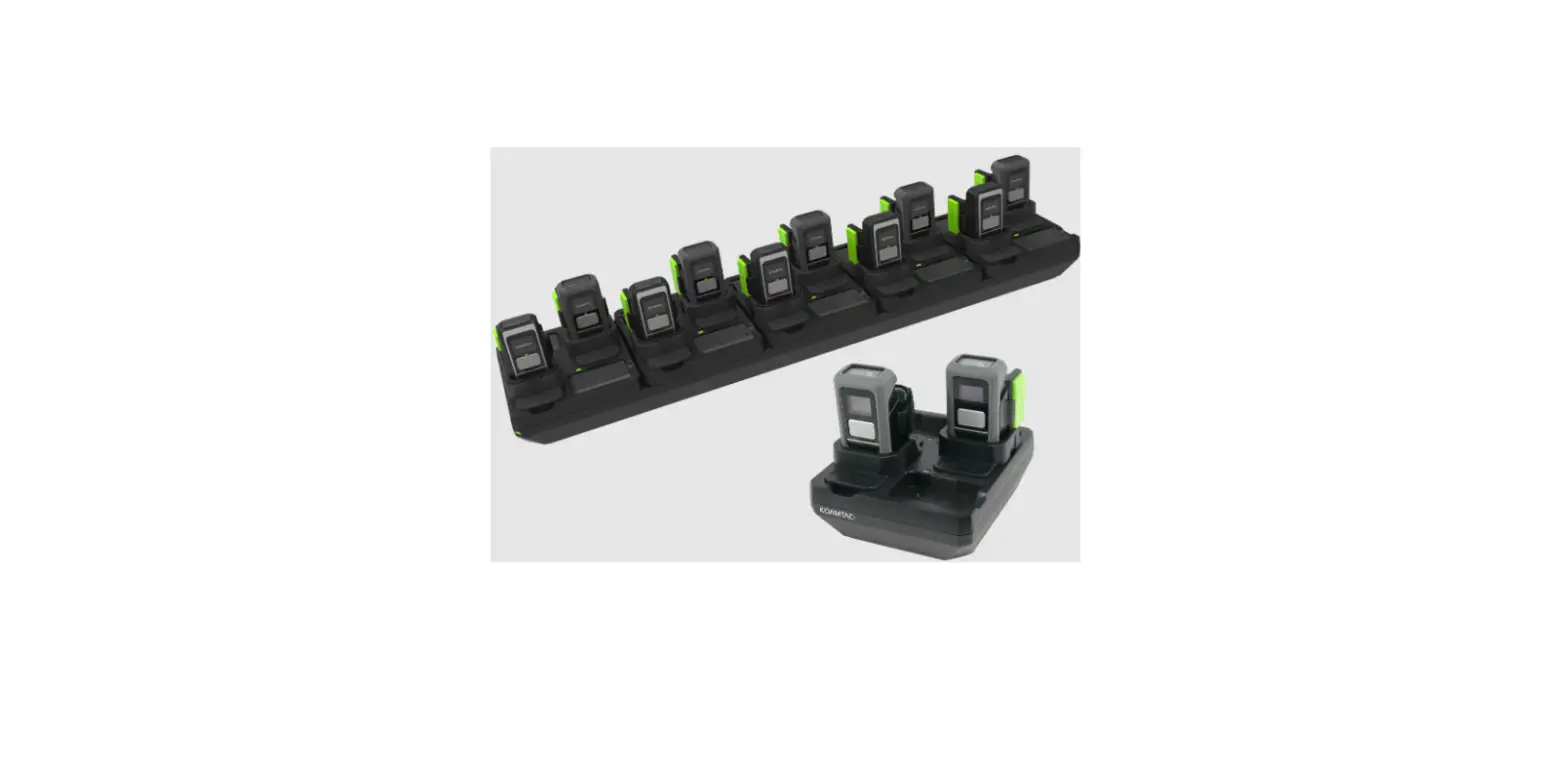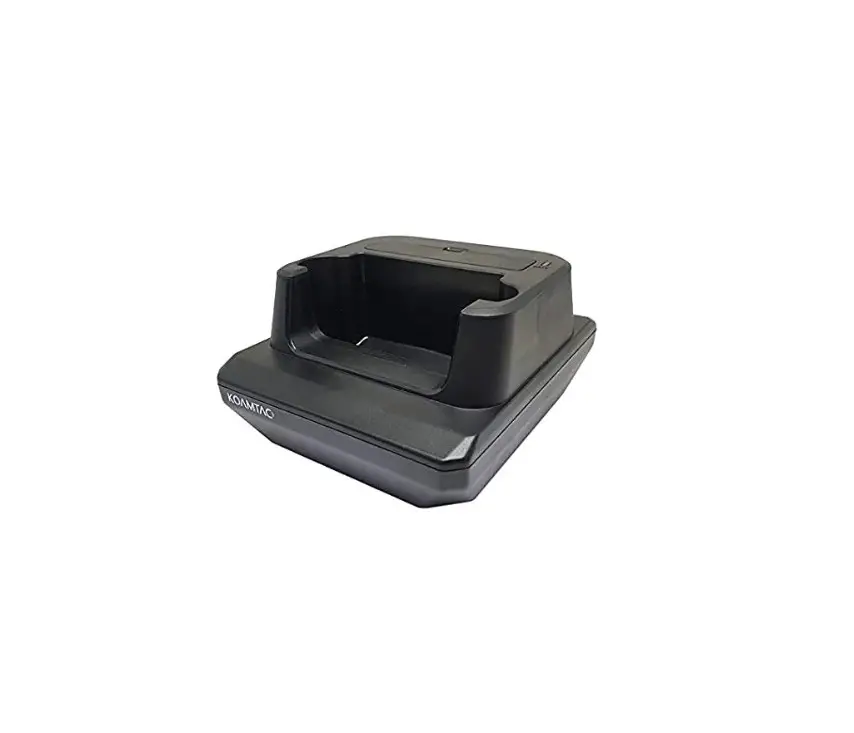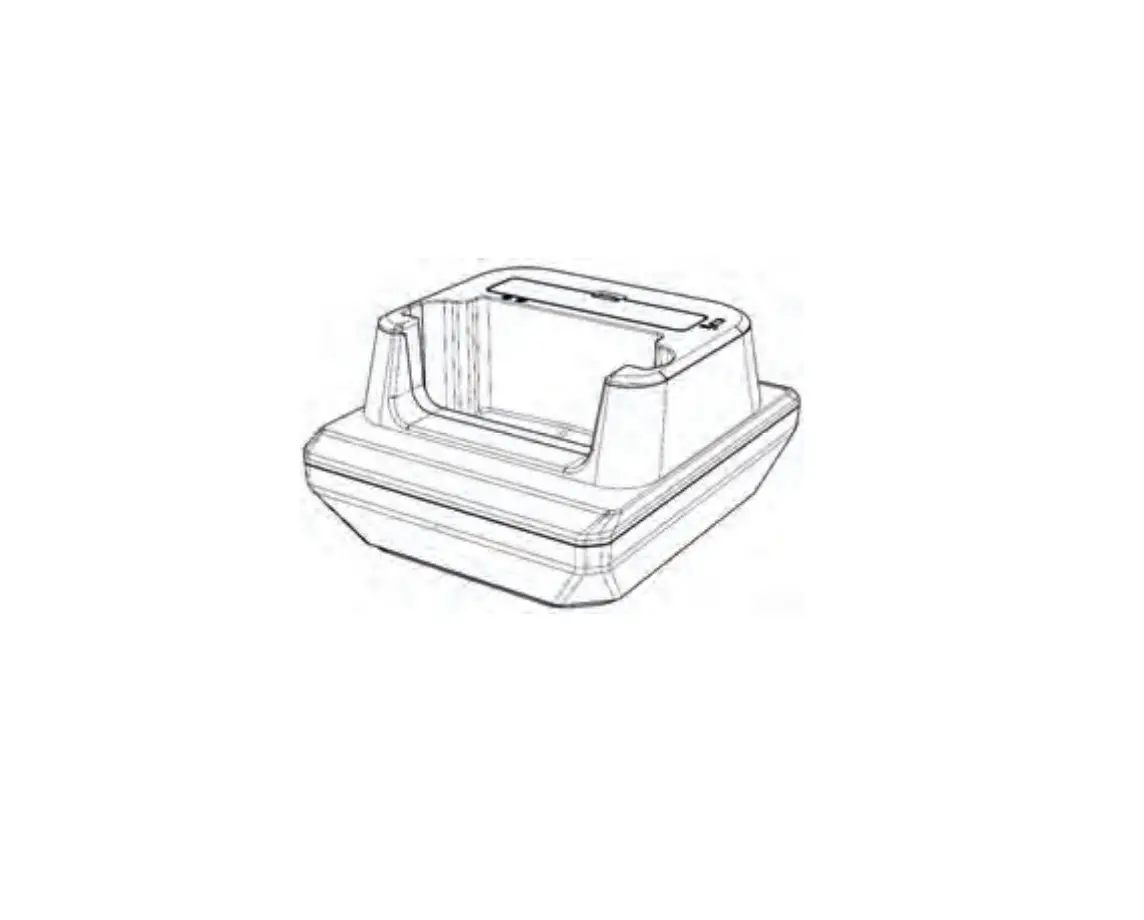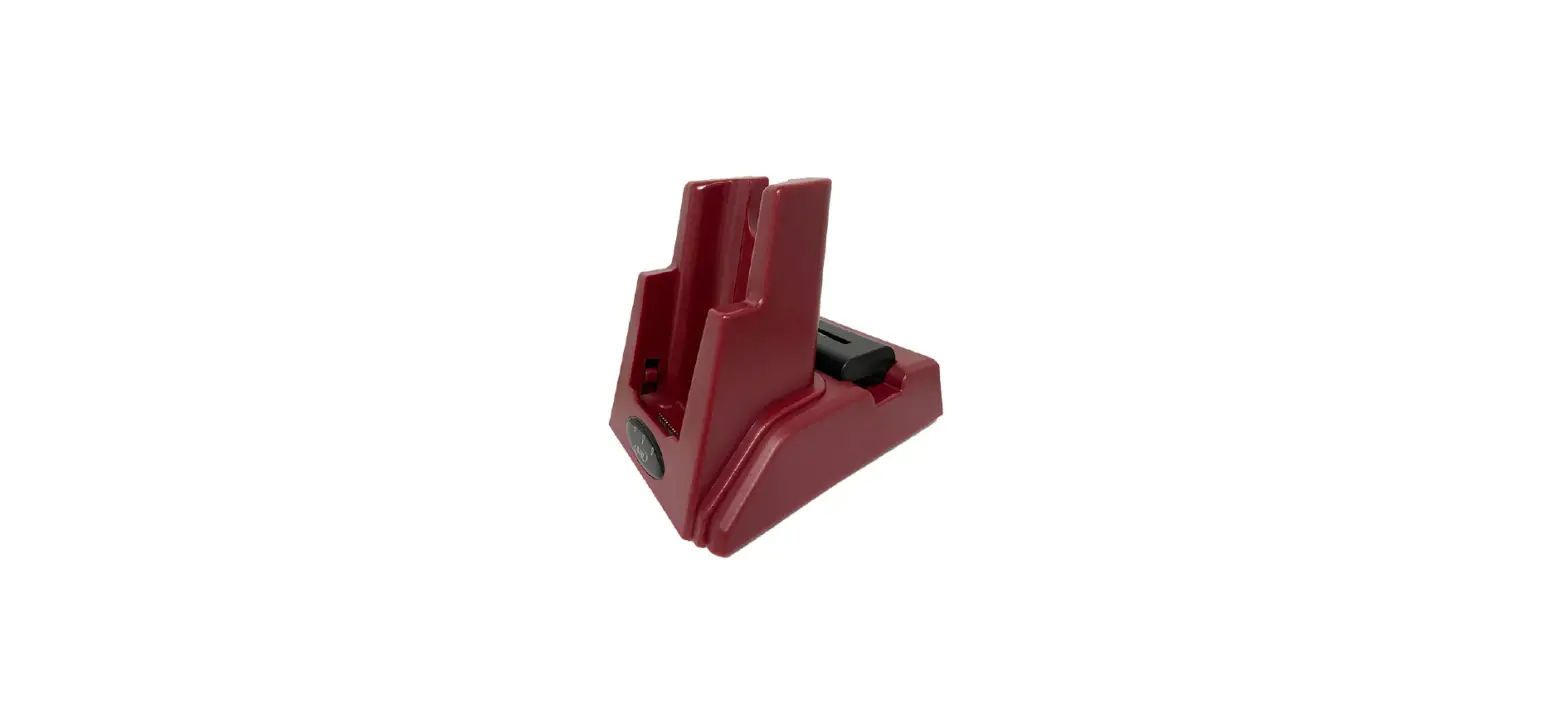
 KOAMTAC GTA3 Galaxy Tab Active3 1-Slot Charging Cradle
 KOAMTAC GTA3 Galaxy Tab Active3 1-Slot Charging Cradle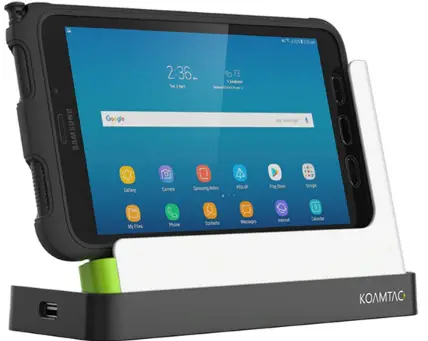
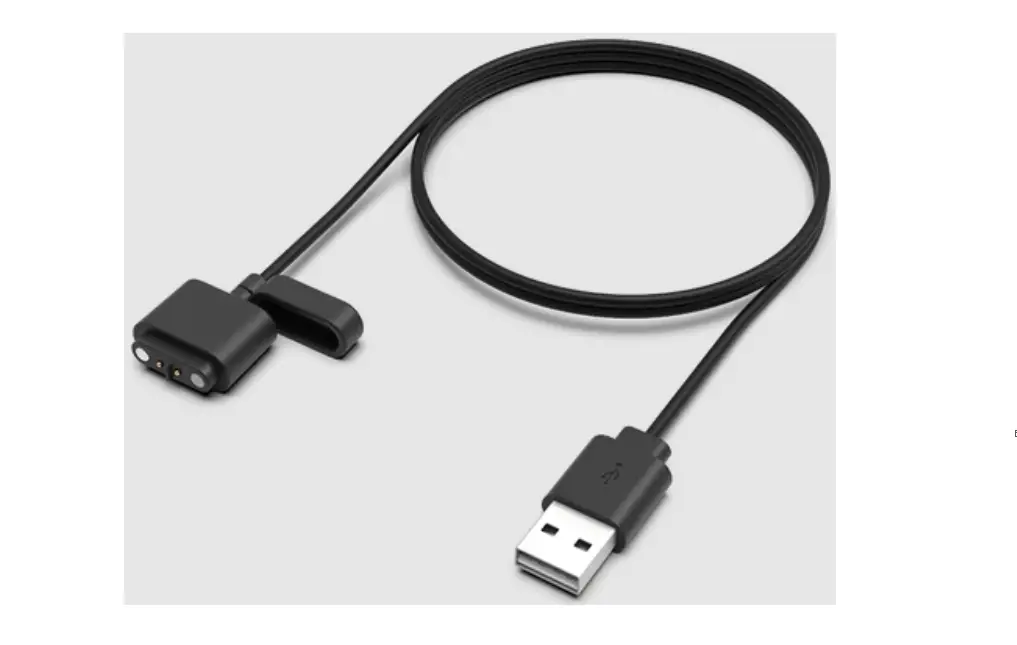
Charging via DC Connector
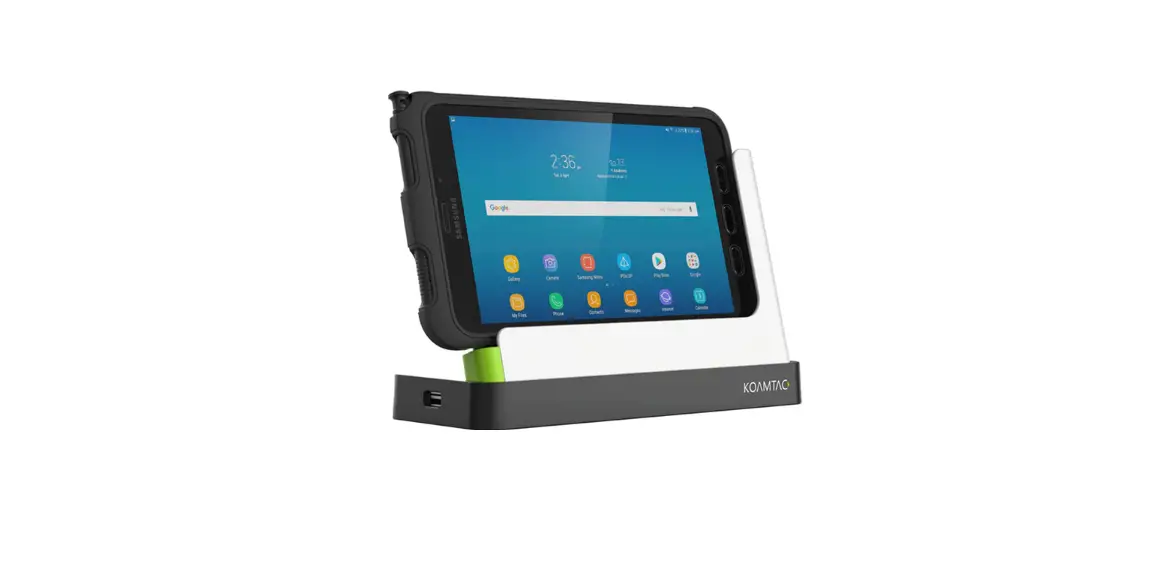
The 12V/4A DC power adaptor supports 9V fast charging when the Galaxy Tab Active3 is mounted on the charging cradle. Connect the DC power adapter to the DC jack located on the bottom of the charging cradle. (A)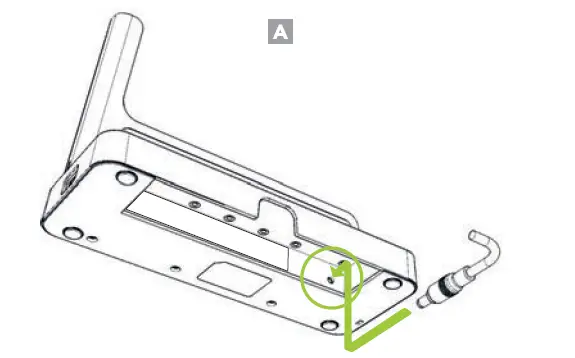
Charging the Galaxy Tab Active3
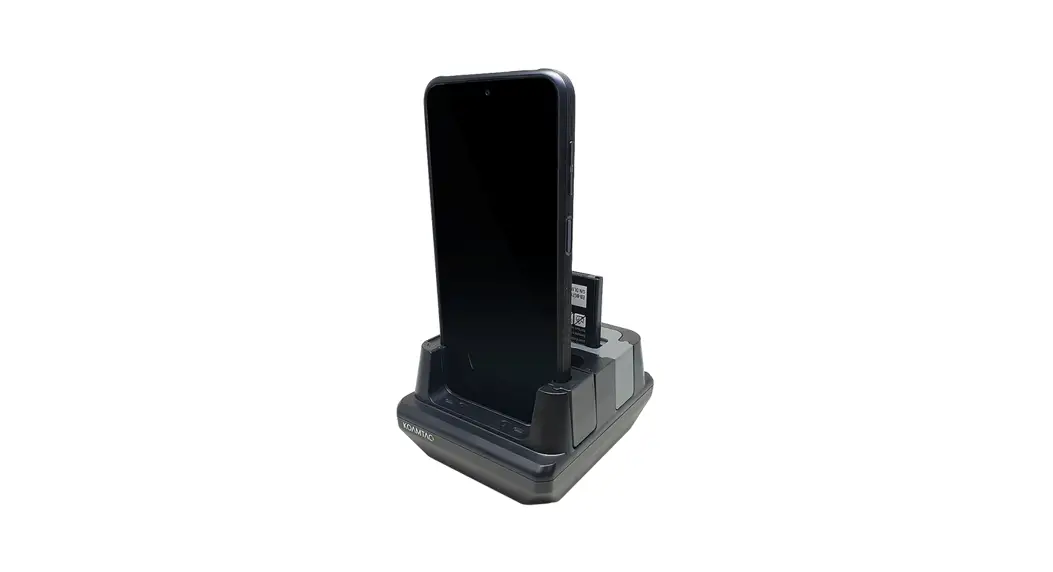
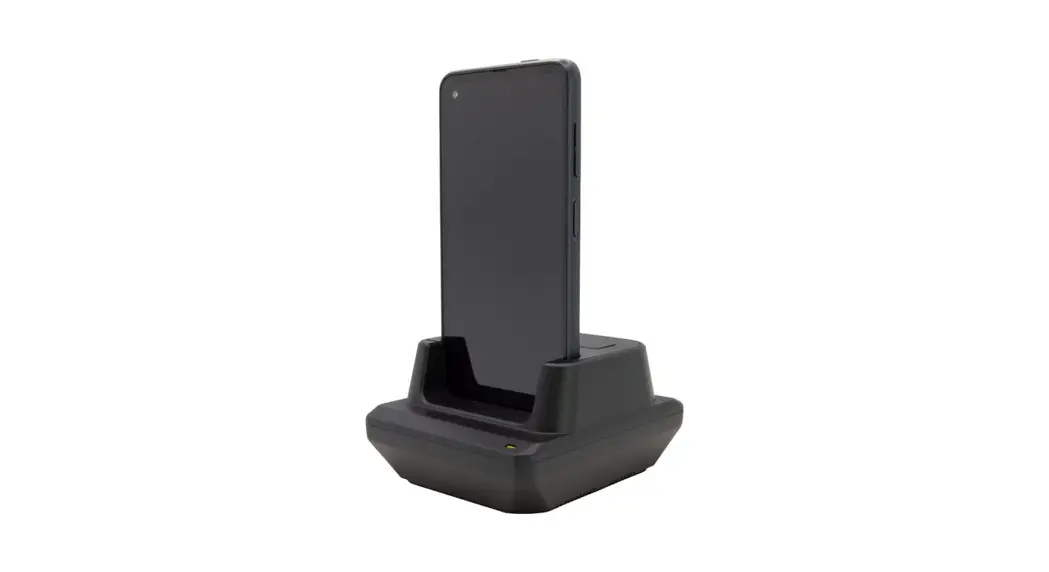
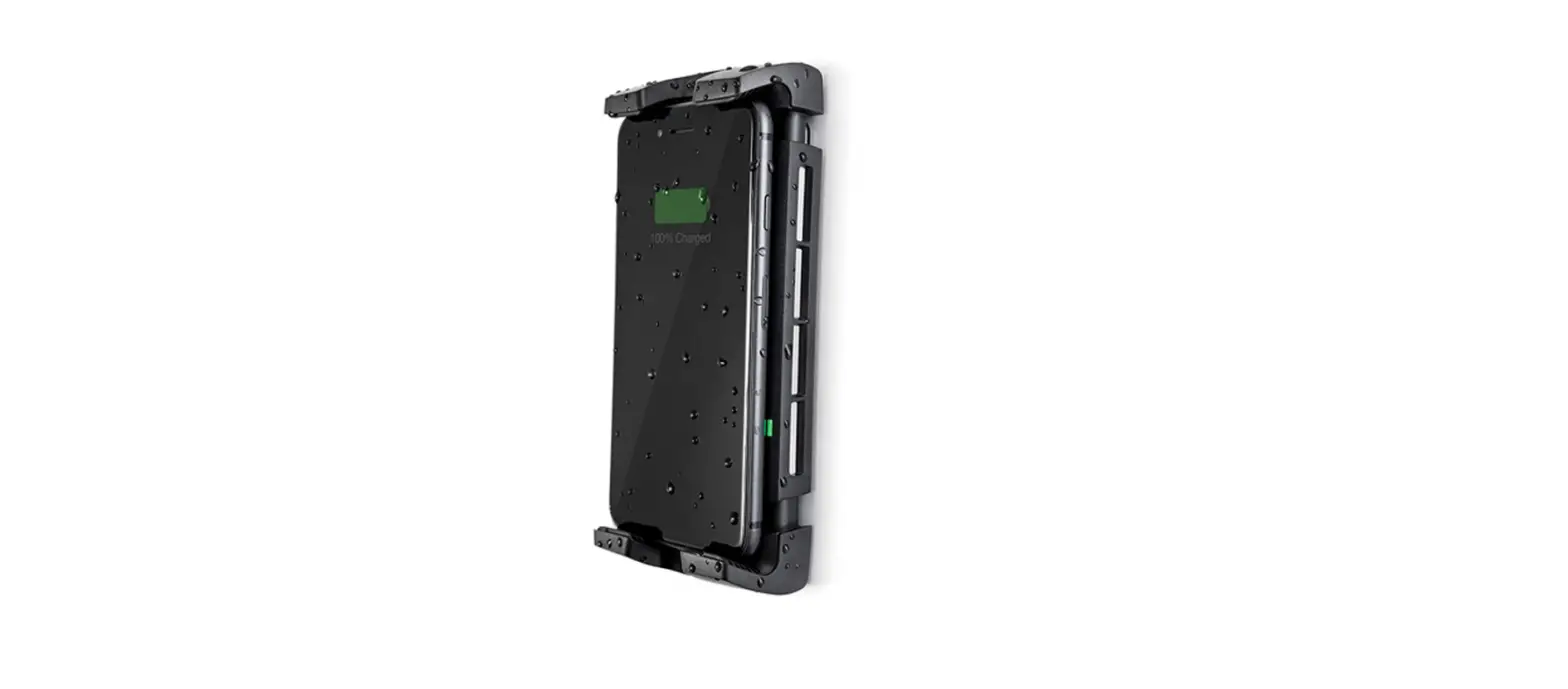
Slide the Galaxy Tab Active3 downward along the guide and into the charging slot. (B)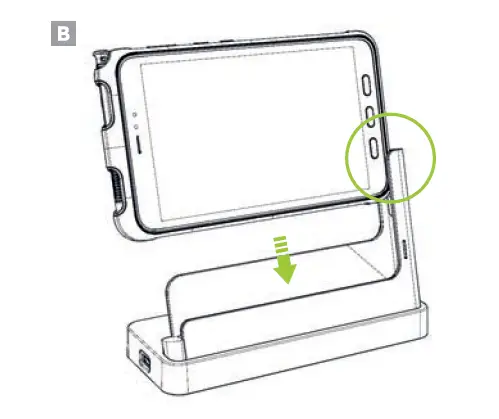
Additional Accessories
- Tab Active3 1-Slot Fast Charging Cradle
- Tab Active3 SmartSled Case
- Tab Active3 1-Slot DeX Station
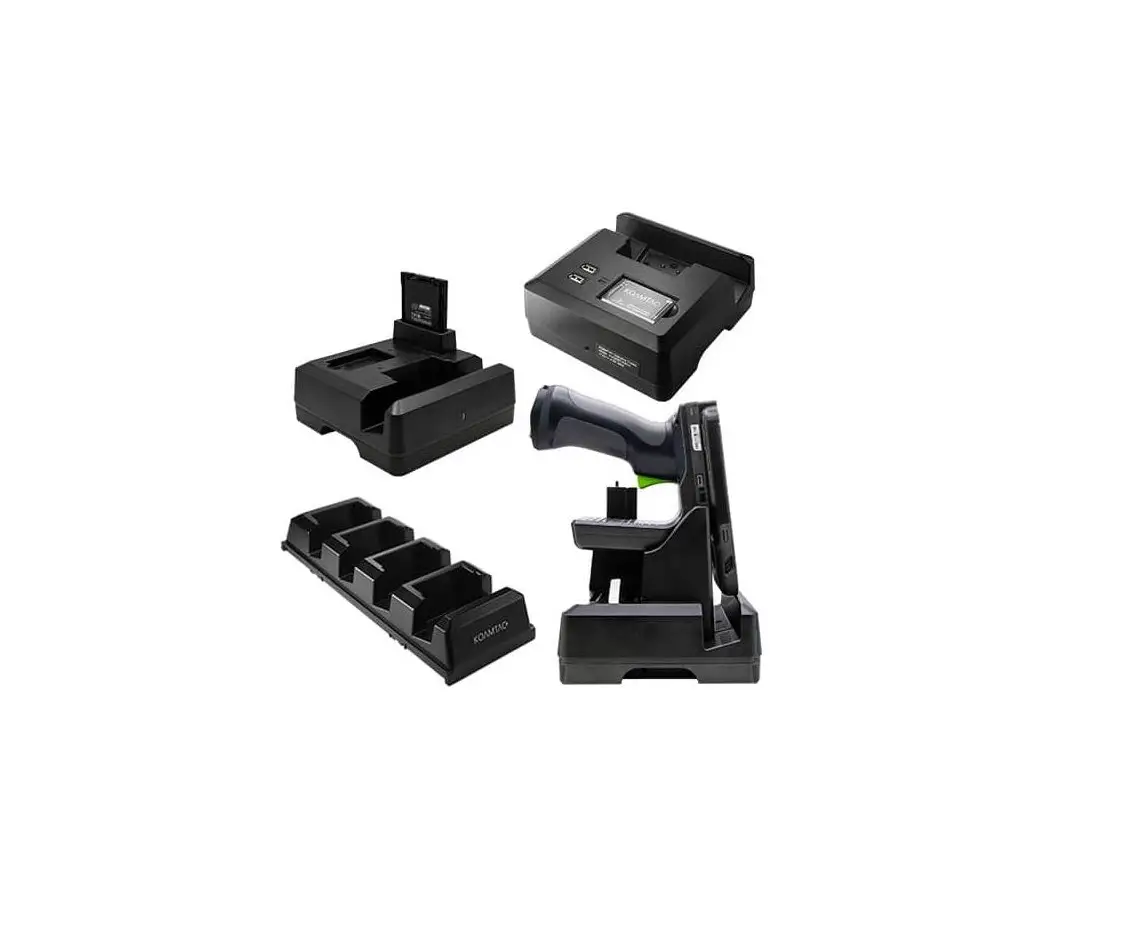
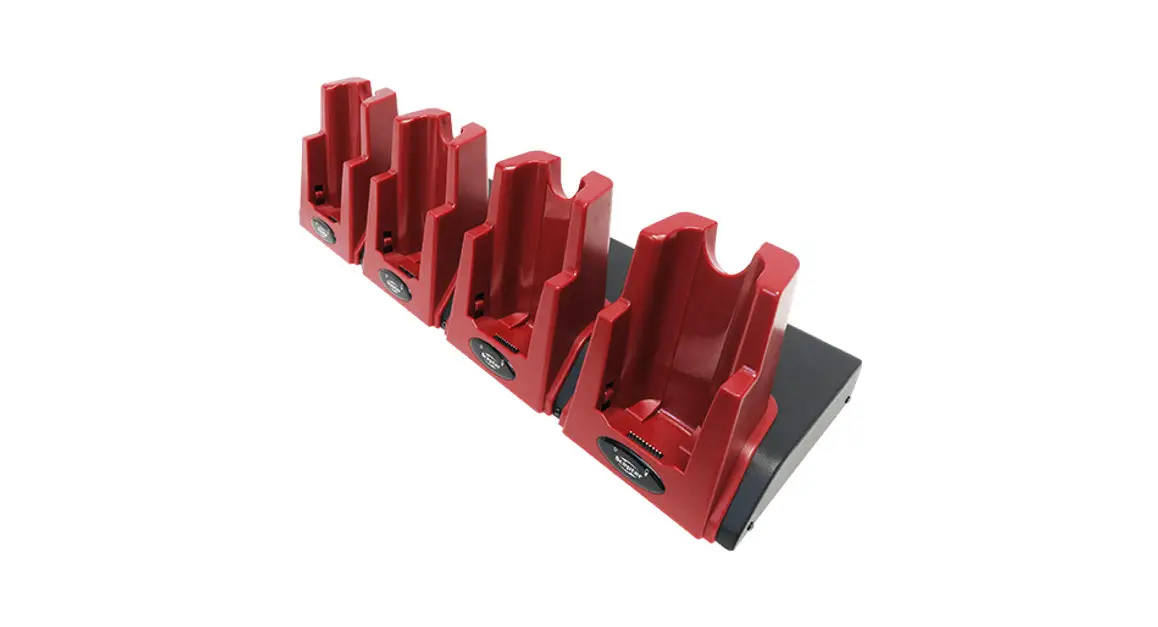
- Tab Active3 2/4-Slot Normal Charging Cradle
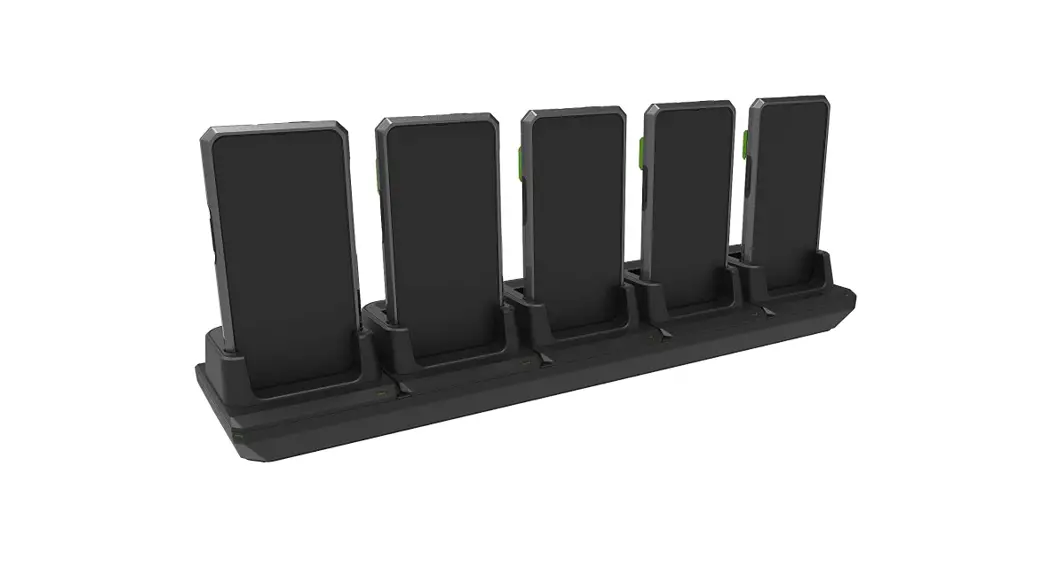
- Tab Active3 5-Slot Fast Charging Cradle
- Tab Active3 5-Slot Battery Charging Cradle
The device status LED will turn orange, signaling that the Galaxy Tab Active3 is now charging. (C)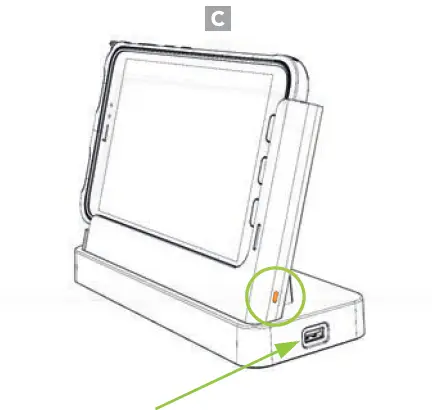
Charging LED Status
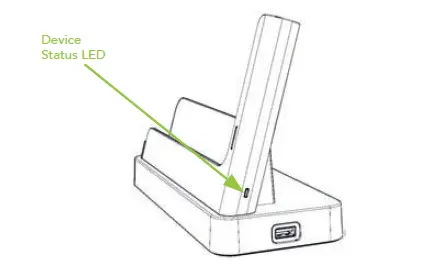
- Blinking Green: When the cradle is powered on
- Orange: Charging
- Blinking Red: Charging Issue
- Overheating
- Charging fault
- Foreign material inside