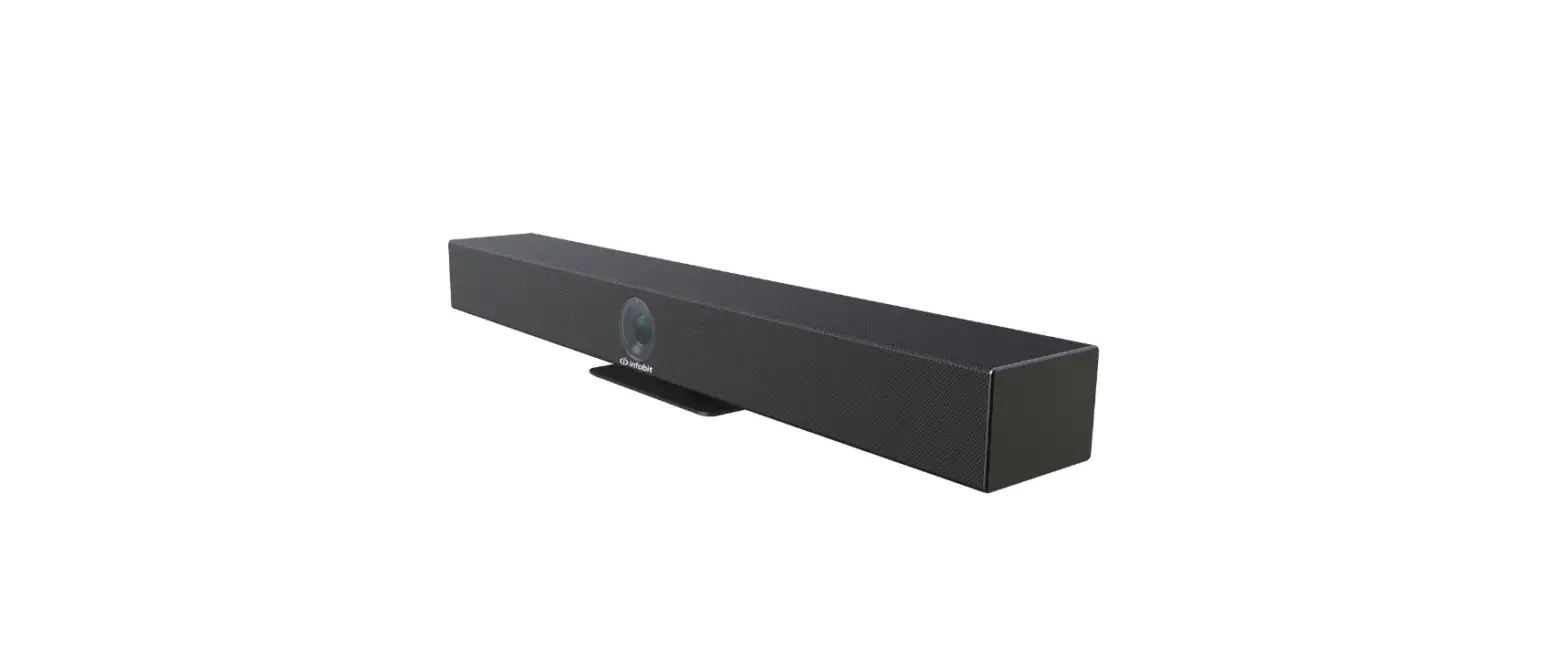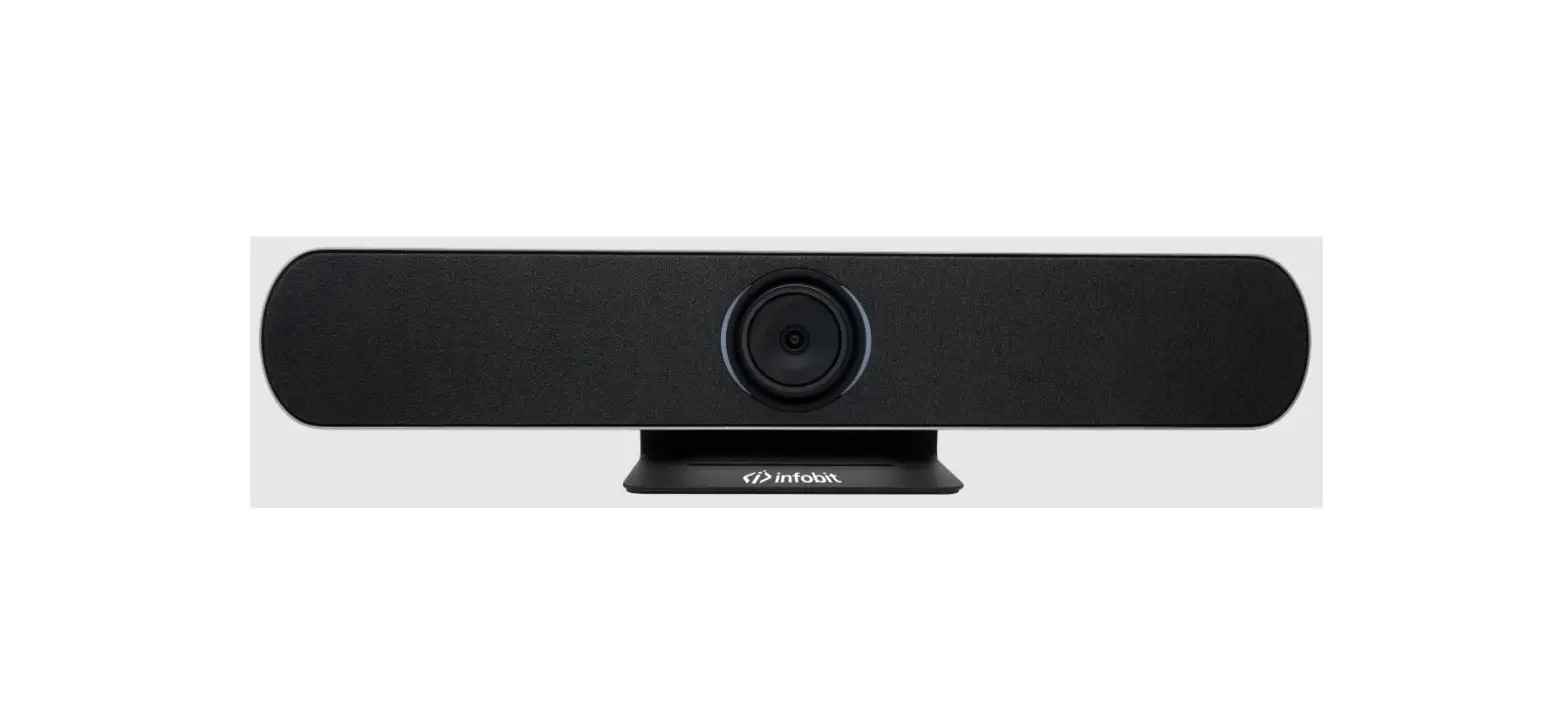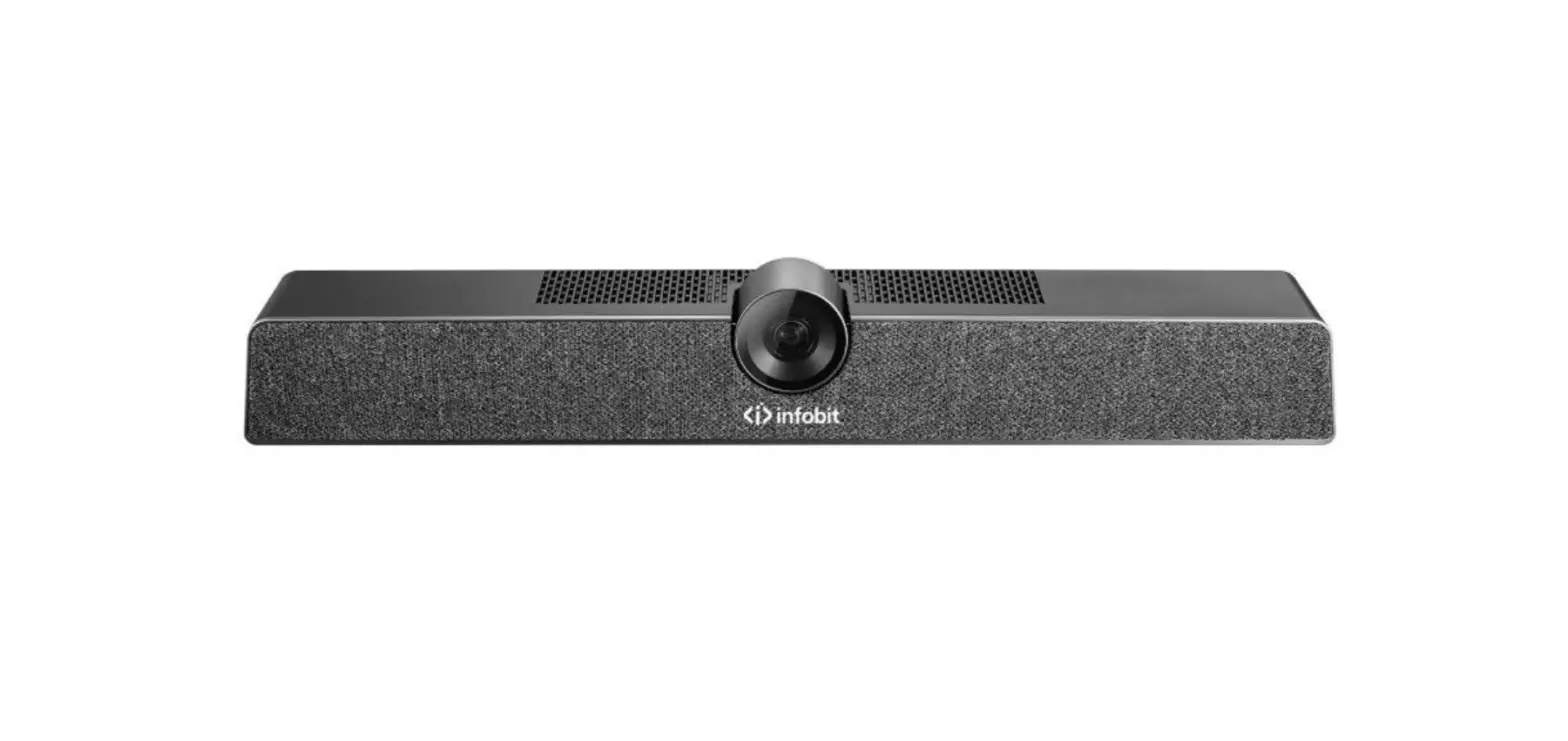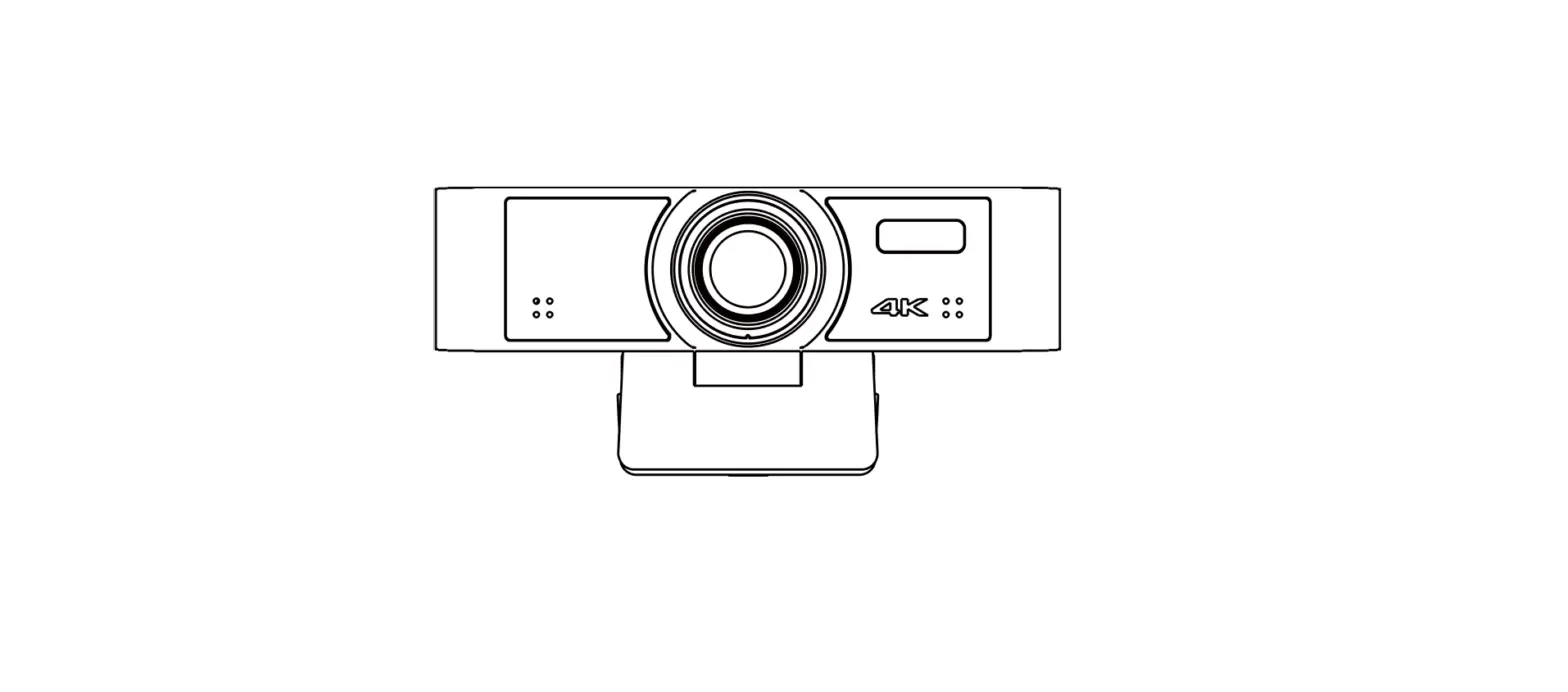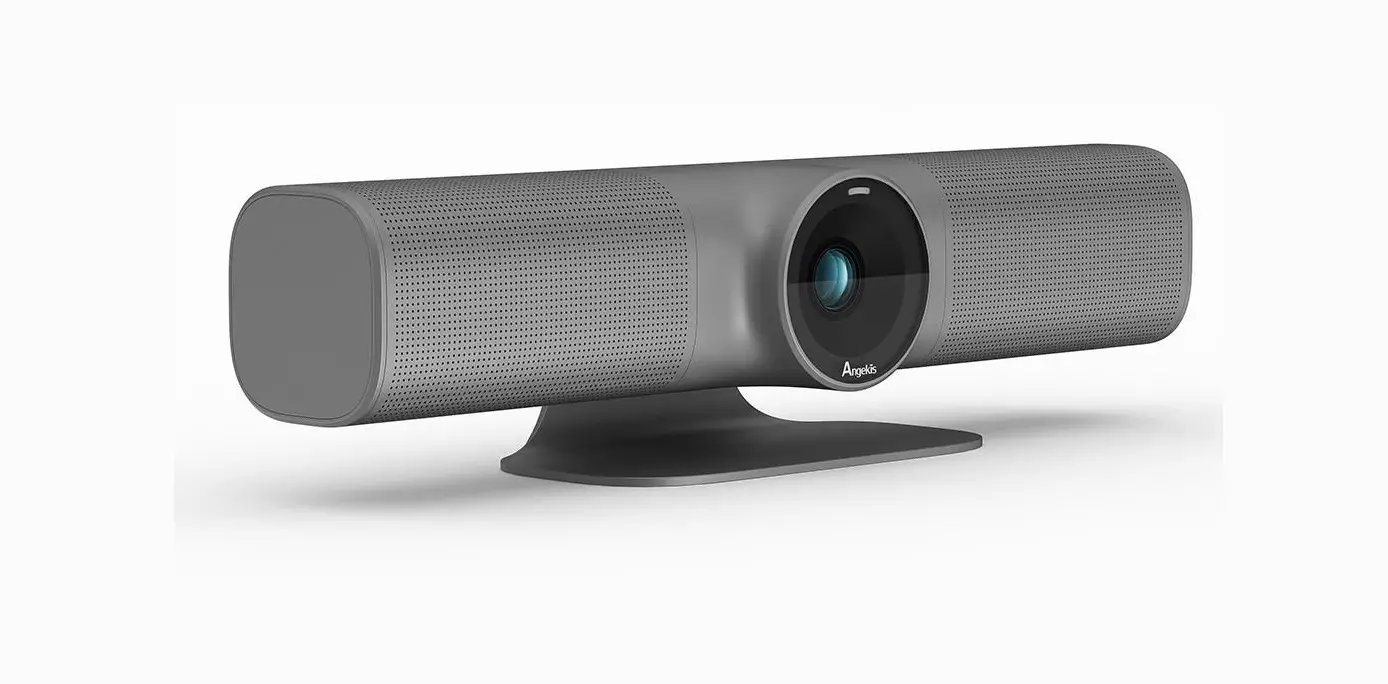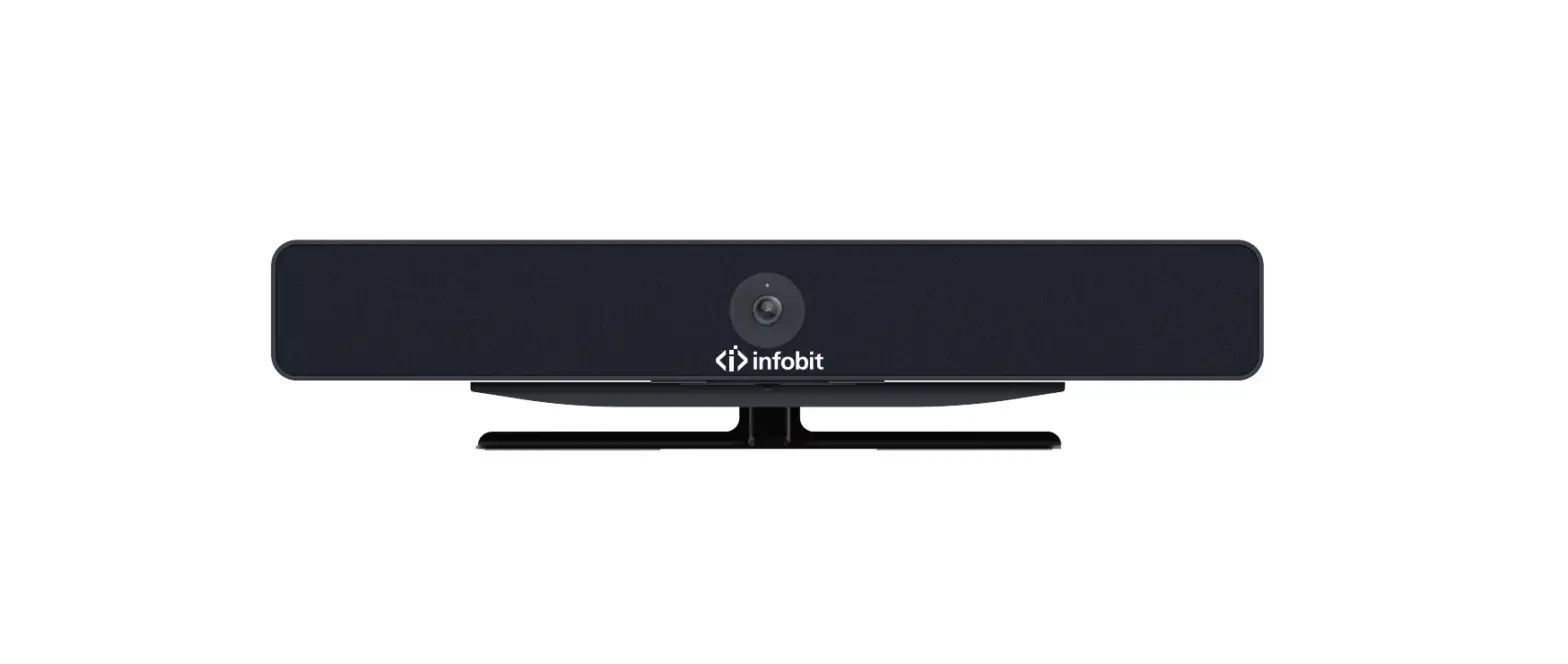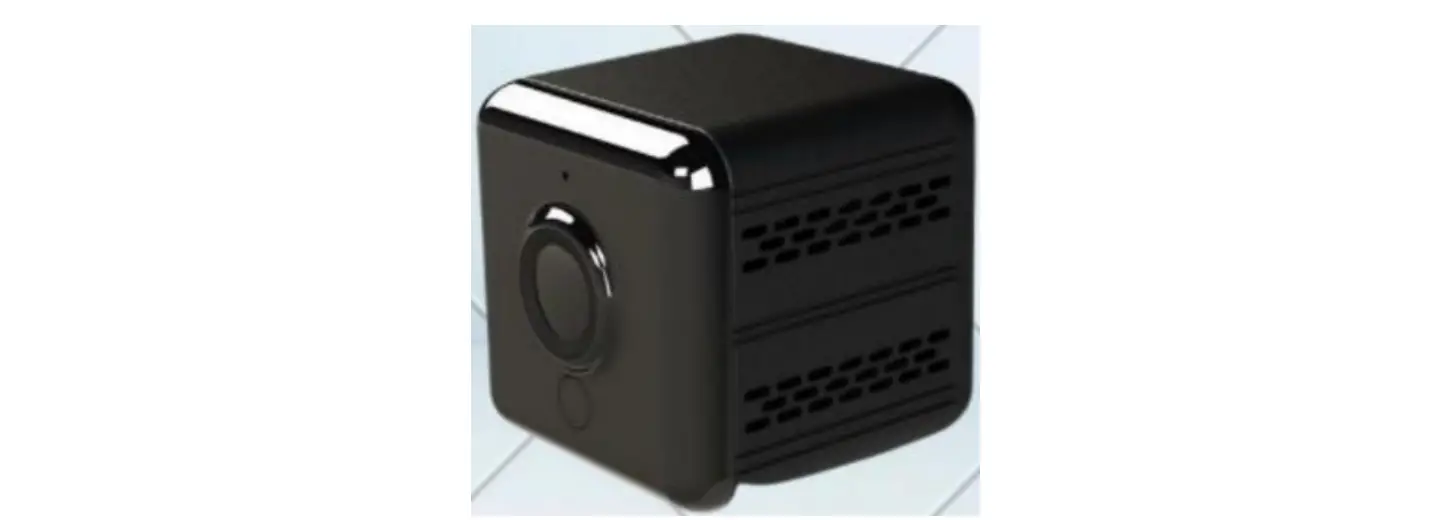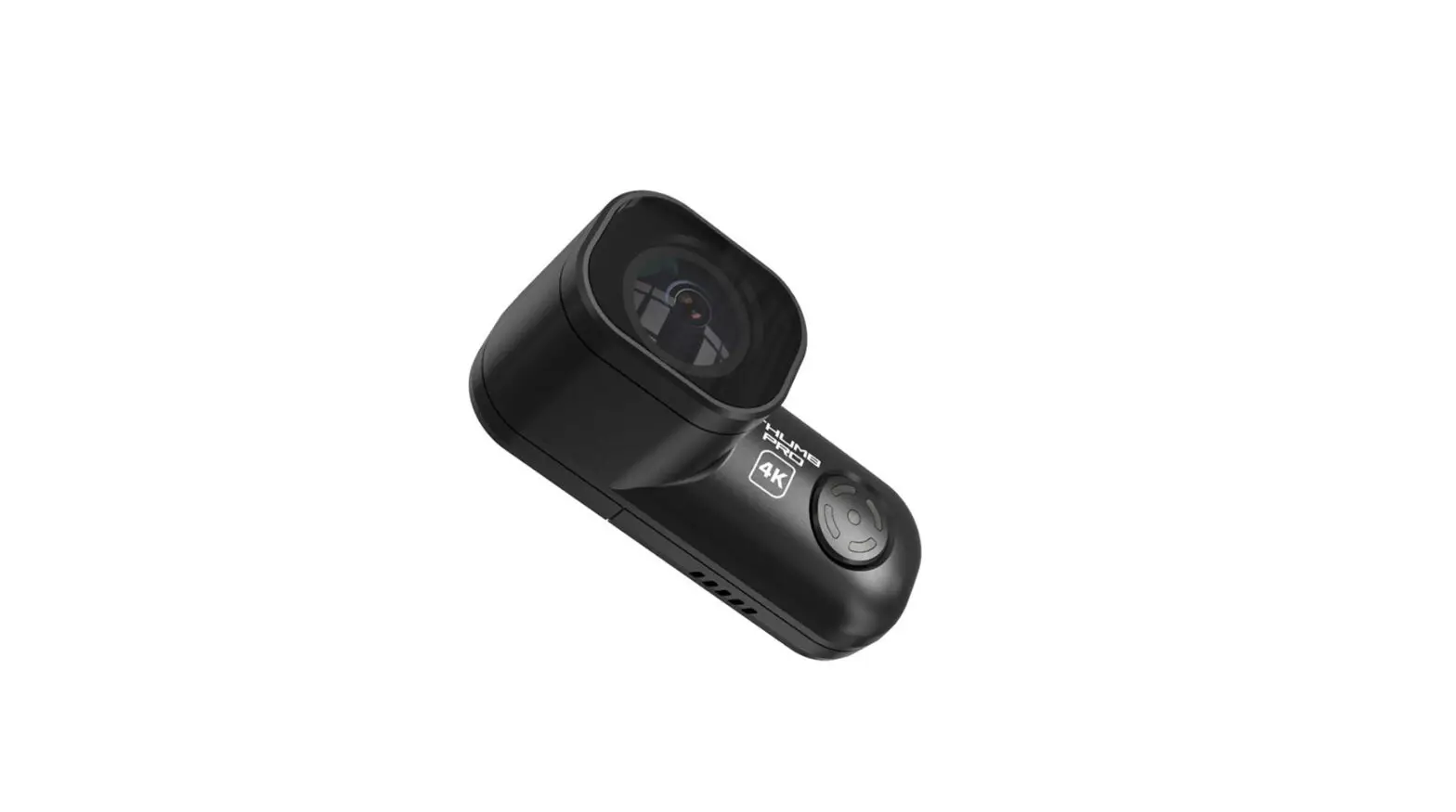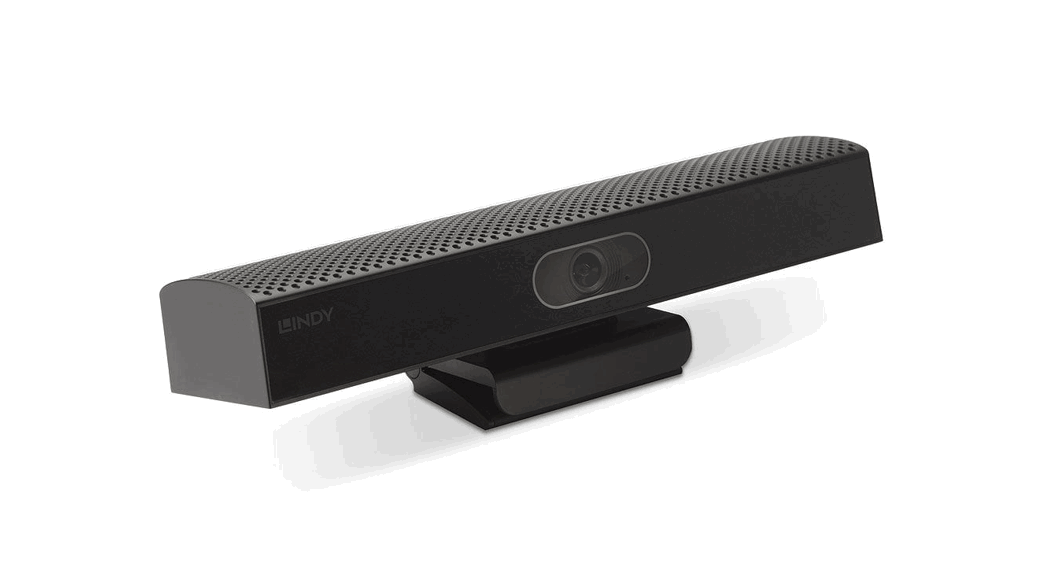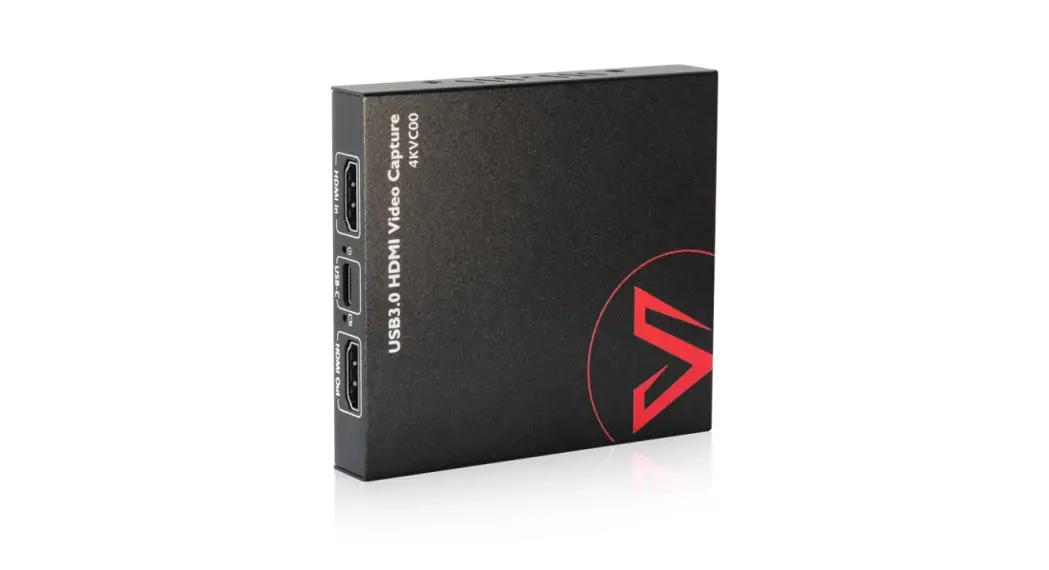

infobit iCam VB30 All-in-One USB 4K Camera Video Bar
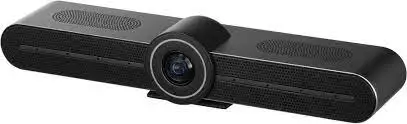
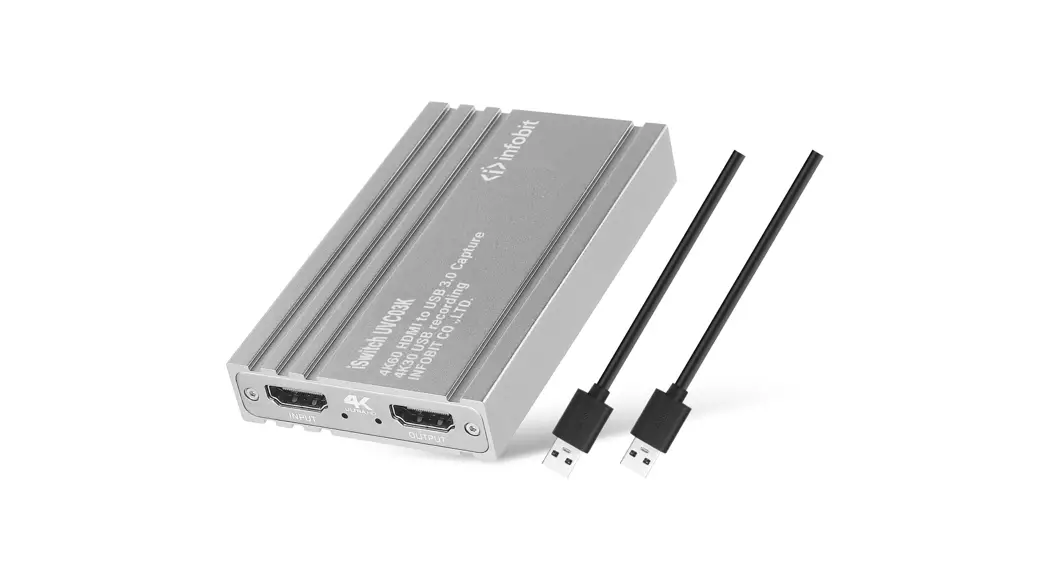
Package

Please check and see if all the items are complete
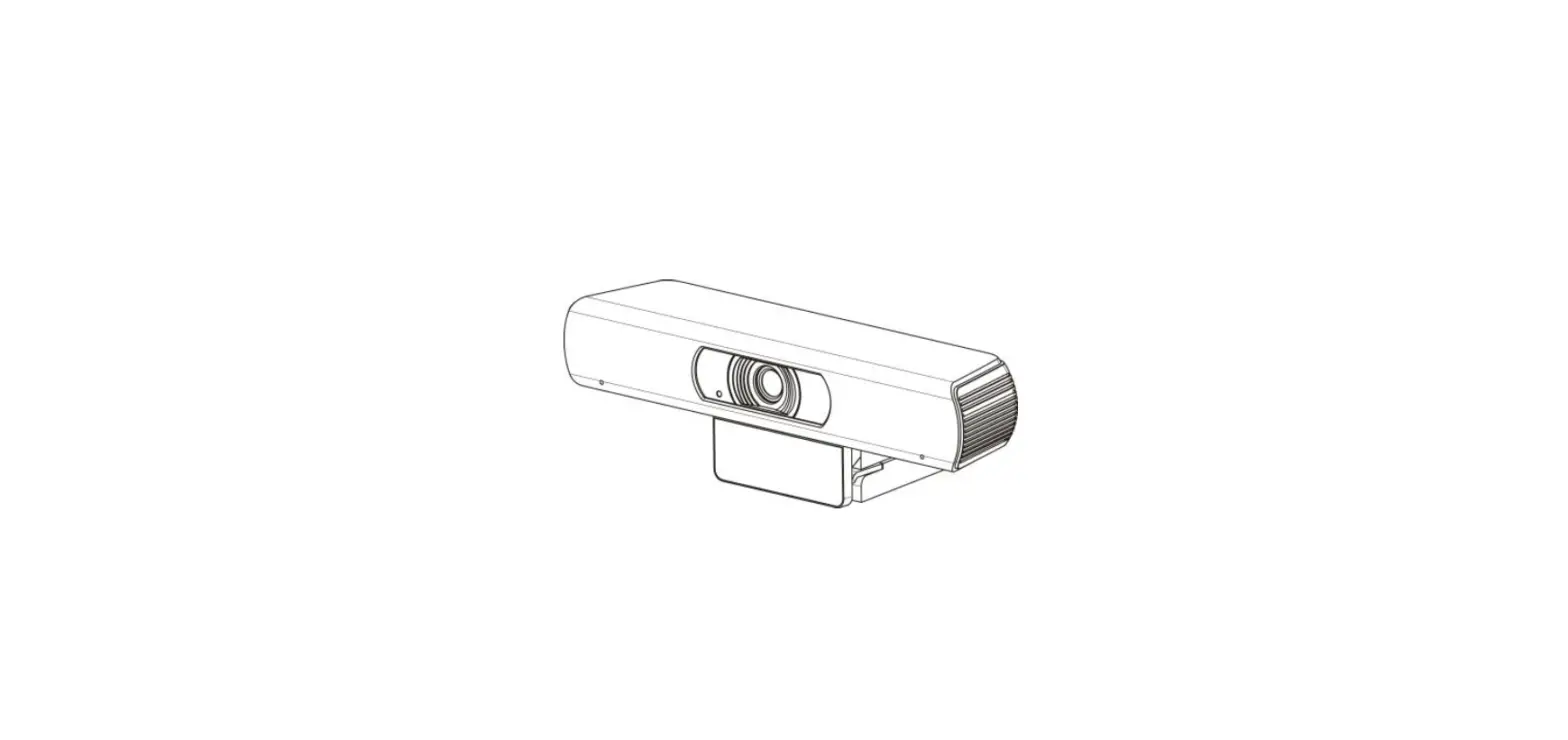
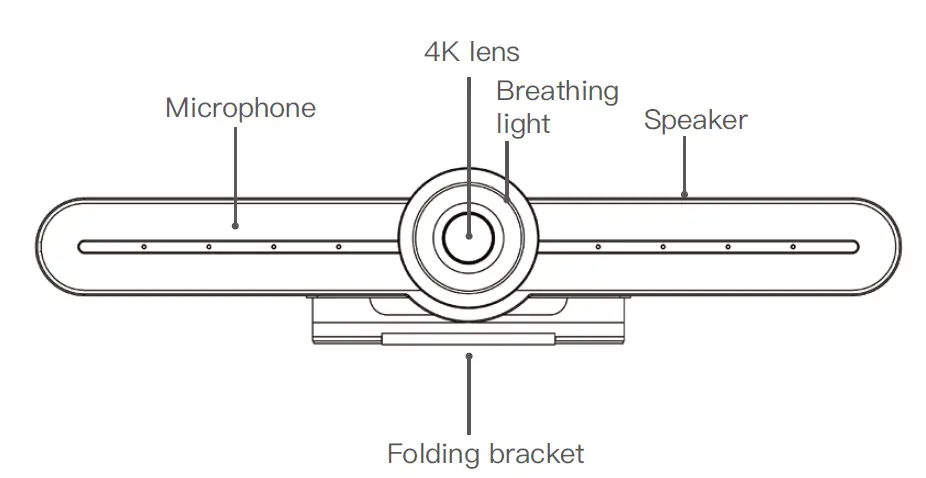
Appearance
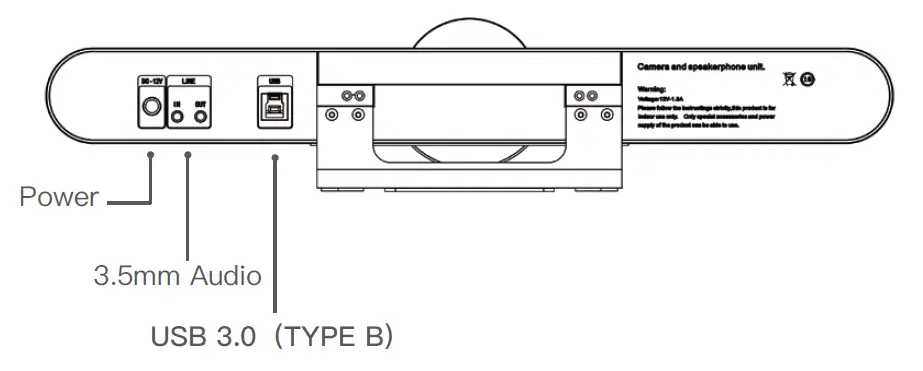
Video ports
Instructions
- Power on the camera
Plugin the power according to the installation diagram, connect the USB3.0 cable to the PC, the breathing light rotates in color, indicating that the power is turned on and the self-test is completed. Then open the conference software and check whether there is video.
- How to use the product
According to the instructions of the IR remote control, control the lens according to the requirement, open the conference software and start the audio and video conference.
Instruction of remote control
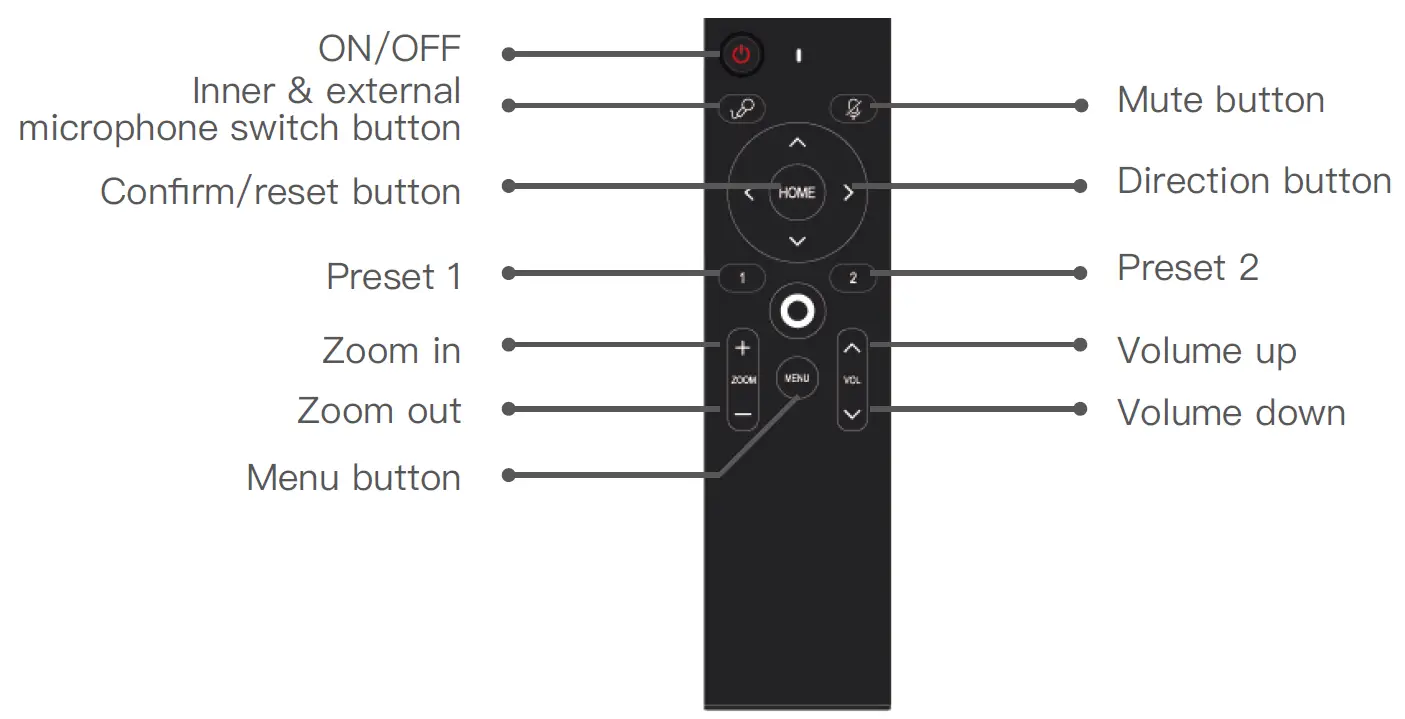
Button instructions
- If the button doesn’t respond, please check if the positive and negative pole of battery is correct, and check the battery lifespan
- Preset position: press the preset button for 3 seconds, it will take effect
- Call presets: shortly press the preset 1 or 2 button
Breathing light status description
- MIC is muted,the breathing light always shows yellow and green
- Speaker is muted,the breathing light always shows pink
- MIC & speaker are muted at the same time, the breathing light always shows red
- When the MIC is switched to external MIC, the breathing light always shows blue
Specifications
| Image Sensor | 4K 1/2.5 CMOS sensor |
| Video Signal | 4K、1080P、720P |
| Video Output | USB3.0, compatible with USB2.0 |
| Horizontal View Angle | 100° wide view angle |
| Preset Position | 2 camera preset positions |
| Color Space Compression | MJPG/YUY2/H.264 |
| Power Consumption | DC 12V/1.5A |
| Interface | USB3.0(TYPE-B), compatible with USB2.0 |
| Audio | Built in MIC and speaker, 3.5mm audio port |
| Dimension | 400*70*45mm |
| Weight | 950g |
Contact us
United Kingdom
- INFOBIT AV LTD. +44 (0)7430 051848
- [email protected]
Singapore
- INFOBIT AV PTE. LTD.
- Whatsapp only : +65 9711 9648
China
- INFOBIT AV LTD.
- +86 135 5217 1787 [email protected]