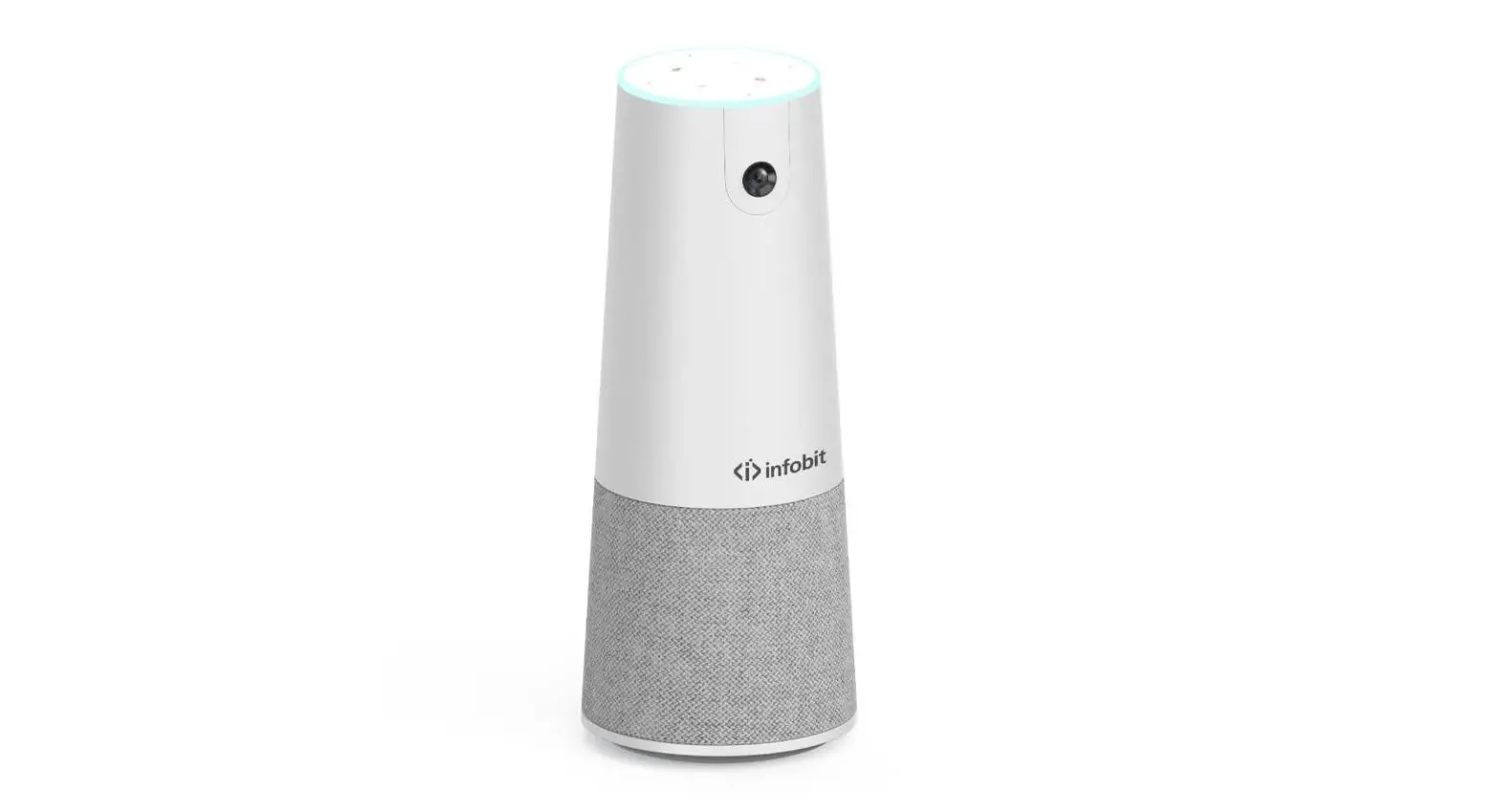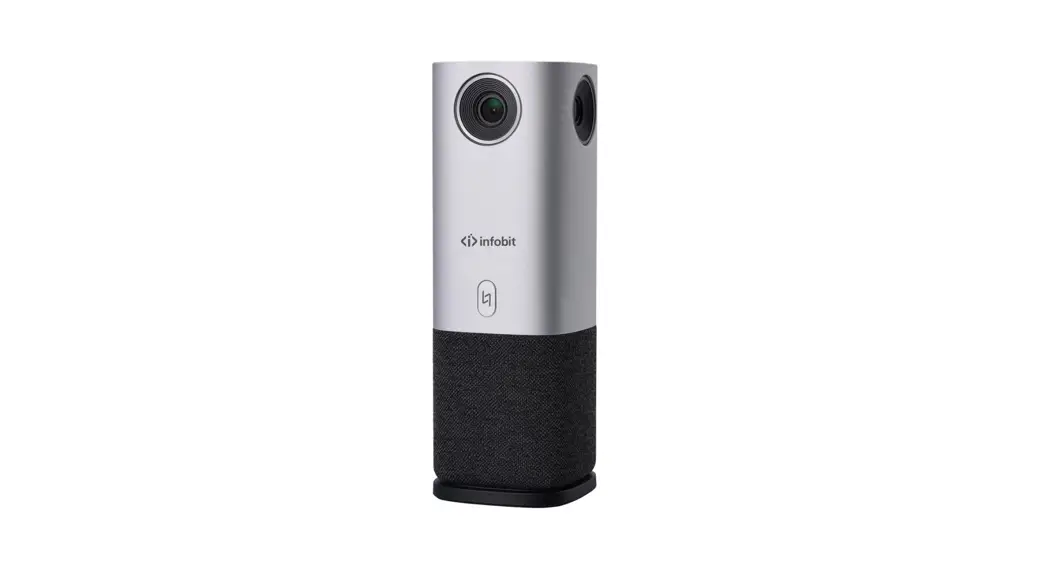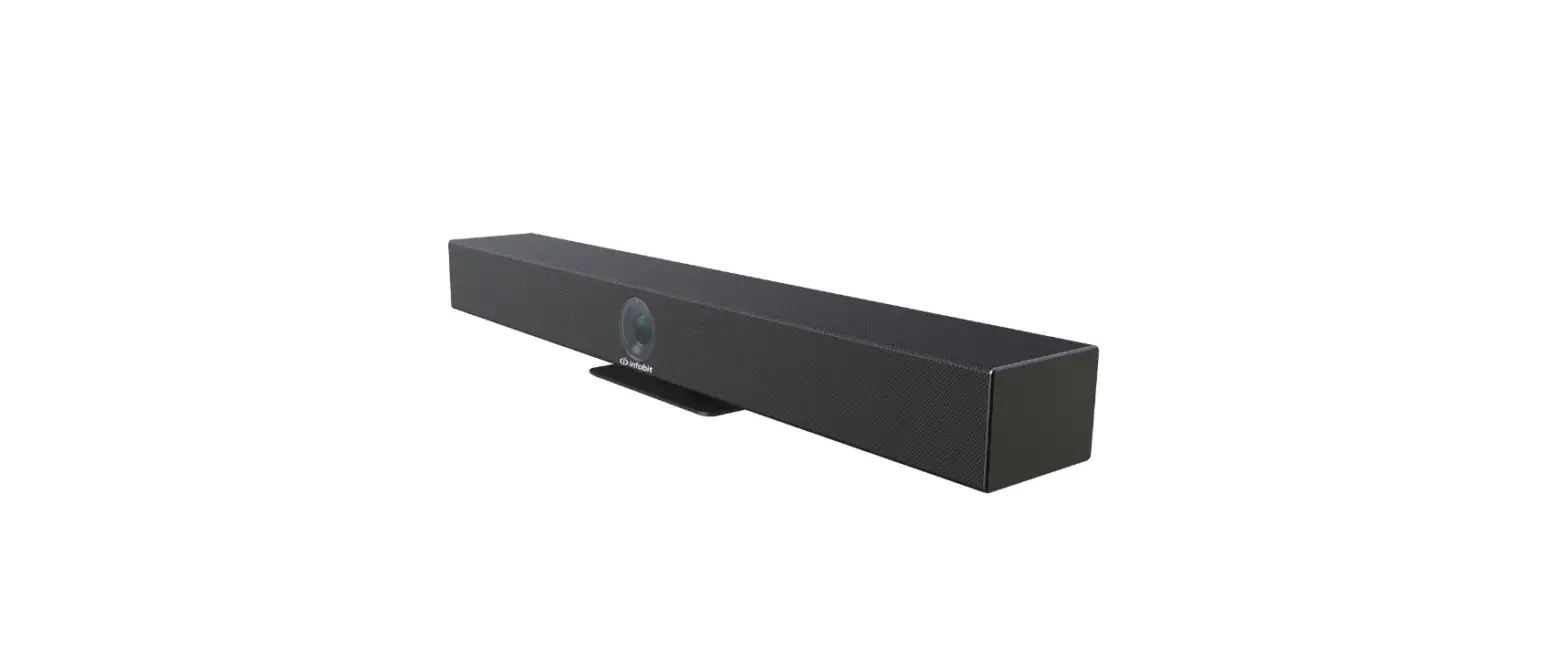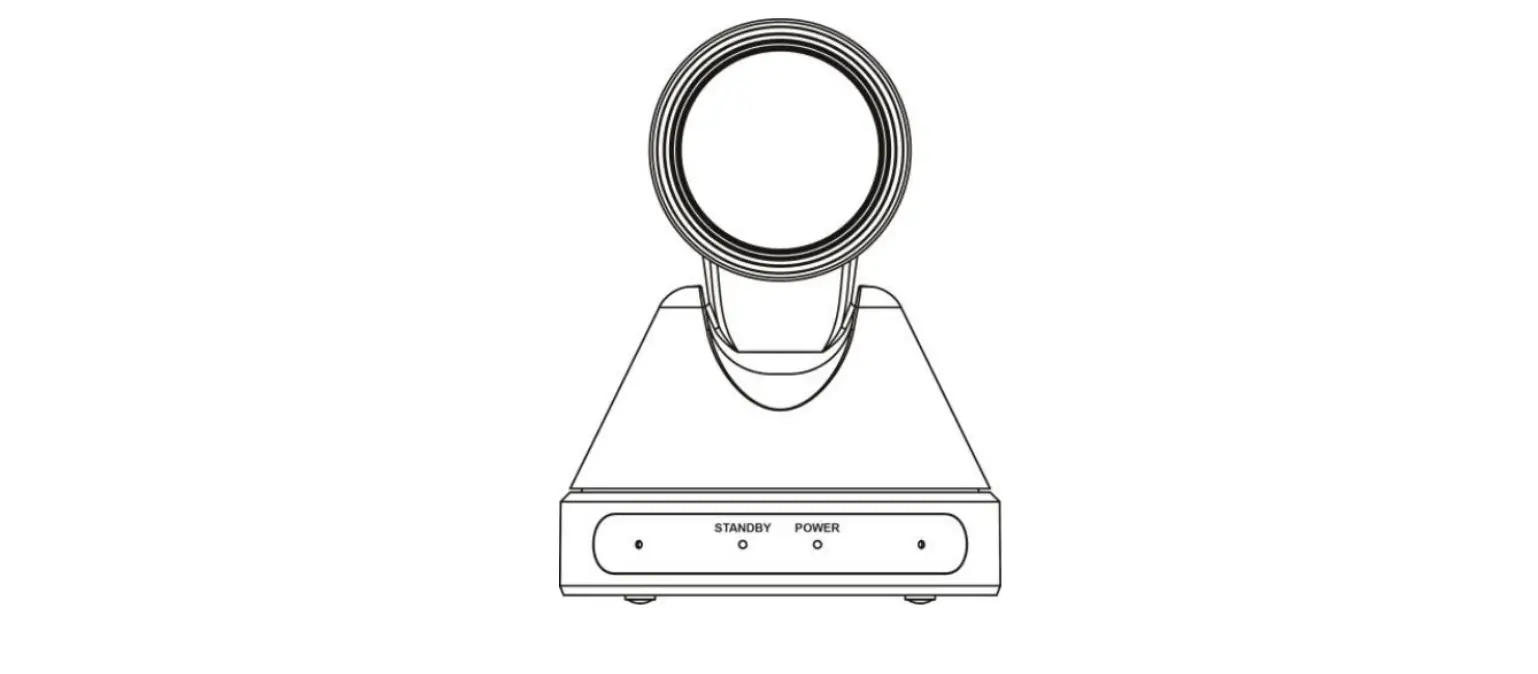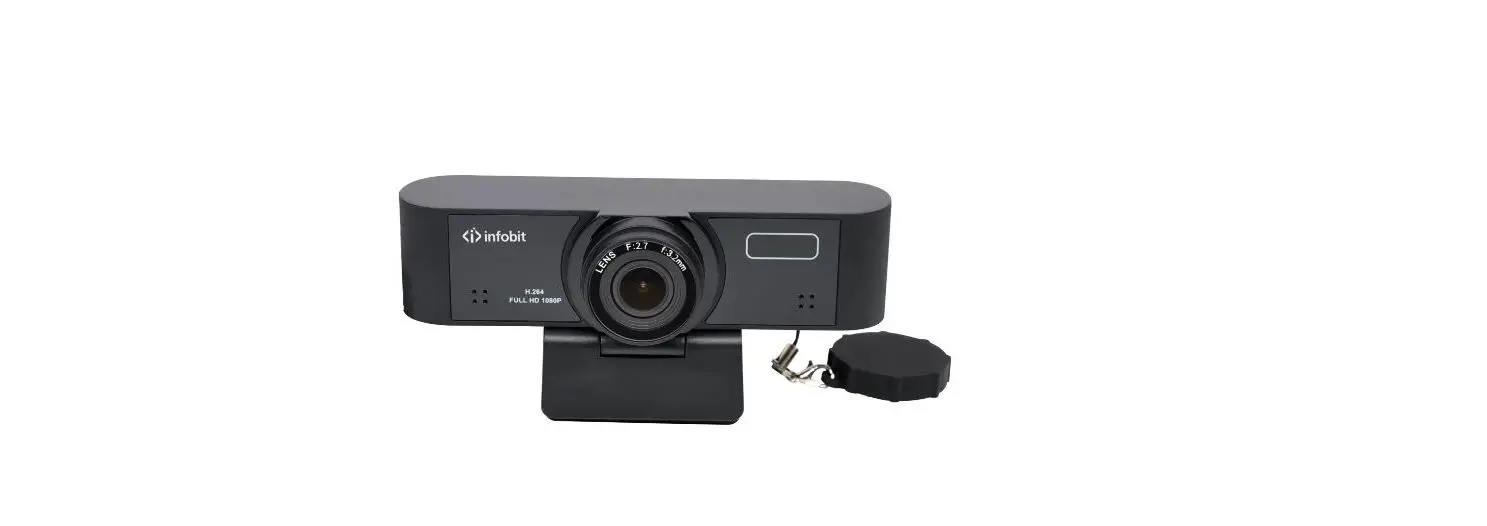

Infobit iCam-30 1080P Ultra-Wide Field USB Camera
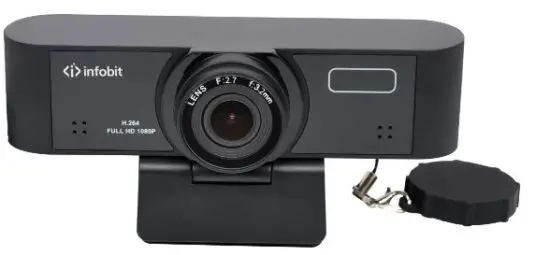
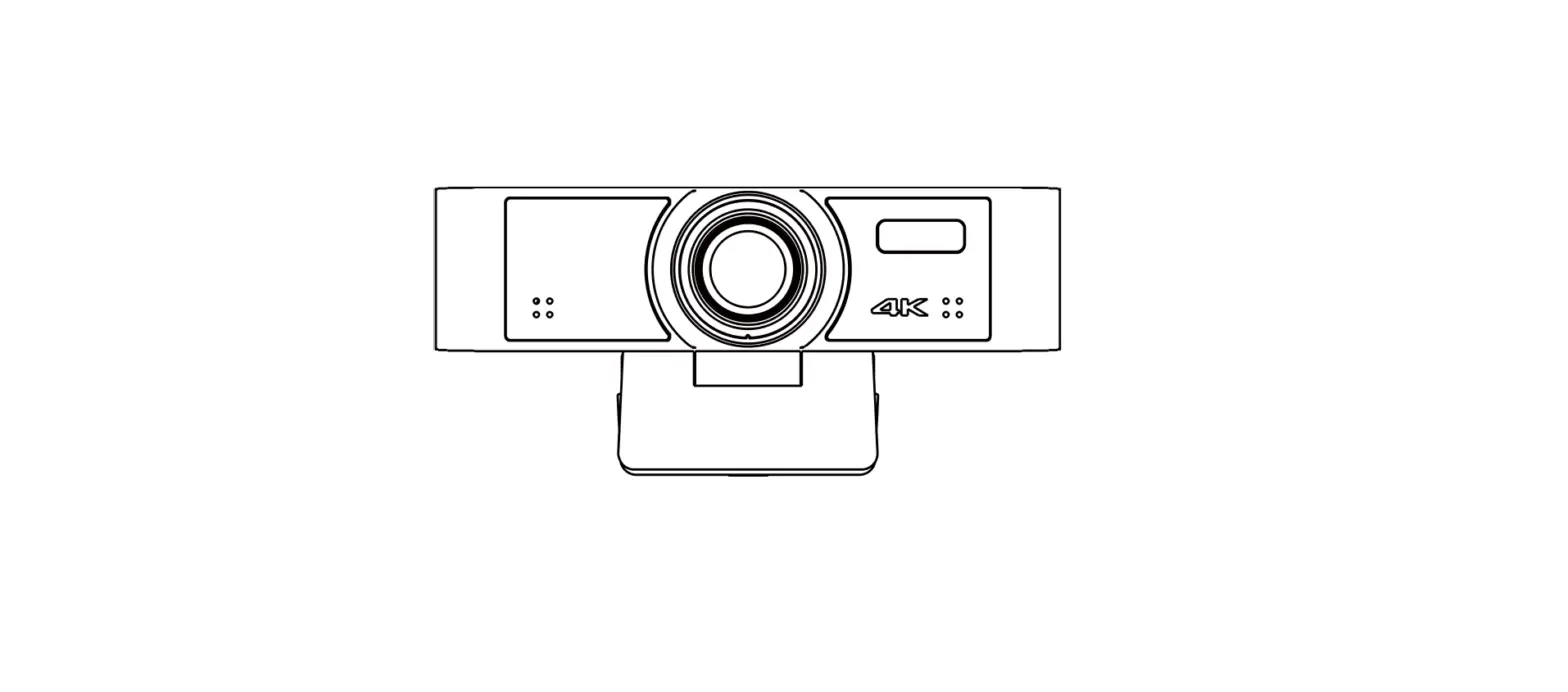
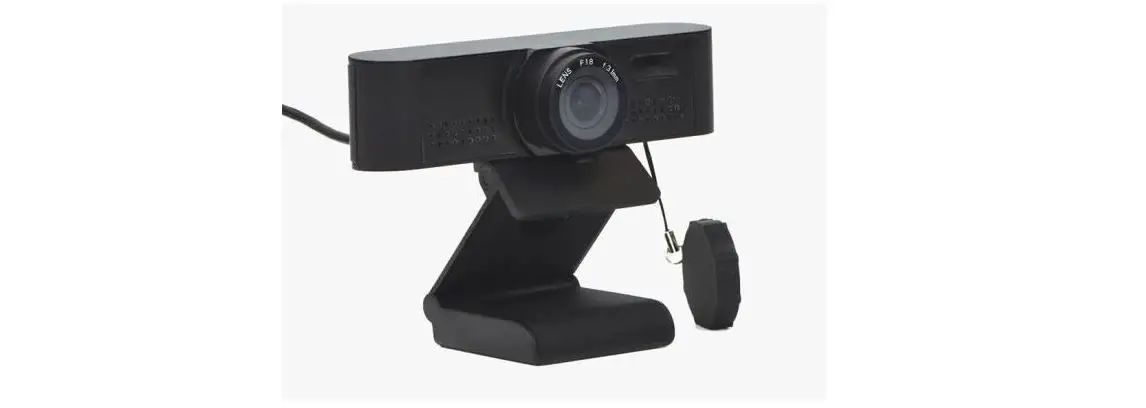
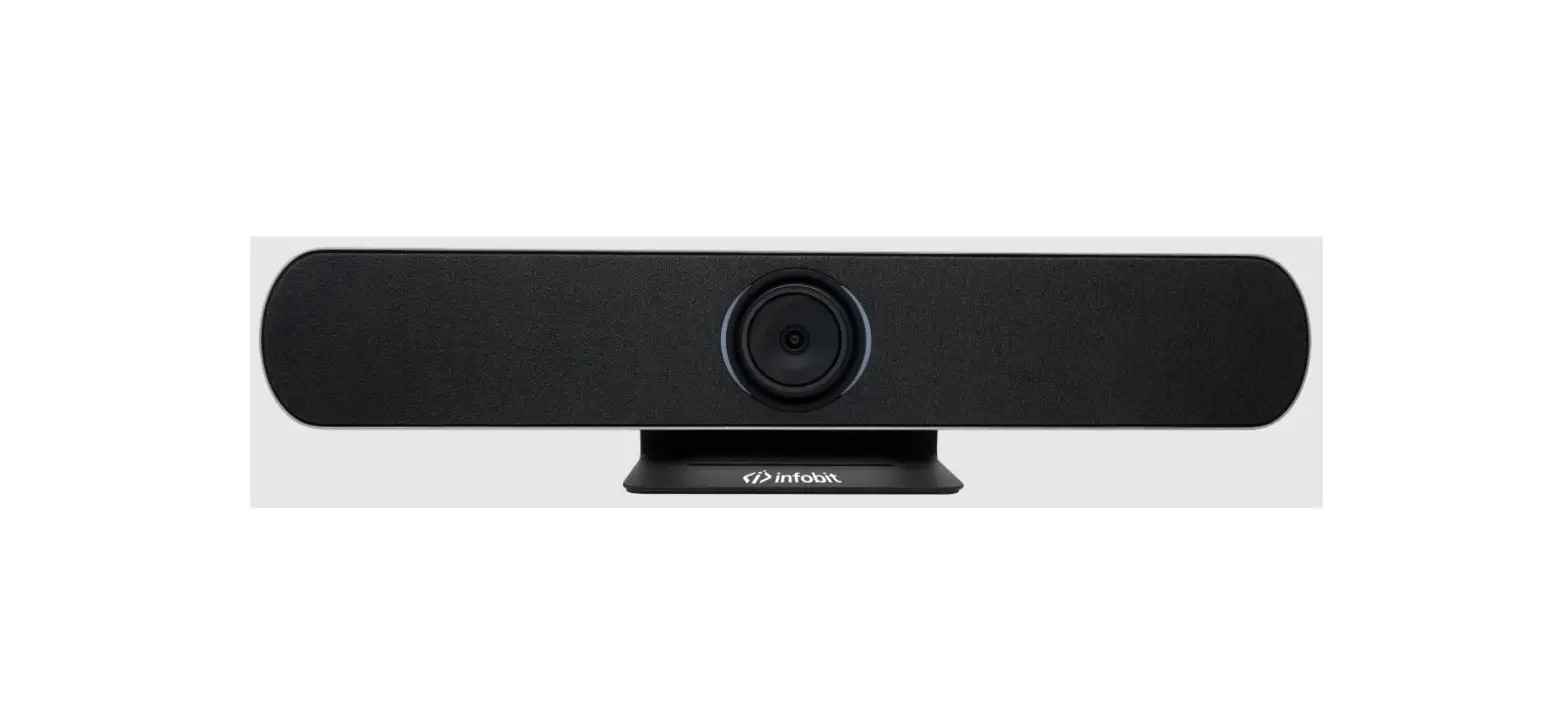
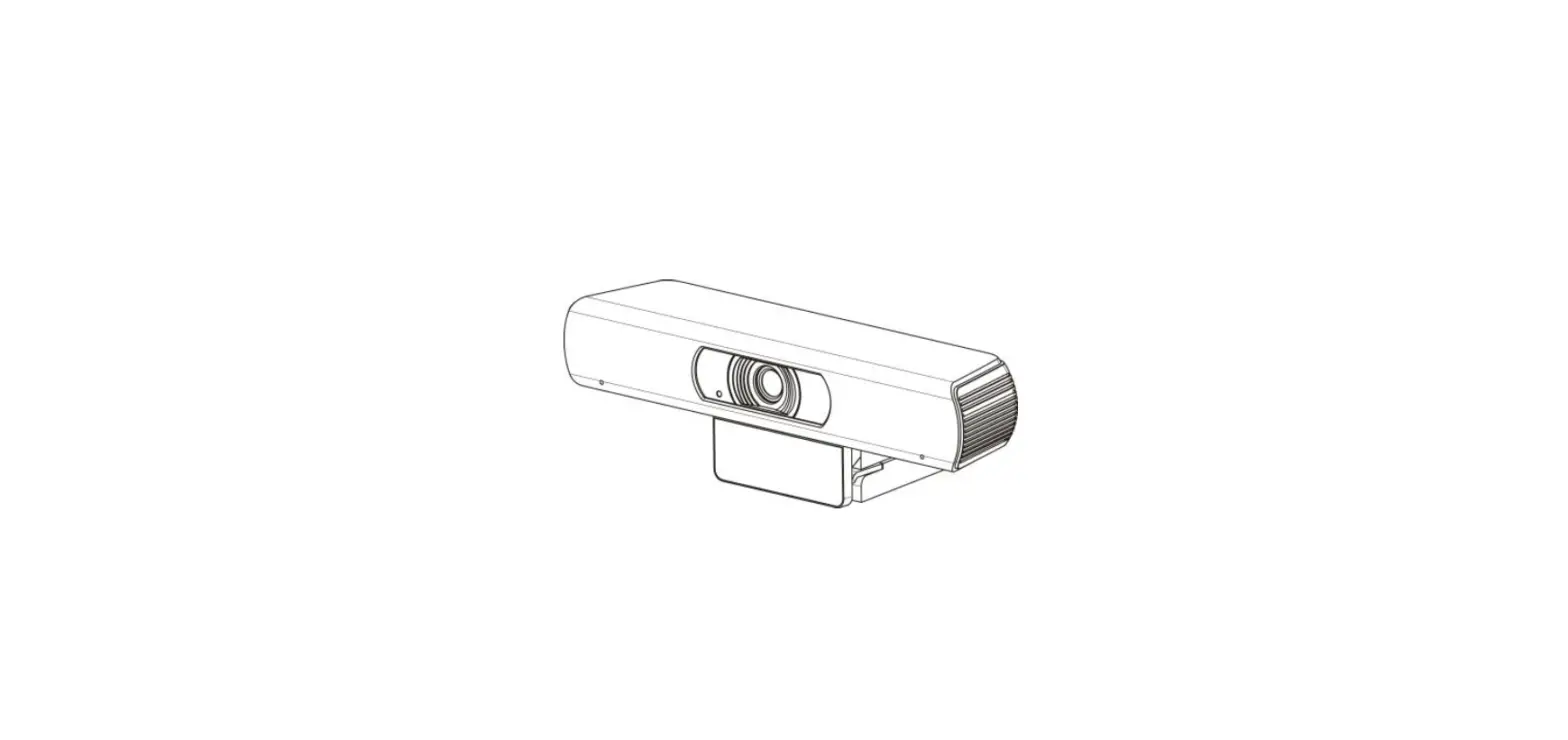
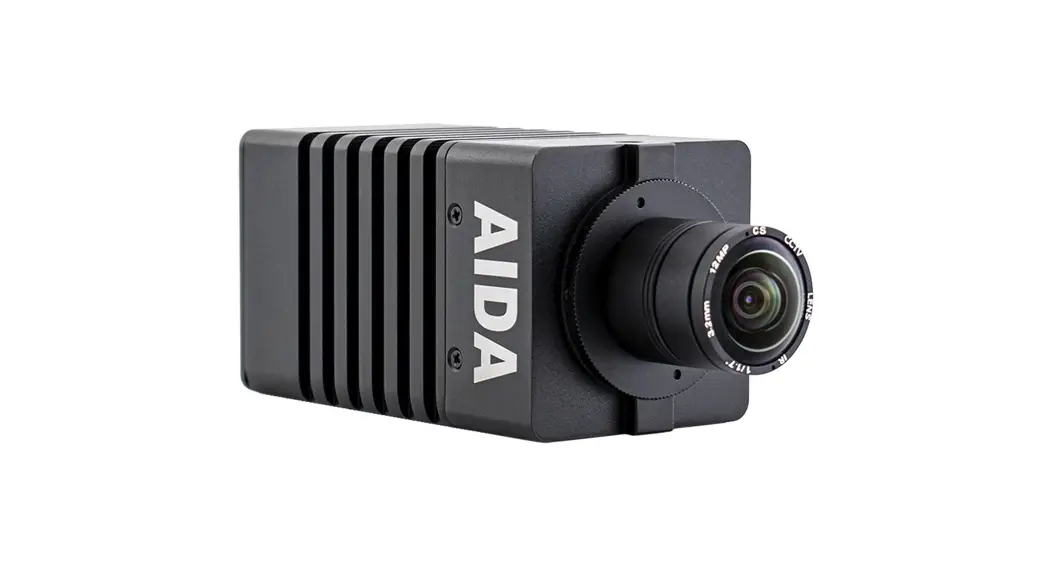
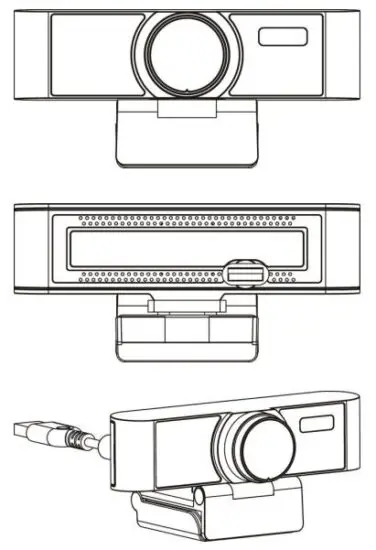
Product Appearance
Packing List
| Name | Quantity |
| Camera | 1 |
| Quick Start | 1 |
Product Features
1080P Full HD Wide Angle
Support 1080P full HD, and can provide 1080P@30fps/25fps image coding output. At the same time, it is compatible with 720P equal resolution downwards, with wide field of view angle, and the maximum horizontal field angle can be achieved 84°(Support Auto Focus)/110°.
USB 2.0
Full-featured USB 2.0 interface, power supply, video and audio all in one. Built-in Microphone
Built-in microphone array, unique noise suppression algorithm, make your voice perfect presentation.
EPTZ
There is no need for mechanical transmission, which realizes more accurate rotation, no noise, more reliable and durable pan-tilt function. Low-light
The application of 2D and 3D noise reduction algorithms greatly reduces the image noise. Even under the condition of ultra-low illumination, it still keeps the picture clean and clear, and the SNR of image is as high as 55dB. Easy
Installation
Standard damping bracket support, suitable for market 100% monitor, easy installation, stable and reliable.
Product Specifications
| Camera | |
| Sensor | 1/2.8”, CMOS, Effective Pixel: 2.07M |
| Scanning Mode | Progressive |
| Lens Mount | M12 |
| Lens 1 | Focus: f=3.5mm, FOV: 84° (Support Auto Focus) |
| Lens 2 | Focus: f=2.2mm, FOV: 110° |
| Minimal Illumination | 0.5 Lux @ (F2.0, AGC ON) |
| Shutter | 1/30s ~ 1/10000s |
| White Balance | Auto, Indoor, Outdoor, One Push, Manual, VAR |
| Camera bracket | bracket with damper |
| Digital Noise Reduction | 2D, 3D digital noise reduction |
| Backlight Compensation | Support |
| Digital Zoom | 4x |
| USB Features | |
| Operate System | Windows 7/8/10, Mac OS X, Linux, Android |
| Color / Compression | MJPEG/YUY2/H.264 |
|
Video Format | 1080P@30fps/25fps, 720P@30fps/25fps, 960x540P@30fps/25fps, 640x360P@30fps/25fps |
| USB Communication Protocol | UVC 1.1 |
| EPTZ | Support |
| Input/Output Interface | |
| USB Interface | 1 x USB 2.0: Type A |
| Physical Parameter | |
| Input Voltage | 5V (USB power supply) |
| Current Consumption | 0.27A |
| Operating Temperature | -10°C ~ 40°C |
| Storage Temperature | -40°C ~ 60°C |
| Power Consumption | 1.4W |
| Size | 118mm x 37.2mm x 30.8mm (without bracket) |
| Net Weight | 0.093 Kg (without bracket) |
Safety Precautions
Careful Transportation
Transportation, custody and installation process to prevent heavy pressure, violent vibration, immersion damage to the product.
Careful Installation
This product should be placed on a smooth desktop. The shell of the product is an organic material and is strictly prohibited from contact with any liquid, gas or solid material that may cause corrosion to the shell.
Do not Unauthorized Disassemble
This product has no parts which can be repaired by the user. The damage caused by the user’s own disassembly is not covered by warranty.\ Electromagnetic fields at specific frequencies may affect image of machine.
Camera Installation
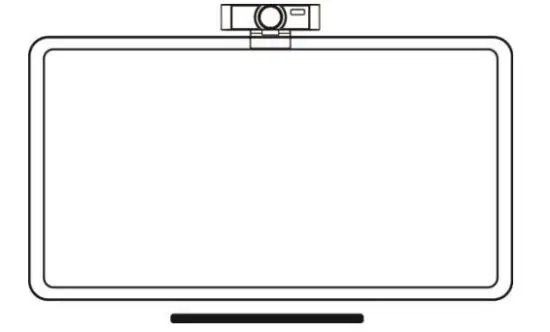
When the monitor thickness is less than or equal to 45mm, the mounting method can be selected to mount the conference camera product on the monitor. The specific installation is shown in the following figure:
Maintenance and Troubleshooting
Camera Maintenance
If the camera is not in long-term use, please disconnect the power switch after use. Use soft cloth or cotton paper to remove dust from the camera housing. When cleaning the camera lens, please use dry soft cloth to wipe, if dirt is serious, use neutral cleaner gently. Do not use strong or corrosive detergent, lest the lens scratch, affect the image effect.
Avoid Using
The camera should avoid shooting particularly bright objects, such as sunlight, lights, etc.
The camera should not work under unstable lighting conditions, otherwise the image will flash.
Do not use around facilities that can transmit high-power radio waves, such as television station or radio-transmitting station.
Troubleshooting
Image have jitter after the camera is properly connected.
- Check whether the camera installed position be stabled.
- Check whether have vibrating machinery or object near the camera.
Toxic and Harmful Substances
| Part Name | Toxic or harmful substances or elements | |||||
| (Pb) | (Hg) | (Cd) | (CrVI) | (PBB) | (PBDE) | |
| Metal | x | Ο | Ο | Ο | Ο | Ο |
| Plastic | Ο | Ο | Ο | Ο | Ο | Ο |
| Glass | x | Ο | Ο | Ο | Ο | Ο |
| Circuit board | x | Ο | Ο | Ο | Ο | Ο |
| Power | x | Ο | Ο | Ο | Ο | Ο |
| Attached | x | Ο | Ο | Ο | Ο | Ο |
This form is compiled in accordance with SJ/T 11364.
Ο: Indicates that the content of the hazardous substance in all homogenized materials of the component is subject to the limit specified in GB/T 26572.
x: Said the hazardous substance in at least one of the components homogenized material content in excess of the GB/T 26572 limit requirements, and there are no mature alternatives.
Warranty Card
If failure caused by non-human causes occurs within two year from the date of purchase of the machine, you may enjoy the warranty service of the product. Any of the following circumstances is not covered by the warranty:
- Without disassembling, modification such as fault causes.
- Use of an environment does not conform to the requirements of the product.
- Irresistible factors, such as fire, earthquake, lightning strikes, etc.
- The warranty card does not match the product number or it is altered.
User Name User Address/Post Code Contact Number Product Model Product Series Purchasing Date Invoice No. Sales Department