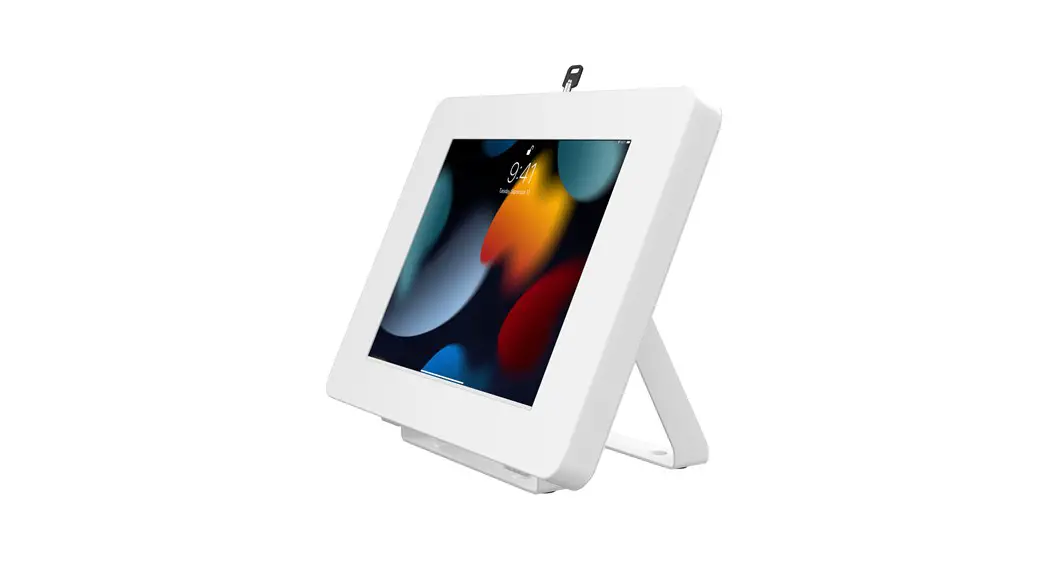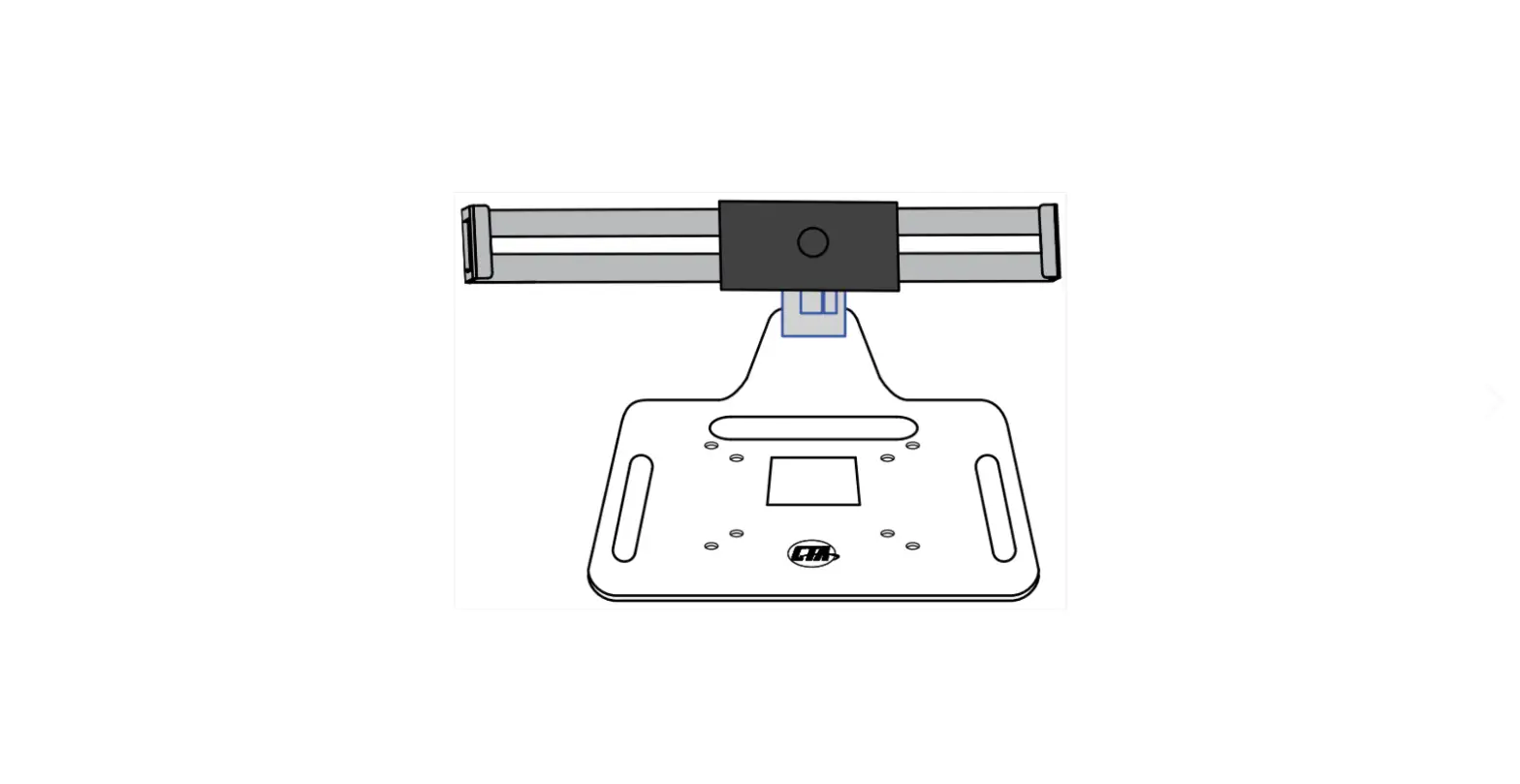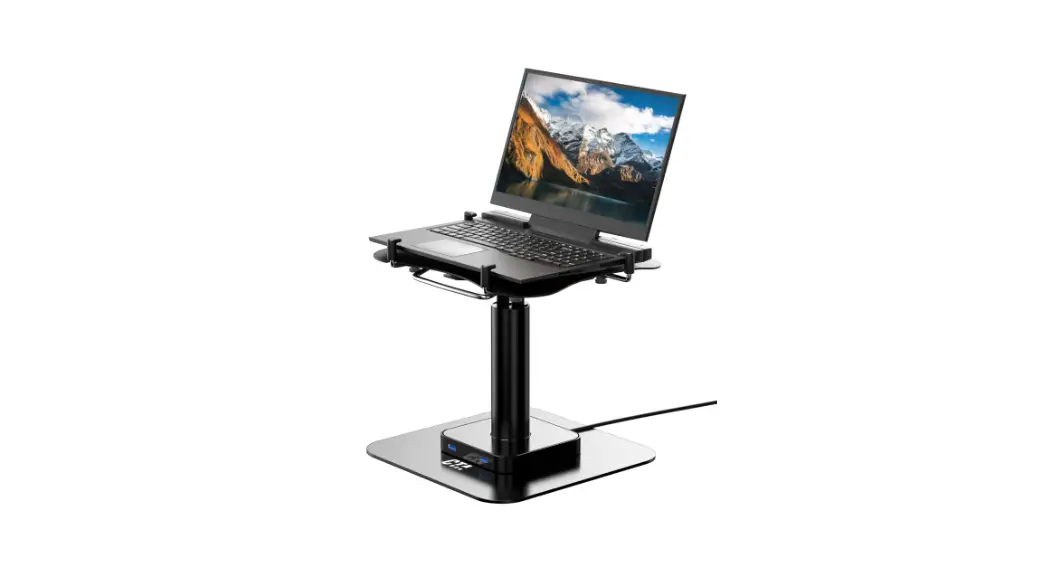
 LT-LFSDM Locking and Folding Security Laptop Desk Mount
Installation Guide Locking & Folding Security Laptop Desk Mount
LT-LFSDM
INSTALLATION – MANUAL
CONTENTS:
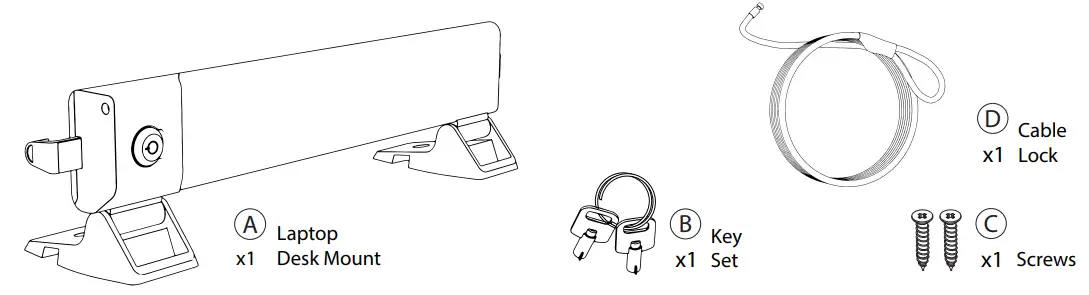
INSTALLATION:
1.Installing the Mount to Table :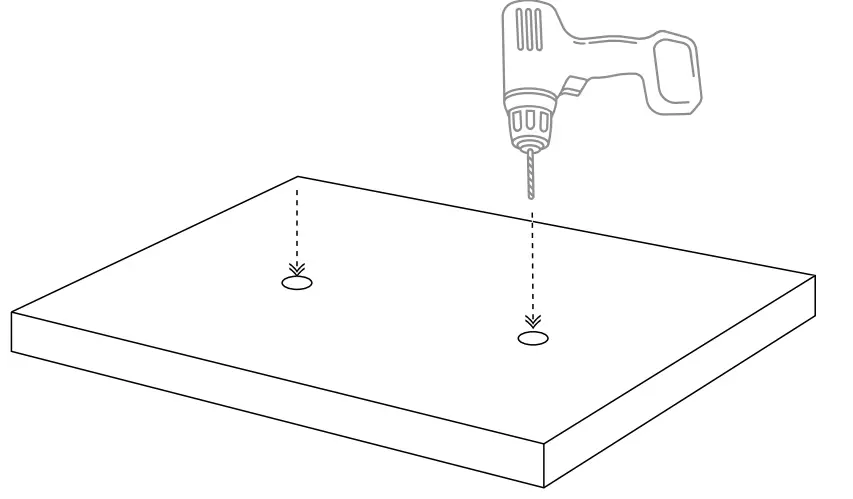 1A. Make holes on the surface where desk mount (A) will be fixed as shown above.
**Drill and Screwdriver for illustration only and not included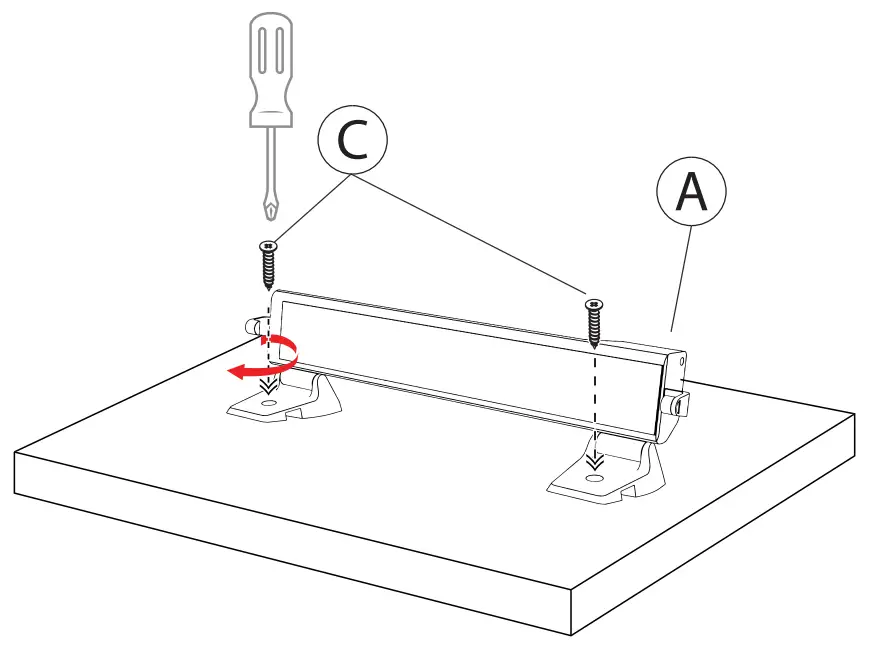 1B. Place the laptop desk mount (A) matching the holes drilled on surface and screw in the provided x2 screws(C) trough the base with a screw driver (not provided) until securely tightened.
2. Releasing the Holder Arms :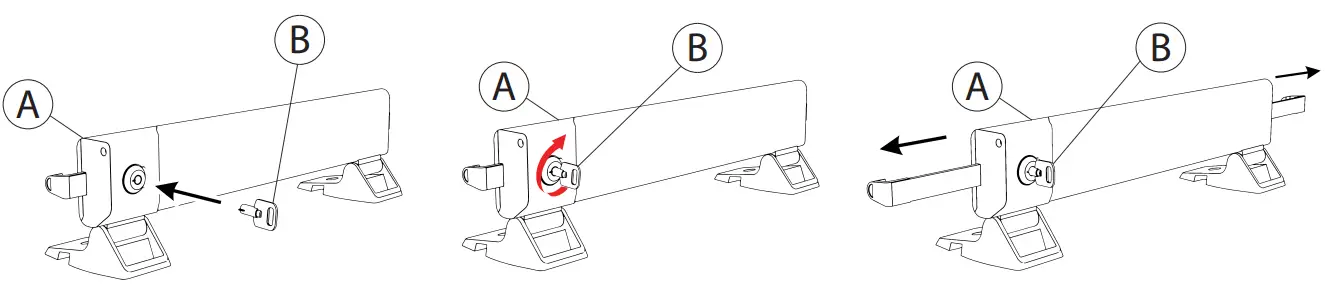 2A. Insert the key (C) provided into the lock and turn it clockwise to set into unlocked mode and release the arms. Slide open the arms until laptop can fit in.
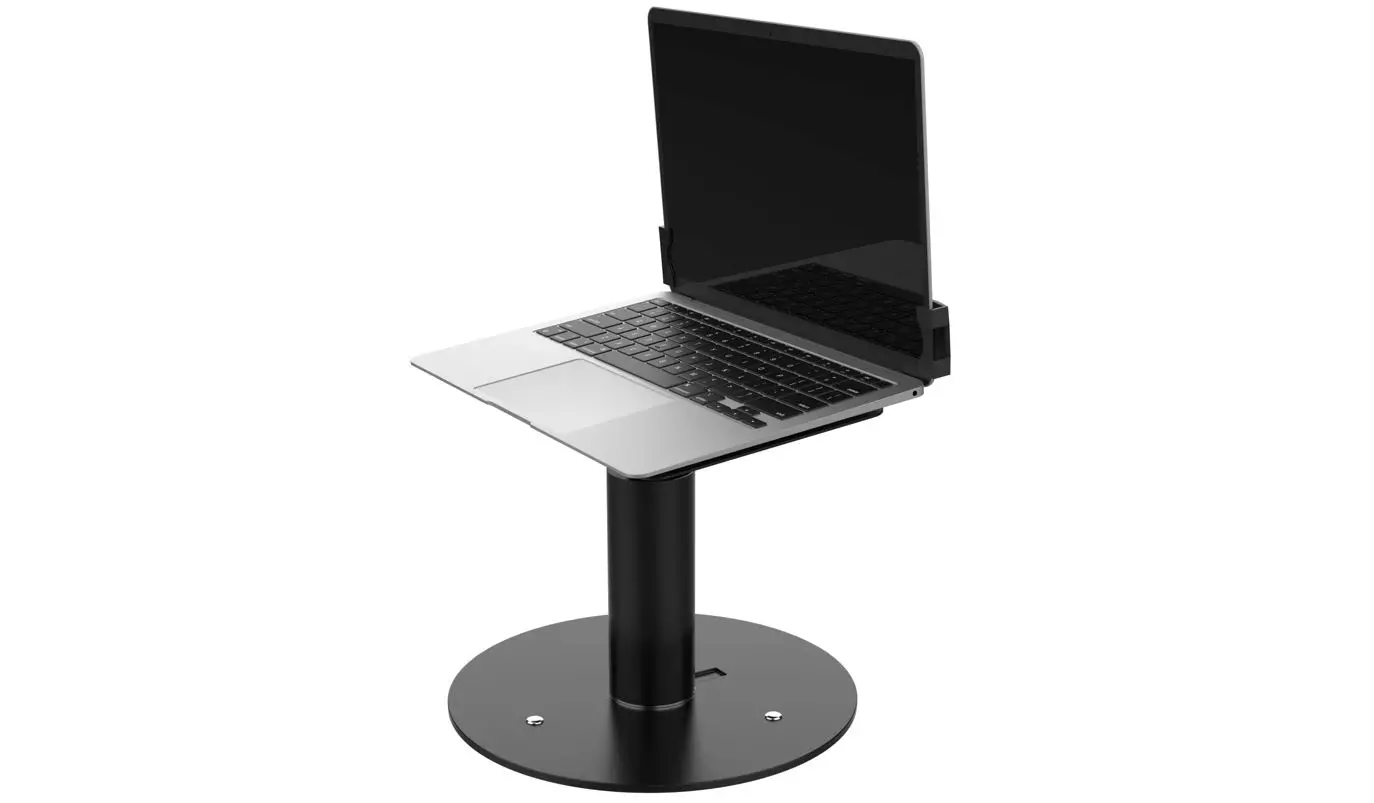
3.Inserting Laptop into Holder :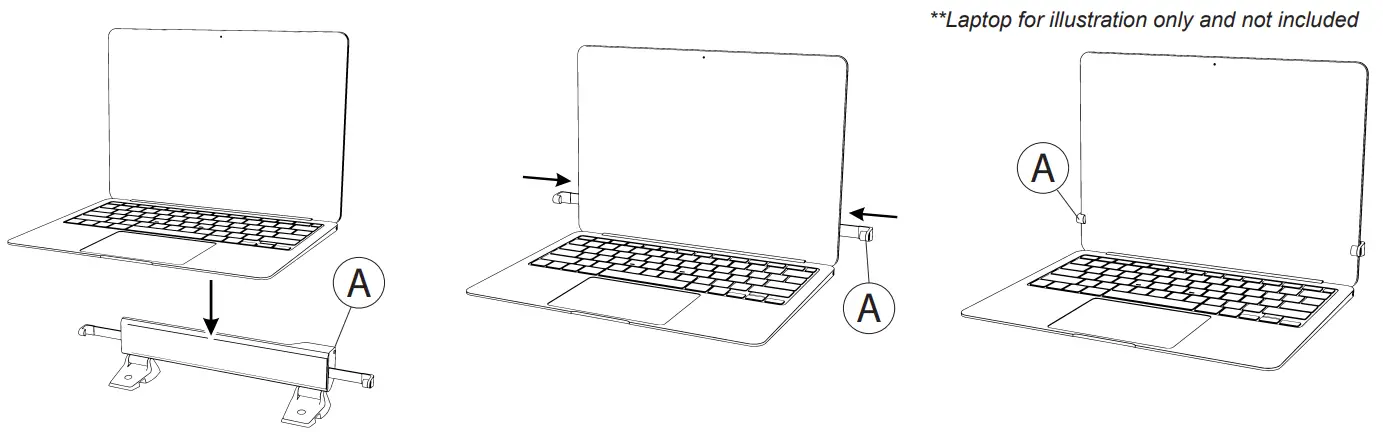 3A. Insert the laptop and retract the arms until securely held. Turn key back counter clockwise to lock it.
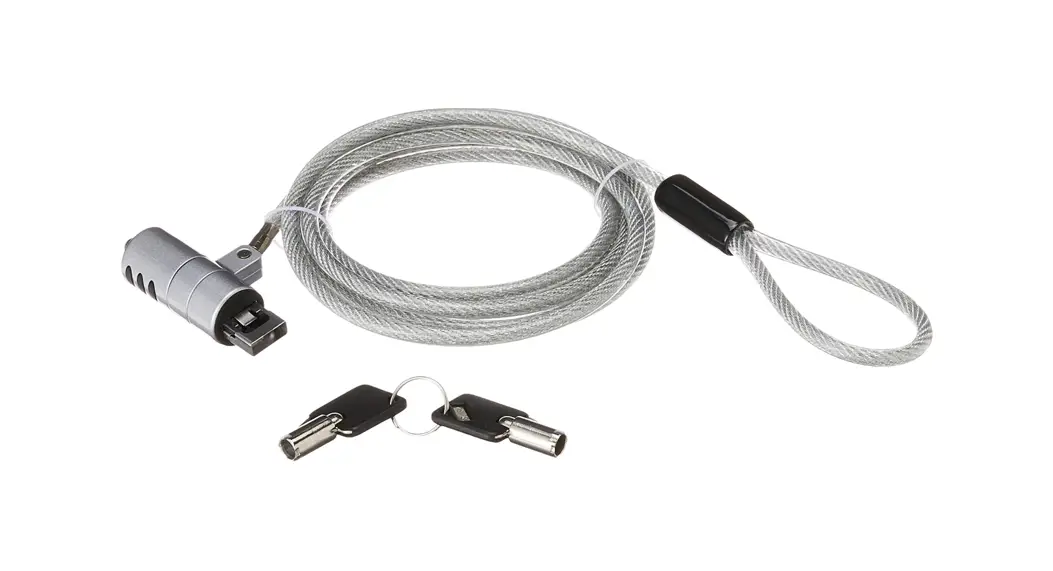
4.Anti-Theft Cable Lock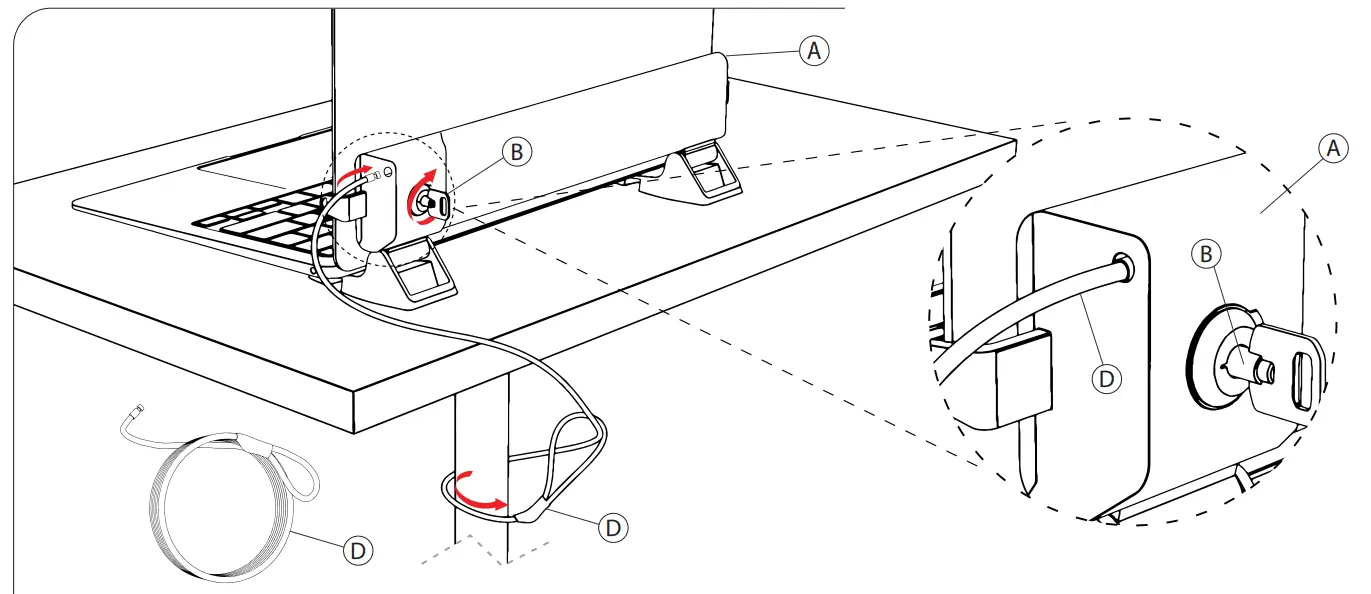 1.Loop one end of the cable (D) and anchor it around something fixed such as a table leg as illustrated above.
2. Take the other end of the cable (D) with the metal end and insert it into the holder at the location shown while key (B) is inserted and holder (A) is still in unlocked mode. Then turn the key to lock and remove it from the holder to have cable lock affixed to holder.
Adjusting Tilt Angles of Holder
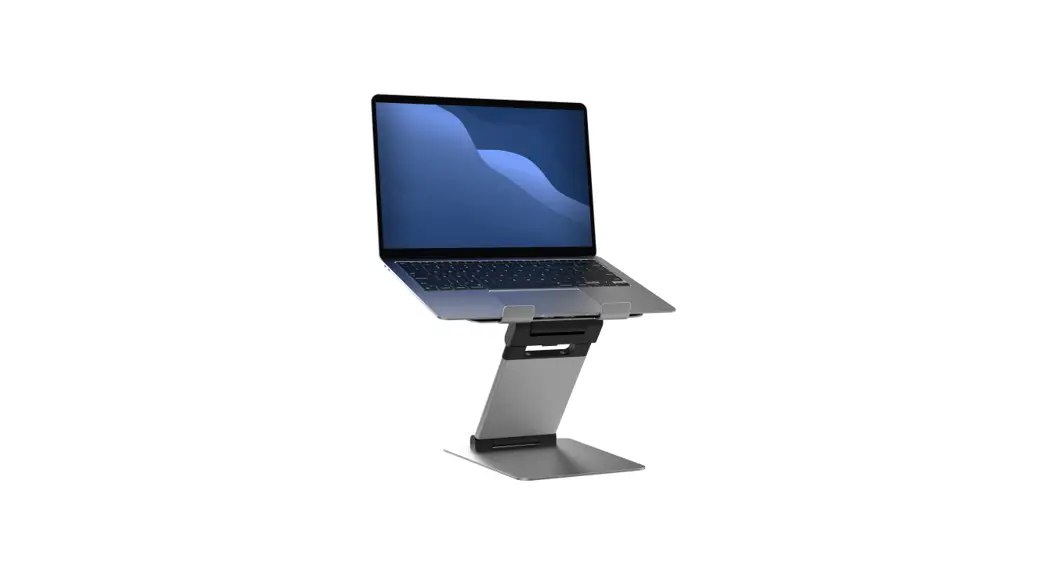
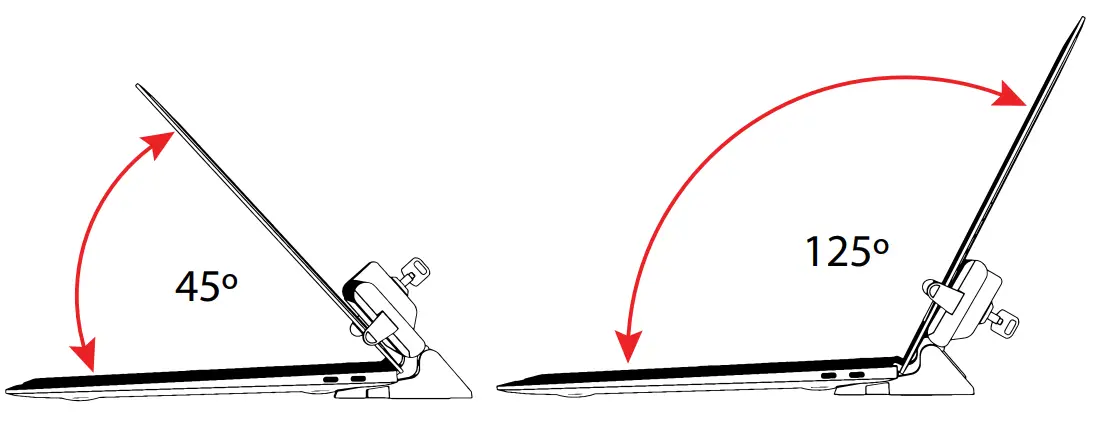 1. Tilt screen between 45º – 125º as shown to find preferred viewing setup.
 36 Taaffe Place Brooklyn, NY 11205
 [email protected]
 888-733-4448
 www.ctadigital.com