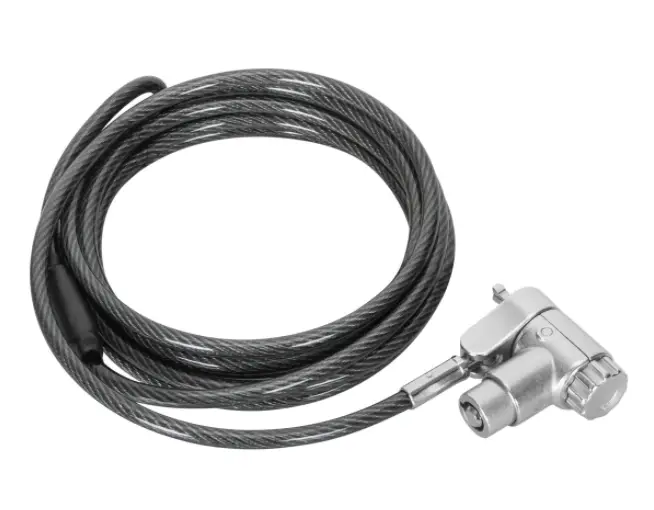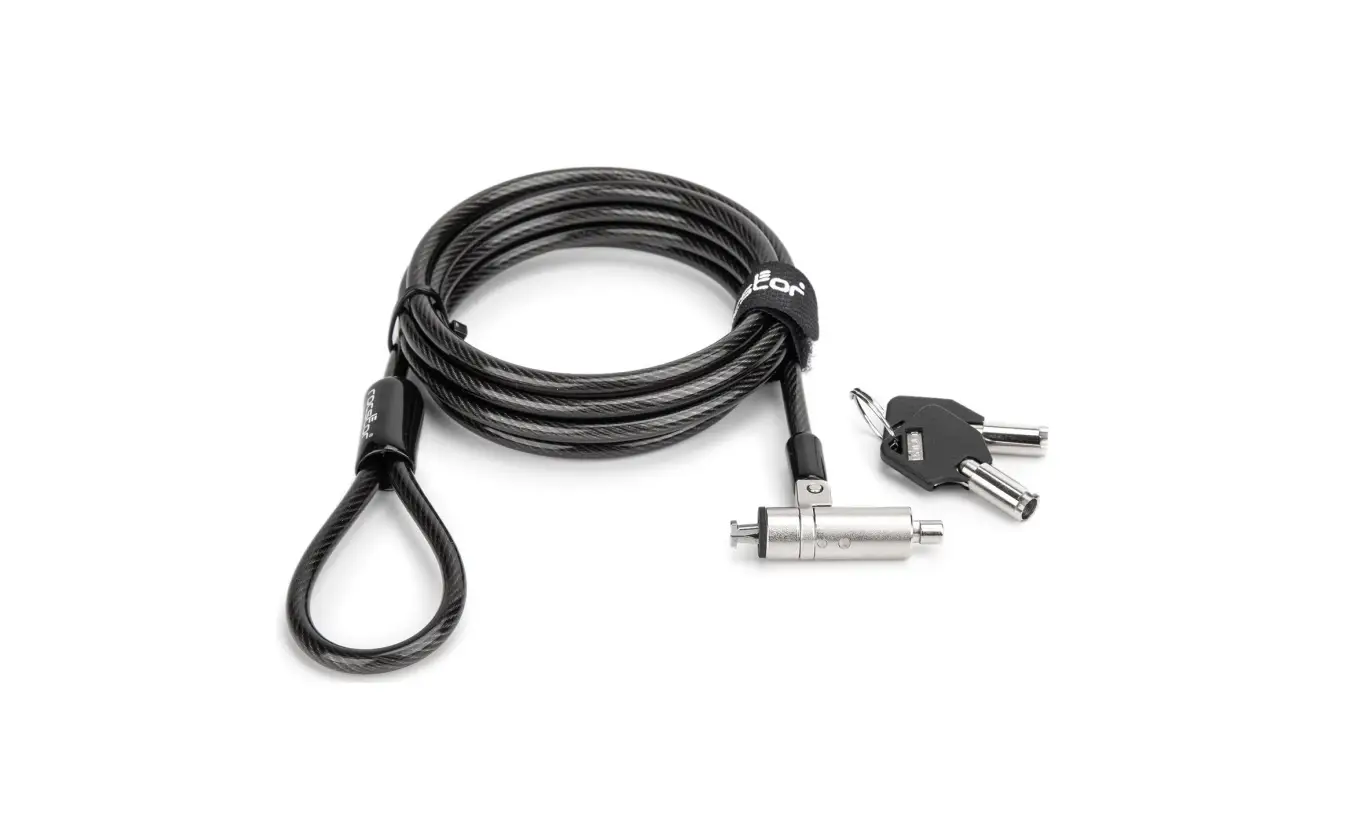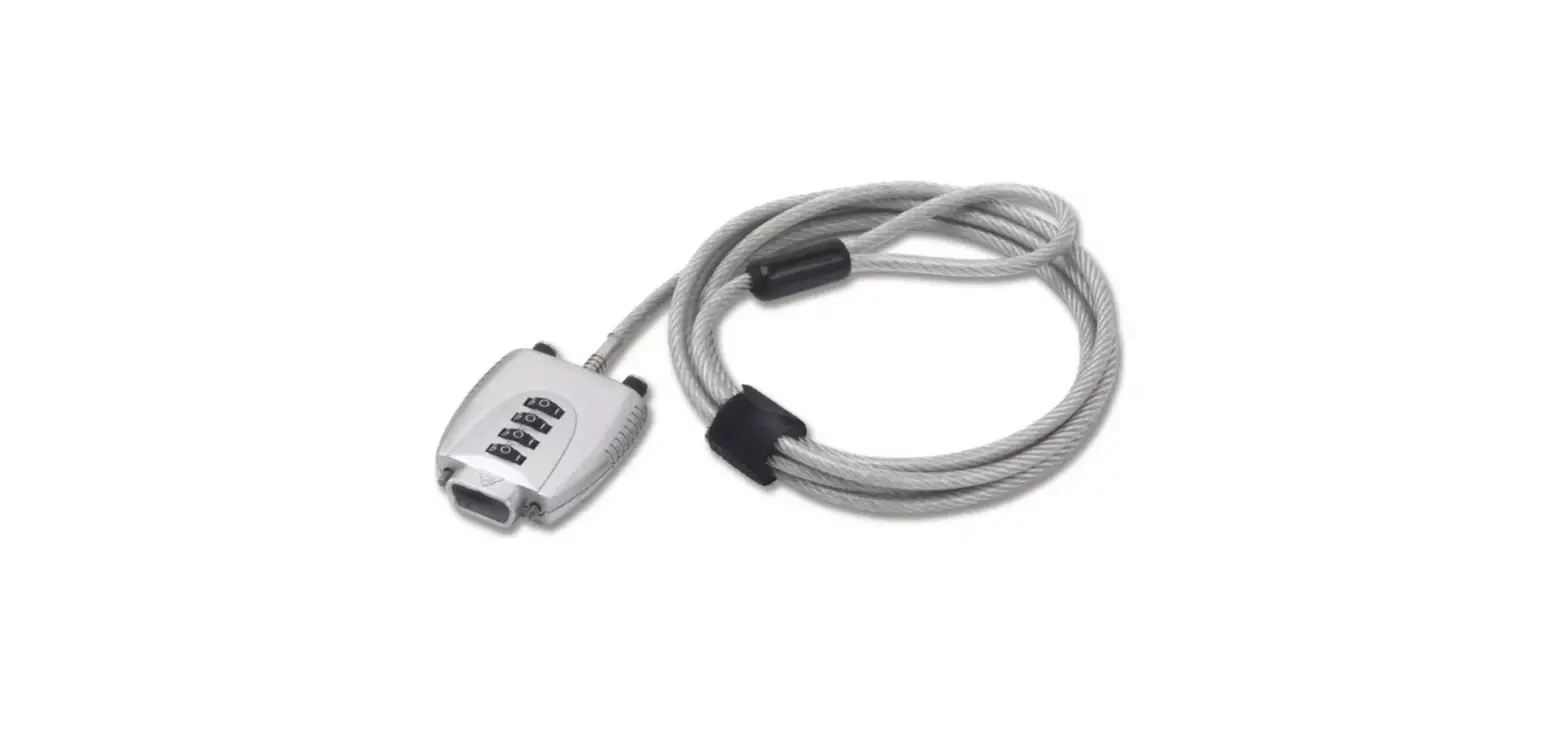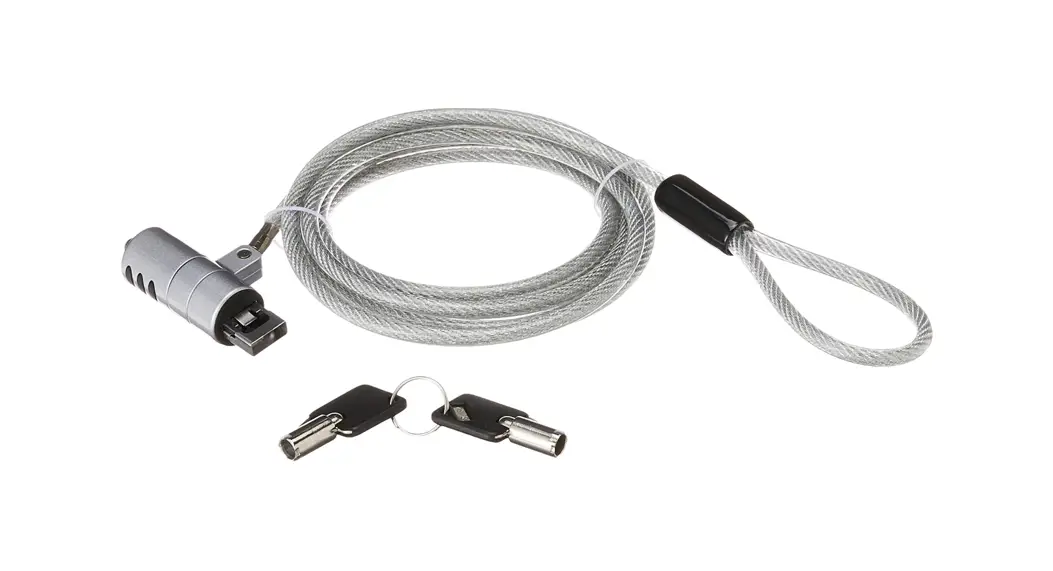

Cta Lt-pl Digital Usb 3.0 Security Cable Lock Installation Guide

Cta Lt-pl Digital Usb 3.0 Security Cable Lock Installation Guide

CTA LT PL LOGOLT-PL
Installation Manual

How to install it?

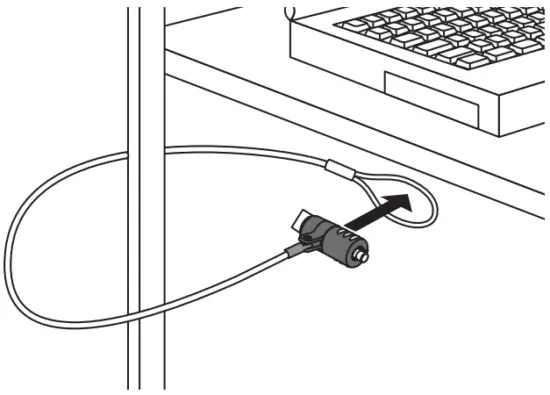
  1. Loop the cable around a secure object.CTA LT PL Digital USB 3 0 Security Cable Lock - FIG 1
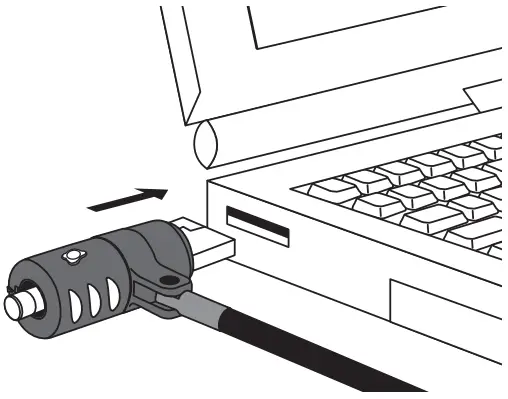
  2.  Push the button.CTA LT PL Digital USB 3 0 Security Cable Lock - FIG 2
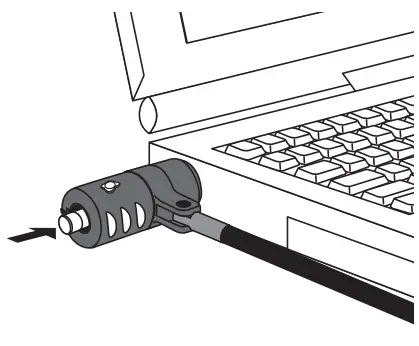
  3. Put into a USB slot.CTA LT PL Digital USB 3 0 Security Cable Lock - FIG 3
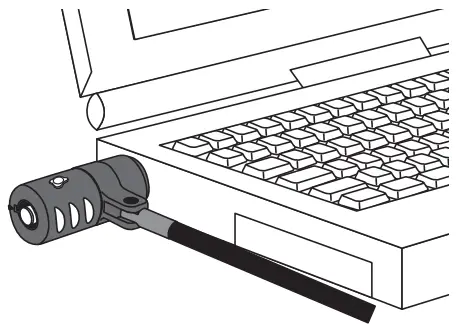
  4. The USB lock is locked.CTA LT PL Digital USB 3 0 Security Cable Lock - FIG 4

How to unlock it?

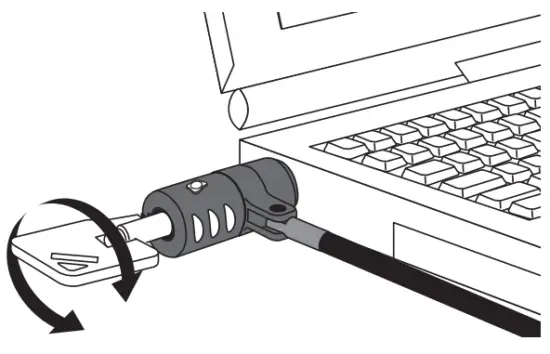
  1. Put the key into the lock and turn it until hearing “click!”.CTA LT PL Digital USB 3 0 Security Cable Lock - FIG 5
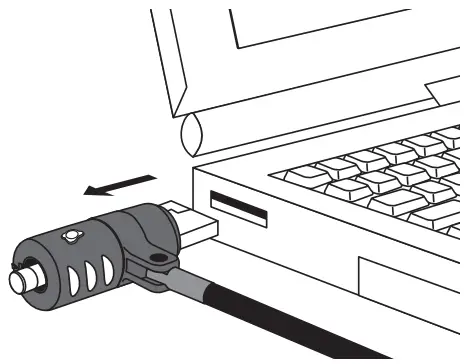
  2. Pull out the USB lock.CTA LT PL Digital USB 3 0 Security Cable Lock - FIG 6

Attention

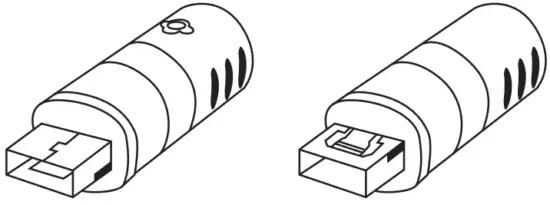
  • Applicable only MacBook Air & Pro, and check the direction before installation.CTA LT PL Digital USB 3 0 Security Cable Lock - FIG 7

CTA DIGITAL
Brooklyn, NY 11205
[email protected]
Made in Taiwan
Documents / Resouces

Download manual
Here you can download full pdf version of manual, it may contain additional safety instructions, warranty information, FCC rules, etc.


Related Manuals