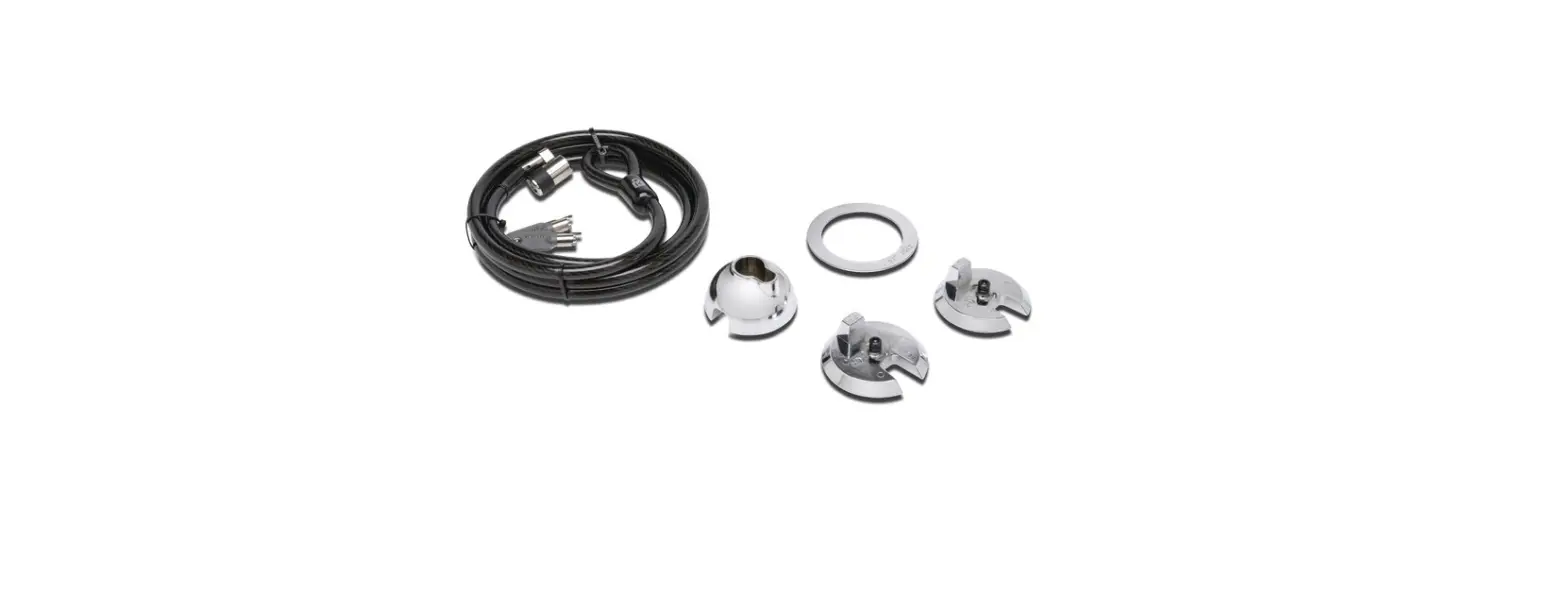
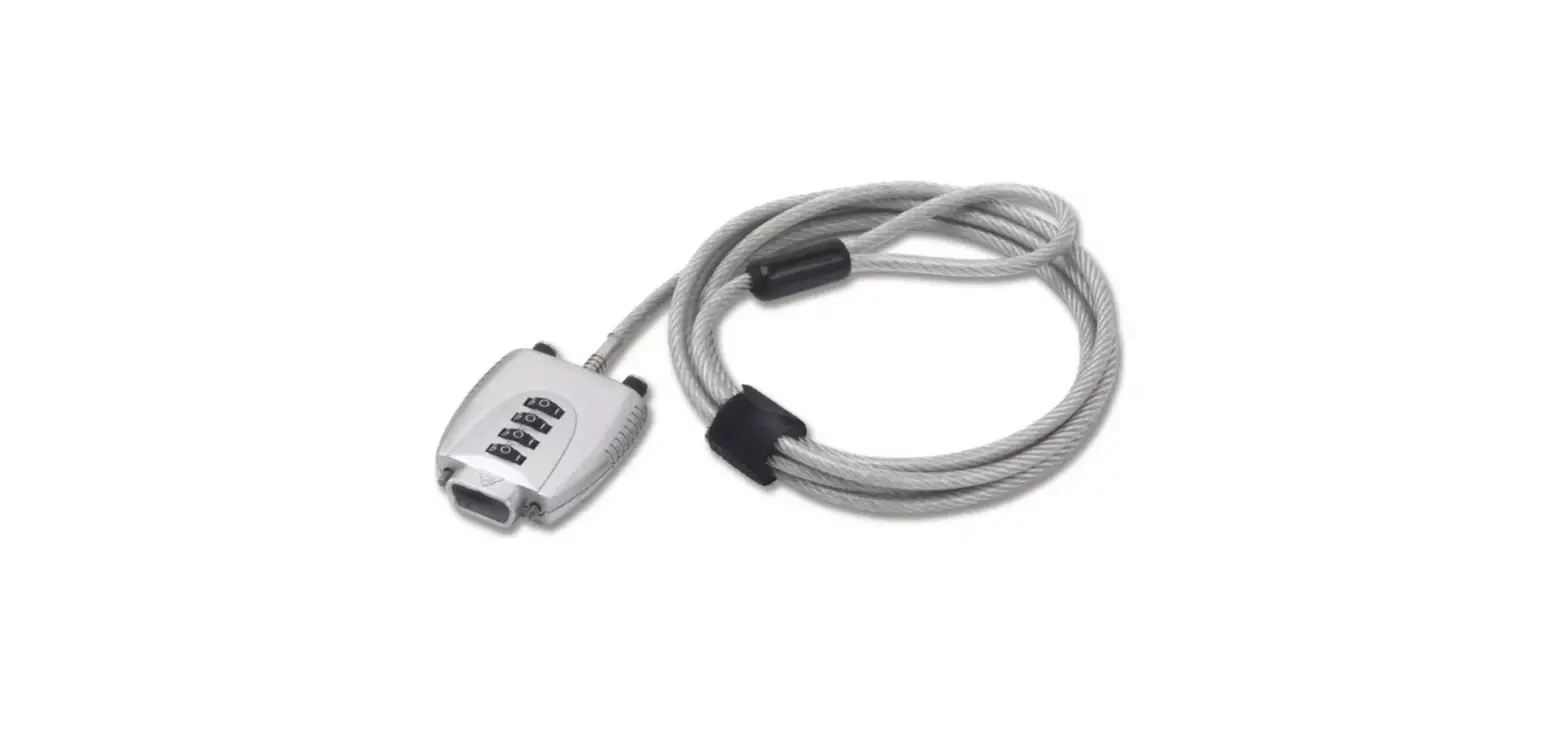
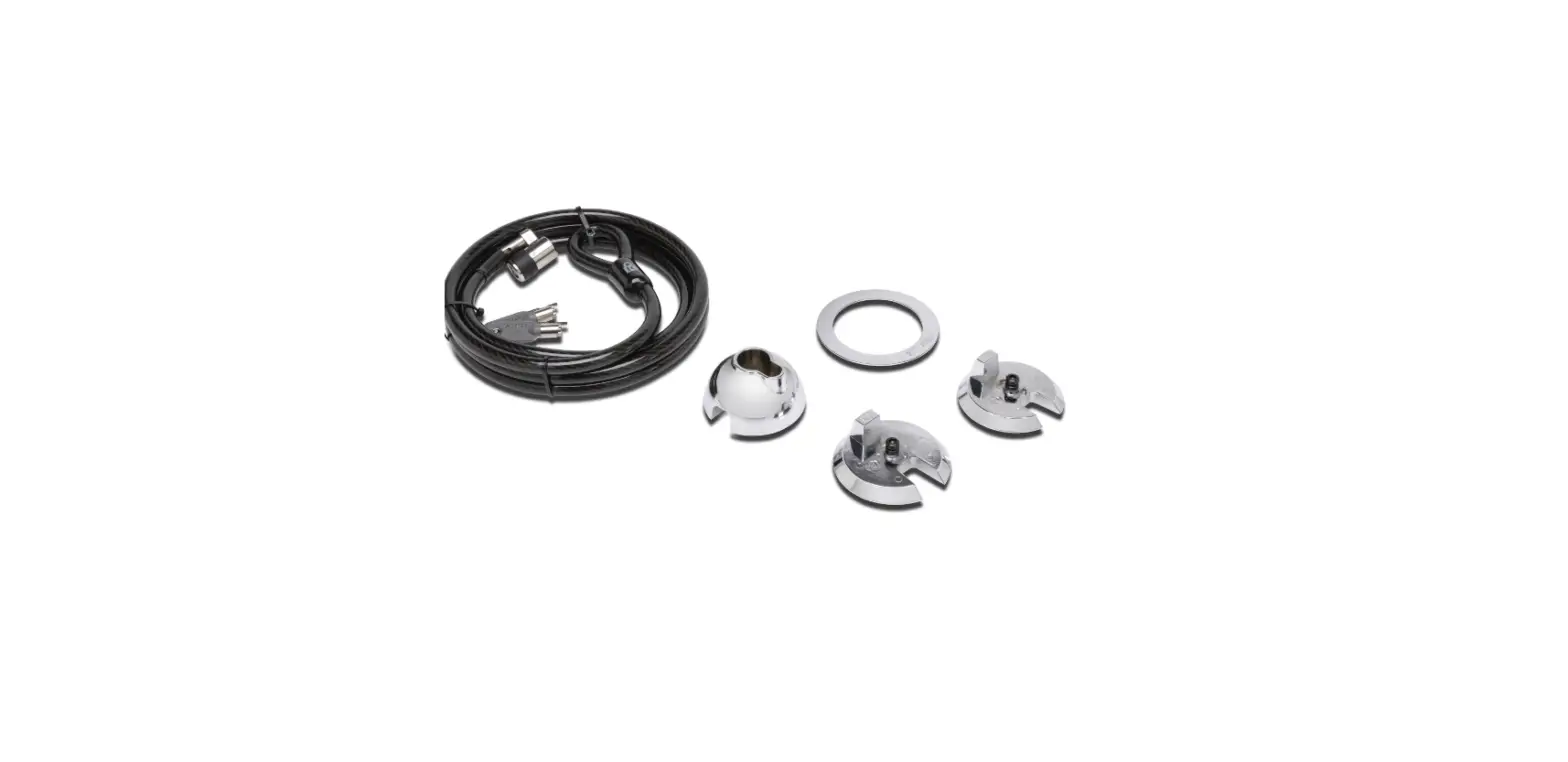
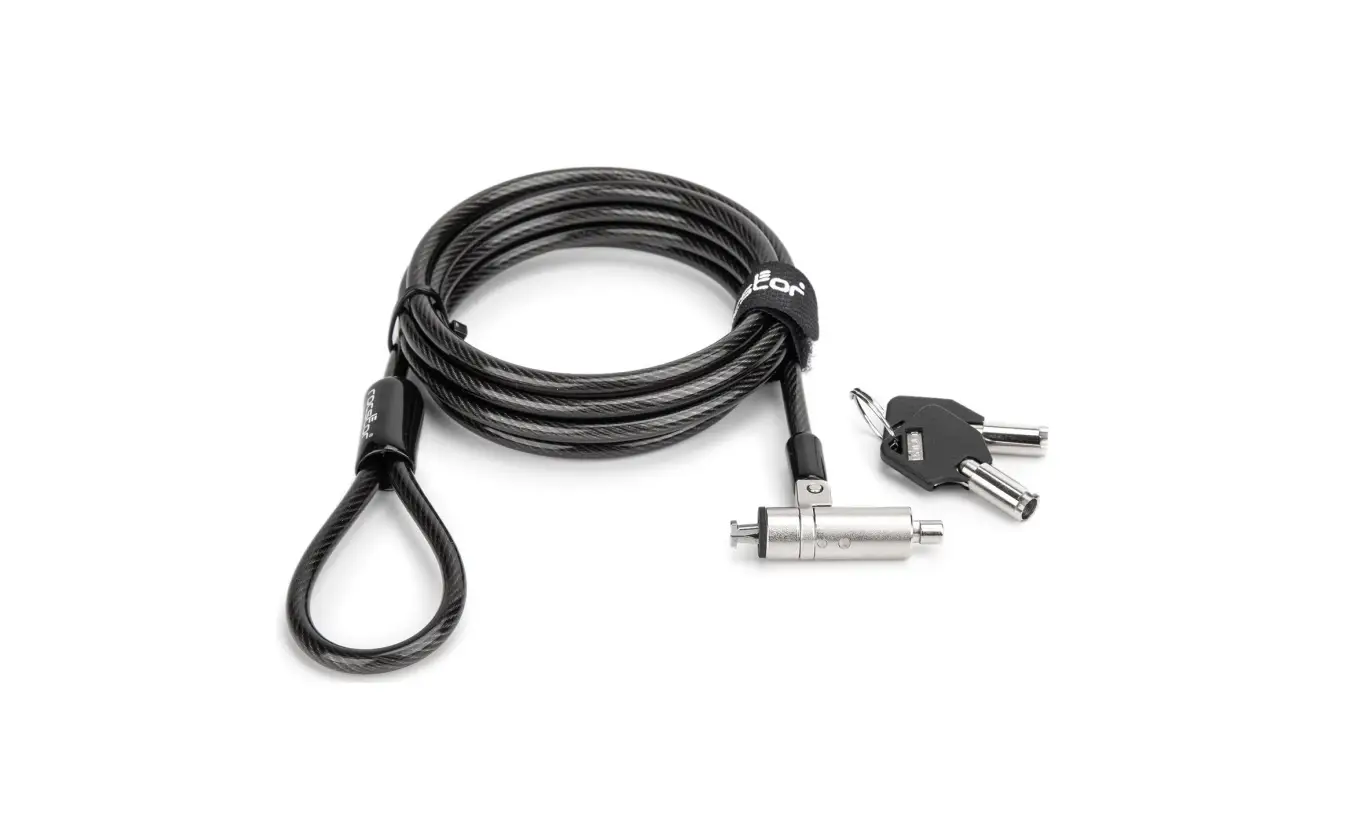
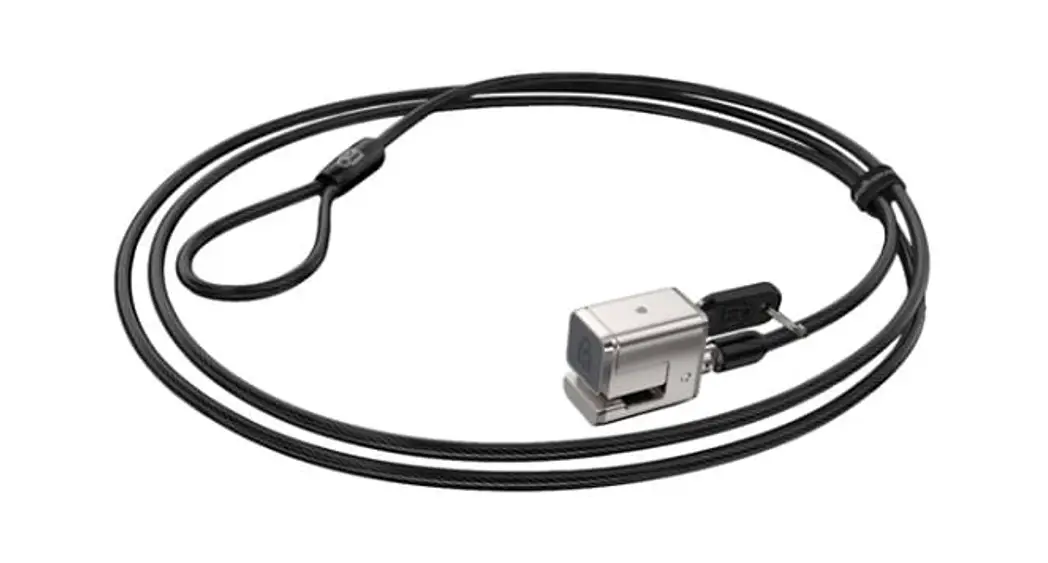
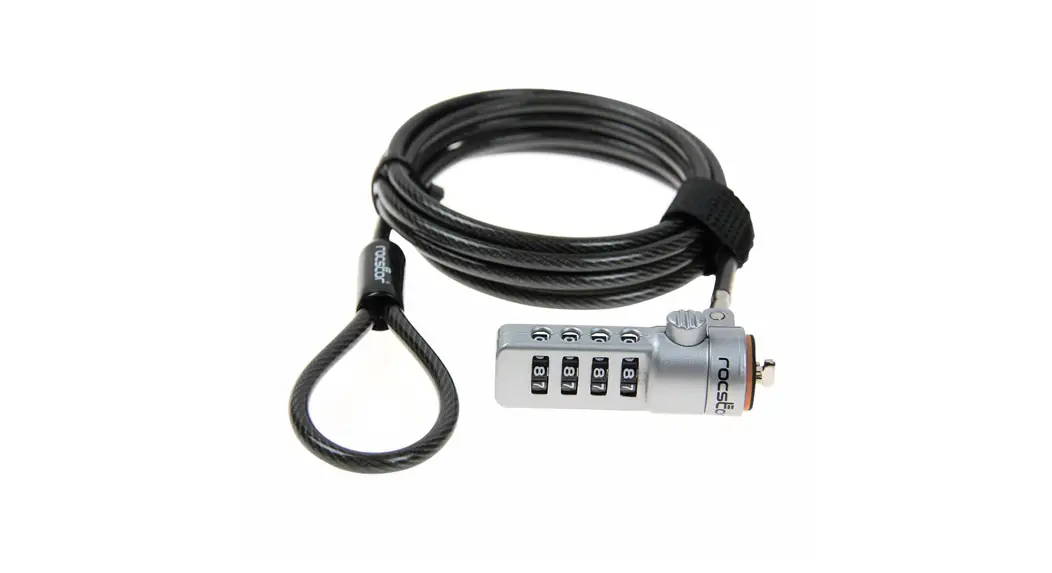
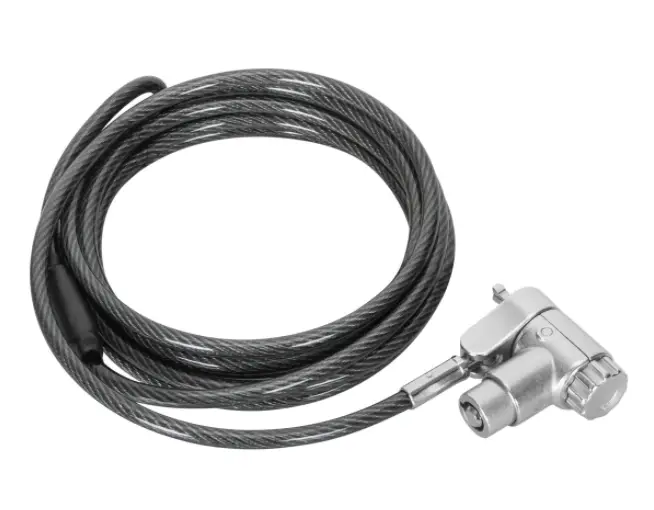
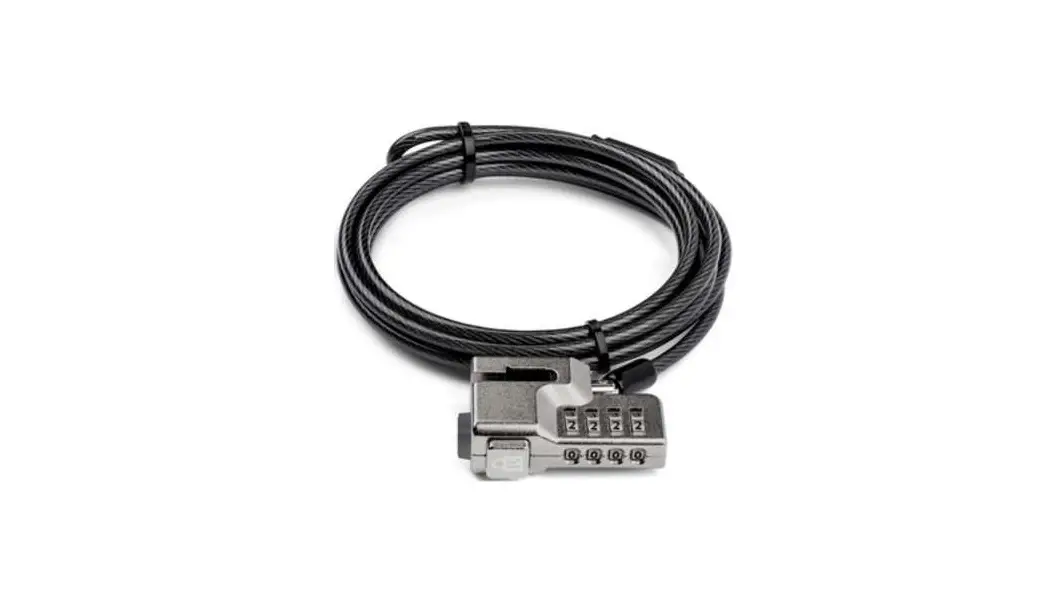
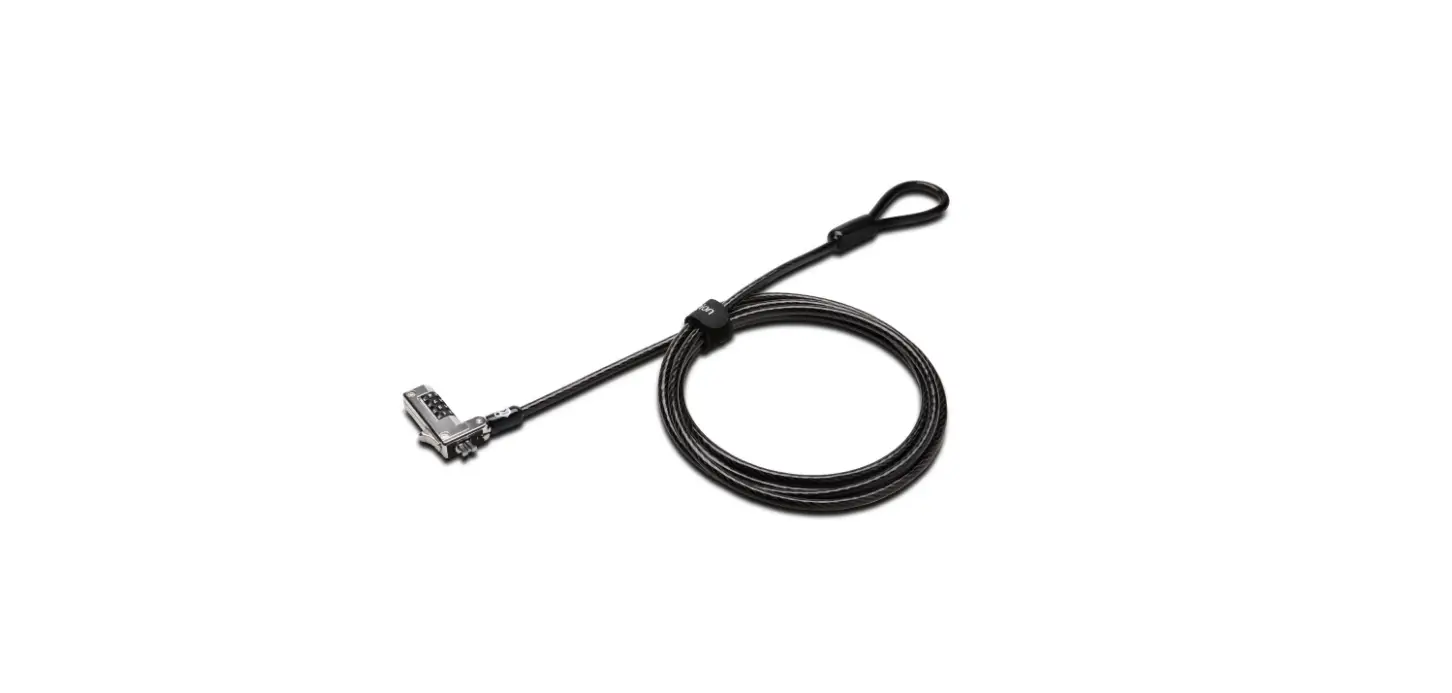
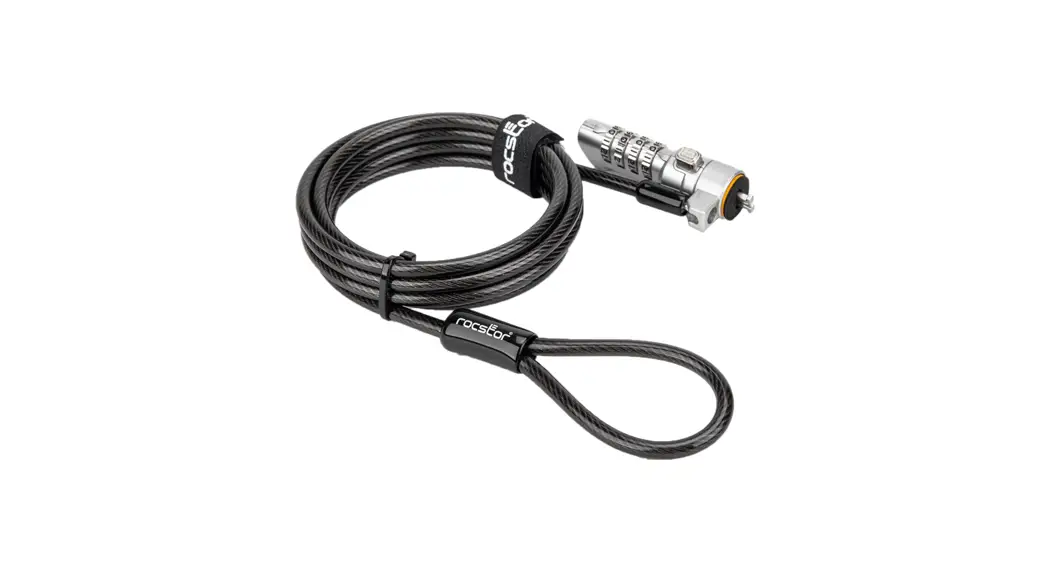
KSD-360 Bolt C Security Cable Lock
Product Information
Product Name: KSD-360 Bolt C Security cable lock
Setting Your Own Combination
- Turn the four dials to the preset opening combination in the
combination window. By default, it should be: 0000. - Press and turn the reset button 90 degrees counterclockwise
with the provided flathead tool to the reset position. - Turn the dials to set your own desired combination.
- Press and turn the reset button 90 degrees clockwise to its
original position. Your lock is now ready to open with its new
combination.
Locking Your Laptop
- Loop the security cable around a desk or fixed structure.
- Press and hold the release button, then insert the locking hook
into the locking slot of your laptop or peripheral. - Release the button and randomly rotate the dials. Now your
laptop or peripheral is secured.
Quick Setup Guide
For more information and support, visit klipXtreme.com
Product Model: KSD-360
KSD-360
Bolt C
Security cable lock
Setting your own combination 1. Turn the four dials to the preset opening combination
in the combination window. By default, it should be: 0000.
2. Press and turn the reset button 90 degrees counterclockwise with the provided flathead tool to the reset position.
3. Turn the dials to set your own desired combination.
4. Press and turn the reset button 90 degrees clockwise to its original position. Your lock is now ready to open with its new combination.
Locking your laptop 1. Loop the security cable around a desk or fixed structure.
2. Press and hold the release button, then insert the locking hook into the locking slot of your laptop or peripheral.
3. Release the button and randomly rotate the dials. Now your laptop or peripheral is secured.
Quick setup guide
90° Original position Reset position
klipXtreme.com
Klip Xtreme® is a registered trademark. All rights reserved. All other brand names and trademarks are the property of their respective owners. Any mention of such is only intended for identi cation purposes, and therefore shall not be construed as a claim to any or all rights pertaining to those brands. Made in China.
KSD-360
 Home - Klip Xtreme