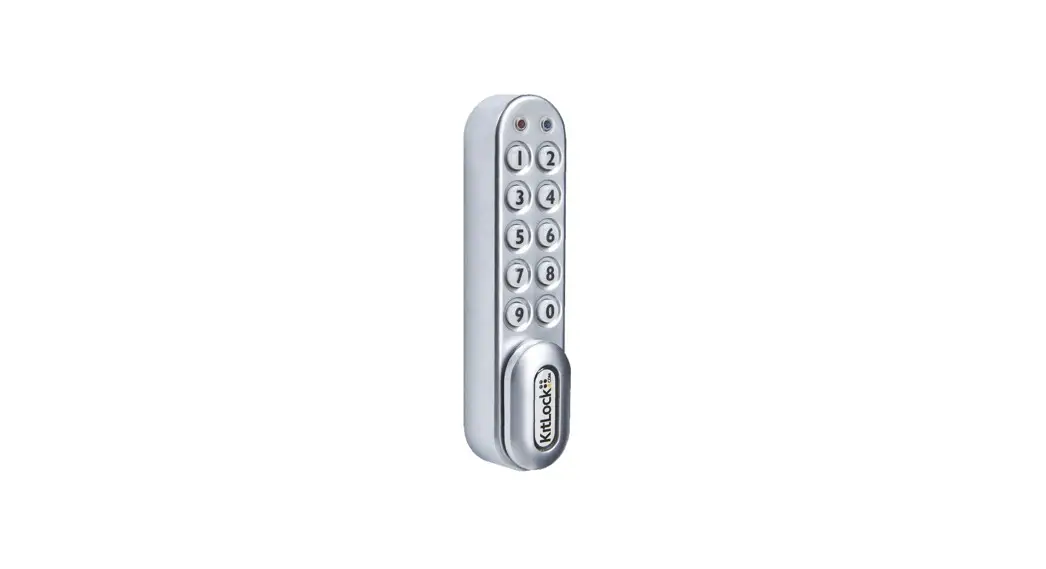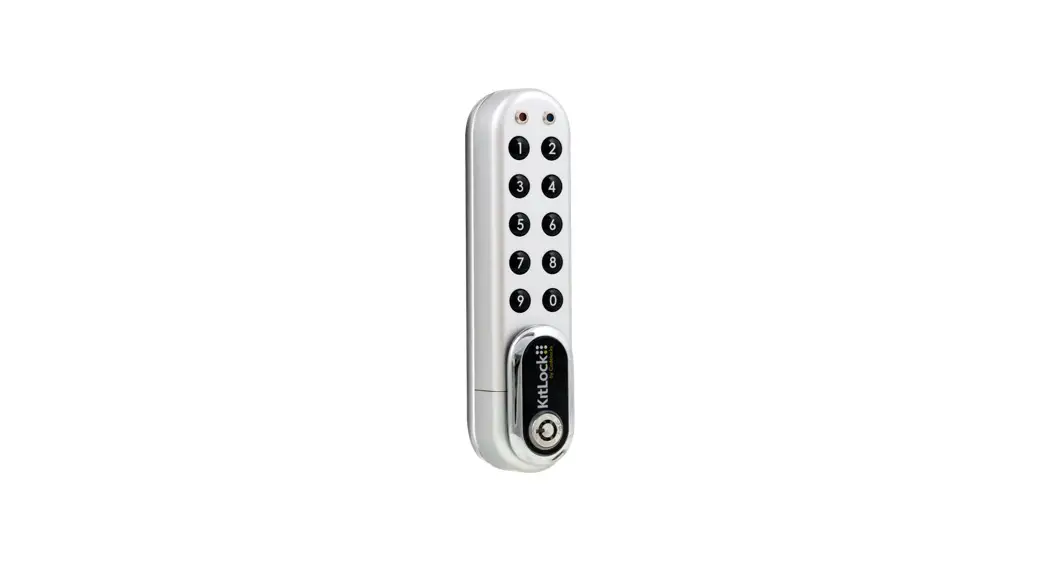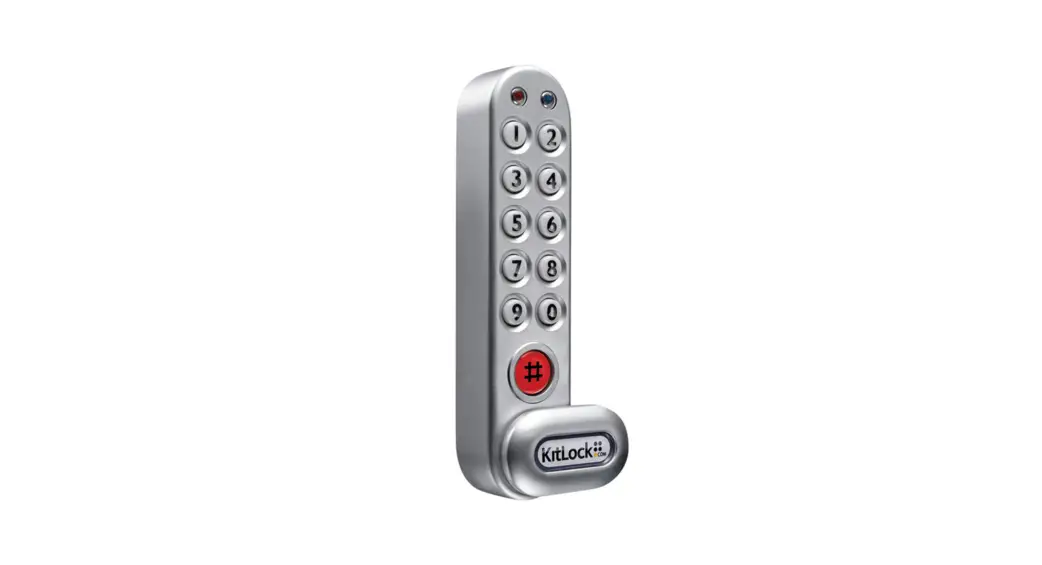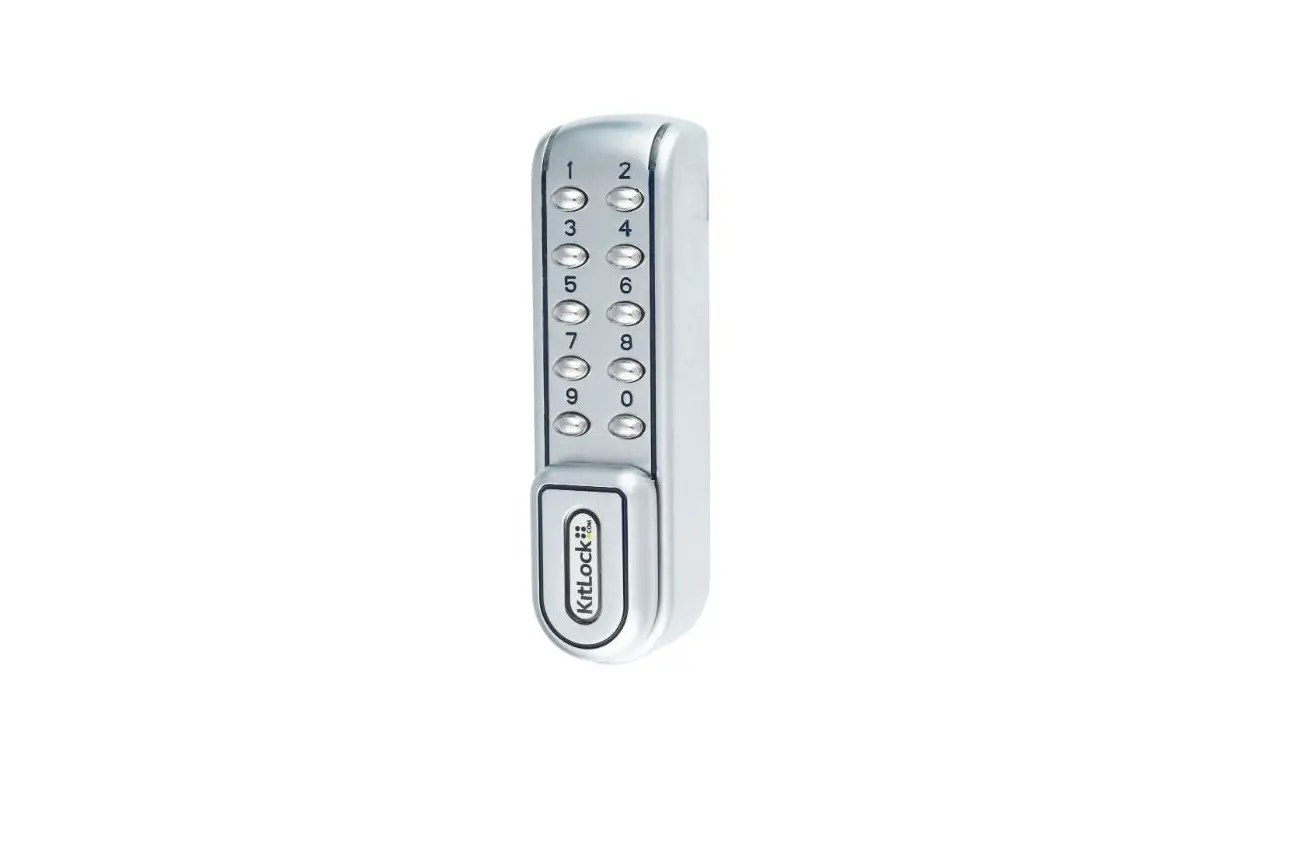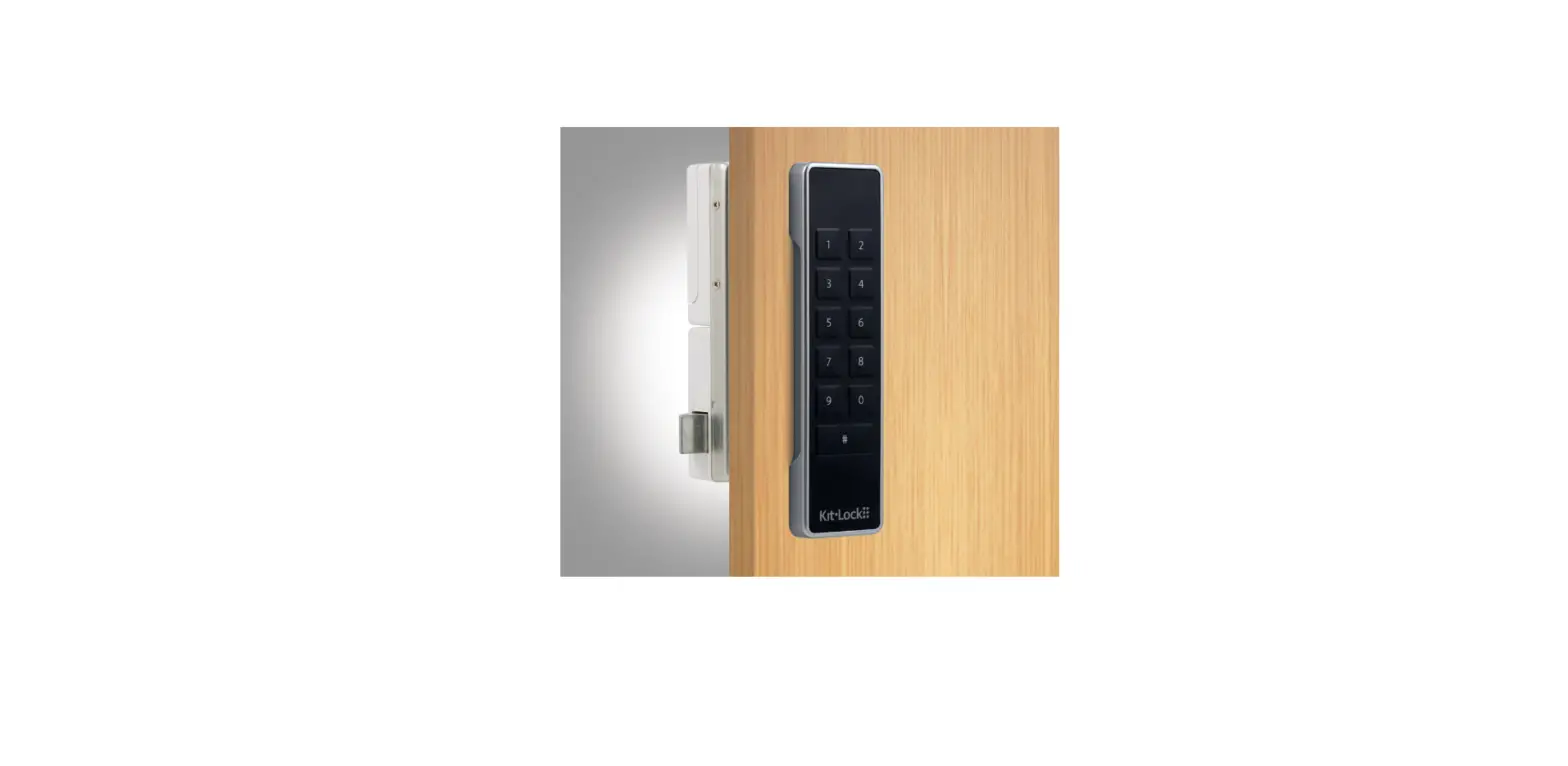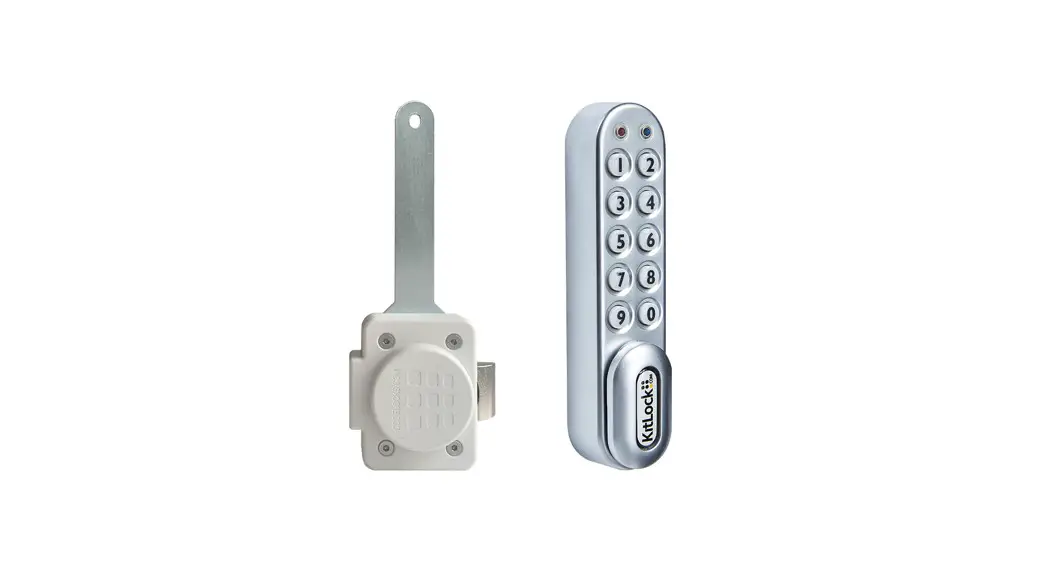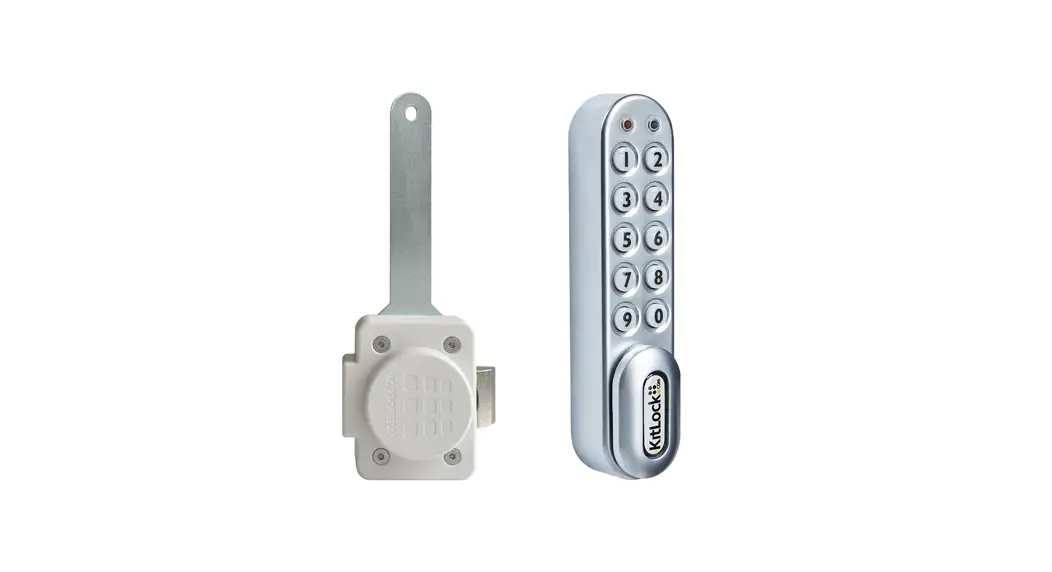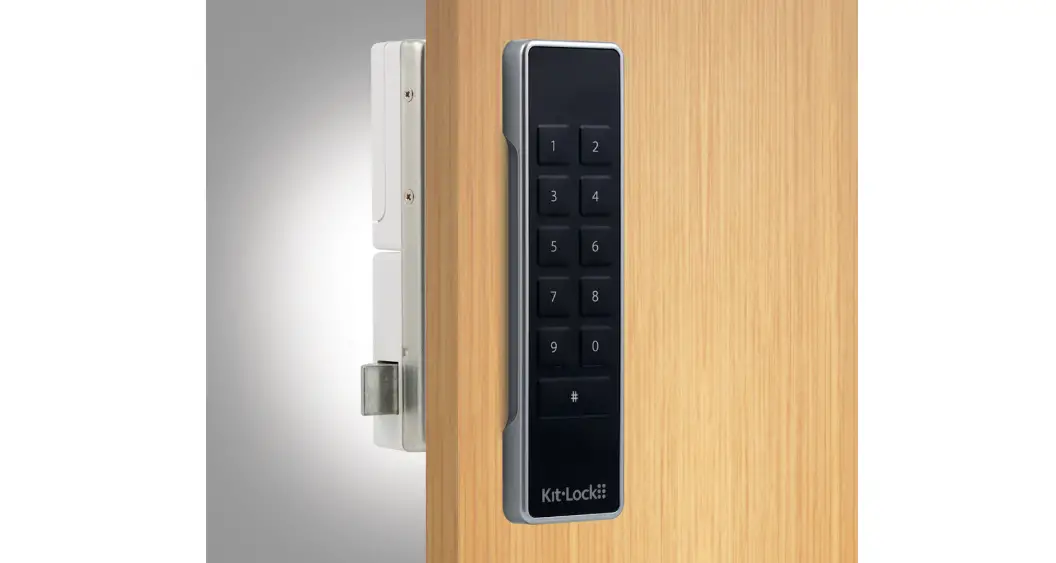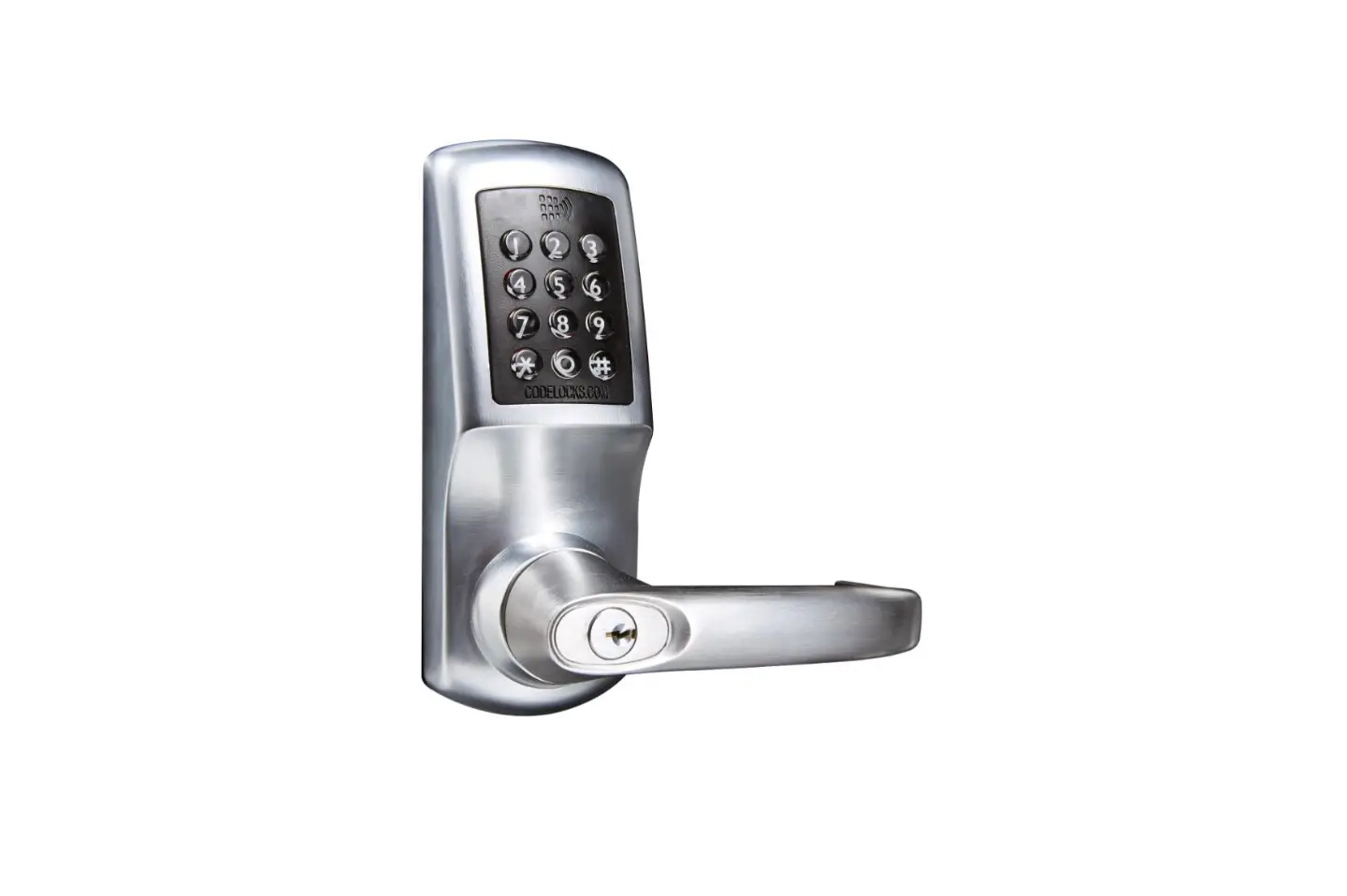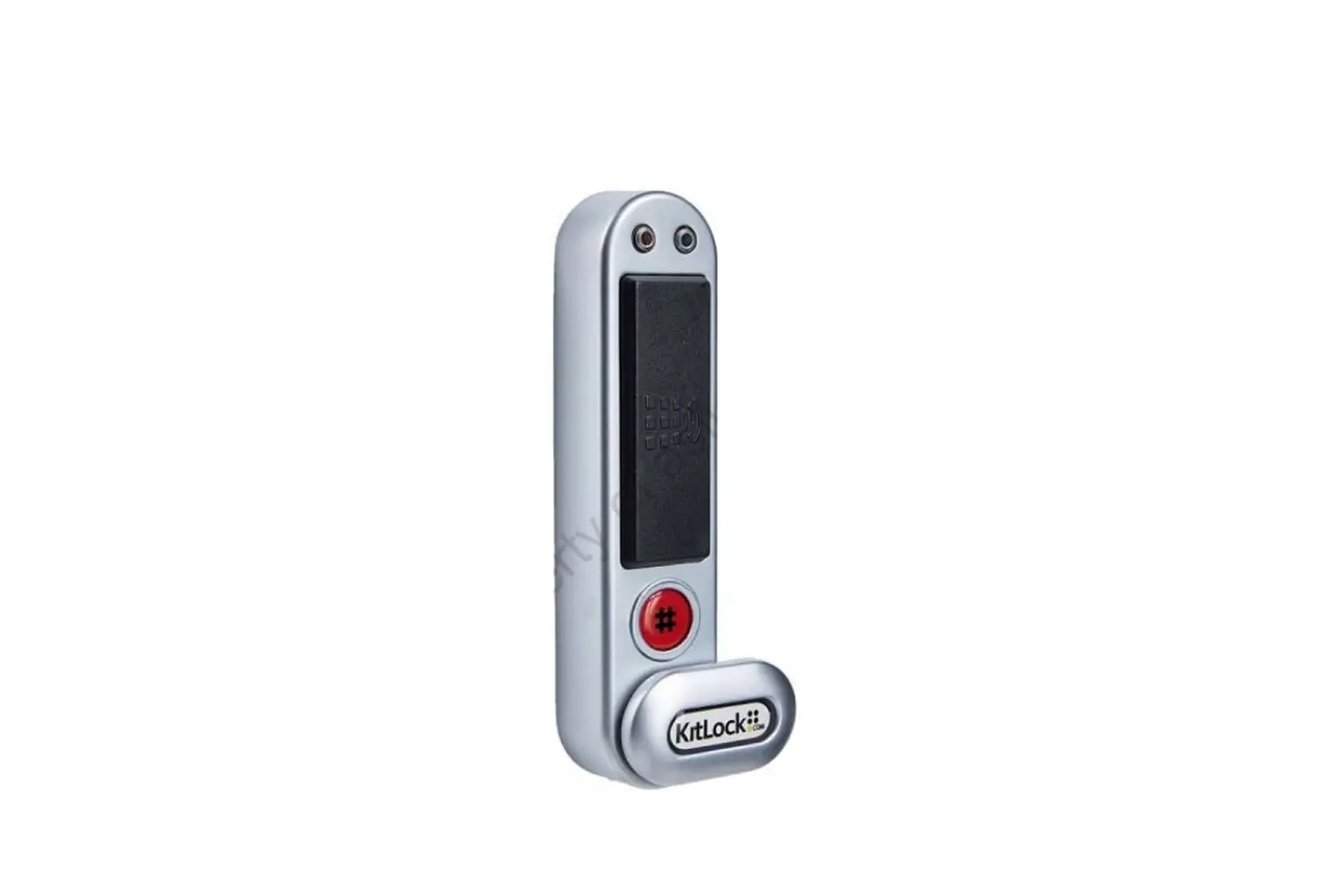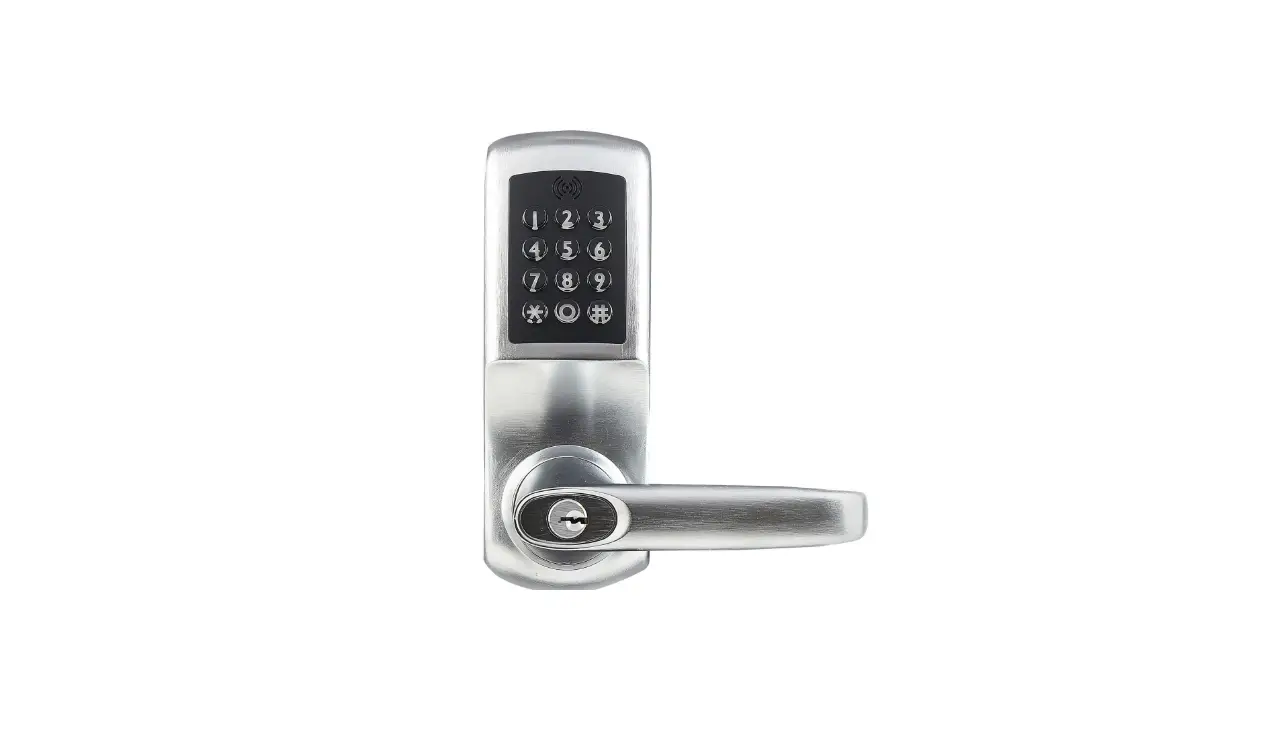

CODELOCKS KL1000 G3 KitLock Locker Lock
Product Information
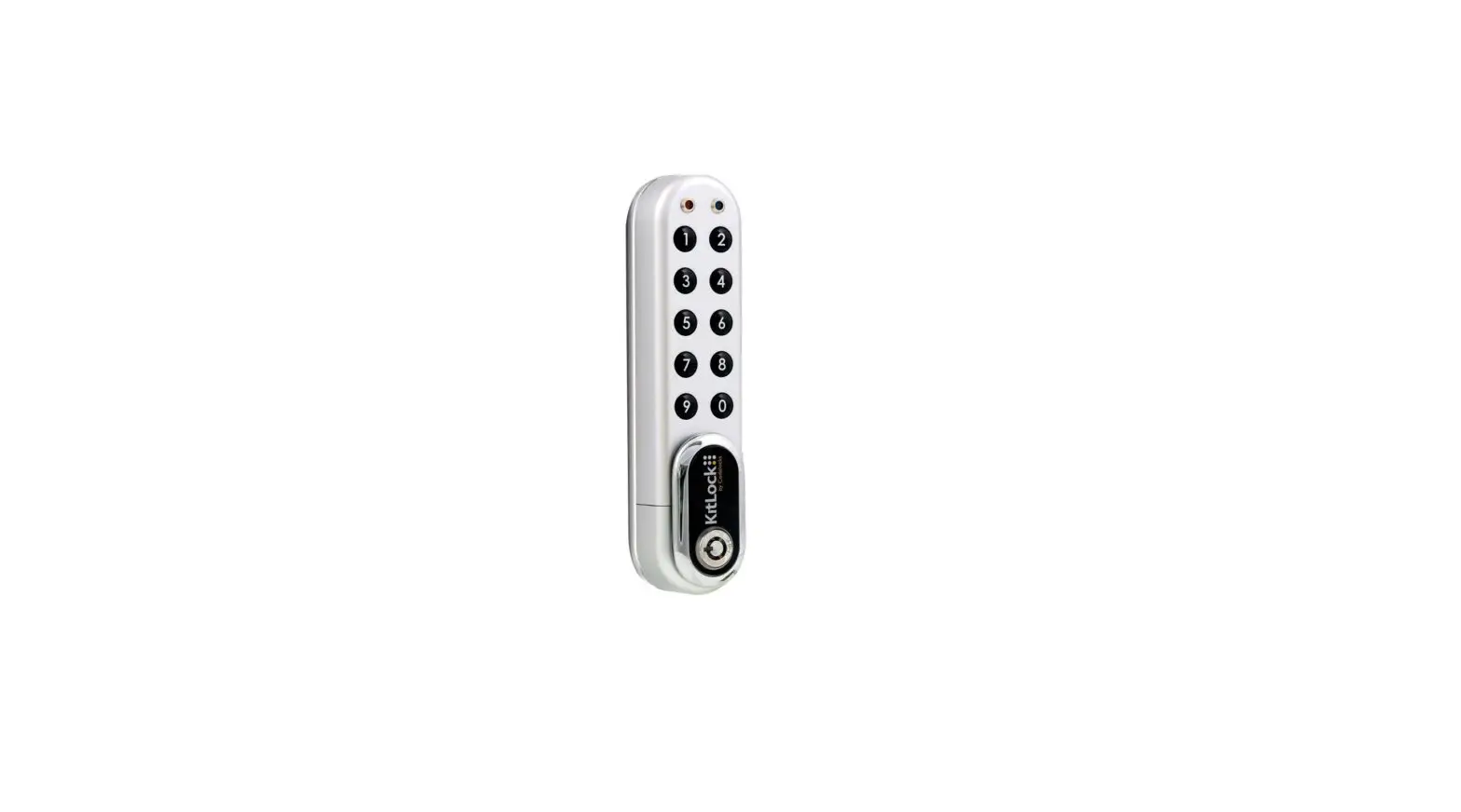
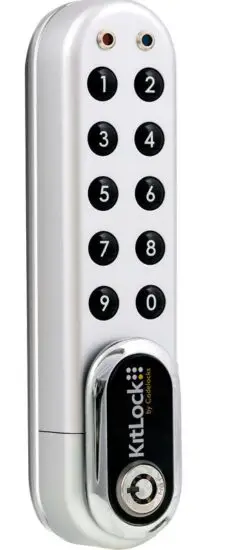
The KL1000 G3 is a digital lock designed for lockers and cabinets. It is powered by two AAA batteries and comes with a factory set Master Code (11335577). The lock has three available functions: Public Use, Private Use, and Key Override. It alsosupports up to 20 User Codes.
Functions
Three functions are available: Public Use (enabled by default) and Private Use. By enabling Private Use, the lock will remain locked until a valid 4 digit User Code is entered. On entry of a valid User Code, the lock will open and remain open for 4 seconds.
- Public Use: In this mode, the lock remains unlocked until a user enters their own 4 digit User Code to lock. Re-entry of the same code unlocks the lock until the next 4 digit code is entered.
- #Master Code • 24 ••
- Example: #11335577 • 24 ••
- Result: Public Use is now enabled.
- Private Use: By enabling Private Use, the lock remains locked until a valid 4 digit User Code is entered. On entry of a valid User Code, the lock opens and remains open for 4seconds.
- #Master Code • 26 ••
- Example: #11335577 • 26 ••
- Result: Private Use is now enabled. The default User Code is 2244. Use Program 02 to add or change User Codes.
- Key Override: An override key can be purchased separately for accessing the locker or cabinet when the lock handle cannot rotate. If the Master Code is lost, refer to the full Programming & Operating Instructions on the support website for the Lost Master Code process.
ADD OR CHANGE A USER CODE (PRIVATE FUNCTION)
#Master Code • 02 • User Position (01-20) • User Code ••
Example: #11335577 • 02 • 01 • 1234 ••
Result: The User Code in position 01 has been changed to 1234.
Note: Up to 20 User Codes can be added. Use Program 03 to delete User Codes.
Installation Instructions
Replacing an existing cam lock
- Remove existing cam lock.
- Place the template on the door, lining up the 16mm (5/8”) spindle hole over the original cam lock hole and mark the fixing hole.
- Drill the 6mm (1/4”) fixing hole.
- Fit the KitLock to the door.
- If required, use the packing pieces (supplied) to centralise the lock.
- Secure the lock to the door with the large fixing nut.
- Fit the upper fixing bolt.
- Select and fit cam using the fixing nut and locking washer. Lock nut in place by folding over washer tabs.
- Check operation:
For Public Function: The lock is unlocked by default. Enter 2244 to lock the lock. Re-enter 2244 to open.
For Private Function: The lock is locked by default. Enter 2244to open. - If the lock is functioning correctly, change the default Master Code and apply any programming changes that you require.
New Installation
- Place the template on the door and mark the 6mm (1/4) fixing hole and 16mm (5/8) spindle hole.
NOTE:Ensure positioning of the fixing and spindle holes allow enough clearance for the selected cam. - Drill both holes.
- Continue with steps 4-10 of the installation process mentioned above.
For detailed programming, operating instructions, and additional information, refer to the KL1000 G3 Getting Started Guide and Codelocks Support website.
 codelockssupport.com
 codelocks.zohodesk.eu/portal/en/kb/articles/kl1000-g3-programming-and-operating-instructions