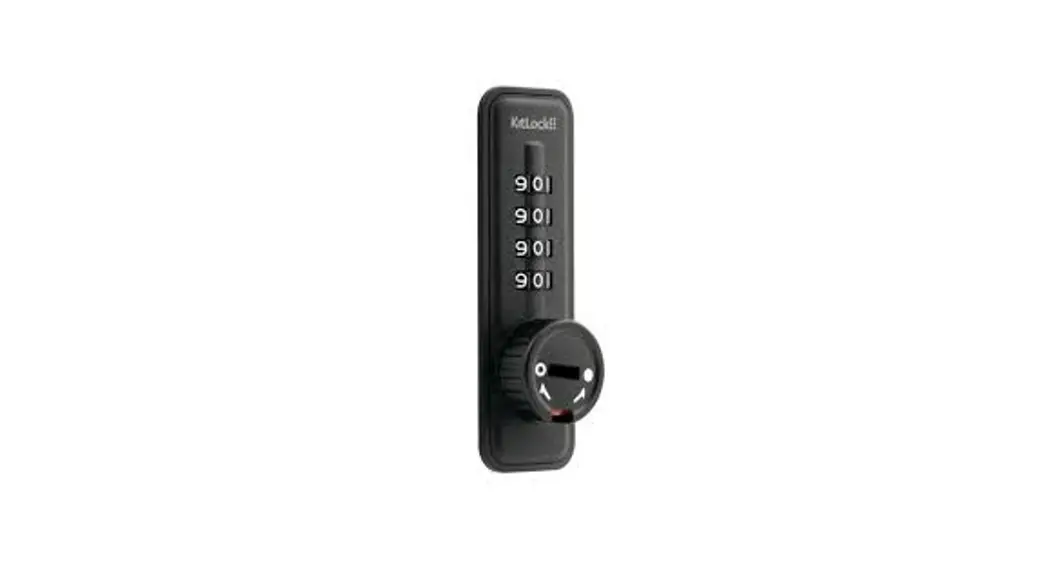
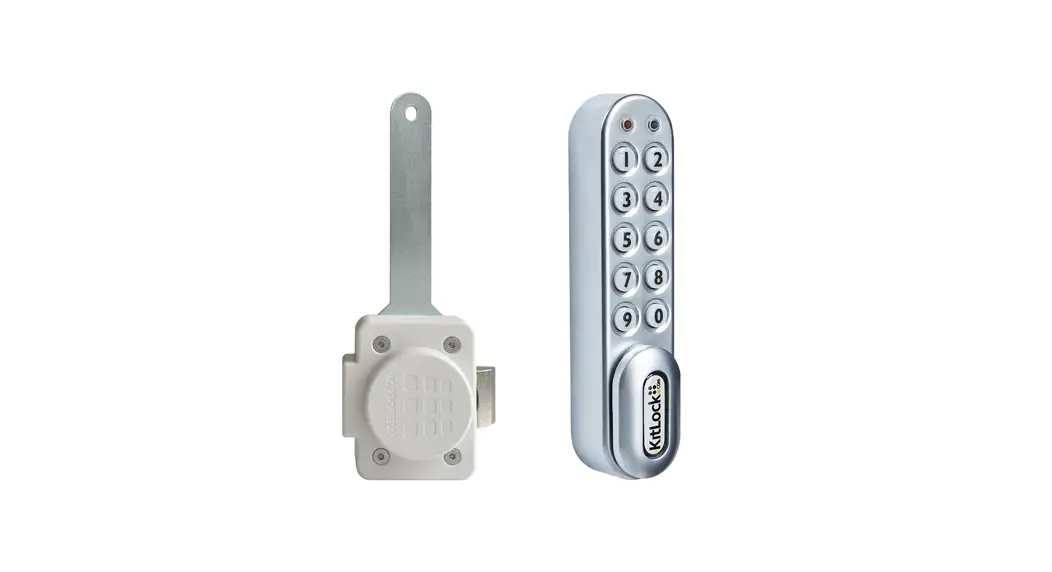
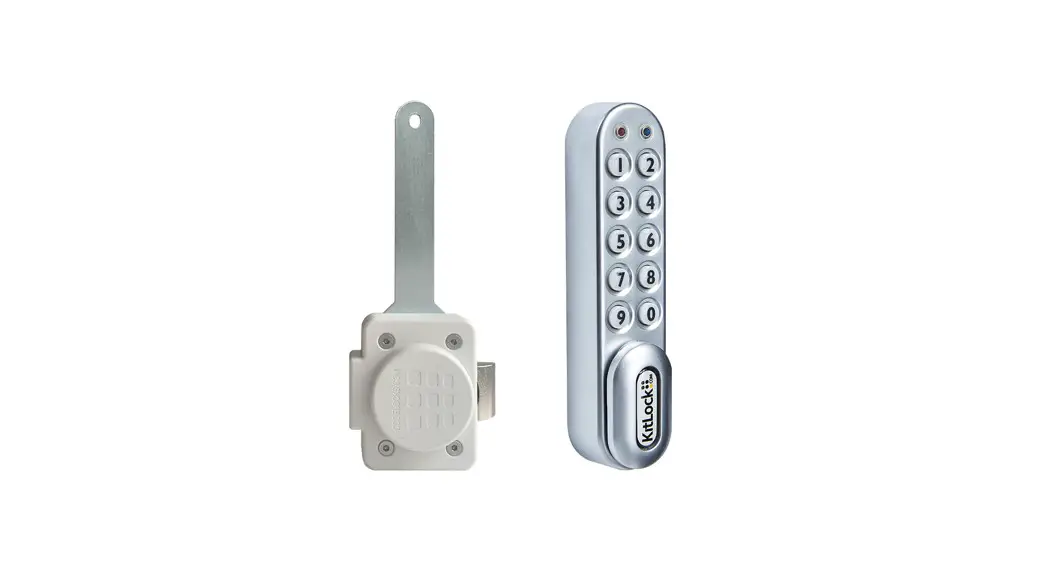
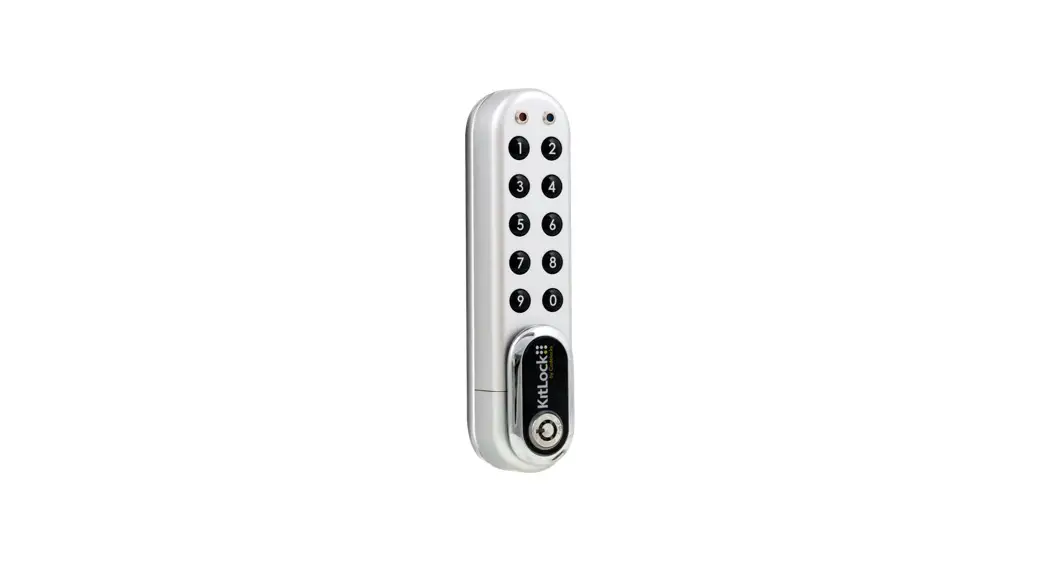
KL1O Mechanical Combination Lock
Product Information
Product Name: KL1O Private Function
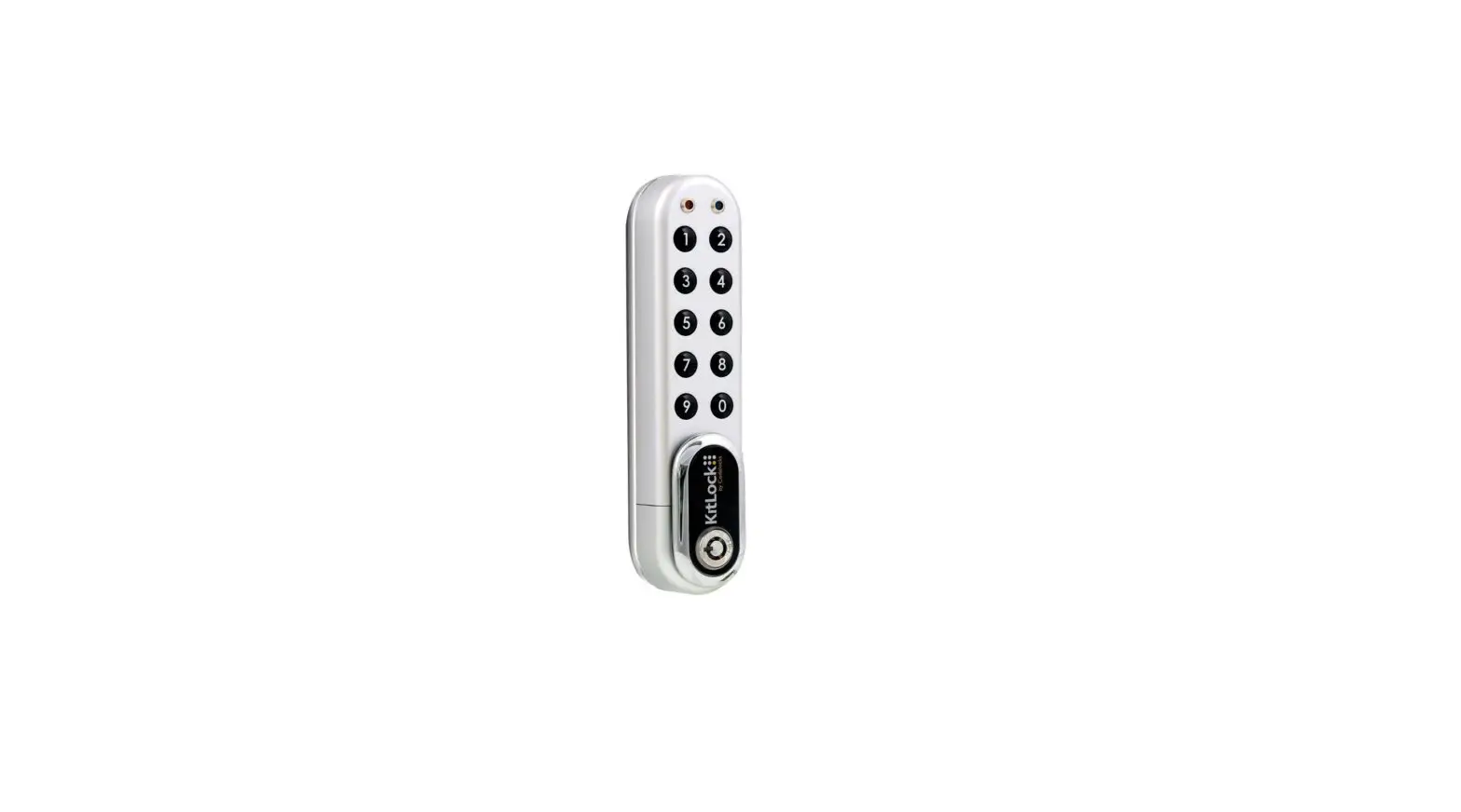
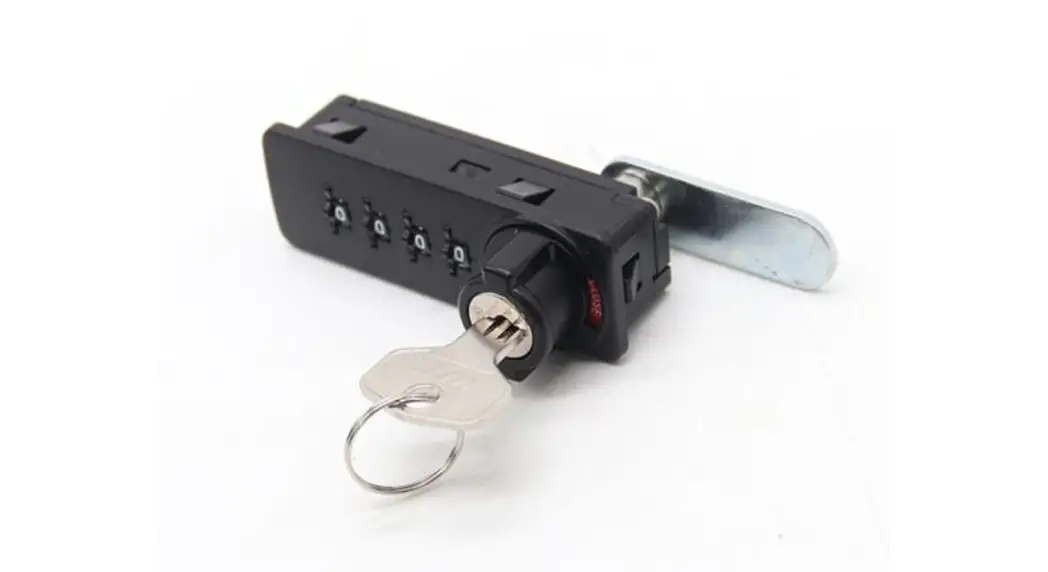
Product Description: The KL1O Private Function
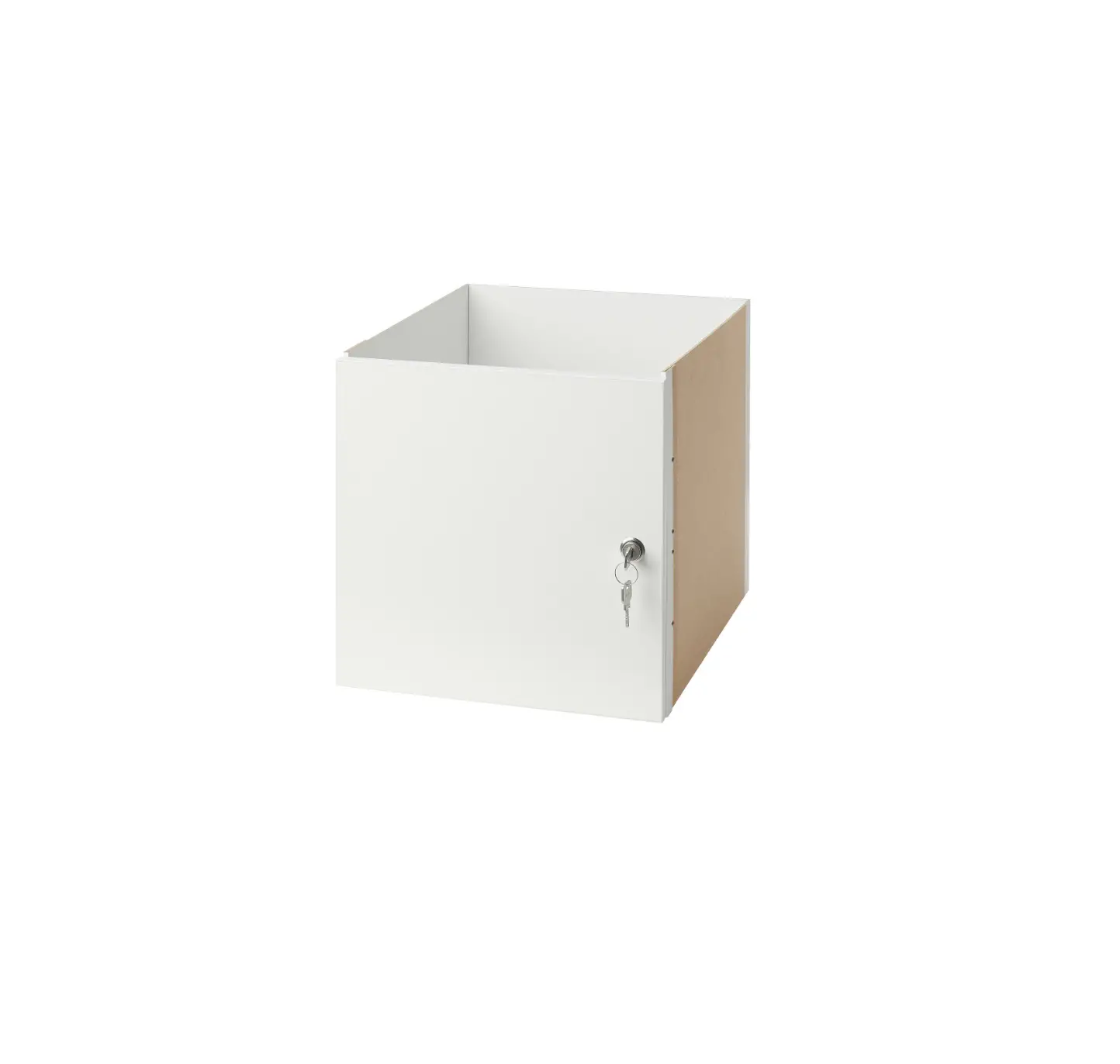
is a KitLock that can be fitted to cabinets, cupboards, lockers,
and other similar items. It can be used as a replacement for
existing cam locks or easily installed on cupboards and cabinets
without a locking device.
Fixing Pack A Default Supply:
- 1 KitLock
- 3 Straight cam
- 2 Hex nut
- 4 Screw
Fixing Pack B Optional Additional Fixings:
- 1 Metal Clip
- 3 Washer
- 2 Screws
- 4 Crank Cam
Product Usage Instructions
Installation Guide
- Replace existing cam lock with KitLock:
- Remove existing cam lock.
- Fit the KitLock to the door, passing the spindle through the
existing hole. - Secure the lock by threading the hex nut onto the spindle.
- Fit the cam and secure it with a screw.
- Check the operation of the lock using the factory preset
combination 0-0-0-0. - If the lock is functioning correctly, change the code using the
instructions provided.
- New Installation (Optional Fixing Pack B may be required):
- Mark a position at a suitable distance from the door edge,
ensuring enough clearance for the cam to work. - Using the “Typical Door Prep.” dimensions, drill a hole to
suit. - Continue installation from step 2 to 6 of the previous
section.
- Mark a position at a suitable distance from the door edge,
Changing the Code
- With the indicator in the open position, turn the dials to the
factory preset combination 0-0-0-0. Note: If you have already
changed the code, use your current combination for this step. - Depress the Reset Button fully and hold, turn the dials to your
desired combination. Note: Do not let go of the Reset Button while
setting your combination. - Release the Reset Button after checking your combination is
correct. Note: The outer casing will turn freely between the open
and locked position until the combination has been scrambled.
How to Use Your Lock
- Once you have chosen and set your combination, turn the outer
casing so the indicator is in the locked position. - Make a note of your chosen combination and scramble the dials.
The lock is now locked. - To reopen, rotate the dials to your chosen combination and turn
the outer casing so the indicator is in the open position. Note:
Your chosen combination will continue to operate the lock until it
is changed.
Finding the Code
Note: This function requires the Code Finding Key (sold
separately).
- Insert the Code Finding Key when the indicator is in the locked
position. - Turn the key clockwise 90 degrees.
- Gently rotate each dial upwards until it stops. This is your
code. - Turn the key anticlockwise 90 degrees and remove.
Dimensions
KL10:
- 58mm (2 5/16″)
- 62mm (2 1/2″)
- 24mm (15/16″)
- 52mm (2 1/16″)
- 25mm (1″)
Typical Door Prep.:
- 19mm (3/4″) min.
- 18mm (11/16″) max.
- 16mm (5/8″) min.
Contact Information:
- CODELOCKS Ltd. UK – [email protected] –
www.codelocks.com - CODELOCKS EU B.V. – [email protected] – www.codelocks.eu
- CODELOCKS Inc. US – [email protected] – www.codelocks.us
- CODELOCKS (Australia) PTY LTD – [email protected] –
www.codelocks.com.au
Helpline, service & spares:
- Helpline, service & spares (UK)
- Helpline, service & spares (EU)
- Helpline, service & spares (US)
- Helpline, service & spares (Australia)
KL1O
Private Function – Installation and Operating Instructions
SPECIAL NOTES
Please read carefully: · Before installing the lock, familiarise yourself with the installation and operating instructions. · The factory preset combination is 0-0-0-0. · Your KitLock is supplied ready to fit to doors up to 19mm (3/4″) thick.
FITTING INSTRUCTIONS
The KitLock can be fitted to cabinets, cupboards and lockers etc. as a direct replacement for existing cam locks. It can also be fitted easily to cupboards and cabinets that do not have an existing locking device.
Fixing Pack A Default Supply
1 KitLock
3 Straight cam x 1
2 Hex nut x 1 4 Screw x 1
Fixing Pack B Optional Additional Fixings
1 Metal Clip x 1 3 Washer x 1 2 Screws x 2 4 Crank Cam x 1
1. 3.
2. 4.
2. 1.
3.
4.
INSTALLATION GUIDE
A Replace existing cam lock with KitLock
Step 1 Remove existing cam lock.
Step 2 Fit the KitLock to the door, passing the spindle through the existing hole.
Step 3 Now secure the lock by threading the hex nut onto the spindle.
Step 4 Fit cam and secure with screw.
Step 5 Now check the operation of the lock using the factory preset combination 0-0-0-0.
Step 6 If the lock is functioning correctly, change the code using the instructions overleaf.
B New Installation
N.B. Optional Fixing Pack B (above) may be required. Step 1 Mark a position at a suitable distance from
the door edge, ensuring enough clearance for the cam to work.
Step 2 Using the `Typical Door Prep.’ dimensions (see overleaf), drill a hole to suit..
Step 3 Continue installation from step 2 to 6, left.
CHANGING THE CODE
HOW TO USE YOUR LOCK
1 With the indicator in the open position, turn the dials to the factory preset combination 0-0-0-0. Note: If you have already changed the code, use your current combination for this step.
2 Depress the Reset Button fully and hold, turn the dials to your desired combination. Note: Do not let go of the Reset Button while setting your combination.
3 Release the Reset Button after checking your combination is correct. Note: The outer casing will turn freely between the open and locked position until the combination has been scrambled.
1 Once you have chosen and set your combination, turn the outer casing so the indicator is in the locked position.
2 Make a note of your chosen combination and scramble the dials. The lock is now locked.
3 To reopen, rotate the dials to your chosen combination and turn the outer casing so the indicator is in the open position. Note: Your chosen combination will continue to operate the lock until it is changed.
FINDING THE CODE
Note This function requires the Code Finding Key (sold separately).
1 Insert the Code Finding 2 Turn the key
Key when the indicator is clockwise 90
in the locked position.
degrees.
Indicator
3 Gently rotate each dial upwards until it stops. This is your code.
4 Turn the key anticlockwise 90 degrees and remove.
Reset Button
Open Position
Dials
Guide Line Code Finding Key Locked Position
DIMENSIONS
KL10
58mm (2 5/16 “)
62mm (2 1/2 “)
24mm (15/16 “)
52mm (2 1/16”)
25mm (1 “)
Typical Door Prep.
19mm (3/4 “)
min.
18mm (11/16 “)
max.
16mm (5/8 “)
min.
CODELOCKS Ltd. UK CODELOCKS EU B.V. CODELOCKS Inc. US CODELOCKS (Australia) PTY LTD
www.codelocks.com
www.codelocks.eu
www.codelocks.us
www.codelocks.com.au
Helpline, service & spares Helpline, service & spares Helpline, service & spares Helpline, service & spares
Phone: 0800 393 405
Phone: +31 53 80 80 118 Toll free: 1.877.codelock Toll free: 1800 052 131
IOI-KL10PR-v1-0523 © 2023 Codelocks Ltd. All rights reserved.
 Codelocks - Specialists in design and distribution of access control solutions
 Codelocks Pty Ltd. | Mechanical, Electronic and Locker Locks
 Codelocks EU B.V. | Mechanical, Electronic and Locker Locks
 Codelocks Inc | Mechanical, Electronic and Locker Locks