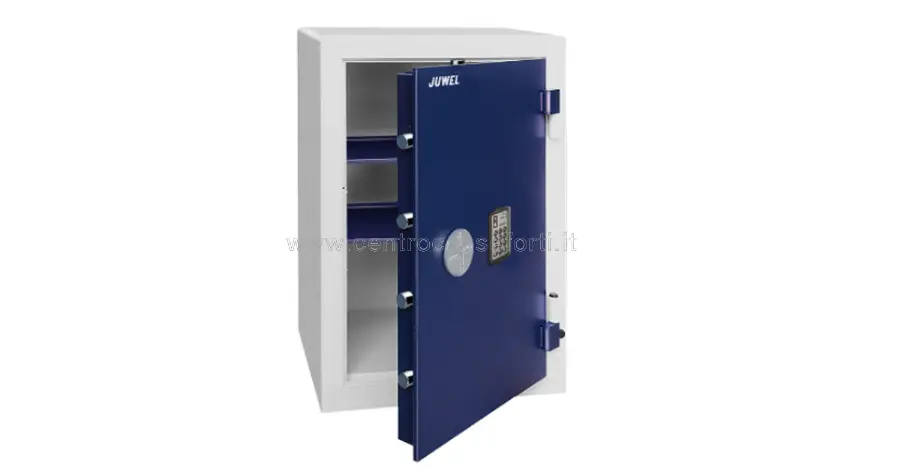
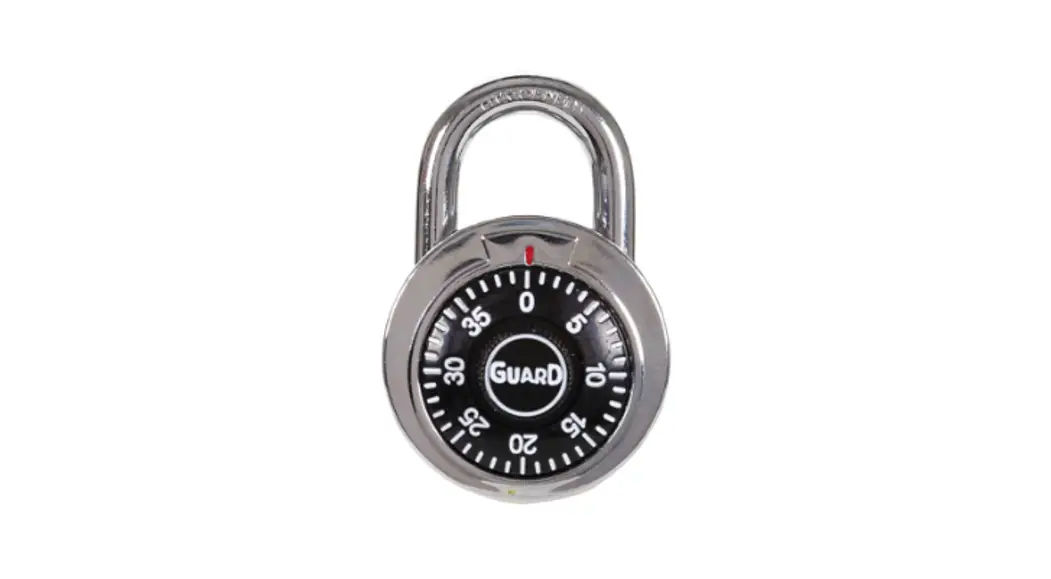
3 Bottons Combination Lock
Prestigious Safes Since 1922
The 3-Button Combination Lock on this safe provides 27,000
possible combinations. The initial combination supplied by the
factory is AAA. On the reverse side of the door, there are three
combination wheels labeled ABC (26 letters + 4 numbers) and a
control wheel labeled D (open – closed).
Operating Instructions:
A) How to Open:
- Turn the ABC wheels in either direction and position their
index on the set combination (the first time is AAA). - Turn the D wheel to the right (from CLOSED to OPEN). Note: If
you want to leave the door open, you need to close the lock in
order to upset the combination (see point 2).
B) How to Close:
- Turn the D wheel to the left (from OPEN to CLOSED).
- Turn the three ABC wheels at random in order to upset the
combination so that nobody can read it.
C) How to Change the Combination Code:
- Open the safe.
- On the reverse side of the door, there are three buttons (a, b,
c). By using a pen or similar object, press one of the buttons (for
example, a) and keep it pressed thoroughly. Turn the corresponding
outside wheel (A) to the desired letter or number and release the
button. - Repeat the operation for the other two buttons (b, c) and their
respective wheels (B, C). - The combination code has been changed. Keep the door open and
check the new combination code by closing (see point 2) and opening
(see point 1). In case of a mistake, refer to point 4.
4) How to Understand the Set Combination Code:
Juwel SRL – Any reference to registered trademarks, company
names, product names, or images is purely indicative and each one
belongs to the legitimate owner.
Prestigious Safes Since 1922
3-BOTTONS COMBINATION LOCK
27.000 POSSIBLE COMBINATION CODES – INITIAL COMBINATION SUPPLIED BY THE FACTORY: AAA
ON THE REVERSE SIDE OF THE DOOR
ABC = Combination wheels (26 letters + 4 numbers)
D
= Control wheel
(open – closed)
OPERATING INSTRUCTIONS
A) HOW TO OPEN
1- Turn the ABC wheels (it doesn’t matter in which direction) and position their index on the set combination (the first time is AAA).
2 – Turn right the D wheel (from CLOSED to OPEN). NOTE: If you want lo leave the door open, you need closing the lock in order to upset the combination (see point 2).
B) HOW TO CLOSE
1 – Turn left the D wheel (from OPEN to CLOSED).
2 – Turn the 3 ABC wheels at random (in order to upset the combination so that nobody can read it).
C) HOW TO CHANGE THE COMBINATION CODE
1 – Open the safe.
2 – On the reverse side of the door there are 3 buttons (a, b, c). By using a pen (for instance) press one of the buttons, for example a) and BY KEEPING IT PRESSED THOROUGHLY, turn the corresponding outside wheel (A) on the letter (or number) desired and release the button.
3 – Repeat the operation for the other 2 buttons (b, c) and for their respective wheels (B, C).
The combination code has been changed. By keeping the door open, check the new combination-code : close (point 2) and open (point 1). In case of mistake, see the following point 4.
4) HOW TO UNDERSTAND THE SET COMBINATION-CODE
This operation can be done ONLY IF THE DOOR IS OPEN ( and the lock is closed ). Insert a small stick (a match, a toothpick …) in the “e” holes (on the reverse side of the door), one at the time, and keep lightly pressed towards inside, turn the corresponding wheel ( A or C ) until the small stick goes inside, disclosing (on the A or C wheel) the letter (or number) set. As to the central wheel (B), the letter (or number) set can be found by trial-and-error (max 30 trials). You have to try each letter (or number) until the lock opens by turning left the D wheel.
Juwel SRL
Any reference to registered trademarks, compIaTnAiLeYs,-pinrofoc@edjuurweesl,.iltog- owsw, mw.ojudewlesl.oitr images is purely indicative and each one belongs to the legitimate owner.
Prohibited partial reproduction also | © Juwel 2009
 Home | Assistenza Tecnica Casseforti