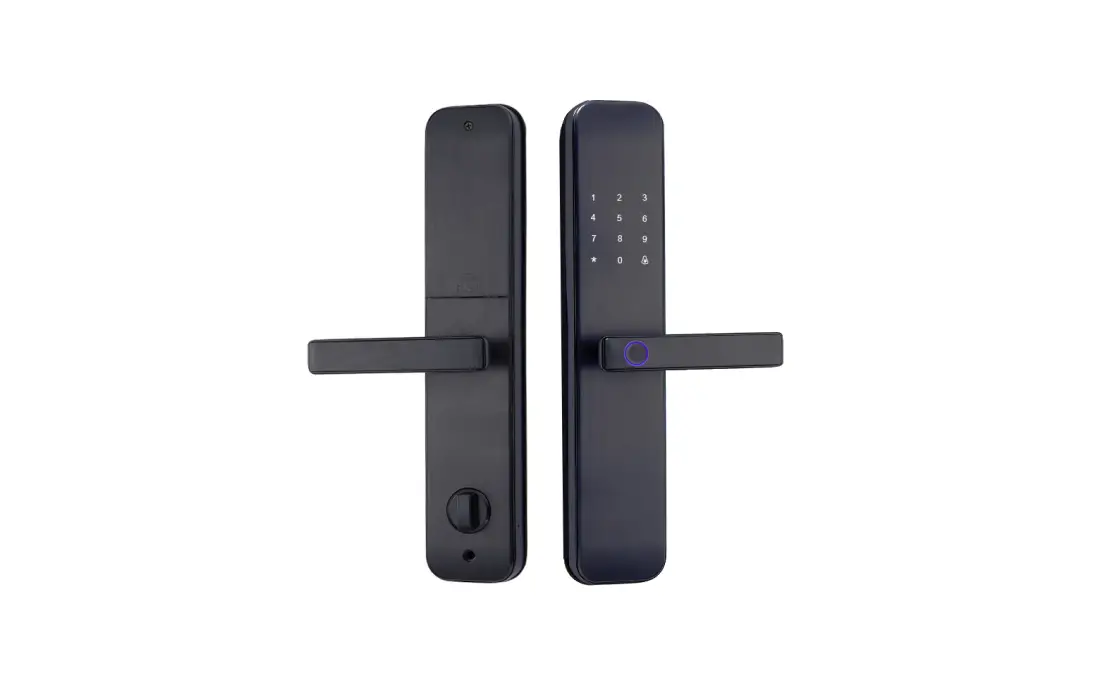
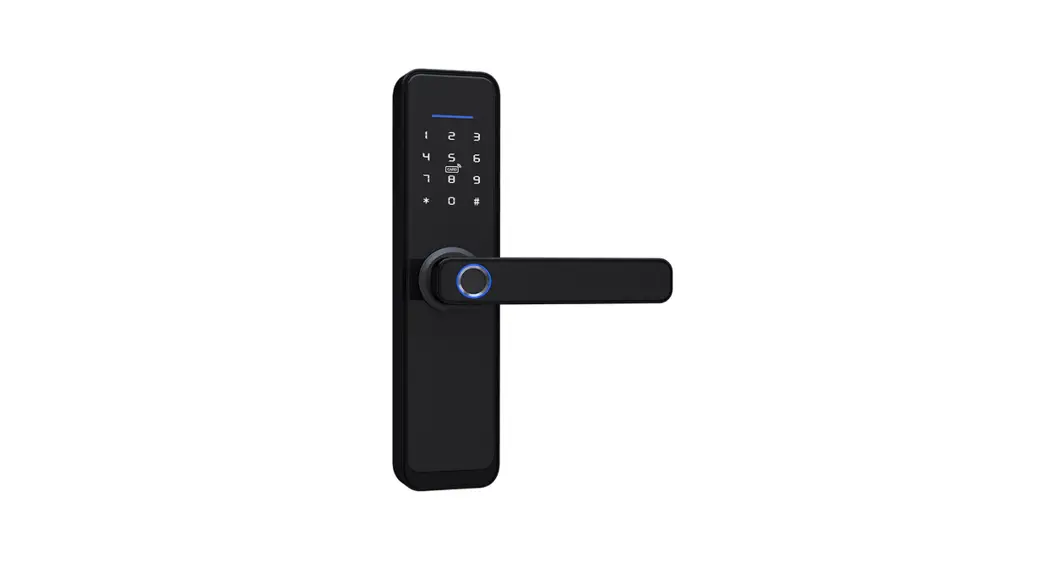
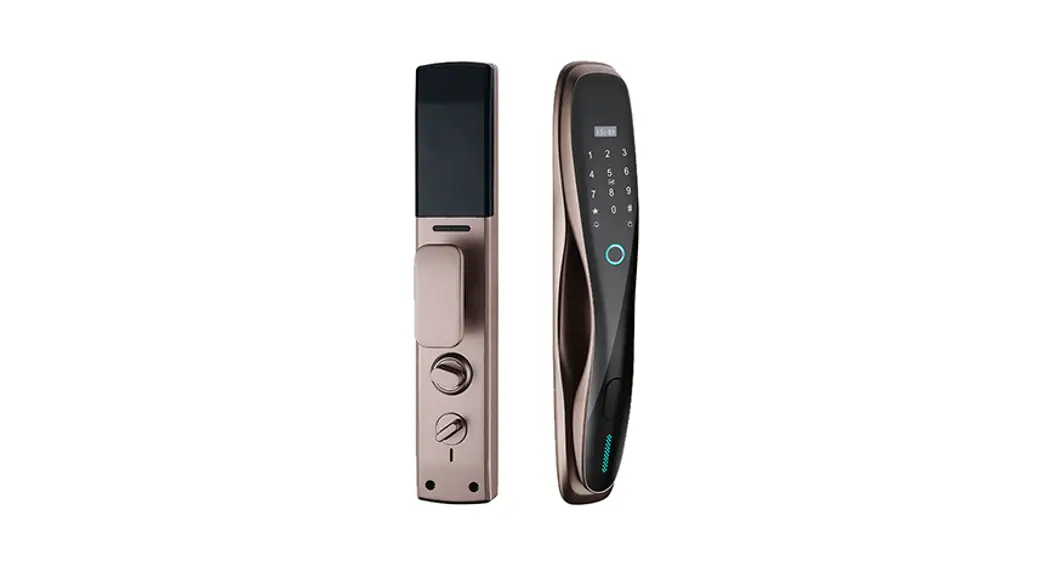
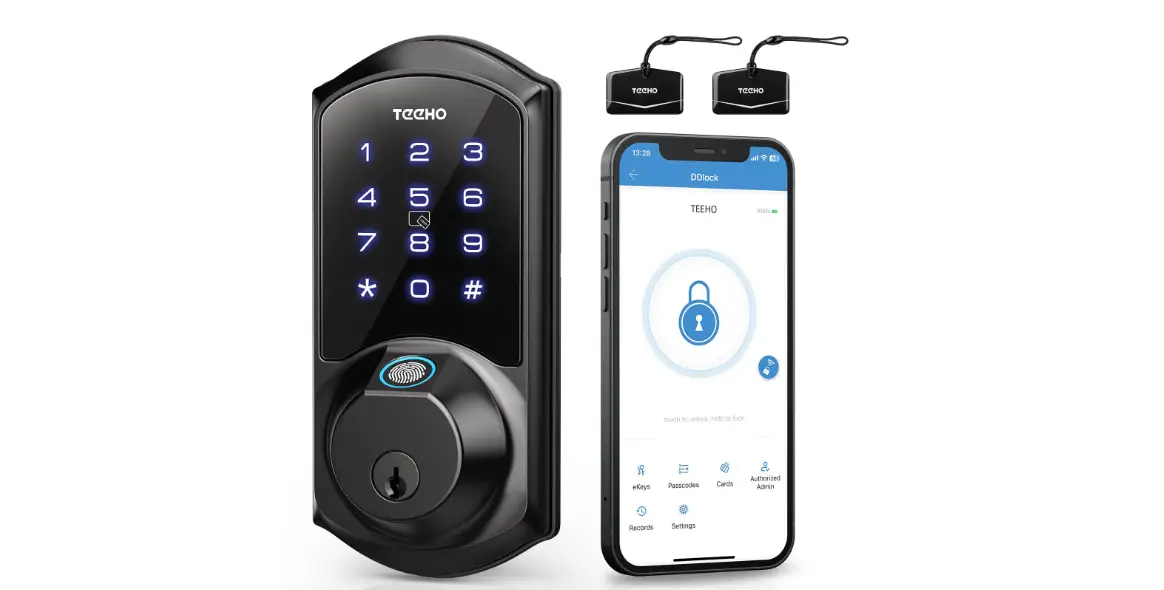
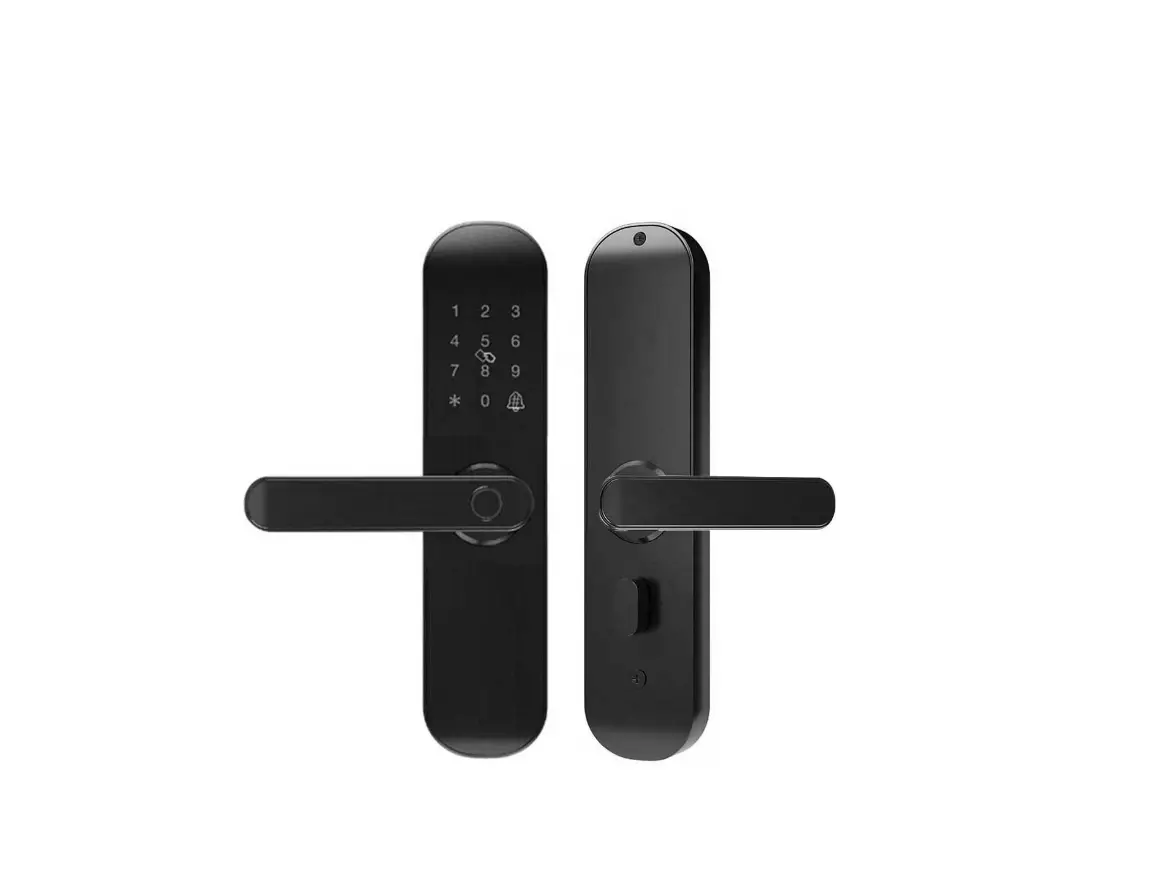
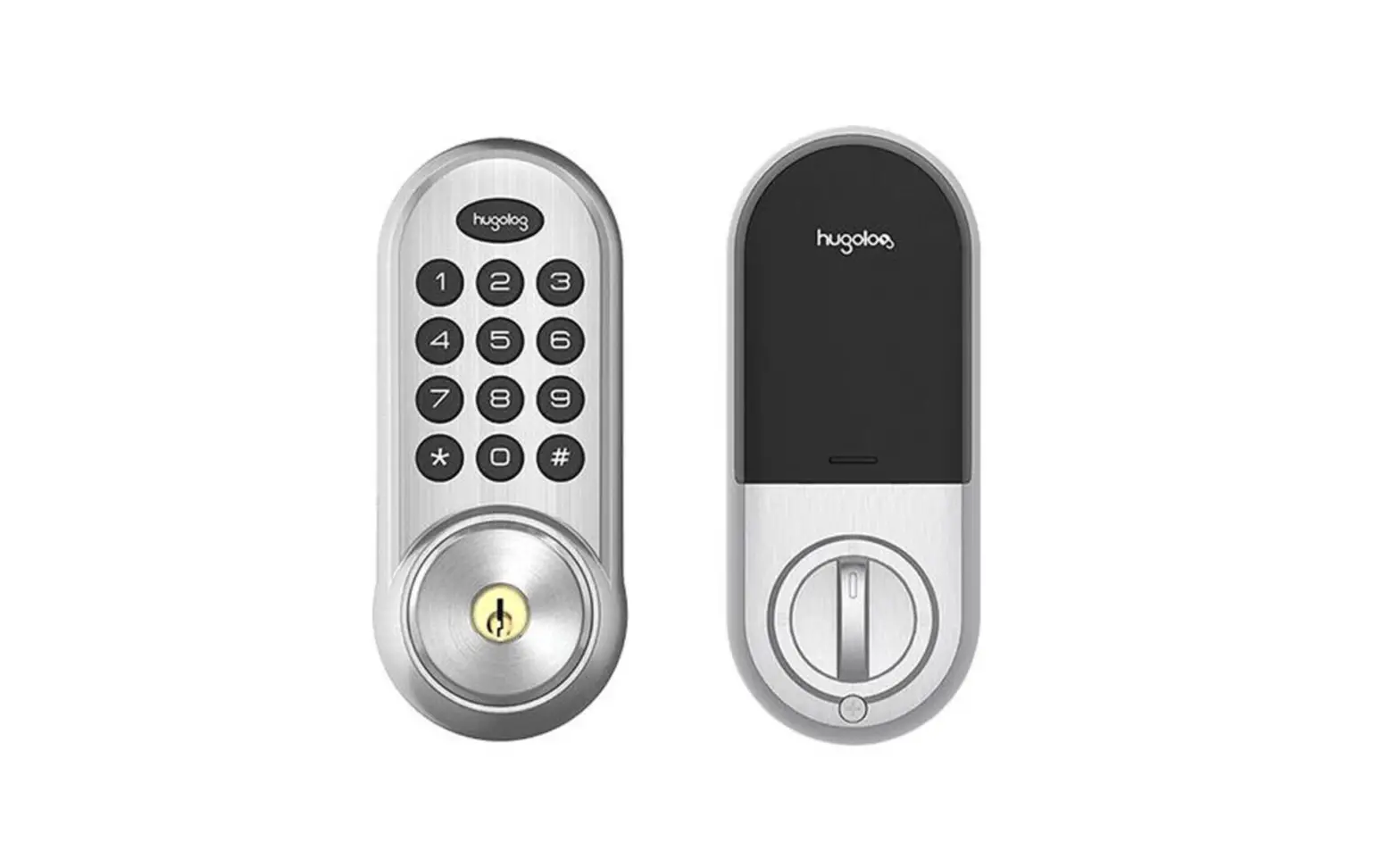
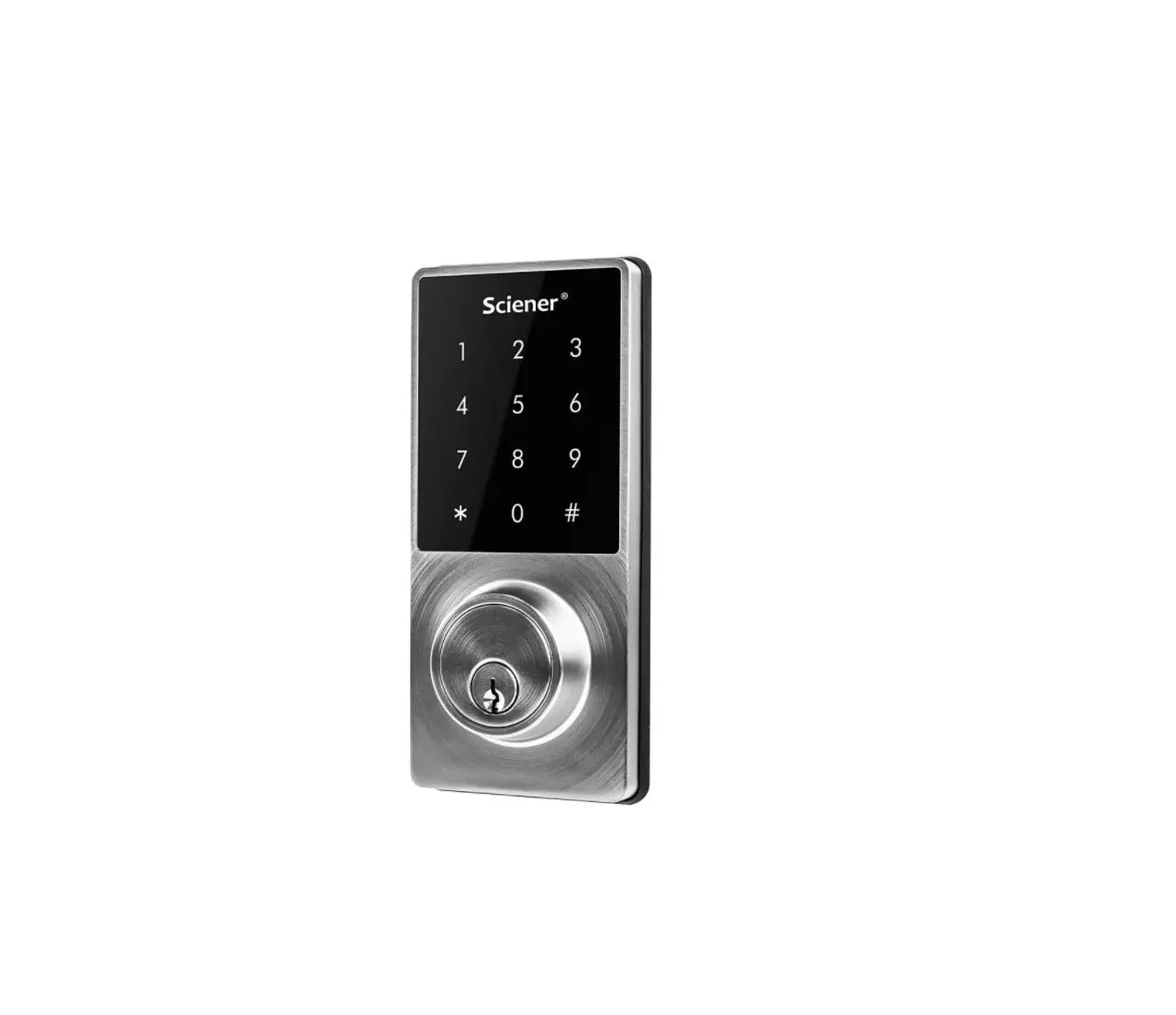
TE002K Smart lock
Product Information: The product is a smart lock
designed for use on doors. It features a thumb turn and an interior
assembly lock switch. The smart lock has a reset button and
requires batteries for operation. Product Usage
Instructions: 1. (Optional) Rotate the thumb turn in a
vertical position. 2. Insert the horizontal orientation of the
torque blade into the interior assembly lock switch. 3. Keep
holding the reset button on the smart lock. 4. Load the last
battery into the smart lock. 5. Continue holding the reset button
until you hear a long beep sound. 6. The lock will automatically go
into the locking position. 7. This step is crucial as it allows the
smart lock to memorize the orientation of the door. Please note
that these instructions are for setting up the smart lock and
ensuring it memorizes the door’s orientation. Additional
instructions for normal usage, such as locking and unlocking, may
be provided in the complete user manual.
(optional)
Rotate the Thumb turn in vertical position and insert the horizontal orientation of torque blade into the interior assembly lock switch.
Keep holding the reset button, and load the last battery. Hold the reset button until you hear the long sound of “BEEP”. The lock will automatically go into locking position. This is for the smart lock to memorize the orientation of the door.