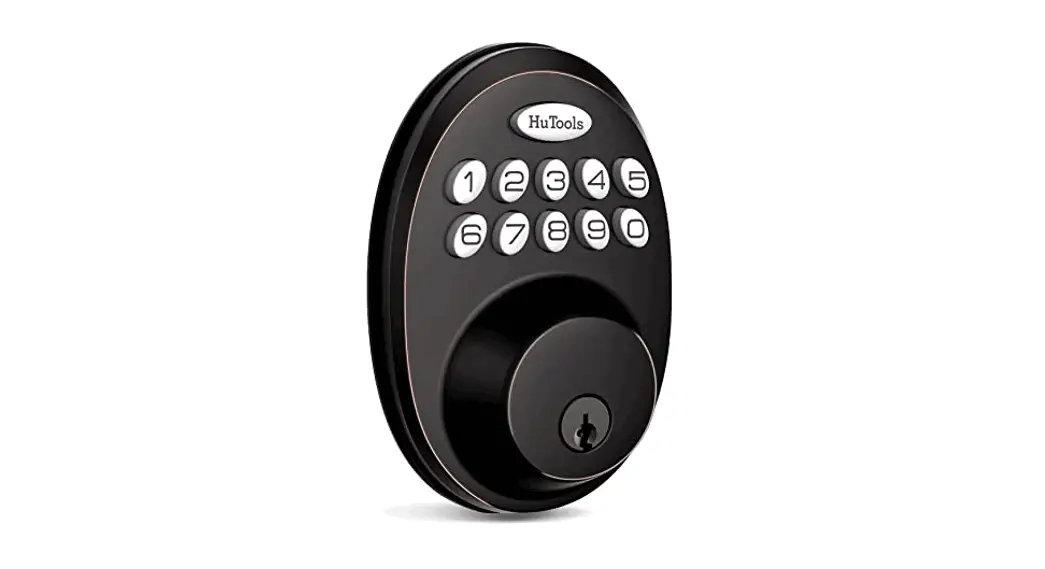
GUARD Deadbolt Lock
GUARD DEADBOLT LOCK Installation Guide
This installation guide provides information on how to install
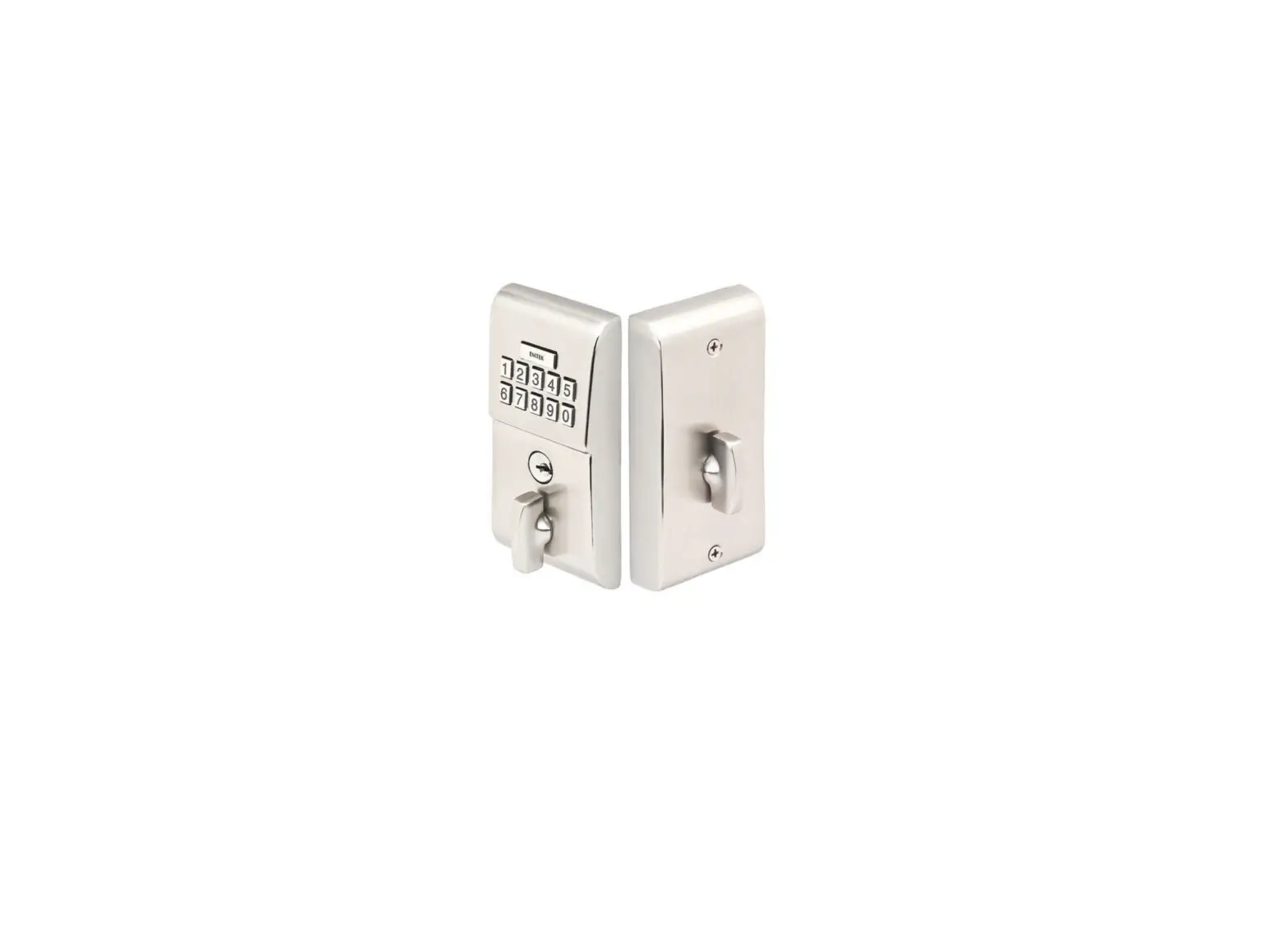
the Guard Deadbolt Lock. The package includes a bolt and strike,
exterior and interior assemblies, screws, and a user manual. The
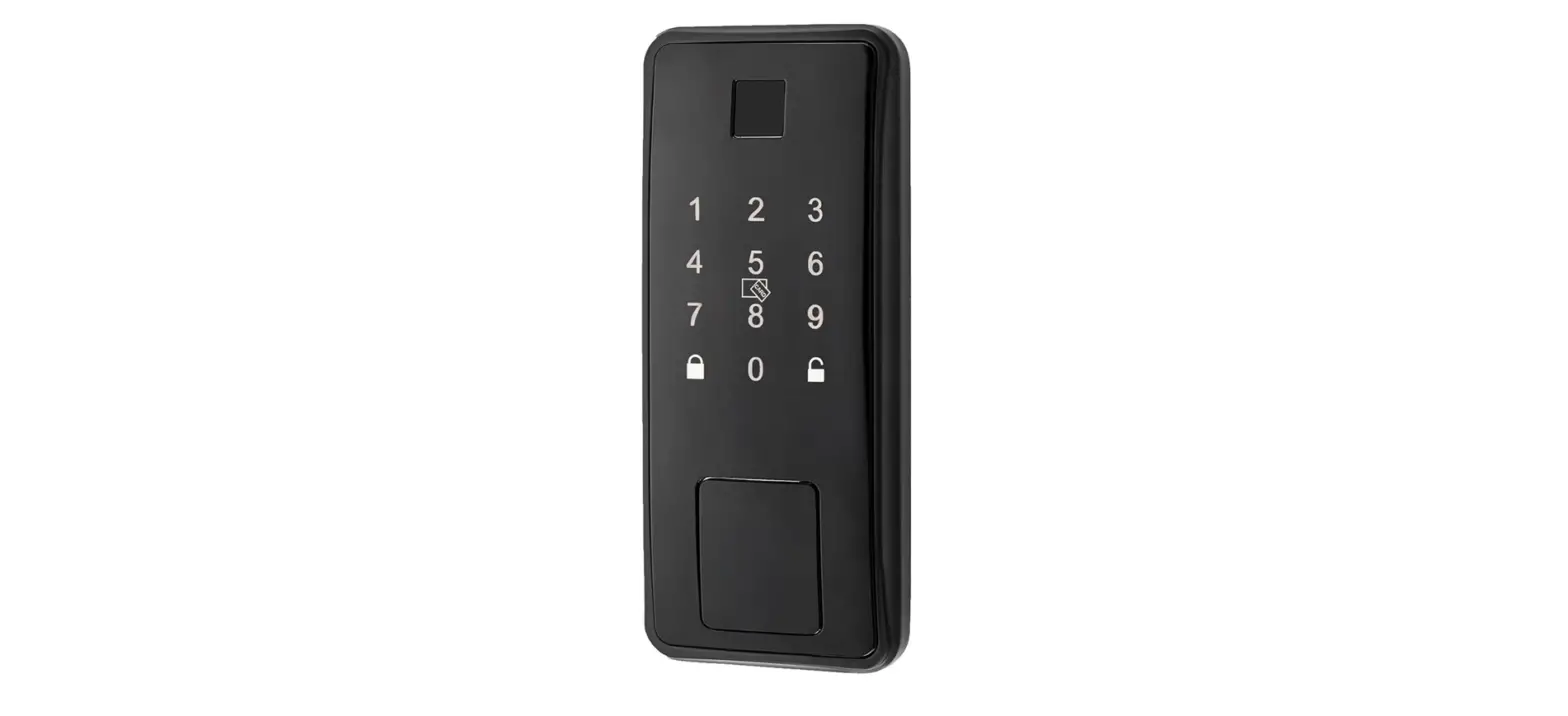
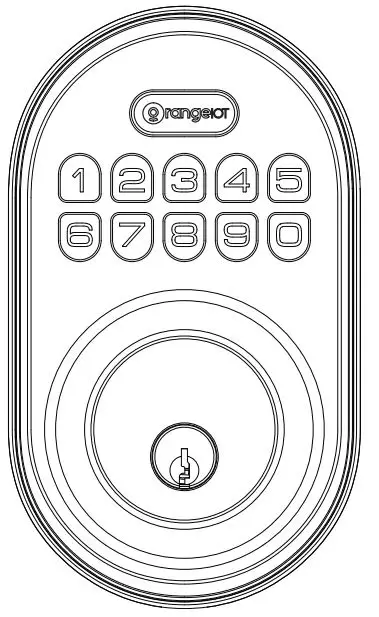
product has a front panel with a battery cover, keypad and fob
reader, and manual key. The back panel has a battery pack, USB
port, and reset button. The product also includes a mounting plate,
cable, and bolt. The installation process does not require a drill,
only a Phillips head screwdriver.
Product Overview
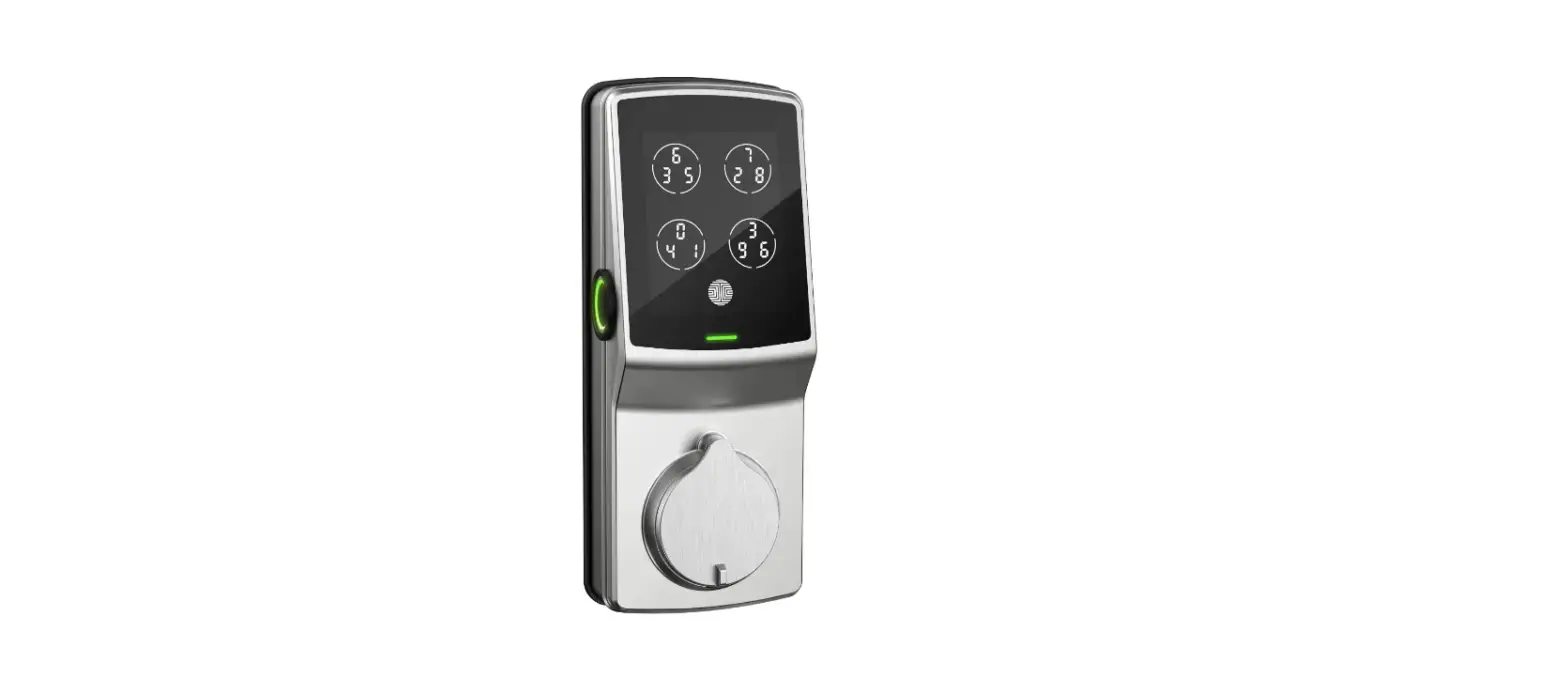
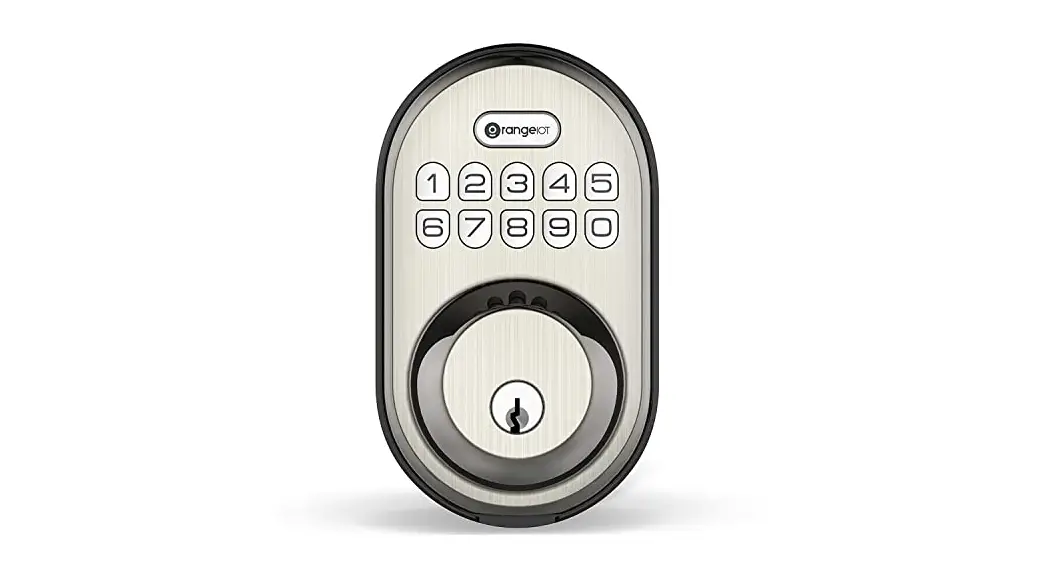
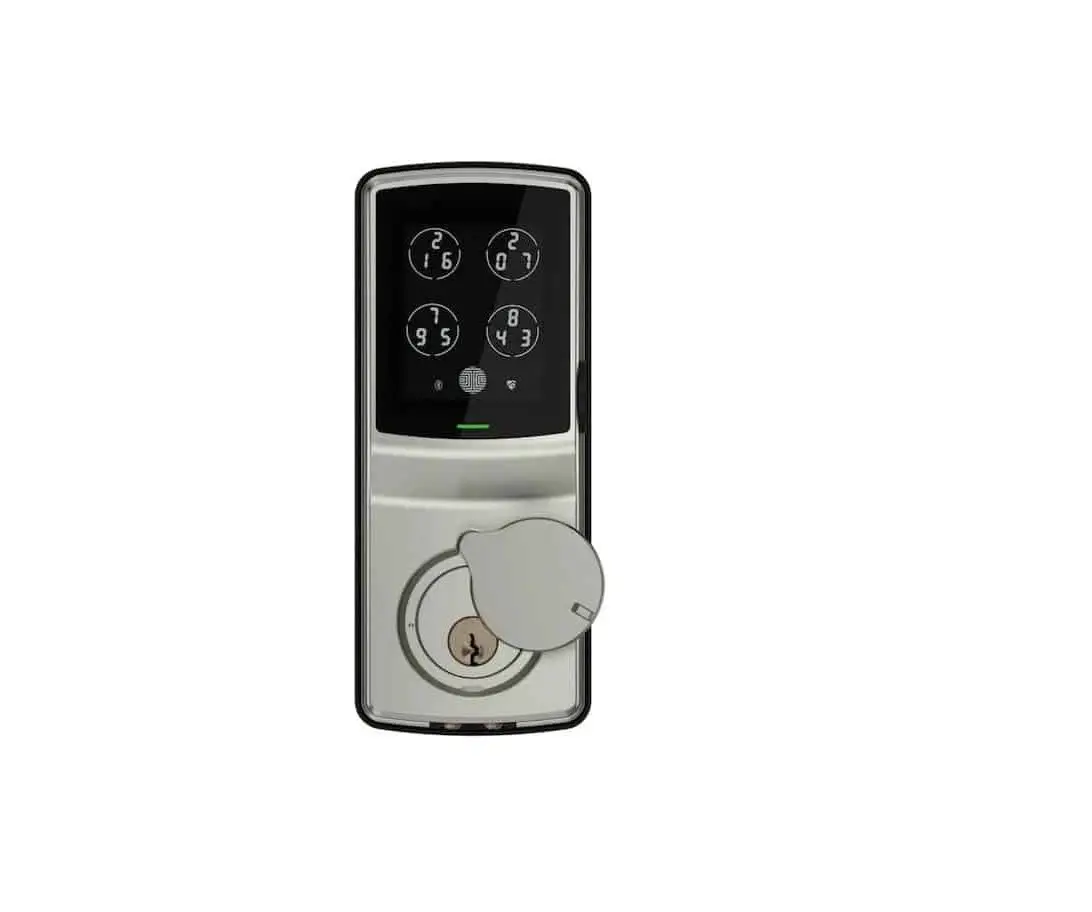
The Guard Deadbolt Lock has a front panel with a battery cover
that can be removed to access the batteries. The keypad and fob
reader allow for easy access to the lock. There is also a manual
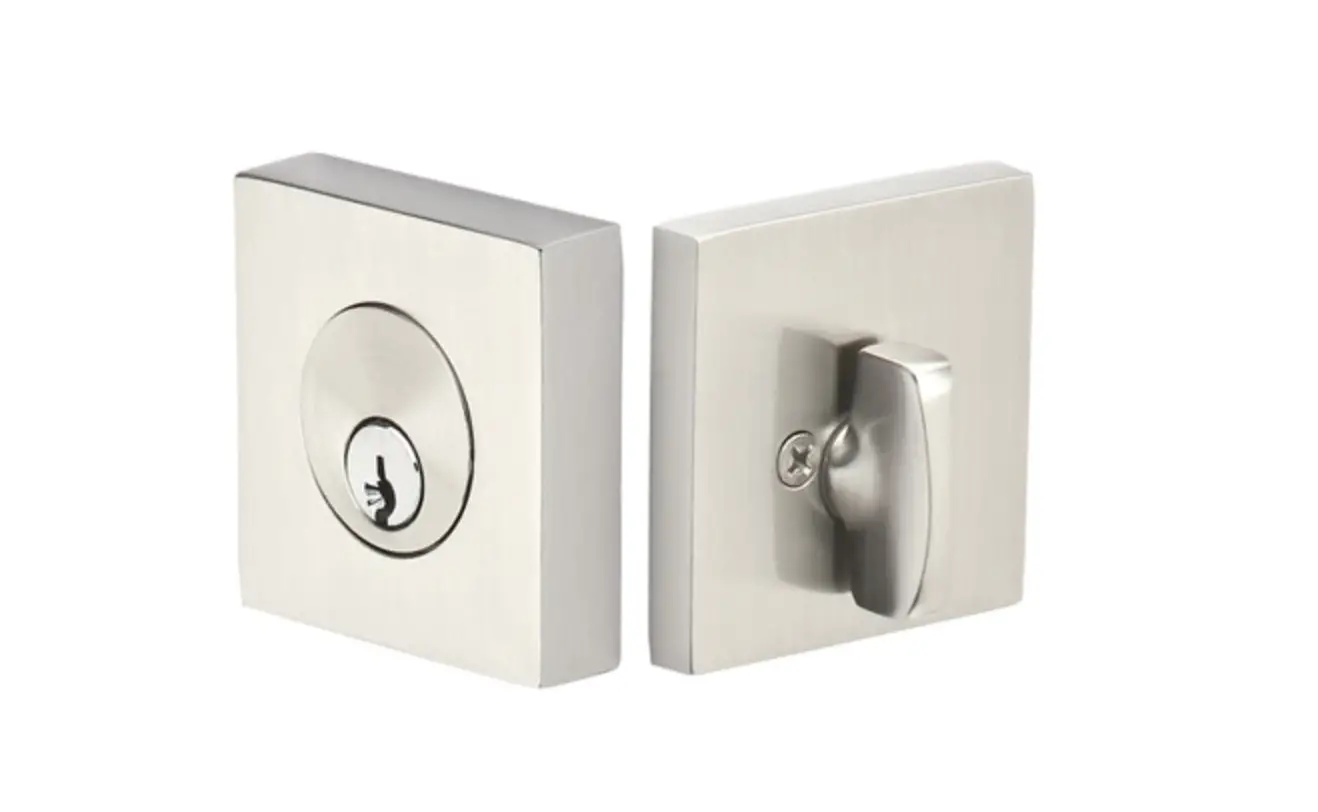
key option for backup. The back panel has a battery pack that
powers the lock, a USB port for charging, and a reset button. The
explosive view shows the various components of the lock.
Product Usage Instructions
- Adjust the backset of latch (if needed):
- Hold the bolt in front of the door hole with the latch
face. - If the bolt holes are centered in the door hole, no adjustment
is required. - If the bolt holes are NOT centered, adjust the latch. See bolt
adjustment.
- Hold the bolt in front of the door hole with the latch
- Install Bolt:
- Insert the bolt into the door hole.
- Install front panel outside:
- Ensure that the knob is vertical.
- Connect wire connector:
- Place the cable below the deadbolt.
- The wire connectors can only be connected in one way.
- Install back panel inside.
- Install batteries and battery cover inside.
- Adjust lock direction:
- If left handle opens the door, choose *46# 123456# 1
- If right handle opens the door, choose *46# 123456# 2
- After choosing, input 123456# to check if the lock unlocks
properly.
- Insert the key and test the installation.
If you have any technical questions or need support during
installation, please call Port Security System LLC at 800-219-2366
or email [email protected]. You can also visit
www.portsmartlock.com for more information.
GUARD
DEADBOLT LOCK Installation Guide
WHAT’S INCLUDED
Bolt and strike
Exterior Assembly
Interior Assembly
Screws Step 2
Step 3
What you’ll need
Phillips head Screwdriver Note: No drill needed
Step 5
PRODUCT OVERVIEW
FRONT PANEL Battery cover
Keypad & Fob Reader Manual Key
BACK PANEL Battery pack
USB port
Reset button
EXPLOSIVE VIEW
Battery cover
Back panel
Mounting plate
Screws
Cable
Front panel Bolt
1 Adjust the backset of latch (if needed)
A Hold the bolt in front of the
door hole, with the latch face
B If the bolt holes are centered in the door hole, no adjustment
is required. Proceed to step 2. If the bolt holes are NOT centered, adjust latch. See “bolt Adjustment.”
C Latch adjustmen t (only if needed)
60mm(2-3/8 in)
60mm(2-3/8 in)
70mm(2-3/8 in)
2 Install Bolt
A
B
3 Install front panel
outside
IMPORTANT!
The knob must be vertical
4 Connect wire connector
Note: Cable goes below deadbolt,The wire connectors can only be connected in one way.
5 Install back panel
inside
6 Install batteries and battery cover
inside
7 Adjust lock direction
Note : If Left handle open door : Choose *46# 123456# 1 If right handle open door: Choose :*46#123456#2 After choose ,input 123456# to check if lock unlock properly.
8 Insert the key and test the installation
Install our lock on top
Port Security System LLC
For any technical questions or support call us on: 800 – 219 – 2366
or email us on [email protected]
Visit us at: www.portsmartlock.com
 Home — Port Smart Locks